 ParametrStudio


Parametric Dimension Chains for Architectural Drawings
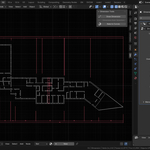
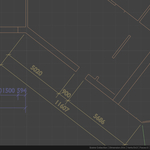
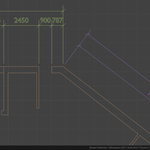
Dimension your floor plans directly in Blender. Dimension Tools creates dimension chains as real, renderable geometry driven by Geometry Nodes, not a viewport overlay. Your dimensions render in Cycles, EEVEE or any engine, and stay in the file. If you are satisfied with the result, the dimensions can be converted to curves for export to SVG with one button.
🚀 Dimension Tools is included in the Architect CoreToolkit.
Draw Dimension like in CAD
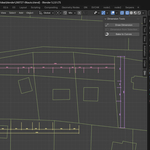
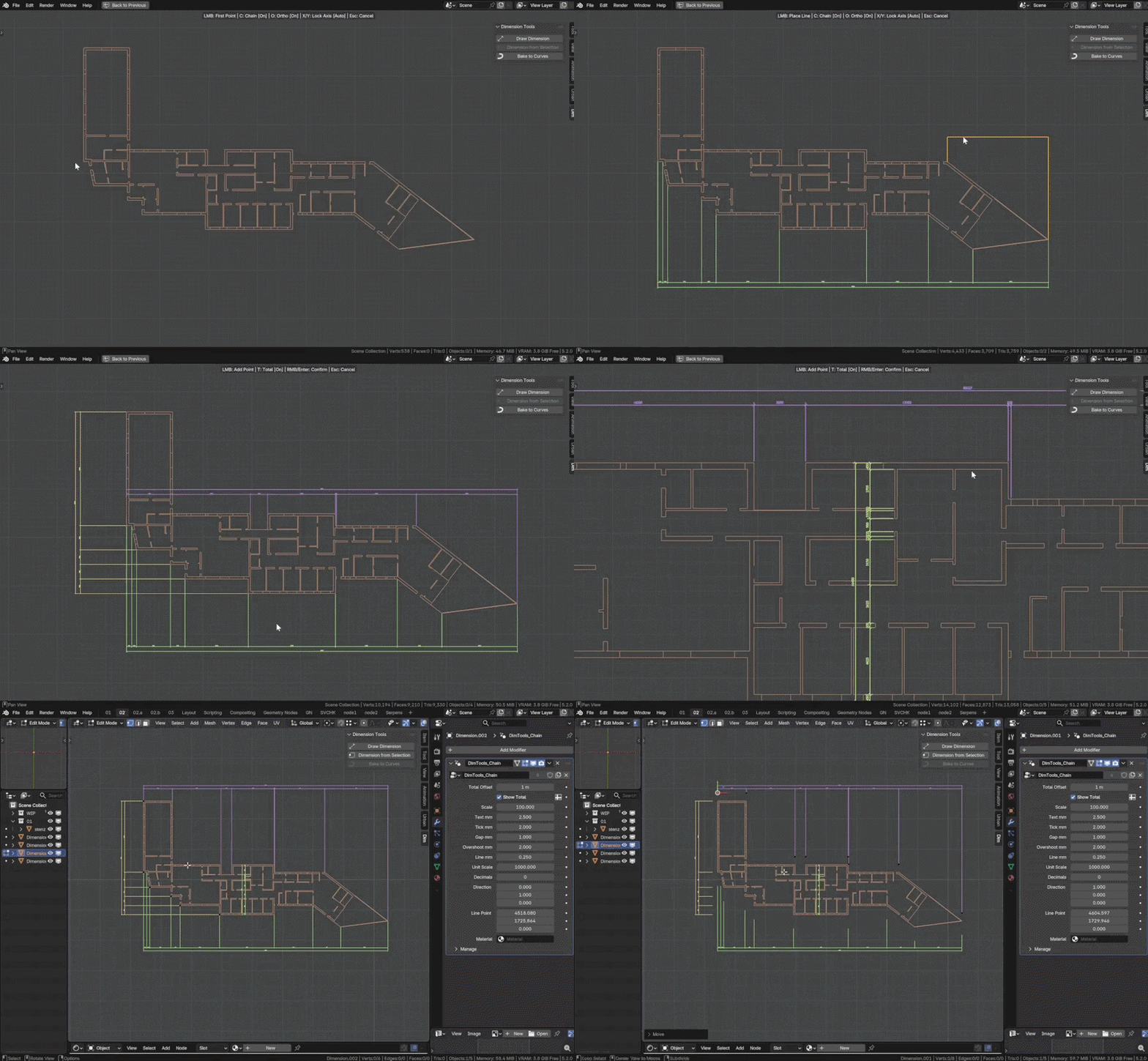
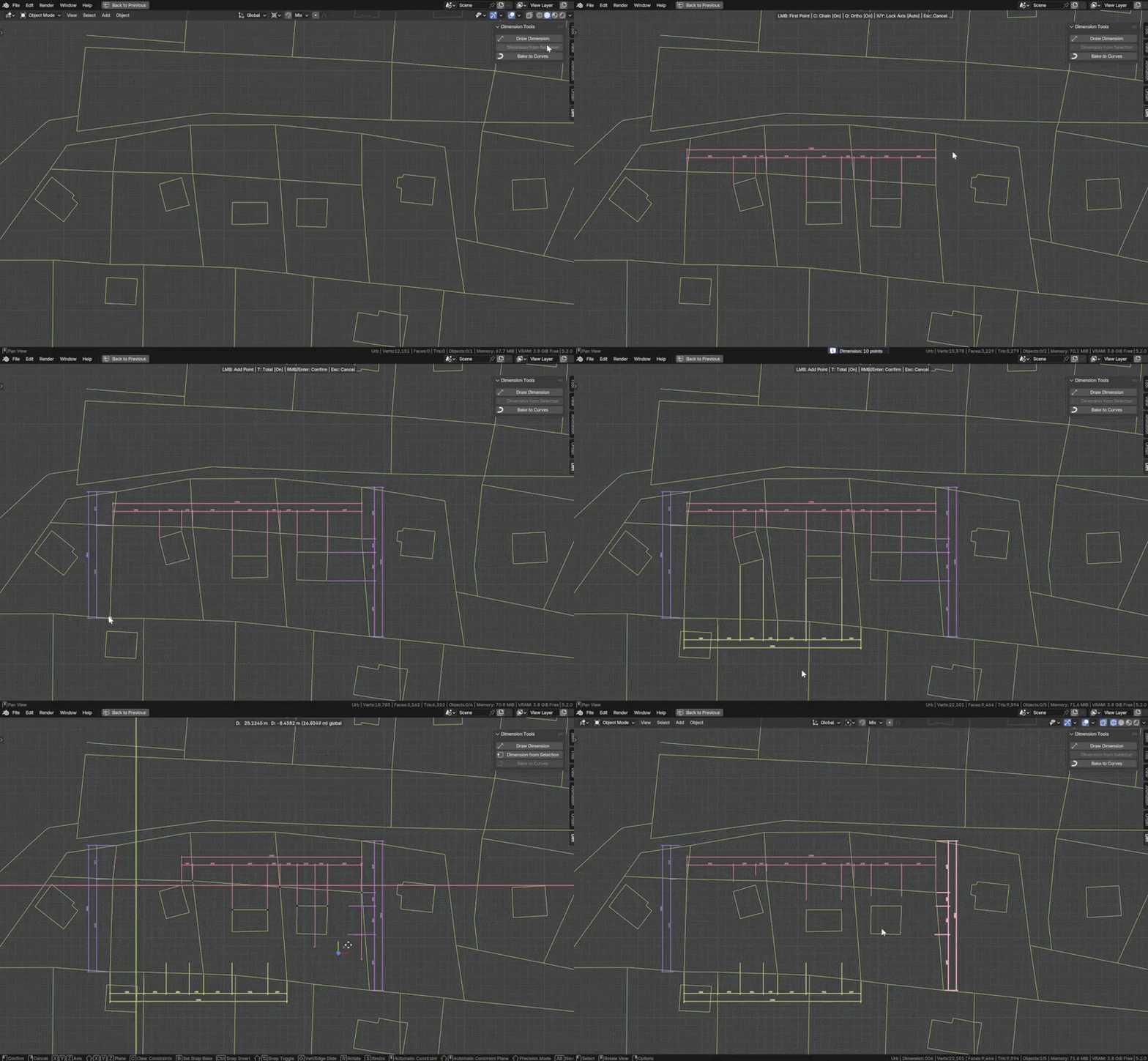
The Draw Dimension operator works the way you know from CAD software: click two points and place the dimension line.
- Vertex snapping with on-screen indicator
- Chain mode - keep clicking, each point extends the chain
- Ortho or aligned - press O to dimension along any direction, X/Y to lock an axis
- Live total - toggle the overall dimension with T while drawing
Dimension from Selection
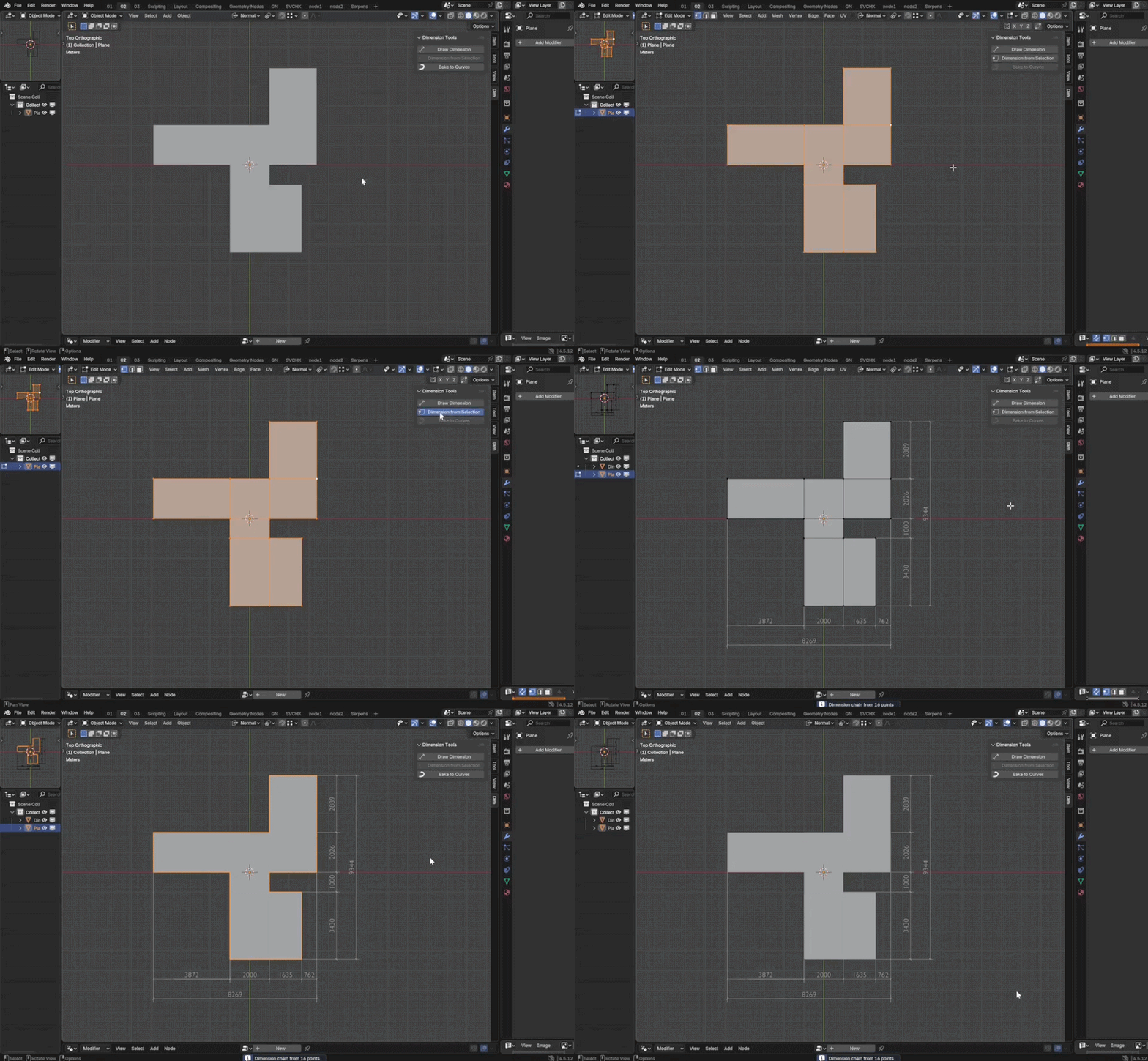
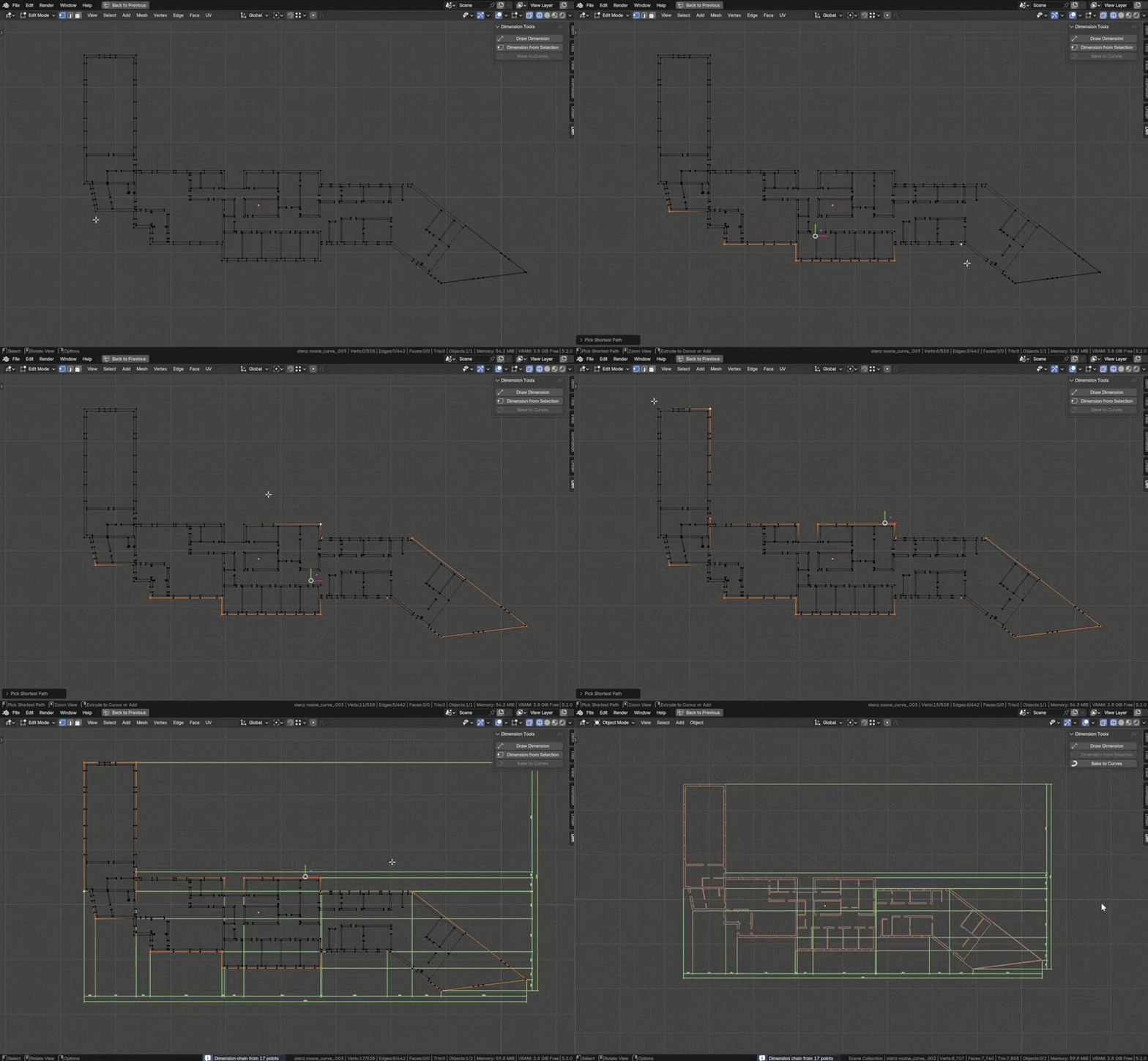
Select vertices in Edit Mode and run Dimension from Selection to generate horizontal and vertical dimension rows in one step.
Work in five planes
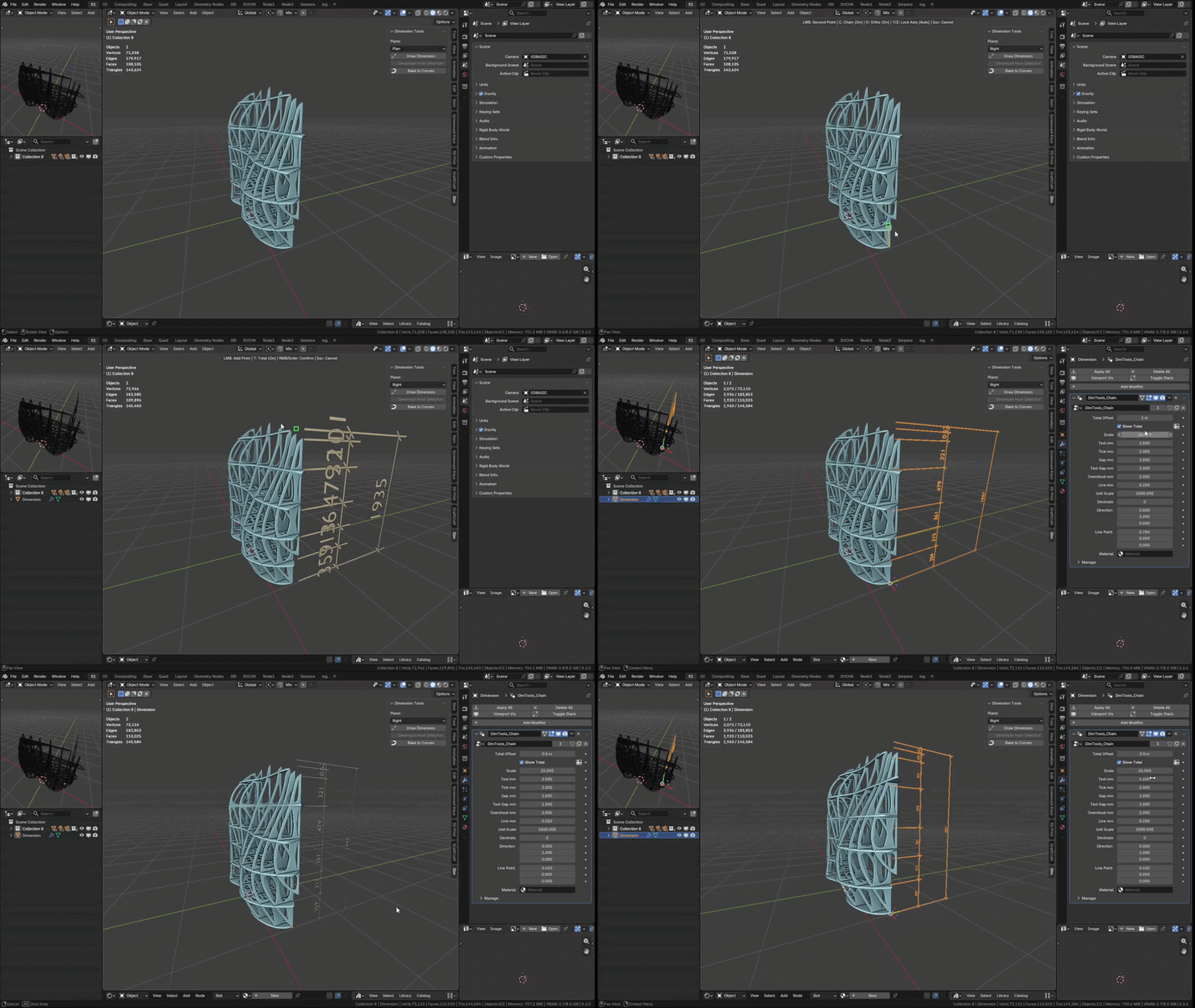
Dimensions can now be drawn in five fixed orthographic views: Plan, Front, Back, Right and Left, so elevations and sections work like plans always did. Pick the plane in the Dim panel or press Tab before the first point. Dimension from Selection detects the plane from the flattest axis of the selection. Node groups are unchanged, existing dimensions carry over untouched.
Live Edit
Control points are plain mesh vertices. Move a point - the value and graphics recompute. Add or delete a vertex in Edit Mode - the chain updates. Chained dimensions share their control points, so partial values always sum to the total.
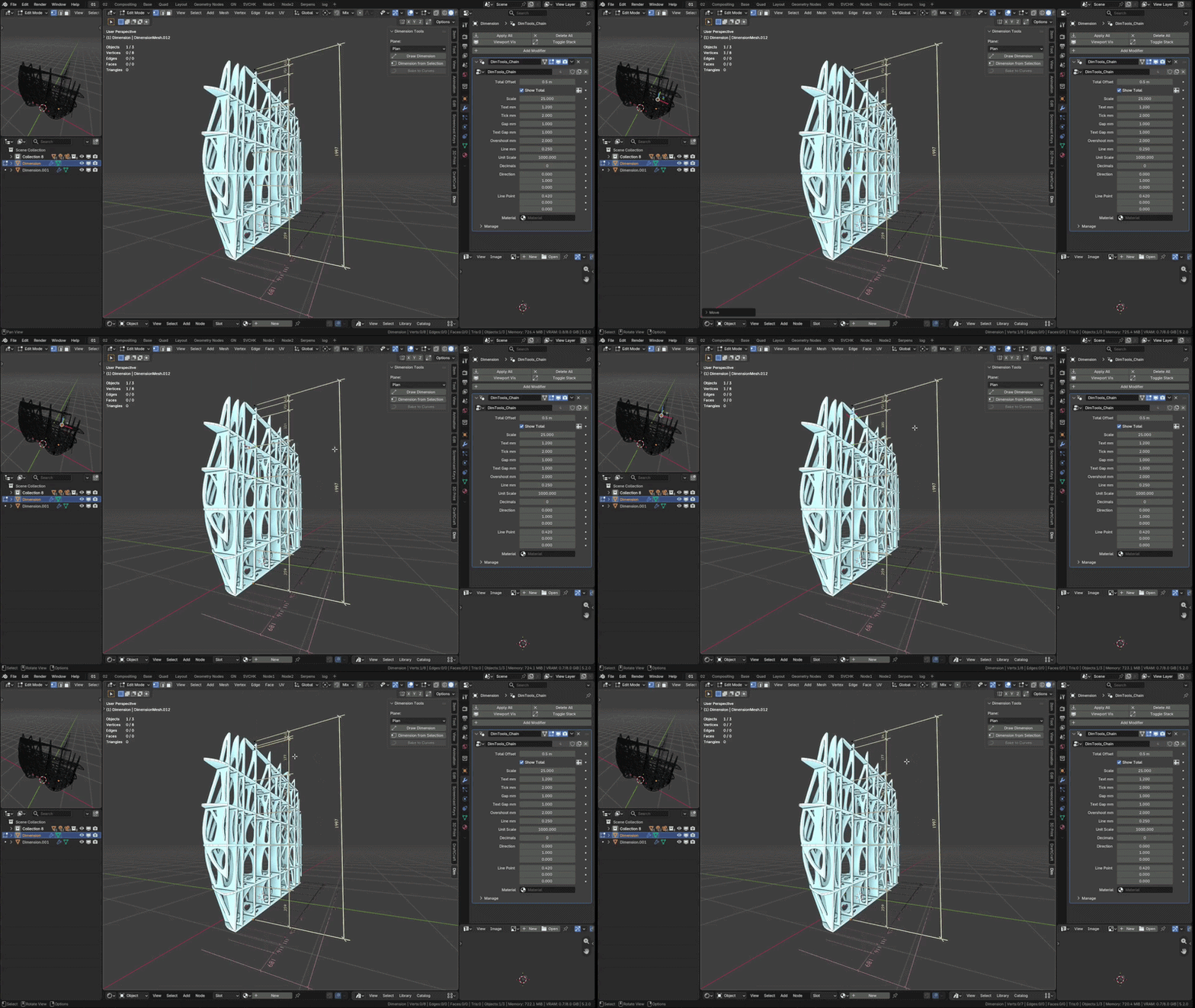
Technical drawing conventions
Graphics follow architectural drafting standards: oblique tick marks (DIN/ISO style), extension lines with gap and overshoot, values in millimeters. All sizes are set in paper milimeters and scaled by your drawing scale - set Scale to 100 for 1:100 and text is exactly 2.5 mm on paper. Text size, tick size, gaps, overshoots, line weight, unit scale and decimals are all inputs on the modifier. A Material input controls the color of the whole dimension.
Bake to Curves
When the drawing is final, one button turns the dimensions into clean curves. The line ribbons collapse into single lines, the text stays as an outline, and you get a curve object ready for 2D work, plotting or SVG export. It runs over the whole selection at once. Keep Original leaves a hidden parametric copy next to each baked dimension, so you can go back, change the scale and bake again.
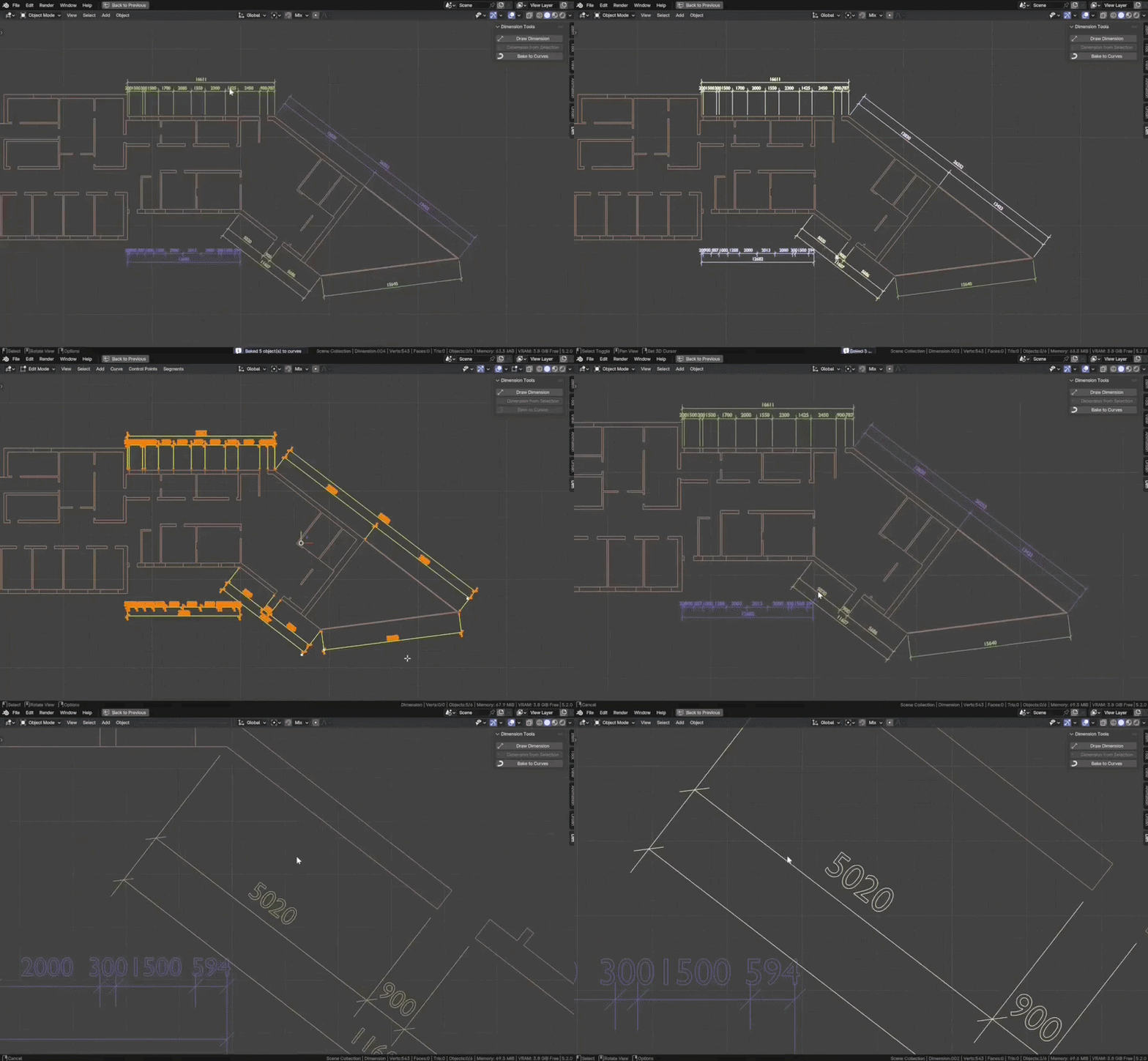
What is inside
- Draw Dimension - modal click-to-dimension tool with snapping
- Dimension from Selection - instant chains from selected vertices
- Three documented Geometry Nodes groups you can inspect and extend
- Everything parametric, everything in the modifier panel
Log
- v1.1.0 - Work planes. Dimensions can now be drawn in five fixed orthographic
views: Plan, Front, Back, Right and Left. Node groups unchanged, existing
dimensions carry over.
-
v1.0.0 - Initial release.
Requirements & scope
- Blender 4.5+
- Designed for floor plans: dimensions are flat geometry in the XY plane (Z = 0), viewed from top.
Not intended for 3D/elevation dimensioning. - Dimension values are projections onto the measurement axis - points don't need to lie on a line.
Dimension Tools is developed by Parametr Studio with AI assistance.