 WWS3D
WWS3D


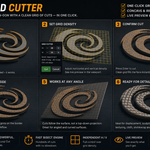
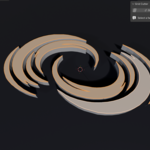
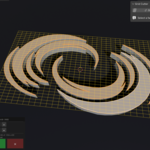
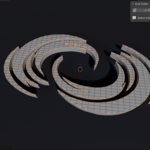
Grid Cutter 1.1.0 — Changelog
NEW FEATURES
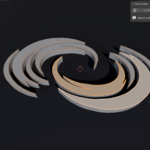
• Rotate the grid with on-screen handles — drag the two dots to set the
cut direction on any face.
• Vertex snapping — handles magnetically snap to the nearest vertex, so you
can align the grid to an edge of your model.
• World-grid snapping (Shift) — snap the grid to the global grid, with a
live preview of the grid nodes right on the face (works on tilted faces,
aligned to the view you're in).
• Angle snapping (Ctrl) — rotate in 5° steps with an on-surface protractor
dial. Zero degrees is set by the edge you last snapped to.
• On-screen mode labels — "Vertex Snap", "Global Grid Snap" and the current
angle are shown while you drag.
• "How to Use" help section added to the side (N) panel.
IMPROVEMENTS
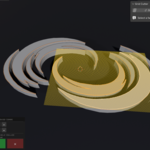
• Live geometry tracking — the grid preview now follows the face if you move,
scale or rotate it while the tool is active; snap targets update too, and
the cut always matches what you see.
• The side (N) panel stays interactive during the operation (e.g. expand
"How to Use" without cancelling).
• HUD panel repositioned so it no longer overlaps Blender's "Adjust Last
Operation" panel or the N-panel.
BUG FIXES
• Leaving Edit Mode while the grid preview was active could leave an orphaned
preview and throw an error on Enter — it now cancels cleanly.
• Fixed the HUD +/- buttons not responding when the N-panel overlapped them.
Have questions about this product?
Login to message
| Blender Extension Compatible | Yes |
| Published | 3 months ago |
| Blender Version | 4.2 - 5.1 |
| Extension Type | Add-on |
| Render Engine Used | Cycles, Eevee |
| License | GPL |

Discover more products like this
subdivide displacement grid modeling Bisect cut mesh editing topology ngon grid cutter grid fill n-gon