 kleinARt



|
BLENDER MESH CLEANUP insideOUT 2.0.1Ultra-fast inside geometry cleanup for Blender. Delete hidden interior faces and fully enclosed objects from CAD imports, kitbash assets, archviz scenes and game meshes. One click — and the geometry nobody can see is gone. Clean the inside. Keep the outside perfect.
|
What it does
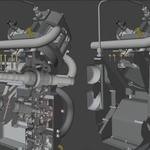
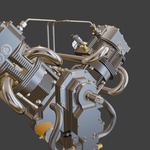
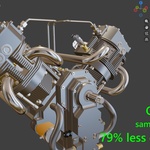
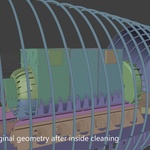
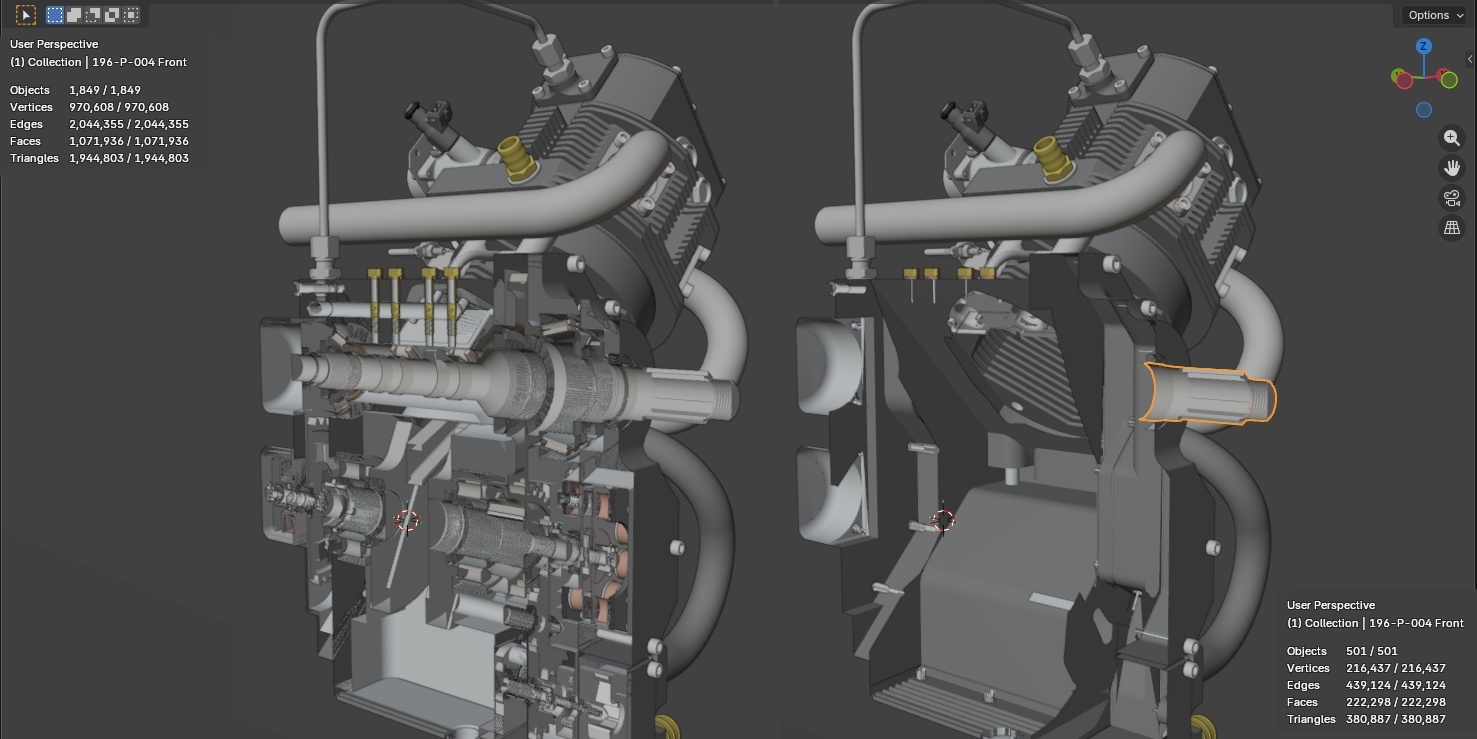
insideOUT fires millions of visibility rays at your scene — the same ray-casting technique renderers use — and deletes everything that can never be seen from outside. Screws inside housings, pistons inside engine blocks, furniture behind closed walls: gone in seconds. Cleanup that takes hours by hand takes one click here.
|
ONE BUTTON WORKFLOW Clean Up: Objects, then Faces. That is the whole learning curve. No node setups, no scripts, no tuning. One click removes every fully hidden object, then every face nobody can see. Three settings in front of you — Gap Tolerance closes the hairline seams between CAD parts, transparent materials are recognised so glass never hides what you see through it, and Mode decides whether objects shade each other. Everything else already runs at its most thorough setting. Preview with the select buttons before anything is deleted; you stay in control. |
|
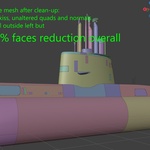
NO DECIMATION It deletes hidden faces. It does not remesh your asset. Unlike decimation, the visible surface is never touched — every surviving face keeps its exact topology, quads, n-gons, UVs, normals and material assignments. Your renders look identical. Your file is just massively lighter. |
|
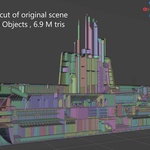
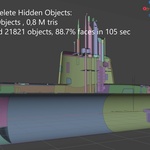
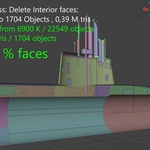
ULTRA FAST — REAL BENCHMARK, NOT MARKETING MATH A 22,307-object CAD assembly. 6.9 million tris. Cleaned in 23.7 seconds. One Clean Up click removed 21,119 of 22,307 objects as fully hidden, then 77% of the remaining faces — 2.3 billion rays in the time it takes to pour a coffee. That is not an optimized demo cube — that is a real production CAD import.
The engine is a native C++ core — no .NET, no Python packages, no setup. It weighs about 350 KB, launches in ~6 milliseconds and saturates every CPU core, with optional NVIDIA CUDA acceleration on Windows x64 and Linux x64. |
Best for
| CAD and archviz: STEP, IGES, IFC, Rhino, SketchUp and Revit imports arrive stuffed with internal parts you will never render. Strip them and your viewport, file size and render prep all breathe again. | Game and real-time: every invisible face still costs draw time, lightmap space and export weight. Delete it before it ever reaches your engine — without touching the surface players actually see. |
What you get
- Windows x64, Linux x64 and macOS Apple Silicon builds.
- Blistering fast, optional NVIDIA CUDA acceleration on Windows x64 and Linux x64.
- Self-contained zip including runtime.
- Blender 4.2+ extension package. Tested up to Blender 5.2.
- Lifetime updates.
Good to know
- Apply modifiers first. insideOUT reads the base mesh data.
- Transparent and glass materials are recognised automatically and never hide what is behind them. Switch it off in the panel if you want them treated as solid.
- insideOUT deletes faces, it does not rebuild them. Borders of removed regions follow your existing triangulation.
- On macOS, the native helper is unsigned. If macOS blocks it, remove quarantine from the installed add-on folder.
New in 2.0.1
- Performance improvements. Optimized CUDA processing cuts processing time by around 25% on large scenes, with the same cleanup results.
New in 2.0
- Cleaner results on CAD models. The scattered leftover triangles and fragmented interiors some assemblies produced are gone. Lids, hatches, decals and other faces that lie flat on another surface now come out whole instead of as a checkerboard.
- Gap Tolerance. Parts that touch with a hairline seam no longer leak rays into the interior. Default 0.1 mm; raise it for rough imports. Real slots and openings stay open.
- Glass and transparent materials. Recognised automatically. What you can see through a window stays; the window itself is never deleted.
- Flush hatches, flipped normals, decals on hulls and housings are kept by the object pass.
- One button. Clean Up runs objects, then faces. The old Coarse / Fine / Precise choice and the tuning knobs are gone; the tool always runs at its most thorough setting.
- Preview buttons next to each Delete show exactly what would go before anything is removed.
- Min Island (optional) sweeps up tiny leftover fragments for a tidier look.
- CUDA on Linux as well as Windows.
Upgrading from 1.x: remove the old version first, then install 2.0. Free for existing customers.
|
One click cleanup for the geometry nobody sees. Millions of faces gone in seconds. The visible model untouched. Hours of manual cleanup replaced by one button — that is insideOUT. |
Questions, edge-case meshes or feature requests? Message me through Superhive. I reply personally.
