 kleinARt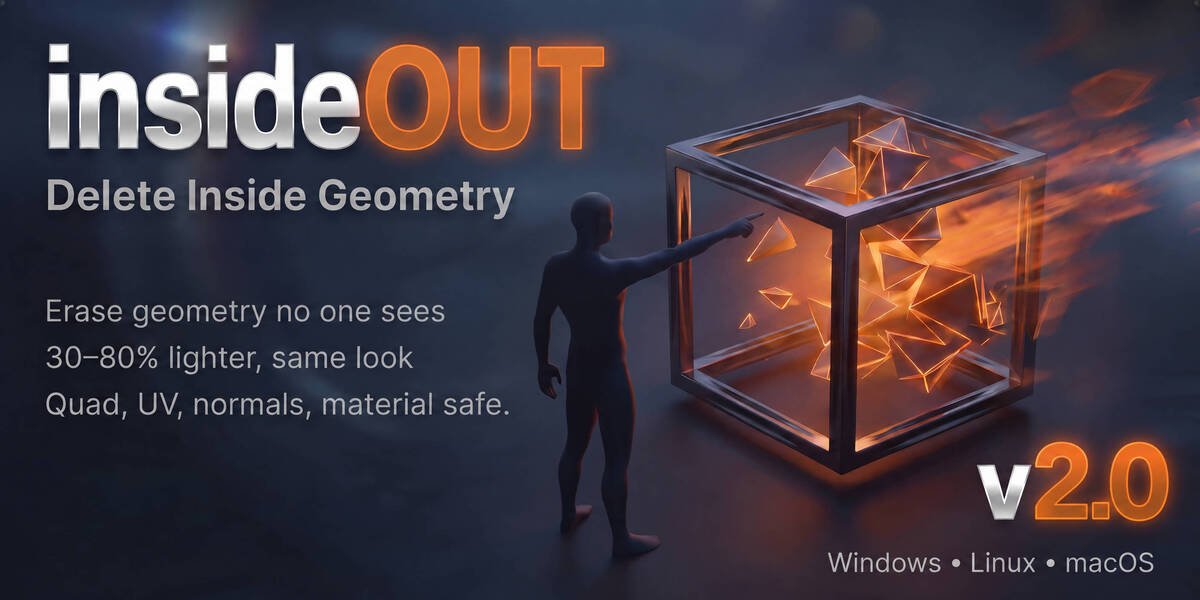








Does it support modifiers?
Modifiers (Subdivision, Mirror, Boolean, etc.) are read on the base mesh only — apply them first if you want them included.
What if it deletes a face I wanted to keep?
Use Select Interior Faces first to preview. Switch to High Precision mode for CAD-tight geometry. Lower the ray count if you've cranked it past 4096 without reason.
Will my glass / transparent materials be respected?
No. Material visibility isn't supported and isn't worth the speed cost. Move glass objects out of the selection before running.
Does it work on open meshes (shells, planes, single-sided geometry)?
Mostly yes — but accuracy improves with closed geometry. Open meshes that have no clear "outside" can confuse any occlusion algorithm. The High Precision mode helps significantly.
Will it damage my UVs, materials, or normals?
No. insideOUT only deletes whole face polygons. UVs, vertex normals, custom split normals, and material assignments on the surviving faces are untouched.
 Included
Includes 12 months of
- Support from kleinARt
- Product updates
Extend this product’s Support Period +12 months: 50% of product price
Have questions before purchasing?
Login to message
| Blender Extension Compatible | Yes |
| Sales | 20+ |
| Dev Fund Contributor | |
| Published | 5 months ago |
| Blender Version | 3.6 - 5.2 |
| Extension Type | Add-on |
| Render Engine Used | Arnold, Blender-Internal, Blender-Game-Engine, Cycles, Eevee, Freestyle, Luxrender, Mental-Ray, Octane, Vray, Yafaray |
| License | GPL |
Discover more products like this
simplification cleanup real-time delete inside faces Polygon Reduction decimate mesh-reduction cleanup tool inside cad 3D model optimization mesh cleanup