 kleinARt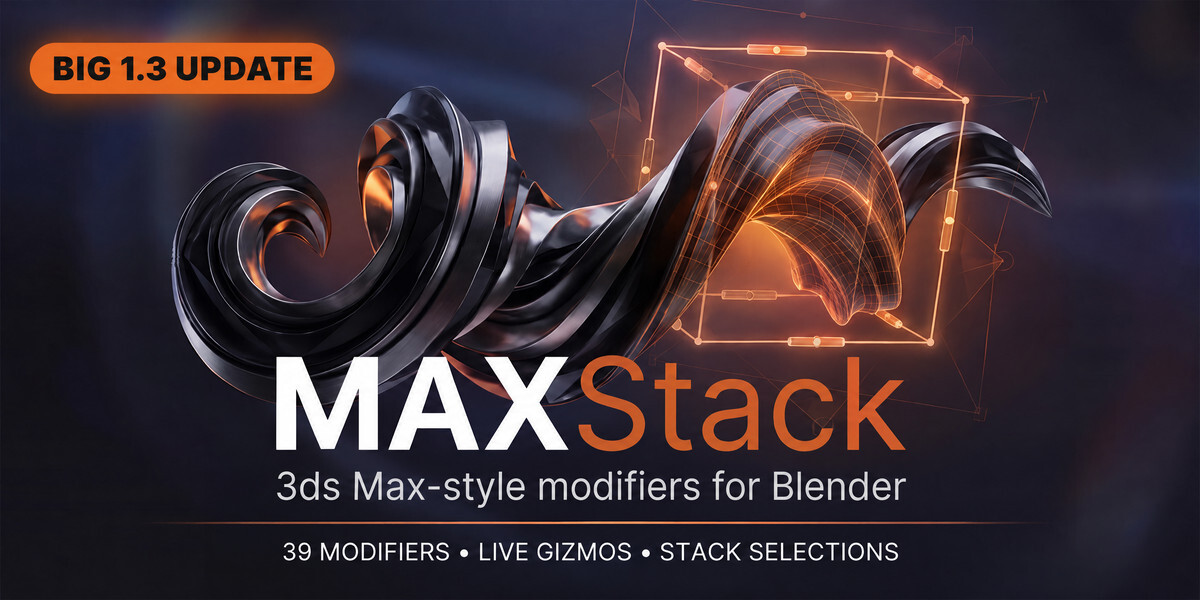






Which Blender versions are supported?
Blender 4.3 or newer, on Windows, Linux and macOS. MAXStack is pure Python + Geometry Nodes — no compiled binaries, so it runs anywhere Blender runs.
I use another modifier add-on that also adds UI to the modifier tab. Will they conflict?
The MAXStack panel can move to its own tab in the viewport sidebar (add-on preferences → UI location), so it stays out of the way of other add-ons.
Can I animate the modifiers?
Yes — every socket is keyframable like any modifier value, and Noise and Wave can also self-animate (Cyclic + Speed) without keyframes.
Do the modifiers work together with native Blender modifiers?
Yes, freely mixed in any order. If a native modifier needs a vertex group, bake any MAXStack selection channel to a vertex group with one click.
Are these "real" modifiers or a separate system?
Real entries on the normal Blender modifier stack. Reorder them, mix them with native modifiers, disable them per viewport/render, or Apply them like any other modifier.
Can my team or a render farm open my files without buying MAXStack?
Yes. Placed modifiers are saved inside your .blend as regular Geometry Nodes modifiers. Anyone can open, edit values and render the scene without the add-on installed. The add-on is only needed to add new MAXStack modifiers and to use the viewport gizmos and panel.
What happens to my scenes when I update the add-on?
Updates auto-upgrade modifiers already placed in your files and carry your values across. You don't have to rebuild anything.
Is Autodesk 3ds Max required or included?
No. MAXStack is an independent Blender add-on. "3ds Max-style" only describes the familiar workflow — nothing from Autodesk is required, included or affiliated.
How is this different from just using Geometry Nodes?
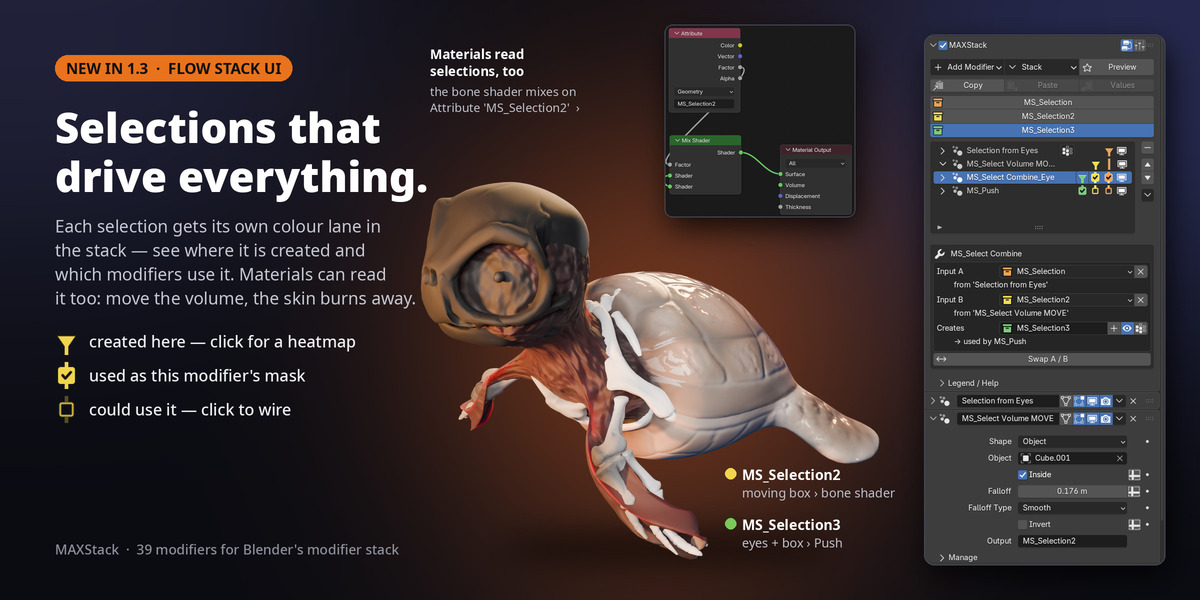
MAXStack is Geometry Nodes under the hood — but you never touch a node tree. You get ready-made modifiers with viewport gizmos, limits, presets, and a selection system that flows down the stack, in the familiar 3ds Max workflow.
Does it work on heavy meshes / scans?
Yes — the modifiers are Geometry Nodes, so they evaluate multi-threaded. Cap Holes and Weld are built with scan cleanup in mind. As with any procedural stack, very heavy meshes benefit from placing Subdivide only where needed.
Can I export the result to a game engine / OBJ / FBX?
Yes. Apply the modifiers (or use Apply All in the MAXStack toolbar) and the result is plain mesh data that exports anywhere.
-
$20
personal licence
-
$90
5 artists team license - save 10%
 Included
Includes 12 months of
- Support from kleinARt
- Product updates
Extend this product’s Support Period +12 months: 50% of product price
Have questions before purchasing?
Login to message
| Blender Extension Compatible | Yes |
| Sales | 10 |
| Rating | 1 ratings |
| Dev Fund Contributor | |
| Published | 3 months ago |
| Blender Version | 4.2 - 5.2 |
| Extension Type | Add-on |
| Render Engine Used | Arnold, Blender-Internal, Blender-Game-Engine, Cycles, Eevee, Freestyle, Luxrender, Mental-Ray, Octane, Vray, Yafaray |
| License | GPL |
Discover more products like this
ffd hard surface 3ds max to blender edit poly 3ds max bend modifier box mapping lathe lattice deformer geometry nodes deformers modifier stack