 P2_limit_sadge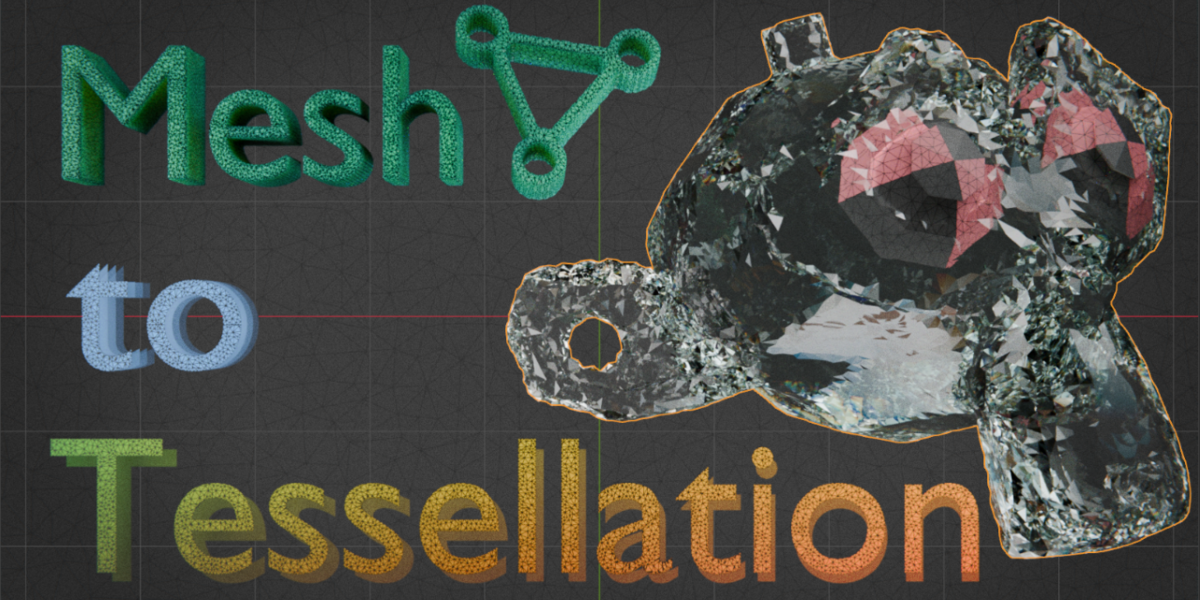
# WHAT IS MESH TO TESSELLATION
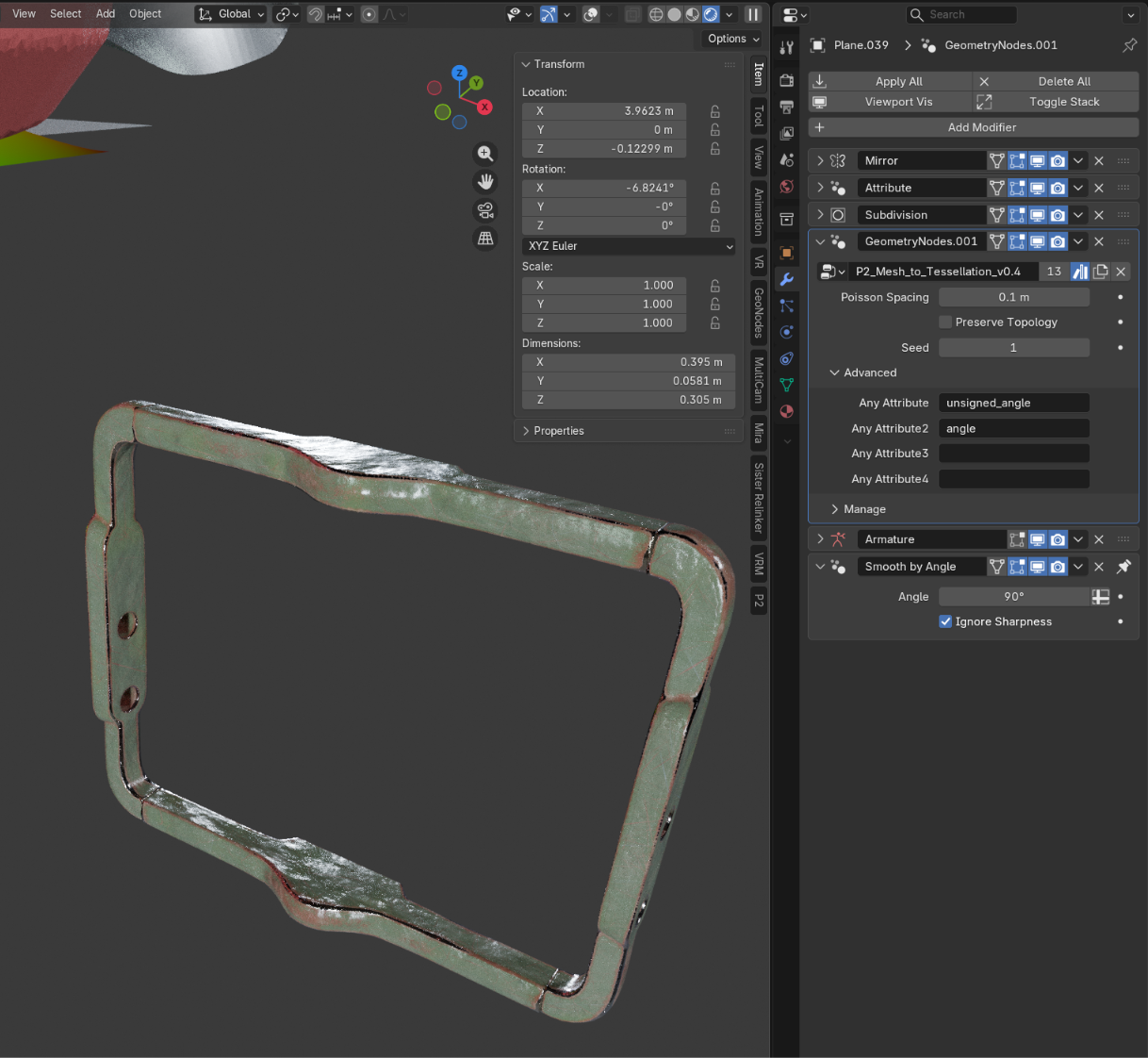
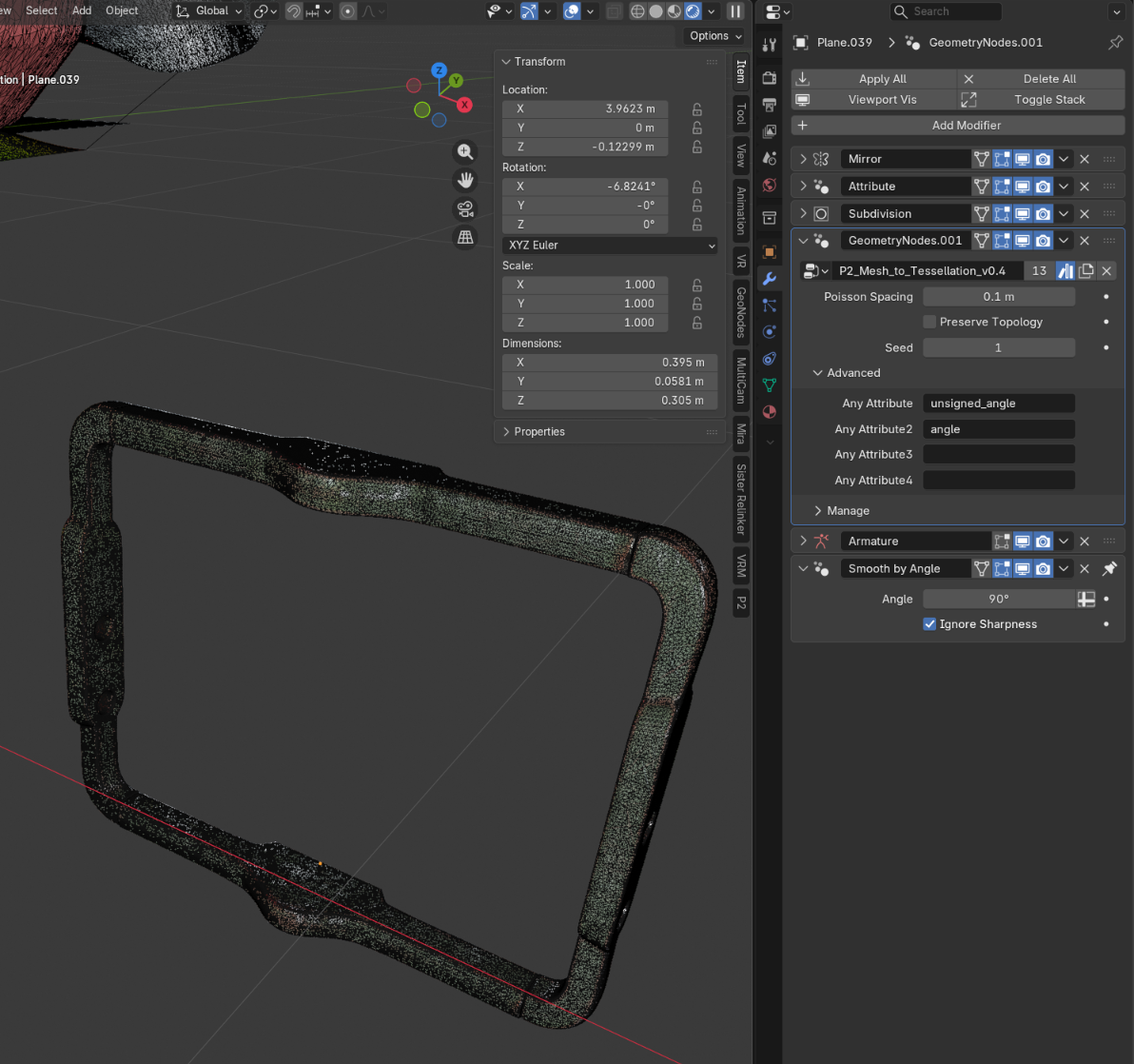
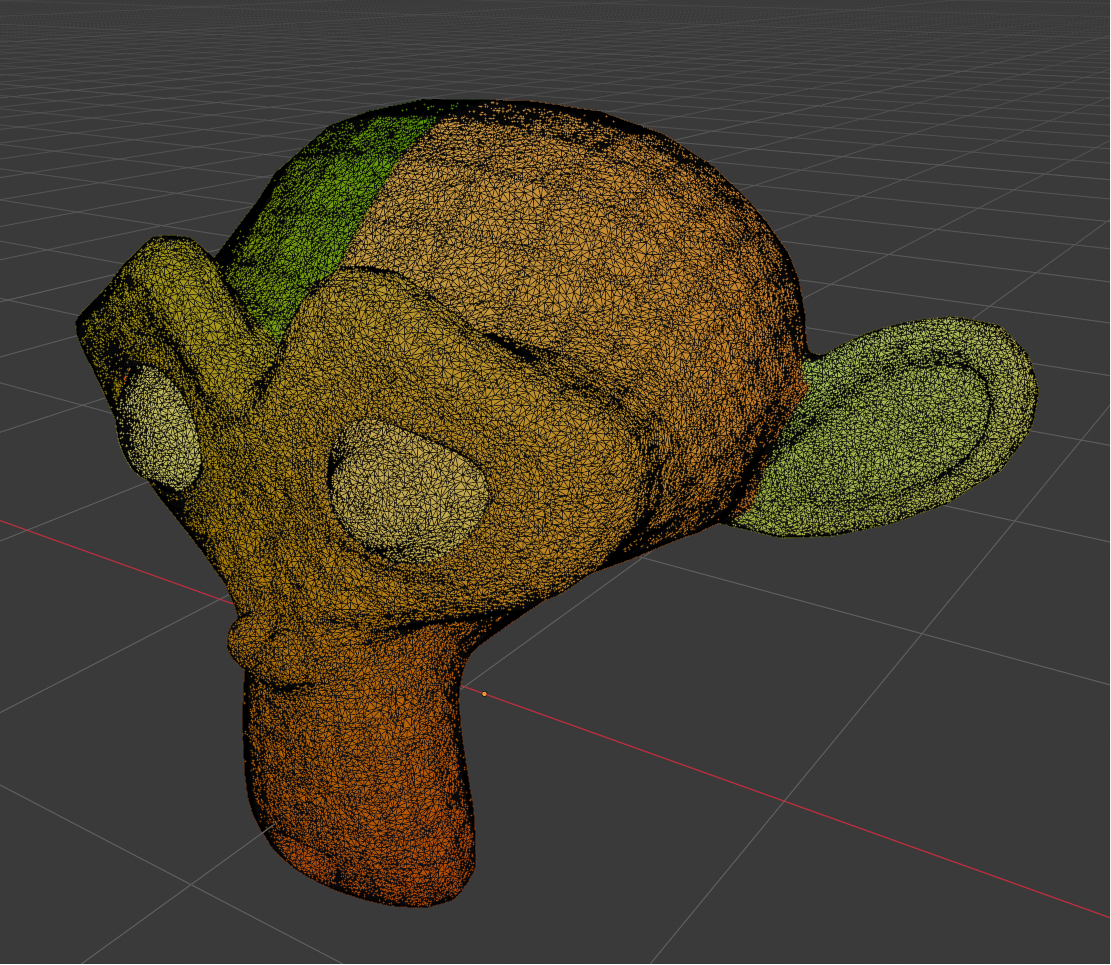
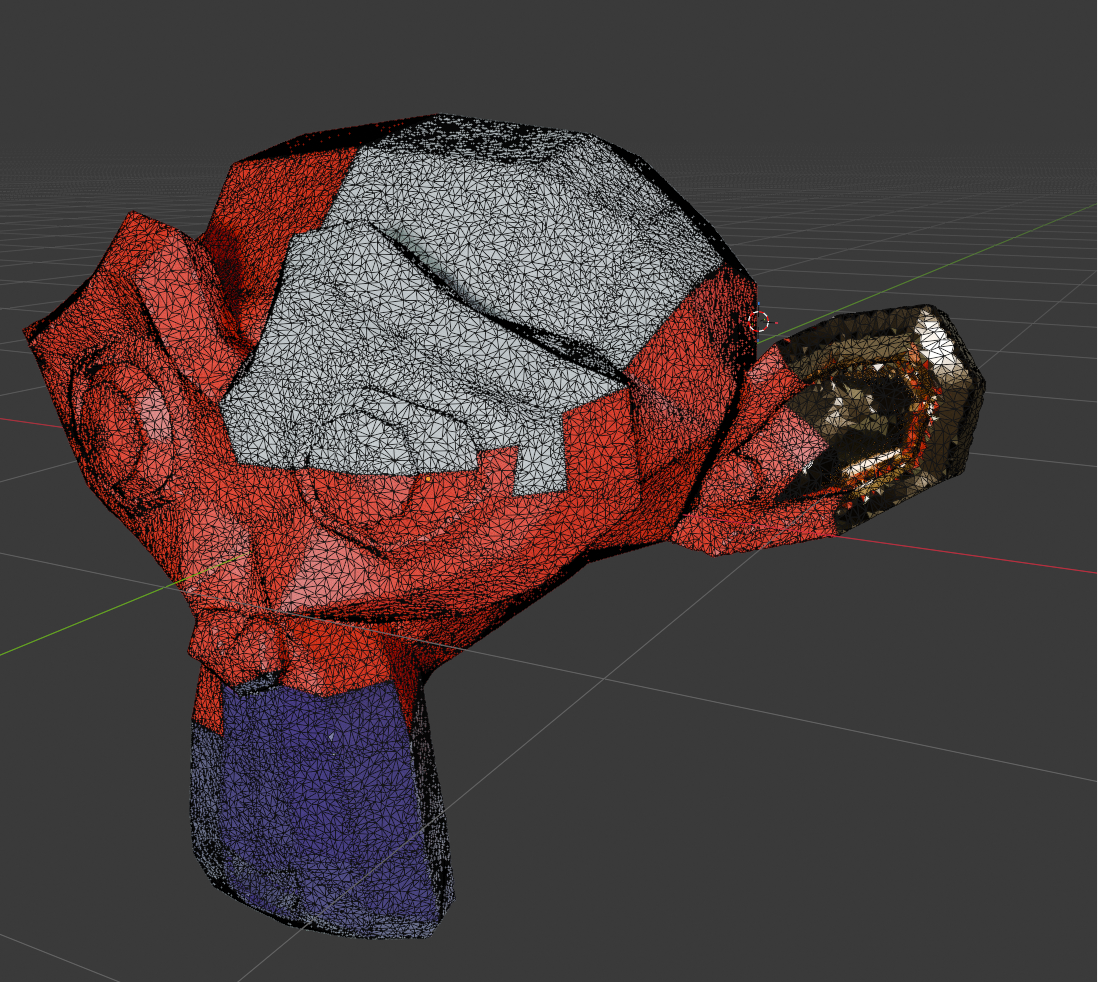
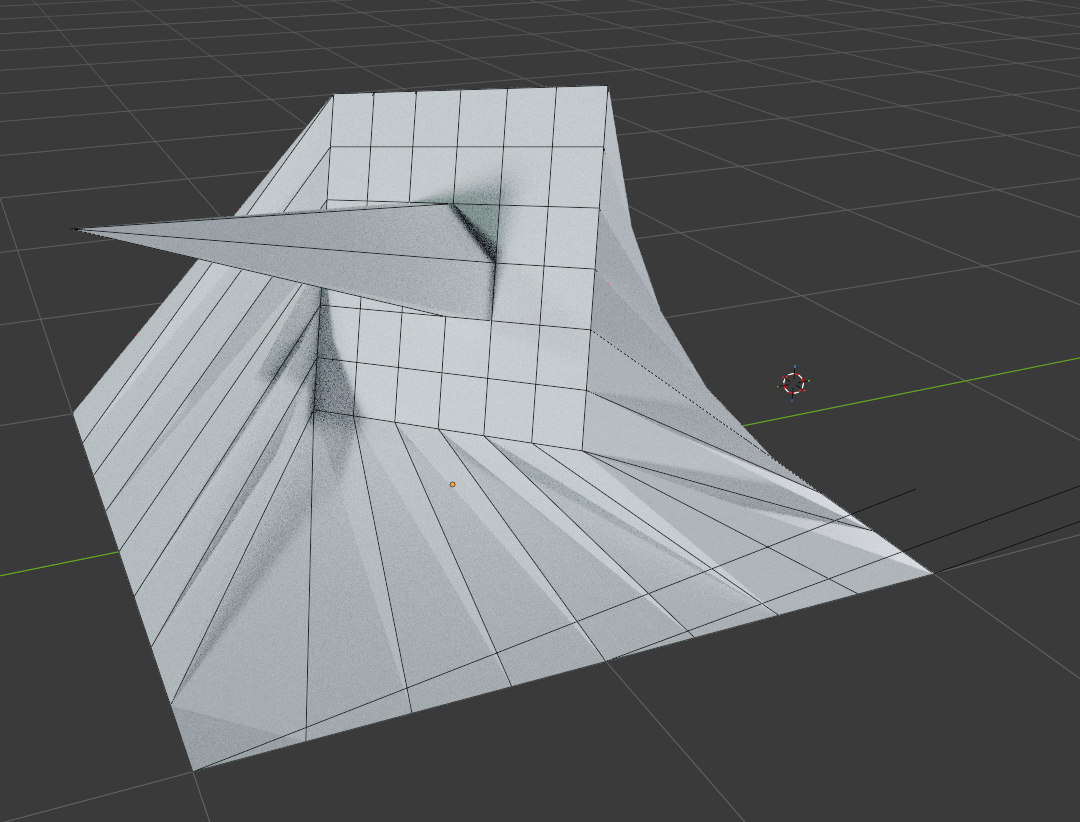
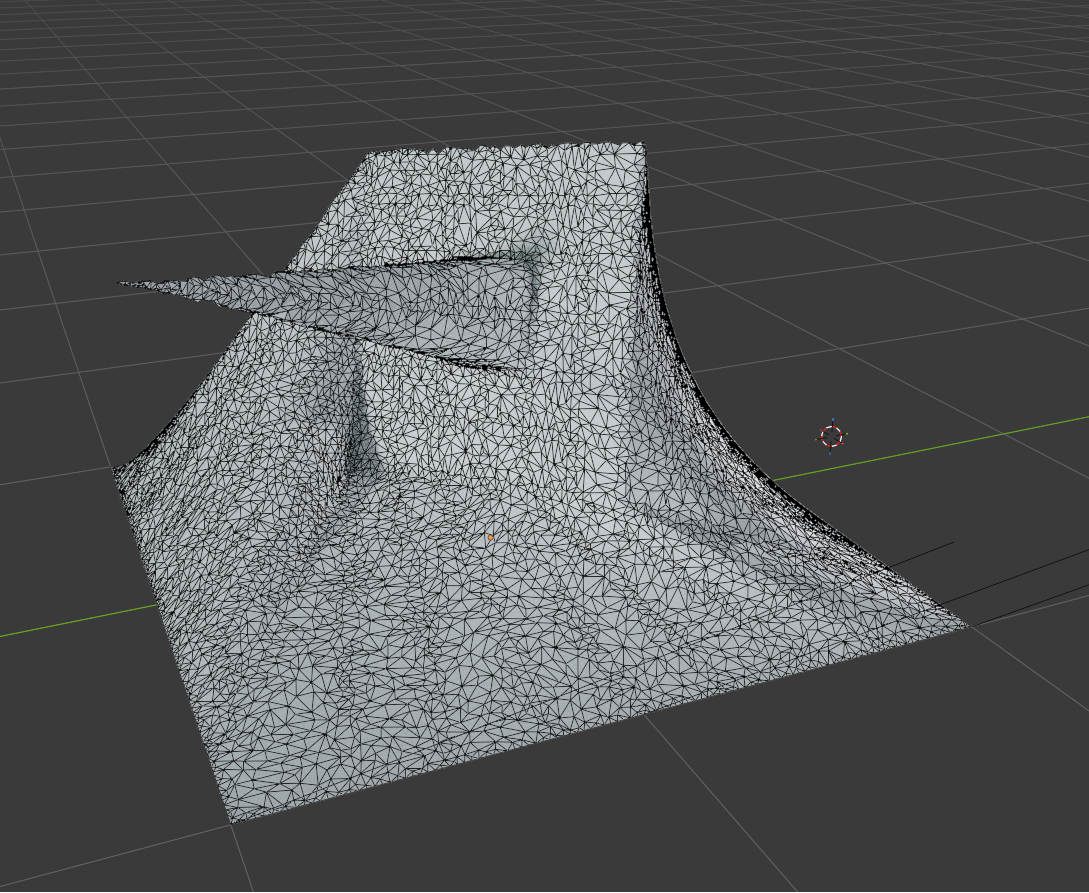
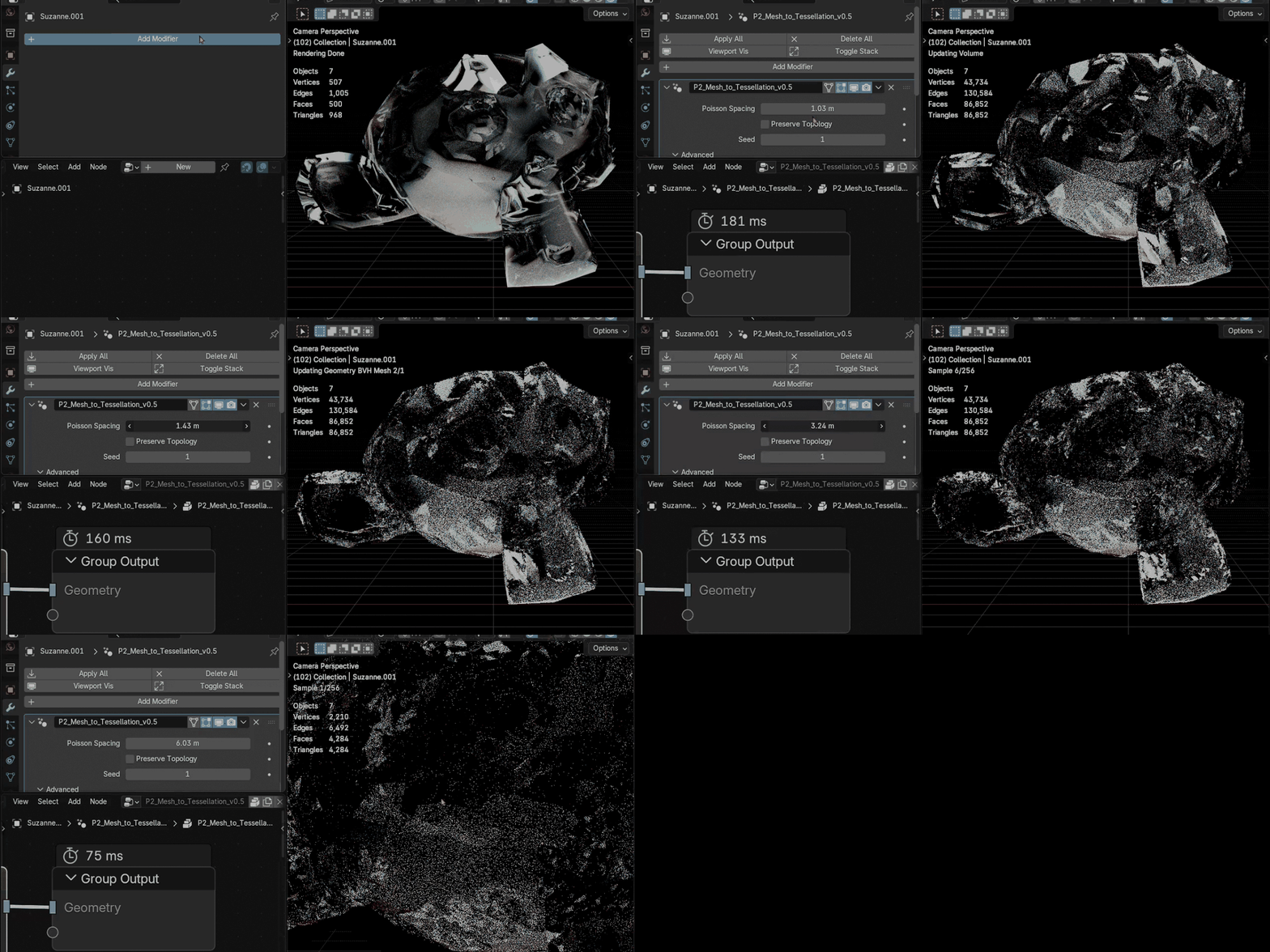
Mesh To Tessellation is a Blender Geometry Nodes asset for converting mesh surfaces into adjustable Delaunay-style triangular tessellation.
It works as a Geometry Nodes modifier, so the original object stays editable while you adjust tessellation density, topology influence, and reproducible variation.
The asset is intended for surface-based triangular patterns and stylized remesh results. It is not a volume remesher or a production retopology replacement.
# FROM MESH TO TRIANGULAR SURFACE
The node group distributes Poisson-style samples over the input mesh and reconstructs a triangular surface from that distribution.
Use it for procedural surface patterns, stylized remesh looks, abstract mesh details, motion graphics geometry, and Delaunay-style triangle surfaces.
Delaunay-style describes the generated visual mesh structure. This asset is not a strict mathematical Delaunay solver.
# CONTROLS
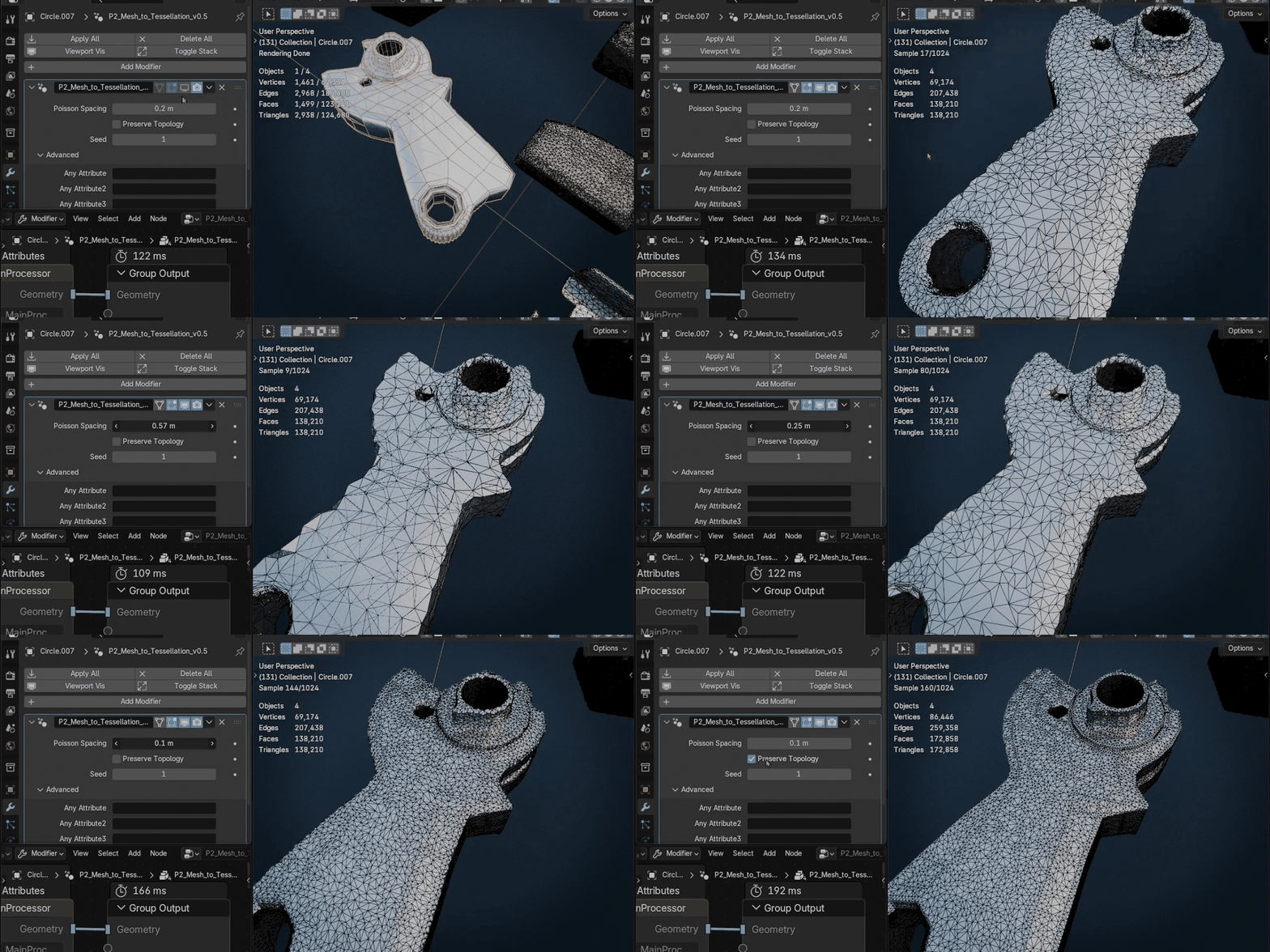
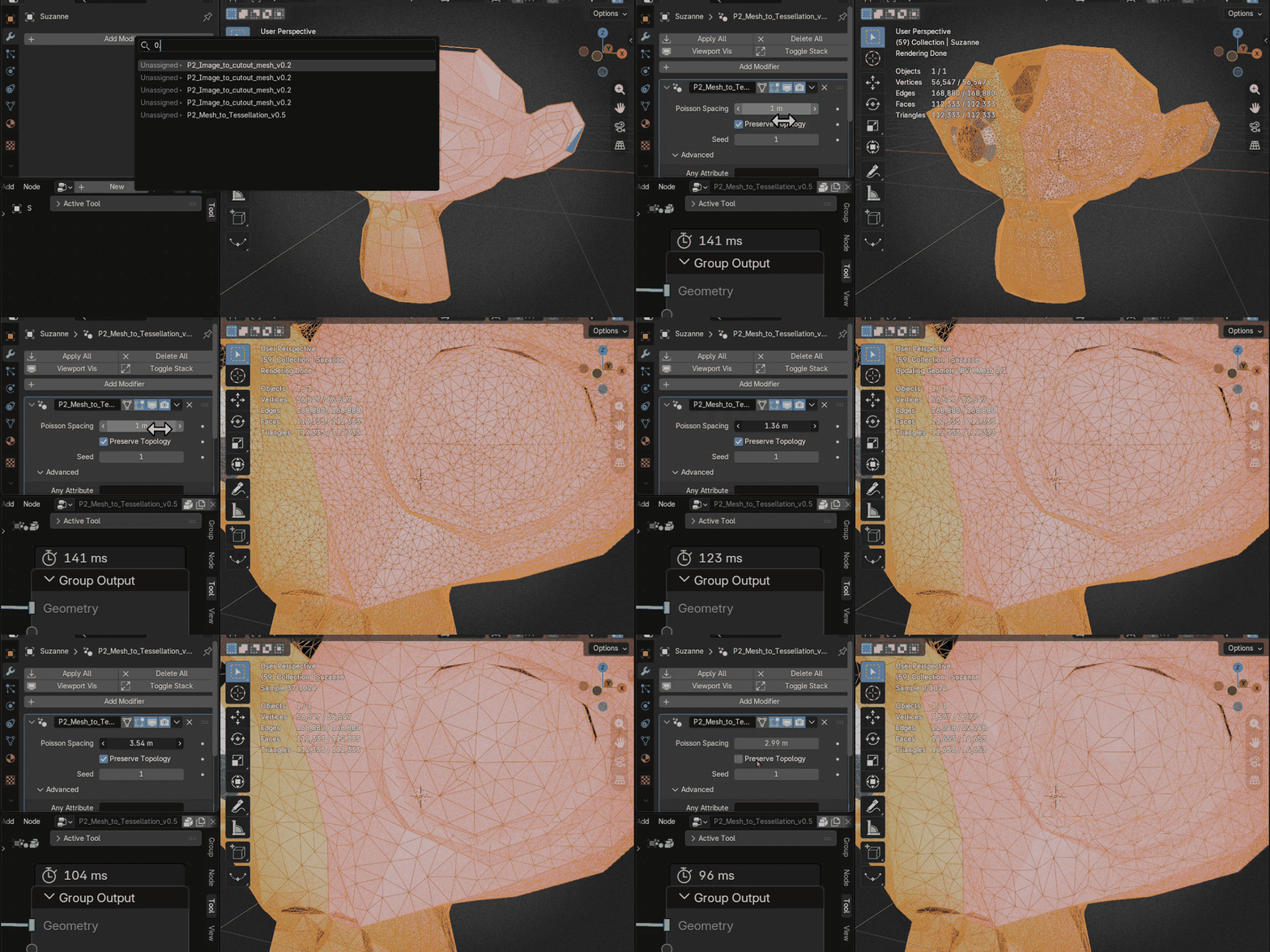
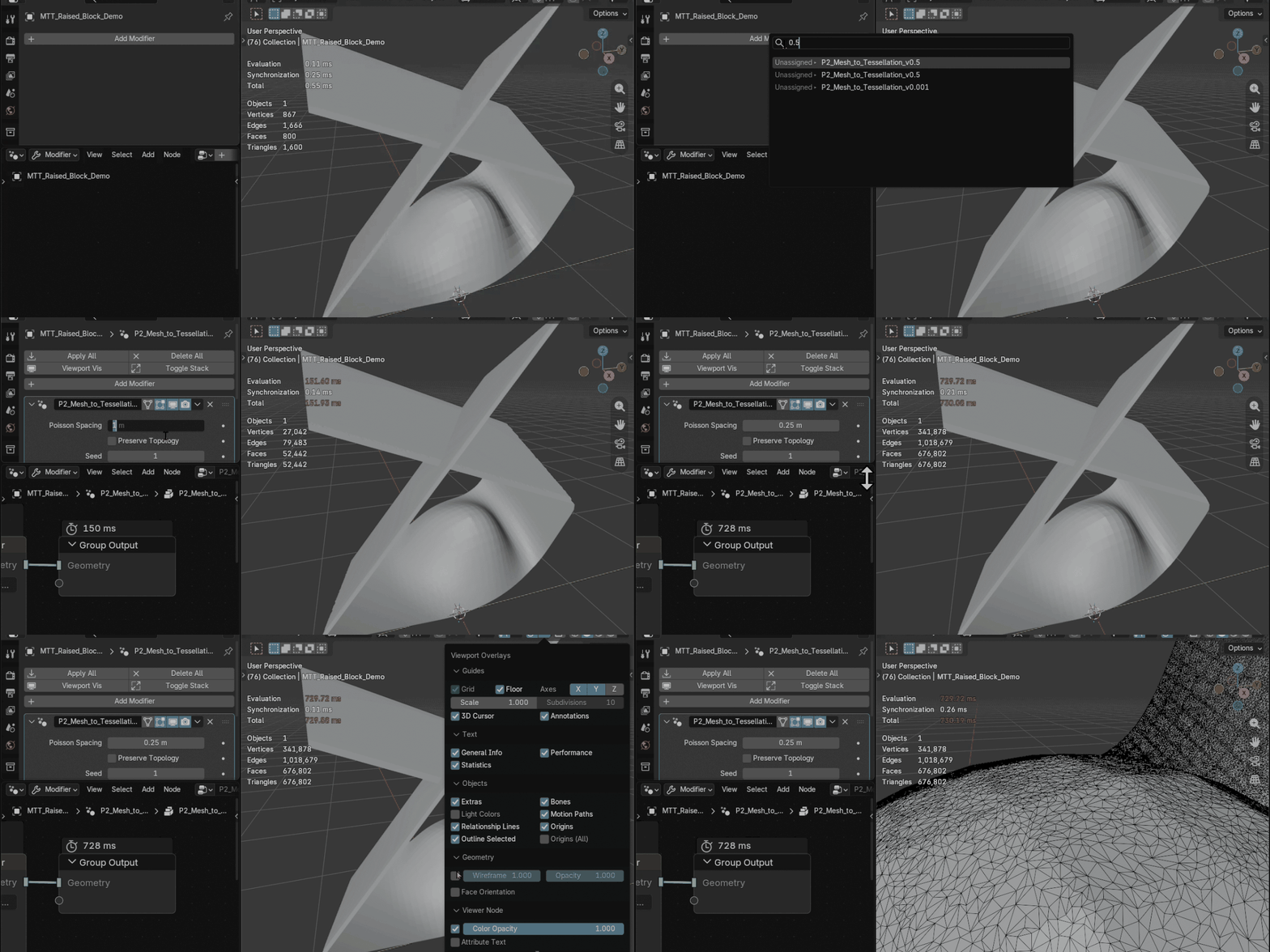
- Poisson Spacing: controls sample spacing. Lower values create denser tessellation and higher processing cost.
- Preserve Topology: keeps more of the original mesh structure involved in the result when that output style is needed.
- Seed: controls reproducible variation in the generated tessellation pattern.
- Any Attribute slots: optional named color-attribute transfer slots for advanced workflows.
# INCLUDED
- Blender file with the P2_Mesh_to_Tessellation_v0.5 Geometry Nodes setup
- Demo scene containing plane, hole, boundary, Suzanne, torus, cube, and raised-block examples
- README with quick-start notes, parameter guidance, performance tips, and known limitations
# FEATURES
- Geometry Nodes modifier workflow
- Irregular triangular surface generation from a Poisson-style sample distribution
- Adjustable tessellation density
- Optional topology preservation mode
- Reproducible variation with Seed control
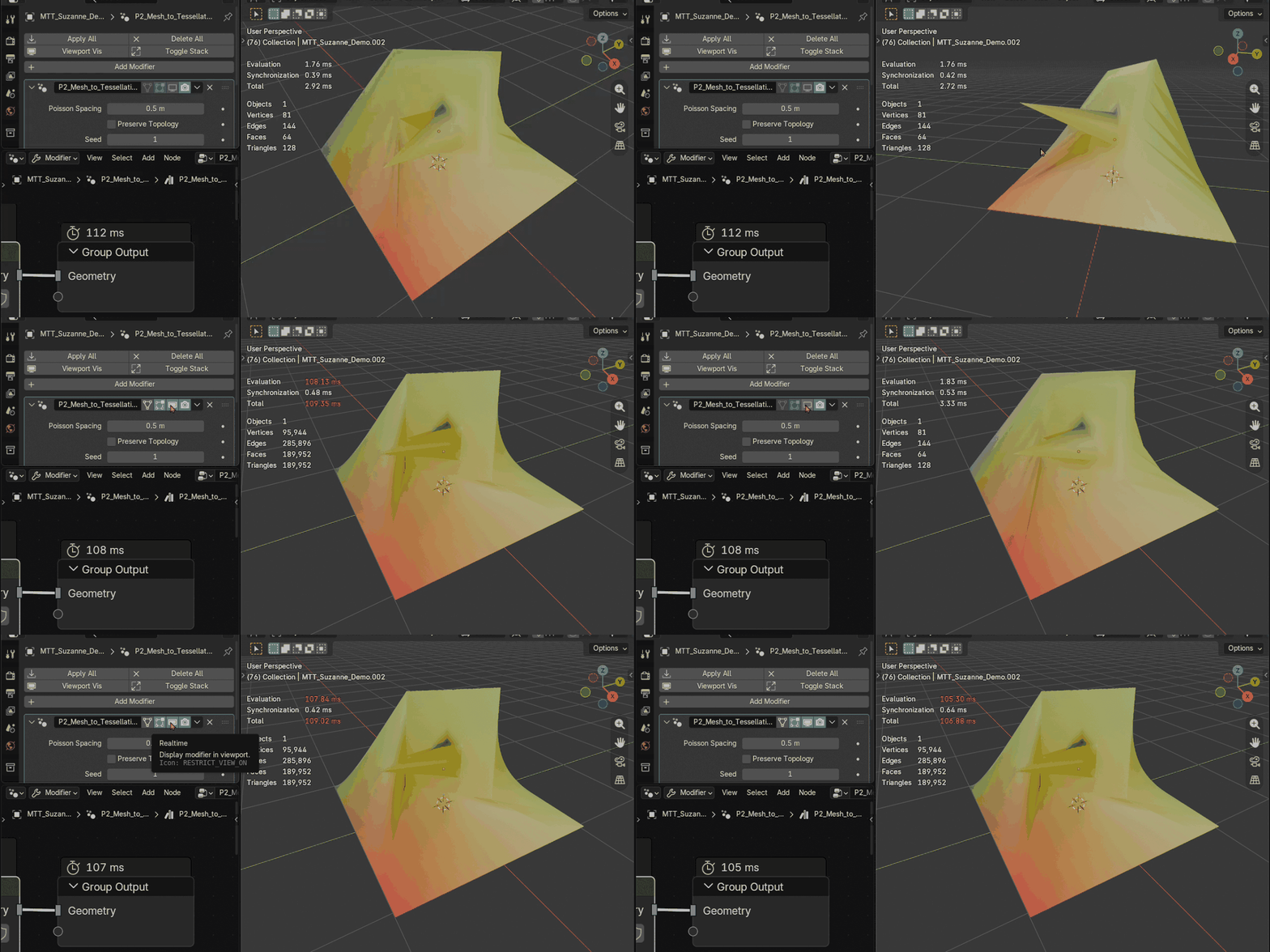
- Support for planar mesh islands containing holes
- Support for coplanar surfaces containing internal cuts
- Compensation for unapplied object rotation and non-uniform scale
- Automatic input material preservation
- Multiple material slot and material index support
- Automatic transfer for common Blender UV layer names
- Optional named color-attribute transfer slots
- Improved handling of open and non-manifold input meshes
- Independent processing of intersecting mesh islands and non-coplanar surface regions
- Non-destructive setup with included demo scene
- No add-on installation required
- Blender 5.0+ target
# MATERIAL AND UV TRANSFER
Input materials are preserved automatically, including multiple material slots and material indices.
UV layers named UVMap, UVMap.001, UVMap.002, and UVMap.003 are transferred automatically.
Optional named color attributes can be transferred by entering their names in the Any Attribute slots.
# HOW TO USE
1. Open or append the included .blend file
2. Apply the P2_Mesh_to_Tessellation_v0.5 Geometry Nodes setup to a mesh
3. Adjust Poisson Spacing to set the triangle density
4. Use Seed when you need reproducible variation
5. Enable Preserve Topology only when you want more input topology influence
6. Add named color attributes in the advanced slots only when needed
# INTERSECTING GEOMETRY
Intersecting mesh islands and non-coplanar surface regions are processed independently. This prevents separate intersecting surfaces from interfering with each other during tessellation.
The tool does not create intersection edges, perform a Boolean union, or remove intersections from the final geometry.
# NOTES
Very dense settings can become expensive, especially on complex meshes. Start with a larger Poisson Spacing value, then decrease it gradually.
If Poisson Spacing is larger than the median face size of the input mesh, the operation primarily reduces mesh density rather than adding tessellation detail. For that use case, Blender's built-in Decimate modifier is generally more suitable and is recommended for better performance and more predictable results.
Self-crossing boundaries within a single coplanar region, coincident faces, zero-area faces, degenerate geometry, and highly fragmented boundaries may produce unexpected results.
UV transfer is focused on the common Blender UV layer names listed above.
Named attribute transfer is intended for color attributes. It should not be treated as unrestricted transfer for every possible custom attribute type or domain.
Extremely large coordinate values can still introduce small floating-point differences.
