Mesh to Tessellation
 P2_limit_sadge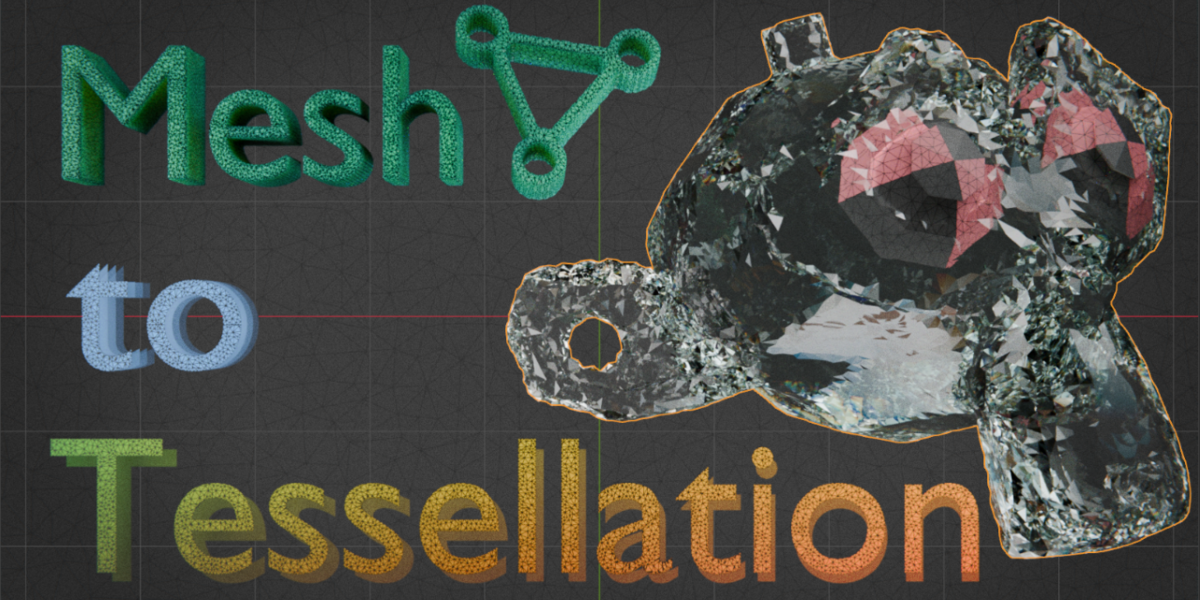
# MESH TO TESSELLATION V0.5 DOCUMENTATION
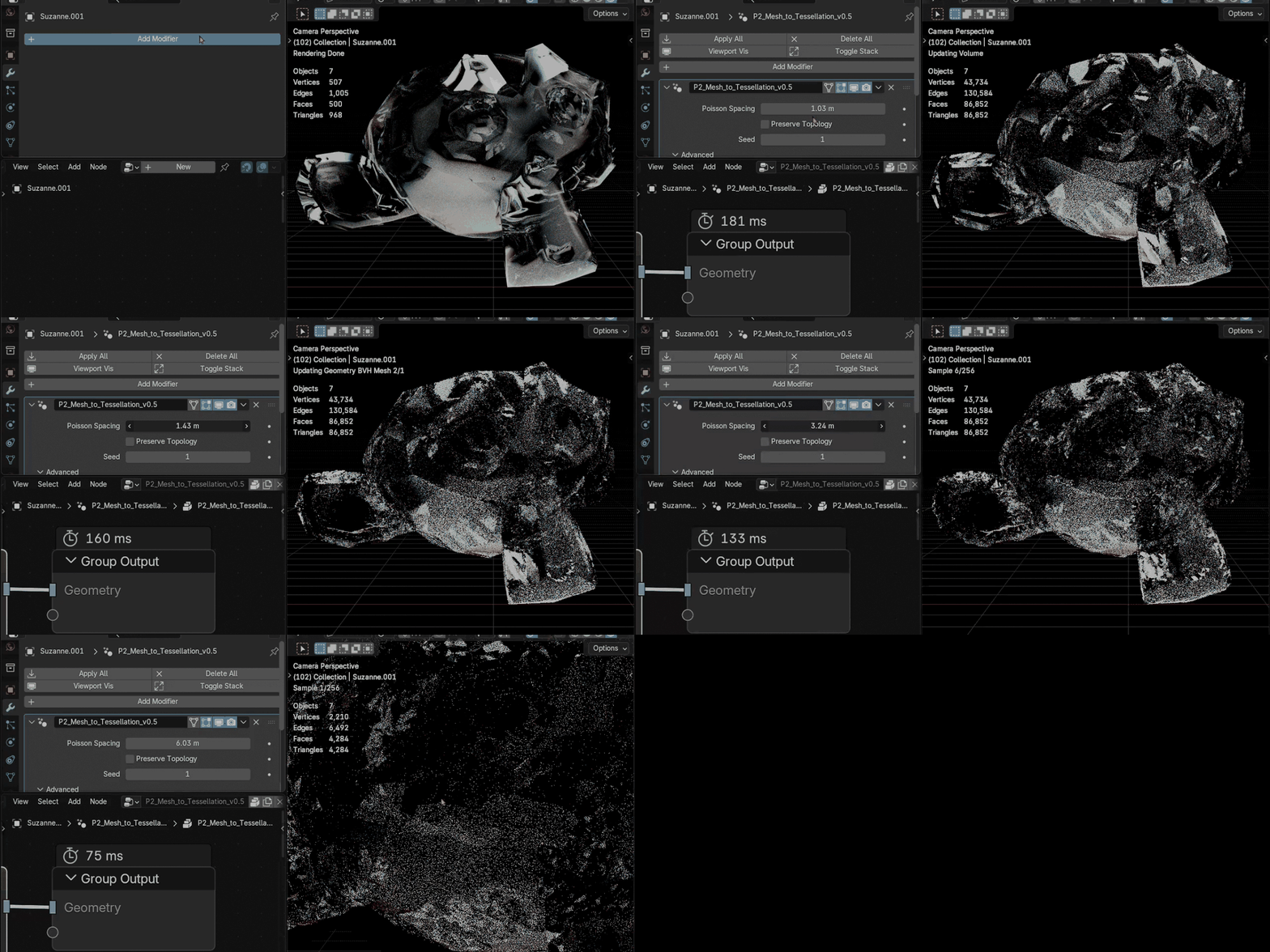
Mesh To Tessellation is a Geometry Nodes asset for converting mesh surfaces into adjustable Delaunay-style triangular tessellation.
Delaunay-style describes the visual mesh structure. The asset is not a strict mathematical Delaunay solver, a volume remesher, or a production retopology replacement.
# INSTALLATION
1. Extract the downloaded ZIP file.
2. Open the included Blender file, or append the Geometry Nodes node group into another Blender project.
3. Apply P2_Mesh_to_Tessellation_v0.5 as a Geometry Nodes modifier to a mesh object.
# QUICK START
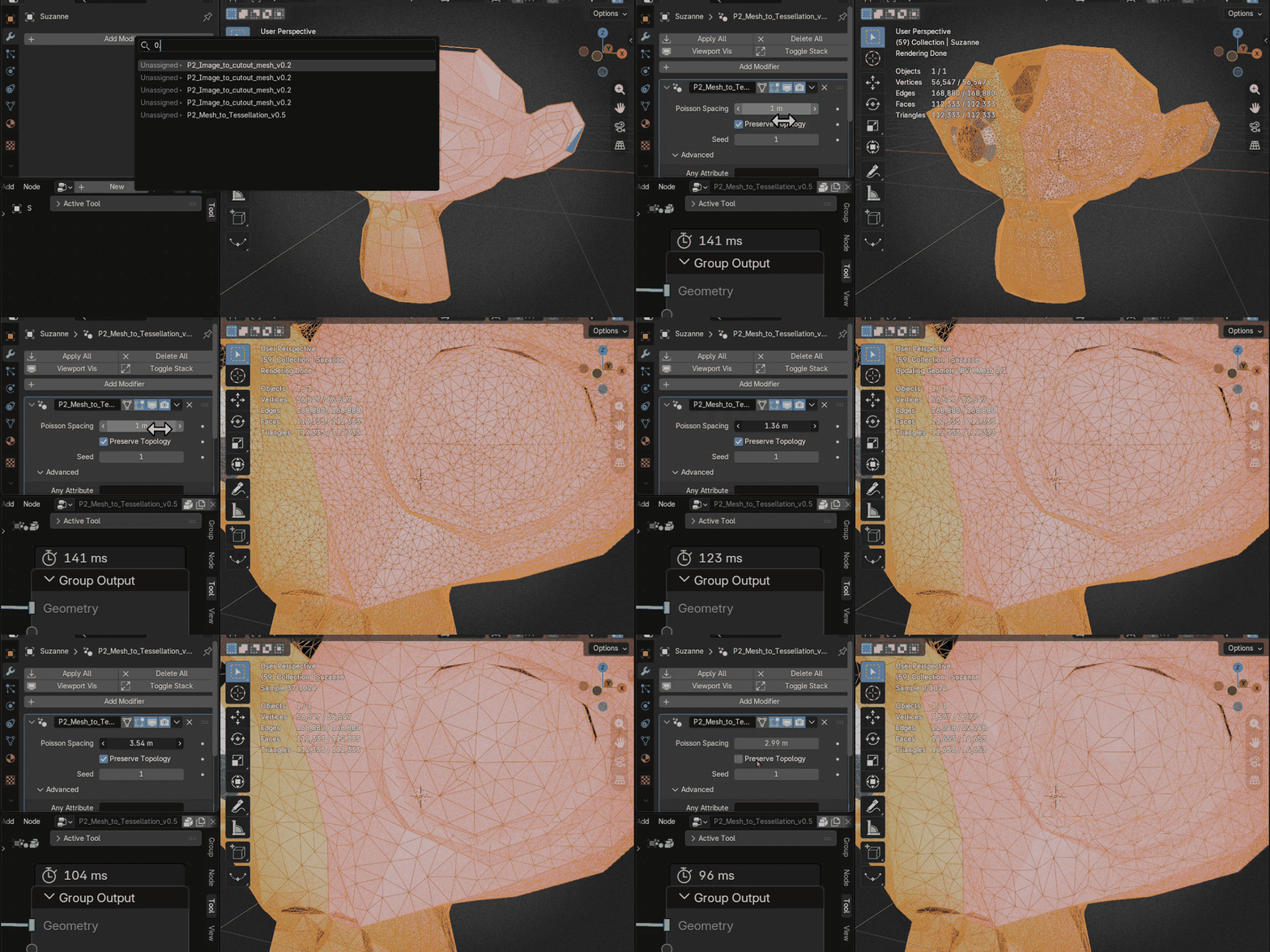
1. Start with the default Poisson Spacing value of 1.0.
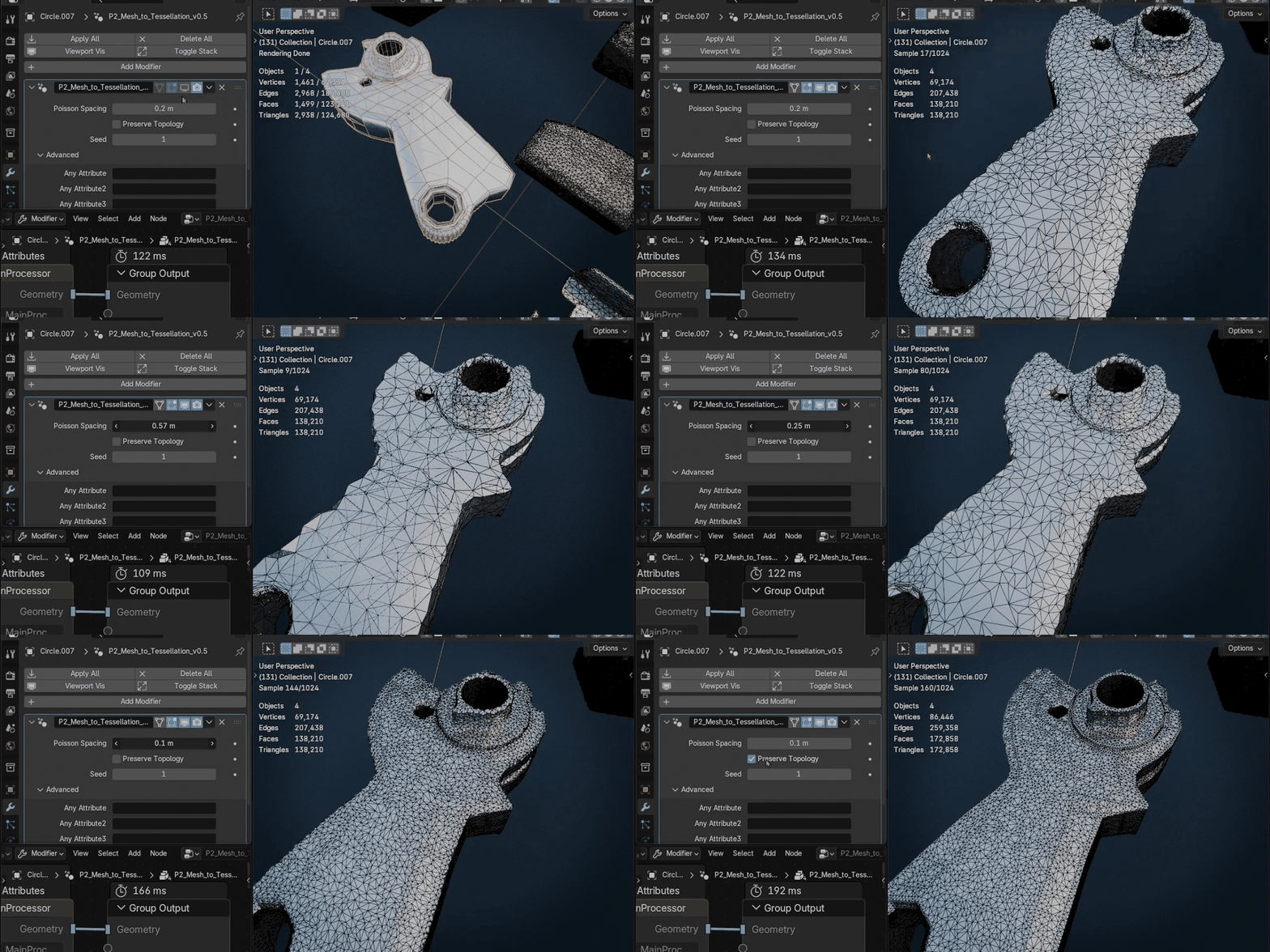
2. Decrease the value gradually for denser tessellation.
3. Change Seed to generate a reproducible variation.
4. Enable Preserve Topology only when more influence from the input topology is needed.
5. Enter color-attribute names in the optional Any Attribute slots only when required.
# INPUTS
Geometry
The input mesh to be tessellated.
The input mesh to be tessellated.
Poisson Spacing
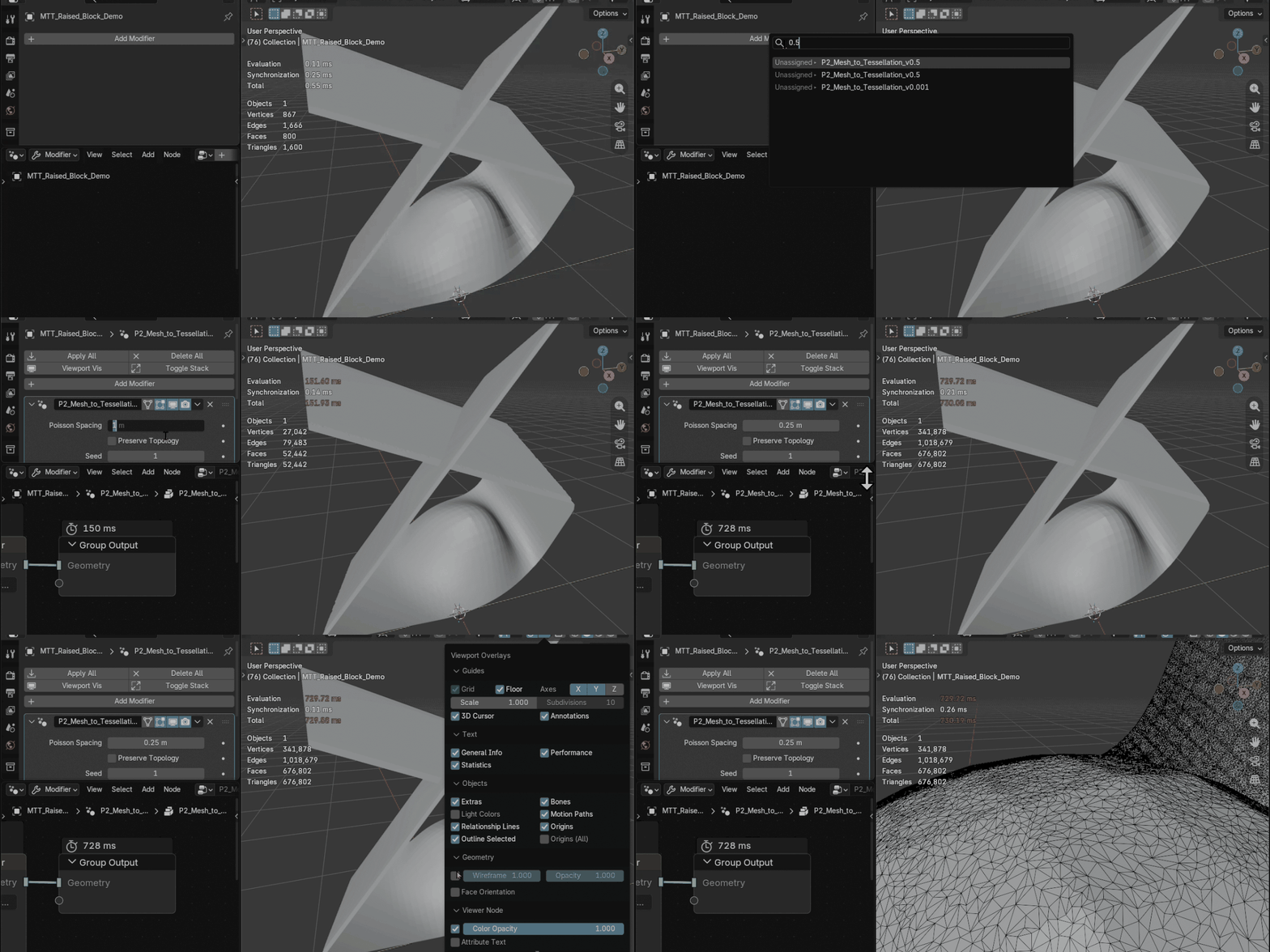
Controls the spacing between distributed samples. Lower values create denser tessellation and increase processing cost.
Controls the spacing between distributed samples. Lower values create denser tessellation and increase processing cost.
Preserve Topology
Keeps more influence from the original mesh structure in the result. Disable it when that behavior is not needed.
Keeps more influence from the original mesh structure in the result. Disable it when that behavior is not needed.
Seed
Controls reproducible variation in the generated tessellation pattern.
Controls reproducible variation in the generated tessellation pattern.
Any Attribute
Four optional slots for transferring named color attributes. These inputs are not intended as unrestricted transfer for every attribute type or domain.
Four optional slots for transferring named color attributes. These inputs are not intended as unrestricted transfer for every attribute type or domain.
# MATERIALS AND UVS
Input materials are preserved automatically, including multiple material slots and material indices.
UV layers named UVMap, UVMap.001, UVMap.002, and UVMap.003 are transferred automatically.
# SUPPORTED SURFACE BEHAVIOR
- Planar mesh islands containing holes
- Coplanar surfaces containing internal cuts
- Rotated planar islands and reversed face directions
- Unapplied object rotation and non-uniform scale
- Geometry aligned exactly to the XY plane
- Open and non-manifold surface input
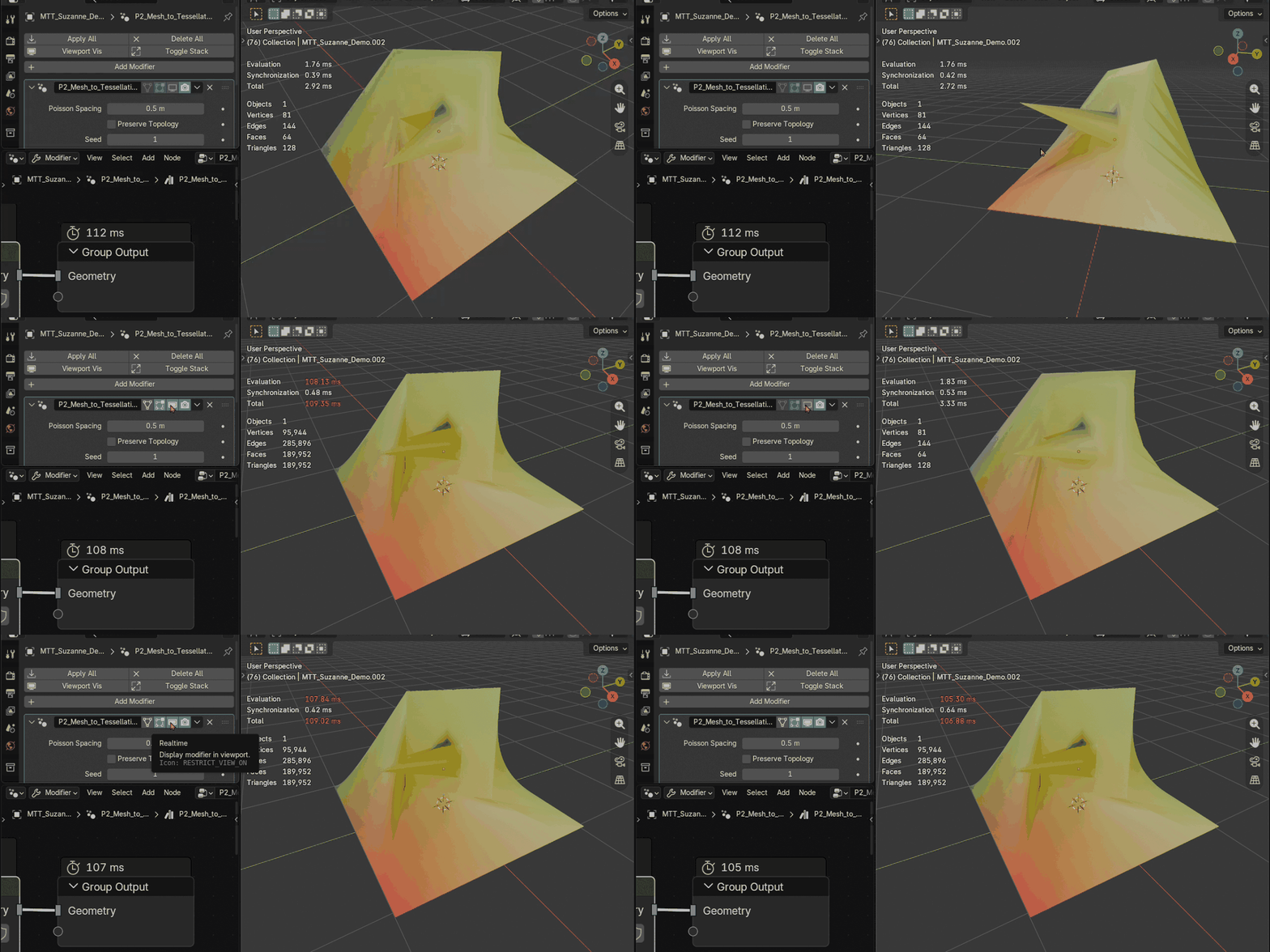
Intersecting mesh islands and non-coplanar surface regions are processed independently. The asset does not perform Boolean operations, create intersection edges, or remove intersections from the final geometry.
# PERFORMANCE GUIDANCE
Very dense settings can become expensive, especially on complex meshes. Start with a larger Poisson Spacing value, then decrease it gradually.
Disable Preserve Topology when the additional input-topology influence is not needed.
If Poisson Spacing is larger than the median face size of the input mesh, the operation primarily reduces mesh density rather than adding tessellation detail. For that use case, Blender's built-in Decimate modifier is generally more suitable and is recommended for better performance and more predictable results.
# KNOWN LIMITATIONS
- Delaunay-style does not mean a strict mathematical Delaunay guarantee.
- Self-crossing boundaries within one coplanar region may produce unexpected results.
- Coincident faces, zero-area faces, degenerate geometry, and highly fragmented boundaries may produce unexpected results.
- Intersections are not Boolean-resolved.
- UV transfer is focused on the common UV layer names listed above.
- The Any Attribute slots are intended for named color attributes.
- Extremely large coordinate values can introduce small floating-point differences.
# COMPATIBILITY
- Target: Blender 5.0+
- Tested with Blender 5.0.1, 5.1.0, and 5.2.0
- No external add-ons required
$11
 Included
Includes 12 months of
- Support from P2_limit_sadge
- Product updates
Extend this product’s Support Period +12 months: 25% of product price
Have questions before purchasing?
Login to message
| Rating | 1 ratings |
| Published | 6 months ago |
| Blender Version | 5.0 - 5.2 |
| Render Engine Used | Cycles, Eevee |
| License | Royalty Free |
Discover more products like this
Blender asset mesh-tool remesh surface pattern procedural-mesh triangulation non-destructive tessellation poisson delaunay topology geometry nodes