 HR
HR


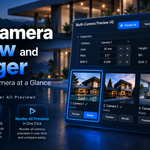
Choose the Right Camera at a Glance
Turn every camera in your Blender scene into a clear visual board. Multi-Camera Preview helps you compare shots, choose the right framing, adjust common camera values, and refresh previews without losing time in the Outliner.
It is designed for product visualization, archviz, packshots, catalogs, client presentations, and any Blender scene where camera names alone are no longer enough.
Introductory Price: $9.99
Available for a limited time. Regular price: $14.99.
New — Version 1.2
Per-camera resolution, adaptive previews and improved camera framing.
Why Multi-Camera Preview?
As a scene grows, camera lists quickly become difficult to read. Names such as Camera.001, Final, Closeup, Product, and Detail do not always tell you what the shot actually contains.
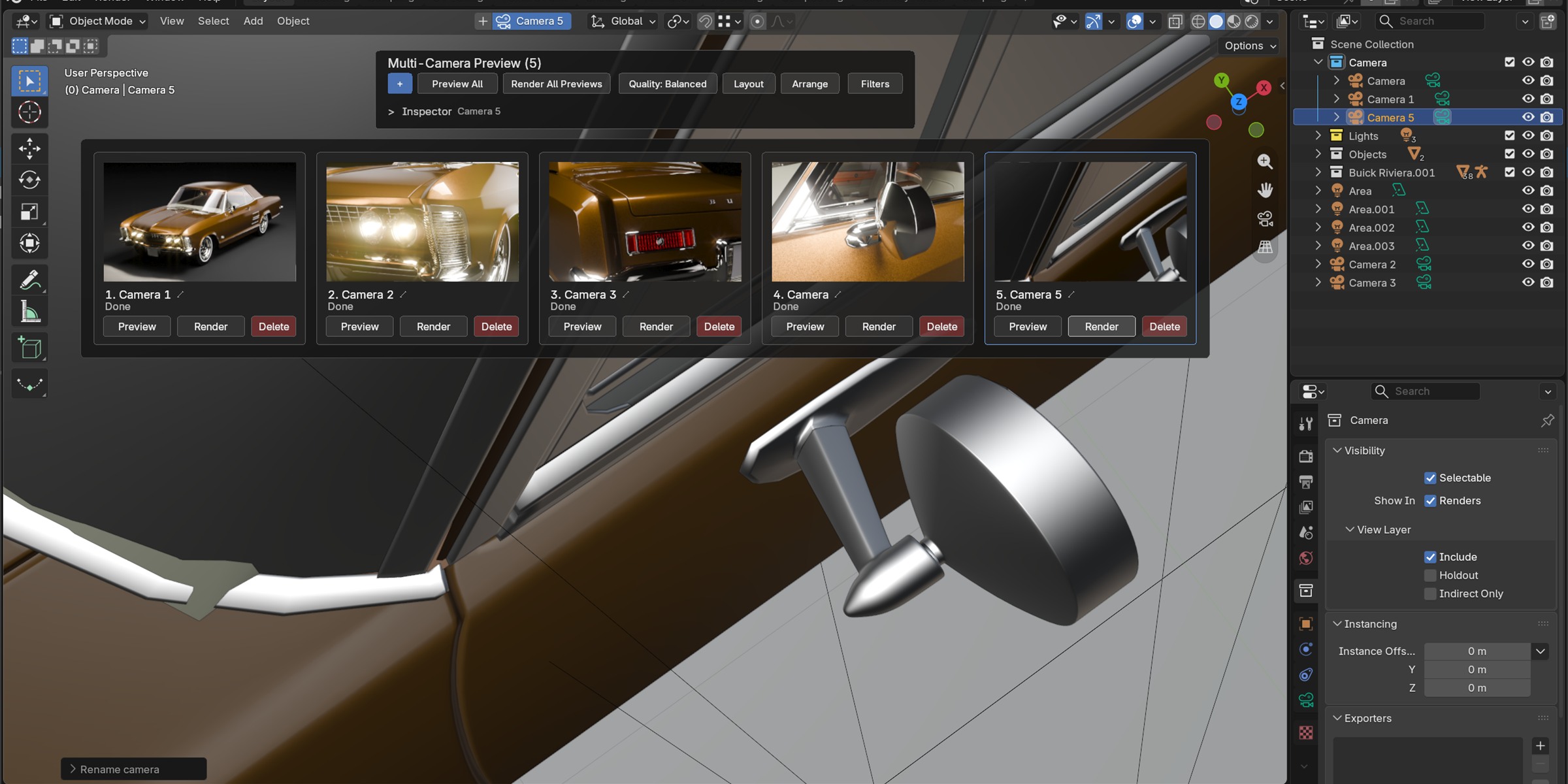
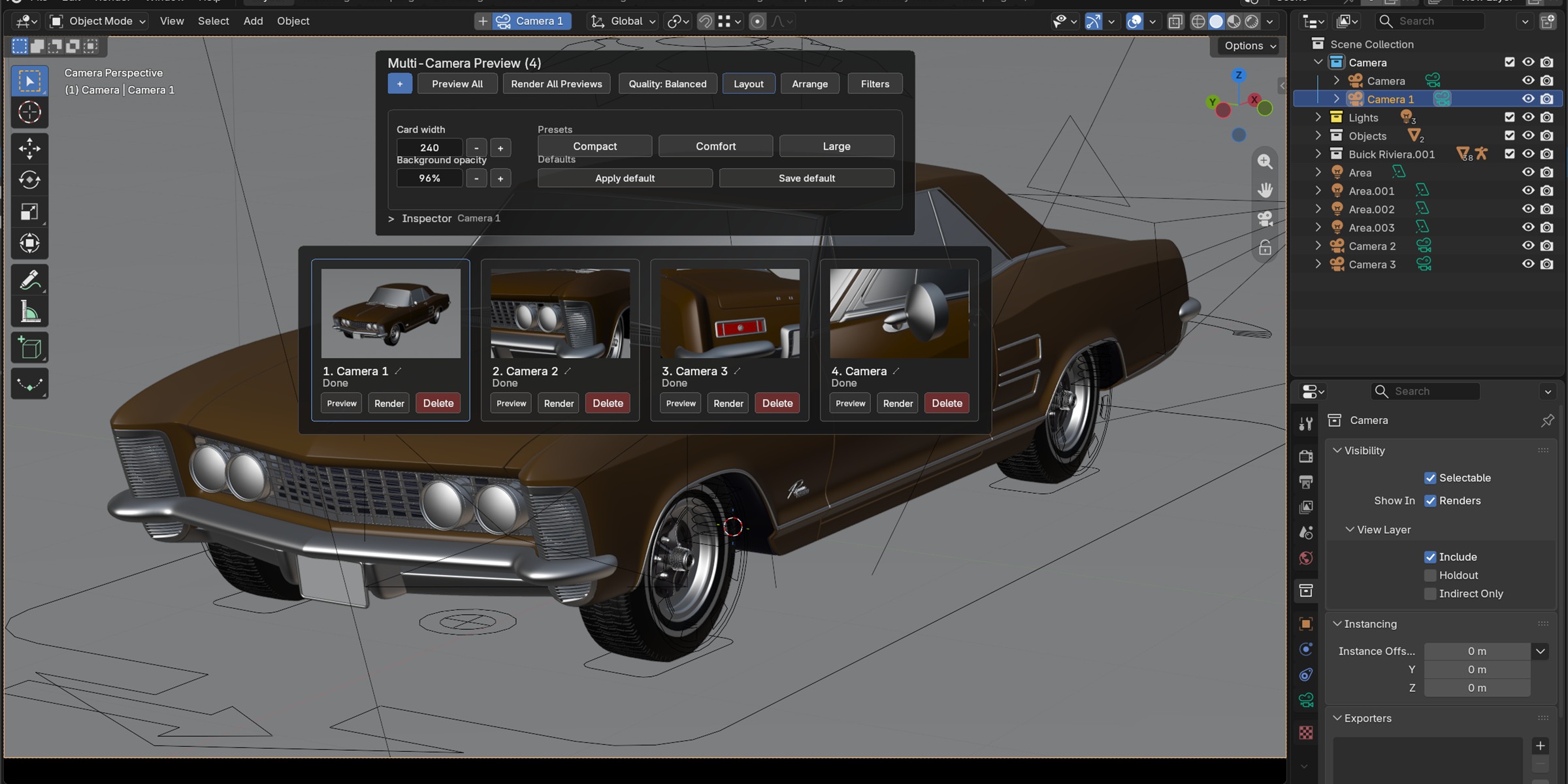
Multi-Camera Preview replaces guesswork with thumbnails. Each camera becomes a card with its preview, status, and essential controls. You can compare compositions at a glance, select the correct camera, and keep your views organized directly in the 3D Viewport.
Main Features
Visual Camera Board
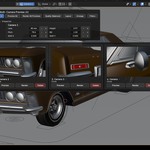
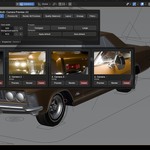
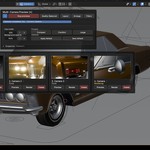
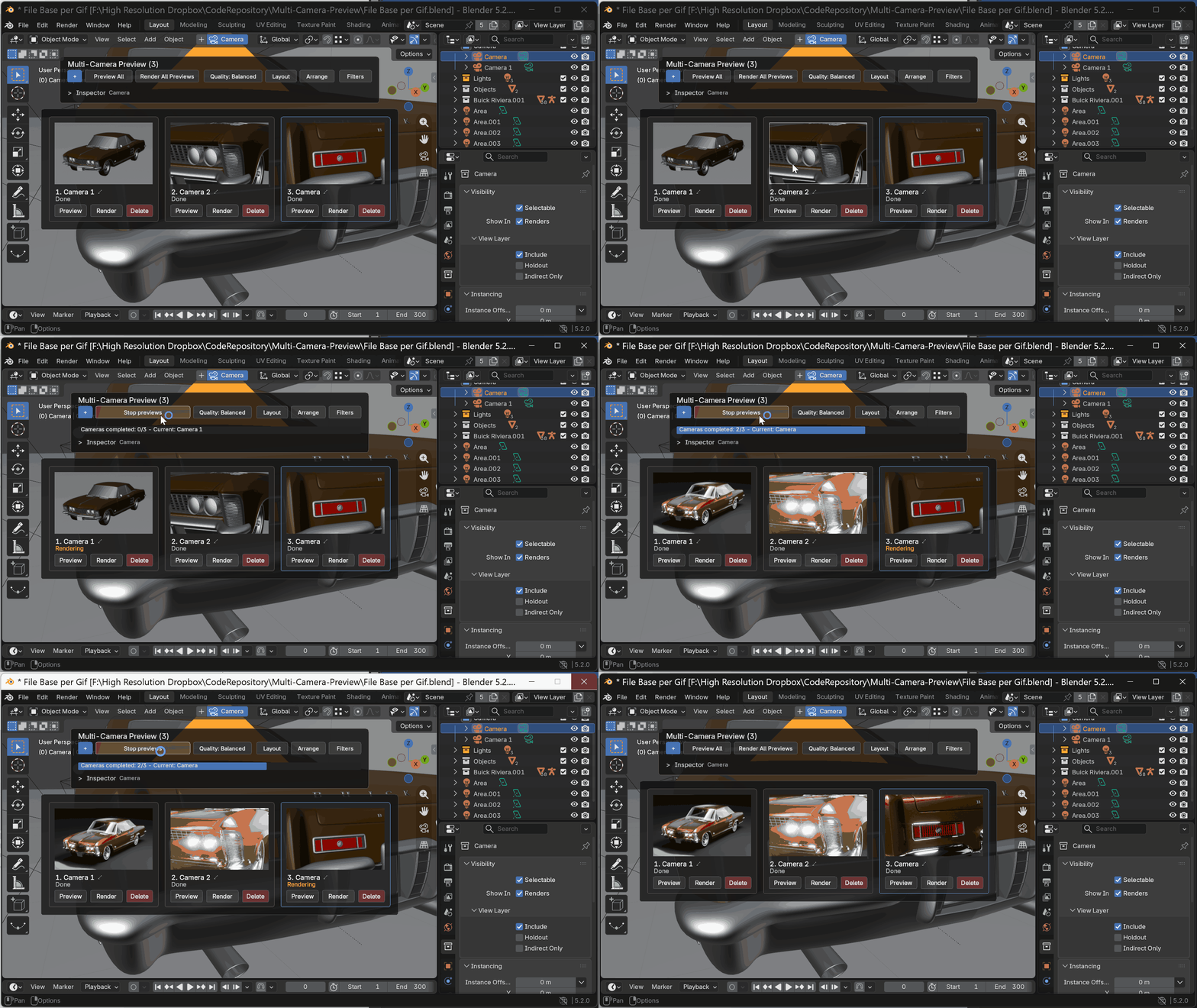
Turn every scene camera into a visual card inside the 3D Viewport. Compare compositions at a glance, select a shot, enter its camera view, and immediately see which previews are missing or need refreshing.
Fast and Rendered Previews
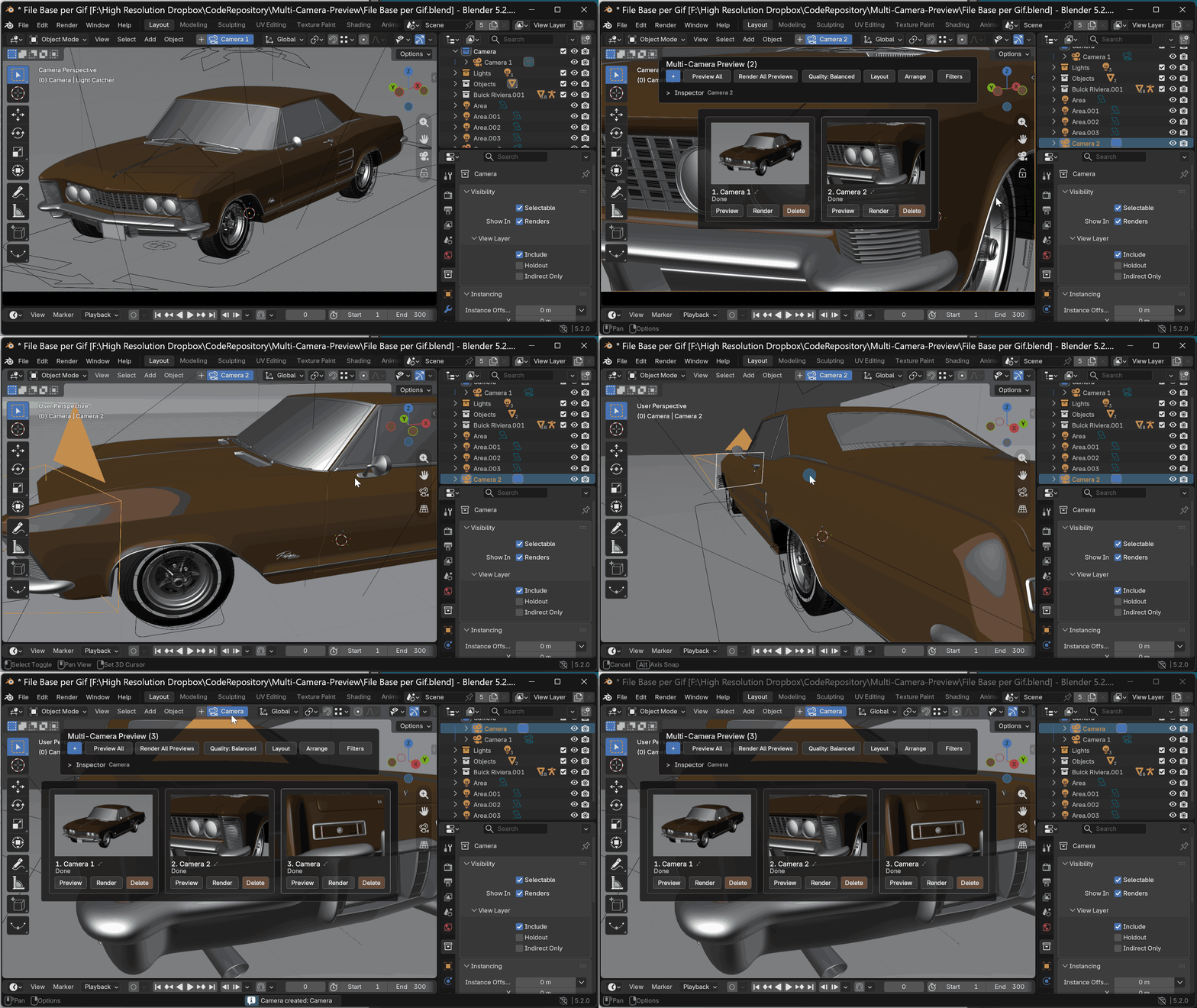
Use Preview All for quick viewport thumbnails or Render All Previews for a closer check of lighting, materials, and render effects. Both modes are designed for camera comparison rather than final production output.
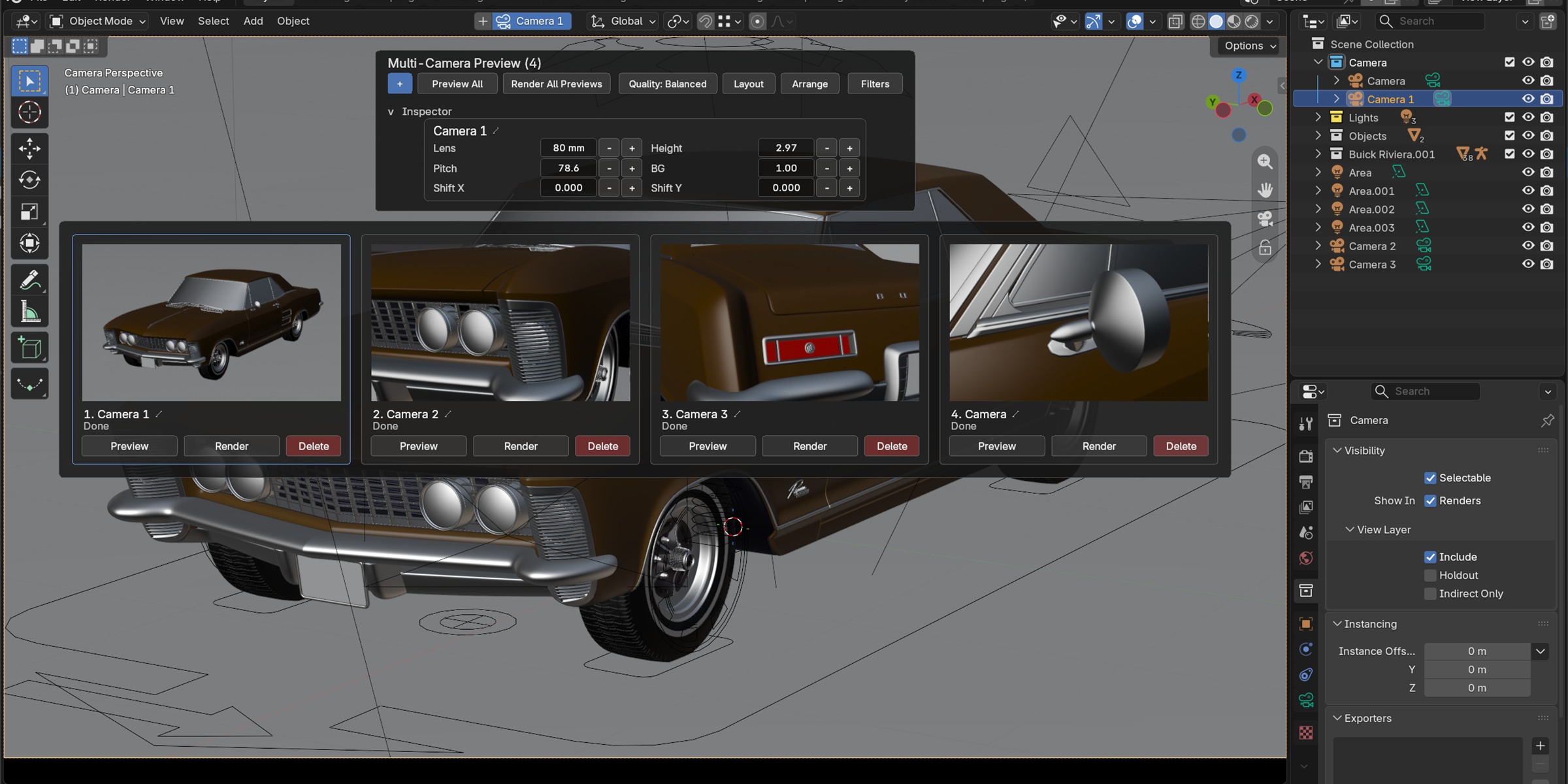
Live Camera Editing
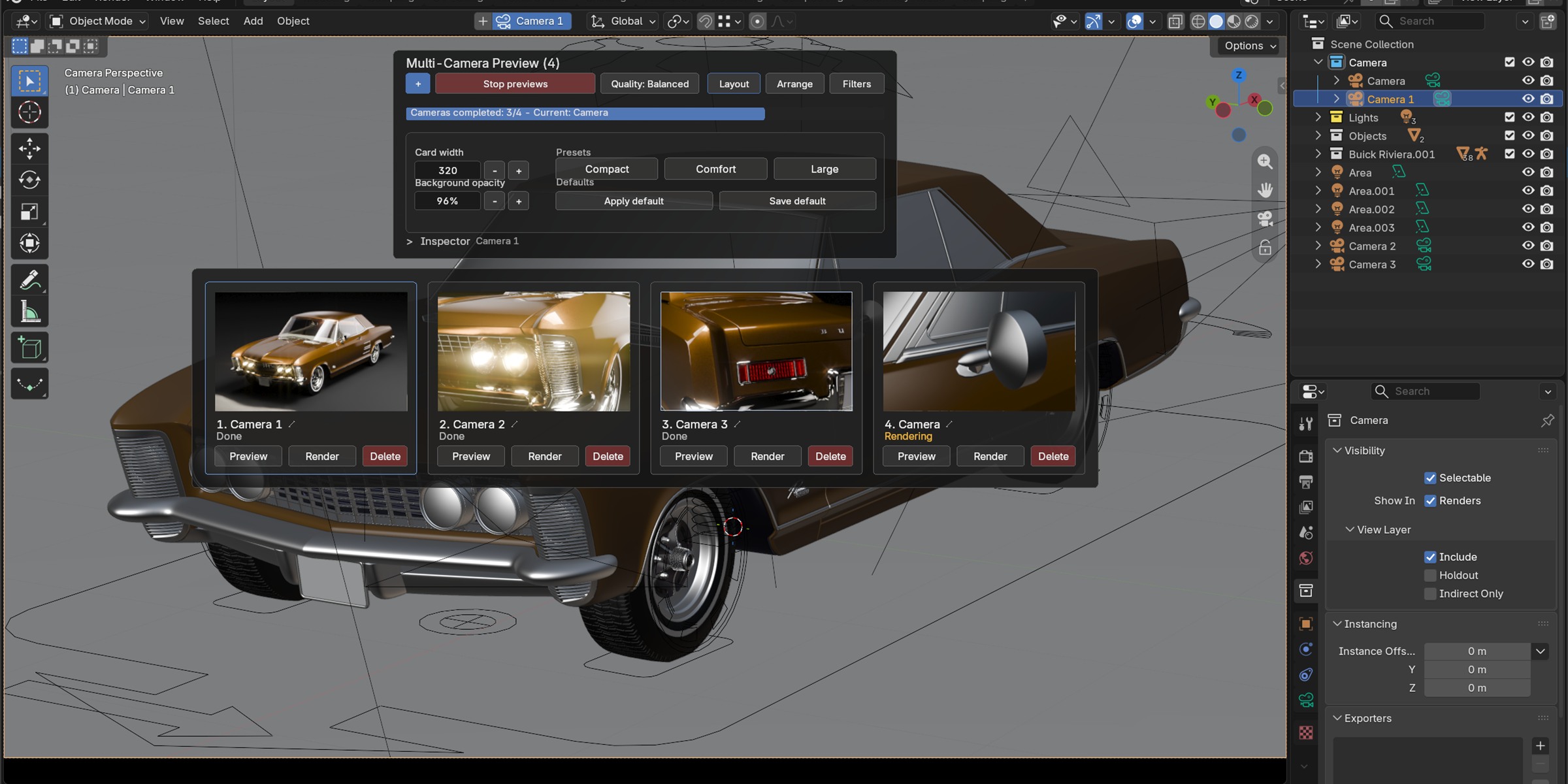
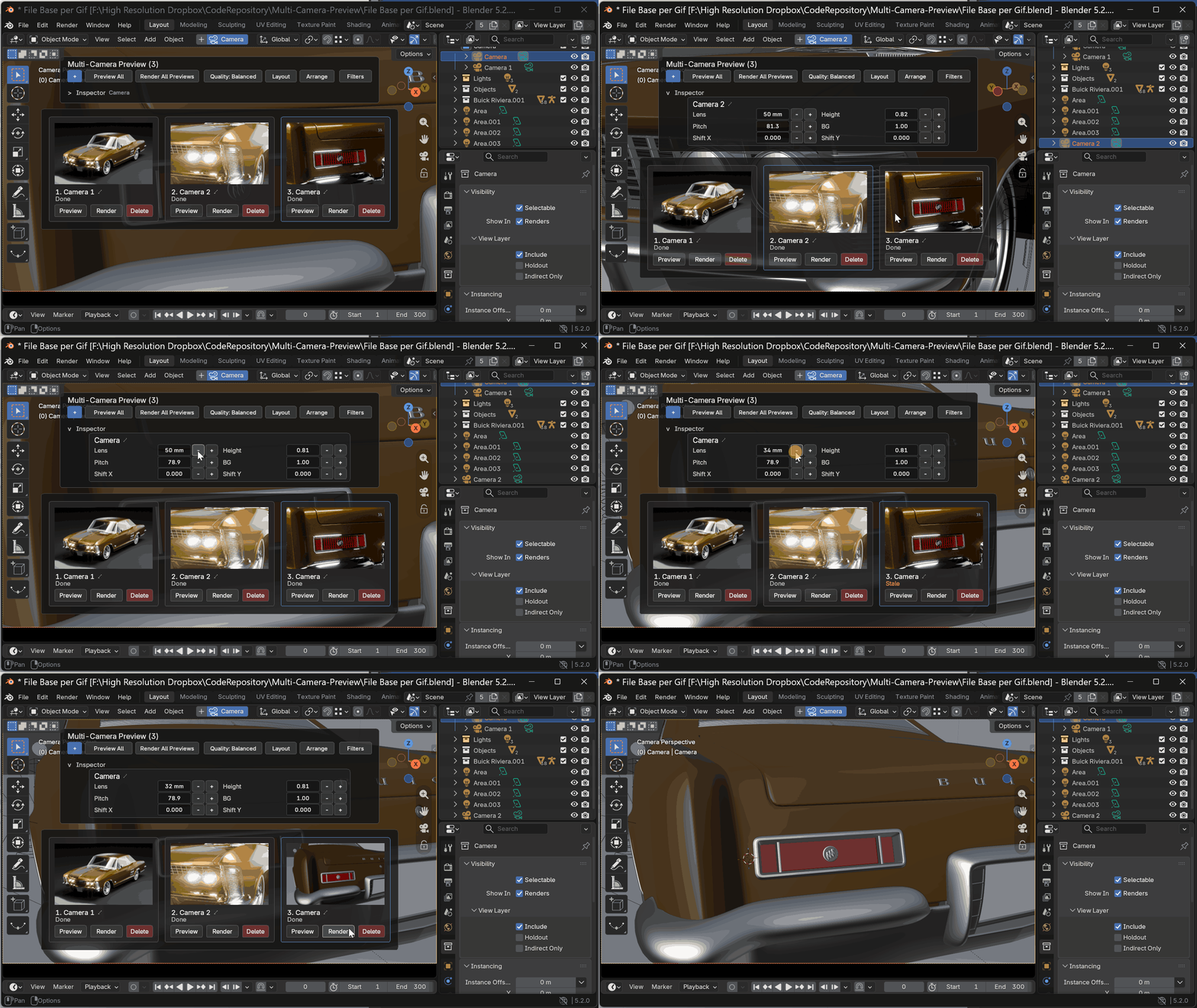
Adjust focal length, height, pitch, shifts, and background settings directly from the board. Drag a main numeric value to see the result immediately; hold Shift for finer control or Ctrl to snap. Release to confirm, or use Esc or the right mouse button to restore the original value. Click a value to edit it inline with full selection, a visible caret, mouse positioning, arrow-key navigation, and paste support.
Camera Organization
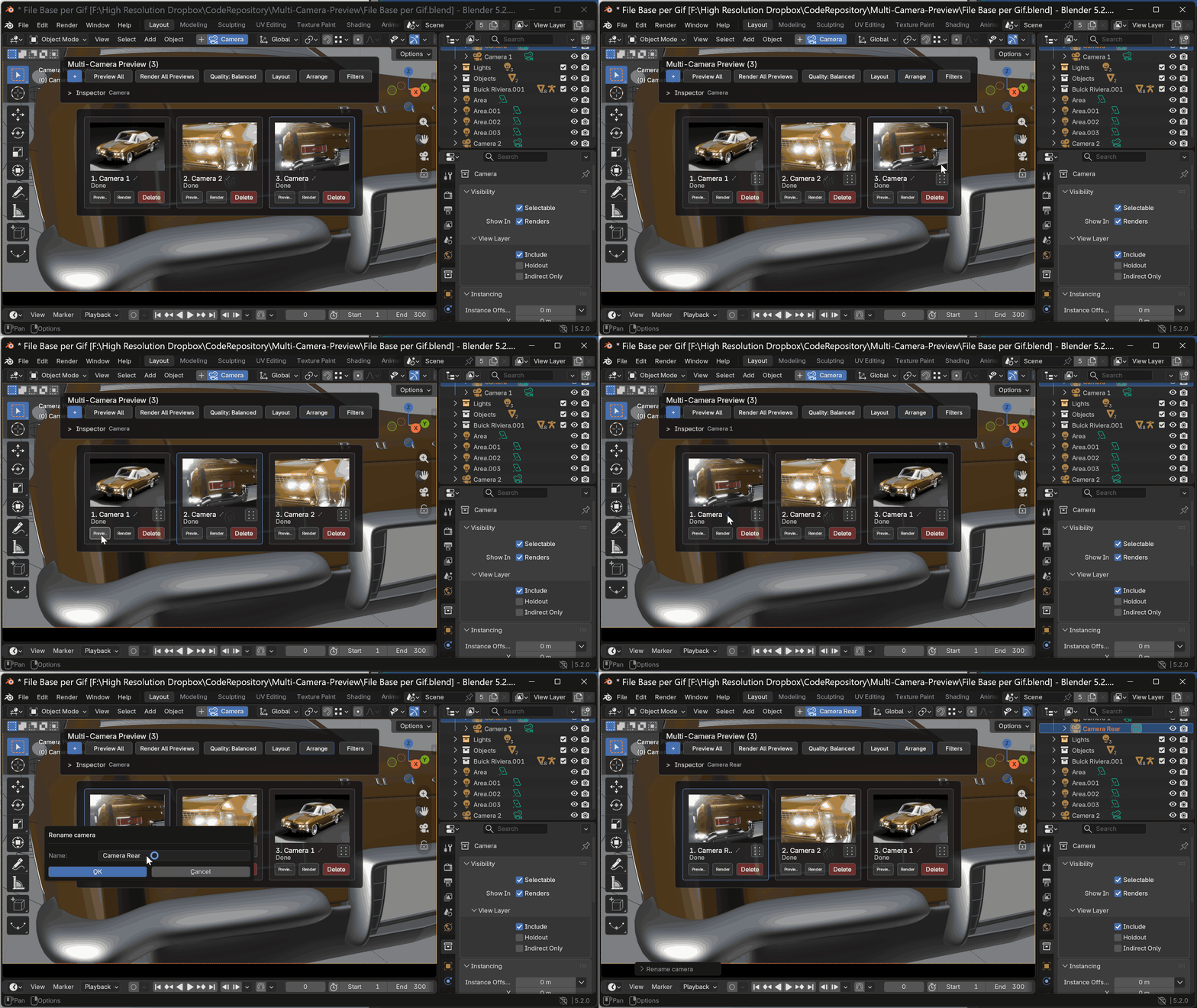
Reorder cards with drag and drop and filter cameras by All, Missing, Stale, or Selection. This keeps large camera sets easy to review and maintain.
Also Included
- Completed/total camera progress during Preview All and Render All Previews.
- Scene-matched aspect ratio, including portrait, square, and non-square pixel formats.
- Preview thumbnails packed inside the
.blendfile. - A dedicated Render Result slot that protects existing comparisons.
- Automatic restoration of the active camera and temporary render settings.
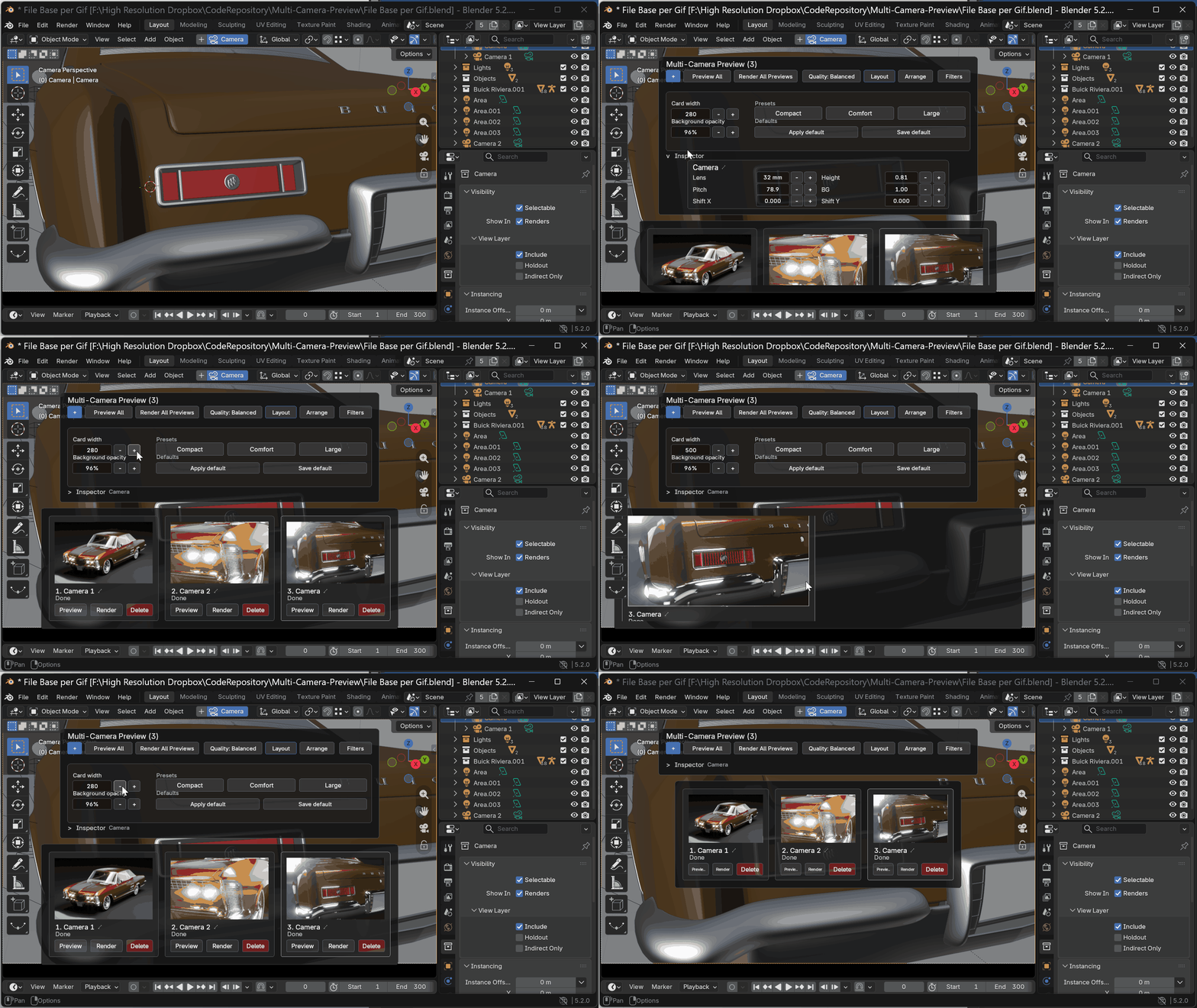
- Customizable card size, layout presets, and background opacity.
- A subtle checkerboard for readable transparent previews.
What's new in 1.2
- Per-camera resolution: set custom dimensions for each camera or follow the scene defaults, with a one-click reset. Camera formats are used for previews and standard F12 renders.
- Adaptive preview cards: compare portrait, square and panoramic previews without distortion, with compact side controls for portrait cards.
- Improved camera creation: more accurate framing when creating cameras from the viewport, including orthographic views.
- Full camera frame in view: the viewport adjusts when you switch cameras through the add-on.
- Cleaner Quad View: one Board in the camera or perspective/free quadrant, leaving the other views available for navigation.
Also improved: two-line camera names on portrait cards, preview-card borders and Blender 4.5 drawing compatibility.
What's new in 1.1
- Live camera adjustments: drag Inspector values to adjust the camera in real time. Hold Shift for fine adjustments or Ctrl for snapping.
- Unobstructed camera view: the Board fades while dragging, leaving the camera view and active value visible.
- Inline numeric editing: type values directly, with text selection, a visible cursor, keyboard navigation and paste support.
- Preview progress and cancellation: track completed cameras and stop the remaining previews after the current render finishes.
- Improved stability: more reliable preview generation and Undo/cancel behavior.
Typical Workflow
- Open the Multi-Camera Preview board from the 3D Viewport or the Multi-Cam N-panel tab.
- Add or select the cameras in your scene.
- Run Preview All to create a fast overview of every composition.
- Compare the cards and select the best camera.
- Refine common camera values in the integrated Inspector.
- Reorder cameras with drag and drop.
- Use status filters to find missing or stale previews.
- Generate rendered previews when you need a closer lighting and material check.
Who Is It For?
- Product visualization and packshot artists.
- Archviz studios working with many interior, exterior, and detail cameras.
- Designers preparing shot variants and client presentations.
- Creators comparing many compositions before final rendering.
- Teams sharing
.blendfiles and wanting previews to remain inside the project. - Blender users who want a more visual camera workflow than the Outliner alone.
Compatibility
- Blender 4.5 LTS and newer.
- Tested with Blender 4.5 LTS, 5.0, 5.1, and 5.2 LTS.
- Distributed as a Blender Extension installed directly from a ZIP file.
- License: GNU GPL v3 or later.
Important Notes
Per-camera dimensions apply to camera framing, previews and single-frame F12 renders. Native animation renders use one output size for the whole render job; render percentage and pixel aspect remain scene-wide settings.
Multi-Camera Preview does not replace Blender's render engine and does not create a batch of final production renders. It organizes cameras and generates quick or rendered preview thumbnails using the active scene and engine.
Rendered previews are processed one at a time with Blender's stable blocking render workflow. Blender remains busy during the current preview. Stop Previews is applied between cameras and prevents the remaining previews from starting, but it cannot interrupt the render already in progress.
The Stale state currently tracks camera transform, selected framing values, and preview settings. General scene changes such as geometry, materials, lights, World settings, animation state, or most render-engine settings do not automatically mark existing thumbnails as stale. After those changes, refresh the affected camera or run Preview All / Render All Previews again.
More Tools from HR
STEP Importer 3.0 imports STEP and STP CAD assemblies into Blender while preserving hierarchy, materials, transforms, and linked parts.
