 SavedPixel


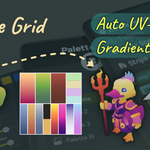

Palette texturing, without the grind.
Stunning stylized art from tiny textures, fewer draw calls, smaller builds, more visual range. The complete Blender workflow to create palettes, snap UVs, project gradients, and edit colors live.
Four steps. Zero alt-tabbing.
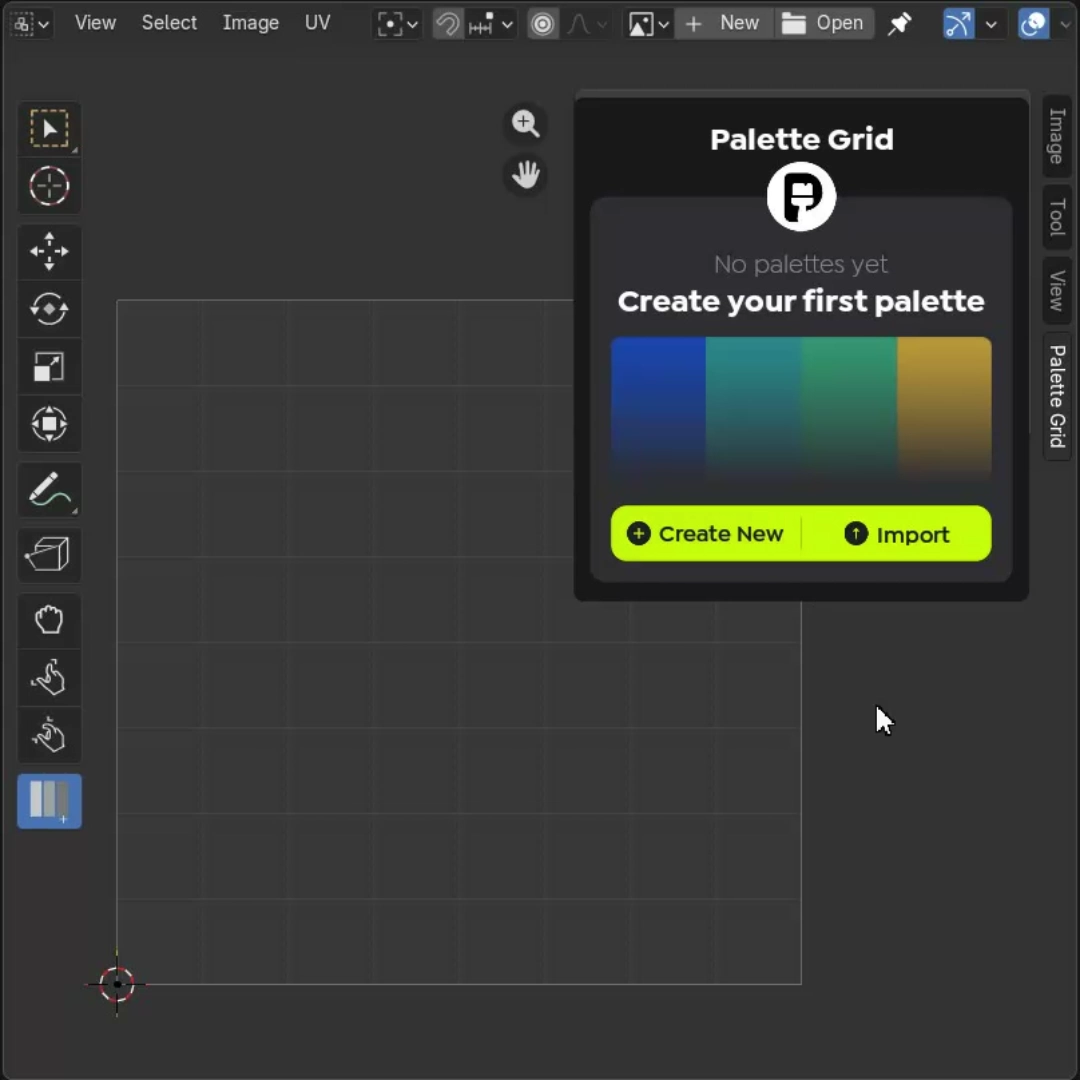
Create
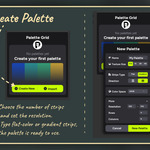
Name it, pick a style. Your palette texture is ready.
Design
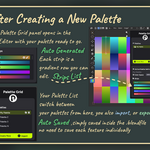
Edit colors and gradients. See changes on the texture live.
Apply
Select faces, right-click, snap. UVs handled for you.
Ship
One texture, minimal draw calls. Export-ready.
Manual workflow vs. Palette Grid
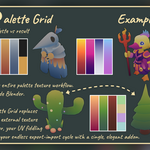
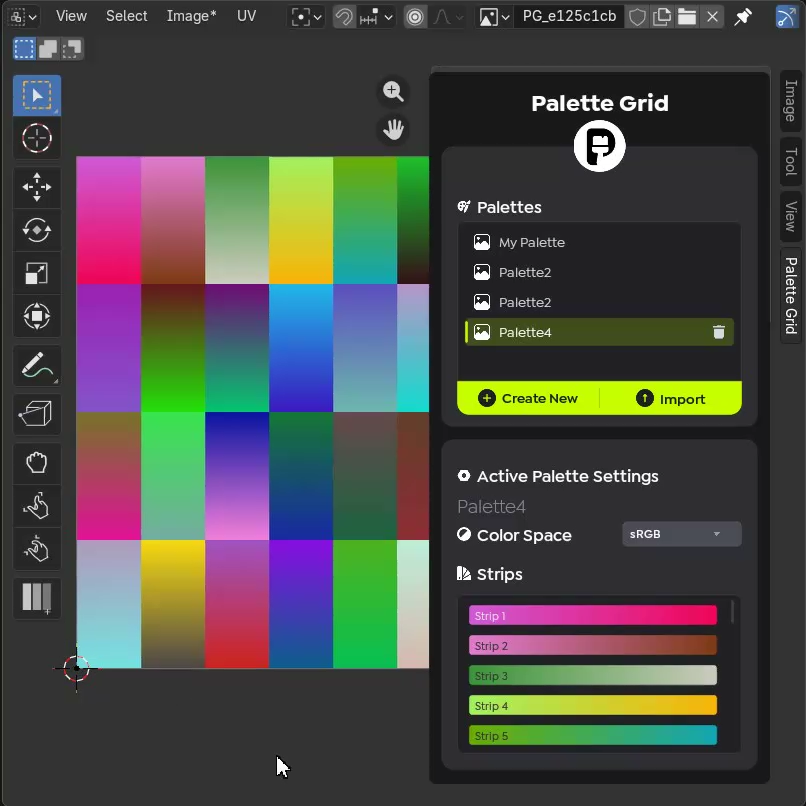
Build the palette texture without leaving Blender.
The normal way: open Photoshop, paint gradient strips manually, export as PNG, import into Blender. Palette Grid lets you create both flat-color and gradient strip textures directly inside Blender. The palette is ready before you even touch UVs.
- Flat-color strips and gradient strips in one texture
- Choose texture resolution, from 32px to production sizes
- No Photoshop, no Krita, no external editor round-trips
Frame the angle. Project the gradient.
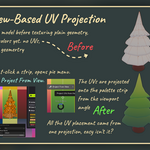
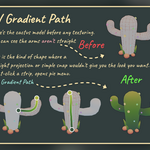
Frame the asset from any camera angle and project UVs directly onto the chosen gradient strip. No unwrapping, no rotating UV islands, no guessing alignment. Just point the viewport and apply.
- Project UVs from any viewport angle
- Gradient strip maps to the visible surface instantly
- Replaces tedious manual UV alignment for directional looks
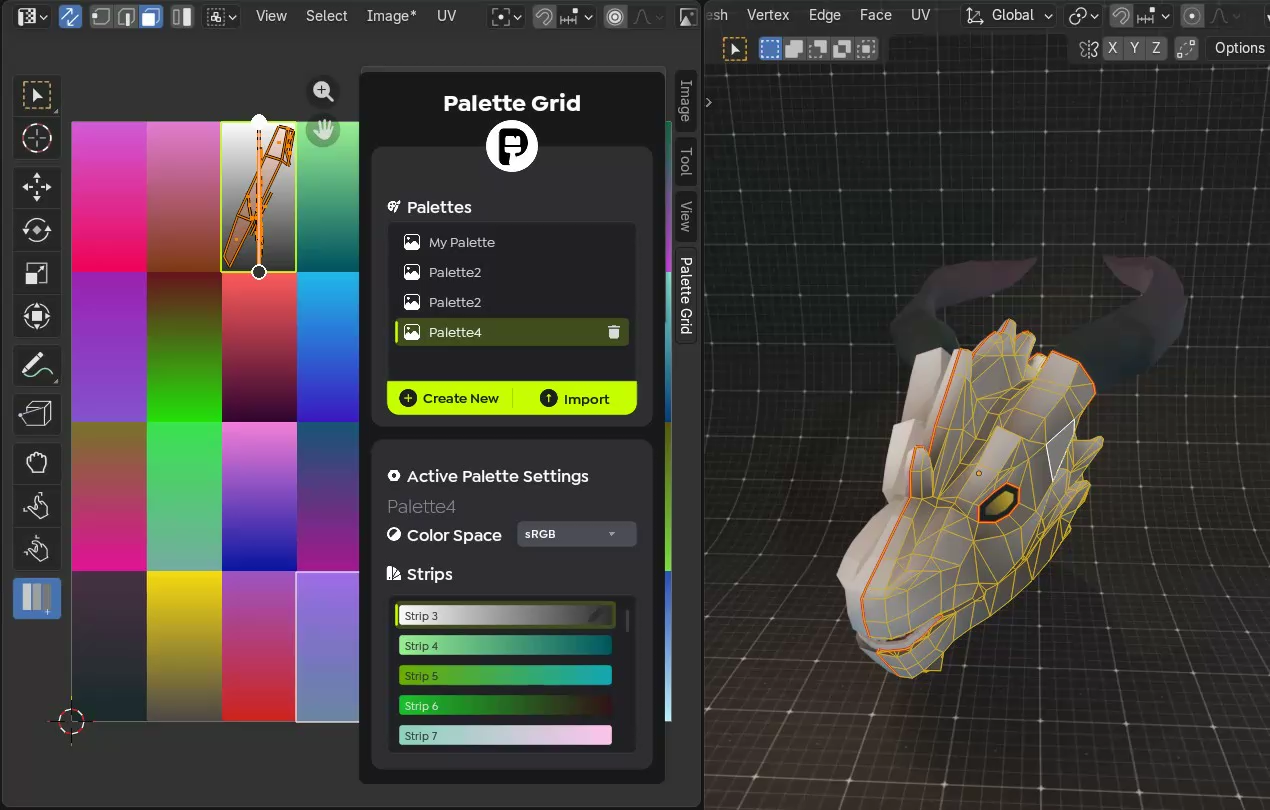
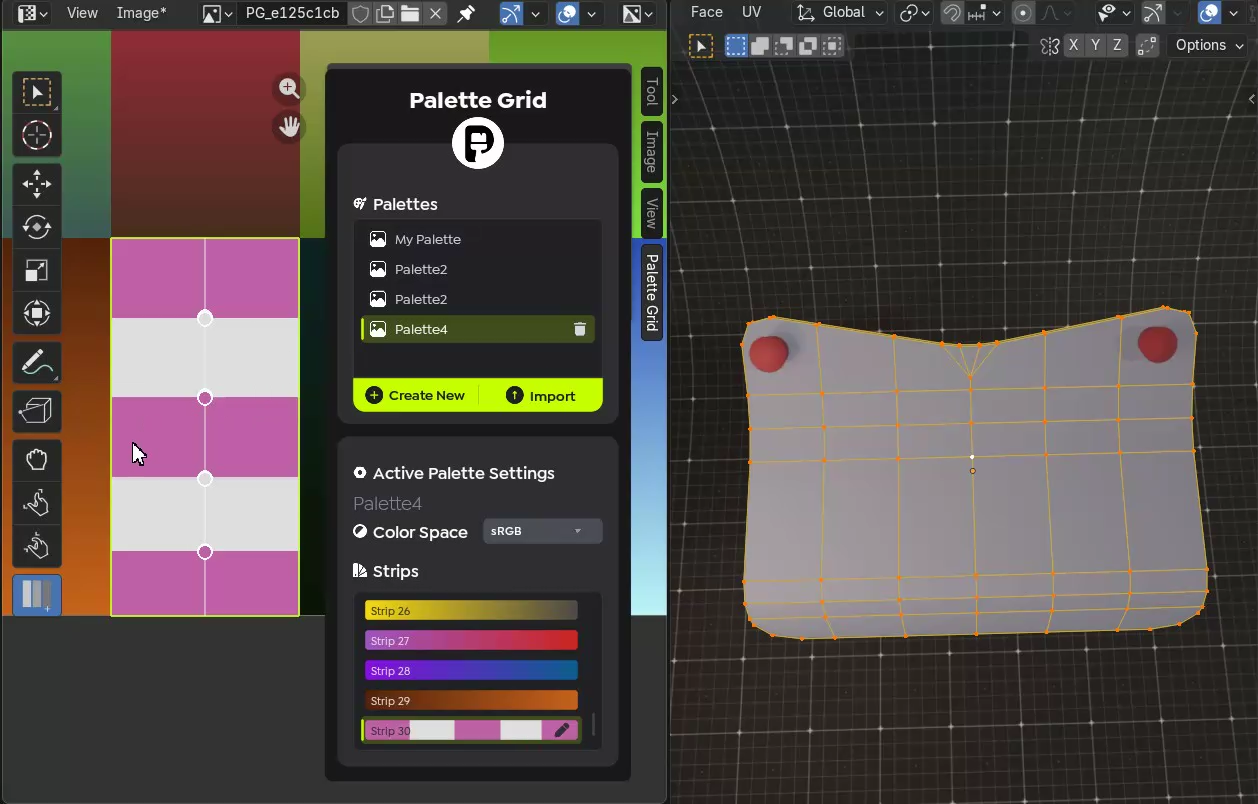
Select faces. Snap to strip. Done.
The manual version: unwrap, move UV island to the right row, scale it to fit the gradient, repeat for every face group. With Palette Grid: select faces, pick the strip, snap. UVs are created and positioned automatically. This is the feature that turns gradient texturing from "neat technique" into a viable production workflow.
- One-click UV snapping to any palette strip
- Auto-creates UVs if the mesh has none
- Works across hundreds of faces without the repetitive drag
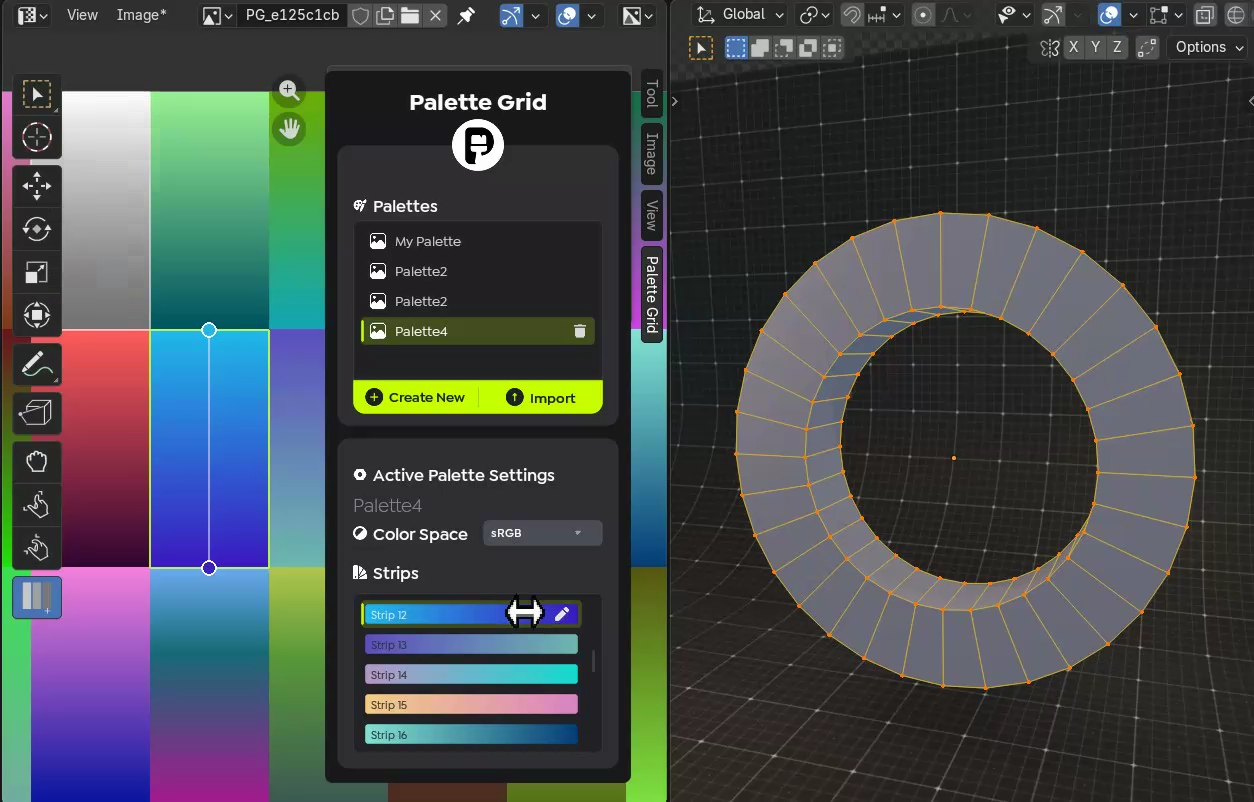
Distance-based gradients from any point.
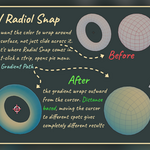
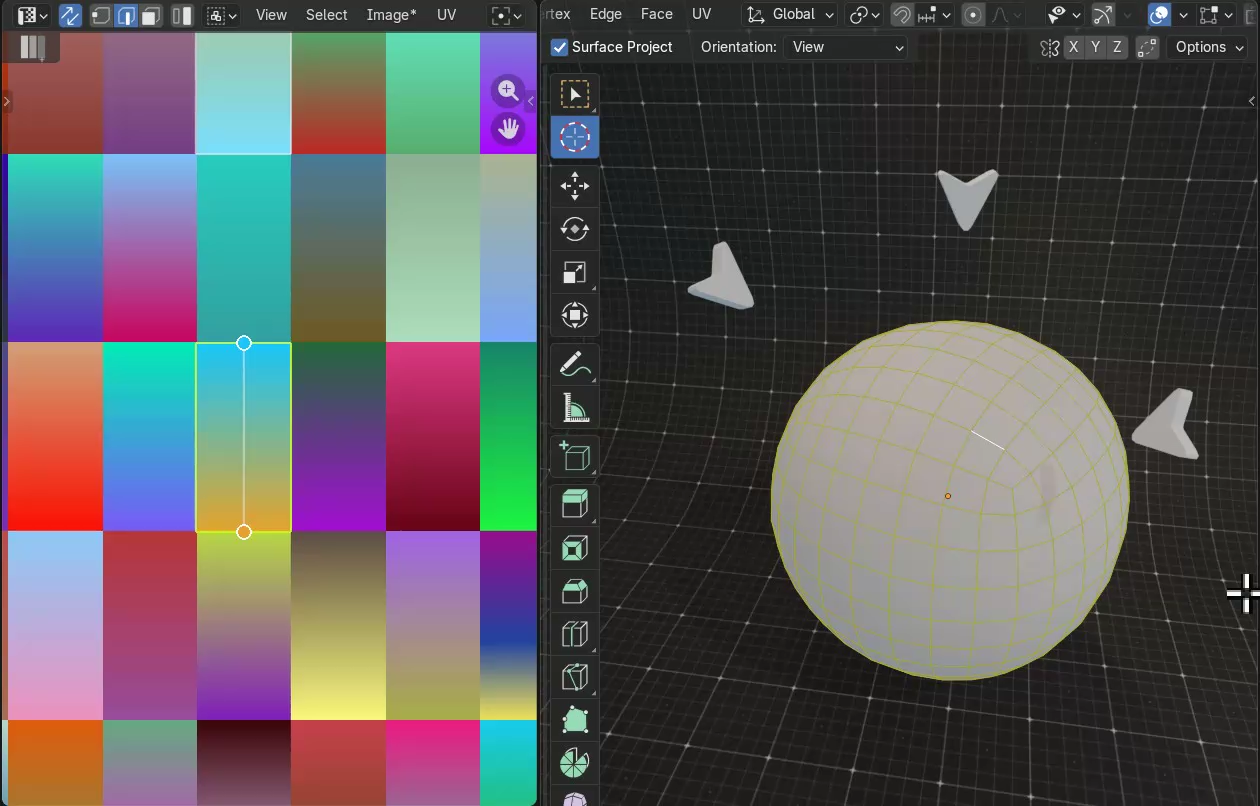
Place distance-based gradients from the 3D cursor. Shields, orbs, effects, and stylized lighting falloff. The kind of UV work that is genuinely painful on curved surfaces done in a single click.
- Radial gradient from 3D cursor position
- Works on spheres, domes, and organic surfaces
- Perfect for stylized lighting, shields, and energy effects
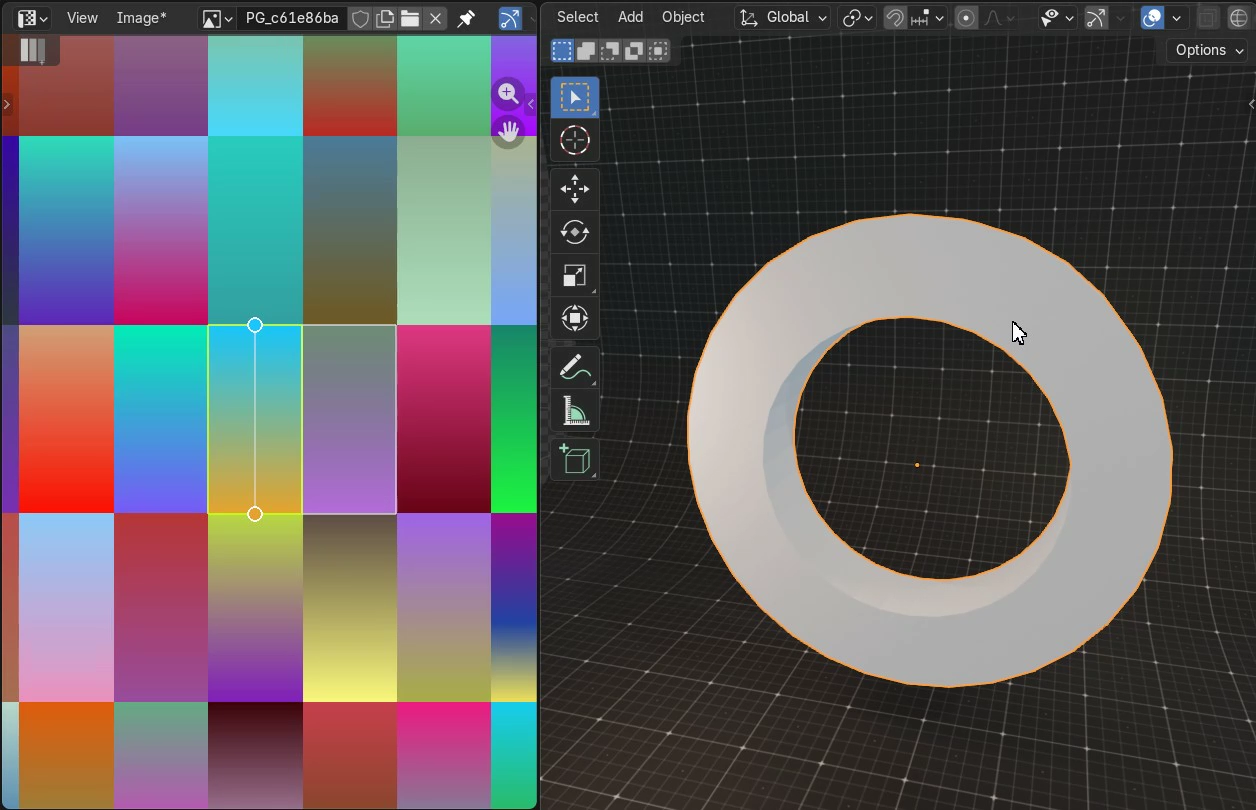
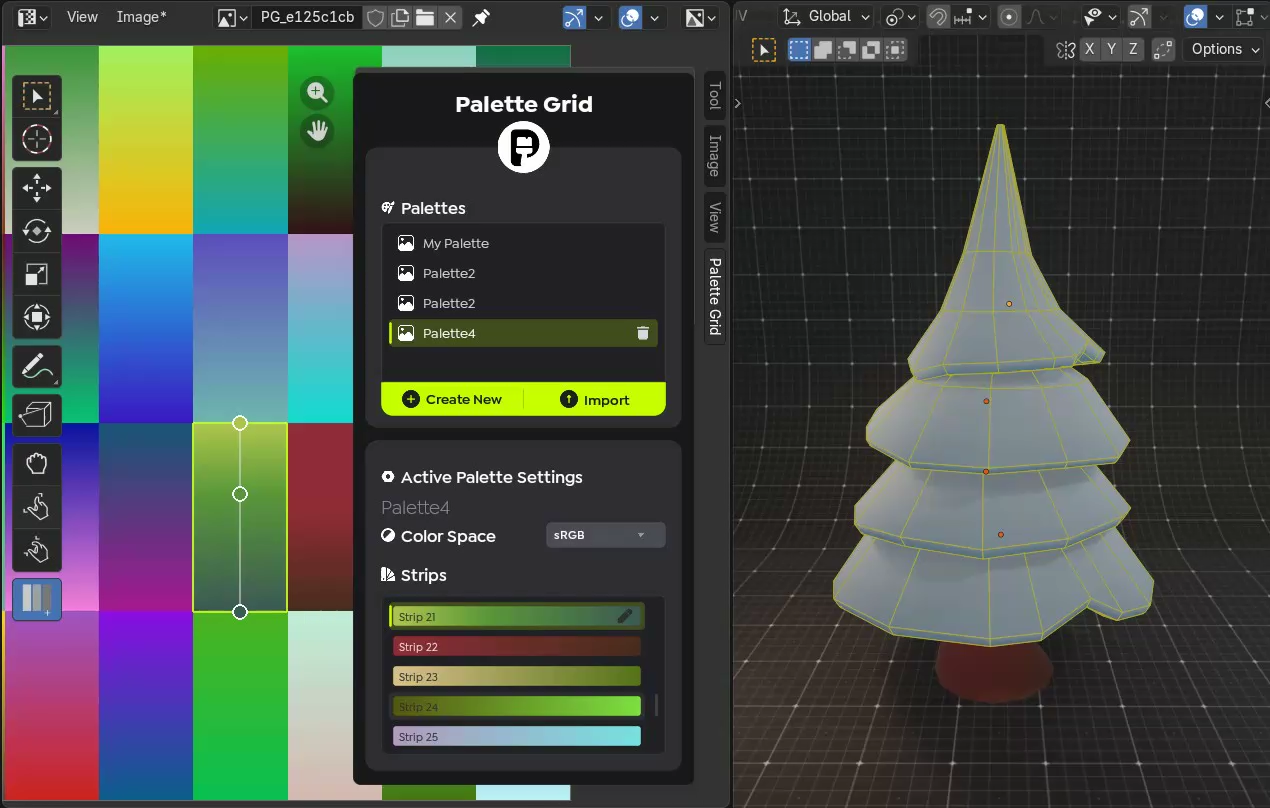
Change the gradient, see it on the model. Instantly.
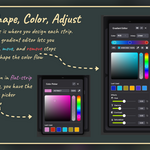
Gradient texturing gives you infinite color variations from the same UVs, but only if changing colors is fast. Palette Grid updates the texture in real time as you drag stops and adjust strips, so you can explore palettes without any export cycle.
- Drag gradient stops and see the model update live
- Every edit syncs to the texture in real-time
- Swap entire color palettes without redoing UVs
- Iterate on look-dev in seconds, not minutes
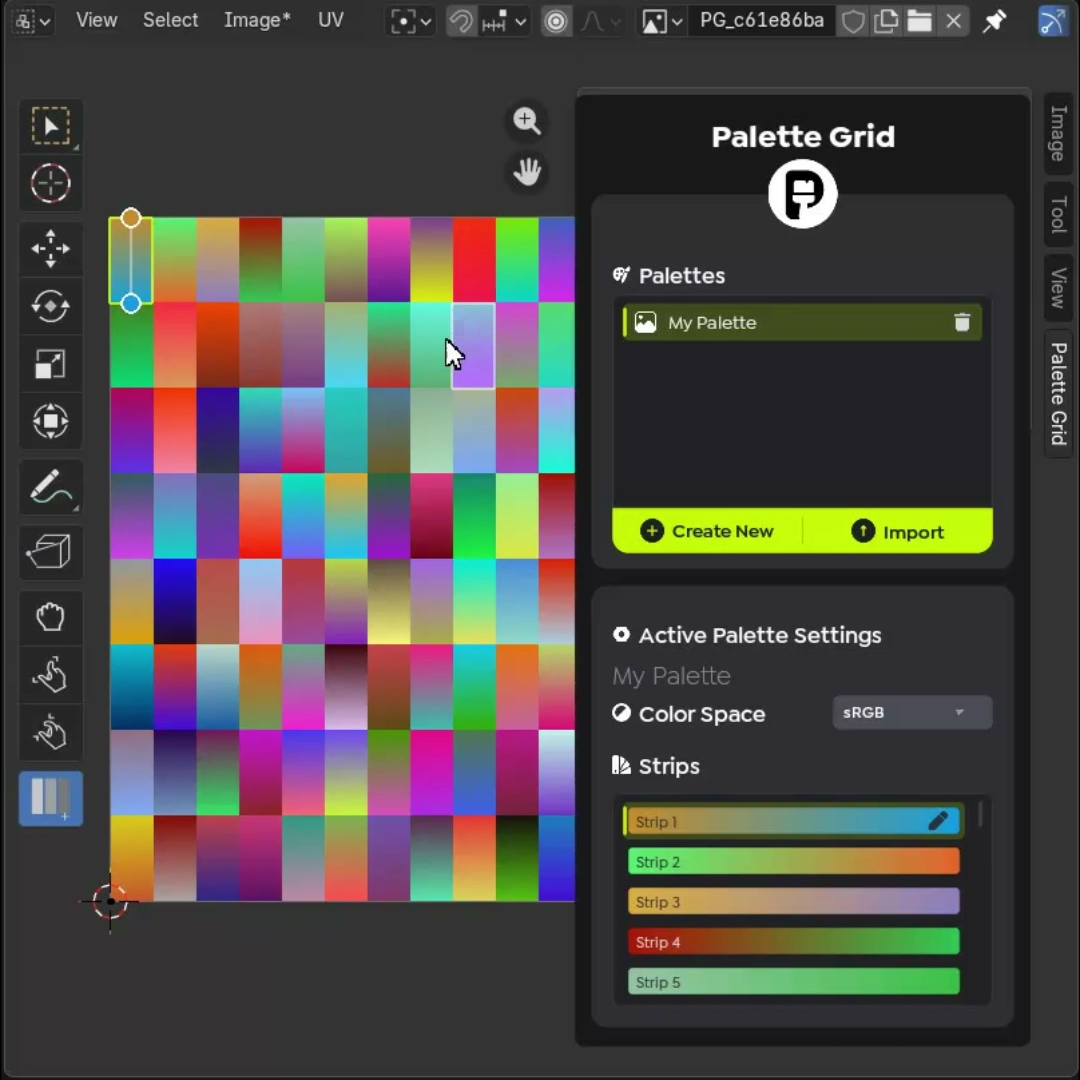
Work directly on the texture.
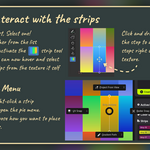
Click strips on the texture to select them, drag gradient stops right on the image, hover to preview. Everything happens where you're already looking.
- Click any strip on the texture to select it
- Hover-to-preview with the Strip Picker tool
- Drag gradient stops on the image itself
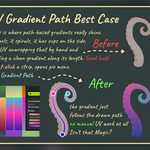
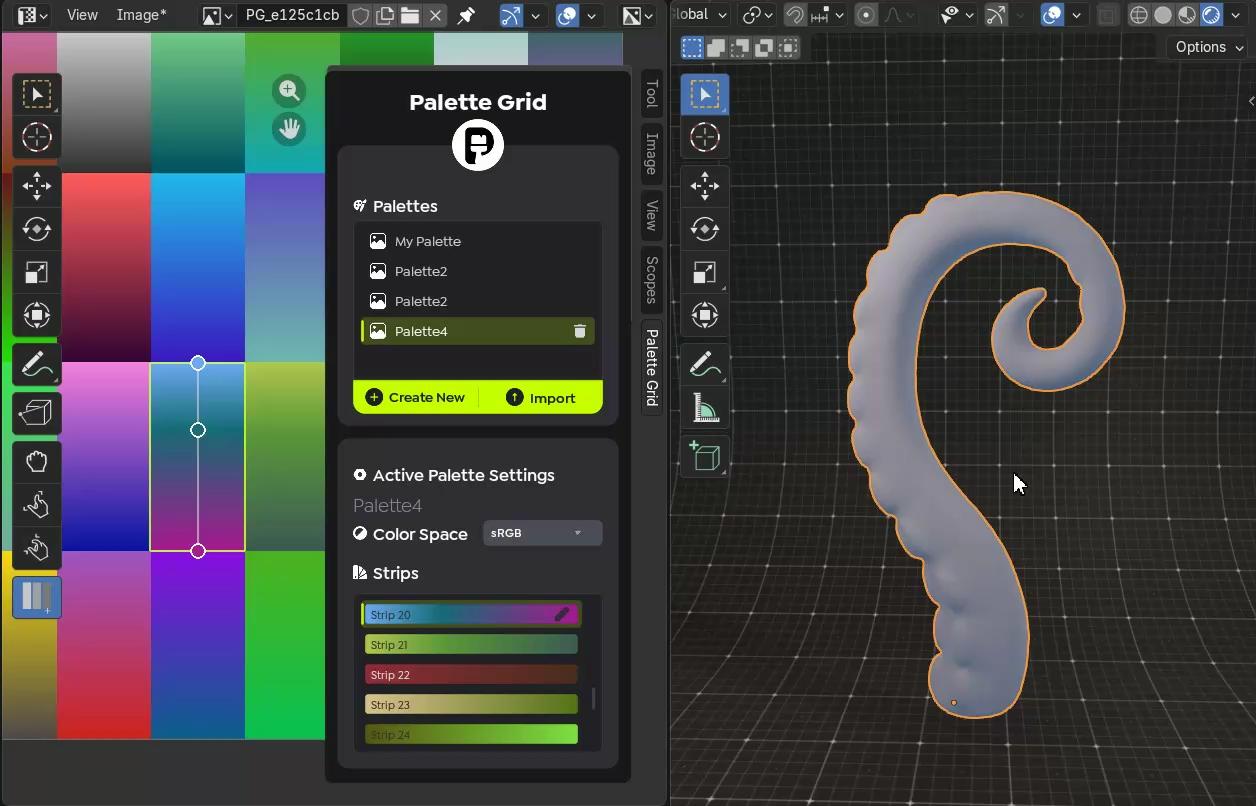
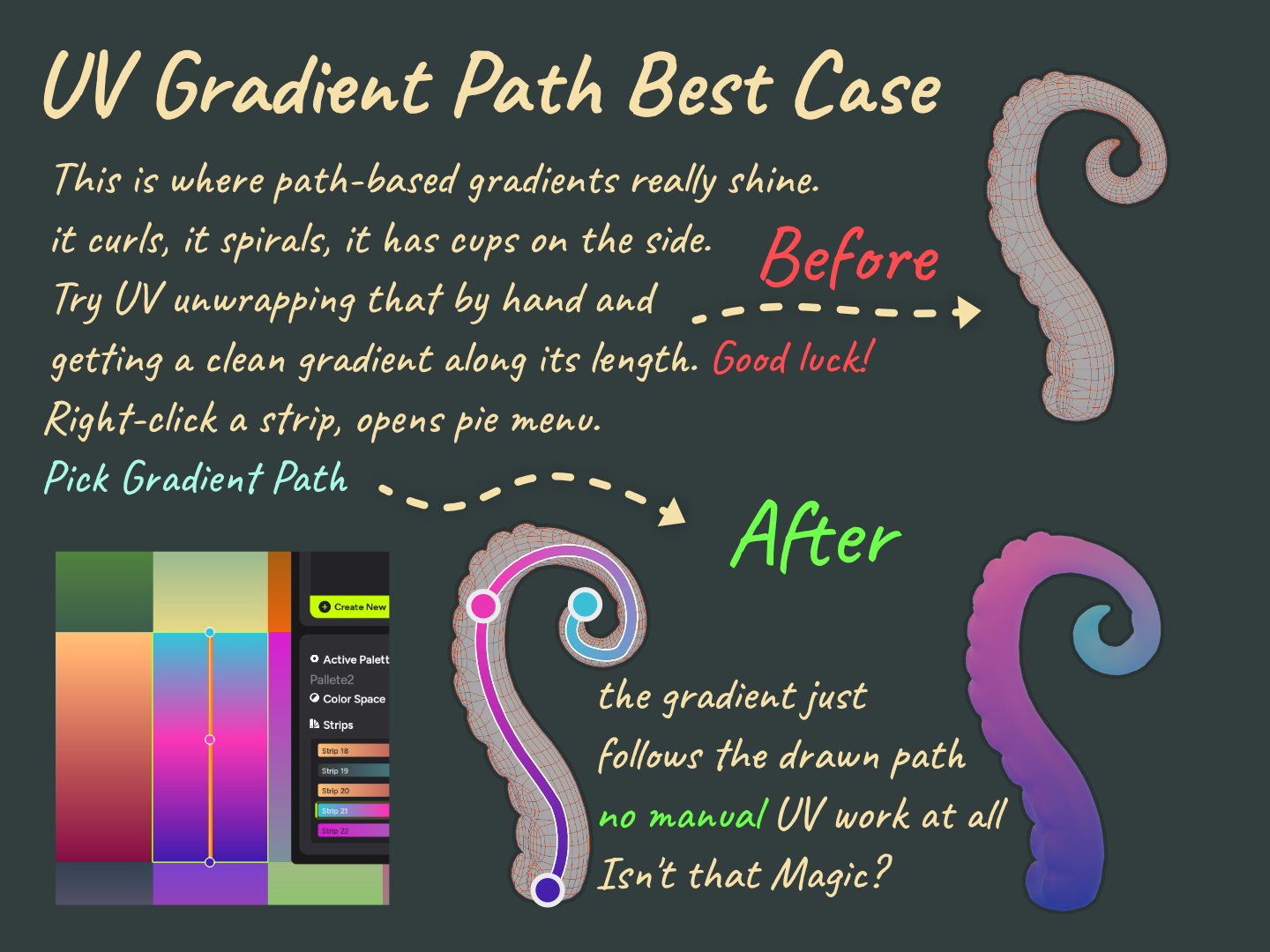
Draw a path. Map the gradient along it.
Draw a path and map a gradient strip along it. Spirals, curves, organic lines. Placements that are genuinely painful to build by hand. Palette Grid turns the drawn path into precise UV placement automatically.
- Spiral, curve, and freeform path support
- Gradient follows the path direction and length
- Ideal for organic shapes, trim sheets, and flowing details
Draw rough. Get perfect shapes.
Sketch a line, circle, or rectangle. The addon detects your intent and snaps to a clean geometric path you can scale, rotate, and position before applying.
The workflow for gradient texturing.
Built for Blender.
If you use gradient texturing, the fastest way to do it should feel obvious. That is what Palette Grid is for.