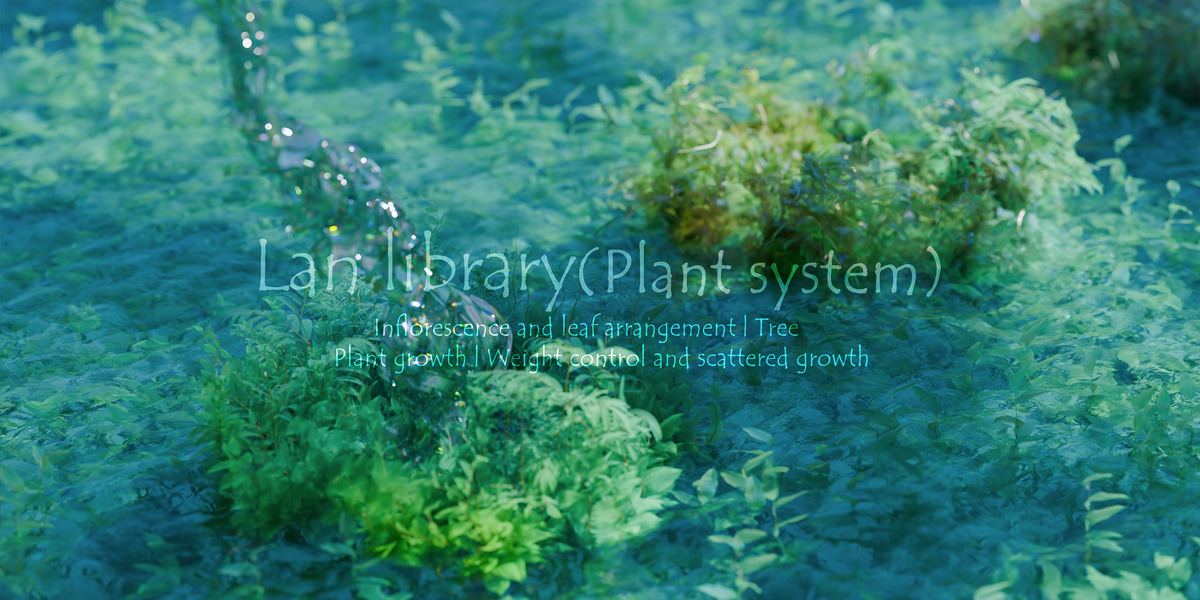
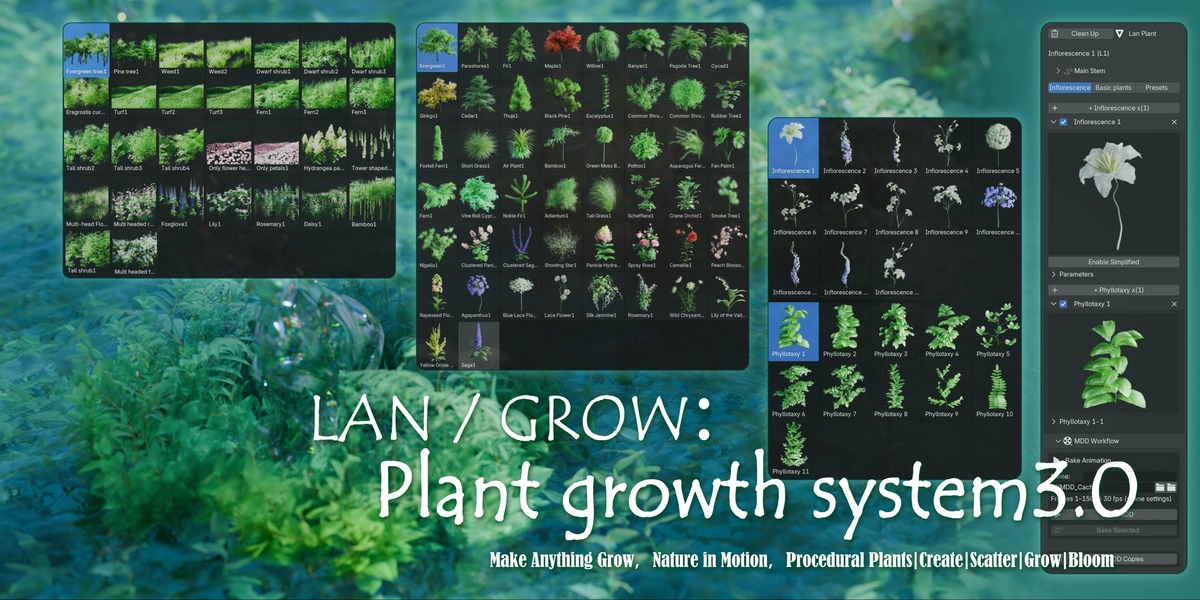
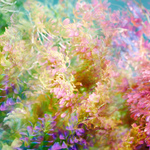
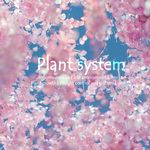
LAN / GROW:Make Anything Grow,Nature in Motion,Procedural Plants|Create|Scatter|Grow|Bloom

Lan Er in Simulations & Effects


Item Rating

This item has an average rating of 5 from 1 rating by the community.

100%
0%
0%
0%
0%

Purchase this item to leave a review!

  • Makena
    4 months ago

    Beautiful. Probably one of the best assets I've purchased. I also purchased the flowerheads, but I bought them on their Patreon, which for the launch was 10% cheaper than here.

    Very easy to use
    ----------------------------
    There are quick 20-25 minute tutorials on Youtube on how to use the assets. They're totally silent which is just a very small problem, but it's very easy to catch on, so don't worry about that.

    Example Assets
    ----------------------------
    It comes with a few low-poly flowerheads and leaves to use as an example, to actually be able to use the system in general. Note that it is quite heavy, but after baking just the geometry nodes, I've gotten up to 15-22 fps. If you plan on previewing the animation, baking the geometry nodes simulation is a must.

    Flowering assets animation pack
    ----------------------------
    I'm adding this section specifically because I can't speak on the flowering animation assets review since I've purchased it from Patreon. the flowerheads are absolutely beautiful, my only problem is that when you import in the flowerheads, the mdd cache for the animations is set by default to Lan's drive settings, so having to go through each option and redirecting it to the location in my drive is a bit annoying. Again, this could be a skill issue on my part and there's probably a setting somewhere in blender that allows me to redirect it to my own drive by default.

    Questions
    ----------------------------
    1. I'd appreciate it if you made a tutorial on how to bake out the textures. It's a skill issue on my part as someone who's barely worked with UVs, but I'd like to be able to export those alembics along with the textures and I just can't understand how to do it right haha.

    2. I would like to know how to make a Nemophila flower, specifically the baby blue eyes if possible! something like a showcase as to how you can use the extra non-specified flowering types to achieve other ranges of flowers that aren't uniquely named as well as being able to save those as separate presets/assets would be amazing!

    3. I would like to know how you went about creating the dynamic moon spline as I'd like to make my own dynamic splines. In fact, it'd be amazing if you could make them straight out of the non-spline project file and export those as dynamic splines. A cool QoL if possible!

    Overall thoughts
    ----------------------------
    I believe this asset is absolutely worth it along with the flowering animation assets. They go hand in hand together. the flowering pack comes with higher resolution assets, but also simplified, low quality flowerheads. It took me about an hour to get started and I've spent the last few days since purchase just building out different looks while trying to figure out how to bake the textures correctly (because I have no idea how to). Despite that problem, It's very fun building out beautiful assets.

    • Lan Er2

      4 months ago

      Thank you very much for your purchase and feedback, which is a great support for me!
      Regarding the settings on how to retain the UV map and import it into other software, I will record a detailed tutorial video on exporting ABC files to UE5 and modifying material mapping in UE5 in the near future (it may take a few days to record, please forgive me). After opening the flower head asset project, each flower head's MDD file needs to be re-imported. I think it's because when I packaged this asset, it was divided into many compressed files. You can unzip all the MDD files and place them in the same large folder, then search for the missing files in the flower head project, selecting the large folder as the location, which will allow all the MDD files to match correctly. Regarding how to make Nemophila flowers, you can choose the 5-petaled 1-layer (wide) as the basic form from the flower head asset, modify its material, select one of the most suitable material maps from the ones I provided, and smear the bottom of the map to a light beige color (this corresponds to the center part of the flower head). The stamens and pistils from the flower head project can be used to make the flower stamens. Regarding replacing the main stem spline with other splines, you can watch the video I released today. In the latter part of the flower tree video, there is a rough process shown for replacing splines. Recently, I've started to feel that the videos I've released are not specific enough. Maybe I should make a complete tutorial for specific plants and animations?
      Thanks again!

  • Displaying 1 rating
  • ①Single plant system (programmed leaves), single plant system (instance leaves), weight controlled scatter growth (programmed leaves), weight controlled scatter growth (instance leaves), ② Test the simplified flower head model animation (mdd format) ③ Baked leaf growth animation, leaf wind animation, and a simplified version with 40 faces prepared for instantiating leaf sequences((mdd format) ④ Test mesh animations (cube, plane, sphere) prepared for scatter growth nodes ⑤ textures of some leaves and petals ⑥ All model animations generated based on this system can be exported in ABC format ⑦ All leaves and roots in this system have been UV treated and adapted to the material textures I provided

    $109
$109

Have questions about this product?
Login to message

Details
Sales 10+
Rating
1 ratings
Published 5 months ago
Blender Version 5.0
Render Engine Used Cycles, Eevee
Misc Data Uvs-Unwrapped, Animated, Low-High-Resolution, Normal-Mapped, Textured
License Royalty Free