Lan Er
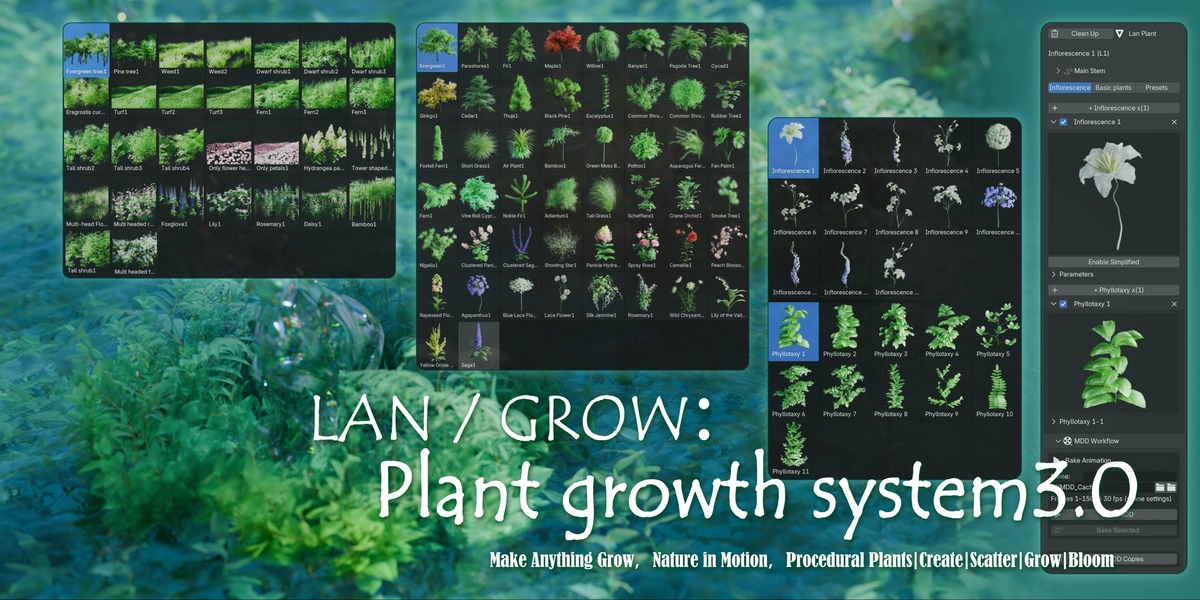


1.Make Anything Grow.
LAN/GROW is a Blender programmatic plant creation, dispersal, and growth animation system developed by me, aimed at bringing plant and natural environment growth and flowering animations to life through intuitive control and fully programmed workflows.
2.From the growth of a single flower or plant to the growth of thousands of plants on the entire surface, LAN/GROW allows you to precisely control how plants are created, where they appear, and how they grow.
Create|Scatter|Grow|Bloom
3. It's not just a plant generator
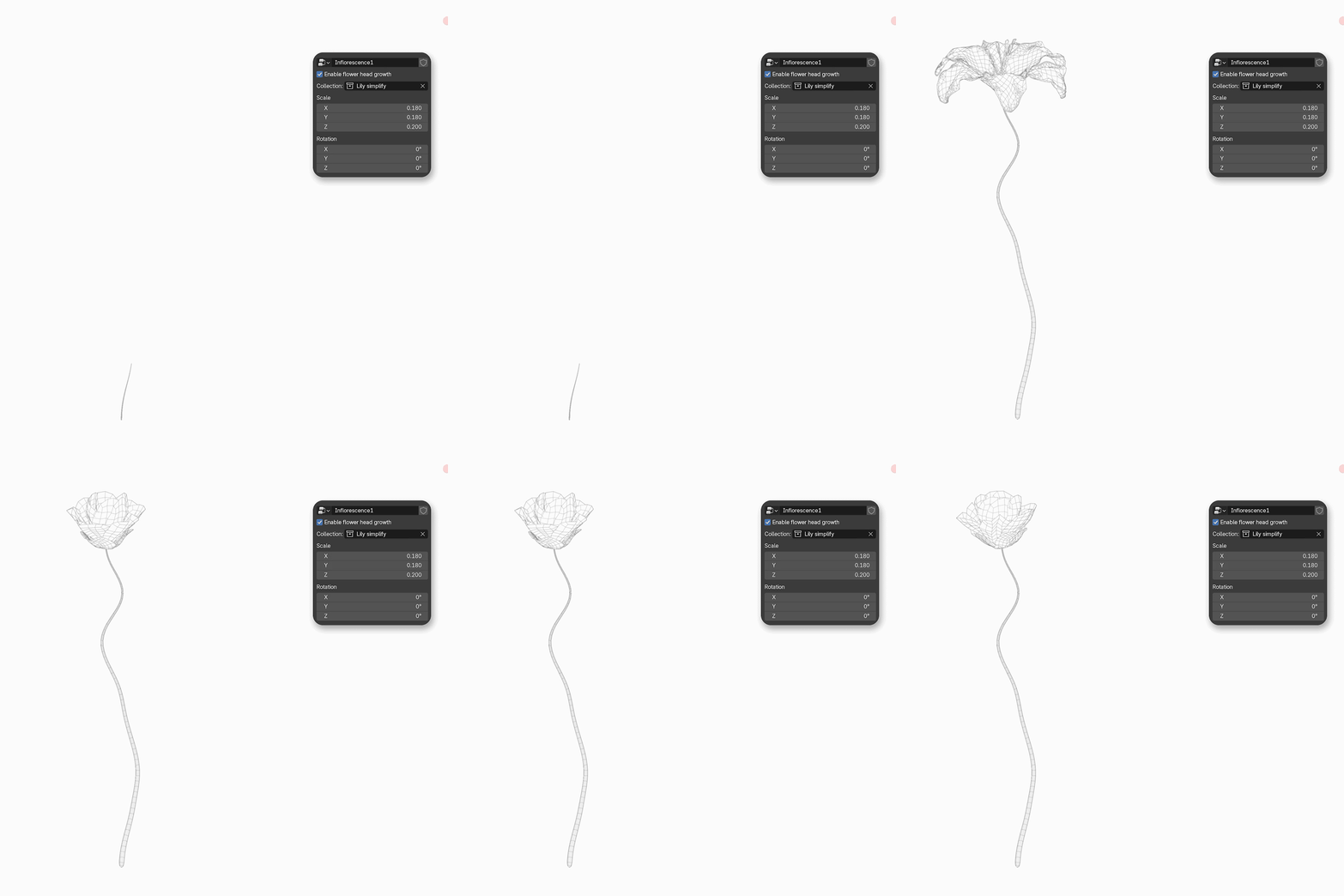
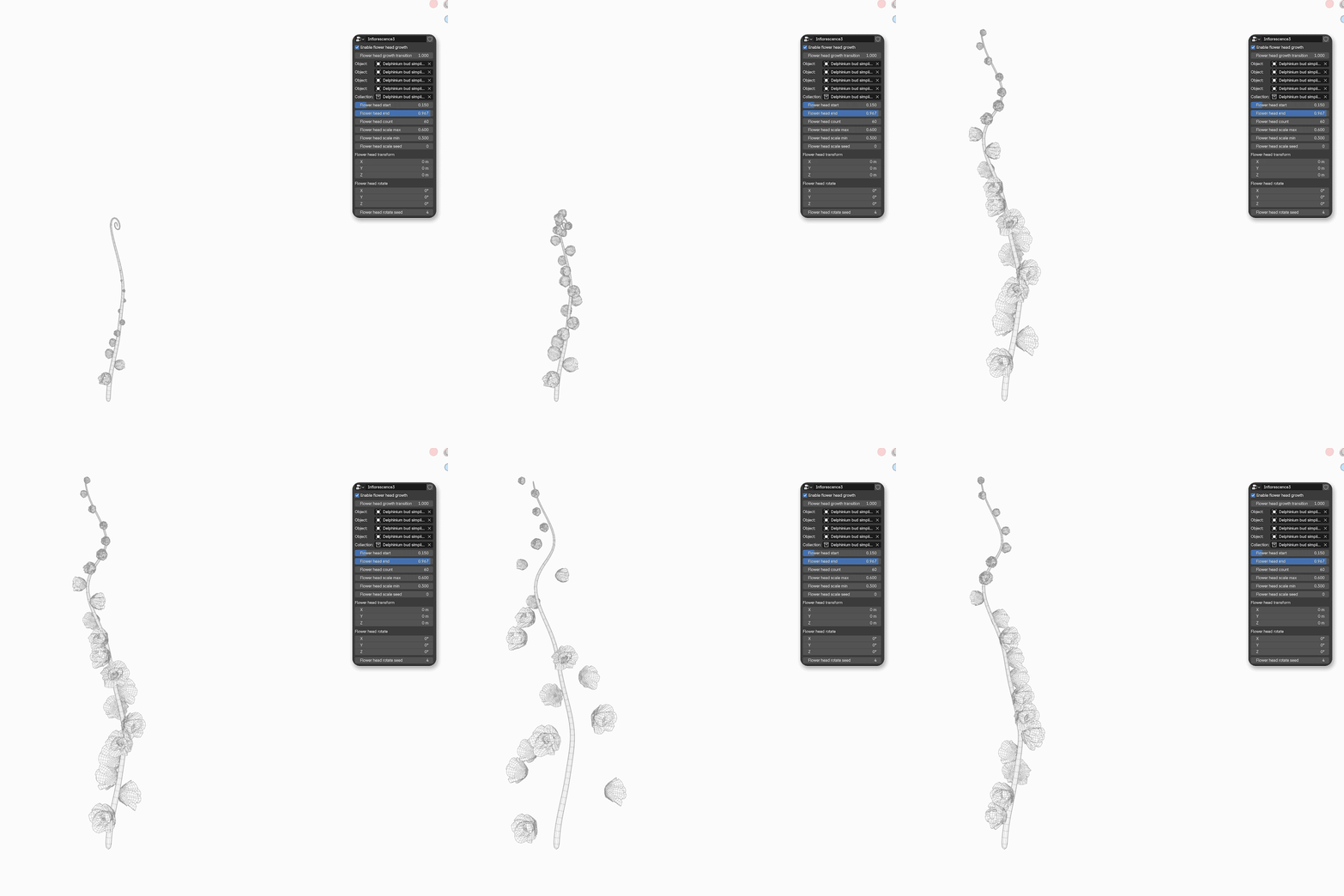
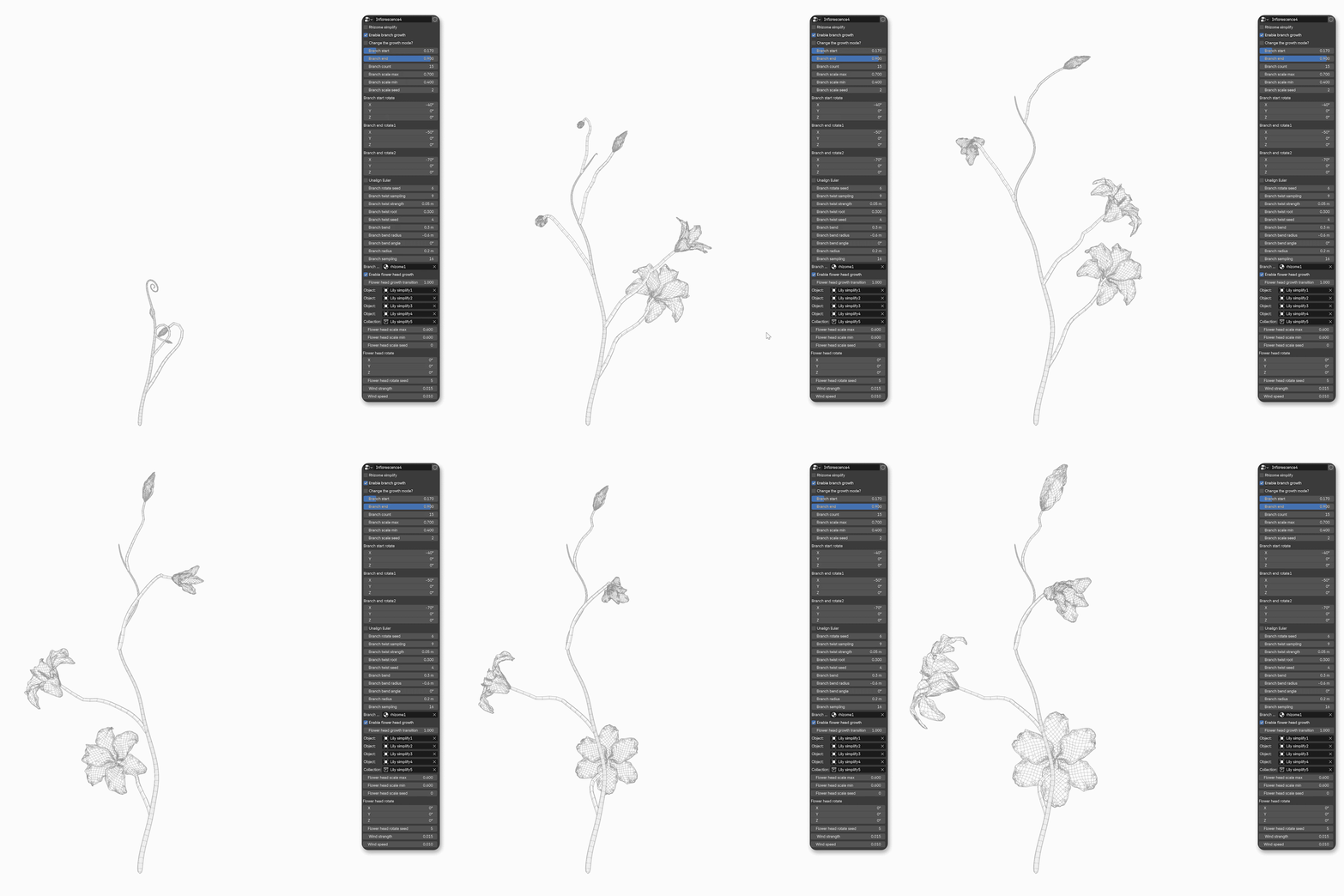
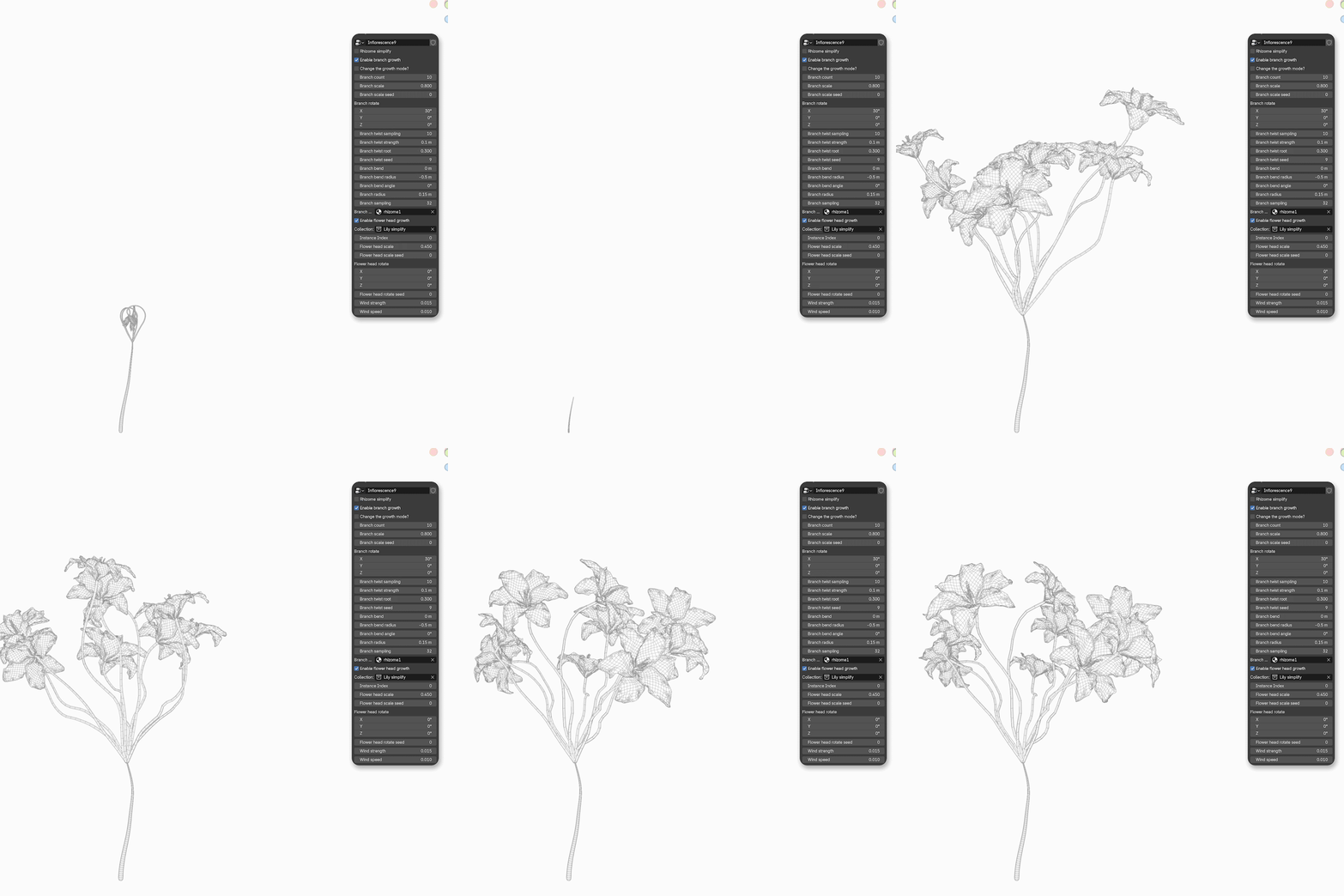
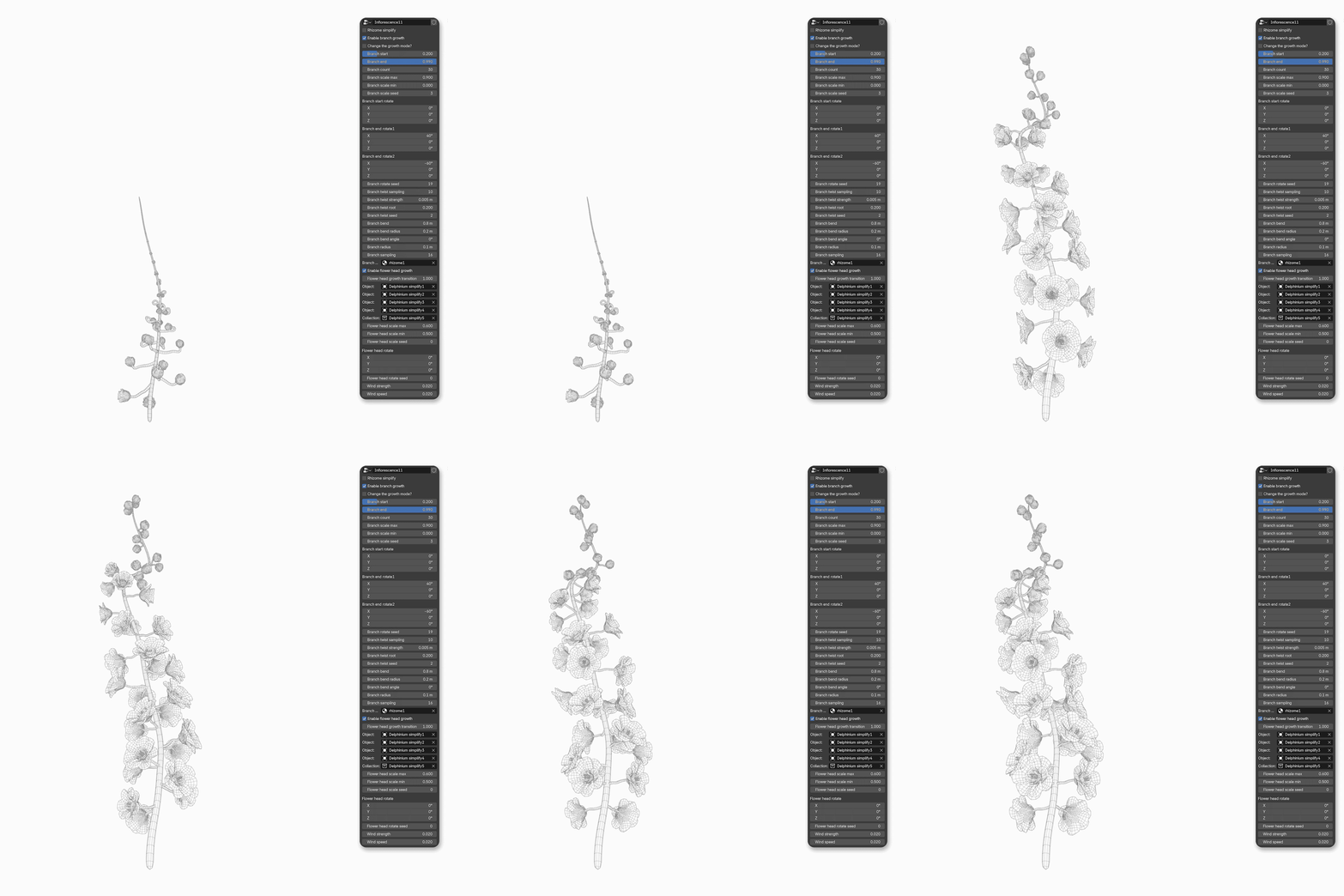
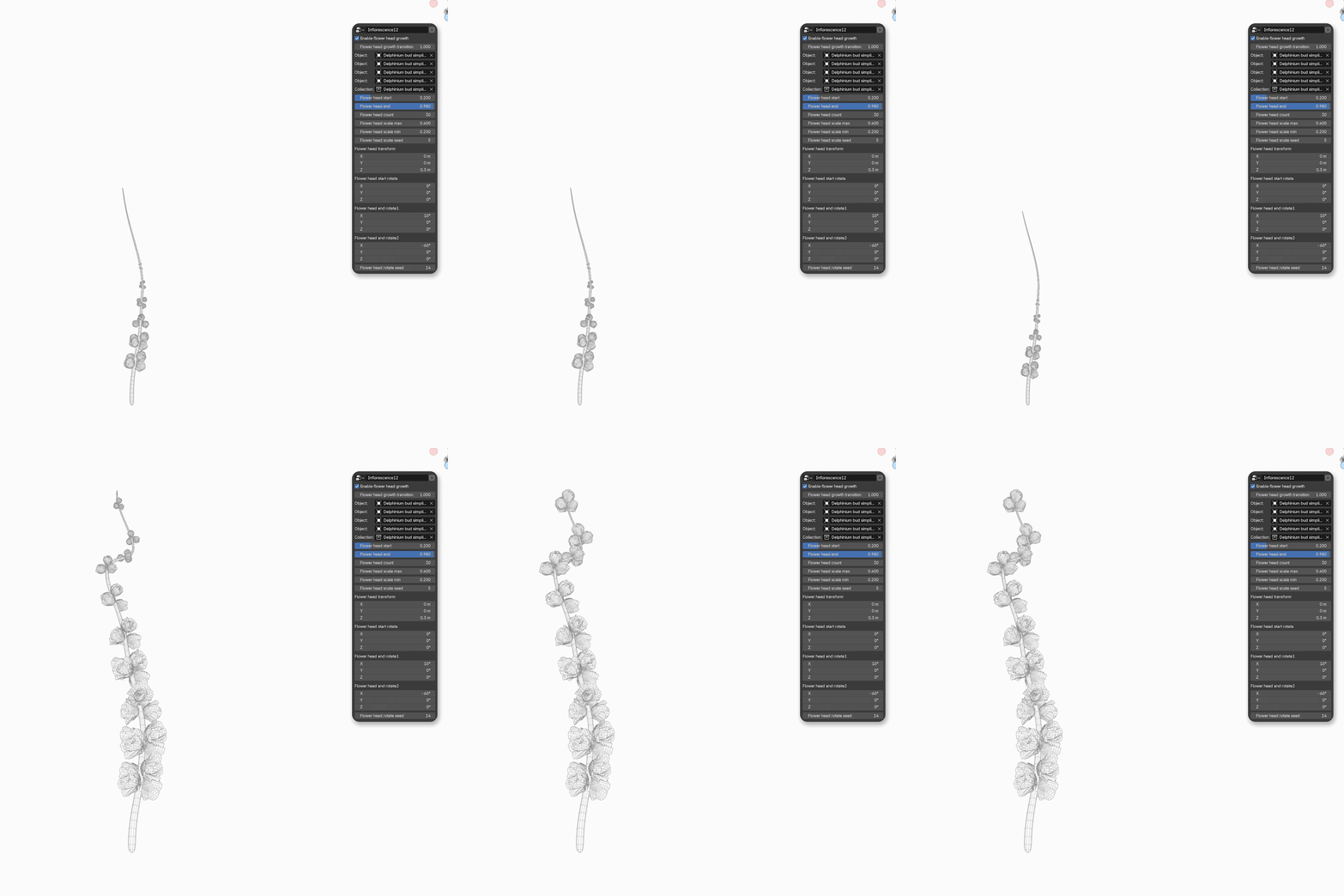
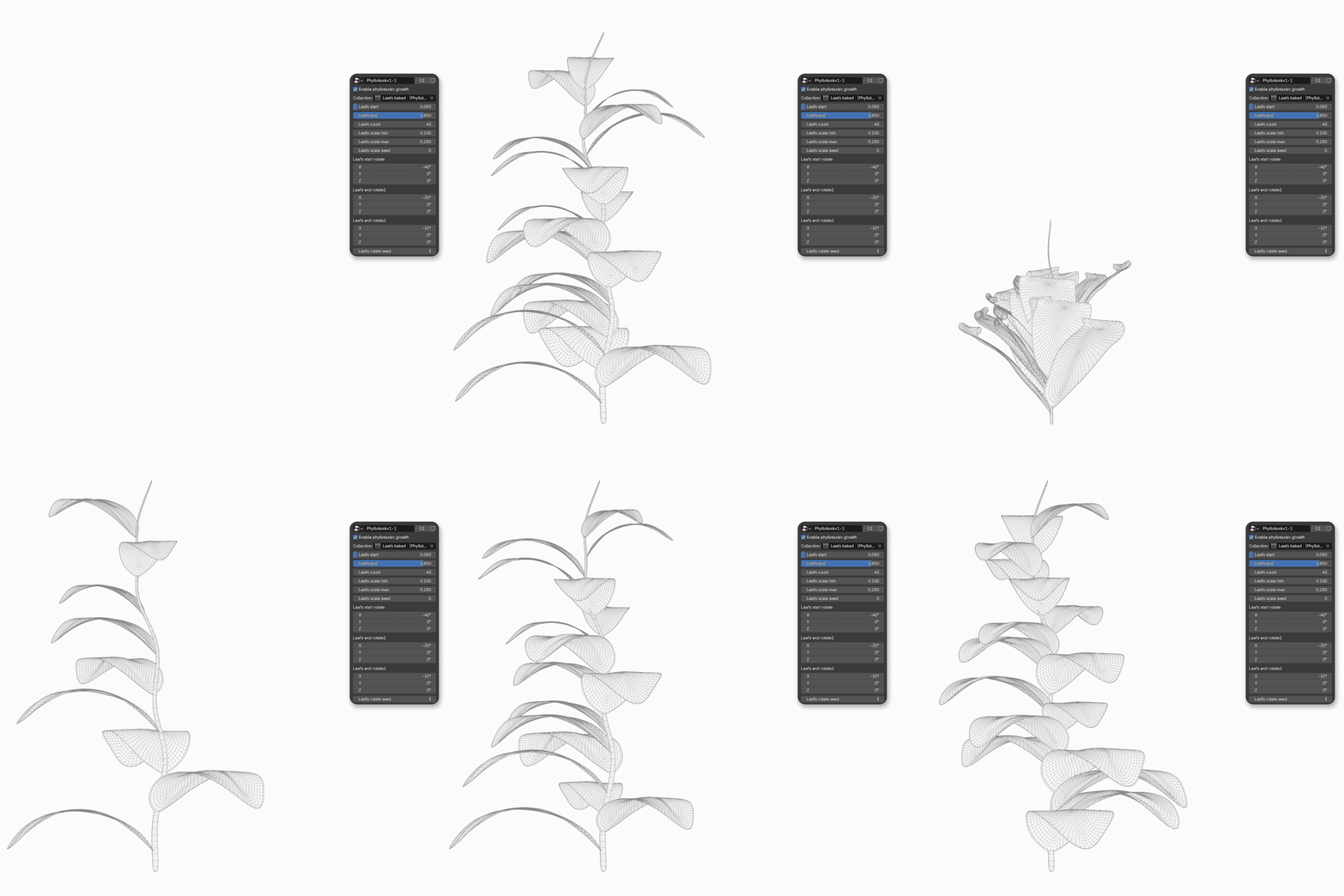
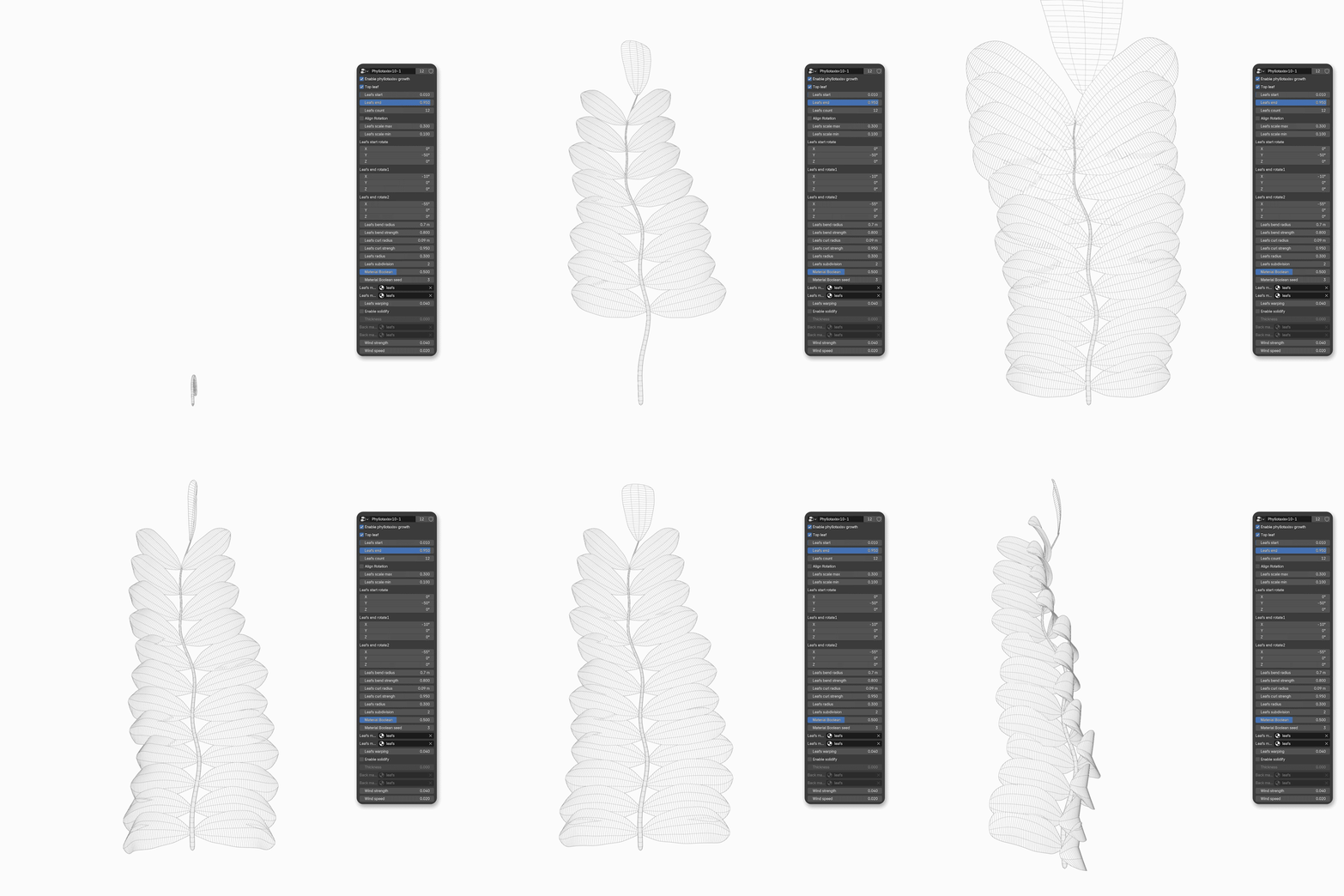
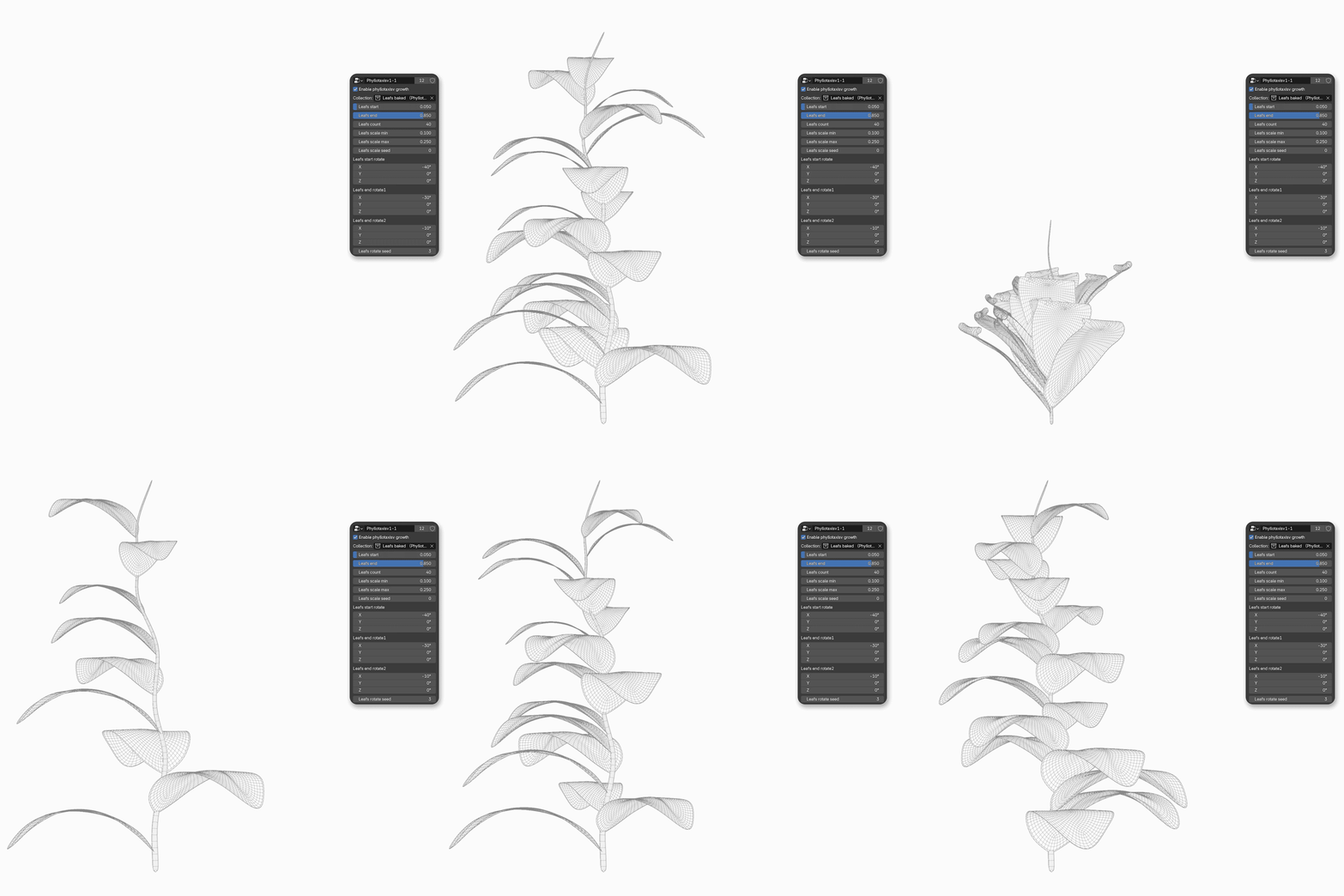
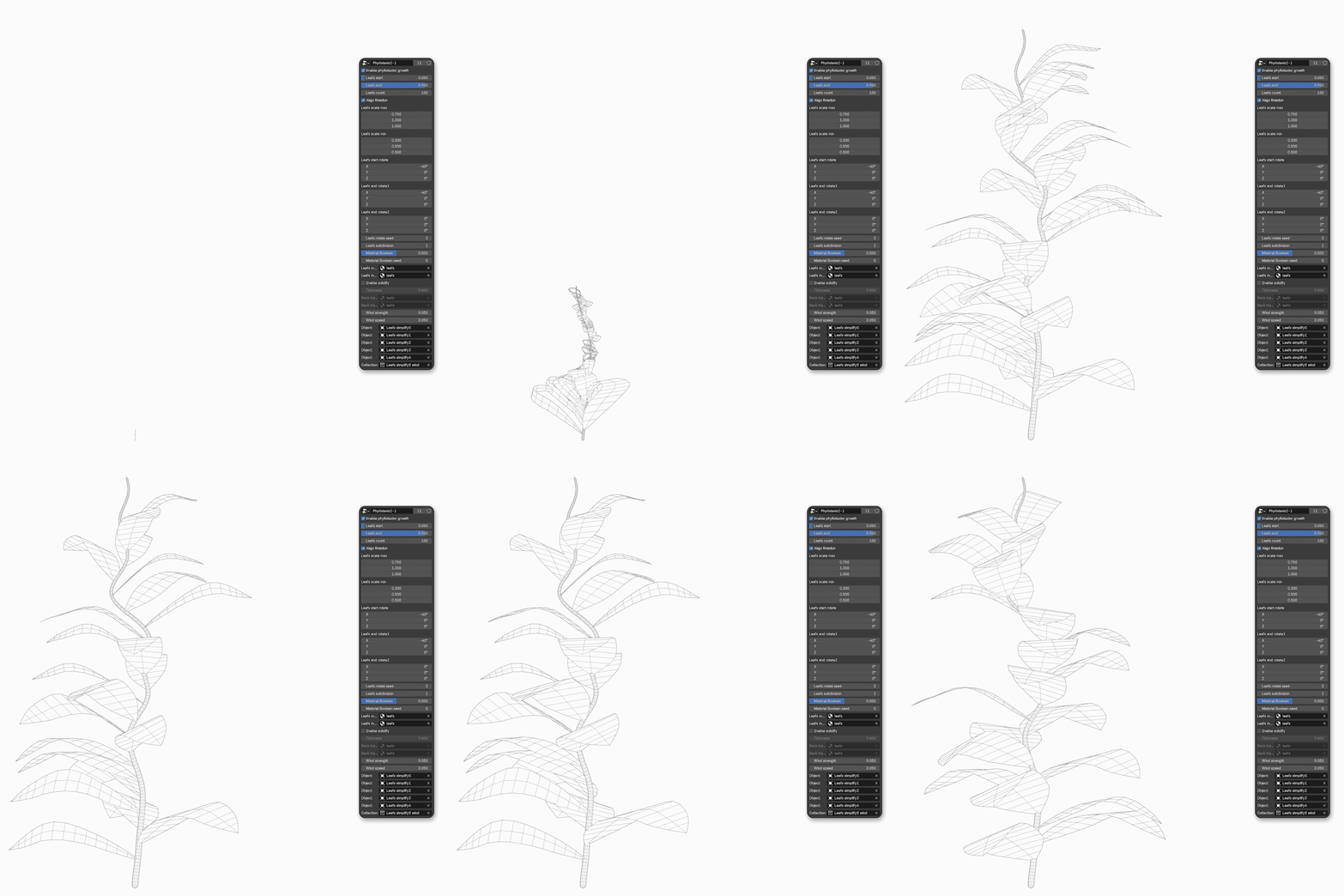
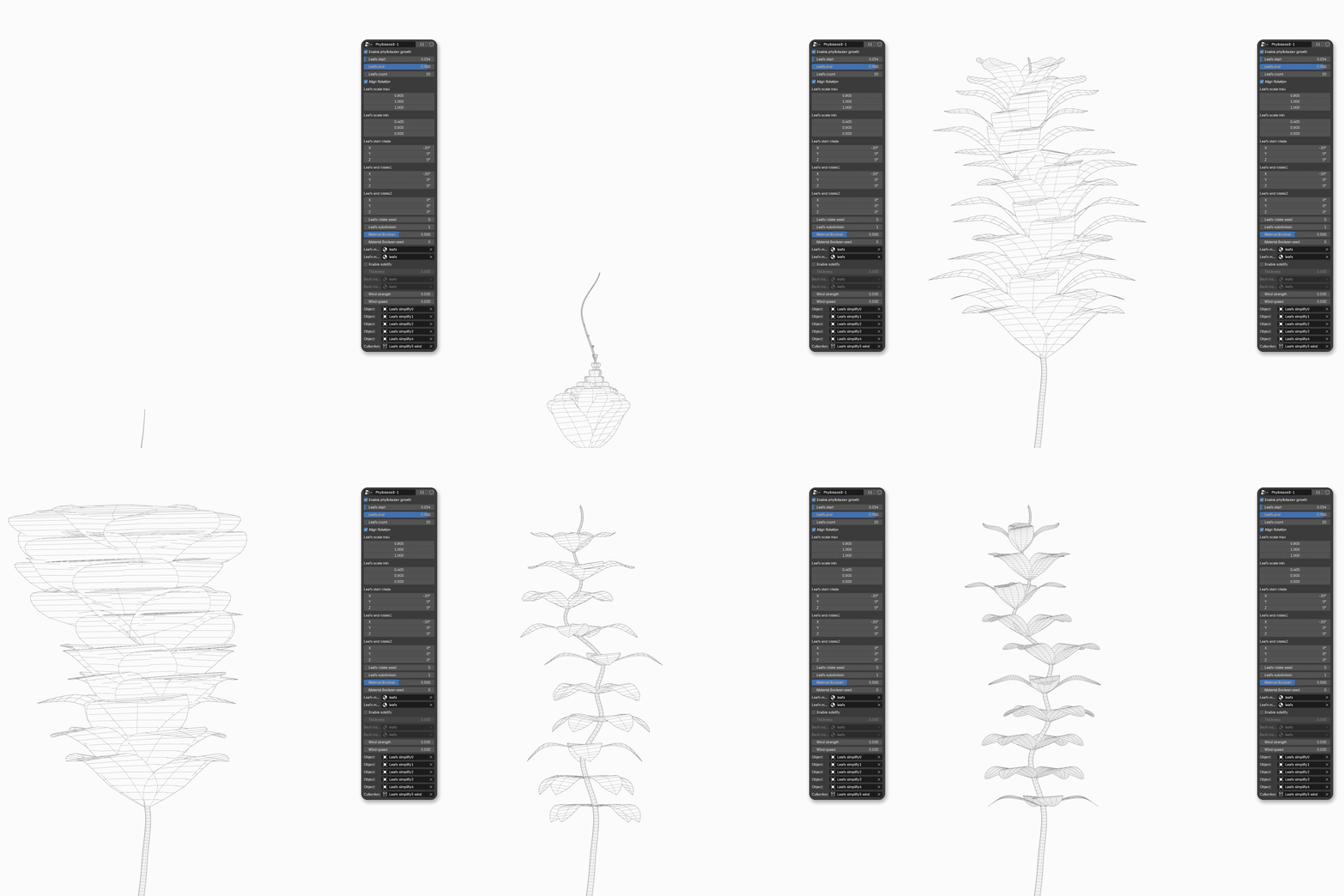
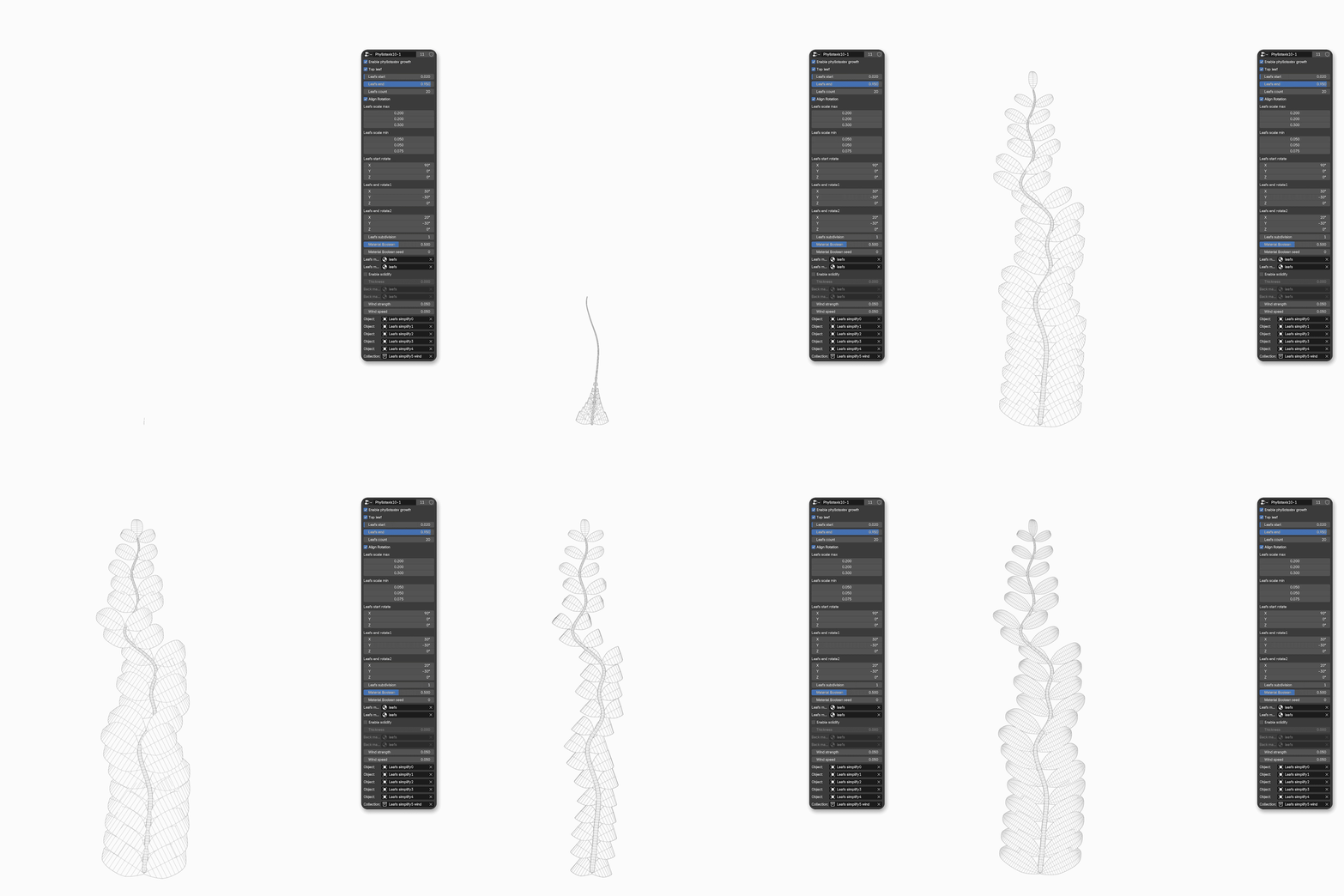
By arranging and combining 13 types of inflorescences and 11 types of leaf sequences, tens of thousands of plant growth animations can be created. The single plant growth system and dispersal system contain a total of 80 preset parameters, helping you to quickly start creating.
4. More detailed plant growth process
It's not just about switching between 'small' and 'big', but about allowing it to grow naturally and precisely to every leaf, every bud, and every branch
5.LAN/GROW is not limited to creating individual plants.
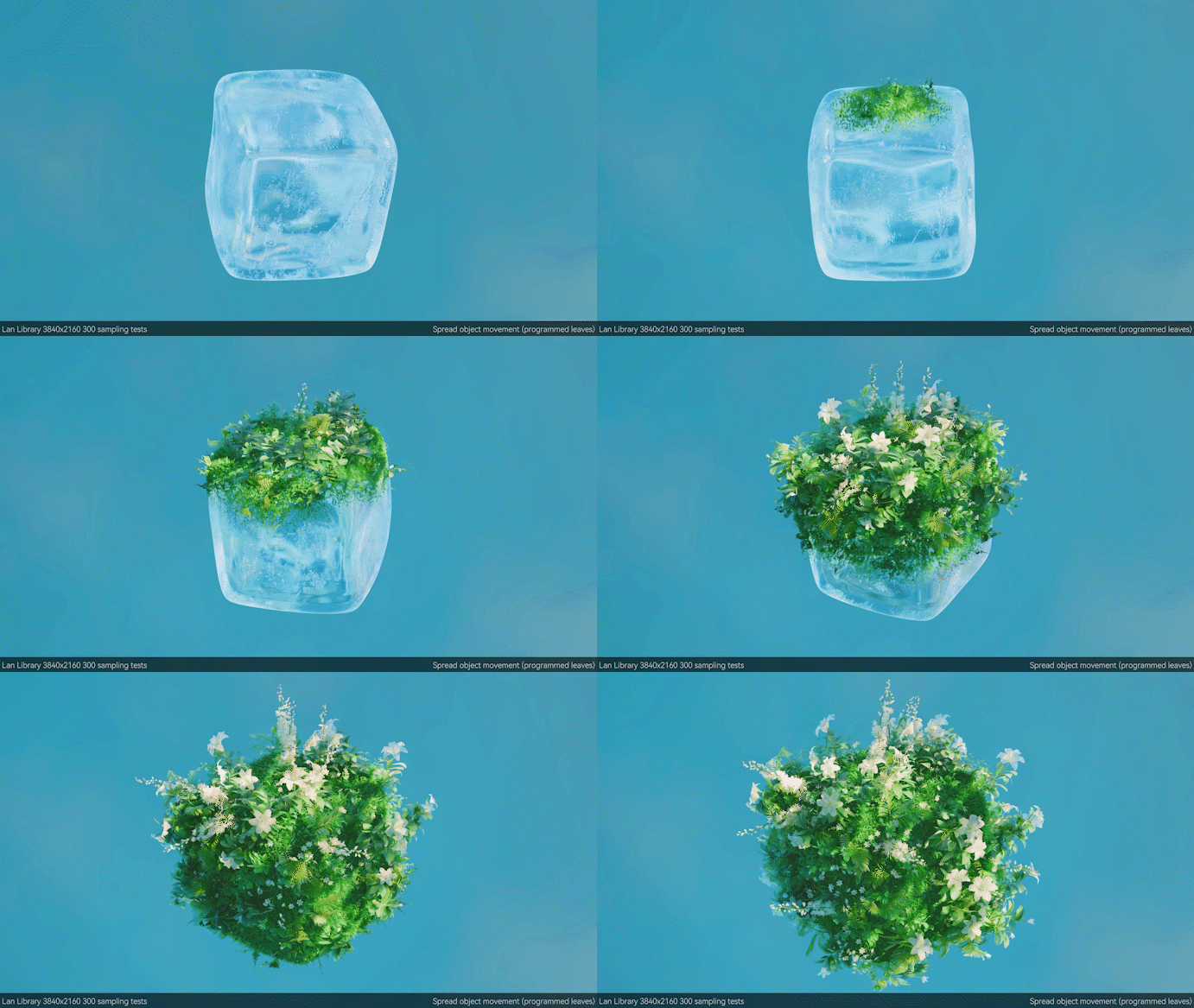
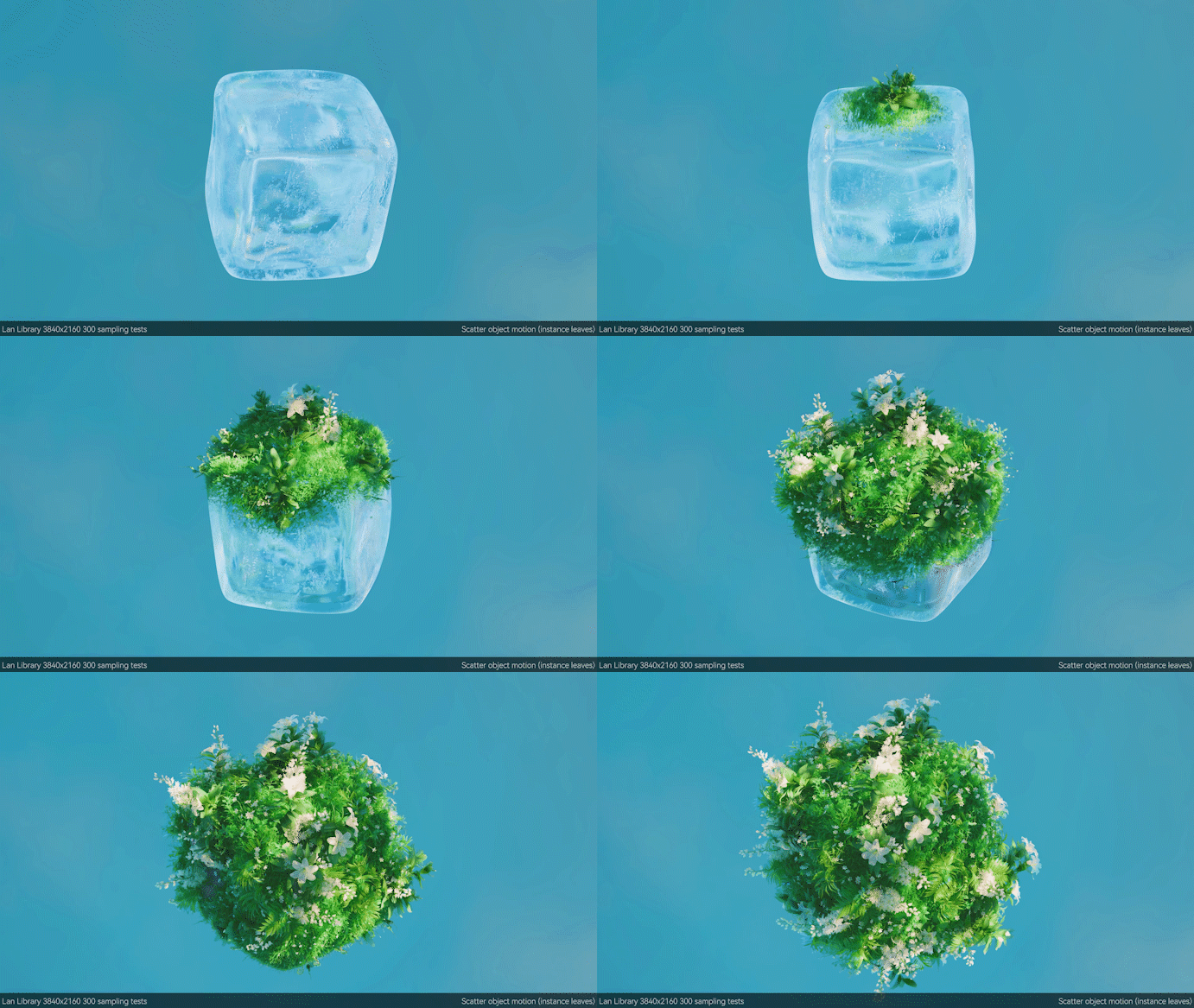
It can also scatter plants on any grid and start growing, allowing you to turn any object into a programmed growth environment.
Try spreading vegetation on the following objects:
terrain
rock
building
character
clothing
Magic effect?
A plant? (For example, first make a tree to grow, and then make moss growth for the tree)
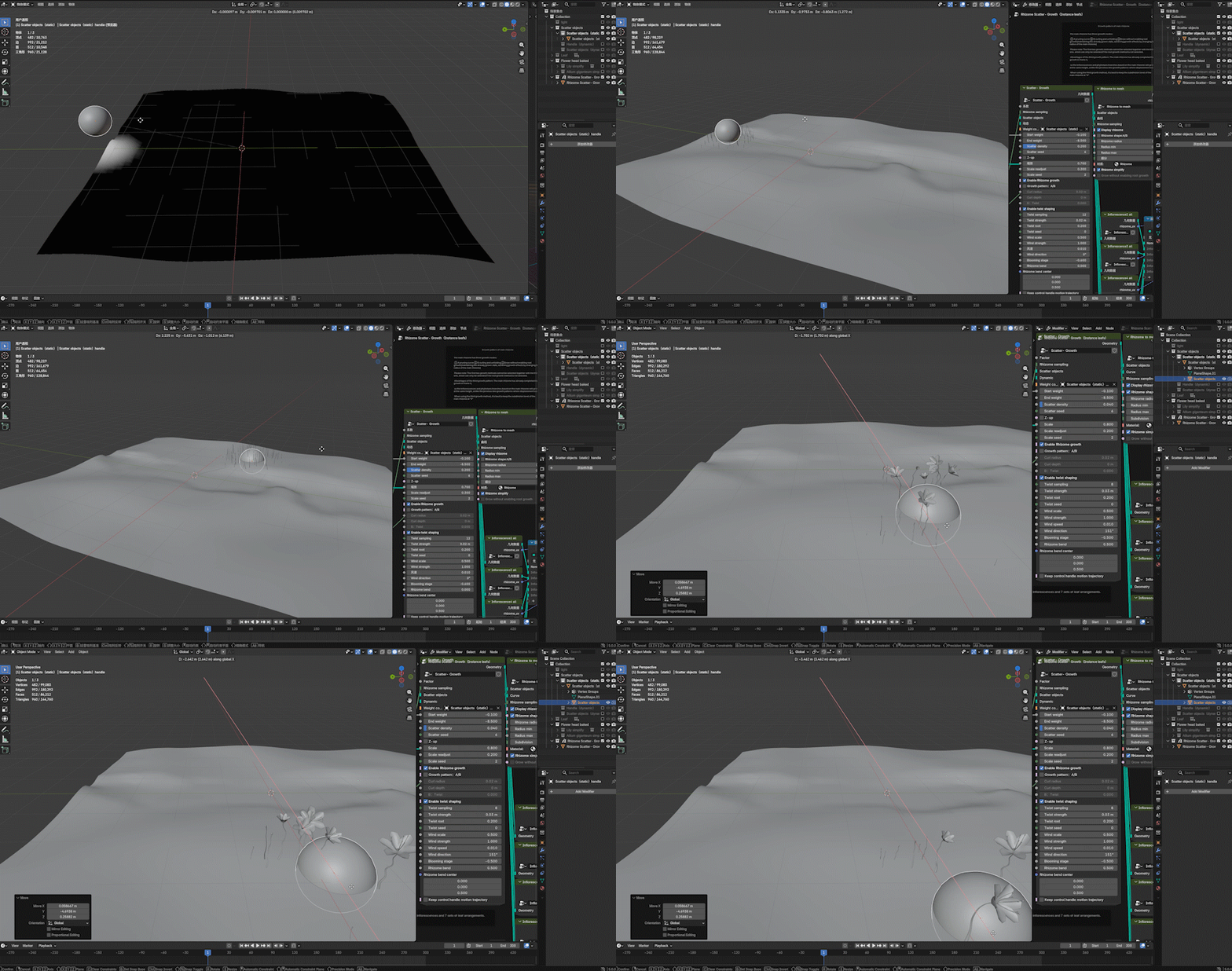
6. Control the position and effect of dispersed growth through weights
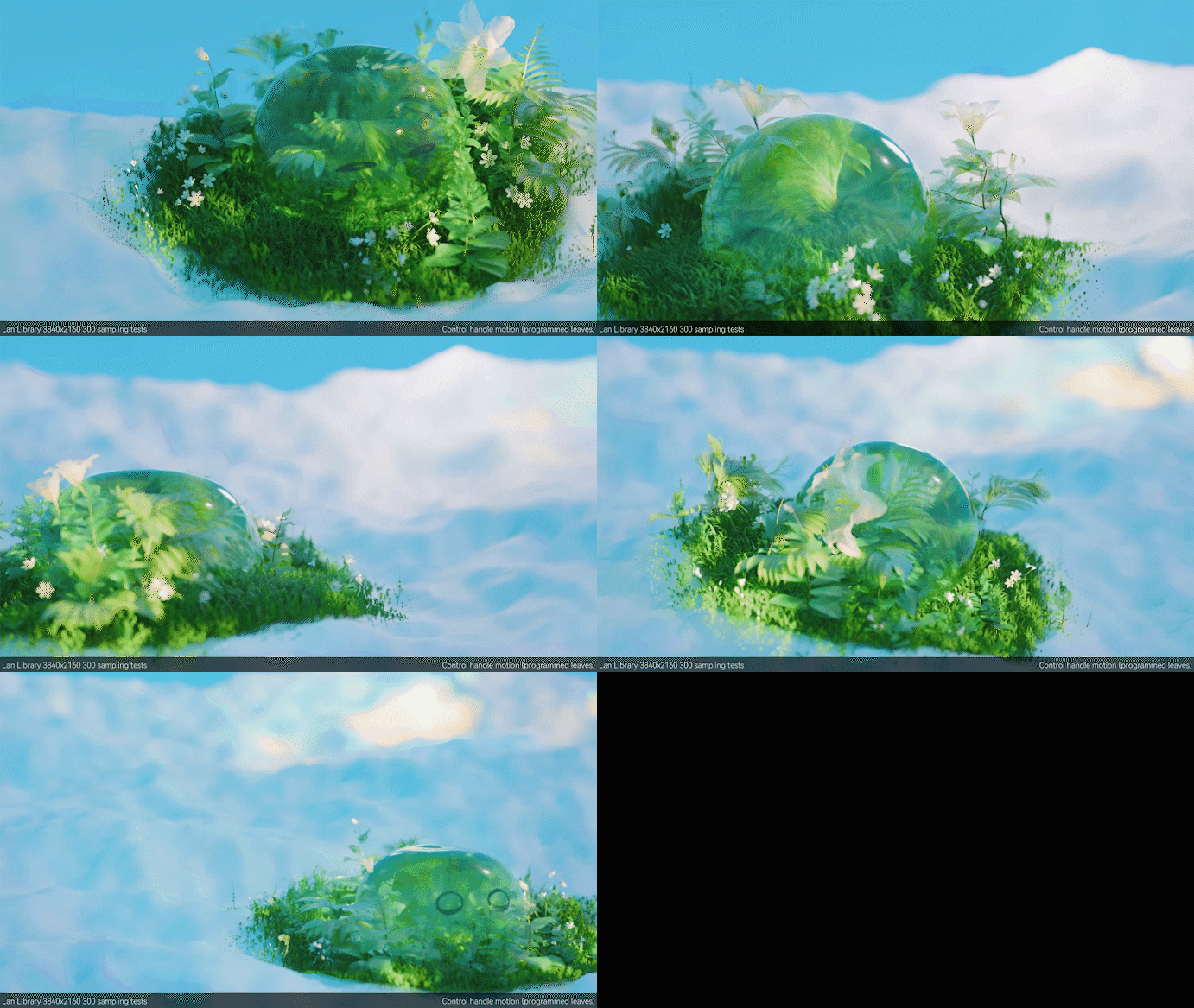
Using a custom grid as a 'weight handle' to make plants start growing around it? Or follow its movement to grow
7. It's not just about growing animations, but also based on infinitely derived animations
Using weights to make plants only bloom, only grow leaves, and only wither? Only wither, only petals flutter, unleash your imagination to create your own dynamic effects



1. After the plug-in is enabled, the system will automatically load the default node and assets.
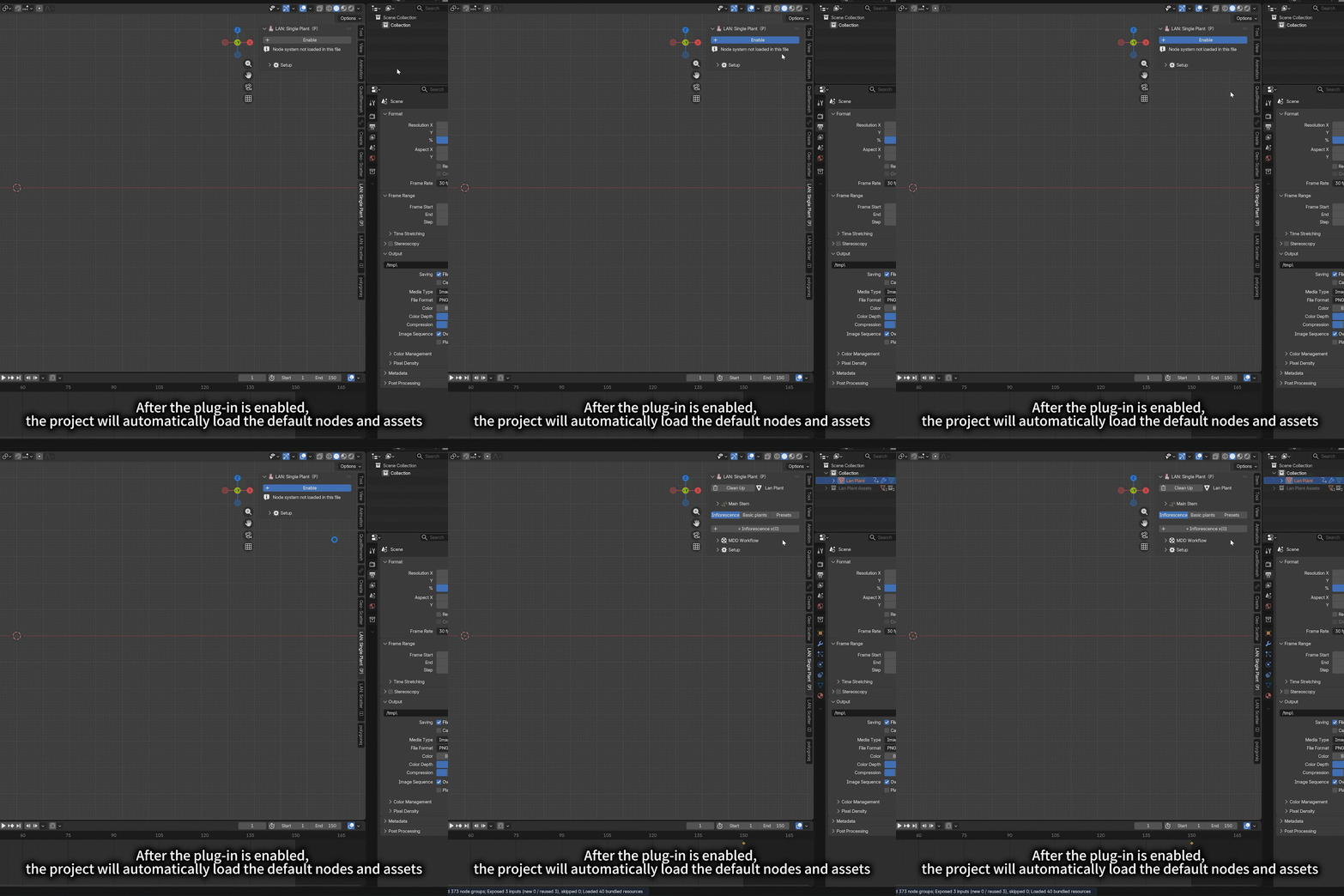
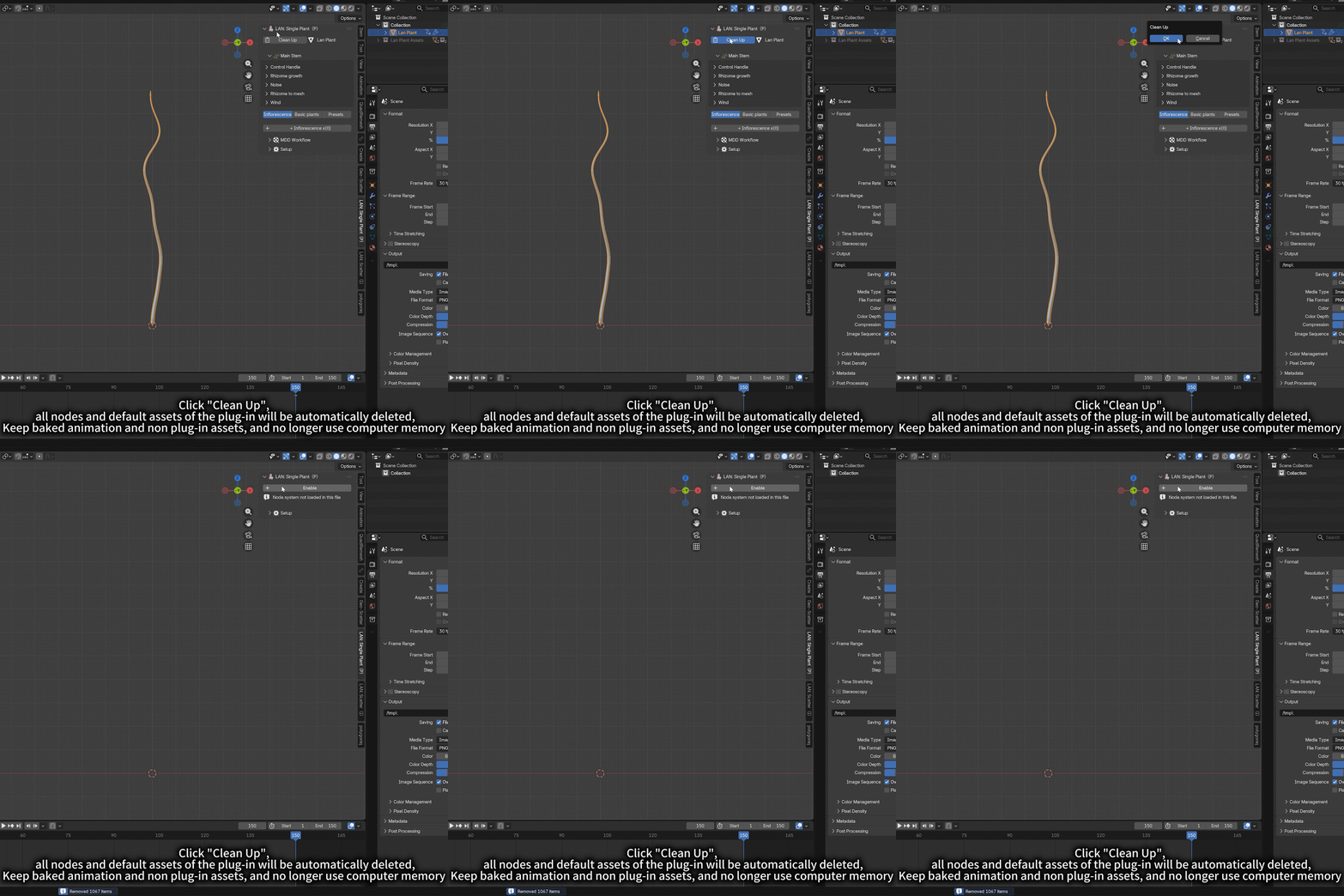
2. There is a clean up button, which can automatically delete all nodes and built-in assets of plug-ins, and retain baked animation and non plug-in assets, which means that you can enable or close plug-ins at any time in other projects, and do not use computer memory.
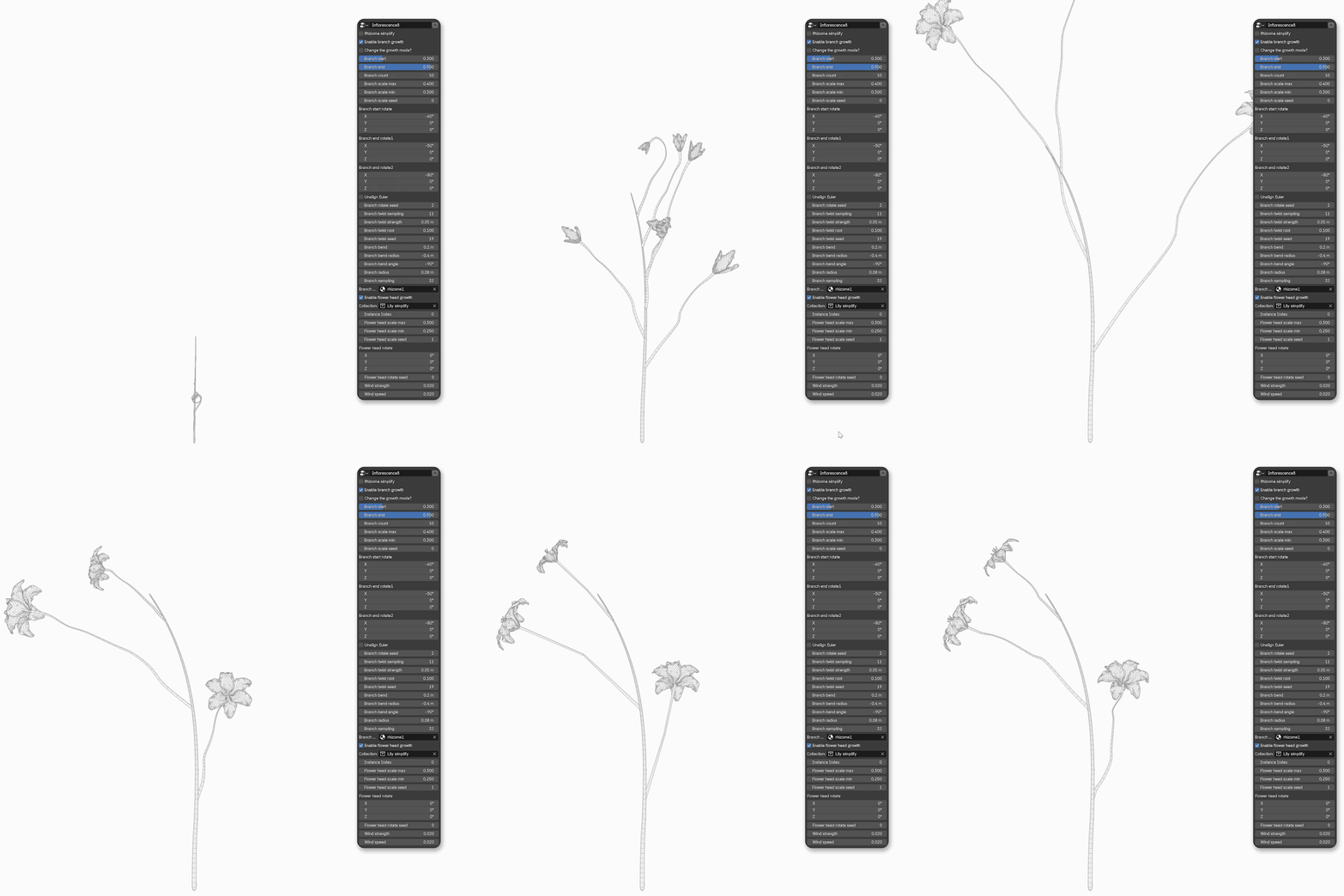
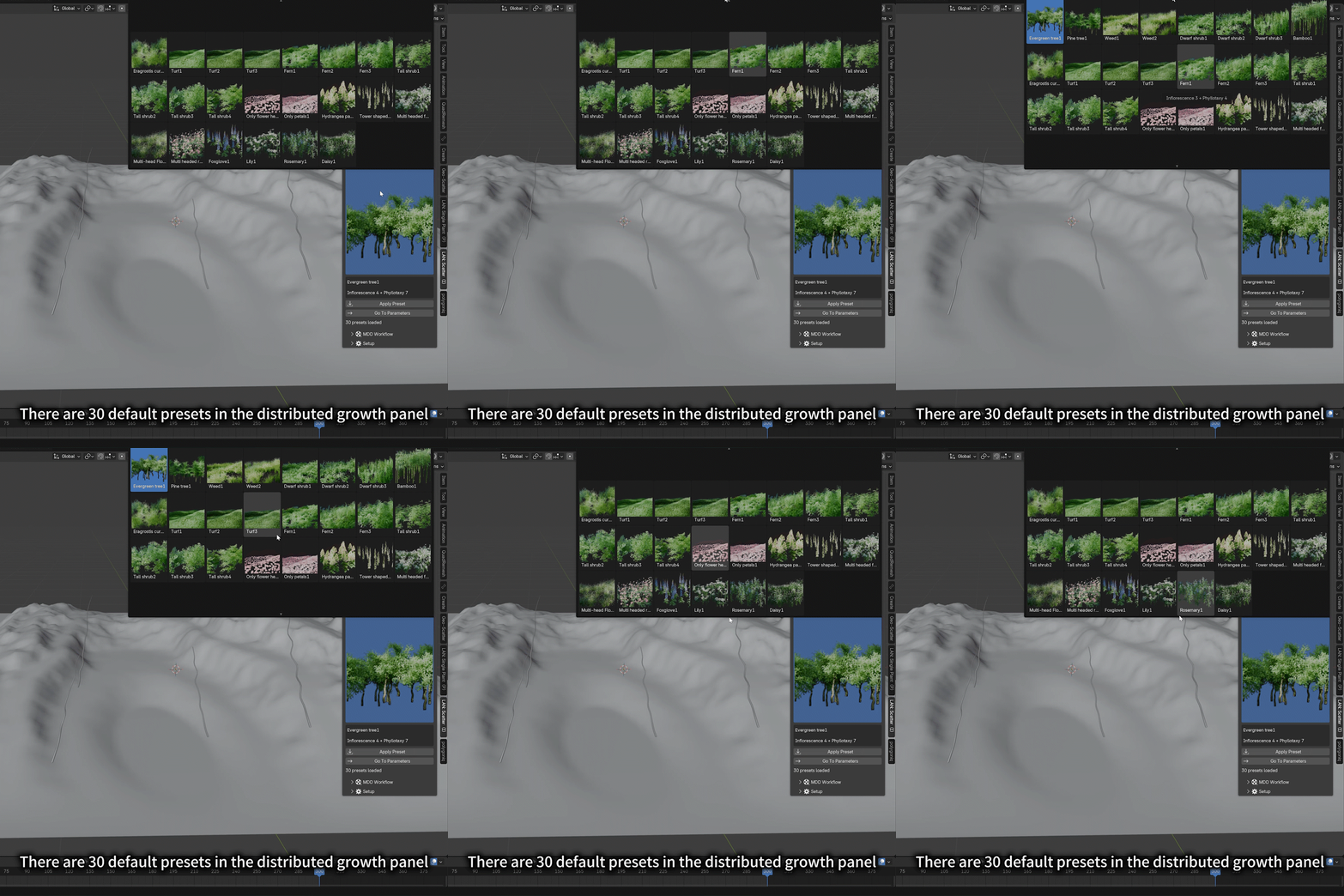
3. The default inflorescence, leaf order and preset can be selected through the thumbnail list, which is more intuitive and can be customized and modified for all parameters.
Single plant system


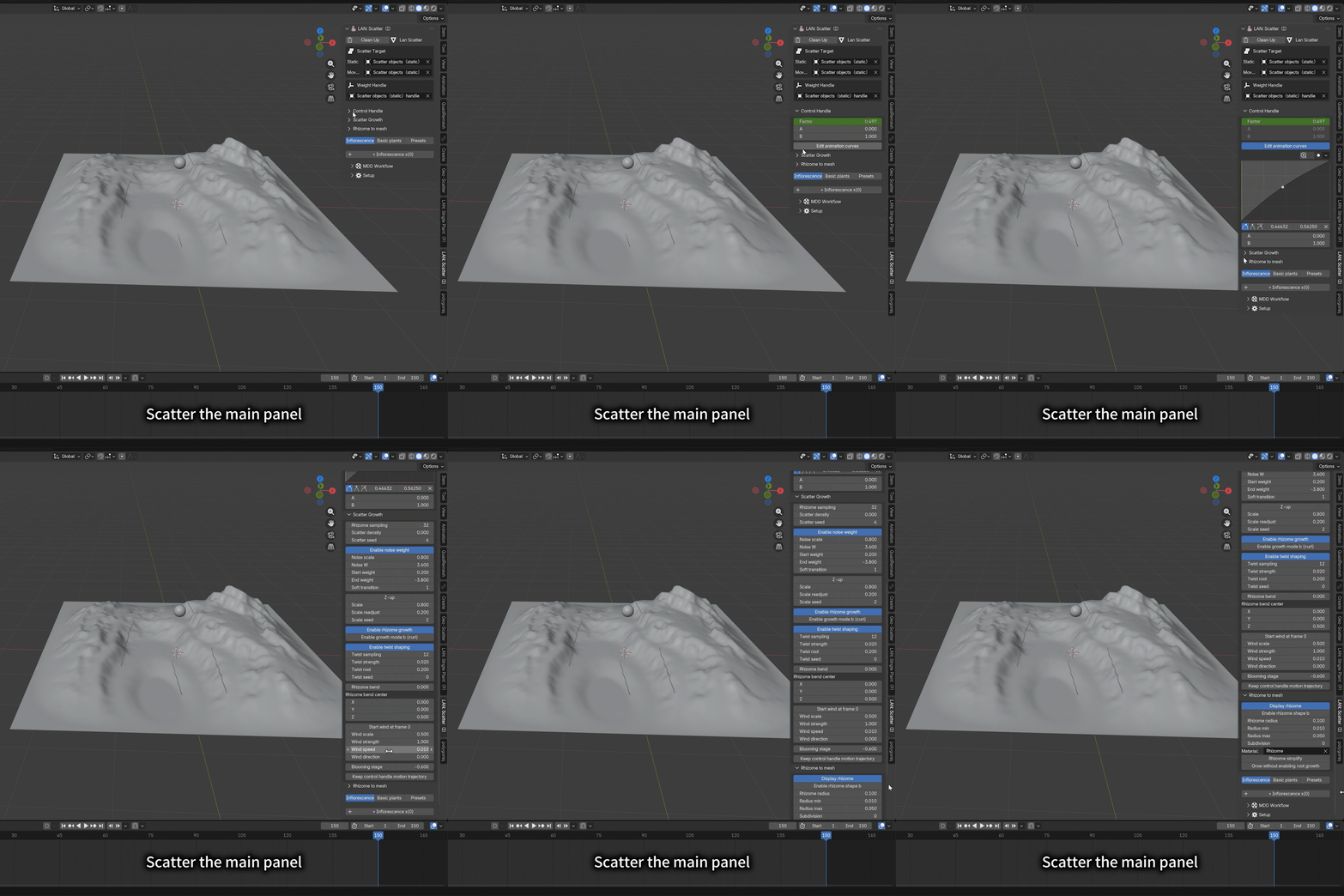
Scatter growth system
4. When making a plant, two sets of plug-ins can add a variety of inflorescences or leaf orders to the plant, which is conducive to creating more complex plants or animations.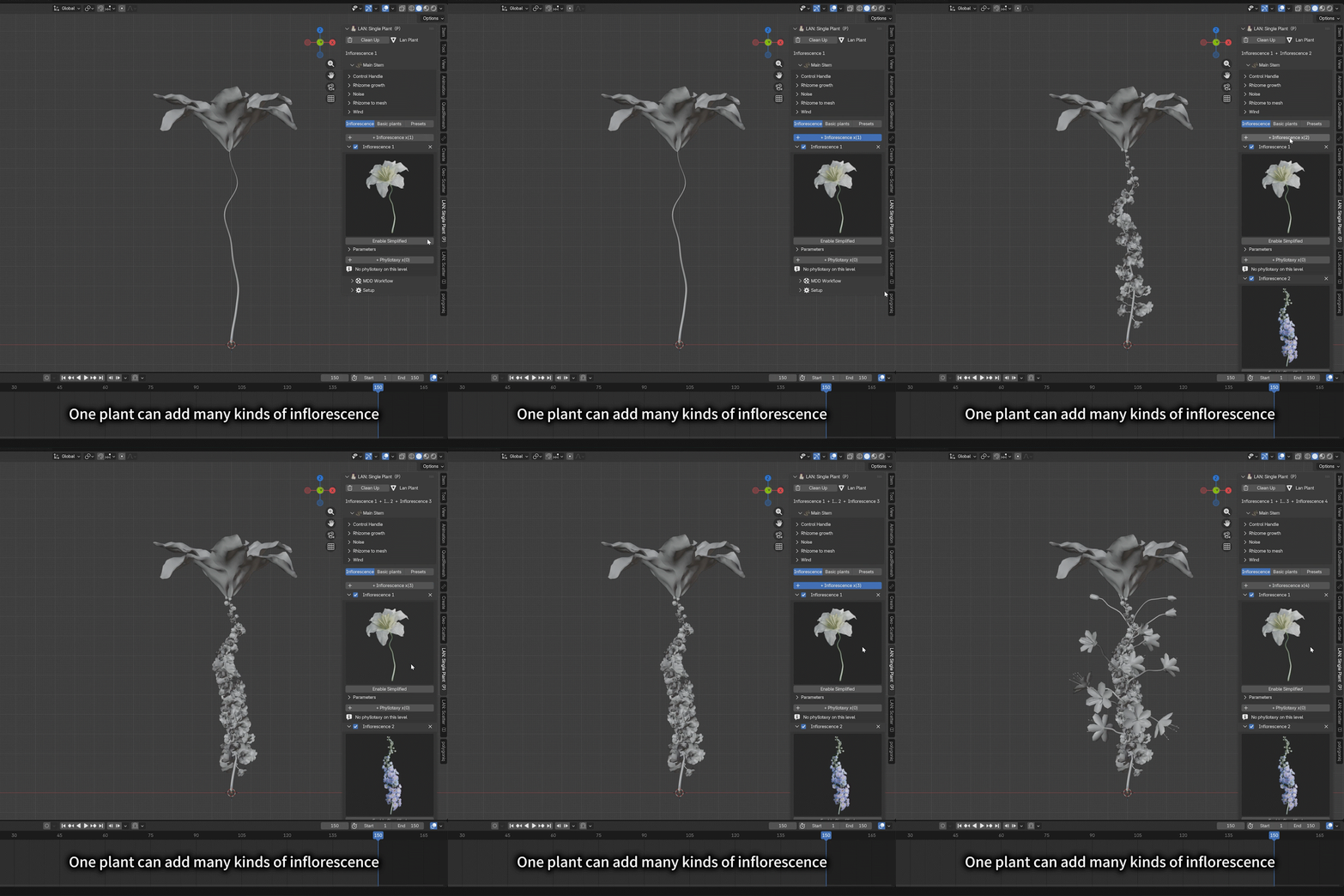
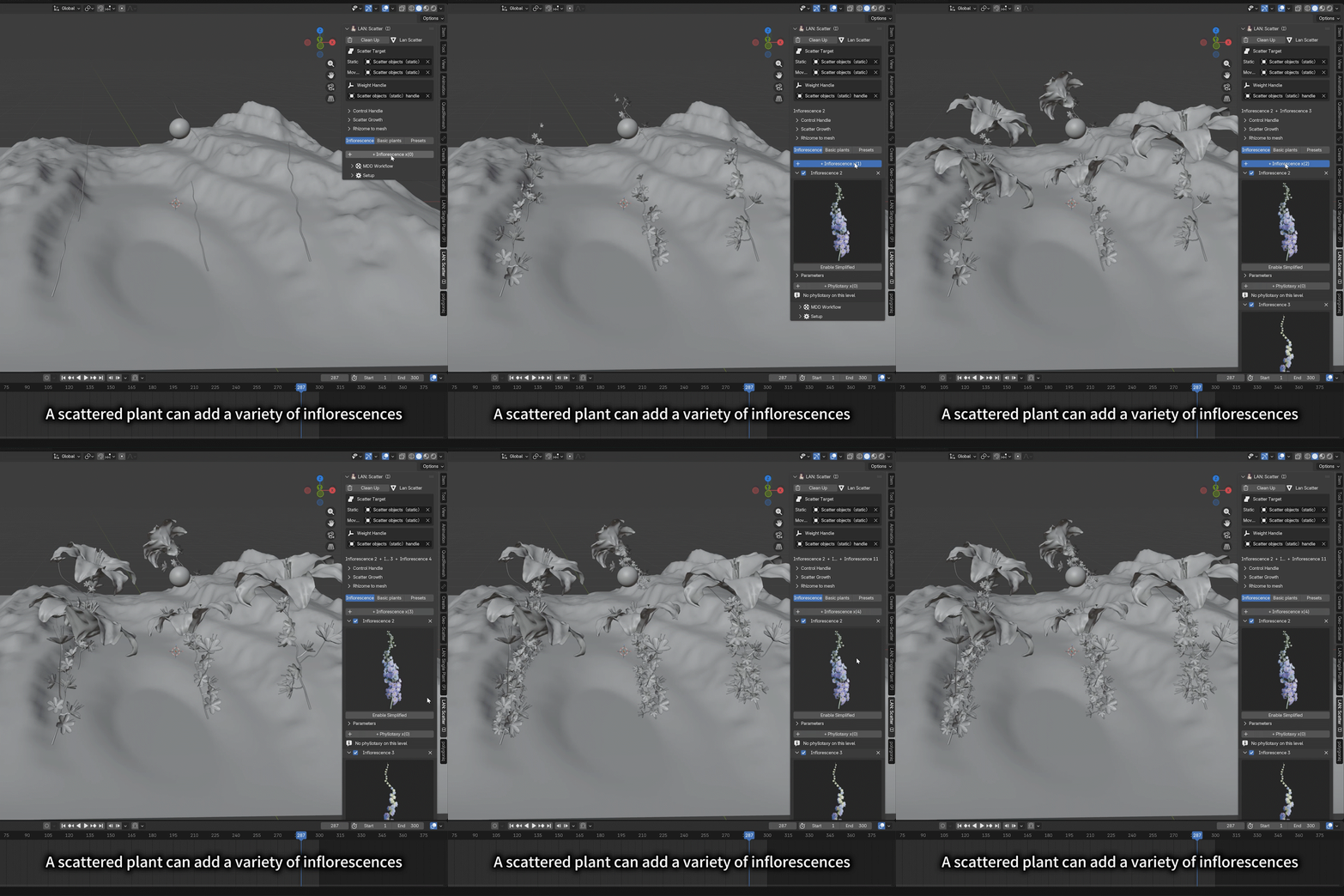
5. The plug-in panel is equipped with a basic leaf sequence entrance, which can quickly create a green plant growth animation.

6.The single plant system contains 50 kinds of parameter presets, and the scattered growth system contains 30 kinds of parameter presets. All preset plants can customize and adjust parameters. The original intention of setting presets is to give a plant prototype for further creation
Single plant system
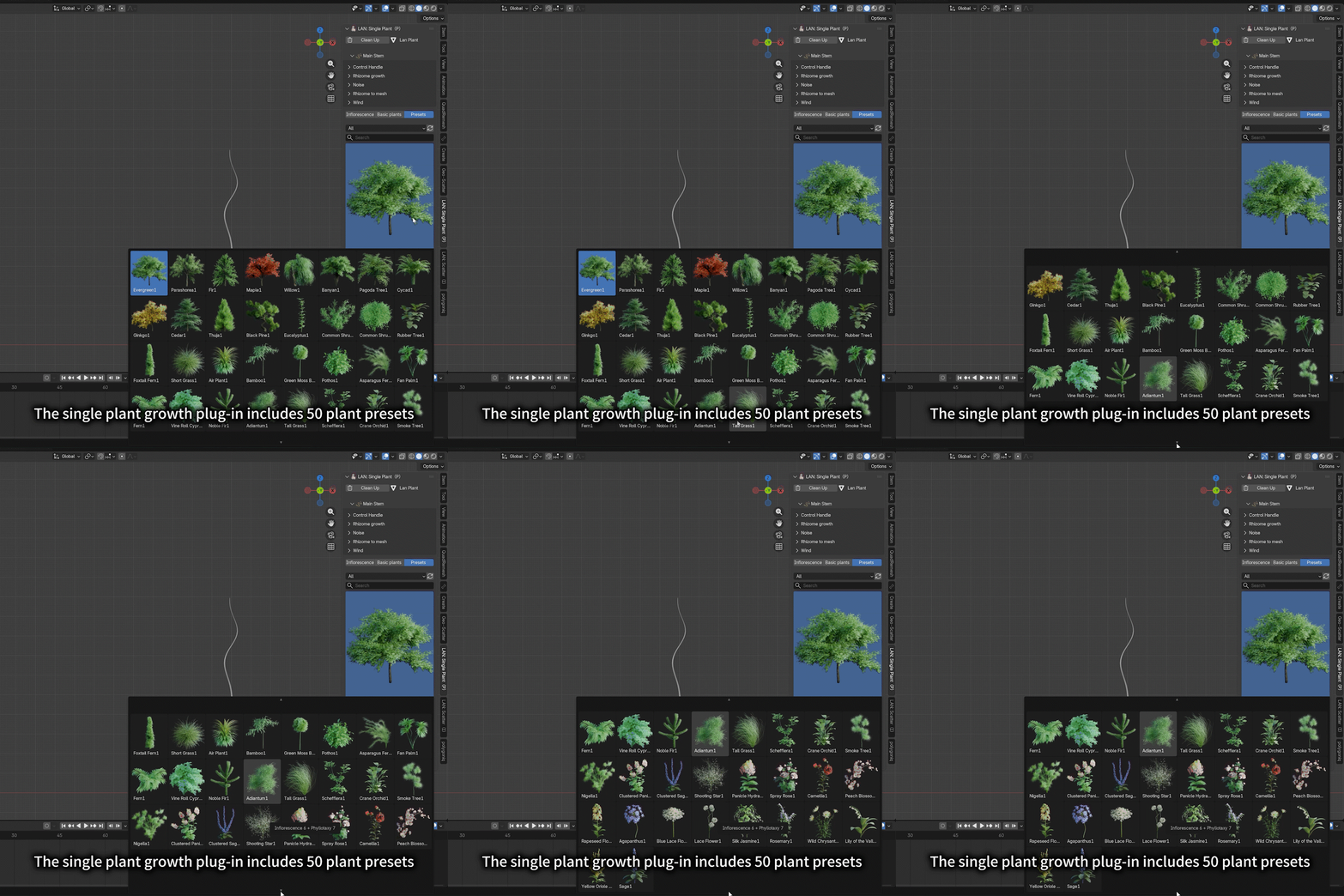



Scatter growth system

7. Set the one-step function key of MDD baking. When you have made a plant, customized the name and saved the path, you just need to click the "MDD baking" button, and you can complete the tedious operations such as "export MDD baking file, application node, replica, rename, load baked animation file", super simplify the workflow, and there will be a system prompt after the baking process.
8. Both single plant and scattered growth plug-ins can make a variety of plants at the same time. You can copy the system nodes many times and customize parameters on the panel, without mutual interference, and set the "MDD batch baking" function key. If it's flower arrangement, you can complete all the plants in the flower arrangement at one time. If it's to make distributed growth animation, you can add all the vegetation at one time and batch bake animation copies with one key.


Content includedt:
1. Single plant growth system (programmed leaves) plug-in version x1, including 13 kinds of flower order, 11 kinds of leaf order, and 50 kinds of customizable parameter presetting
2. Distributed growth system (example leaves) plug-in version x1, including 5 kinds of inflorescence, 11 kinds of leaf order, and 30 kinds of customizable parameter presetting
3. Two sets of non plug-in version of plant system geometry node project
4.5 kinds of simplified baked flower head blooming animation (MDD format)
5. Baked blade growth animation and blade wind animation prepared for the instantiation of leaf order, and the condensed version of its face number 40 (MDD format)
6. Mesh animation for testing (cube, plane, sphere)
7. Leaf and petal material mapping suitable for plant system