 LarkLab
Blender add-on · Blender 5.0+ · by LarkLab
POWER EYE
Generator
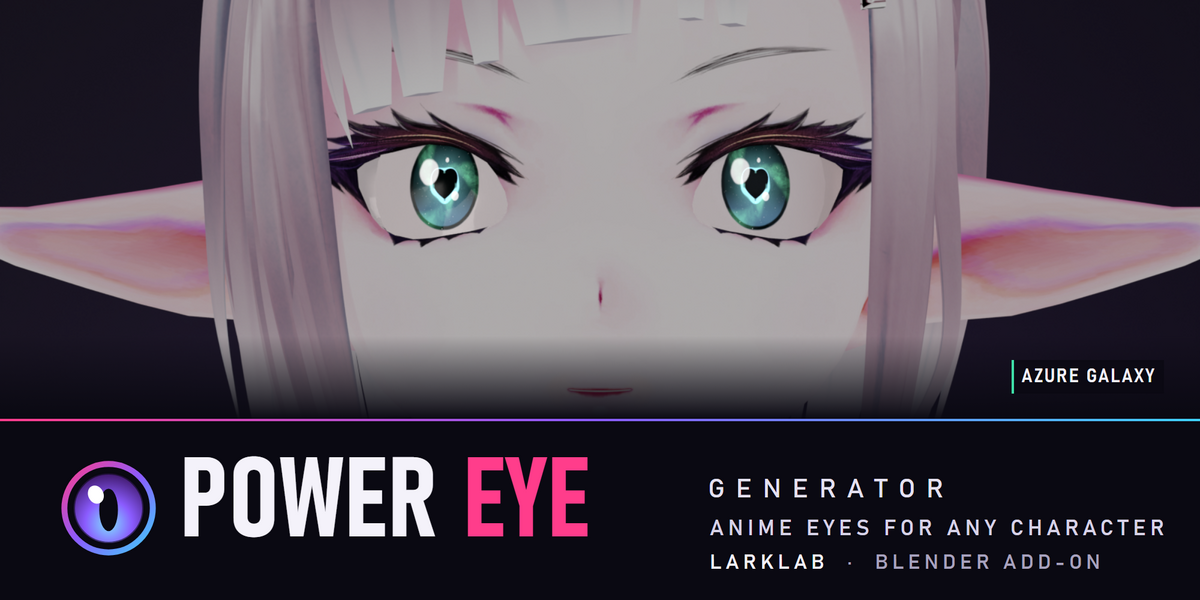
Anime eyes that fit any character, and a new one with every click
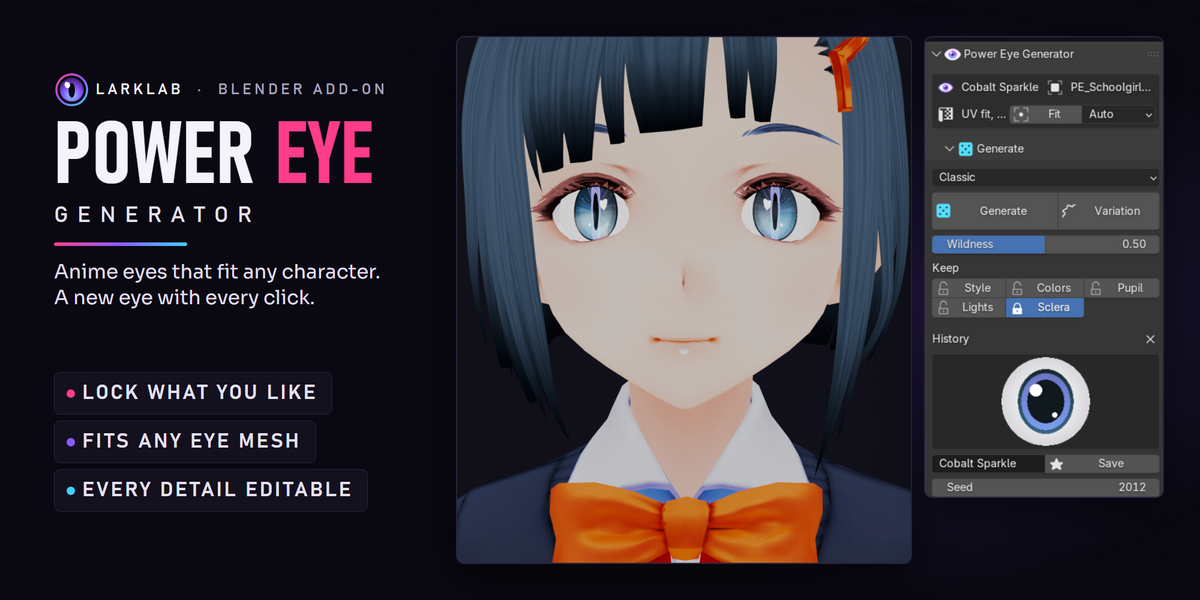
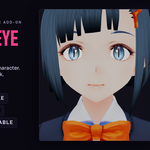
Eyes carry an anime character, and they are the slowest part to get right: an iris texture that never sits quite straight on the eyeball, a shader that works on one model and not the next. Power Eye Generator turns any eye mesh into a fully procedural anime eye and fits the iris to it. Then press Generate until you see the one, lock what you like, and tune the rest in one sidebar tab.
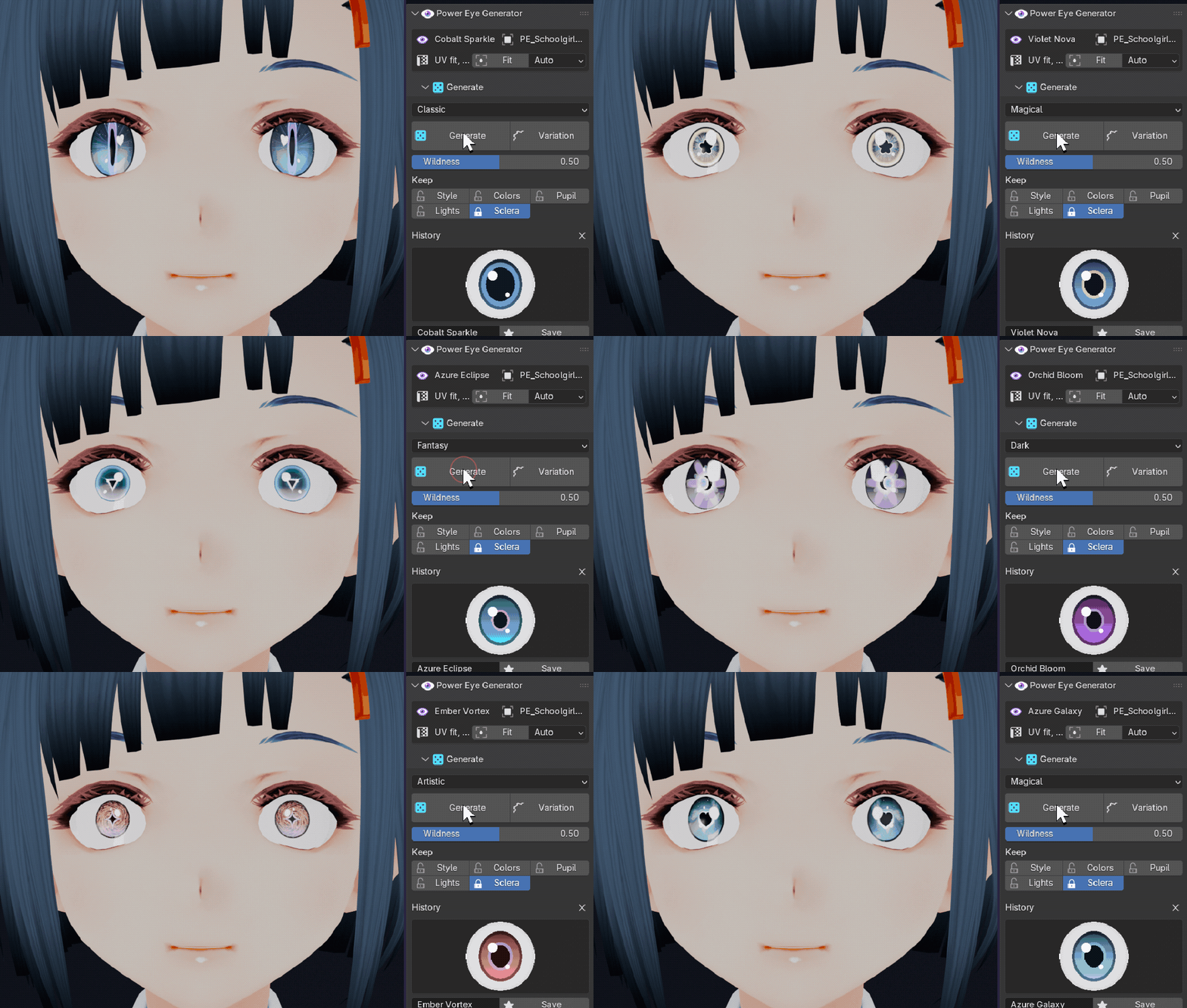
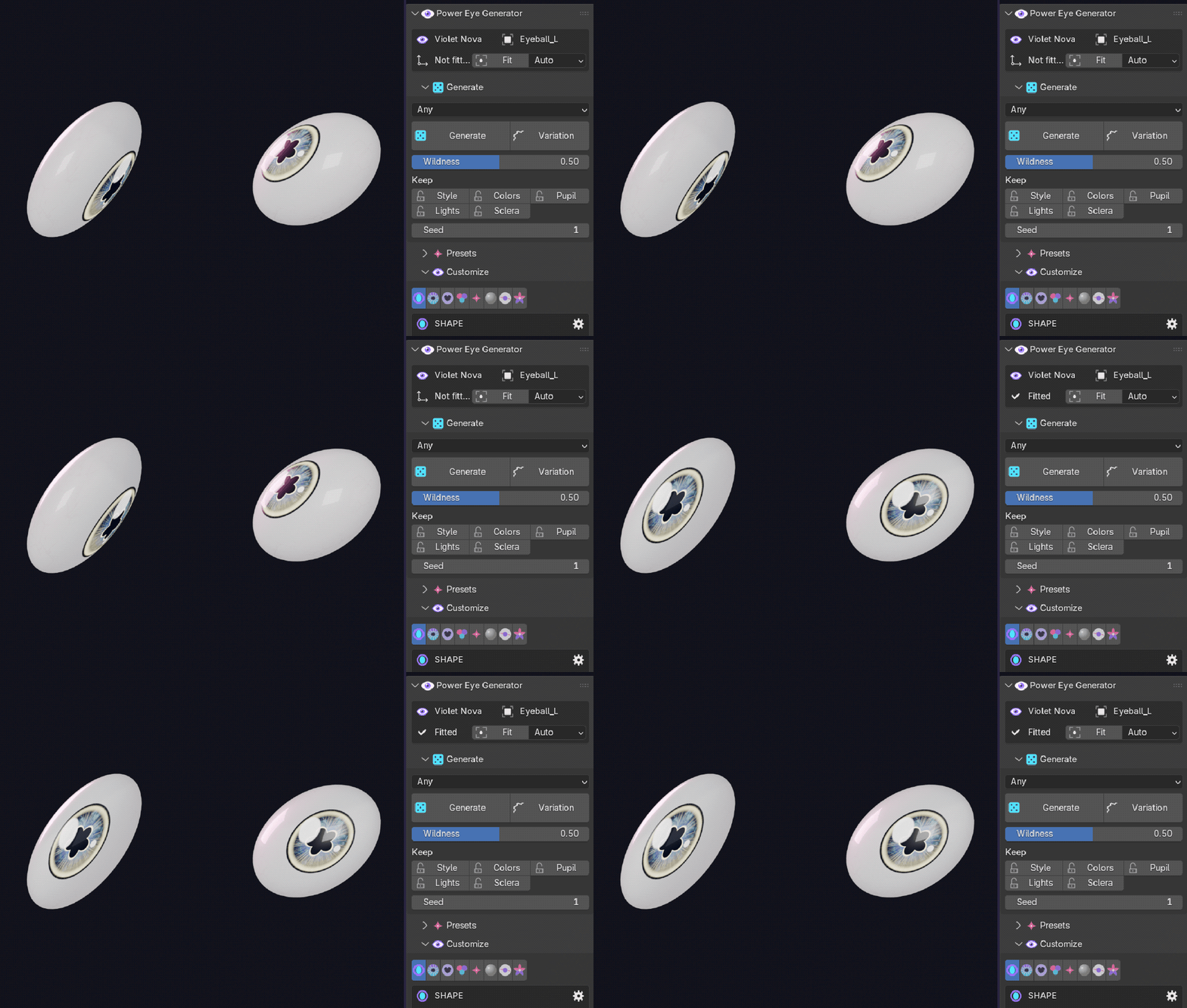
Generate, clicked through the themes · real Blender viewport and sidebar
|
Launch offer Power Eye Generator, 50% off Enter this code at checkout: ANIME50 |
Free with a code Listed at $1. Use the code below and it is free: anime eye materials you can drop onto any character. ANIME100 |
|
The generator PICK A THEME, PRESS GENERATE. |
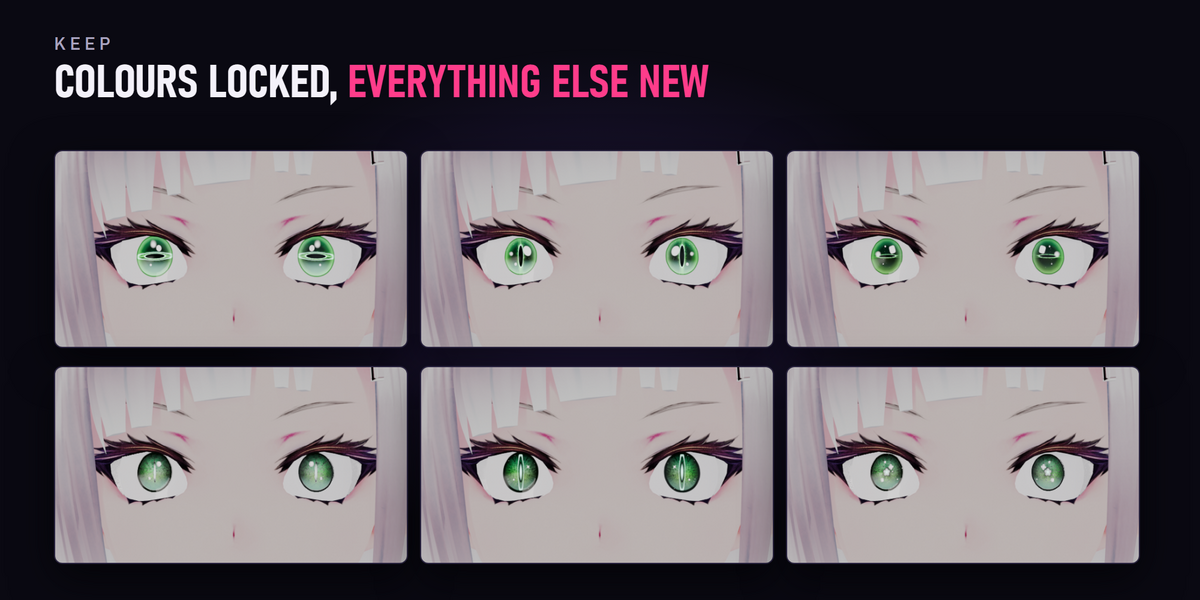
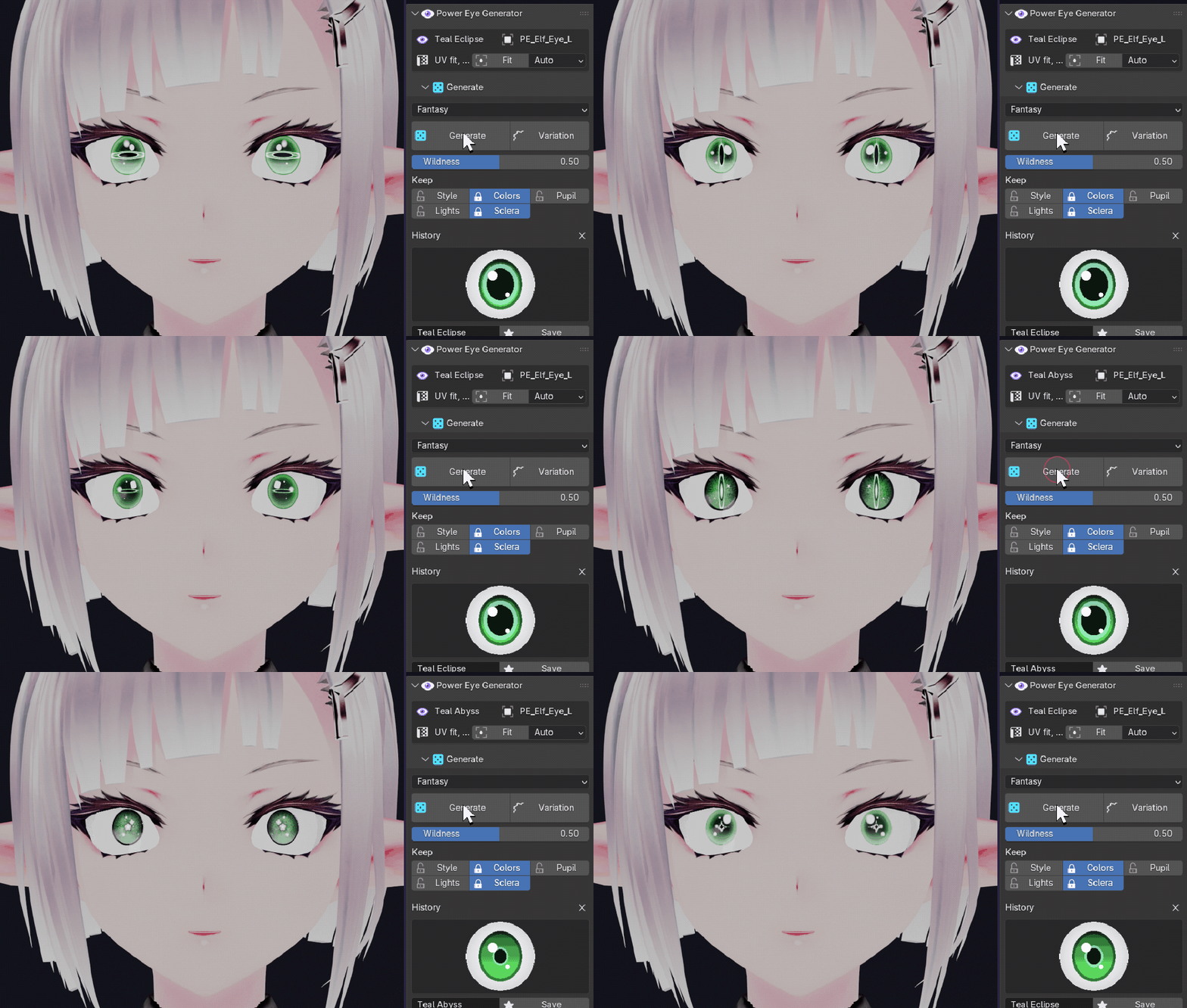
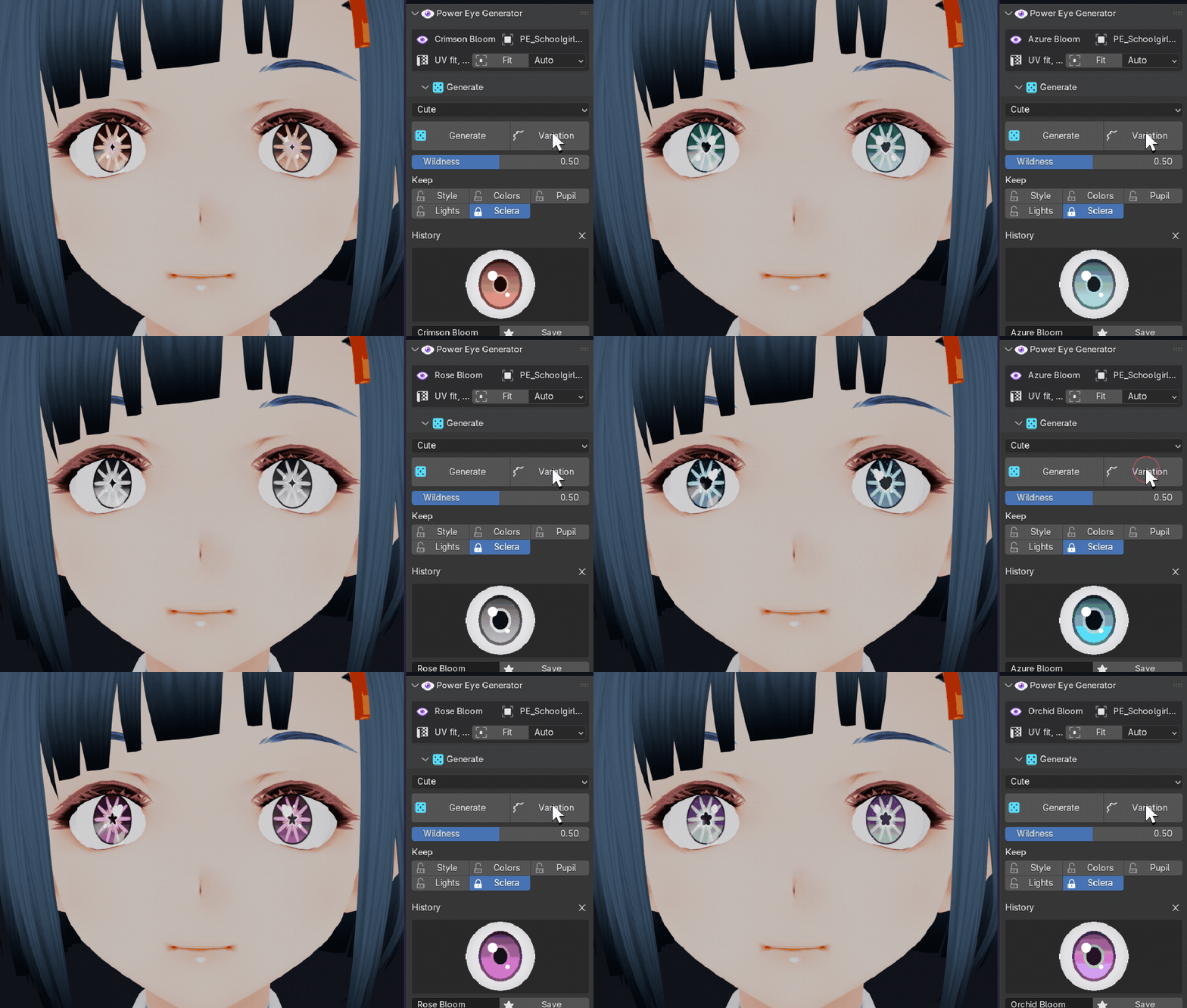
Each click builds a complete eye: iris style and pattern, colours that belong together, pupil shape, highlights, sparkles and the eye white. A Theme steers it (Classic, Cute, Fantasy, Magical, Dark, Sci-Fi, Artistic, or Any) and Wildness decides how far it may stray. Every eye you made lands in History, so you can go back to one and Save it as your own preset.
|
Fit to Eye IT FINDS THE EYE ON YOUR MESH. |
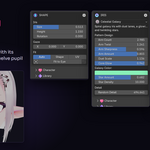
Select an eyeball, or the eye faces of a face mesh in Edit Mode, and click Fit to Eye. Shape mode reads where the eye sits and which way it looks, so the iris lands centred on round eyeballs in any position or rotation, with no UVs needed. UV mode fits flat or UV-mapped eye patches such as VRoid and VRM eyes. When one mesh holds both eyes, one fit drives both, mirrored.
Two turned, squashed eyeballs · before and after Fit to Eye
|
Customize EVERY DETAIL IS A SLIDER. |
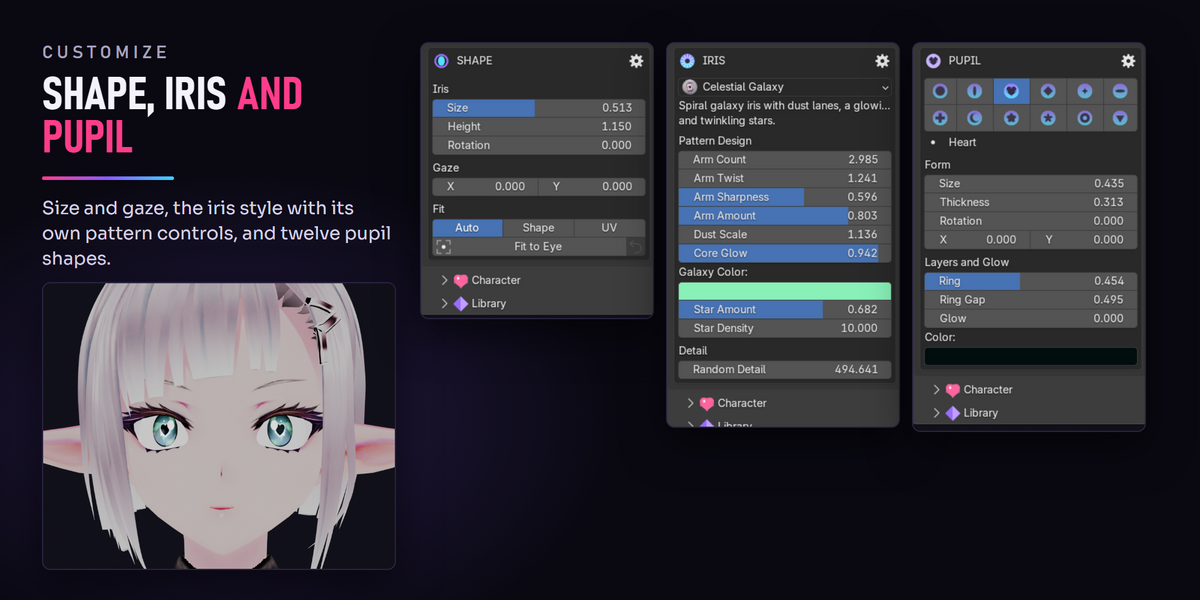
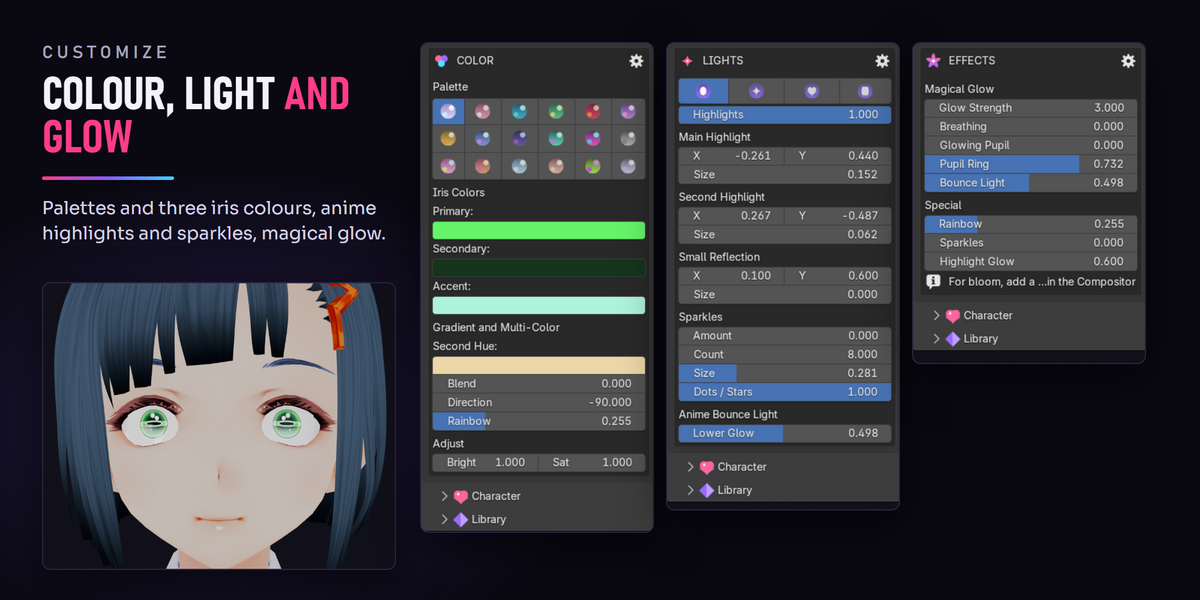
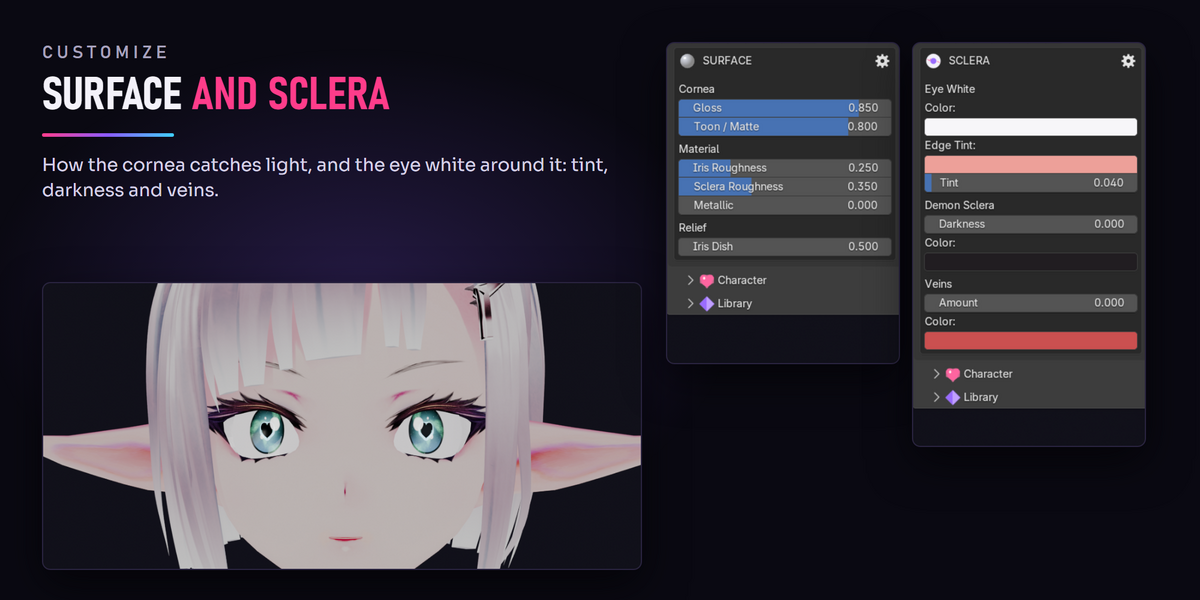
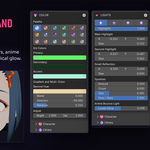
The Customize panel splits the eye into tabs. Each value is a plain material input, so you can keyframe it, drive it or copy it to another eye with Apply to Selected Eyes. The gear button shows the finer controls.
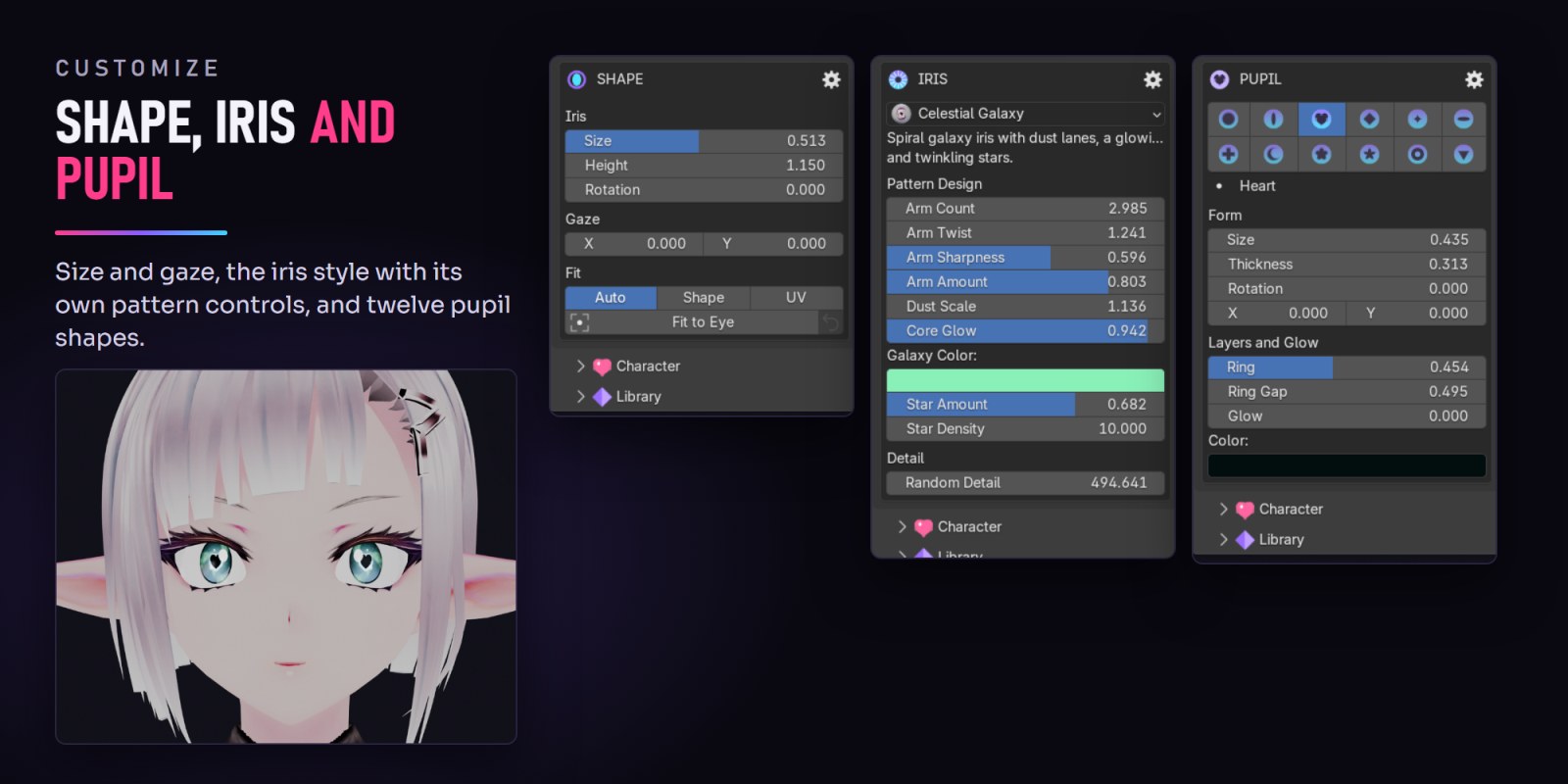
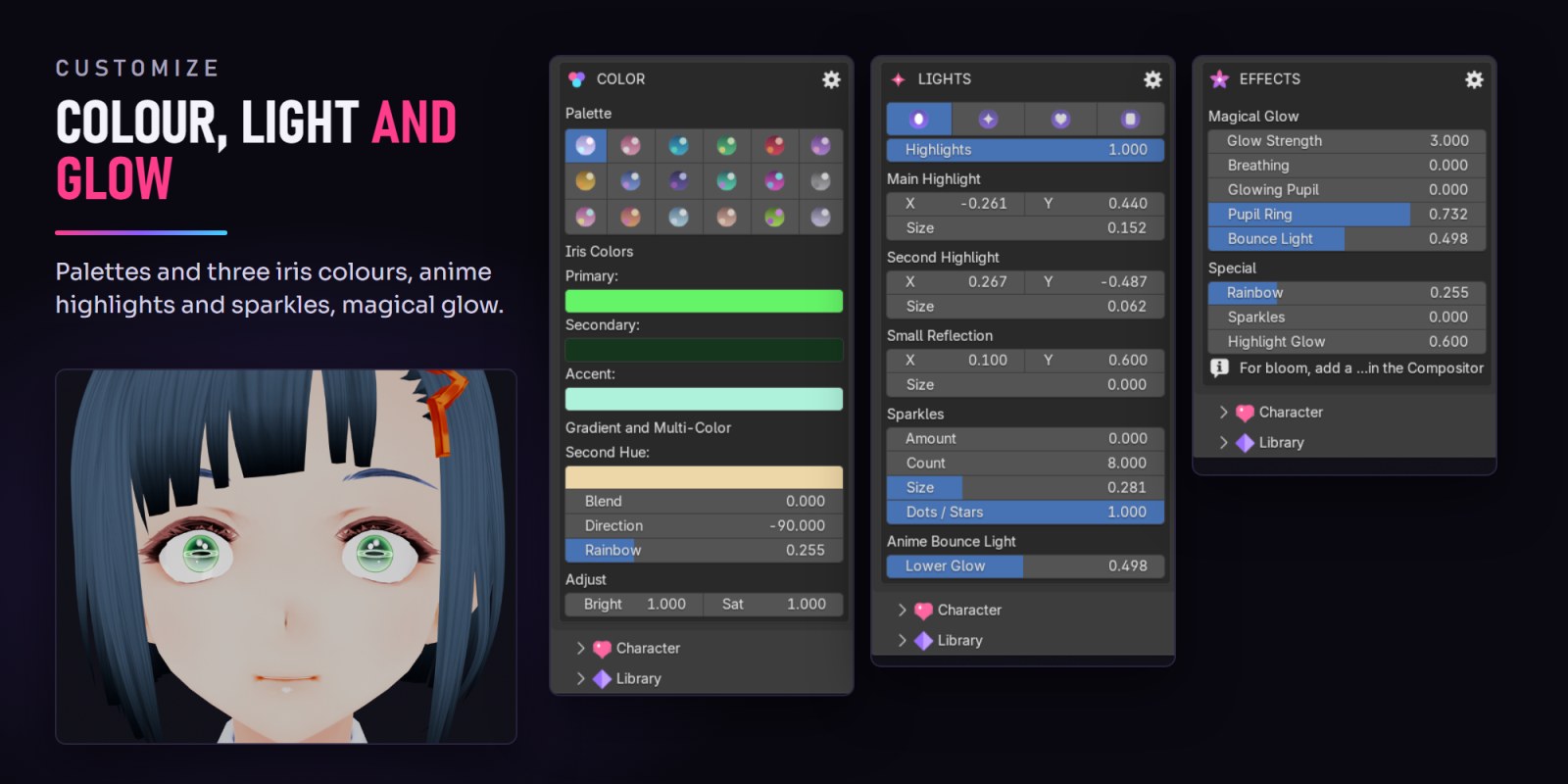
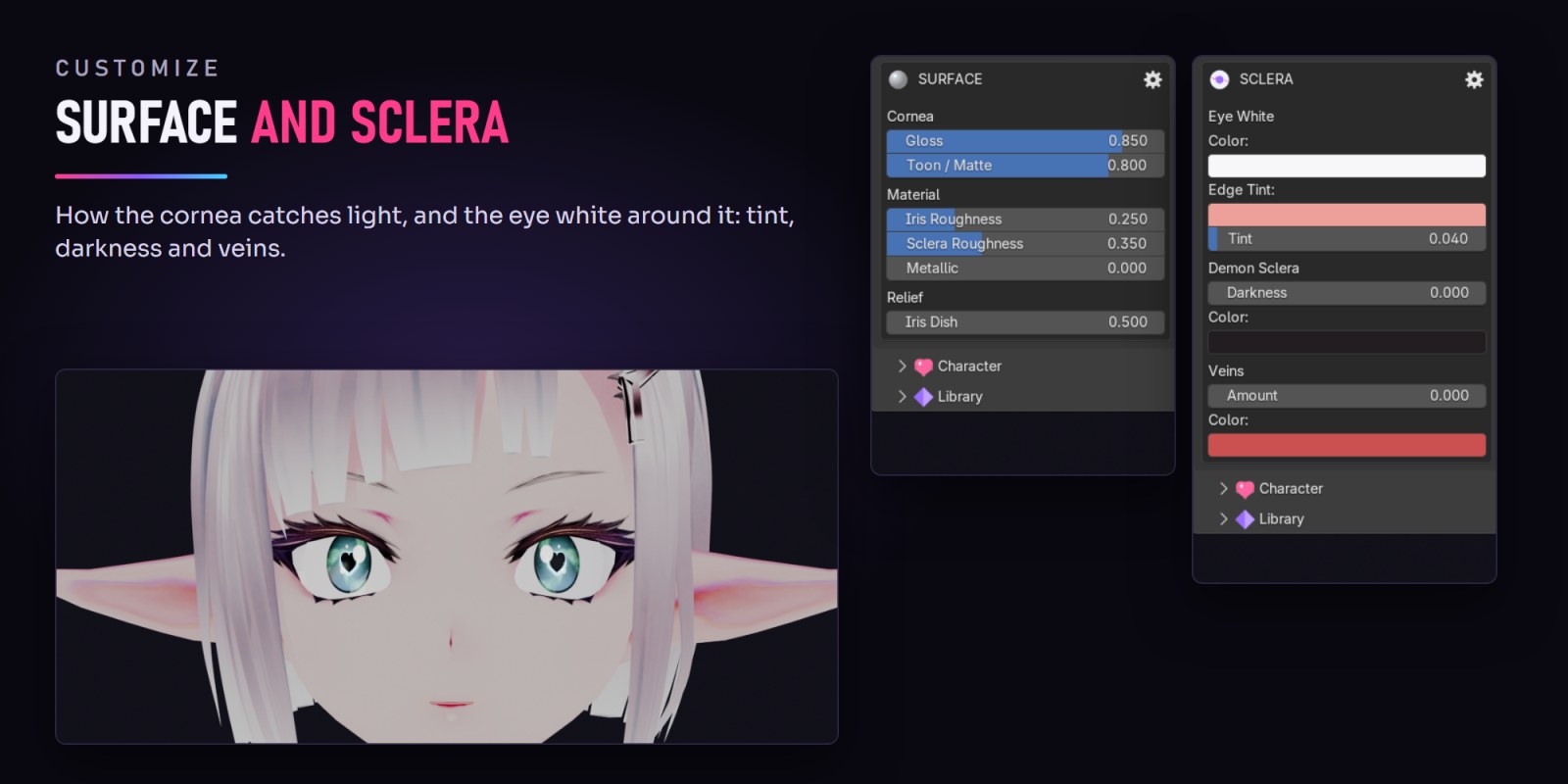
| Shape | Iris size, height and rotation, gaze X and Y, and the fit |
| Iris | The iris style, from sparkling shoujo rings and galaxies to eclipse coronas and painted ink, each with its own pattern controls |
| Pupil | Round, slits, heart, star, crescent, flower and more; size, ring and glow |
| Color | Palettes, primary, secondary and accent colours, a second hue with its blend and direction, rainbow |
| Lights | Highlight styles, main and second highlight, small reflection, sparkles, anime bounce light |
| Surface | Cornea gloss, toon or matte, roughness, metallic, iris dish depth |
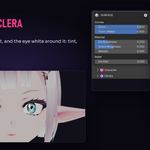
| Sclera | Eye white colour and edge tint, demon sclera, veins, lid shadow |
| FX | Magical glow with breathing, glowing pupil, pupil ring, sparkles, highlight glow |
|
Presets HAND-MADE STARTING POINTS. |
Seven families of presets, each one a finished eye you can apply, step through with the arrows, and change. Turn on Auto and they apply as you browse. Save your own into My Presets; they are shared by all your files.
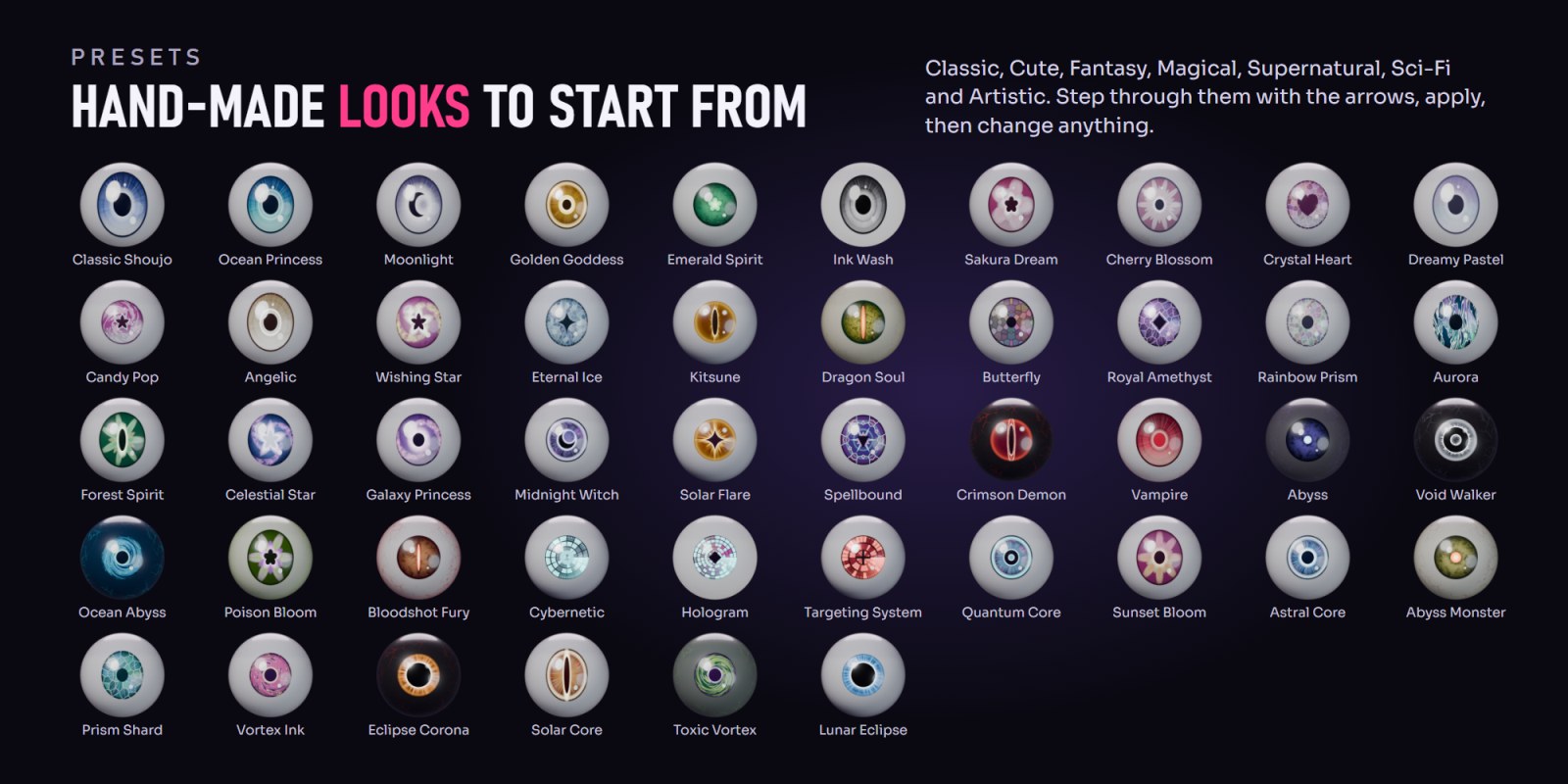
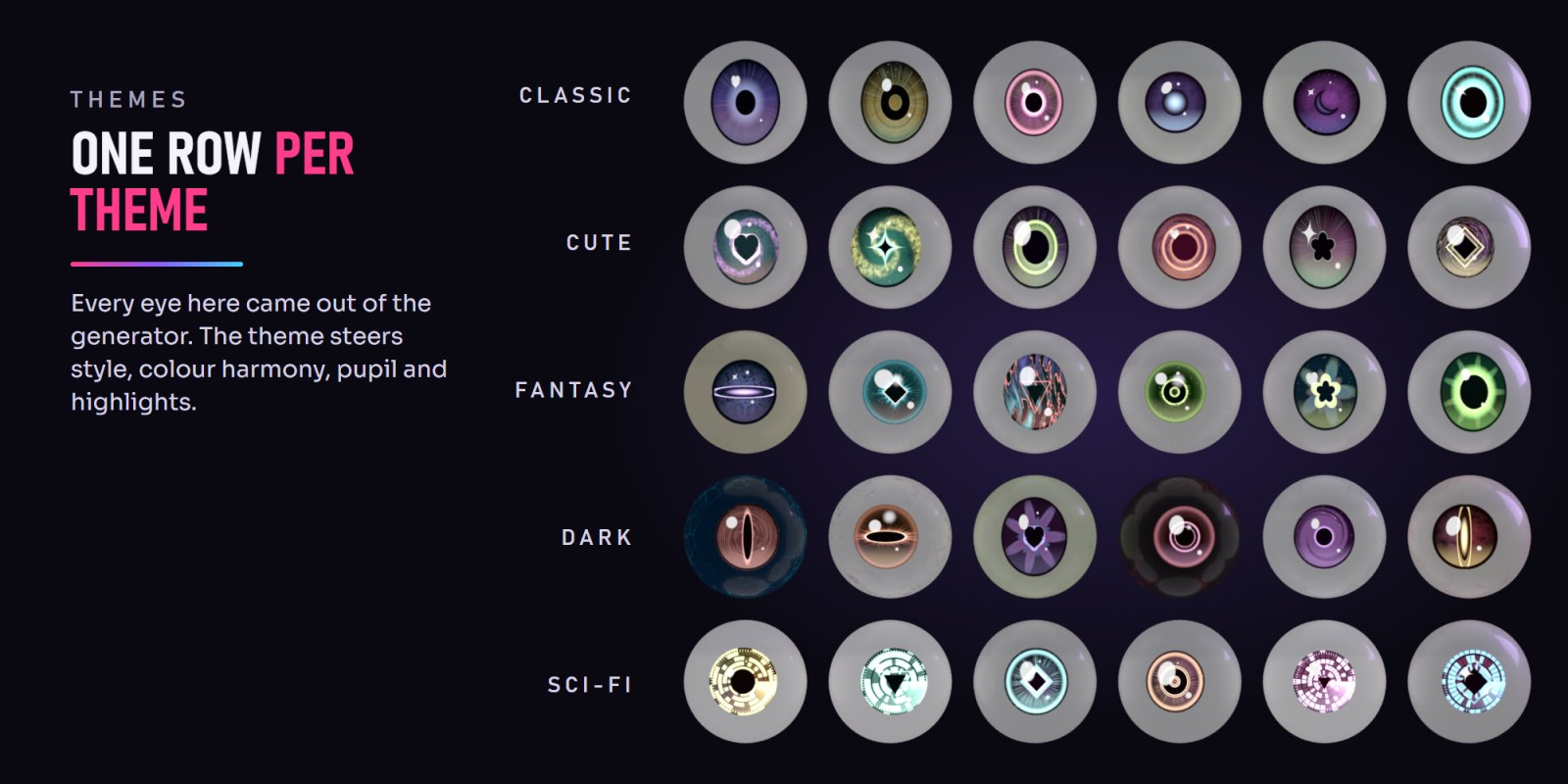
Generated, not picked from a list · one row per theme
|
Animate EYES THAT LOOK AROUND. |
On eyeballs fitted in Shape mode, Gaze X and Y turn the iris across the ball, ready to keyframe or drive. Eye pairs made by the add-on come with a look target empty and a Blink slider. Phase drives a seamless loop for pupil pulse and glow breathing: drive it with #frame/96 and it loops every 96 frames.
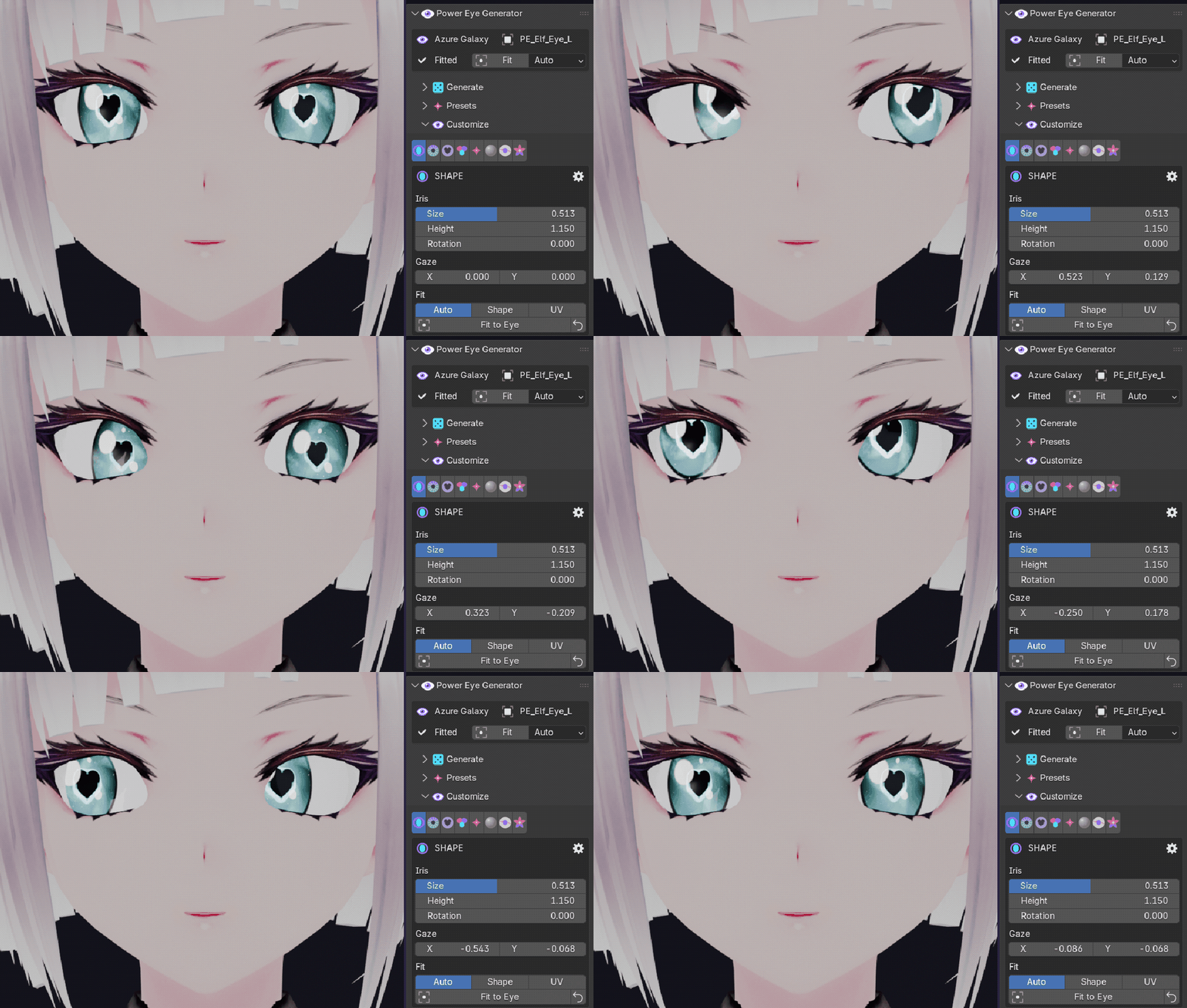
Gaze X and Y keyed on the elf · Shape fit
|
On your characters YOUR MODEL, YOUR EYES. |
Use it on the eyes your character already has, or press New Eye Pair for a rigged pair at the 3D cursor. Heterochromia gives the right eye its own palette and Link Eyes joins them again. Both engines render the same material.
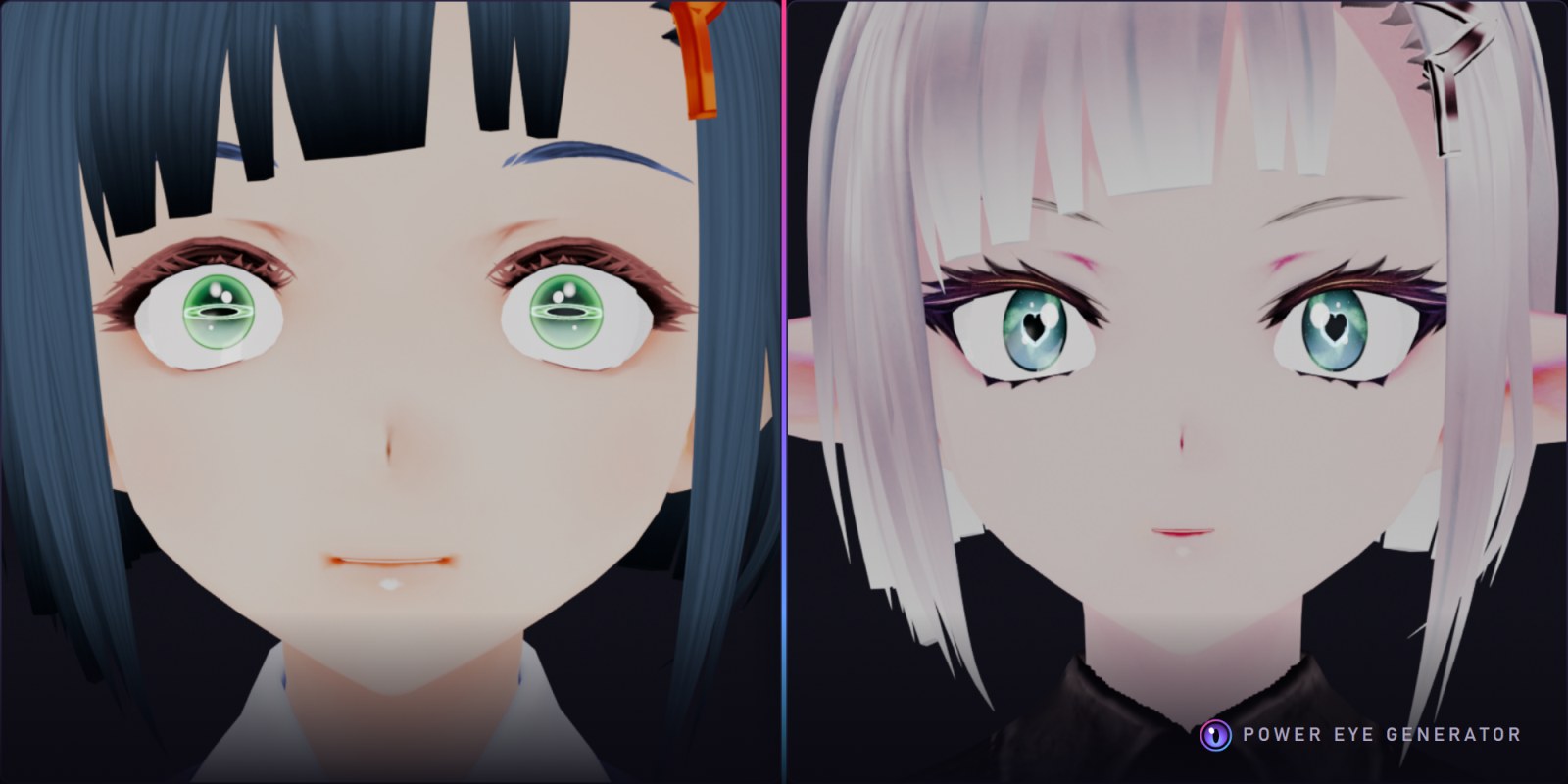
Two VRoid characters, eyes made with the generator
|
Details WHAT YOU GET. |
| Blender | 5.0+ |
| Render | EEVEE and Cycles |
| System | Windows, macOS, Linux |
| Type | Blender extension (add-on), one zip |
| Where | Power Eye tab in the 3D Viewport sidebar (N) |
| Inside | The generator with themes, Keep locks and History; Fit to Eye in Shape and UV mode; hand-made presets in seven families; every iris style, pupil shape and palette as a control you can change |
| Sharing | Save presets, export and import eyes as .json, add the presets to the Asset Browser |
| Textures | None. Everything is procedural |
| Version | 1.0.0 |
| License | GPL-3.0-or-later |
The full guide is in the Documentation tab.
Every image and GIF on this page was made in Blender with Power Eye Generator. The two characters are VRoid sample models and are not included.
|
More from the studio LATEST FROM LARKLAB |