 LarkLab
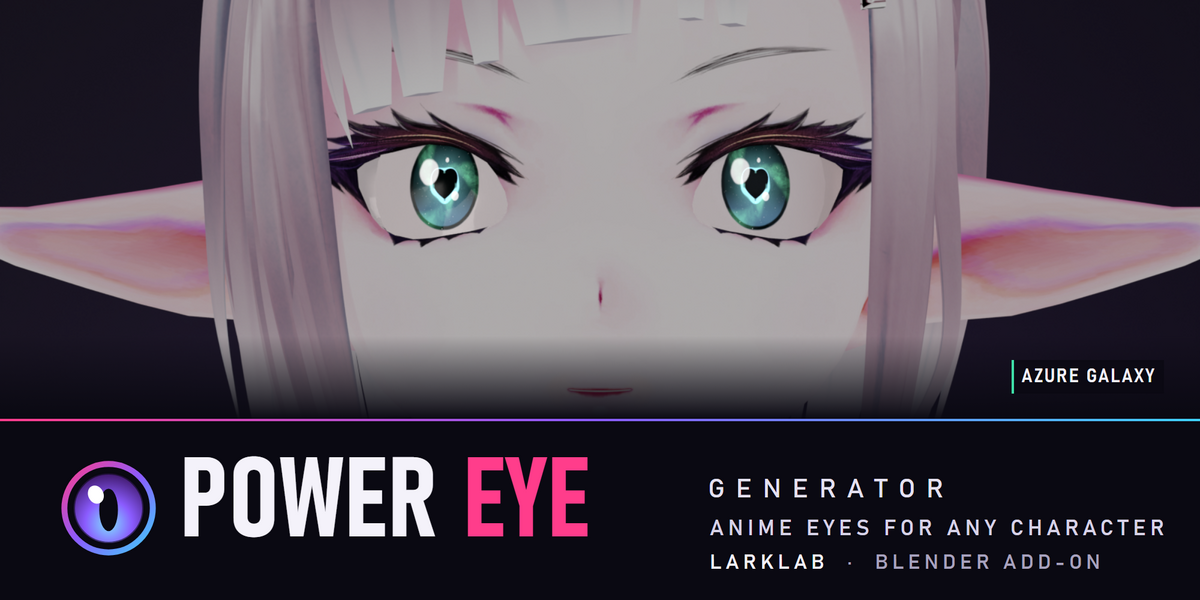
Documentation / v1.0.0
POWER EYE GENERATOR DOCS
How to install Power Eye Generator, turn your character's eyes into procedural anime eyes, fit them, generate and lock looks, use the presets, customize every part and animate the gaze. The add-on lives in the Power Eye tab of the 3D Viewport sidebar (N). Blender 5.0+, EEVEE and Cycles.
|
Guide INSTALL, UPDATE, REMOVE |
- Download power_eye_generator-1.0.0.zip from your Superhive downloads. Don't unzip it.
- In Blender open Edit › Preferences › Get Extensions, open the arrow menu at the top right, choose Install from Disk… and pick the zip.
- In the 3D Viewport press N and open the Power Eye tab.
Update: install the new zip the same way. If the panel shows Update Eye Shaders, click it once: your eyes keep every setting and get the new node groups.
Remove: uninstall it in Get Extensions. Eyes already in your files stay; they are ordinary node-group materials.
|
Guide MAKE AN EYE |
| 1 |
Your character's own eyes Select the eyeball objects (both, if you have two) and click Make Eye at the top of the panel. For eyes that are part of a face mesh, go to Edit Mode, select the eye faces and click Make Eye. |
| 2 |
New eyes With nothing selected, click New Eye Pair. You get a left and right eye at the 3D cursor with a look target and a blink slider. Set Eye Size and Spacing in the Character panel first. |
| 3 |
Check the fit The status line shows Fitted or UV fit. If the iris looks off-centre, open Customize › Shape › Fit and try the other mode. |
|
Guide FIT TO EYE |
| Auto | Shape for round eyeballs, UV for flat or UV-mapped eye patches. |
| Shape | Reads the eye faces and works out where the eye is and which way it looks. No UVs needed. Works on eyeballs in any position, rotation and squash. |
| UV | Fits the iris to the UV island of the eye faces. Use it for VRoid and VRM eyes and other flat eye patches. When the faces hold two eyes left and right of X = 0, one fit drives both, folded. |
| Facing (F9 after Fit) | Auto uses the face normals, or the viewport view when they cancel out. You can also force an axis. |
| Mirror (F9 after Fit) | Auto mirrors when the faces hold both eyes; On or Off forces it. |
| Reset Fit | The arrow button next to Fit to Eye forgets the fit: the eye looks down the object's -Y axis again. |
One material can be used on many eyes: Shape fits are stored on each object, so a shared material still fits every eye it is on.
|
Guide GENERATE |
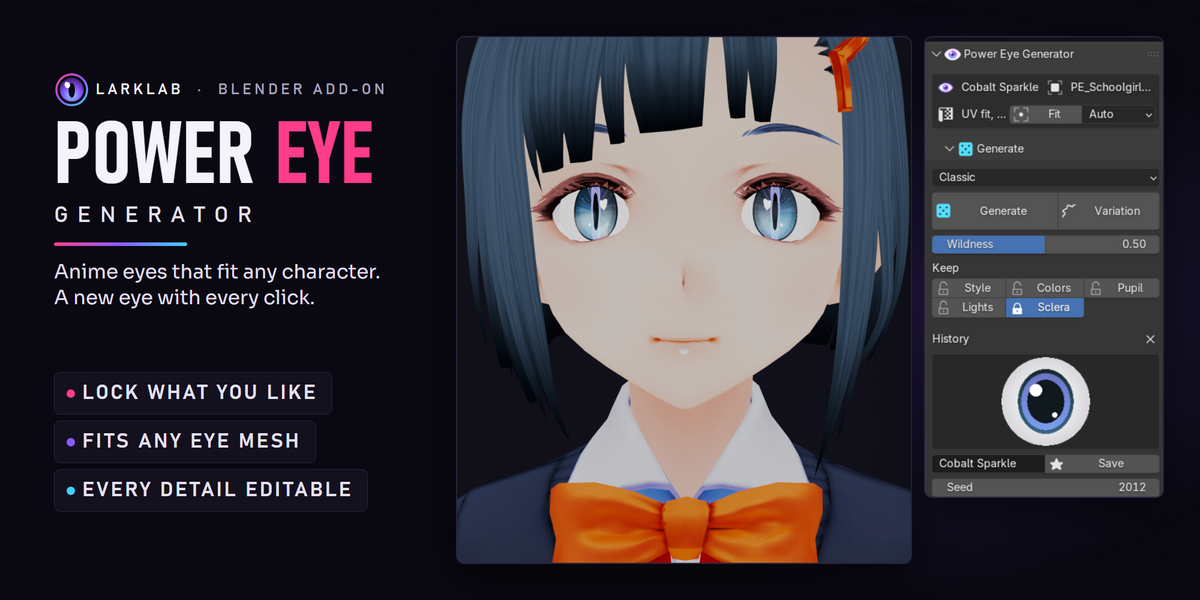
| Theme | Classic, Cute, Fantasy, Magical, Dark, Sci-Fi, Artistic or Any. It steers iris styles, colour harmony, pupil and highlight choices. |
| Generate | A brand new eye from the theme. The fit, the gaze and the animation Phase never change. |
| Variation | Keeps the iris style and makes new colours, pupil and highlights, with half the wildness. |
| Wildness | Low keeps eyes classic and readable. High allows bolder colours and stranger combinations. |
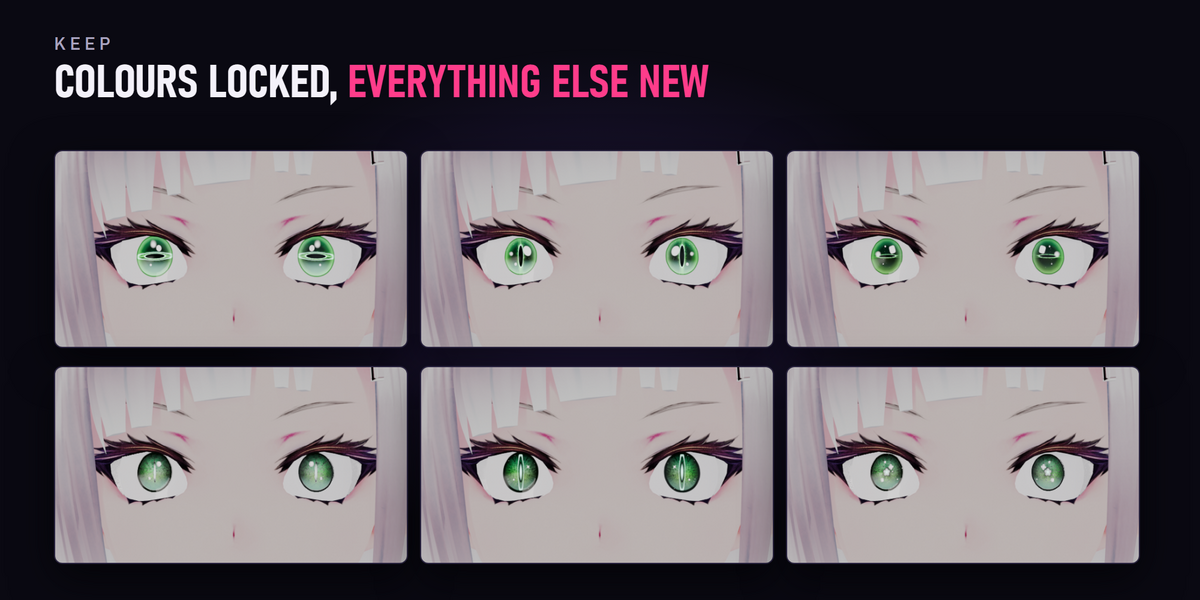
| Keep | Locks Style, Colors, Pupil, Lights or Sclera, so Generate only changes the parts that are unlocked. |
| History | Every generated eye. Pick one to bring it back, name it and press Save to store it as your own preset. |
| Seed | The next eye's seed. It counts up with every click; type one in to get the same eye again. |
|
Guide PRESETS |
Open Presets, choose a family, and step with the arrows. Apply resets the eye to the preset (the fit stays). With Auto on, presets apply as you browse. My Presets holds the eyes you saved; they live in your Blender config, so every file sees them.
|
Guide CUSTOMIZE TABS |

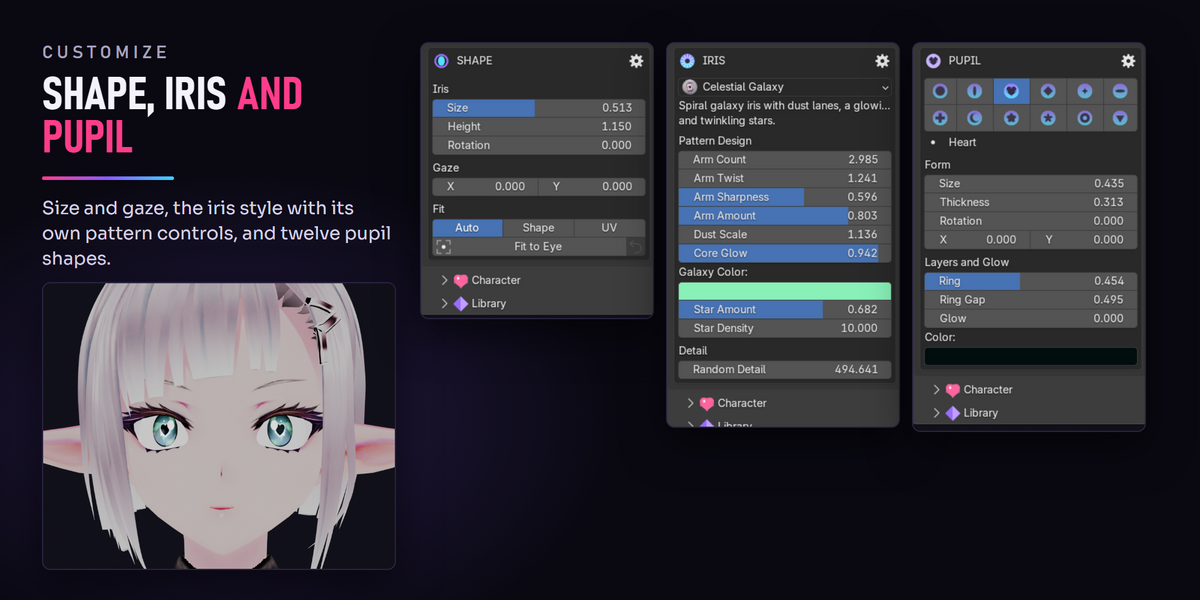
| Shape | Iris Size, Height, Rotation; Gaze X and Y; Fit. Gear: outline, edge softness, lid shadow, UV mapping. |
| Iris | The iris style and its own pattern controls, plus Random Detail. |
| Pupil | Shape, size, thickness, rotation, offset; ring, ring gap, glow and colour. Gear: Pulse. |
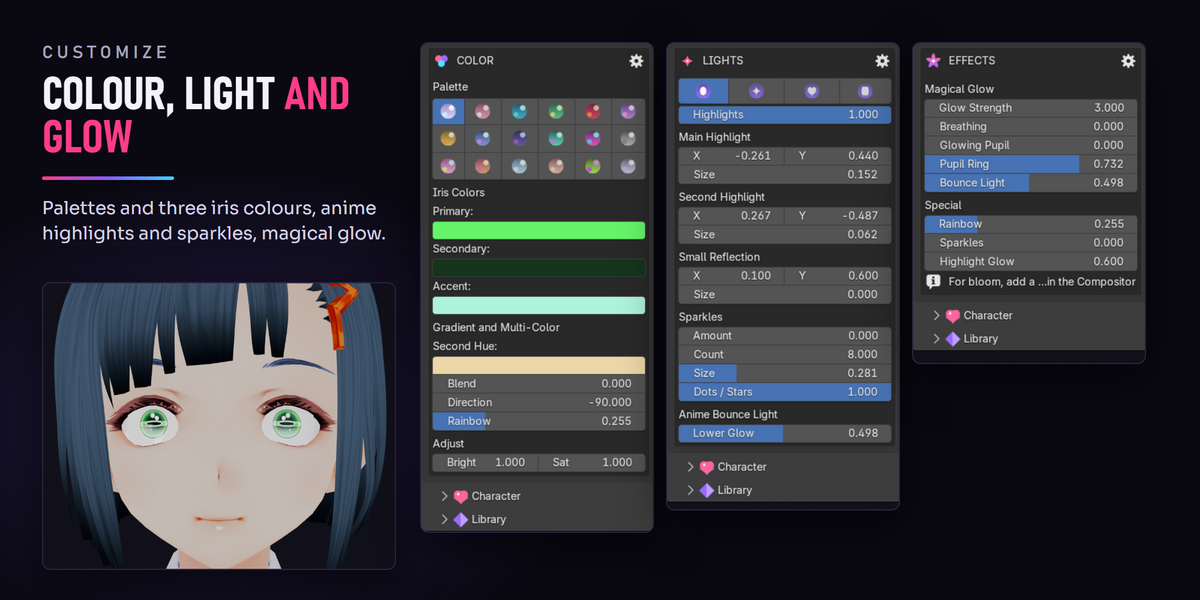
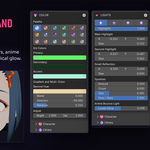
| Color | Palette; Primary, Secondary, Accent; Second Hue with Blend, Direction and Rainbow; Bright and Sat. |
| Lights | Highlight style and amount; main highlight, second highlight, small reflection; sparkles; anime bounce light. |
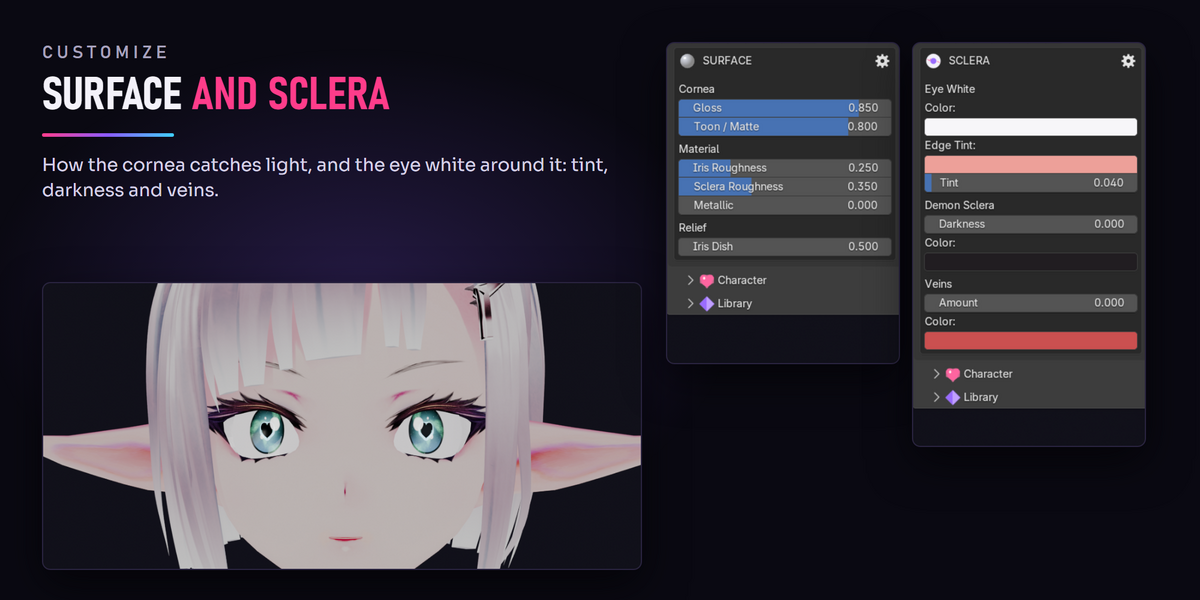
| Surface | Gloss, Toon / Matte, roughness, metallic, iris dish. |
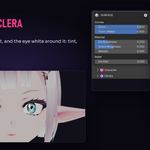
| Sclera | Eye white colour, edge tint, demon sclera, veins, lid shadow. |
| FX | Glow strength and breathing, glowing pupil, pupil ring, bounce light, rainbow, sparkles, highlight glow. |
For a bloom on glowing eyes, add a Glare node in the Compositor.
|
Guide ANIMATION |
| Gaze | Look Left/Right and Look Up/Down in the Shape tab turn the iris on eyeballs fitted in Shape mode. Keyframe or drive them. |
| Look target | Eye pairs from New Eye Pair follow an empty. Select Look Target selects it. |
| Blink | Eye pairs from New Eye Pair have a Blink slider in the Character panel. |
| Phase | Drive it with #frame/96: every 0 to 1 is one seamless loop. Pupil Pulse, Glow Pulse (Breathing) and, on some iris styles, Iris Spin follow it. |
|
Guide BOTH EYES, ONE EYE, MANY EYES |
| Apply to Selected Eyes | Copies the active eye's look onto every other selected eye. |
| Heterochromia | Gives the right eye of a pair its own material in the chosen palette. |
| Link Eyes | Both eyes share the left eye's material again. |
|
Guide LIBRARY |
| Save Preset | Stores the active eye in My Presets. |
| Export / Import Eye (.json) | Writes the eye's style and every setting to a file, and loads it onto another eye or into another file. |
| Add Presets to Asset Browser | Makes one material per preset and marks them as assets (Asset Browser › Current File). |
| Rebuild Eye Shaders | Rebuilds the PE node groups from the add-on. Eye settings are kept. |
|
Guide TROUBLESHOOTING |
| Make Eye is greyed out | Select a mesh first, or the eye faces in Edit Mode. |
| The iris is off to the side | Click Fit to Eye. If it is still off, switch between Shape and UV, or set Facing in the F9 panel. |
| The iris is stretched | In UV mode the UV island decides the shape. Use Shape mode, or adjust UV Aspect under Shape › gear. |
| A second, different white shows at the eye corners | The face mesh has its own eye-white faces next to your eyeball. Select those faces in Edit Mode and give them the same Power Eye material: outside the iris they render as eye white. |
| The eye whites look too bright next to the skin | Raise Toon / Matte in the Surface tab, or lower Gloss. |
| The panel says Update Eye Shaders | The file was made with an older version. Click it once. |
|
More from the studio LATEST FROM LARKLAB |
Have questions about this product?
Login to message
| Blender Extension Compatible | Yes |
| Published | 29 minutes ago |
| Blender Version | 5.0 - 5.2 |
| Extension Type | Add-on |
| Render Engine Used | Cycles, Eevee |
| License | GPL |
Discover more products like this
anime eyes eevee procedural stylized anime character toon eye-shader Cycles Generator vroid NPR