 Cgi Lab
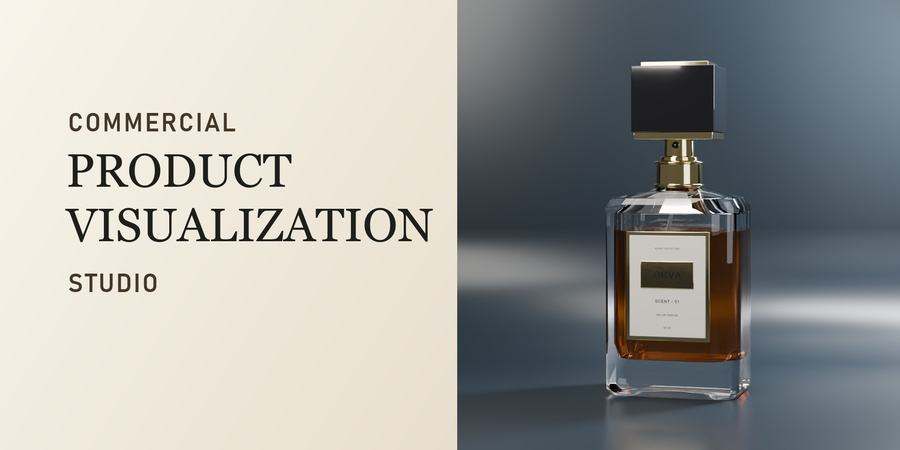
Build Editable Product Photography Studios Around Your 3D Models Inside Blender.
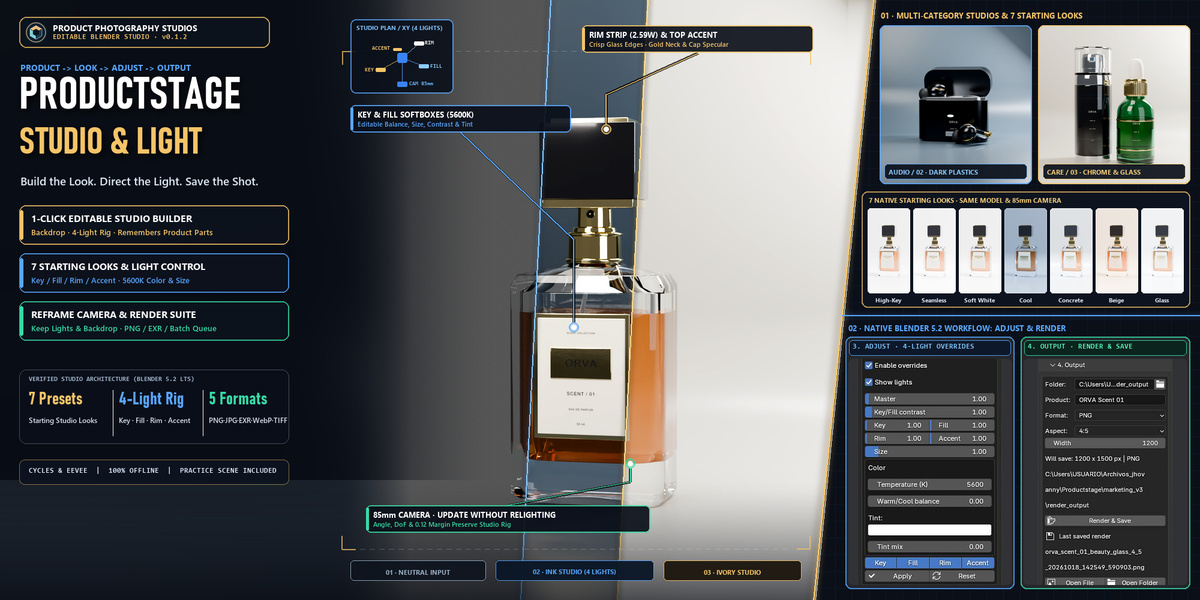
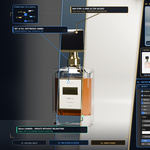
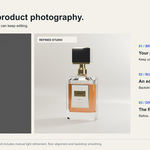
Create polished packaging visuals and product shots without rebuilding your studio from scratch. Generate a backdrop, 4-point lighting rig and framing camera directly around your own model, dial in the mood, and render & save straight from one panel. (You supply your models, materials and final art direction.)
7 Starting Studio Looks • Key / Fill / Rim / Accent + Non-Destructive Camera Reframing • 100% Offline (No API Keys or Extra Python Packages) • Verified on Windows / Blender 5.2.1 LTS
18-second edited overview using real Blender captures (studio setup plus manual art direction). Animated comparisons show edited rendered stills, not live render speed.
Why Packaging & Product-Viz Artists Use ProductStage 0.1.2
-
Instant Studio Generation (
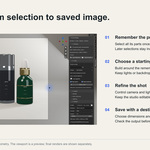
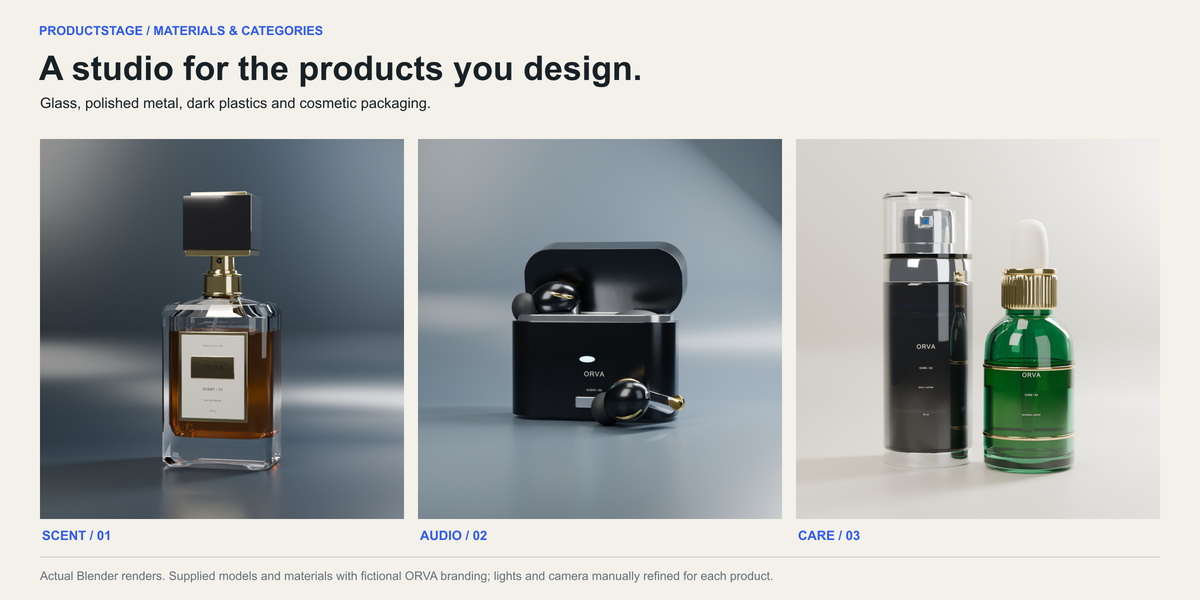
Build Studio): Select your product parts once and build the entire studio around them—ProductStage remembers your product group even when your selection changes. - 7 Editorial Starting Looks: Jump rapidly from Editorial High-Key to Beauty Glass, then customize every light and backdrop surface natively inside Blender.
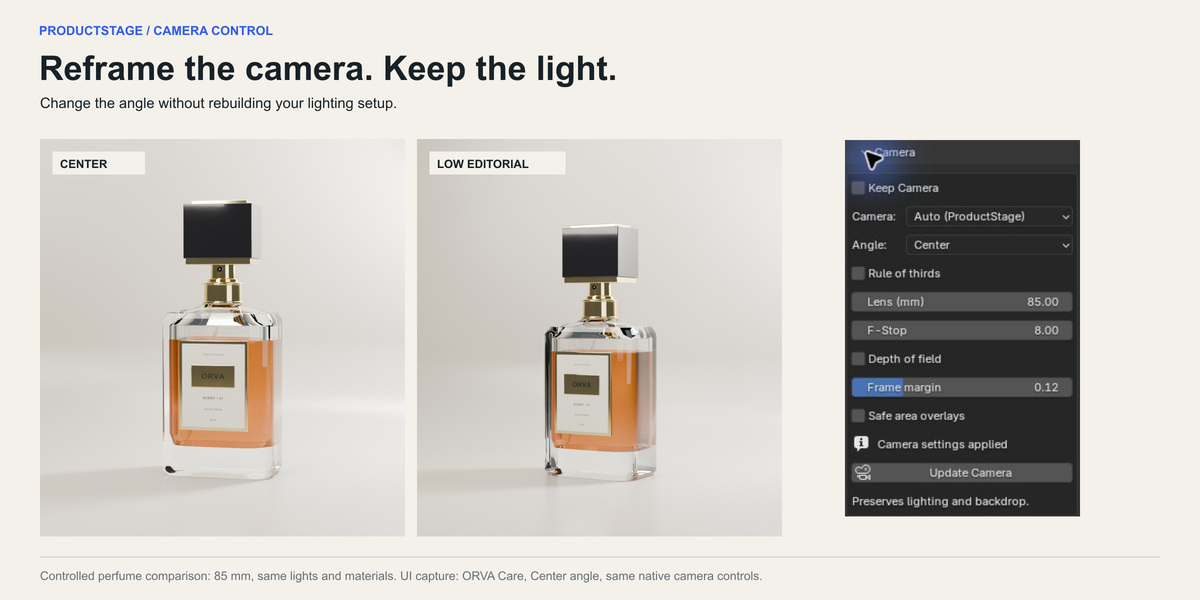
- Reframe Without Relighting: Change camera angle, lens, depth of field and margins with Update Camera while your lights, backdrop and materials stay locked in place.
-
Streamlined Output + Practice Scene Included: Save directly to PNG, JPEG, OpenEXR, WebP or TIFF and start learning immediately with the included procedural bottle practice scene and
START_HERE.htmlguide.
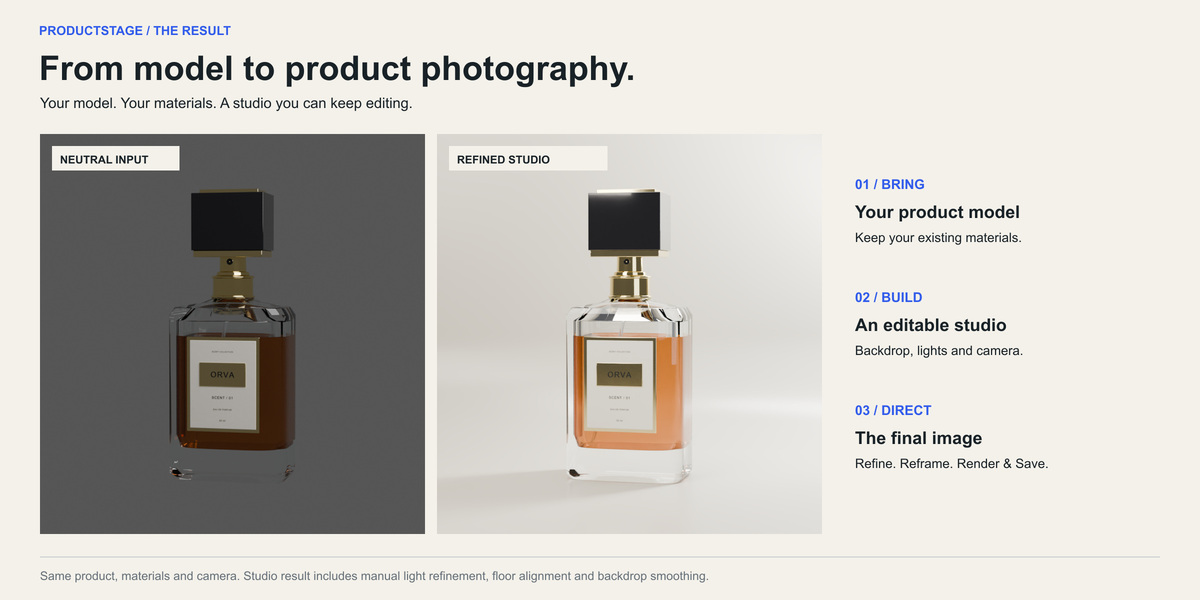
1. Your Product. Your Editable Studio.
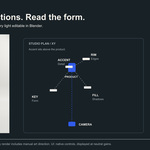
- Smart Part Tracking: Select your product meshes and click Build Studio—ProductStage tracks those parts automatically as you work and change selections.
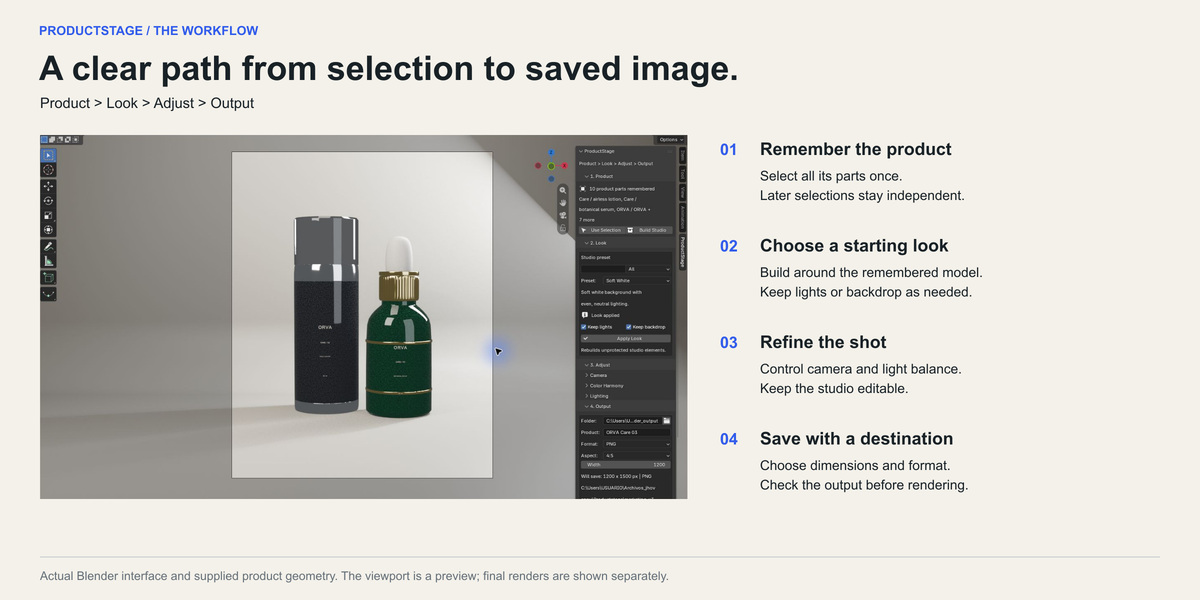
2. Seven Starting Studio Looks
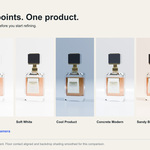
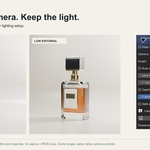
- Instant Mood Exploration: Switch between seven starting studio setups—from crisp Editorial High-Key to rich Beauty Glass—and refine from there. (The seven-look comparison below uses unchanged preset lighting with manual floor-contact and backdrop-shading corrections.)
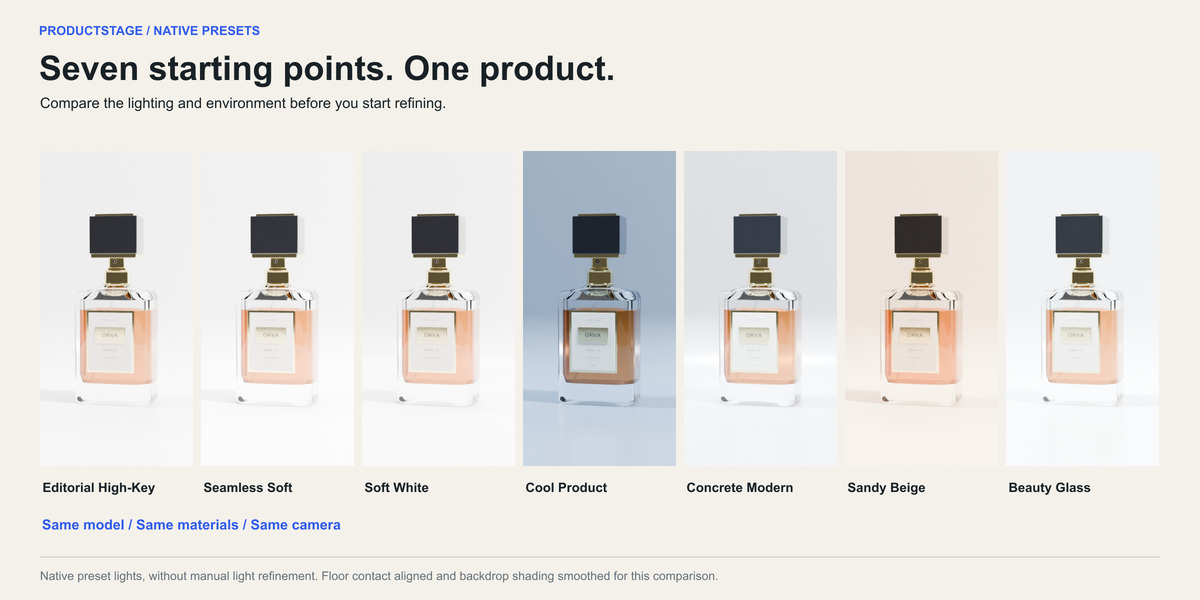
3. Shape Every Light Directly in Blender
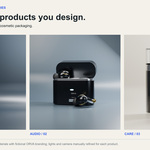
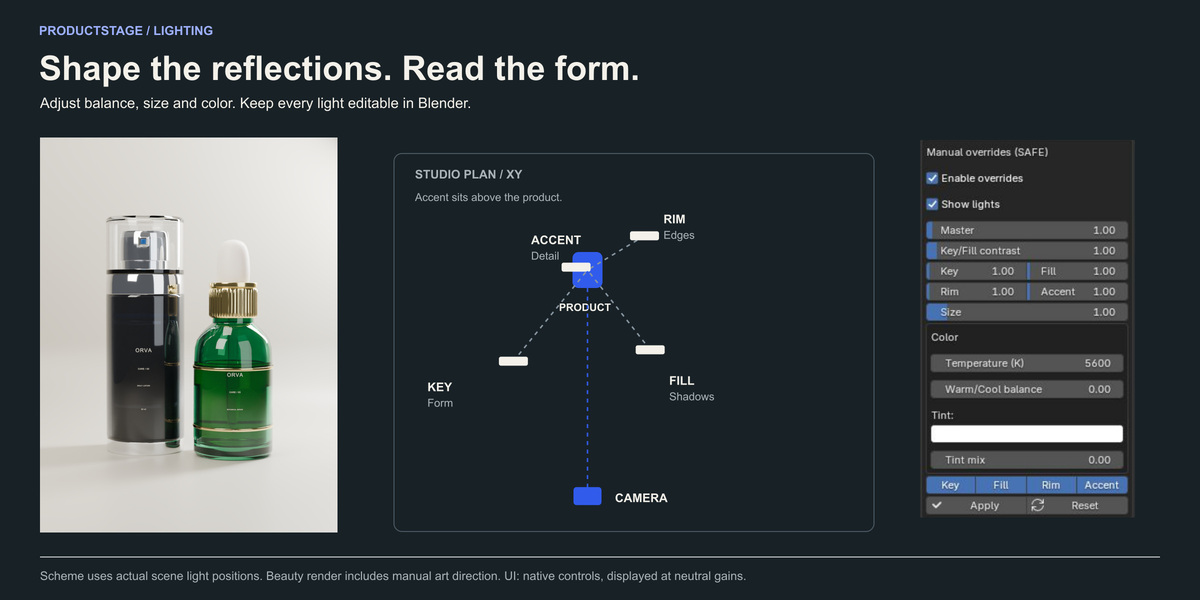
- 4-Channel Studio Control: Balance Key, Fill, Rim and Accent lights, fine-tune light size and color temperature from the panel, or adjust native Blender lights directly in the viewport. (ORVA beauty shots include manual lighting, camera and studio refinements.)
4. Reframe Shots Without Relighting
- Non-Destructive Camera Control: Adjust camera angle, focal length, depth of field and framing margin, then click Update Camera—your studio lighting, backdrop and materials remain undisturbed.
5. Render, Save & Open Output From One Panel
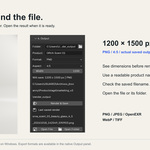
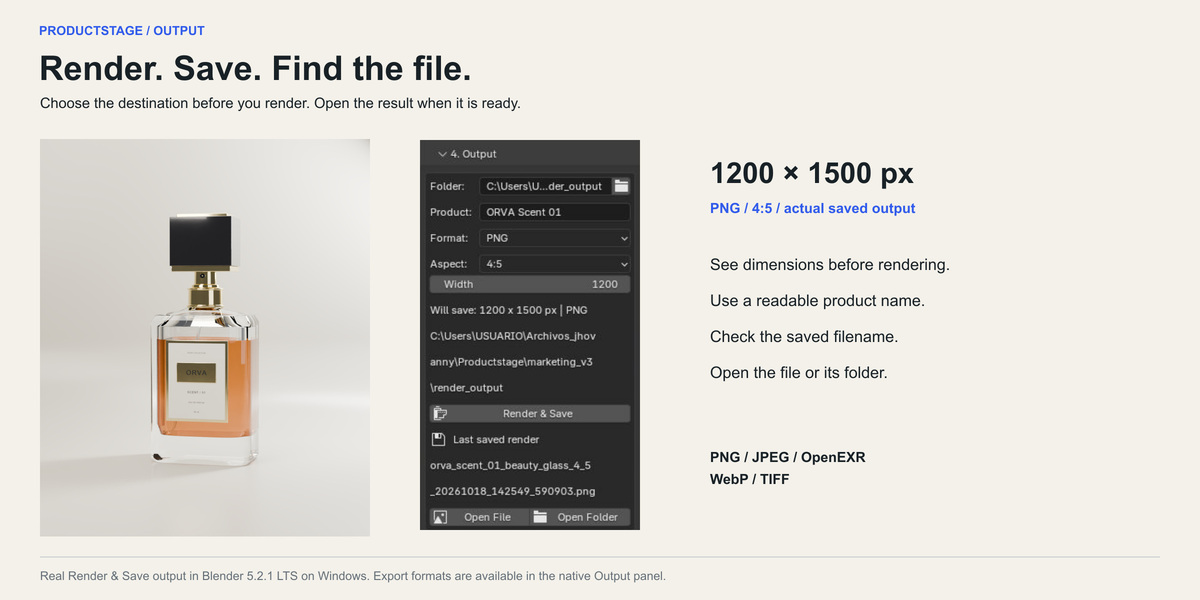
- Direct File Management: Pick your output folder, file format (PNG, JPEG, OpenEXR, WebP or TIFF) and dimensions, click Render & Save, and open the rendered image or folder right from the panel (see the included guide for batch and queue workflows).
What You Receive & Quick Start
- ProductStage 0.1.2 Extension Installer (plus a separate legacy add-on option).
- Full Studio Toolset: Seven studio looks, editable 4-light controls, framing camera tools and multi-format export controls.
-
Documentation ZIP:
START_HERE.html, quick start, user guide, FAQ and changelog. -
Examples ZIP: A procedural bottle practice scene saved for
0.1.2plus four comparison PNG renders (comparison PNGs rendered with 0.1.1; the practice bottle is separate from the ORVA gallery products, and ORVA models/marketing scenes are not included).
Getting Started: Install the extension ZIP intact via Blender Preferences, extract the Documentation and Examples ZIPs separately, and follow START_HERE.html to render your first saved PNG.
Requirements & Scope
- Verified Platform & Blender Version: Verified on Windows / Blender 5.2.1 LTS (other platforms and Blender versions remain unvalidated for this release).
- 100% Offline Execution: Runs completely offline inside Blender with no API keys or extra Python packages.
-
Scene Structure: Designed for one ProductStage studio per
.blendfile.
Related Tools & Complementary Workflow
Pair ProductStage with Smart Cut & Bevel for non-destructive product enclosure detailing, or LumaForge for custom OpenEXR reflection HDRIs.
Each product is sold separately. Check each product’s requirements and documented workflow.
Save With the Bundle & Related Tools
Want detailing + studio together? Grab Product Design Studio Duo—includes Smart Cut & Bevel + ProductStage + the 6-checkpoint PULSE 01 practice project at US$10 off the combined regular listings.
Or explore separately: Smart Cut & Bevel for non-destructive enclosure detailing, and LumaForge for custom OpenEXR reflection HDRIs.
Individual products are sold separately. Check each product’s requirements, bundle terms and documented workflow.