 Axis Interactive

Pulse is an experience upgrade at it's core.
Made by and for someone like you.
As I was learning blender years ago, I took notes on what should be better. As I was working on client projects, I took more notes on real world use-cases. Pulse takes all those observations and was made to improve the experience for users of all experience levels and specialties. It will make help you work faster and (more importantly) want to come back into the software, rather than feel like you're fighting the user interface to make awesome stuff.
It comes from years of multimedia knowledge and experience where design and user experience are paramount. This means the add-on feels native, clean and simple to use while it saves you a lot of time.
What's in Pulse?
Pulse is full of time savers and quality of life features that should truthfully be in Blender already, but the developers are working their magic on more important things and have left stuff like this to us add-on developers. In this add-on, you can expect:
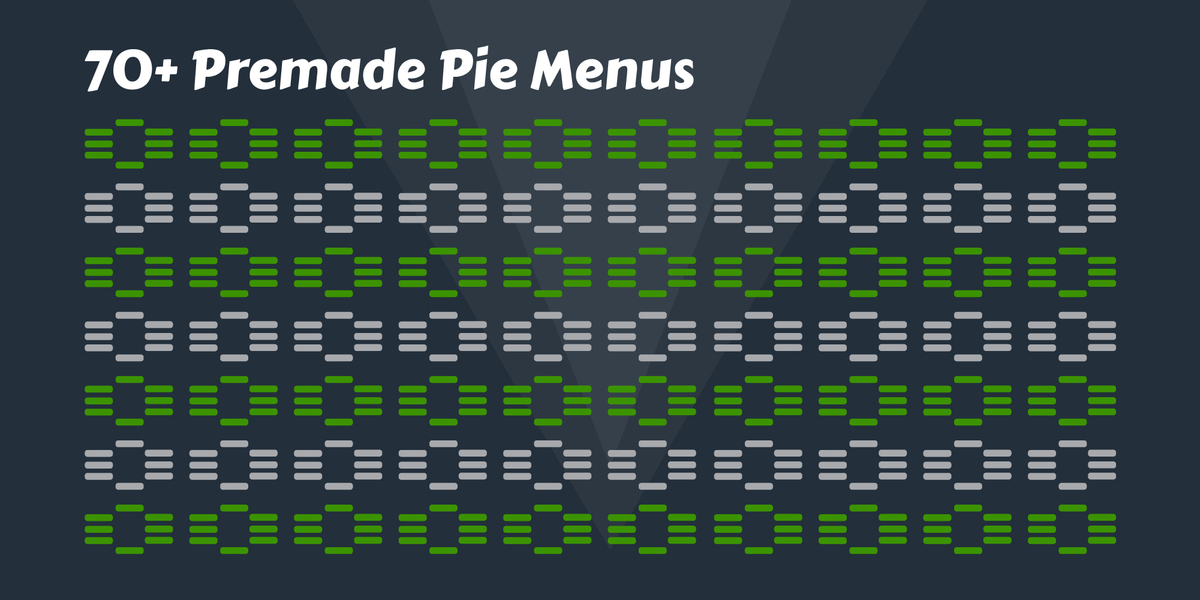
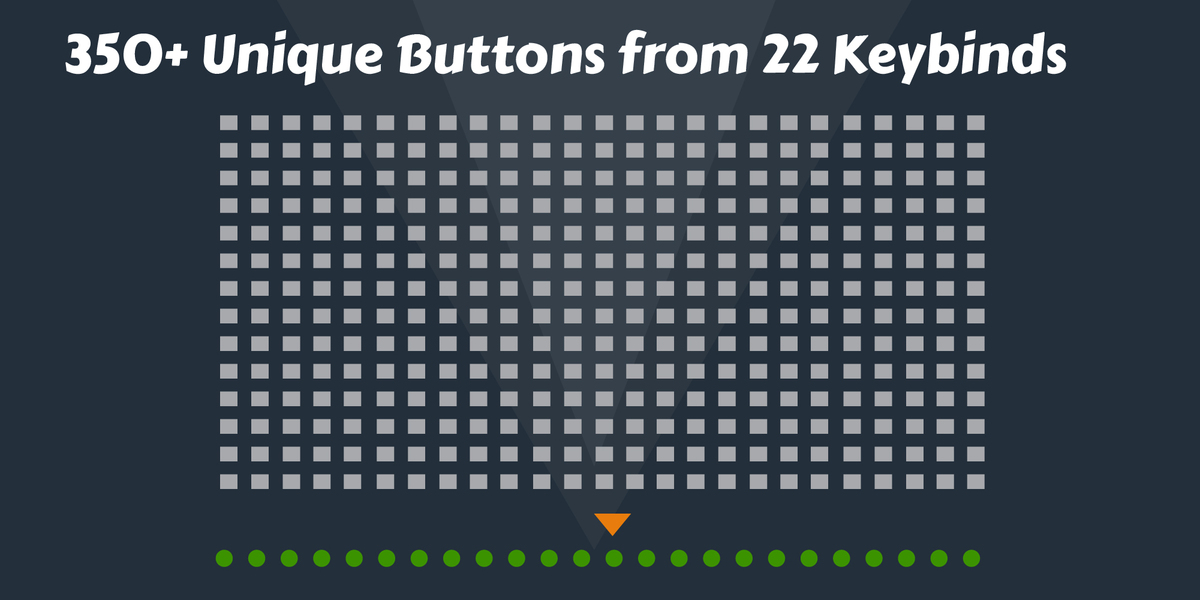
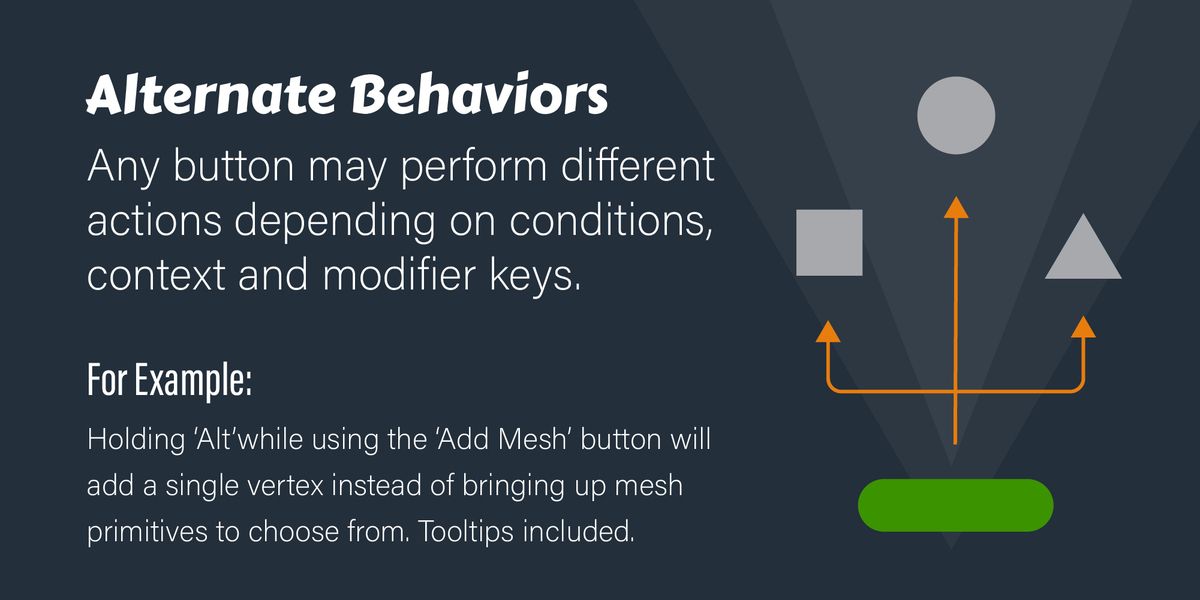
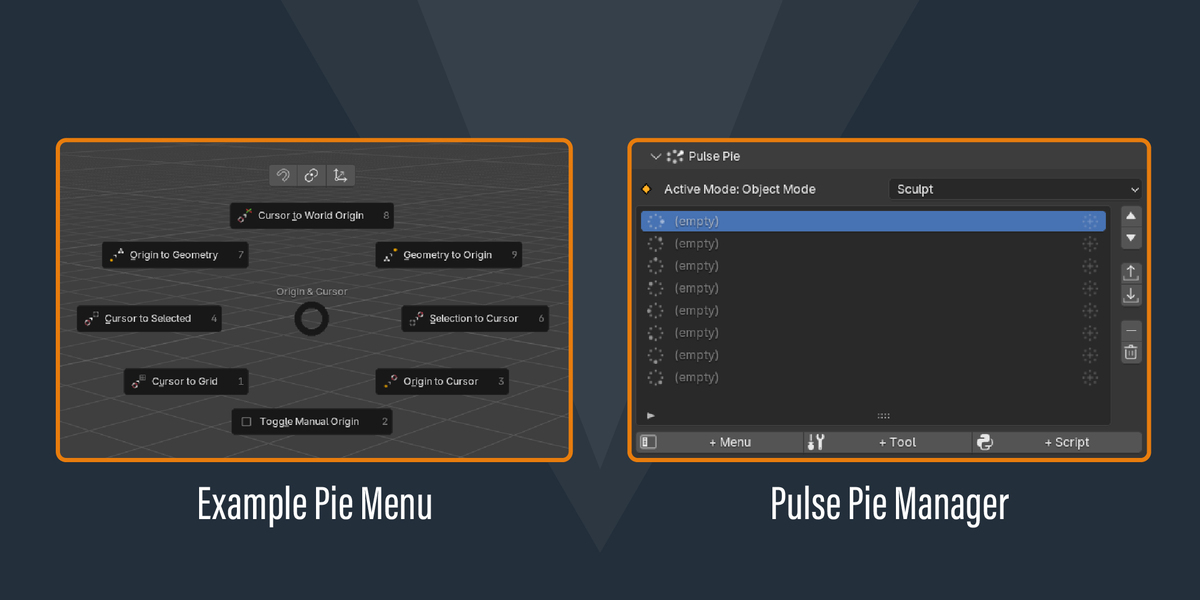
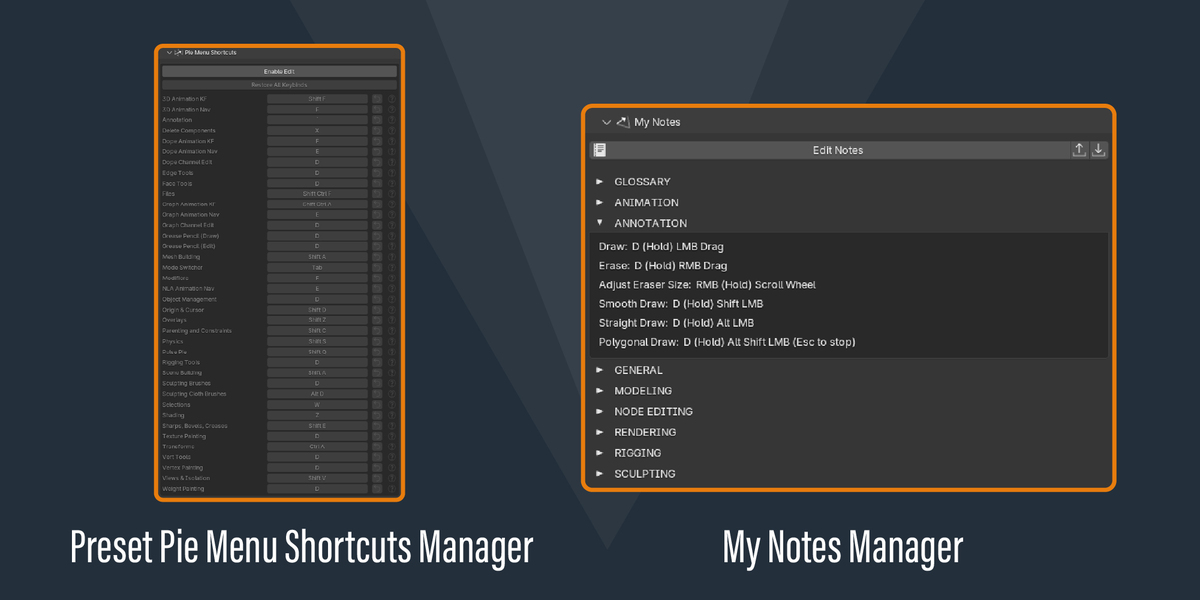
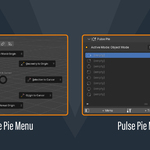
- 70+ preset pie menus packed into 22 keybinds with smart behaviors
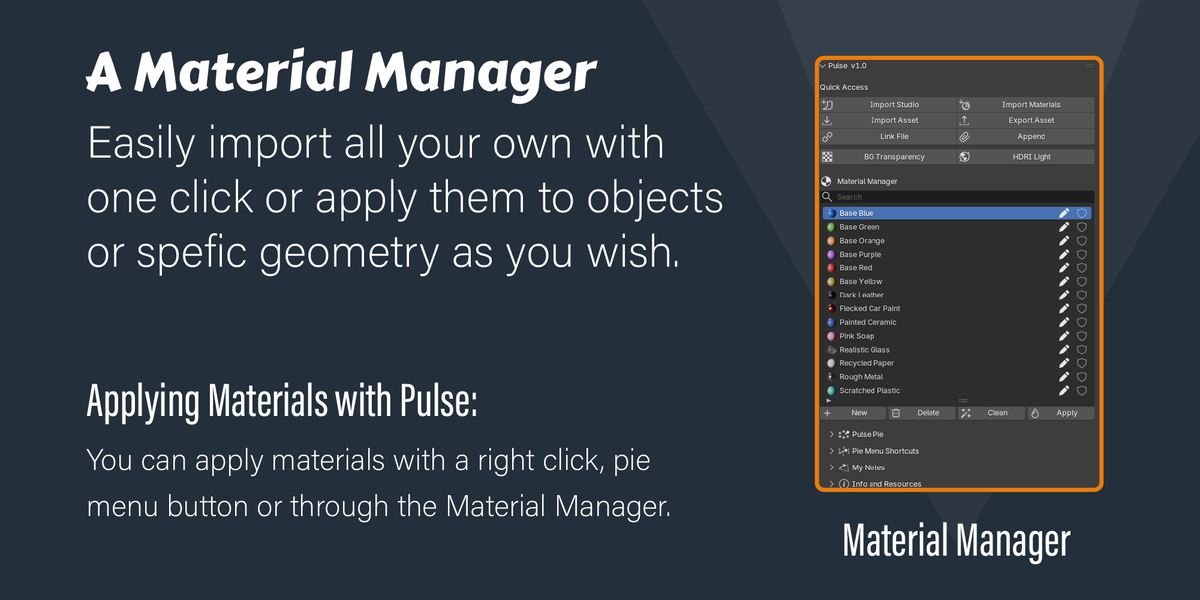
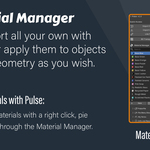
- A simple and easy to use material management system
- 16 parametric material presets
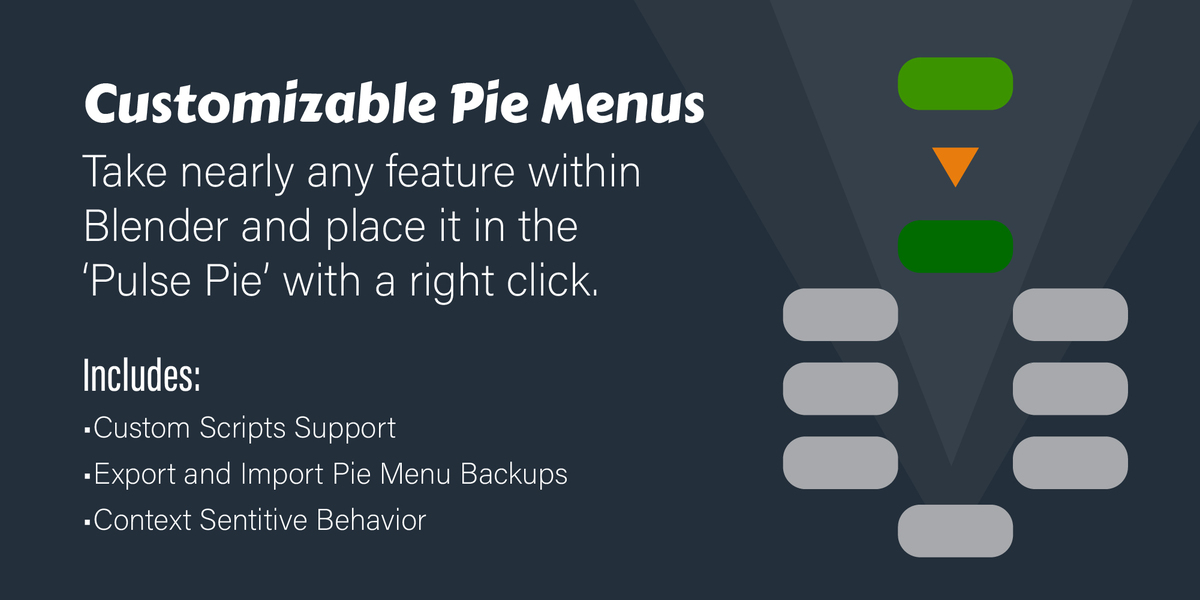
- A fully customizable and context sensitive pie menu capable of using custom scripts
- A file saving reminder system
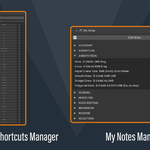
- A written My Notes system
- An Info and Resources section with quick links to essential resources
- A preset studio
- Quick access buttons for things like one-click HDRI and background gradient setups
And every preset pie menu you don't like, you can completely disable it. The same is possible for the file saving reminder system. Pulse is made to help you work faster, not get in the way.
So why this add-on?
Blender is great, but its features are all over the keyboard and they can be hard to find in the user interface. This is a problem which slows you down by pulling your eyes from the screen or stops you in your tracks when you're looking for something you know exists but you can't find.
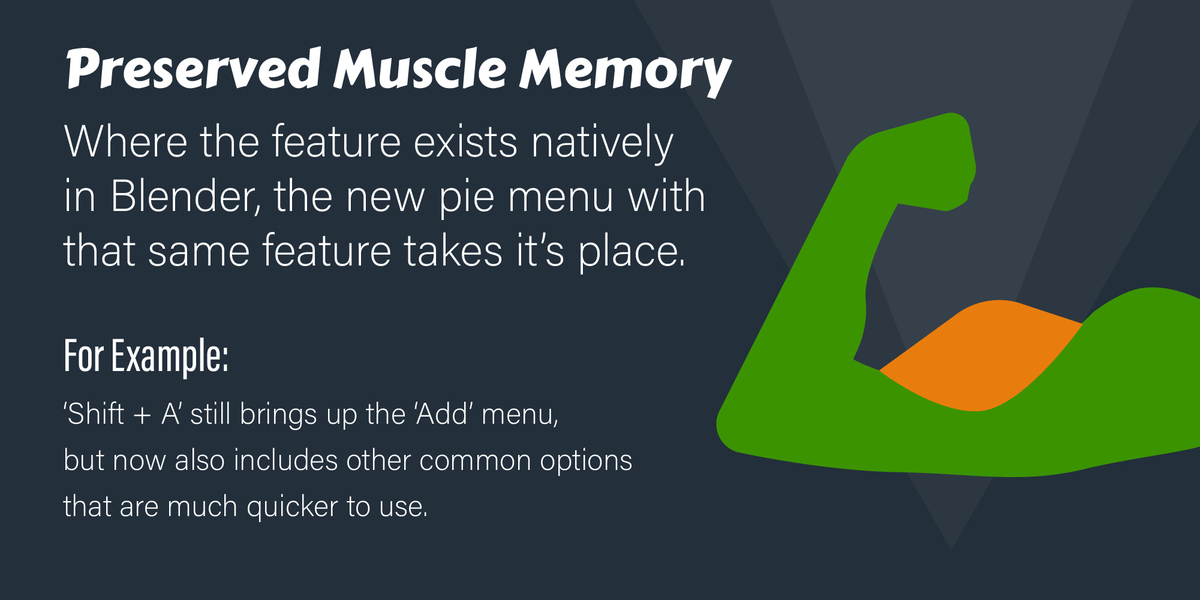
Pulse solves problems like these by greatly reducing the number of keyboard shortcuts you need to remember and focuses them all on the left side of the keyboard so you never have to move your hand from position or your eyes off the screen. It also makes it easier to find those most useful features.
The other thing with blender is that it's default settings are not always user friendly or smart. For example, adding a camera into your scene brings it to the world center and points it away from your subject which isn't helpful and it's hard to direct it at what you want with control or artistry as it doesn't give you a sense of framing.
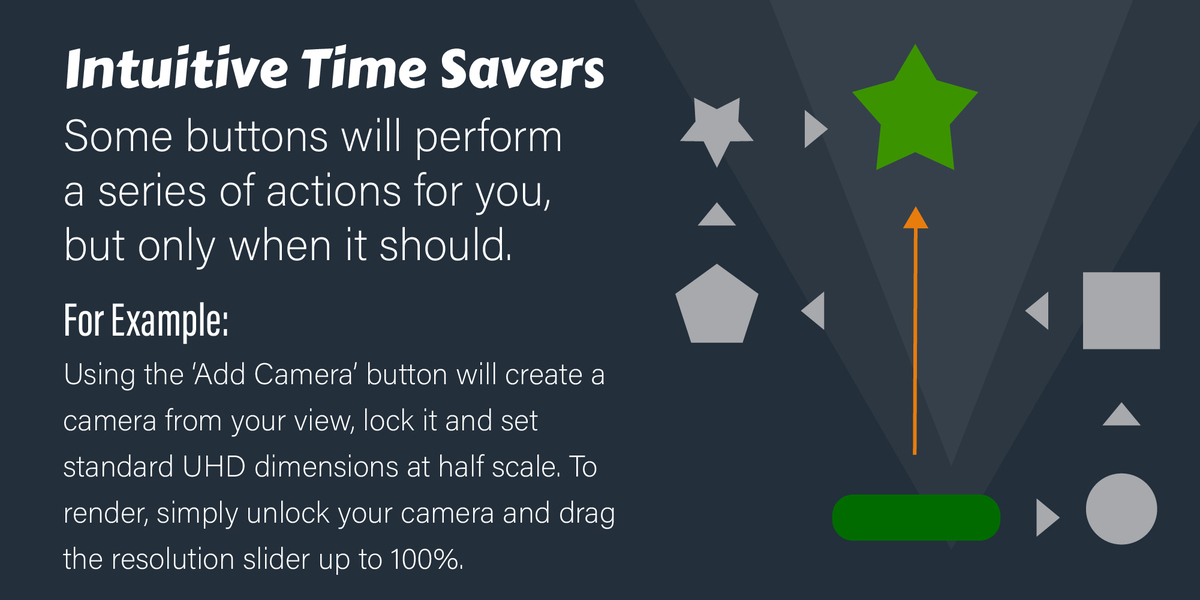
Adding a camera with Pulse makes it super easy. It creates a camera from your current view and locks it to your movement, so the camera comes with you and this allows you to quickly and easily frame your shot. It also sets your output dimensions to your choice of standard 16:9 or 9:16 dimensions in 2K. It automatically scales the resolution down to 50% for quick visualization purposes and when you're done, you can simply unlock your camera and drag up that resolution scale slider for a full quality render.
While other add-ons solve problems like these, Pulse does a little bit of everything in one add-on. It solves a number of issues for things everyone does in Blender a lot of the time. Adding objects, working through the timeline, adding a camera and rendering. All the stuff we're all doing is just faster and easier to do with Pulse. You don't need 5, 10, 20 add-ons for what's available in Pulse.