Pulse
 Axis Interactive

Does this work on Mac, PC, Linux?
Currently only PC is tested and reliable, though some users have reported that it works on Mac with a bug here or there. I'd love to offer a bug free and catered experience on all OS, but I only have a PC to test with. If you would like to help make that happen, feel free to join the Axis Interactive discord channel and connect with me. https://discord.gg/GbDmhwxfBz
Is there a Demo or Lite version?
Yes! but unfortunately it's not available on this platform. Use the Axis Interactive website link to jump into our discord server and find out more.
What version(s) of Blender does this add-on work for?
Currently, the Pulse add-on only works for Blender 5.0 and up. If you want the add-on but your machine requires you to use an older version of blender, there is a good chance I'm already working on a solution for you.
What percentage of the price is going to the Blender Developers?
20% of the profits this add-on generates go to the Blender Developers.
https://fund.blender.org/
How do I install the add-on?
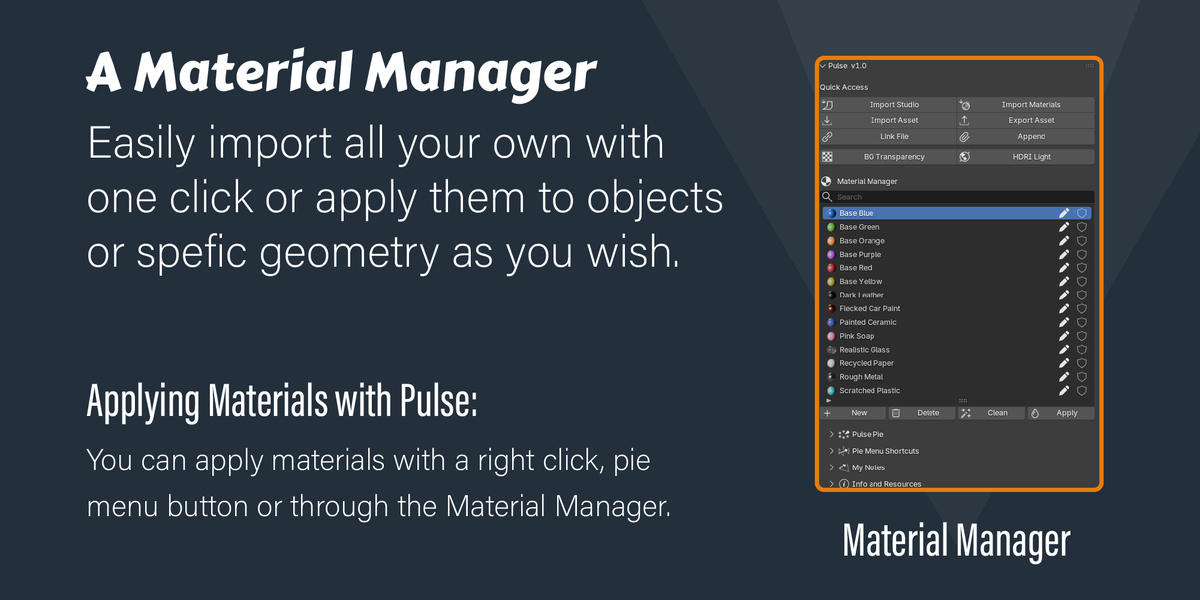
You'll do this through Blenders preferences. There's a little arrow under preferences > add-ons (then top right) — that allows you to install a zip file. I've made this video to show you how. https://youtu.be/wg76UZ9uCW0
When installing Pulse, it will also prompt you with a pop up in the preferences to backup your current keybinds and install the Pulse's keybind profile which will remove all the native blender keybind conflicts for you. If you want to take care of that yourself, simple click cancel. You can always apply this preset profile later in Pulse's preferences.
Was AI used in the development of Pulse?
In short, yes. I didn't develop all of it with AI, but a large portion was done with Claude Code Pro. That said, I've tested it thoroughly, fixed a lot of bugs already and can say it's in solid working shape. The positive side of this AI situation, is that I will be able to address your bug fixes sooner and the purchase of this add-on again brings something back to actual Blender developers. Not just myself.
What customizations can I back up so I don't lose my stuff?
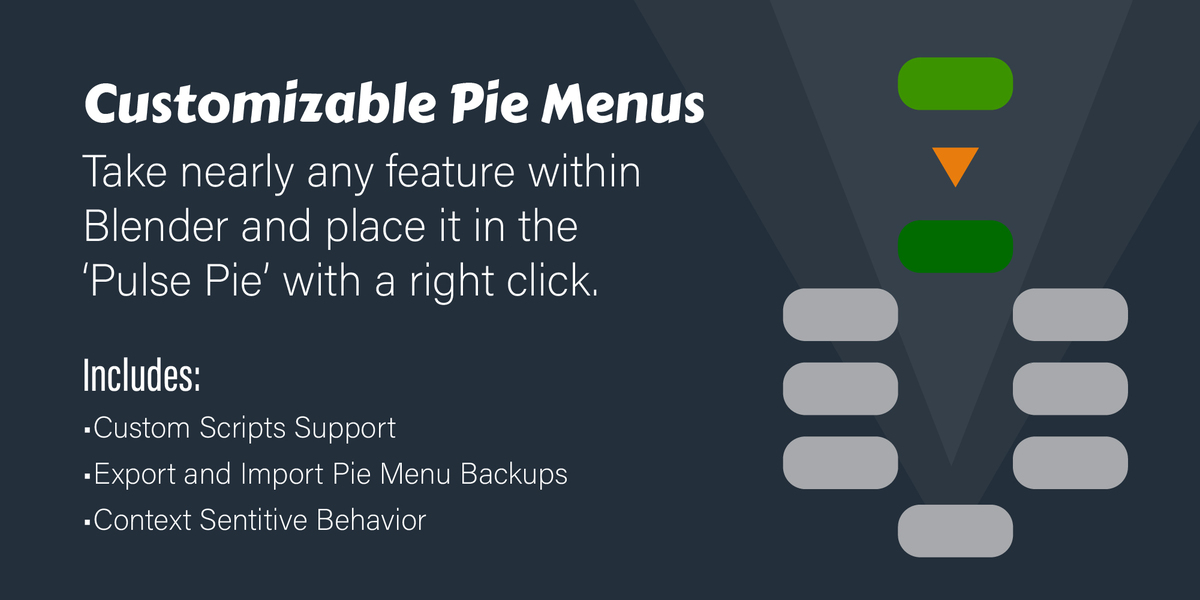
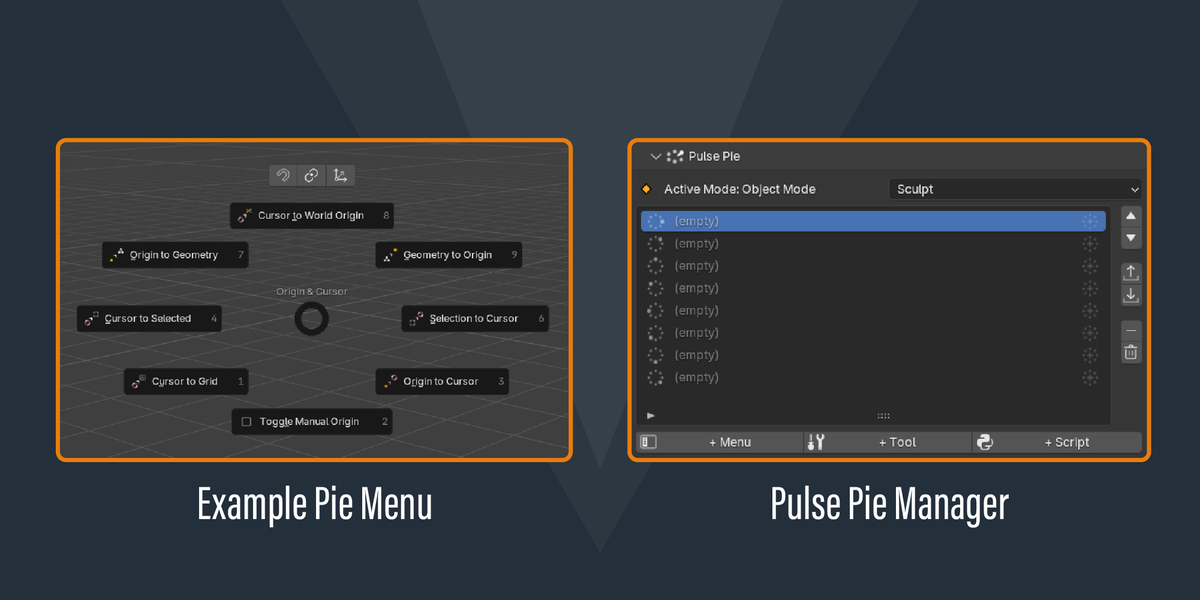
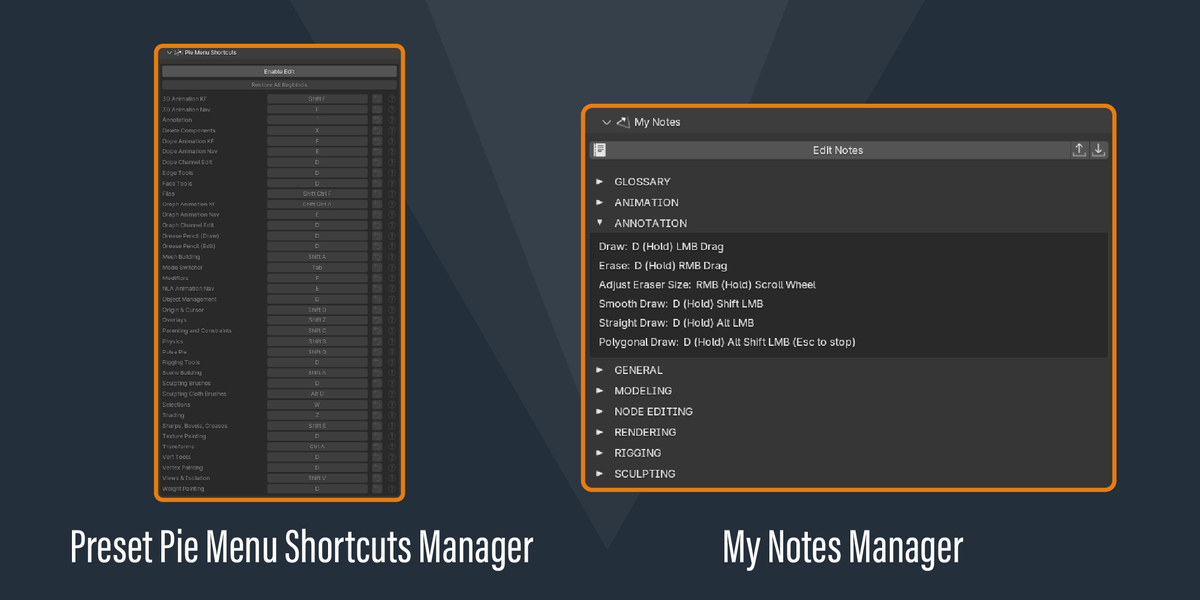
Pulse allows you to backup the features and functions tied to your custom pie menus and custom notes to separate files so you can restore or duplicate your customization work. At the time of launch, your custom icons and custom scripts should be contained in one folder in the same location with the same folder name until a better solution is available in future versions of the add-on. Your custom keybinds can be saved through blenders keybind profile system, and I'd advise you to take advantage of that when you're done setting the add-on up the way you like it.
If I find a bug, how report it?
Directly in the Pulse N panel, there's a bug reporting feature info and resources section, it's the bottom most drop down and the bottom most button. Click on that with the URL toggle button turned on, and your default browser will open with a short 5 question form that helps me replicate your issue so I know how to fix it.
Why is it so cheap? There's so much stuff
I figured you may be thinking this is AI slop, a crappy get-rish-quick product or something else. The price does not affect the quality of the add-on. I've priced it affordably so that everyone has a chance to use it while also giving something back to the blender developers and not have to worry about the risks of piracy. By purchasing the add-on on Superhive, a 20% of the profit goes directly to blender development team, then the remainder comes my way, but mostly I wanted everyone to have access to this. In some countries, this is the price of a coffee, in others, it could do a whole lot more.