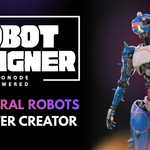
Robot Designer - Procedural Robot Character Creator

Alexis.egi in Rigging


Procedural Robot Character Creator  ·  Blender 4.5.4+
V3 Now Available

A complete robot in under 10 minutes.

Geometry, materials, rig, UV, bake, export. Every step of the humanoid robot pipeline, handled automatically. You pick a preset, move sliders, and Robot Designer does the rest.

Personal license from $29
<10min
Full pipeline
800+
Parameters
25
Presets
2
Rigs included
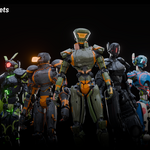
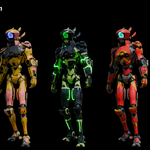
Robot Designer — 25 preset archetypes
Everything included in every license
Procedural geometry with 800+ parameters
PBR smart material · Cycles + EEVEE
Auto UV unwrap on Finish
Rigify IK/FK rig + Mixamo rig
Custom hard-surface skinning · no artifacts
Atlas texture baking · all 7 map types
ID map · Substance Painter ready
LOD generation · FBX · OBJ · GLB export
Export presets for Unity · UE5 · Sketchfab
25 hand-crafted presets · repair button
Walkthrough

See it in action.

From empty scene to export-ready robot. Under 10 minutes.

V3

Robot Designer V3 — What's New

New Features
Fembot support
Breasts added and pelvis geometry reworked to support fembot results
Humanlike abdomen
New customizable waist shape, from skinny to heavier builds
Per-limb length customization
Adjust arm, leg, and abdomen length independently (Mixamo rig only)
Symmetrical random cuts
Random cut generation now supports symmetry
Holes option
On the smart material
Extended material customization
New color controls for fake cuts, rust, and wear
25
15 new presets
Preset library expands from 10 to 25 total
Fixes & Improvements
✓Fixed deformation issues on the neck and abdomen
✓Improved texture baking consistency
✓Reworked sharp edges handling for cleaner results
✓Finished robots are now offset from the procedural robot, so they no longer overlap in the viewport
Compatibility
Blender 5.2 support added
V2.0.0 — Major Update

V2: More Control. More Realism.
Zero Compromise.

Every major system in the addon has been improved. Free update for all existing owners.

Rigging
Rigify and Mixamo rotation axes corrected for accurate, predictable animation. Mixamo rig is now fully compatible with Cascadeur and the official Mixamo Blender addon — drop your robots directly into external animation pipelines.
Materials — Rebuilt from Scratch
All materials rewritten for more consistent results. New Rust slider added alongside Wear. All wear controls unified — one slider drives edge wear across the entire robot. 5 plate color patterns added for visual variety.
Geometry & Deformation
Legs now spread outward correctly as hip radius increases. Shoulder joint redesigned — arm wraps around the joint naturally. Cables have smoother, more organic curvature. Eye render artifacts fixed.
Body Types
3 new body type presets available at generation time: Muscular, Average, and Skinny. Start from the silhouette that fits your character before making any other adjustments.
Bug fixes
✓Persistent Decimate error on robot completion resolved
✓ID Map baking now fully supported
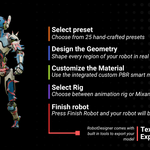
The pipeline

Five steps. No manual work at any of them.

Every step of the robot creation pipeline is handled automatically. You make decisions. Robot Designer does the work.

01
01 · Preset selection

25 distinct robots.
Infinite variations.

Choose from 25 hand-crafted presets, each a distinct archetype: Soldier, Boxer, Japan Pop, Fast Assassin, Medical, Crab, and more. All share the same procedural base, meaning any look is reachable from any preset by adjusting sliders. Pick the closest to your vision and start from there.

New in V2: choose a body type before generating — Muscular, Average, or Skinny — to start from the silhouette that fits your character.
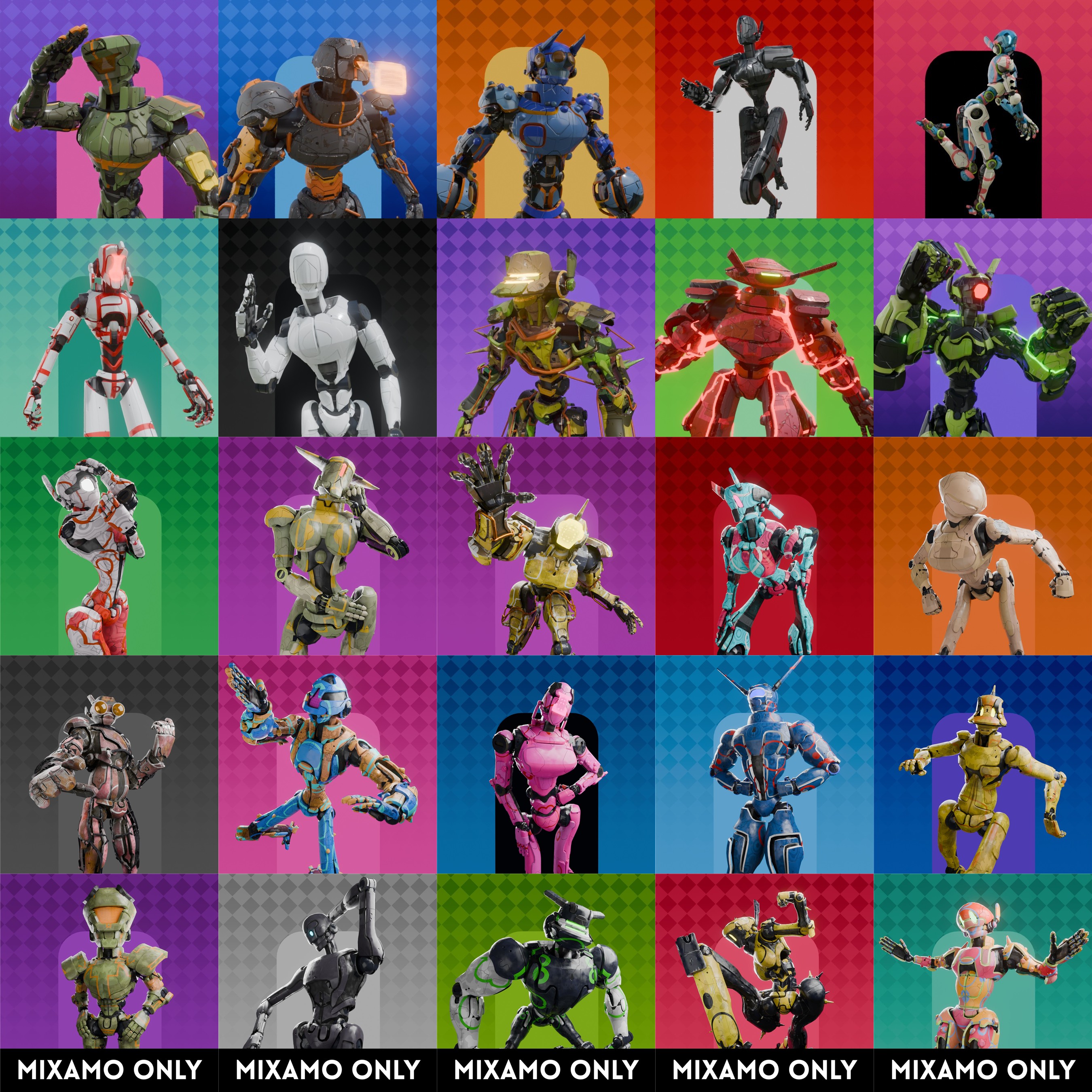
25 presets 3 body types — new Repair missing parts Any look reachable from any preset
Preset gallery
02
02 · Geometry editor

Design in real time.
800+ parameters.

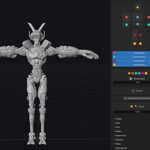
Shape every region of your robot through geometry nodes. Every change is instant and non-destructive. Toggle per-limb asymmetry independently. Use Simplified Customization for speed, or go deep with the full parameter set across six categories per body part.

New in V3: Fembot support adds breasts and reworked pelvis geometry. A new humanlike abdomen gives a customizable waist shape, from skinny to heavier builds. Per-limb length customization adjusts arm, leg, and abdomen length independently (Mixamo rig only), and random cut generation now supports symmetry.

Fembot support — new Humanlike abdomen — new Per-limb length — new Symmetrical cuts — new General Shape Plates Joints Island Decoration Global seed Per-limb asymmetry
Real-time geometry editor
03
03 · Materials

Smart materials.
Per-zone control.

A custom PBR smart material built for hard-surface robots is applied automatically. Adjust per zone: Base Mesh, Plates, Joints, Eyes, Details, Cables, Screws. Control colors, wear, edge highlights, panel cuts, and bolt holes. Works in both Cycles and EEVEE. Activate Show ID for a ready-made ID map with no manual masking needed.

V2 rebuilt the entire material system from scratch. A new Rust slider joins the existing Wear slider. All wear controls are now unified into a single global slider that drives edge wear across the whole robot at once. Five optional plate color patterns let you add visual identity and variety to any design.
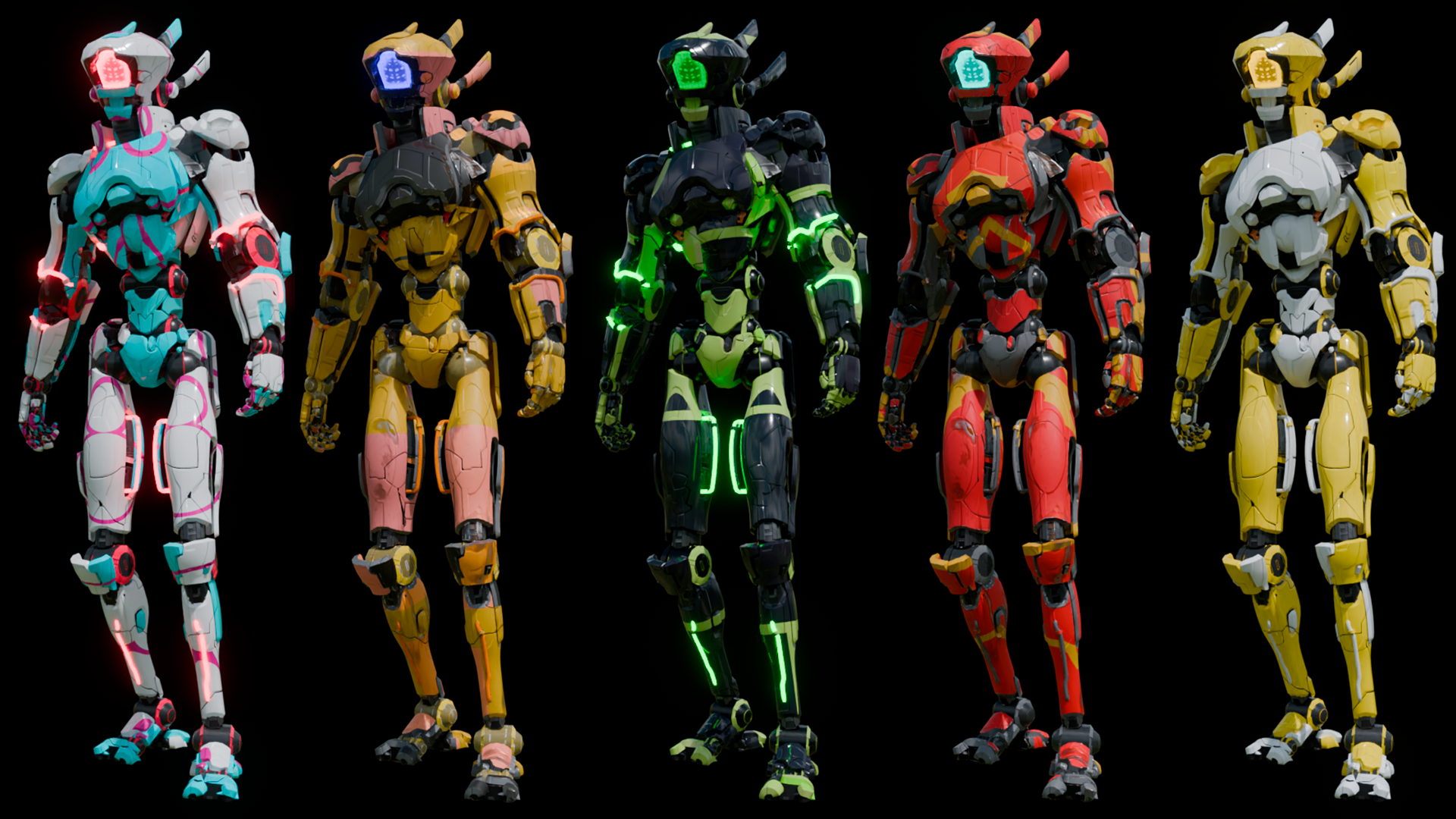
Cycles + EEVEE Per-zone control Rust + Wear sliders — new 5 plate patterns — new Auto ID map Substance Painter ready
Material variants
04
04 · Rig selection

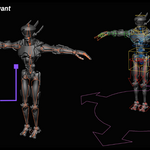
Rigify or Mixamo.
Hard-surface skinning.

Choose Rigify for a full IK/FK rig for animating directly in Blender, or Mixamo for instant compatibility with thousands of pre-made animations. Both use a custom skinning system built inside the geometry node graph. Each part moves as rigid metal, not organic skin. No weight painting. No blending artifacts.

V2 corrected the rotation axes on both rigs for accurate, predictable animation. The Mixamo rig is now fully compatible with Cascadeur and the official Mixamo Blender addon — your robots drop cleanly into external animation pipelines.
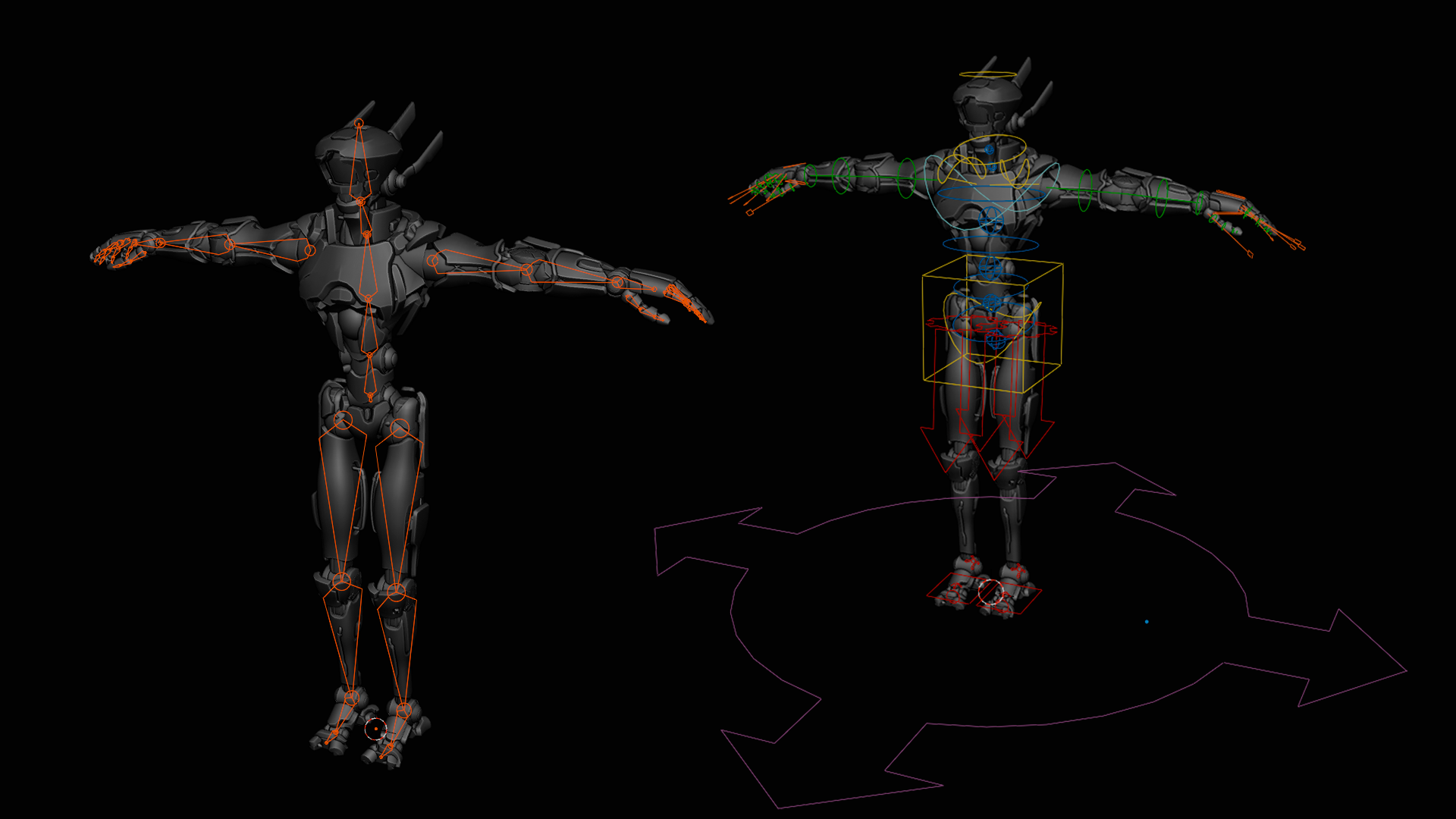
Rigify IK/FK Full Mixamo compatibility Cascadeur compatible — new Hard-surface deformation No weight painting
Rig comparison
05
05 · Finish & export

Ready in Blender.
Or anywhere else.

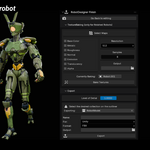
Press Finish Robot and your robot is immediately ready to use inside Blender. Rigged, skinned, clean topology, proper UVs. No extra steps required.

Need to take it further? Built-in Texture Baking handles all maps at your chosen resolution. Pre-configured export presets for Unity, UE5, Sketchfab, and Blender. Go Back to Editing at any time without affecting your finalized robot.
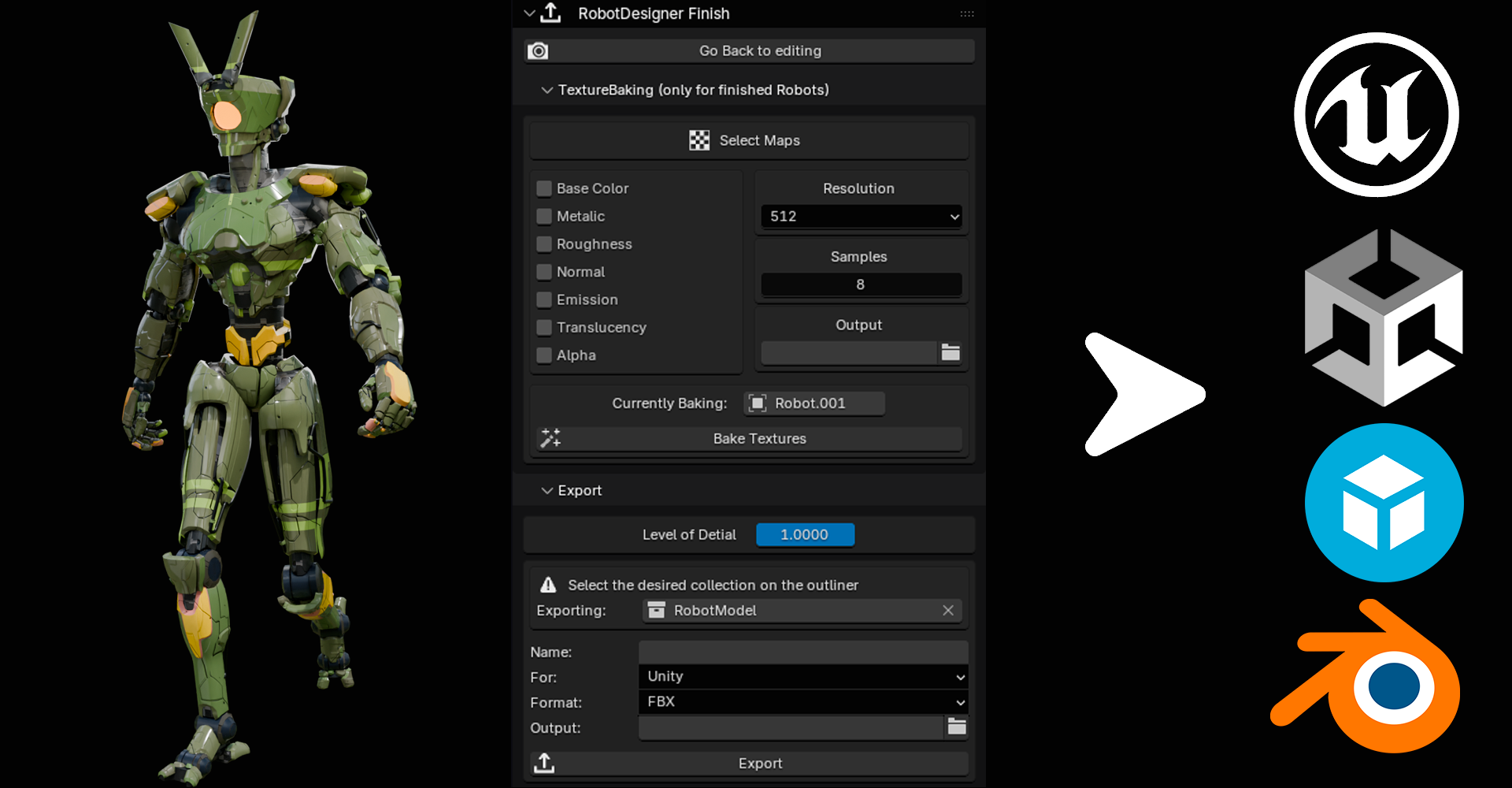
Atlas bake LOD generation FBX · OBJ · GLB Unity · UE5 · Sketchfab Base Color · Normal · Roughness · Metallic
Finished robot
User reviews

What people are saying.

Verified purchases on Superhive Market.

I have waited for an add-on like this since I have been using Blender, and Alexis.egi is the VERY FIRST to achieve this and has just made history. Let me lay out a full review on how amazing this new add on is:

Simplicity: This add-on comes with a robust but very easy to read and undertand UI, with several customization options under the hood. Navigation is easy, simple and fast. The models themselves are diverse and beautifully created, with a ton of customization depth to every groove, cut, bevel and gear. No matter how many users buy this add-on, I garantee no two will look the same unless you use the default models delivered.

Materials: Sleek, beautifully crafted materials come with each mech, giving a sleek and modern, futuristic sci-fi design. The sliders are easy to adjust, no timeout screen, no crashing, and you can modify your mech to your desires with ease.

Overall, 10/10 and this is only the launch of this wonderful add-on. I cannot wait for what the future holds for this add-on if we are only in launch mode. No more kit bashing, no more awkward hard shaped complex modeling for animators like me who struggle with mech designs. This is the end all/be all. Trust.

Tony Grant  · 4 days ago
★★★★★

I am not a good modeler, but Robot Designer makes me feel like one. Loaded a preset, played with sliders for 20 minutes, and my robot looks better than anything I've spent days on. Huge time saver and honestly just fun to use.

Pablo  · 7 days ago
★★★★★

Surprised this doesn't have more sales. It's one of the most complete addons I've bought. Full pipeline, works exactly as described. Hopefully this helps it get some visibility.

Gastón Ceballos  · 8 days ago
★★★★★

Start building robots today.

Personal license from $29. Commercial from $69. All licenses include the full addon with all features.

✓Full pipeline included
✓All future updates
✓Blender 4.5.4+
Time saved

Traditional pipeline vs. Robot Designer.

Task
Traditional
Robot Designer
Base modeling
Hours to days
Instant, procedural
UV unwrapping
Manual, error-prone
Automatic
Texturing
External software or hours
Smart Material + ID map
Rigging
Manual bone placement
Auto · Rigify or Mixamo
Weight painting
Manual or auto (artifacts)
Custom hard-surface system
Texture baking
Manual setup per map
One-click atlas bake
Game export
Manual settings per platform
Unity · UE5 · Sketchfab
Total time
Days to weeks
Under 10 minutes
Technical

Specifications

Blender
4.5.4 and above
Render engine
Cycles and EEVEE
Geometry system
Geometry Nodes, procedural, non-destructive
Parameters
800+ inputs · General · Shape · Plates · Joints · Island · Decoration
Presets
25 · Soldier · Boxer · Japan Pop · Fast Assassin · Medical · Crab · and more
Body types
Muscular · Average · Skinny
Rigs
Rigify (IK/FK) + Mixamo · Cascadeur compatible · official Mixamo addon compatible
Skinning
Custom hard-surface system via geometry nodes, no automatic weight painting
Bake maps
Base Color · Metallic · Roughness · Normal · Emission · Translucency · Alpha
Bake options
Custom resolution, sample count, atlas baking
LOD generation
Included
ID map export
Included · Substance Painter ready
Export formats
FBX · OBJ · GLB
Export presets
Unity · Unreal Engine 5 · Sketchfab · Blender
Asymmetry
Per limb, independently toggleable
Made by
Alexis Eginard
Licensing

Choose the right license.

All licenses include the full addon with all features. The difference is in how and where you can use the robots you create.

Personal / Portfolio
Non-commercial use
✓Personal projects and experiments
✓Portfolio renders and showreels
✓Educational and university work
✗No commercial revenue of any kind
For students, hobbyists, and artists building a portfolio without commercial intent.
Recommended
Commercial · Individual
Freelancers & solo artists
✓All Personal license uses
✓Commercial client deliverables
✓Indie games and monetized animations
✓Sold or licensed original works
✗Single person only, no team use
For independent artists and freelancers working alone on commercial projects.
Commercial · Small Studio
Teams up to 10 people
✓All Commercial Individual uses
✓Shared access within the team
✓Studio productions and client work
✗Team size capped at 10 members
For small studios working on commercial titles or client deliverables.
Commercial · Large Studio
Teams of 10 or more
✓All Small Studio uses
✓No team size limit
✓High-volume productions
✓AAA titles and broadcast productions
For larger studios with no team size constraints and high-volume commercial output.
Restrictions · all licenses
✗The addon may not be redistributed or resold in any form.
✗Bundled assets (geometry, materials, rigs) may not be extracted and sold separately.
✗Generated robots may not be resold as standalone assets without substantial original modification.
Questions

FAQ

Do I need modeling experience to use Robot Designer?
No. The entire pipeline runs through sliders and dropdowns. A Simplified Customization mode hides advanced parameters for beginners, while the full parameter set is available for advanced users.
Which license do I need for a commercial project?
If you work alone, Commercial Individual covers all commercial uses. For teams, choose Small Studio (up to 10) or Large Studio (10+). Personal is non-commercial only.
Does the Mixamo rig work with Mixamo animations out of the box?
Yes. Fully compatible with the entire Mixamo animation library. Download any clip, apply it to your robot's rig, and it works without additional retargeting setup.
Can I texture the robot in Substance Painter?
Yes. Activate Show ID in the Materials panel before exporting. Each zone gets a distinct flat color, giving you a ready-made ID map with no manual masking needed.
Can I go back and edit the robot after hitting Finish?
Yes. Go Back to Editing returns you to the live procedural version at any time. Changes won't affect any previously finalized robot.
What if I accidentally delete part of the robot?
The Repair Missing Parts button in the Change Preset menu will restore any deleted part automatically.
Does it work on Mac and Linux?
Robot Designer is compatible with any system running Blender 4.5.4 or higher. Contact support if you encounter issues on your specific setup.

Your next robot is
10 minutes away.

Personal license from $29. Commercial from $69. All licenses include the full addon.

Blender 4.5.4+  ·  Cycles & EEVEE  ·  Made by Alexis Eginard

  • Non-commercial use

    $29
  • Commercial use for individuals

    $69
  • Commercial use for teams up to 10 people

    $149
  • Commercial use for teams of 10 or more people

    $349
$29

Have questions about this product?
Login to message

Details
Blender Extension Compatible Yes
Sales 1000+
Rating
9 ratings
Published 6 months ago
Blender Version 4.5 - 5.2
Render Engine Used Cycles, Eevee
License GPL