Simple Hair Cards
 Esaque Silva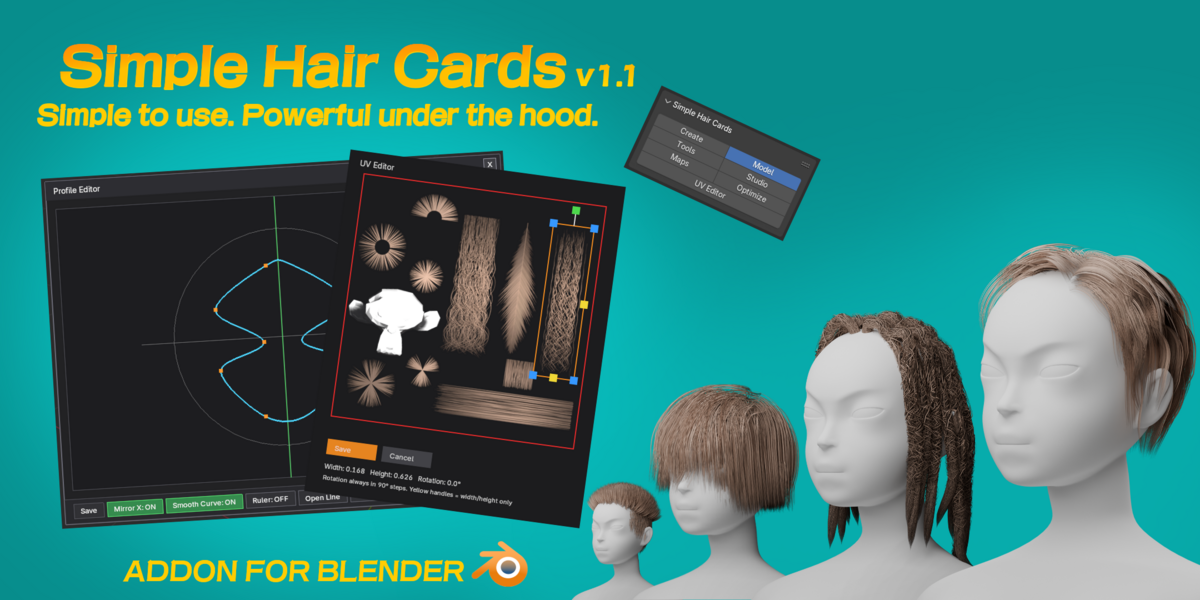



Installation
- Download the .zip file from your Superhive Library.
- In Blender, go to Edit > Preferences > Add-ons > Install..., and select the downloaded file.
- Enable the addon in the list.
Requirements
Blender 4.2 LTS through 5.2 LTS.
Getting Started
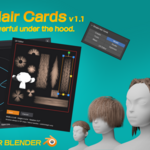
Simple Hair Cards adds a new panel to the 3D Viewport sidebar (N-panel). From there you can:
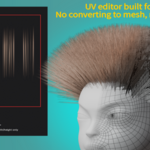
- Paint and grow hair strands directly on your mesh
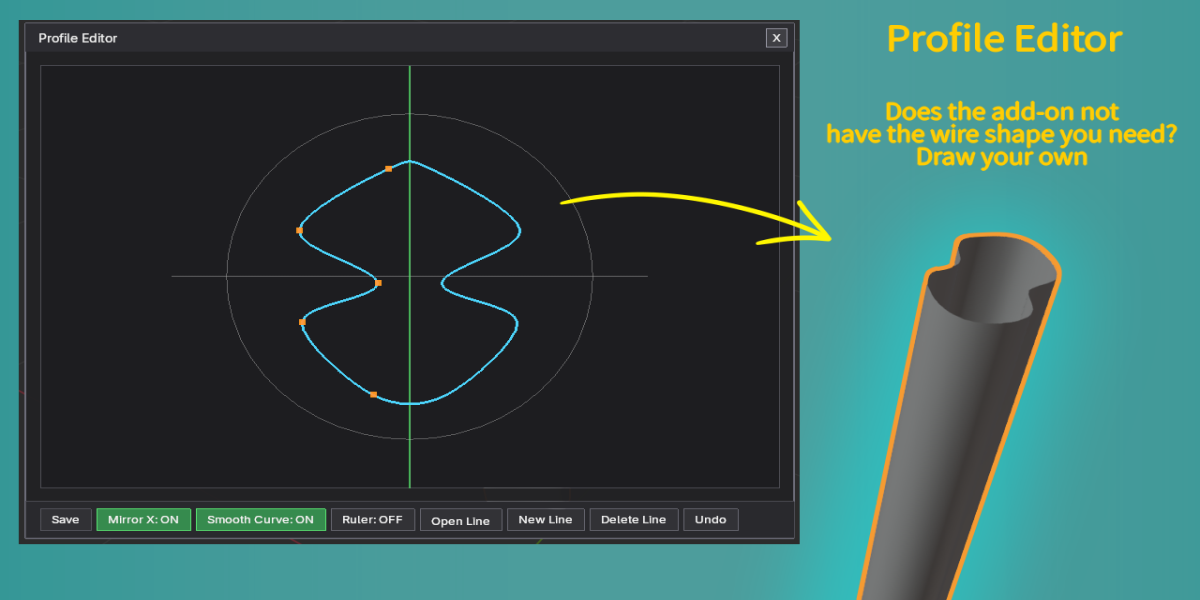
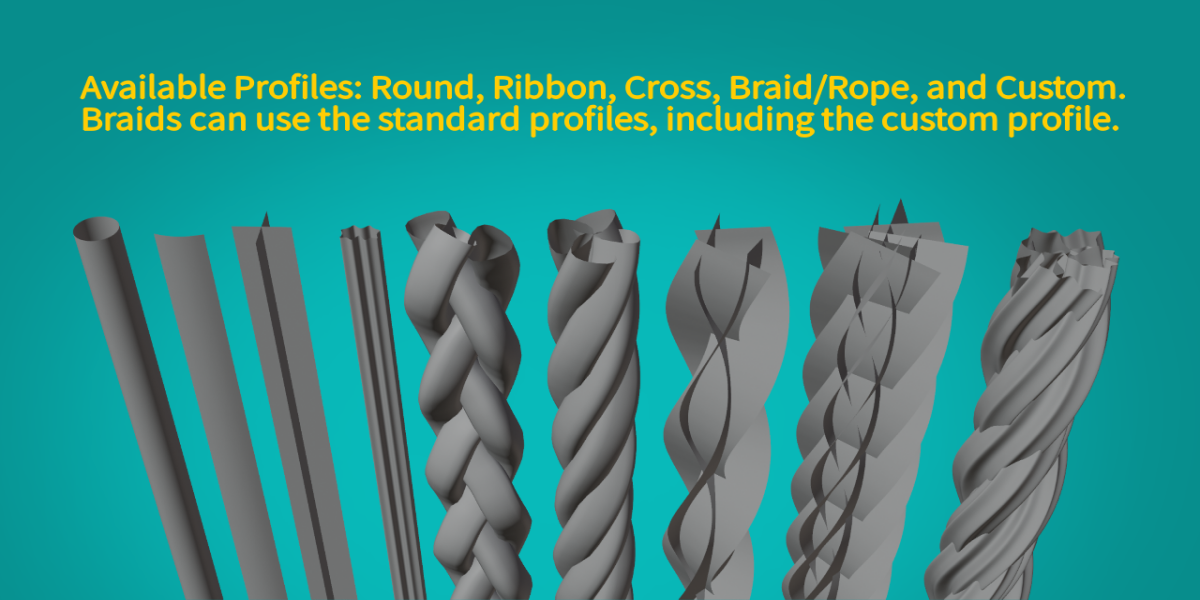
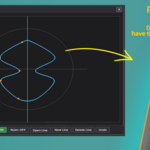
- Choose a cross-section profile (Round, Ribbon, Cross, Braid/Rope, or Custom)
- Shape strands with curl, wave, frizz, and twist controls
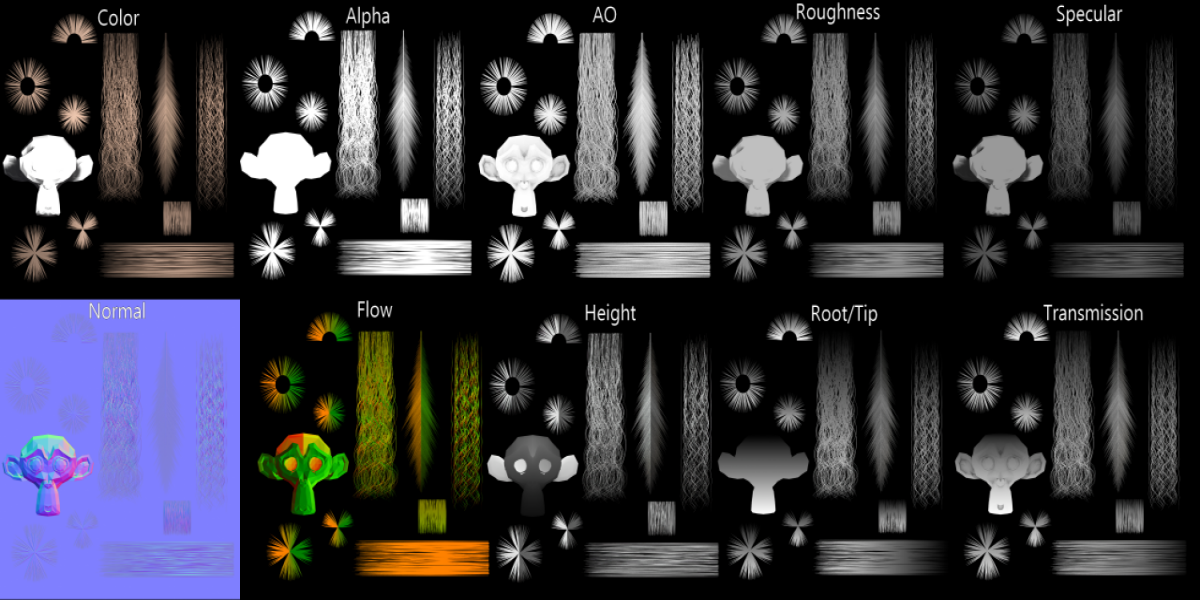
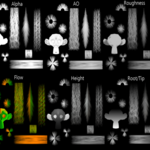
- Generate hair textures and materials from the built-in Texture Studio
Full Documentation
For a complete walkthrough of every feature, tool, and setting, check out the full documentation: https://esaque0000.github.io/simple-hair-cards-docs/
Support
Feel free to reach out with any questions or issues — I read every message.
$14.99
Have questions about this product?
Login to message
| Blender Extension Compatible | Yes |
| Published | 6 days ago |
| Blender Version | 4.2 - 5.2 |
| Extension Type | Add-on |
| Render Engine Used | Cycles |
| License | GPL |
Discover more products like this
hair cards game hair curves character art uv mapping Hair Tool procedural hair anime hair braid texture-baking stylized-hair