Simple Hair Cards
 Esaque Silva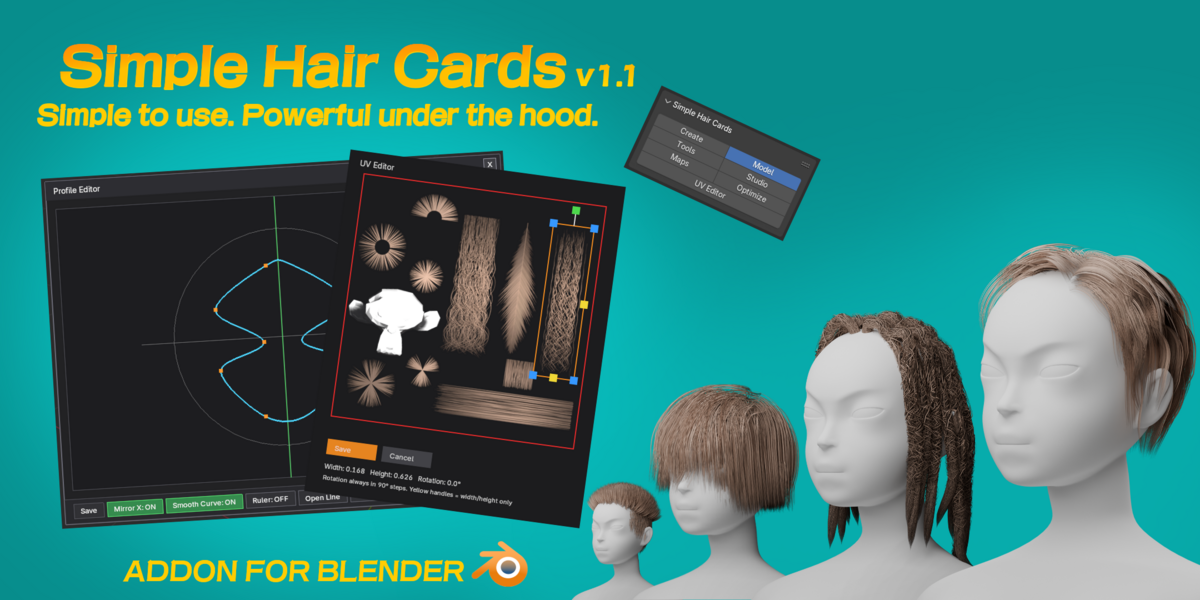


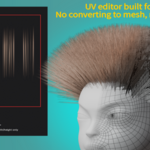


Does the UV editor work on meshes too?
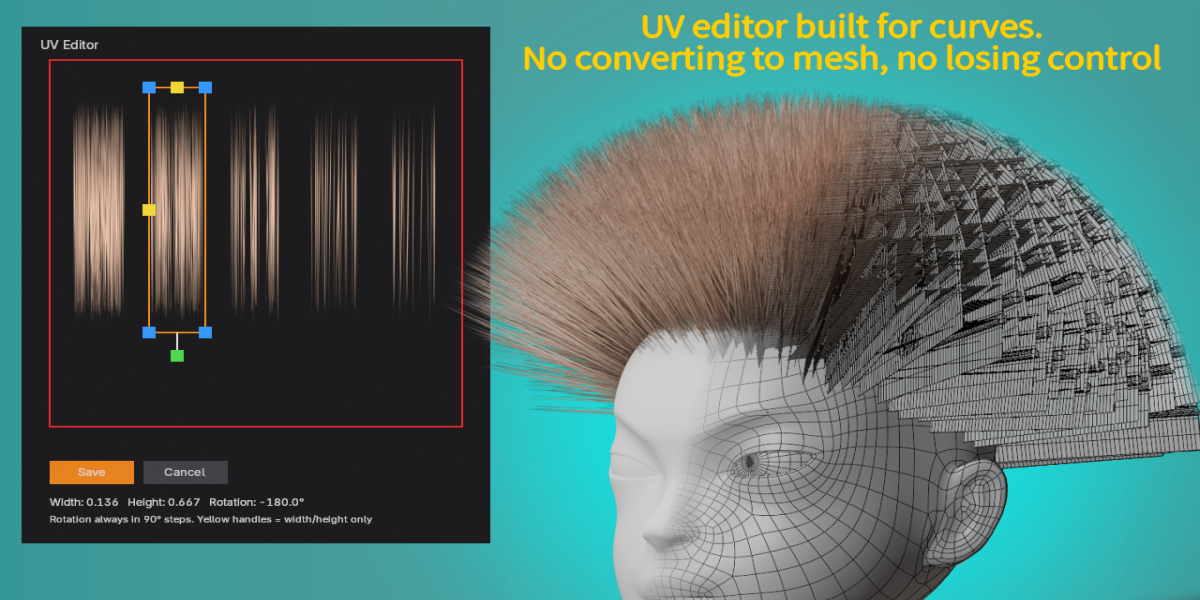
No — the UV editor is built specifically for the addon's curve-based workflow. It doesn't read or modify a mesh's UVs, so it won't work if you try to use it on a regular mesh object.
Transparency isn't showing up when I render in Cycles — what's wrong?
This is a Cycles setting, not a bug: go to Render Properties → Light Paths and increase the "Transparent" bounces. Cycles limits transparent bounces by default, so hair cards can look opaque until you raise that value.
Can I bake textures from anything visible in the addon's camera?
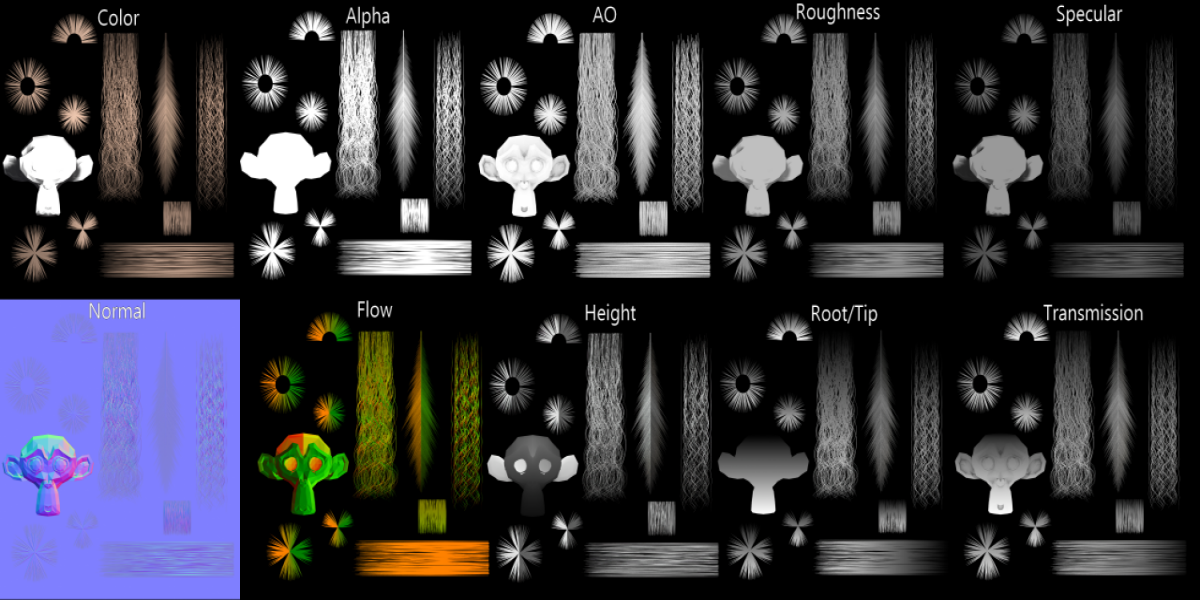
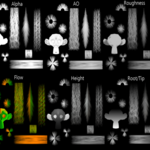
Yes — the bake captures whatever is visible through the addon's camera view, so you can use reference photos, other objects, or your own scene setup as the source.
I found a bug or have a question — what do I do?
Reach out through the Superhive Inbox — I read every message and aim to respond within a few business days.
Does this use Blender's particle hair or hair curves system?
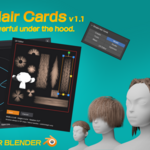
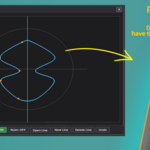
No. Simple Hair Cards builds hair from regular mesh geometry generated from curves, not Blender's particle/hair curve system — so the result is a normal mesh you can export to game engines, Roblox, or any real-time pipeline without conversion.
What Blender versions does this support?
Blender 4.2 LTS through 5.2 LTS.
$14.99
Have questions about this product?
Login to message
| Blender Extension Compatible | Yes |
| Published | 8 days ago |
| Blender Version | 4.2 - 5.2 |
| Extension Type | Add-on |
| Render Engine Used | Cycles |
| License | GPL |
Discover more products like this
braid procedural Hair Tool anime hair uv mapping character art hair hair cards texture-baking curves game hair stylized-hair