 Virtual Rain Development
Simple Pie Menu
Your Blender workflow.
Your way.
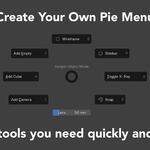
Create custom Pie Menus, Popup Menus, Popup Dialogs, and Floating Buttons directly from Blender Preferences. Bring frequently used tools closer and shape a workspace around the way you create.
Made for modern Blender
Tested across every supported minor release from Blender 4.2 through 5.2.
Simple by design
Powerful does not have to feel complicated.
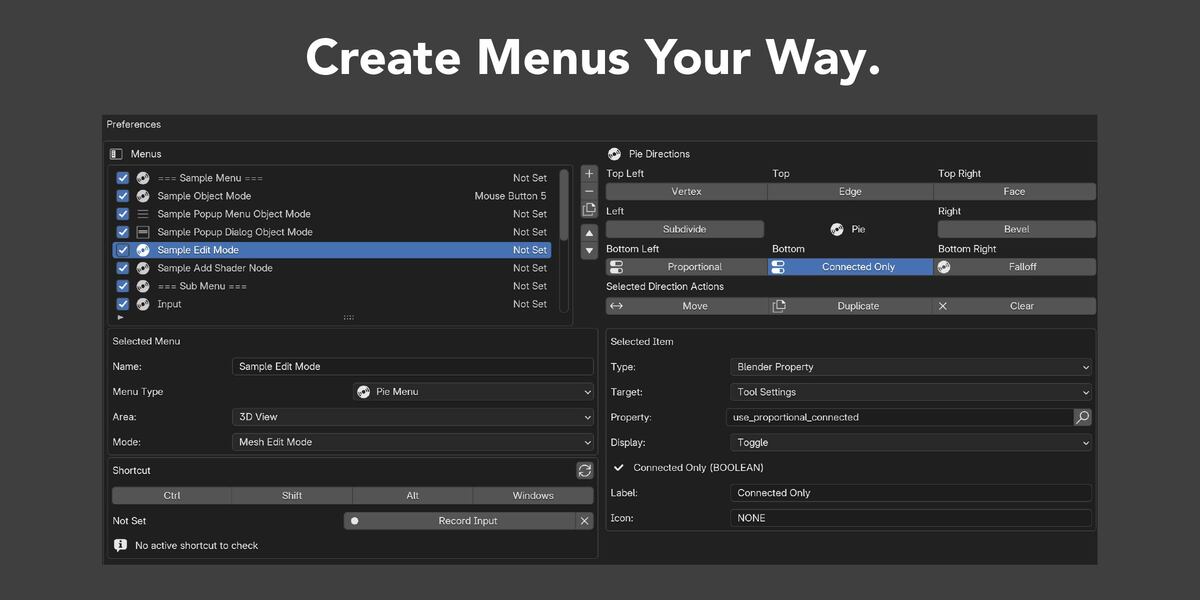
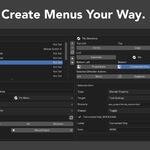
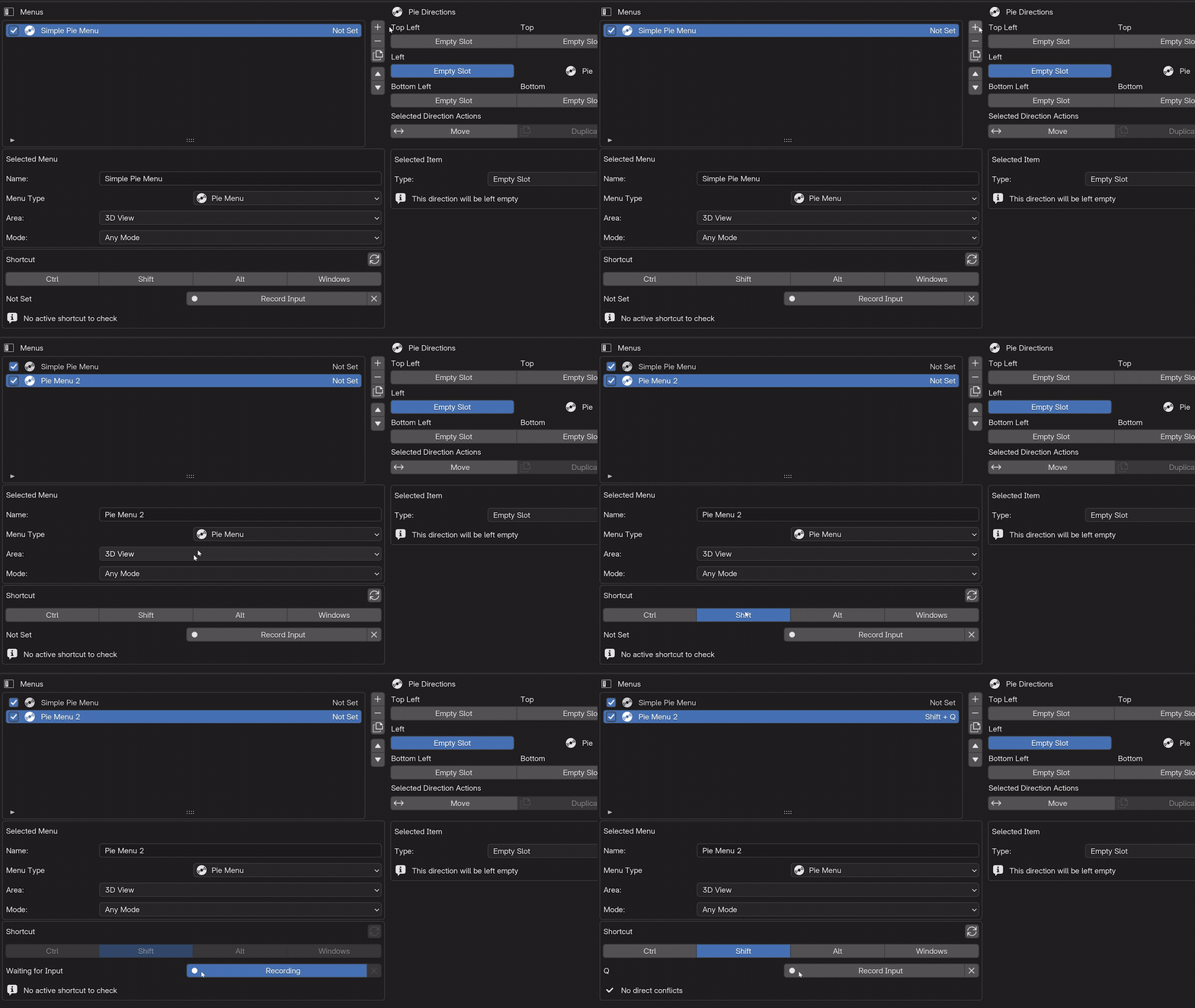
Build and edit menus through a focused interface in Blender Preferences. Clear lists, familiar controls, and context-aware settings make it easy to understand what each Menu will do and where it will appear.
Custom Pie Menus
Eight directions. Entirely yours.
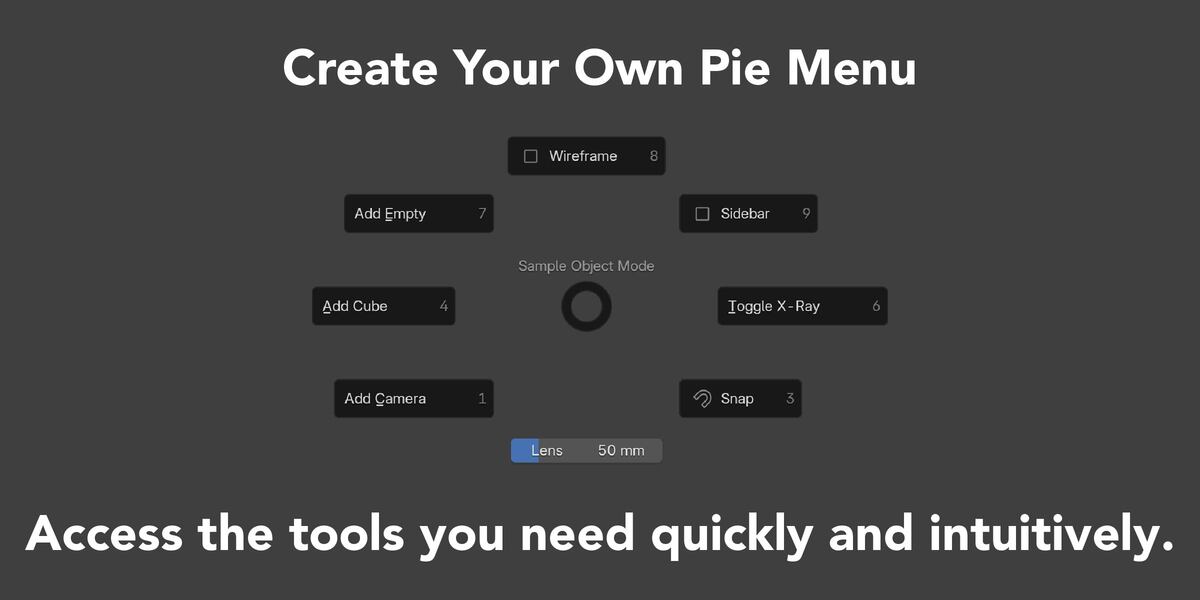
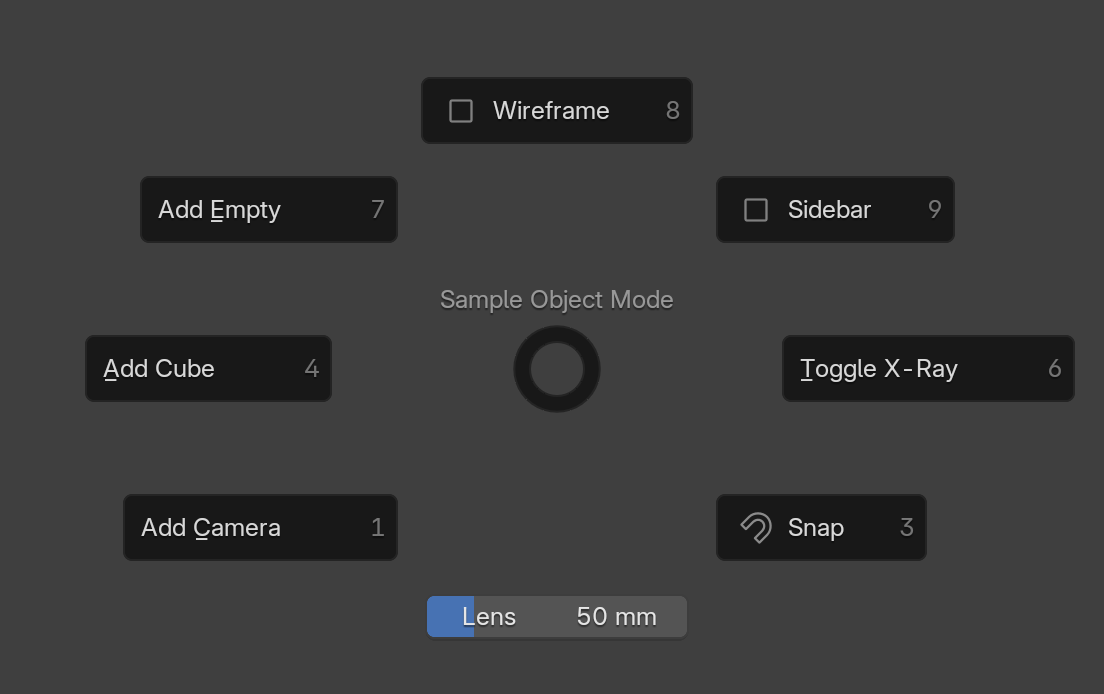
Edit every direction of a fixed eight-slot Pie Menu and combine the actions that fit your workflow.
- Operators and supported arguments
- Nested Menus
- Blender properties and enum values
- Labels and empty slots
Less searching. More creating.
Turn repeated navigation into one gesture or one click.
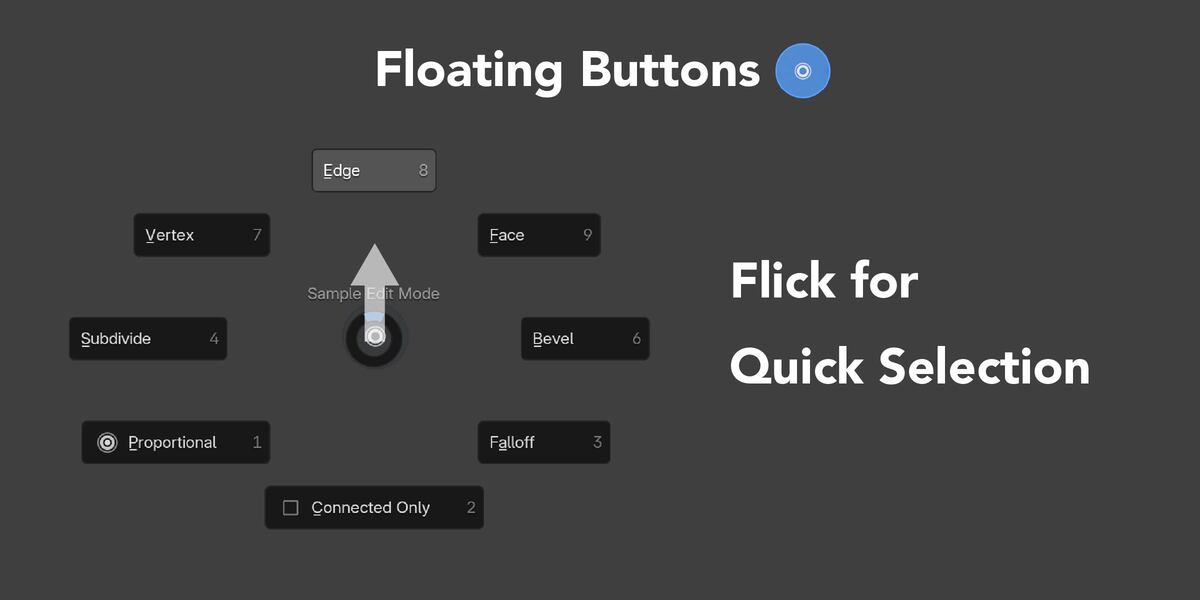
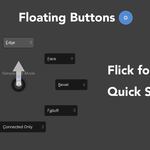
Group tools around real tasks, call them with context-aware shortcuts, or keep frequent actions visible as Floating Buttons. Spend less time reopening long menus and more time working in Blender.
Context-aware shortcuts
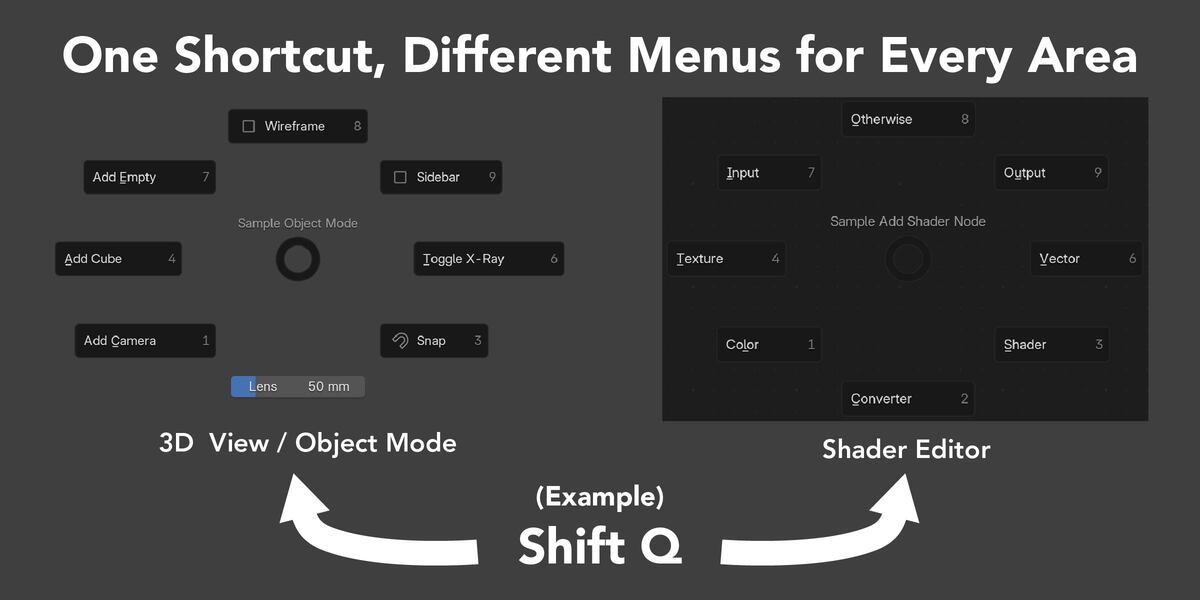
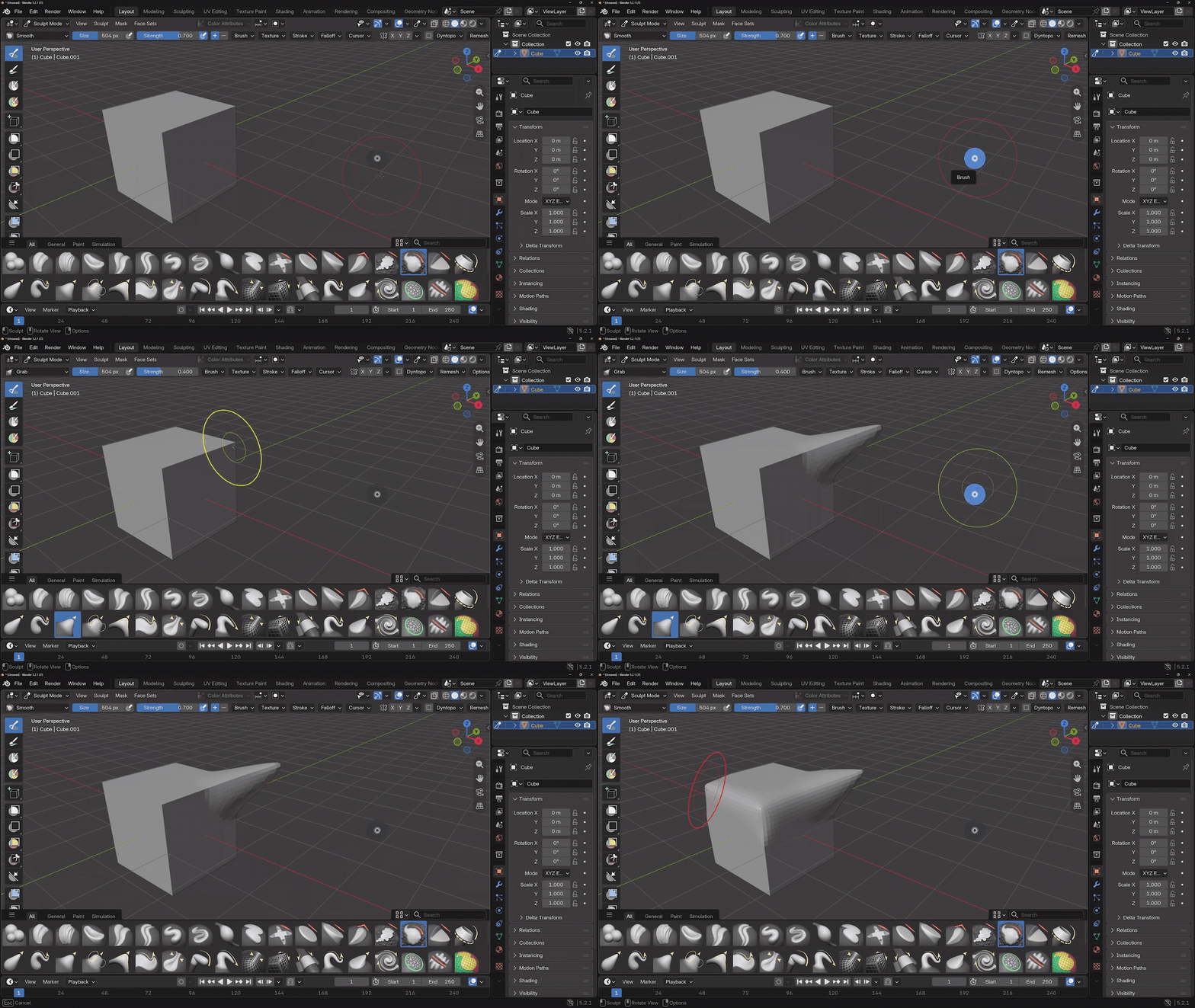
One shortcut. The right Menu for the context.
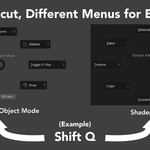
Assign Menus by Area, 3D View Mode, or supported Node Tree. The same key combination can open a different Menu as the context under your pointer changes.
Direct conflict checks help you review exact shortcut matches in applicable Blender keymaps.
Fast setup
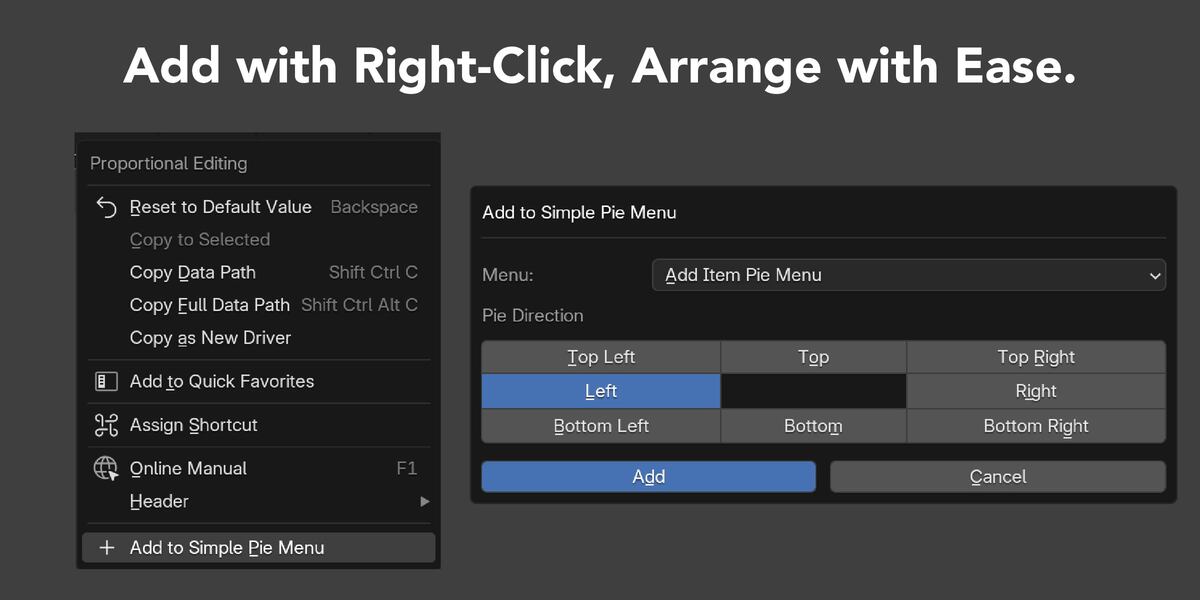
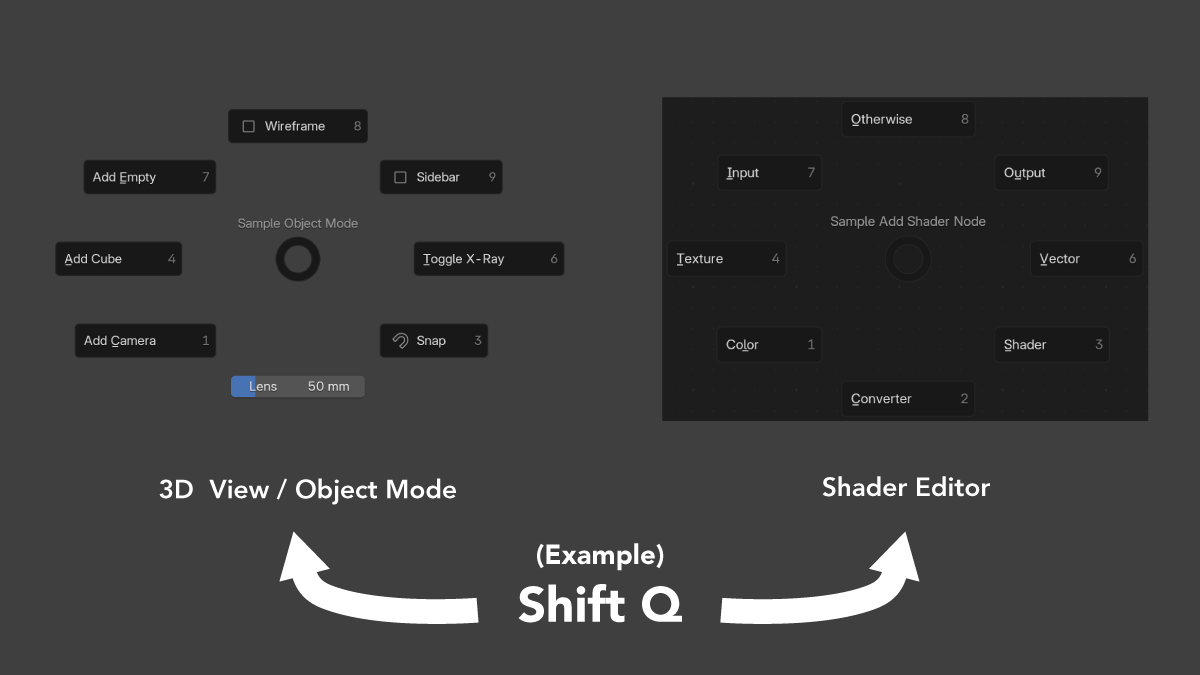
Right-click. Add. Done.
Use Add to Simple Pie Menu from compatible Blender context menus to add supported Operator buttons and editable properties without entering their details manually.
Supported Node entries, Toolbar Tools, and Brush Assets can also be added from compatible contexts.
Choose how it opens
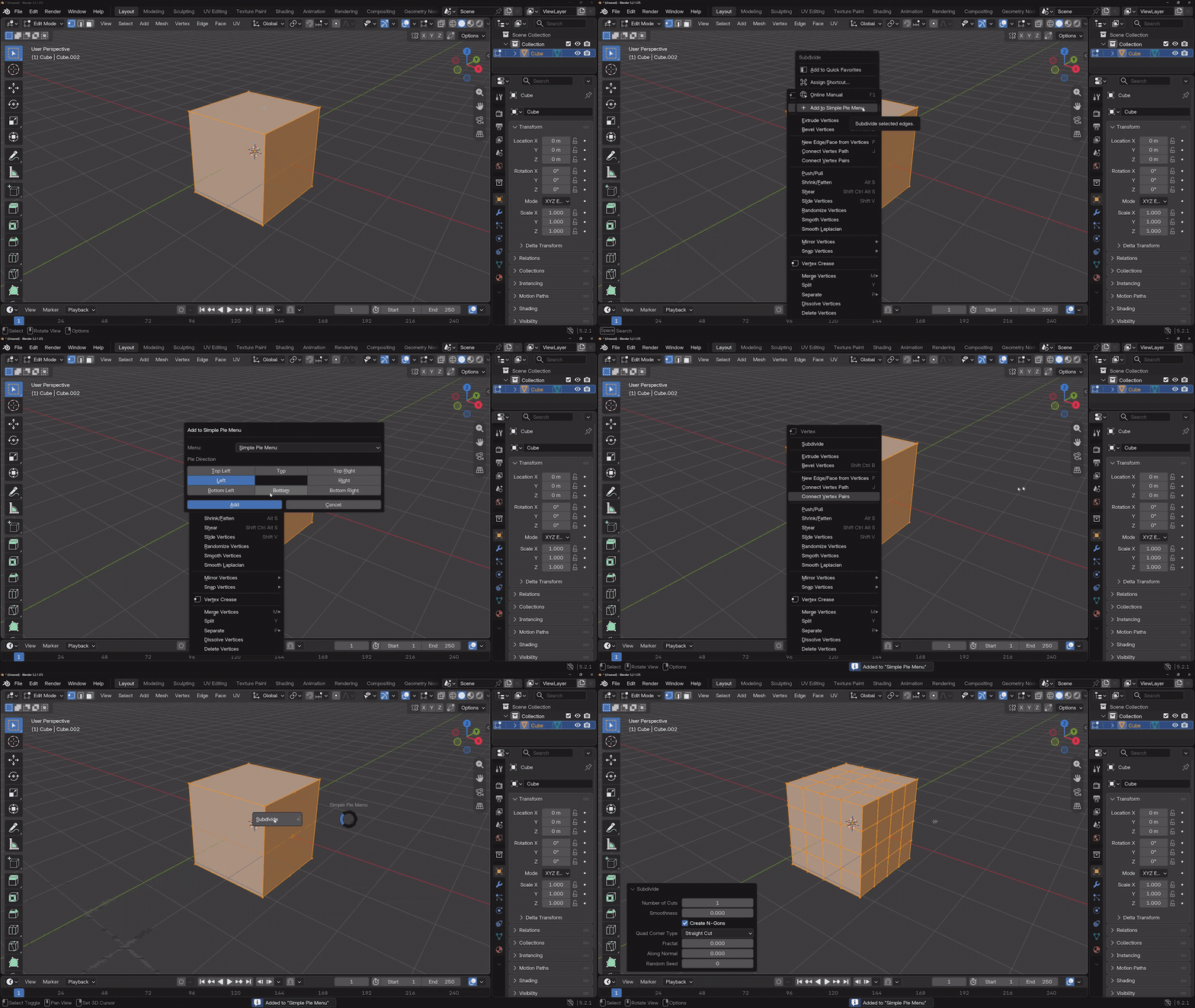
A format for every kind of task.
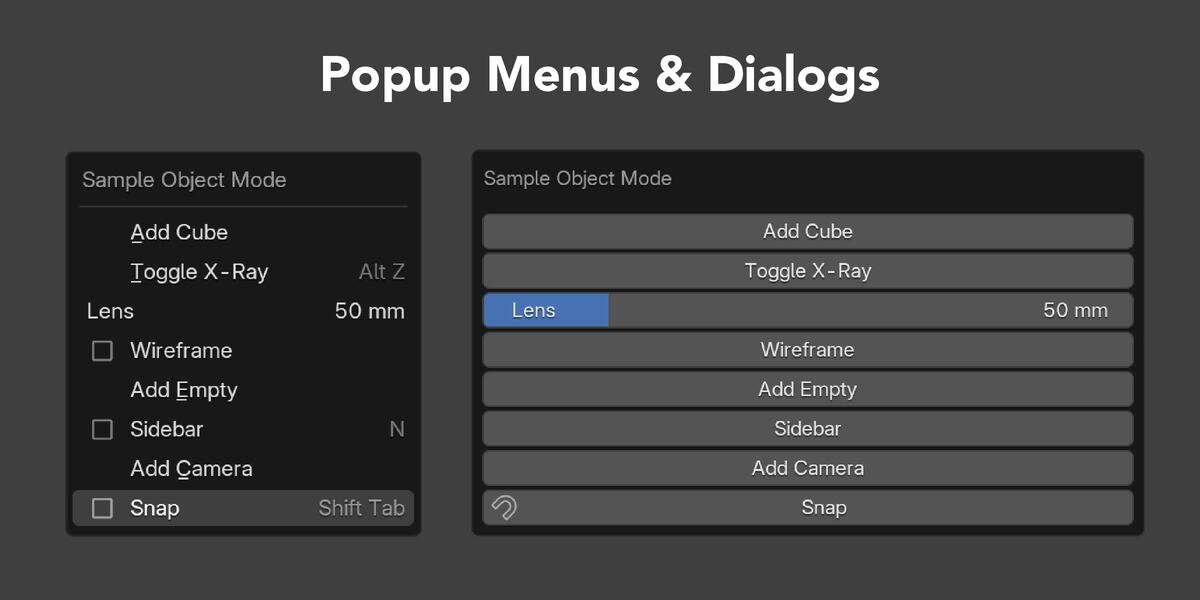
Use a radial layout for gestures, a compact list for quick scanning, or a dialog when you want controls to remain open while you work.
- Pie Menu
- Popup Menu
- Popup Dialog
Configuration
Edit, save, and move your setup.
Changes are saved automatically after a short delay. Export complete configurations as JSON for backup or transfer, then bring them back with Import Replace or Import Merge.

Quick Start included
Start with working examples, not an empty setup.
Follow the Quick Start video and import the included sample configuration to explore 16 example Menus and one Floating Button. Adapt the examples to your workflow when you are ready. All sample shortcuts are initially unassigned.
Compatibility
- Supported: Windows and Blender 4.2 through 5.2
- Tested: Blender 4.2.23, 4.3.2, 4.4.3, 4.5.11, 5.0.1, 5.1.2, 5.2.0, and 5.2.1
- macOS: Testing in progress — testers wanted for Apple silicon (M1 or later)
- Not currently supported: Linux
- Not tested: Blender versions newer than 5.2
Mac testing
Help us test on Apple silicon.
macOS is not yet a supported environment for version 1.0.0. We are looking for testers using a Mac with Apple silicon (M1 or later) to help evaluate compatibility.
Interested in helping? Please send a message through Superhive or contact [email protected].
AI-assisted development
Generative AI tools assisted with parts of the code and documentation. The developer reviewed, corrected, integrated, tested, and maintains the distributed product. Simple Pie Menu does not use AI at runtime or send user data to external AI services.
Make Blender feel more like yours.
Bring frequently used tools closer, reduce repetitive navigation, and keep your setup portable.