Which Blender versions are supported?
Simple Pie Menu supports Blender 4.2 through 5.2. It has been tested with Blender 4.2.23, 4.3.2, 4.4.3, 4.5.11, 5.0.1, 5.1.2, 5.2.0, and 5.2.1. Blender versions newer than 5.2 have not been tested.
Does it support macOS or Linux?
The initial release officially supports Windows. macOS and Linux have not been tested and are not currently included in the supported environment.
Which ZIP file should I install?
Install simple_pie_menu-.zip directly through Edit > Preferences > Get Extensions > Install from Disk. Do not extract it first.
SimplePieMenu-Documentation-.zip is not a Blender Extension. Extract it normally to access the manuals and sample configuration.
Where are the manuals?
The separate Documentation ZIP contains English and Japanese Quick Start and User Manual PDFs. Written installation and basic usage instructions are also available on this product page.
Is there a video tutorial?
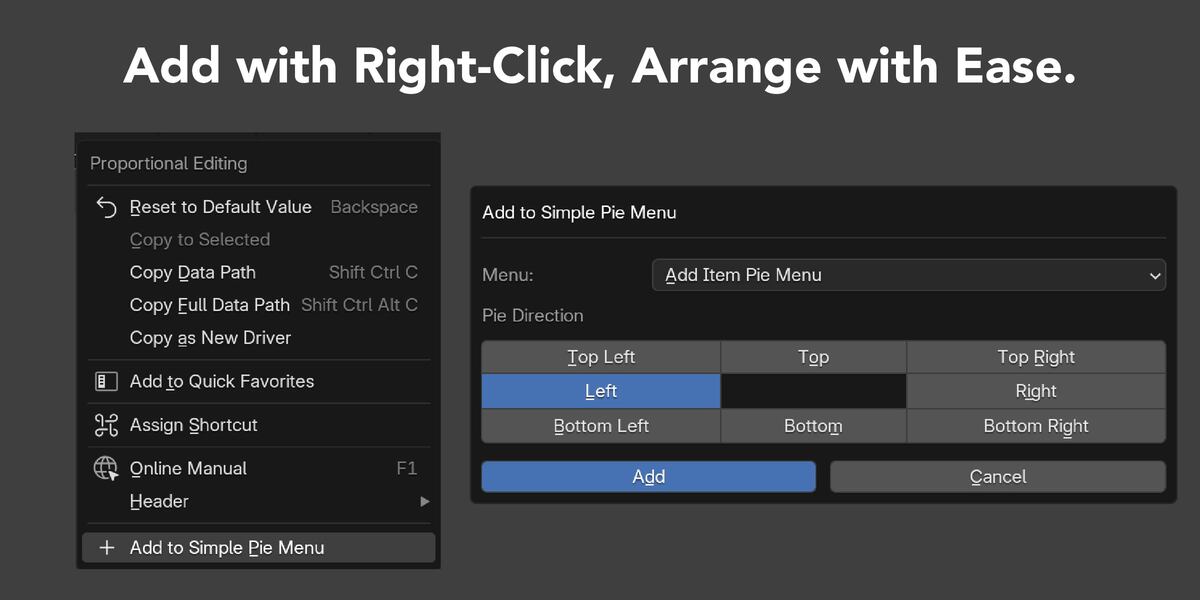
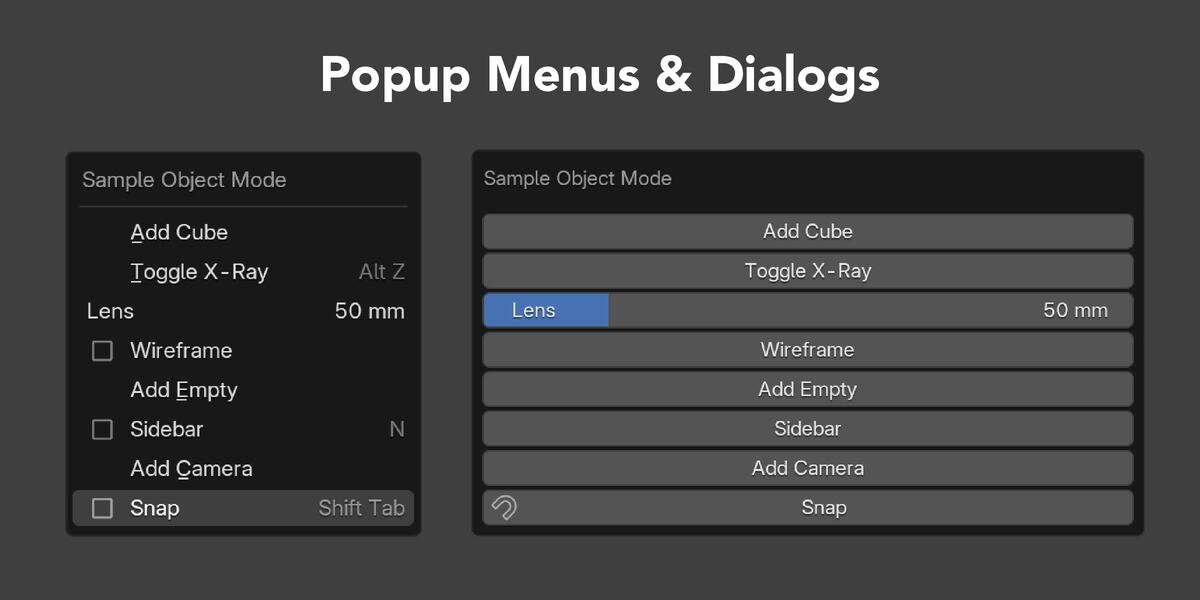
Yes. The Quick Start video demonstrates installation, sample import, context-specific Menus, shortcuts, Floating Buttons, Menu creation, and right-click registration.
Why does an Operator or property display an error?
Blender actions may require a particular Area, Mode, active object, selection, Node Tree, active Tool, or asset. Move to the required context and try again. The included User Manual documents the conditions and limitations for each supported Item Type.
Why is a Floating Button hidden?
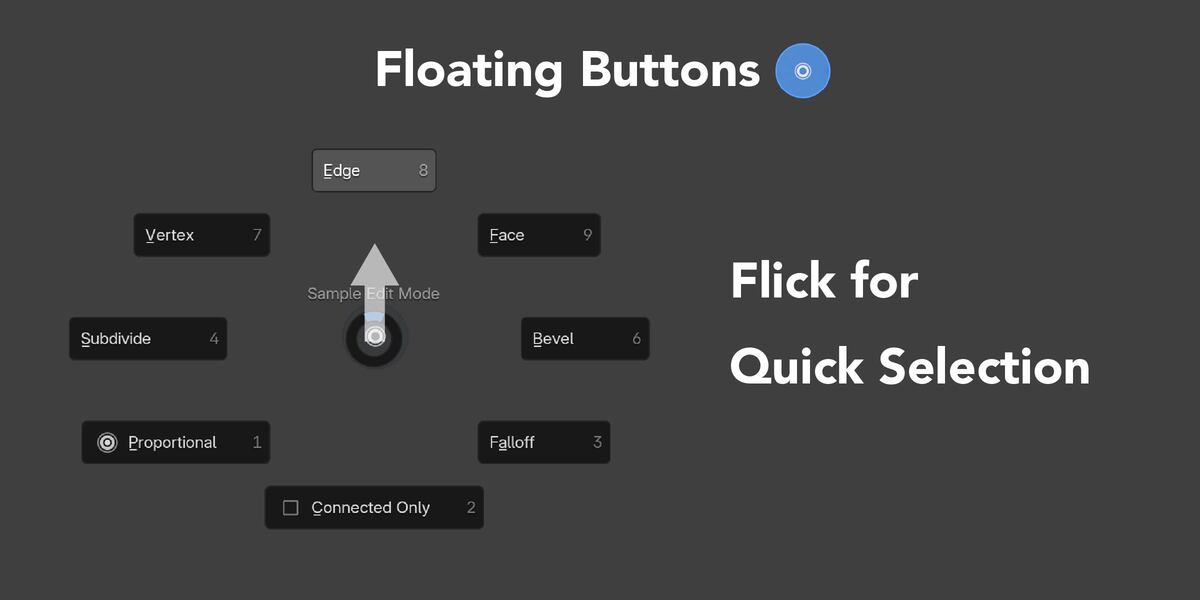
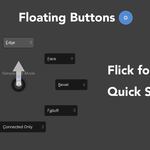
Floating Buttons are shown only in the WINDOW Region of a 3D View. They are also hidden when Show Gizmos is disabled. Check the Floating Button's enabled state, Area, anchor, and offsets.
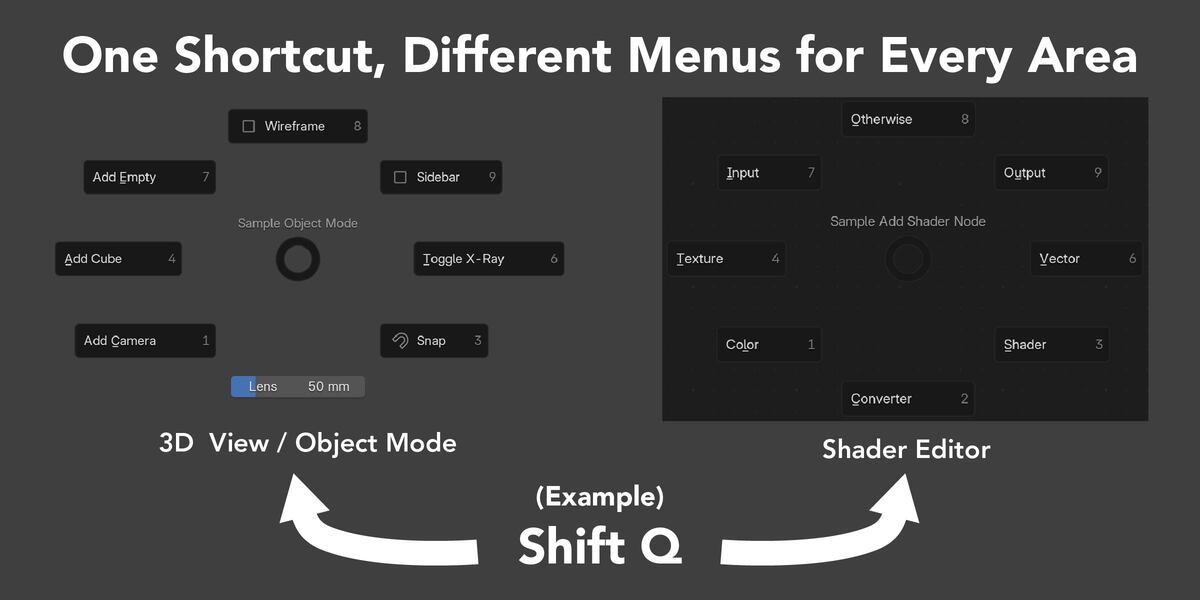
Can the same shortcut open different Menus?
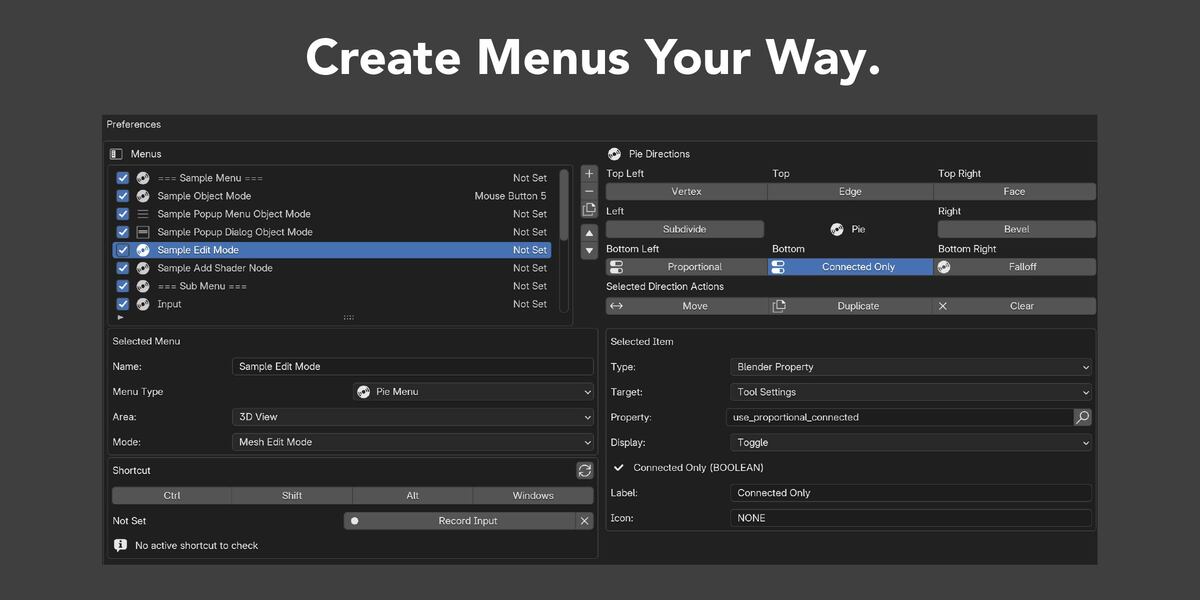
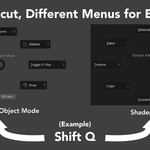
Yes. Menus can be restricted by Area, 3D View Mode, or Node Editor Node Tree. The Menu matching the context under the pointer is used.
Will importing the sample overwrite my shortcuts?
The included sample has no shortcuts assigned. Import Merge keeps the current configuration and adds the sample. Import Replace replaces the complete current configuration, so export a backup before using it.
Can I transfer my menus to another Blender installation?
Yes. Export the complete configuration as JSON and import it in another supported environment. Use Import Replace to replace the destination configuration or Import Merge to keep it and append the imported Menus and Floating Buttons.
Does Simple Pie Menu save settings automatically?
Yes. Changes are saved automatically as JSON after a short delay. Use Export to create manual backups before major edits, imports, or updates.
How do I get support?
Use the support or messaging function on the Superhive product page. Include the Simple Pie Menu version, Blender version, operating system, reproduction steps, and any complete error or system console traceback. General inquiries can be sent to [email protected].