Simple Pie Menu — Custom Menus & Floating Buttons
 Virtual Rain Development
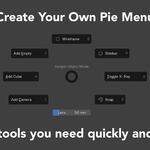
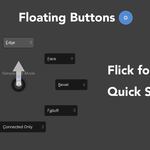
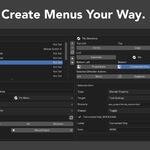
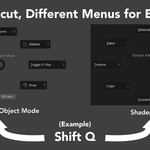
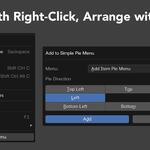
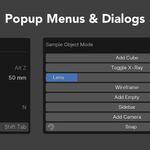
## Simple Pie Menu 1.1.0
### New: Fixed Blender Property Value Buttons
You can now create individual buttons that set supported Blender Integer and Float properties to predefined values.
This makes it possible to create presets such as:
- Grid Scale: 1.0, 0.75, 0.50, or 0.25
- Camera Lens values
- Subdivision Levels
- Other supported numerical Blender properties
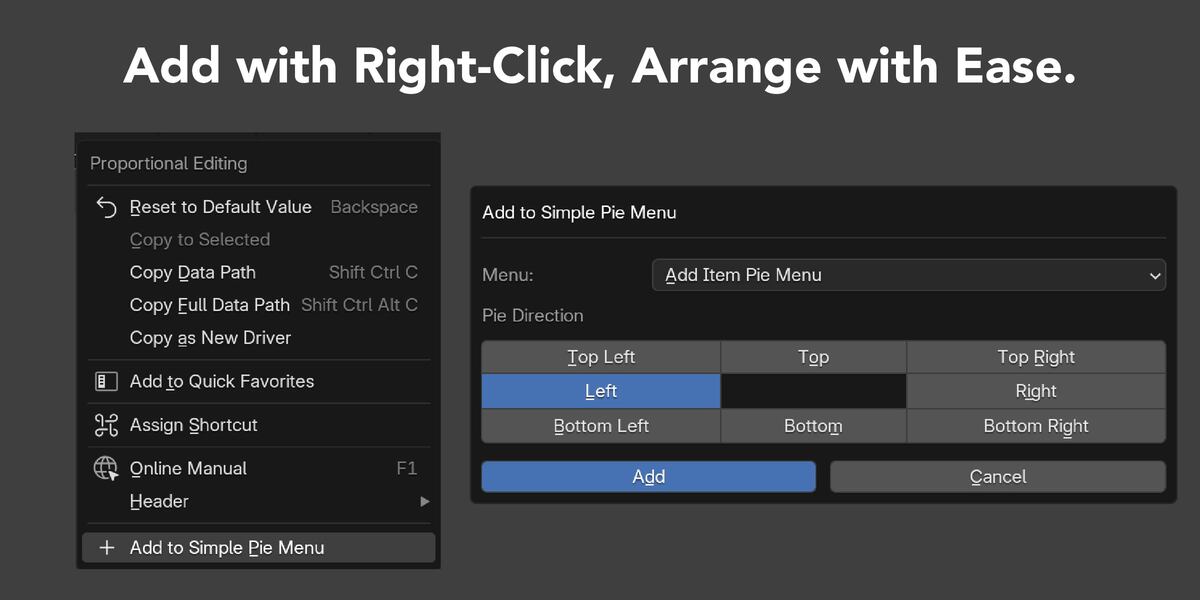
When adding a supported property from Blender’s right-click menu, the new Behavior option lets you choose between:
- Edit Property — adds the existing editable property control
- Set Fixed Value — adds a button that immediately applies a saved value
The current property value is used as the initial fixed value when available, and it can be edited before adding the button.
### Additional Improvements
- Fixed values are preserved when duplicating Items or Menus.
- Fixed values are included in automatic saving, export, Import Replace, and Import Merge.
- Existing settings from previous versions are migrated automatically.
- Property type, availability, read-only state, numerical range, and invalid Float values are safely validated.
- Added English and Japanese interface text and updated documentation.
### Compatibility
Tested on Windows with:
- Blender 4.2.23 LTS
- Blender 4.5.11 LTS
- Blender 5.2.1 LTS
### Notes
Existing Blender Property Items continue to work as before, and Edit Property remains the default Behavior.
Applying a fixed property value does not create a Blender Undo step. As always, exporting a backup of your Simple Pie Menu settings before updating is recommended.
Discover more products like this
Workflow interface Shortcut pieMenu custom-pie-menus quick access hotkey pie menu floating-buttons productivity menu editor custom-pie-menu