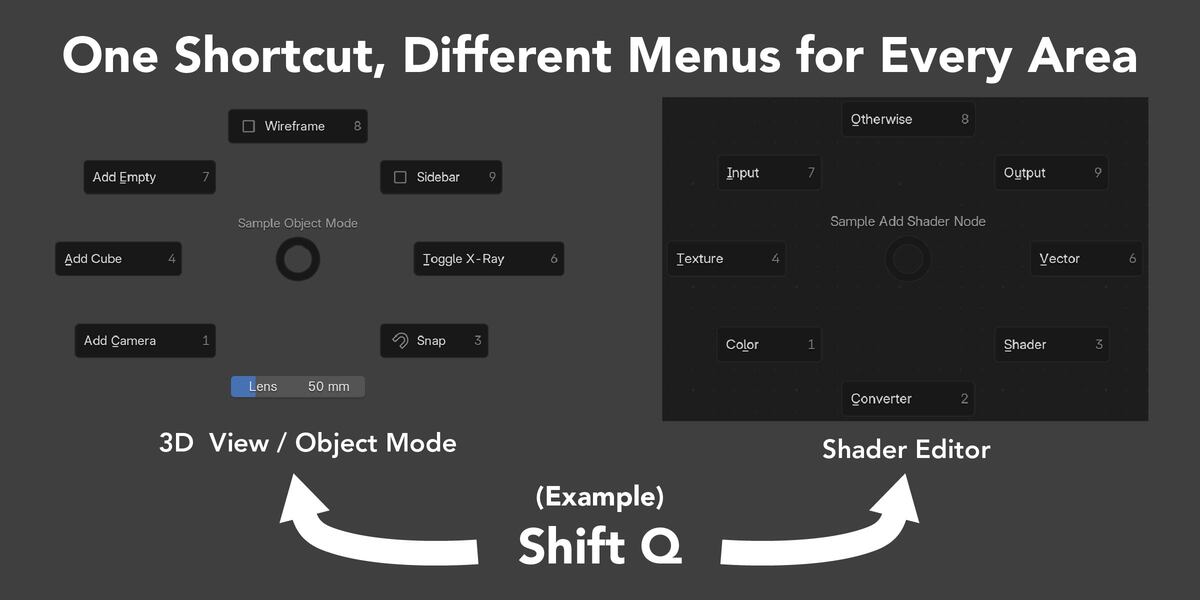
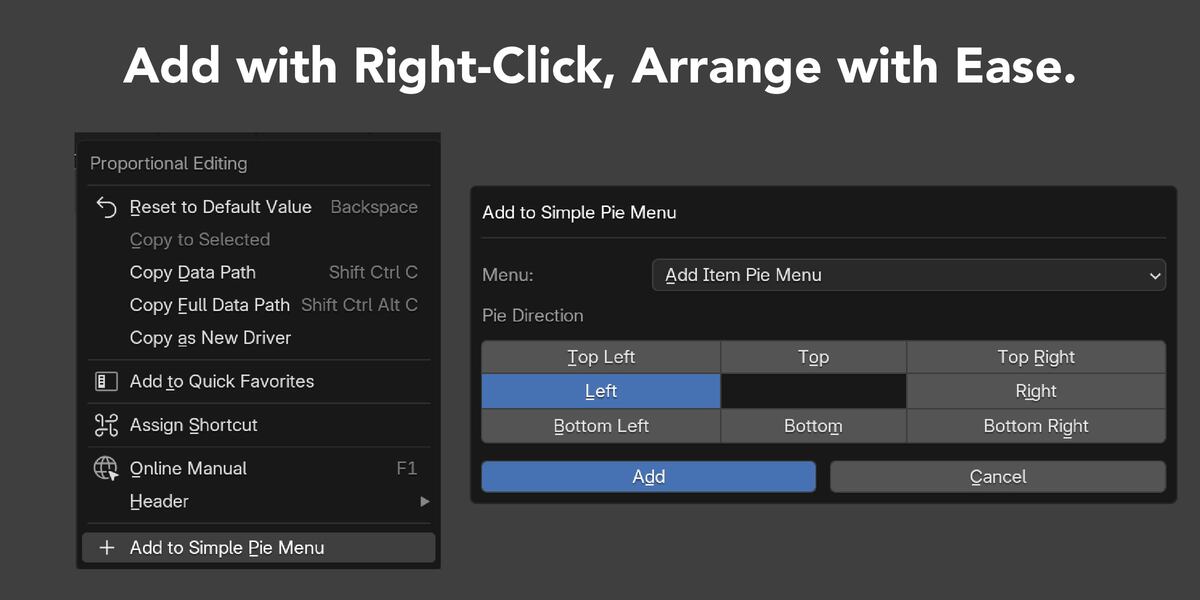
Simple Pie Menu — Custom Menus & Floating Buttons

Virtual Rain Development in Interface


Item Rating

This item has an average rating of 5 from 4 ratings by the community.

75%
25%
0%
0%
0%

Purchase this item to leave a review!

  • Mr.Sandman
    22 days ago

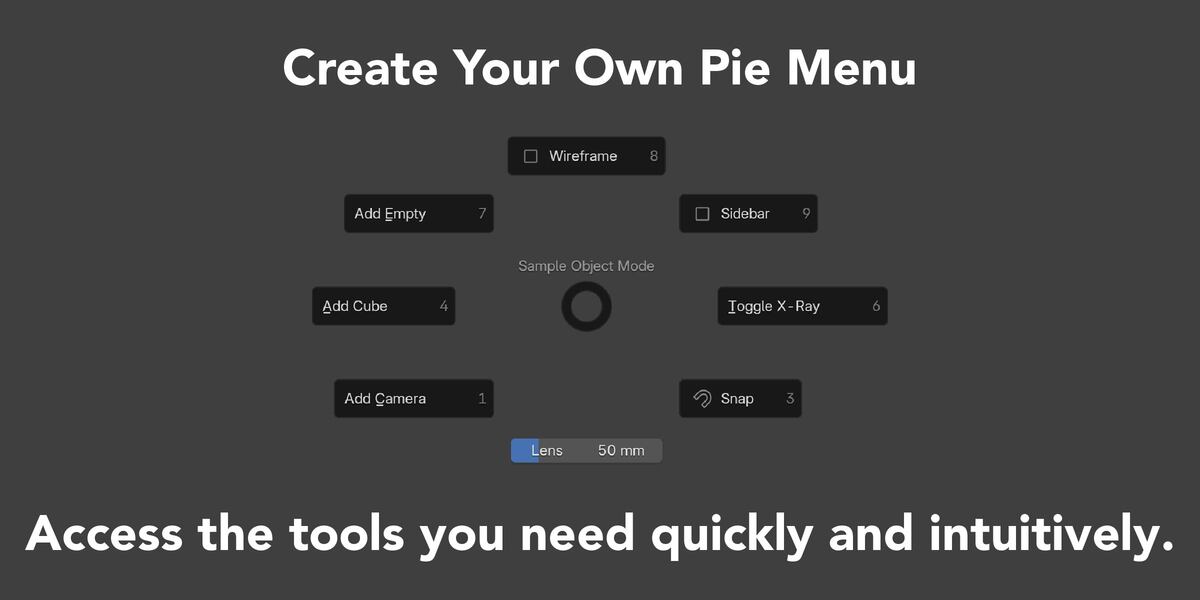
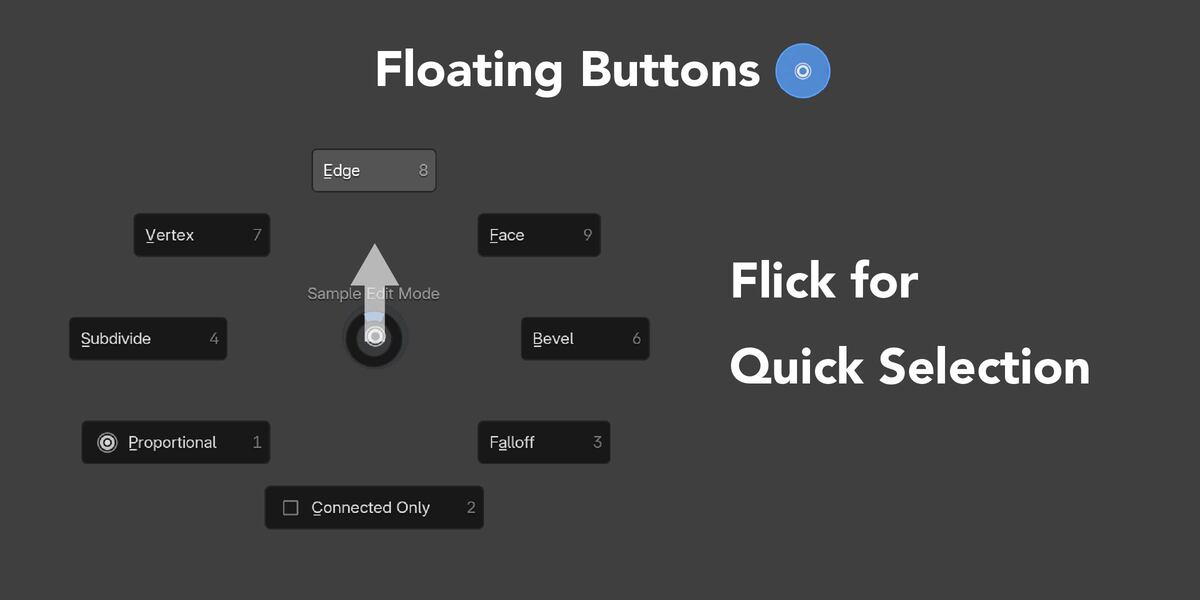
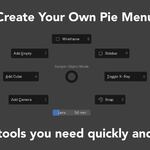
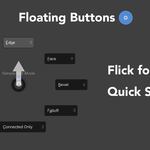
    The Floating buttons are exactly what I needed! Having buttons/pie menus anywhere on the viewport means less time taking my pen off the tablet to hit hotkeys or fiddling through menus to find specific operators.
    This addon is a recommended must-have for tablet/pen display users

  • Mariana
    28 days ago
    Product was received for free

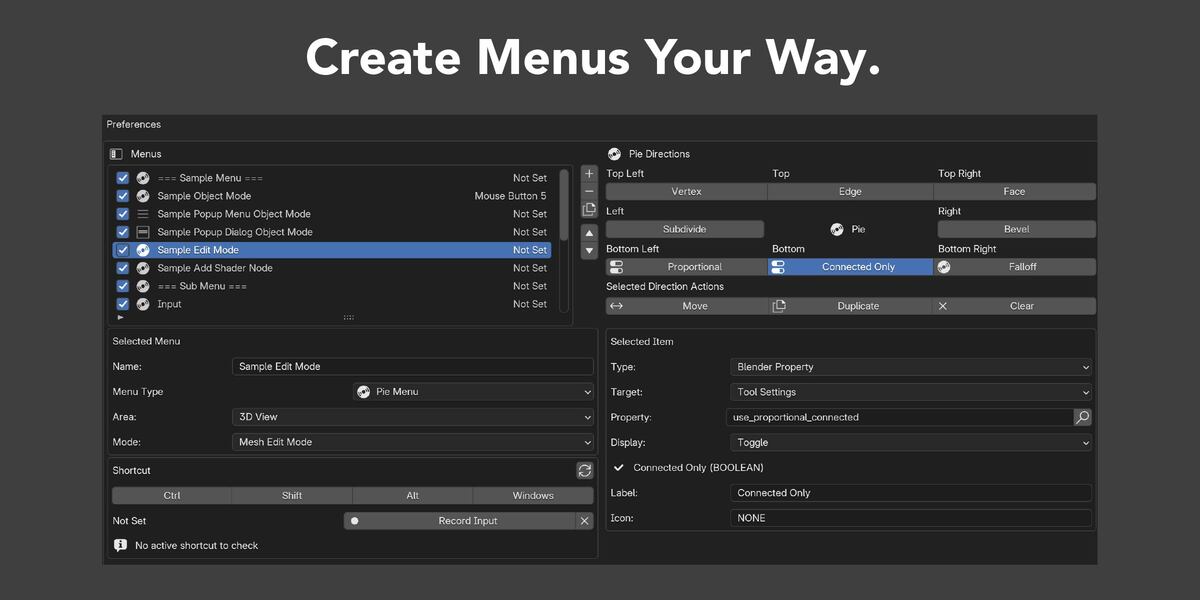
    Superb product. It runs flawlessly on Mac and gives you complete control over your custom pie menus. Highly recommended and worth every penny! While the manual can be a bit intimidating, it is well worth reading to take full advantage of the add-on.

  • Georgian
    2 months ago

    I bought this addon just hours after release and I'm already in love. It took me only a few minutes to understand how it works and start creating my own menus. Having all my frequent actions in one place completely changes the game. Plus, the documentation is amazing, offering both a quick start guide and a detailed manual. Highly recommended!

  • Richard
    about 2 months ago

    I use a TourBox along with a display tablet, but was starting to run into some limitations (ie. having to incorporate some actual keyboard usage) due to my personal workflow.
    I have to say, you put a lot of thought into this and did a great job!
    Your documentation is very concise, which is a huge plus. The user manual is a little daunting. (That's not bad, just a bit unusual in it's depth)
    This has allowed me to expand what I can do with and how I can use the TourBox.
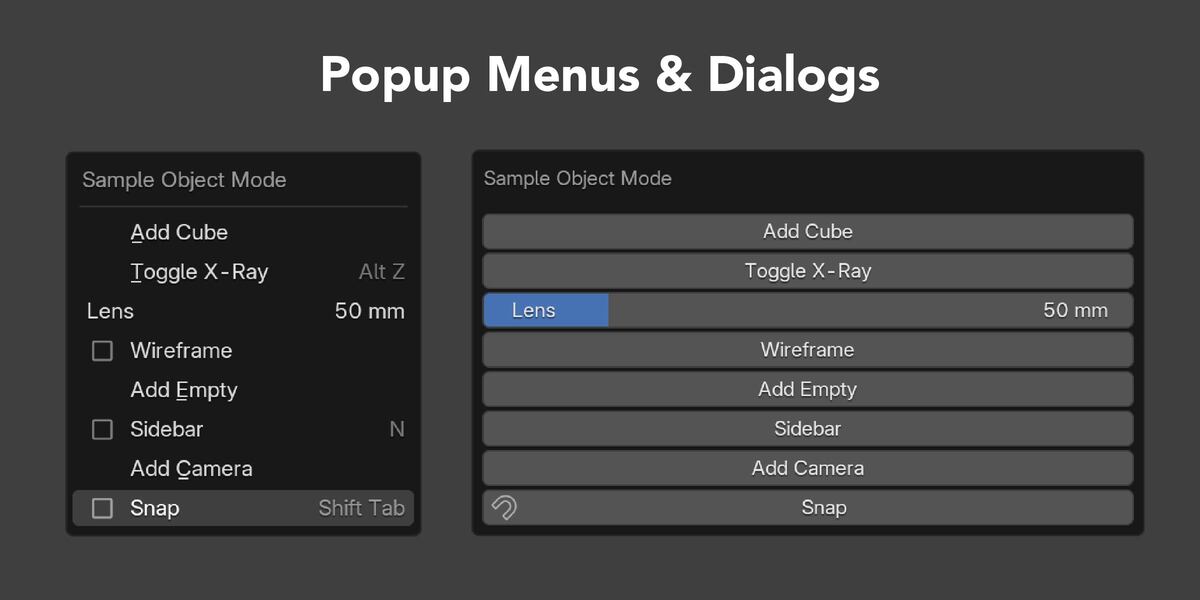
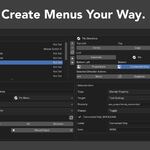
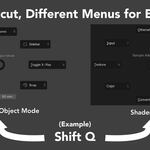
    The customization in pie menus, popup menus, dialog menus and use of floating buttons, as well as the nesting features makes it so useful.
    I gave it 4*s purely because I've only just started to learn to use it and configure it to my needs. I think it will allow me (mostly) to eliminate my use of the keyboard.
    I'll definitely update my *s, if I can, once I'm done setting it up for me.

    As a possible feature request (don't know if it's possible in Blender on your end), and only ask because I tried but couldn't seem to make it work. With a floating button, I wanted to hit the floating button, activate proportional editing, and have it open up the falloff setting dropdown to make a selection. Would also be helpful in snapping.
    Highly recommend.

    • Virtual Rain

      about 2 months ago

      Thank you very much for the thoughtful and detailed review! I’m really glad to hear that Simple Pie Menu is helping you get more out of your TourBox and reduce your reliance on the keyboard.
      Regarding proportional editing and snapping, you can currently create a Popup Dialog that contains both an enable toggle and the related falloff or snapping options, and then open that dialog from a Floating Button.
      However, automatically enabling the feature and immediately opening its option selector in a single action is not currently supported.
      Your example is very helpful, and I’ll keep this workflow in mind when considering future improvements.
      If anything is unclear or you need help configuring the addon for your workflow, please feel free to contact me through Superhive. I’ll be happy to help.
      Thank you again for purchasing Simple Pie Menu and for taking the time to share your experience and suggestion!

  • Displaying 4 ratings
$15$9.75

Have questions about this product?
Login to message

Details
Blender Extension Compatible Yes
Rating
4 ratings
Published 2 months ago
Blender Version 4.2 - 5.3
Extension Type Add-on
Render Engine Used Cycles
License GPL