 Philip Sloth

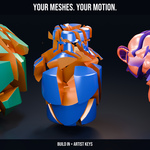
Shape. Clone. Animate.
Build the system. Direct the motion. Make it yours.
Turn a source mesh into a moving world of repeated forms. Build image-driven formations, rhythmic product arrays, animated type, intricate surfaces and growing organic structures. SlothMograph brings layout, influence, animation and delivery into one Blender sidebar, so you can spend more of the shot designing the result.
Latest release: SlothMograph 1.2.2 — Image Motion & L-System Artist Studio.

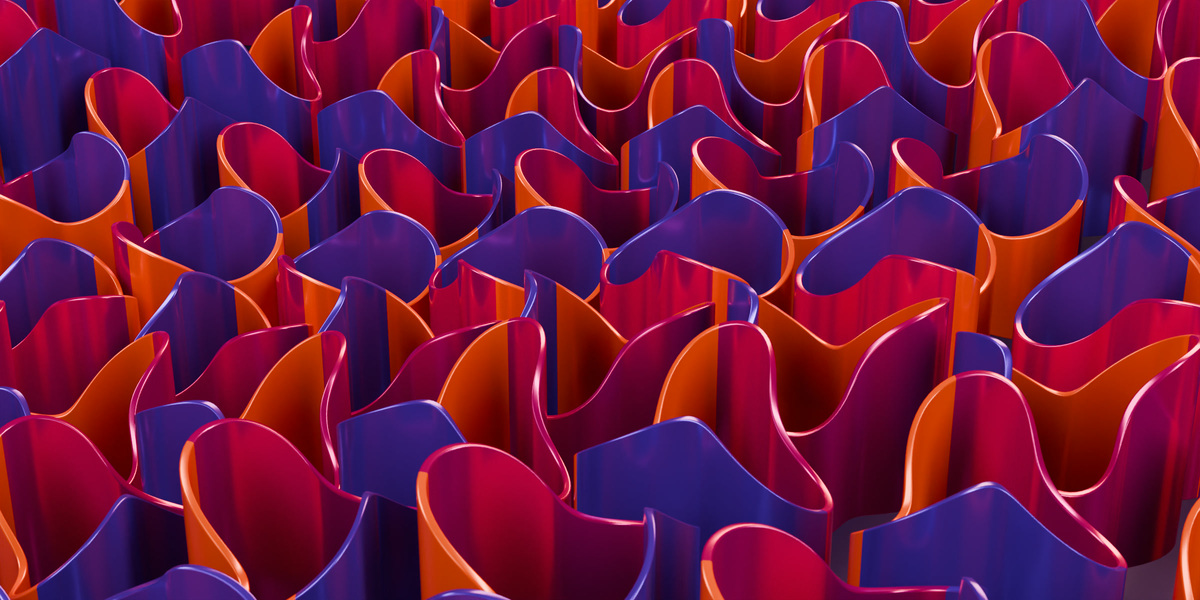
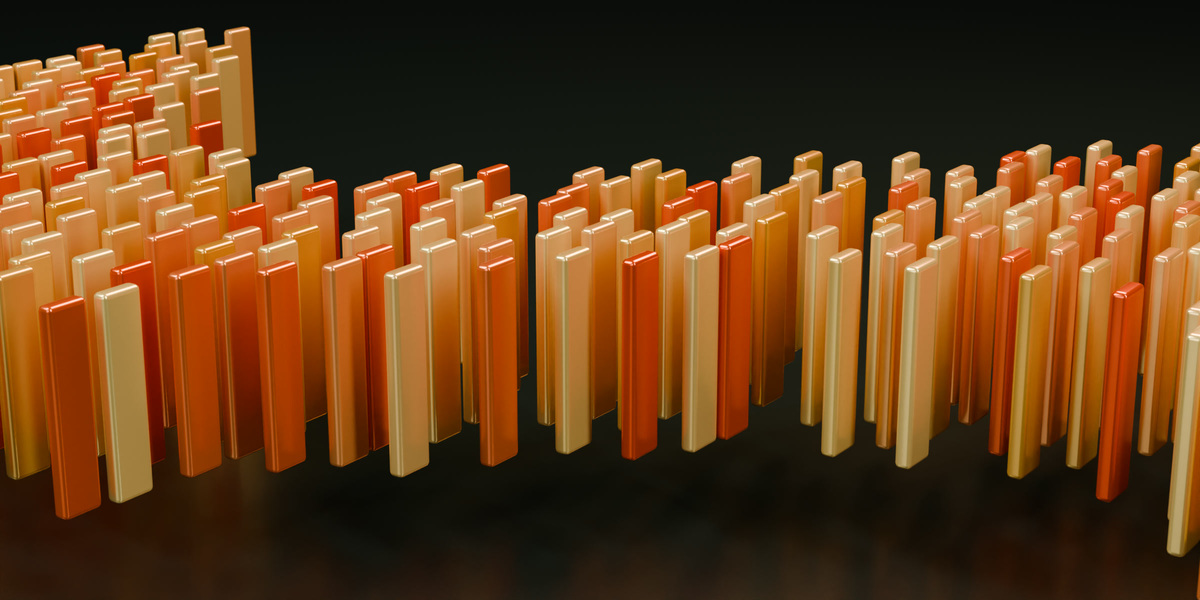
Shape. Clone. Animate. A designed ribbon source becomes an art-directed animated surface.
The full SlothMograph toolkit
- 14 cloner distributions: Grid, Linear, Radial, Honeycomb, Object, Stack, Cannon Ball, Projected Grid, Curve, Blend, Volume, Partition, Beads and Image Density. Build ordered arrays, follow curves, distribute across objects or volumes, and turn image brightness into an exact-count layout.
- 19 effectors: Random, Step, Noise, Plain, Time, Sound, Look At, Target, Shader, Delay/Spring, Push Apart, Spline, Inheritance, Formula, Volume, Group, Visibility, Magnet and ReEffector. Layer their influence to shape position, rotation, scale and color, according to each effector's controls.
- 11 field choices + 9 field modifiers: Sphere, Box, Cylinder, Torus, Cone, Linear, Radial, Noise, Object, Spline and a constant Group input. Refine influence with Remap, Clamp, Curve, Step, Quantize, Invert, Decay, Delay and Freeze.
- Animation and direction: 17 animation presets, four independent Studio Motion Layers, Shared Signals and audio shaping, A/B Layout Transition, Animated Clone Sequencer and Per-Clone Spline Wrap. Start with a motion recipe, then refine supported channels through Blender keyframes, Actions and NLA.
- Forms, effects and delivery: MoText with 14 letter presets and character/word/line splitting; MoSpline with 33 shape and motion presets; 24 L-System starting points; Tracer, MoInstance, Fracture, PolyFX and MoExtrude. Add camera rigs, rigid-body workflows, clone materials, Studio Editing, reusable My Setups libraries, caches and native bake/handoff tools.
New in 1.2.2: two images, the same clones
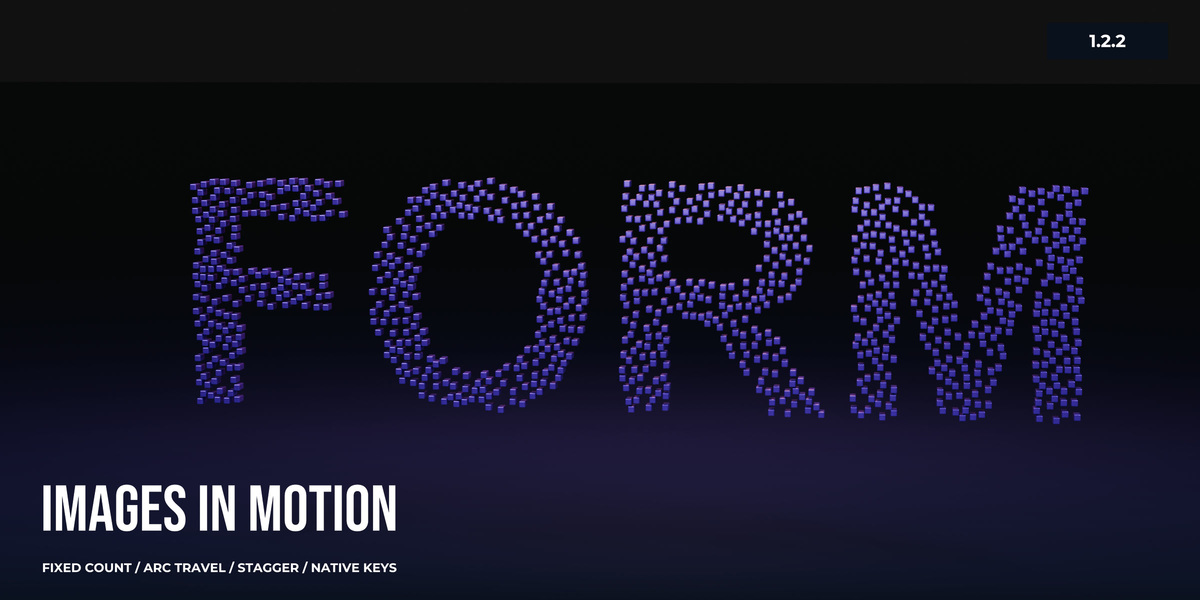
Load Image A and Image B, choose a source mesh and set your count. Image Density places clones according to brightness and moves the same clone IDs between both formations. Bright areas receive more clones; black areas receive none. The image workflow changes placement while keeping your source size and count.
Use it for logo transitions, particle-style formations, image layouts and abstract motion design. The disc setup below turns a grayscale ring into a heart, then returns, with the same 1,000 full-size discs visible throughout.

Actual Blender animation: grayscale ring (A) → heart (B) → ring. The same 1,000 full-size discs stay visible throughout. The bar follows editable Progress keys. This native example uses artist-adjusted endpoint correspondence to maintain spacing.
Preset motion. Artist timing.
Choose Gentle, Sweep, Bloom or Scatter, then shape the shot with Straight, Arc or Lift travel, six easing choices, ordered or seeded stagger and travel variation. Set A and B independently with Fit/Fill/Stretch, channels, levels, alpha, mirrors, rotation, seeds and endpoint offsets.
Timeline & Holds generates ordinary Progress keyframes. Move those keys, change their handles, add a pause or shorten the return in Blender's Graph Editor. Animate the exposed numeric controls, make a native motion copy, or generate individual clone keys when you need to edit each disc. Structural choices such as travel type and pairing are rebuilt through the addon; the User Guide explains the controls and delivery options.

Three source meshes, three motion directions, 1,000 full-size clones in each. The right-hand Progress Action has a manual mid-travel hold and faster return. The curves show the actual saved keyframes. Spacing and endpoint correspondence are art-directed in these native examples.
Your meshes. Your visual language.
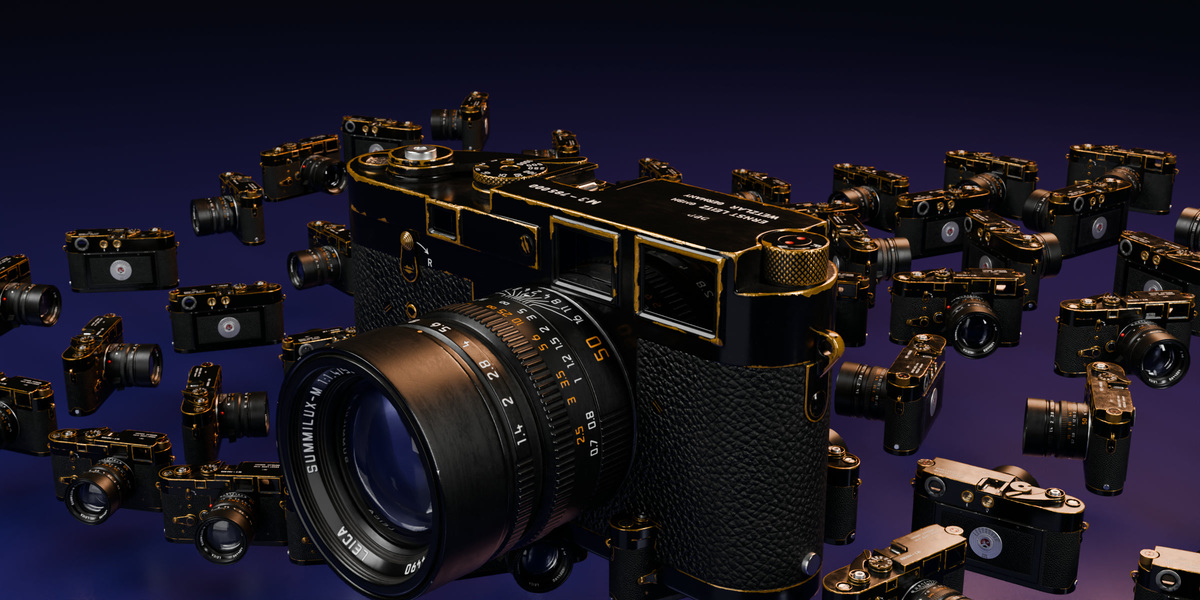
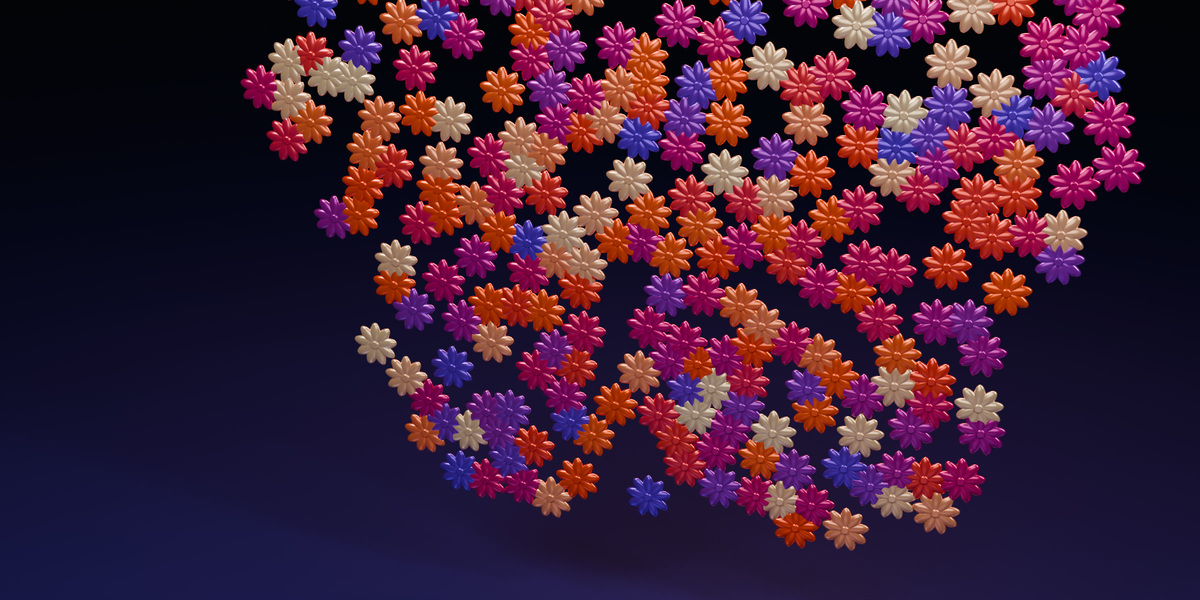
Repeat a designed module, build a product formation or turn an organic source into an intricate surface. Single, Iterate and Random source modes, clone colors and material helpers let you develop the look. The gallery uses original ribbon and flower meshes, detailed modules, architectural fins and an imported camera model, alongside simpler sources.

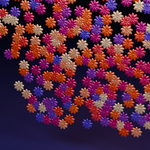
Your own sources, your visual language. Original modeled flower meshes in an animated image-driven arrangement.
Build the rhythm with effectors and fields
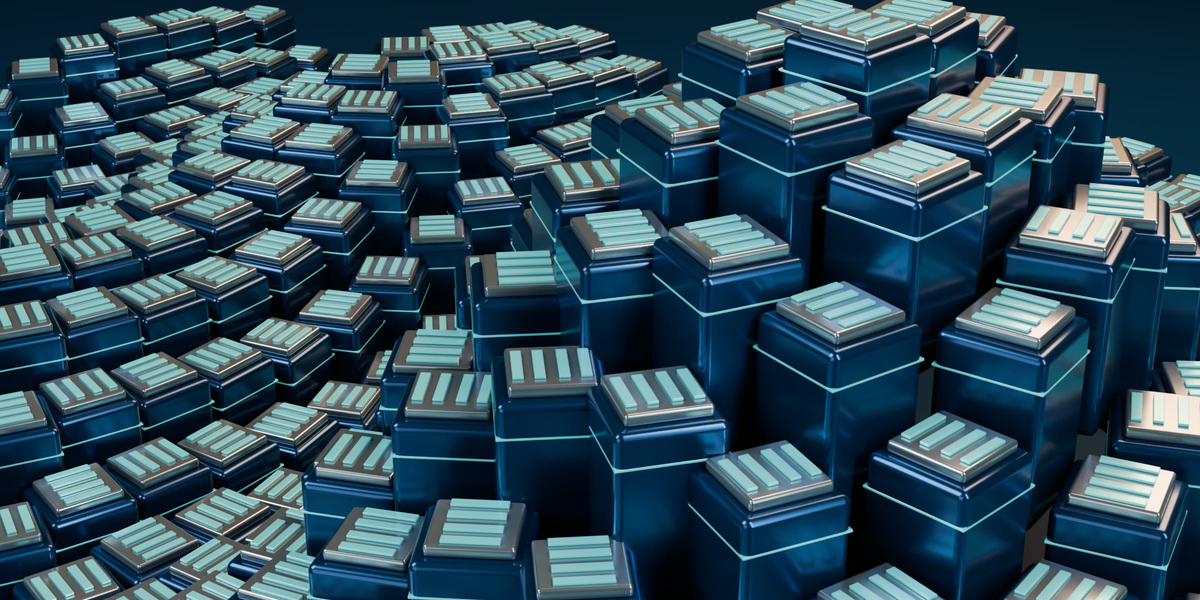
A layout becomes a shot when the influence is designed. Stack transform and color effects, place fields where the action should happen, then refine the falloff. Use field modifiers for stepped patterns, reshaped ranges, delayed response and trails. The circuit study combines detailed source modules, field influence and animated Formula motion.

Detailed modules, fields and animated Formula motion. Additional source modeling, materials, lighting and camera design complete the shot.
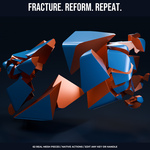
Fracture. Reform. Repeat.
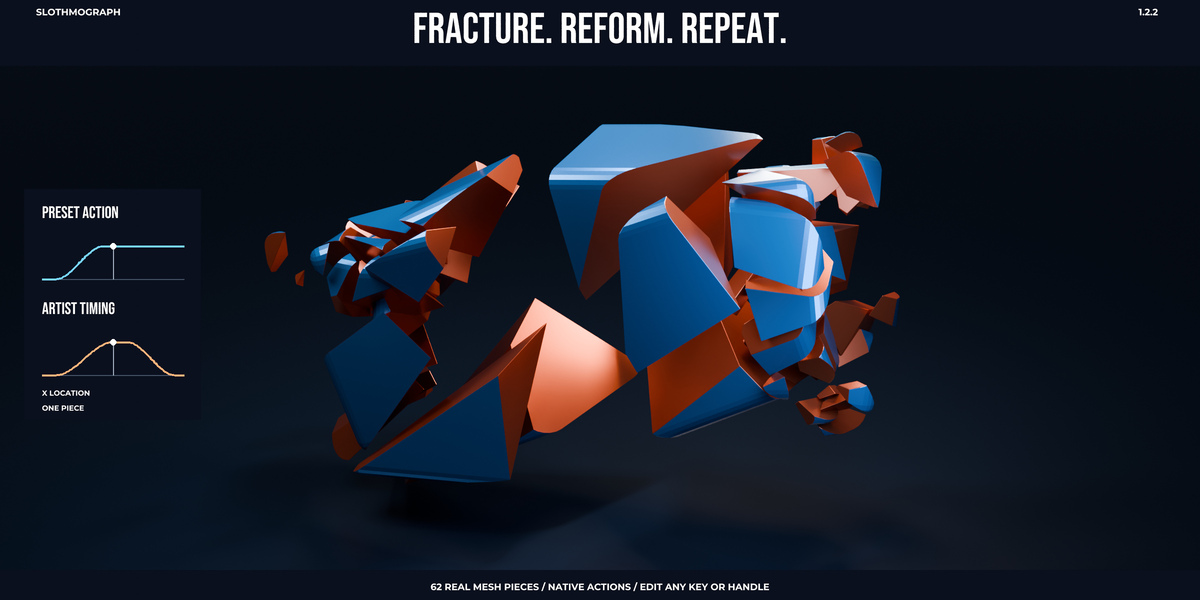
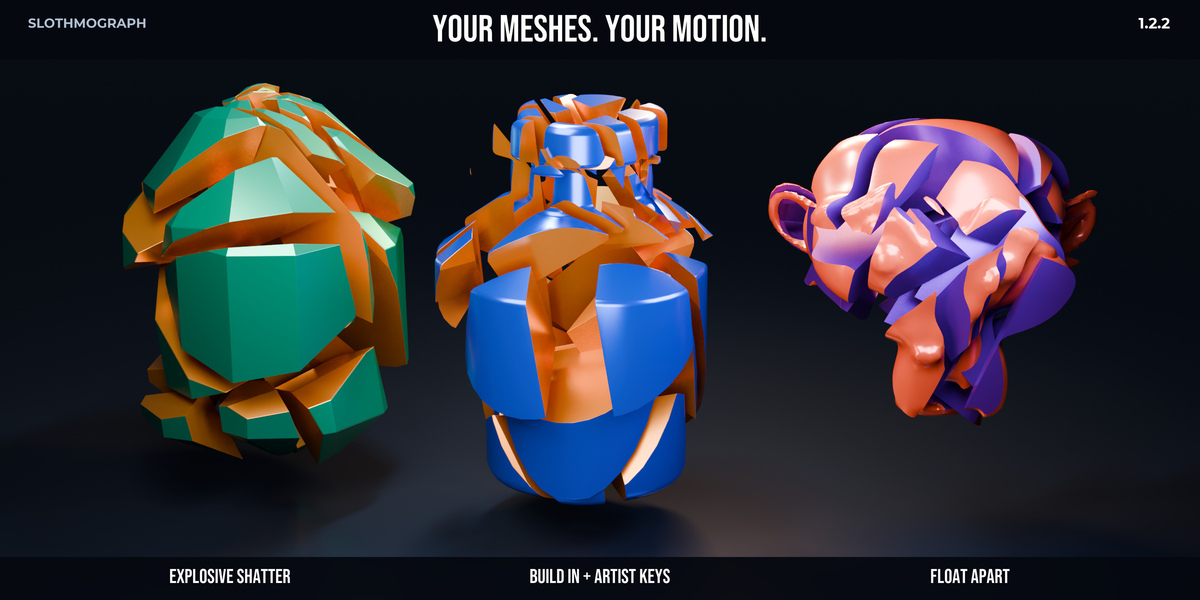
Break a mesh into separate pieces, then direct their movement. Ten fracture animation presets generate ordinary Blender transform Actions: Explosive Shatter, Cinematic Implode, Glass Shatter, Disintegrate, Vortex Spiral, Ground Impact, Float Apart, Build In, Slide Apart and Peel Away. Start with a recipe, then adjust its supported duration, start, stagger, velocity, spin, chaos, gravity, scatter or overshoot controls.
Your meshes. Your motion. The studio below brings three sources onto one stage: an emerald crystal with Explosive Shatter, a cobalt product bottle with Build In and artist-edited keys, and a prepared Suzanne sculpture with Float Apart. Each opens, holds and returns through native Actions.

Three sources, three fracture takes: 32 crystal pieces, 40 bottle pieces and 34 sculpture pieces. Native Actions keep all fragments full-size; source preparation, materials, cut-face finishing, lighting and cameras are artist-authored.
Your timing stays editable. Select a piece, move its keys and shape its handles in the Graph Editor. Add a pause, offset an arrival or build a return. The bottle study changes Build In's launch positions, then adds an opening and hold before assembly. The graphs follow one real X-location channel, with separate normalized ranges to compare timing.

40 real product fragments. A generated Build In Action becomes an artist-directed opening, hold and assembly. The dots follow the real preset and edited X-location curves of one piece.
The fracture showcases use custom source meshes with additional artist-authored materials, lighting and camera design. Start with a prepared source, inspect the generated pieces, and edit their native Actions in the Graph Editor. Rebuilds and reapplying presets regenerate geometry or animation: preserve an authored take before changing its recipe. These keyframed demonstrations do not imply rigid-body simulation or collision avoidance.
More ways to create motion
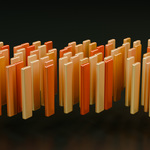
Animation presets: Follow Path, Roll, Assembly, Bounce, Hover, Shake, Grow, Pendulum, Convoy, Spline Wrap, Reveal Along Spline, Trace On, Stagger, Wind Field, Pulse, Cloner On Spline and Domino. Adjust each preset's supported controls. Studio Motion Layers adds independently editable Float, Shake, Turntable and Pulse contributions; Shared Signals connects supported numeric channels to procedural waveforms or shaped audio, with gain, offset and phase.
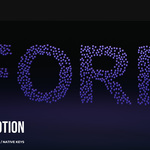
MoText and MoSpline: Split type by character, word or line and build letter animation with presets such as Typewriter, Wave Bounce, Spin Reveal and Elastic Bounce. MoSpline offers editable curve construction, growth, trim and tube controls, with shapes such as DNA Helix, Trefoil Knot, Nautilus Spiral, Lorenz Attractor and Torus Knot.
L-System Artist Studio: Start from 24 editable botanical and ornamental recipes. Shape tapered branches, leaves, curved flower petals and fruit, or place your own meshes through grammar commands. Direct growth with attraction and wind, animate native Growth Actions, and make editable curve or mesh copies. Recipe import/export, grammar inspection, generation limits and last-good-output recovery support iteration.
Shot building and delivery: Capture complete A/B layouts with Layout Transition. Offset sampled source animation per clone with Animated Clone Sequencer. Use Tracer and MoInstance for trails, Fracture for breakup, PolyFX for polygon-centered cloning, and MoExtrude for depth. Camera/framing tools, rigid-body conversion, persistent caches and native handoff help you finish a scene.
Blender data you can keep editing
SlothMograph creates standard Blender objects, curves, Geometry Nodes, rigs and animation data, depending on the tool. Presets give you a starting point; their supported controls and generated animation give you room to direct the result. Refine native Actions in the Graph Editor, retime NLA, add your own animation and detach supported procedural controls when you want ownership of the curves.
Native copies and bakes are separate snapshots. Keep the live setup for structural revisions, and use the documented handoff for delivery. Read the guide before regenerating artist-edited curves or rebaking an established shot.
Included with 1.2.2
- One installable ZIP: slothmograph_v1.2.2.zip contains the addon and the full offline documentation together.
- Five structured PDF manuals, 166 pages: Quickstart, Artist Guide, Control Reference, Troubleshooting and Changelog. Searchable text, linked contents, browser-readable HTML and original Markdown guides are included under blender_mograph/documentation.
- Built-in preset and material libraries: use the starting points with your own sources and editable Blender data. Optional demo scenes and showcase project downloads are not bundled.
The renders and animations show actual addon output with artist-designed sources, materials, lighting and cameras. Animated web previews are compressed for loading; their appearance is a preview of the shot. Use your own sources, materials and render settings to develop a shot with the addon.
Get started in Blender
Install slothmograph_v1.2.2.zip directly from Blender Preferences, enable it, then press N in the 3D View and open SlothMograph. The same ZIP contains all five PDF manuals. For an existing installation, save your project, remove the old addon in Preferences, install the replacement ZIP and restart Blender. This clears obsolete bundled demo files; your saved projects remain on disk. Help & Getting Started opens the offline text guides. To read the PDFs, open blender_mograph/documentation/PDF in the downloaded ZIP or extract the documentation folder and open START_HERE.html.
- For the 1,000-disc image workflow: create a mesh cloner from a disc, choose Image Density in its Mode, import Image A and Image B, set Count = 1000, then animate Progress from 0 to 1. Image Density controls distribution; the Shader effector changes an existing layout according to brightness.
- For captured layouts: select a single-source cloner and open Motion Studio → Layout Transition. Capture A, edit the reference cloner while keeping its source and count, Capture B, then select the transition result and animate Progress.
Open the Quickstart and full documentation for setup, artist controls, handoff and troubleshooting. The FAQ covers common questions and delivery limits.
Compatibility and delivery
The legacy addon ZIP supports Blender 4.1 onward, with Cycles and Eevee. Use Install in Blender 4.1 and Install from Disk in later builds; Blender's extension system begins at 4.2. 1.2.2 was runtime-qualified on Windows Blender 4.1.1, 4.2.3 LTS, 4.3.2, 4.4.0, 4.5.14 LTS and 5.0.1. Other builds and operating systems are outside this release's runtime evidence.
Simple single-source Image Density Progress motion plays natively in Geometry Nodes, including subframes and background rendering. Enabled effectors, multi-source or cached procedural workflows require the documented native handoff for animated background delivery. Native mesh sequences use sampled frames; read the User Guide before planning motion blur or cross-DCC delivery. Back up established projects before updating and rebaking.
Image Density accepts supported static images up to 16 megapixels and 1–10,000 clones. Endpoint spacing places source centers; it does not solve mesh collisions during travel. Impossible layouts or invalid images report errors and retain the previous valid result.
Support and credits
For support, contact [email protected] with your Blender/addon versions, reproduction steps and a minimal project without private assets.
The imported camera is Camera_01 from Poly Haven, provided under CC0. This camera is used in the presentation; it is available separately from Poly Haven. Documentation font notices are included with the addon. SlothMograph code is GPL-3.0-or-later. SlothMograph is an independent Blender addon inspired by motion-graphics workflows; Cinema 4D is a Maxon product.