Step Importer 3.0 for Blender - Import Step / STP CAD Files
 HR
HR




Does STEP Importer modify the original STEP file?
No. The STEP or STP source file is opened read-only. Mesh quality changes, rebuilds, normals, materials, and optional cleanup operations affect only the Blender data.
Why can the first import take time, and what does the cache do?
The first import must read and tessellate the CAD geometry. After import, Fast future rebuilds can prepare a quality-independent CAD document and part map in the background. Once ready, this cache accelerates later selected-part rebuilds, including after reopening Blender.
Can I change mesh quality after importing a model?
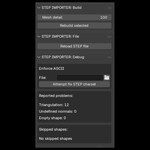
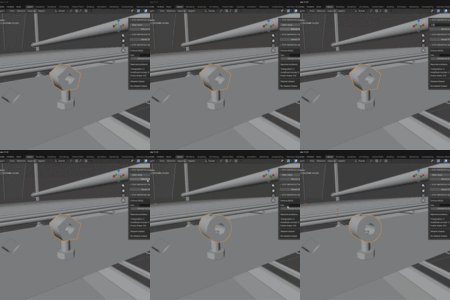
Yes. Select one or more imported STEP objects, choose the desired Simplified or Detailed quality settings in the STEP Importer N-panel, and use Rebuild selected. The complete linked model can also be rebuilt when required.
How do I install or update STEP Importer 3.0?
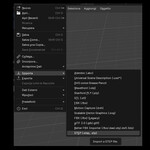
Download the 3.0 ZIP, then in Blender open Edit > Preferences > Get Extensions, choose Install from Disk, and select the ZIP without extracting it. The previous 2.0 packages remain available as a legacy version in your Superhive library.
Which Blender versions and operating systems are supported?
STEP Importer 3.0 supports Blender 4.5 through 5.2 on Windows 10 and Windows 11, 64-bit. macOS and Linux packages are not included in version 3.0.
 Included
Includes 12 months of
- Support from HR
- Product updates
Extend this product’s Support Period +12 months: 50% of product price
Have questions before purchasing?
Login to message
