Synctools Pro For Zbrush
 blenderVfxMaster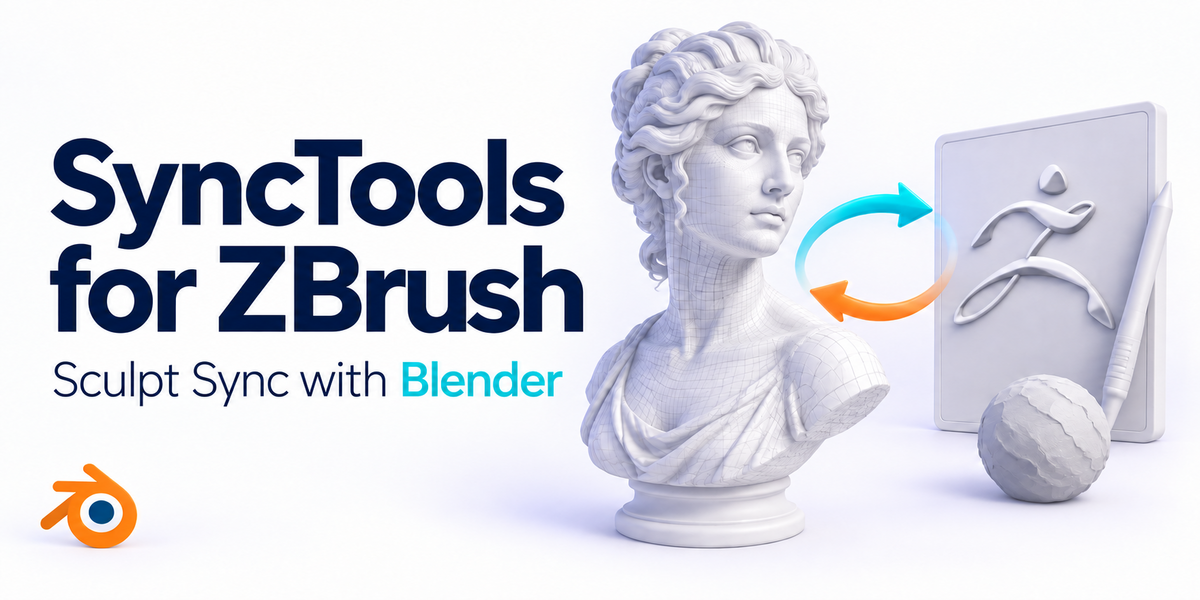


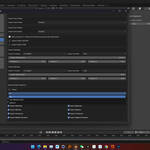
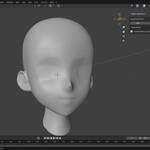
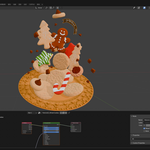
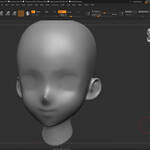
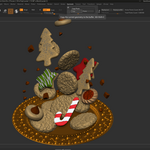
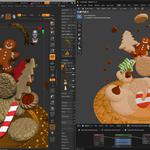
-
$12
1 seat. For individual creators or small commercial projects.
-
$28.80
Up to 3 seats / single studio team. Save 20% vs buying 3 individual licenses.
-
$144
15+ seats / company-wide. Save 20% vs buying 15 individual licenses.
Have questions about this product?
Login to message
| Sales | 30+ |
| Rating | 3 ratings |
| Published | over 1 year ago |
| Blender Version | 3.6 - 5.2 |
| Extension Type | N/A |
| License |
Discover more products like this
3D Design 3D Geometry Cross-Project Workflow Time-saving synctools ZBrush 2022 zbrush ZBrush Plugin 3D workflow macos obj file productivity tools 3D software Workflow Optimization ZBrush 2023 digital-art Subtools ZBrush Tools 3D Resources ZBrush Integration 3d modeling 3D Model Transfer ZBrush Add-on 3D artists 3D Art Copy Paste Plugin ZBrush Users windows Blender Market