 blenderVfxMaster


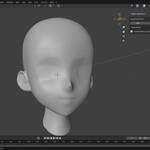
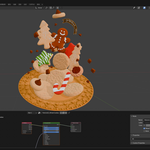
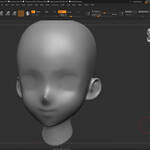
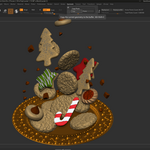
|
Multi-DCC Platform Support
The SyncTools SeriesAll SyncTools plugins share a unified data exchange protocol, enabling lossless asset conversion across platforms and true multi-software collaborative workflows.
Get all ten released SyncTools products in the DCC Integration Suite — save over 25% compared with buying them individually.
|
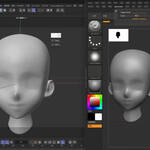
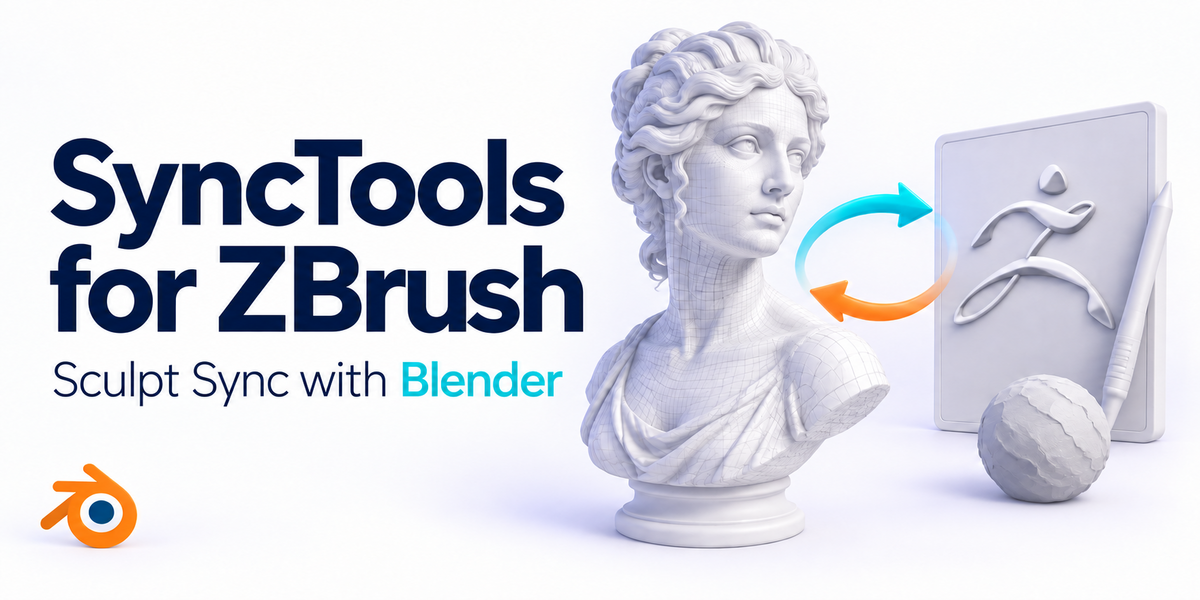
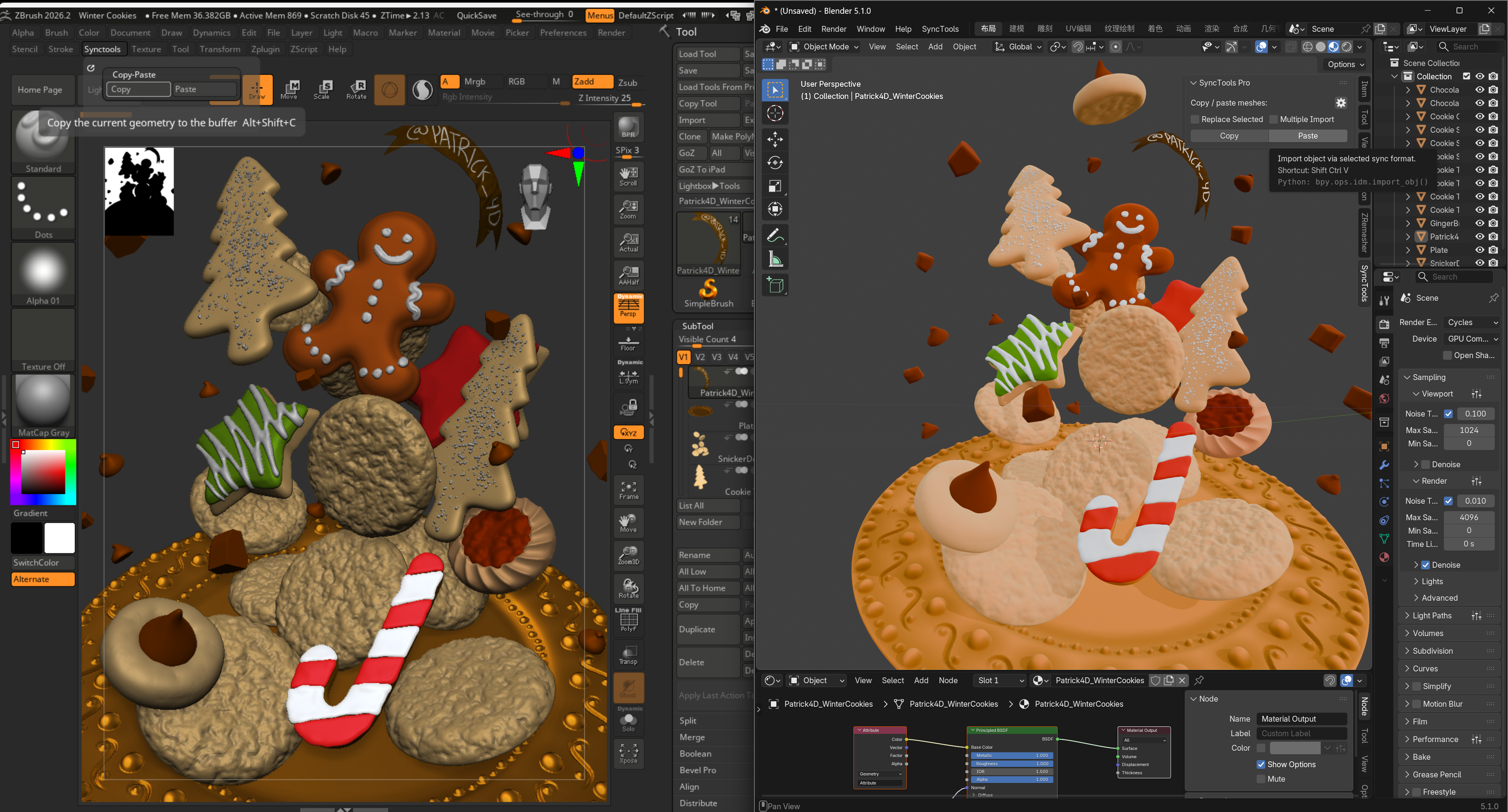
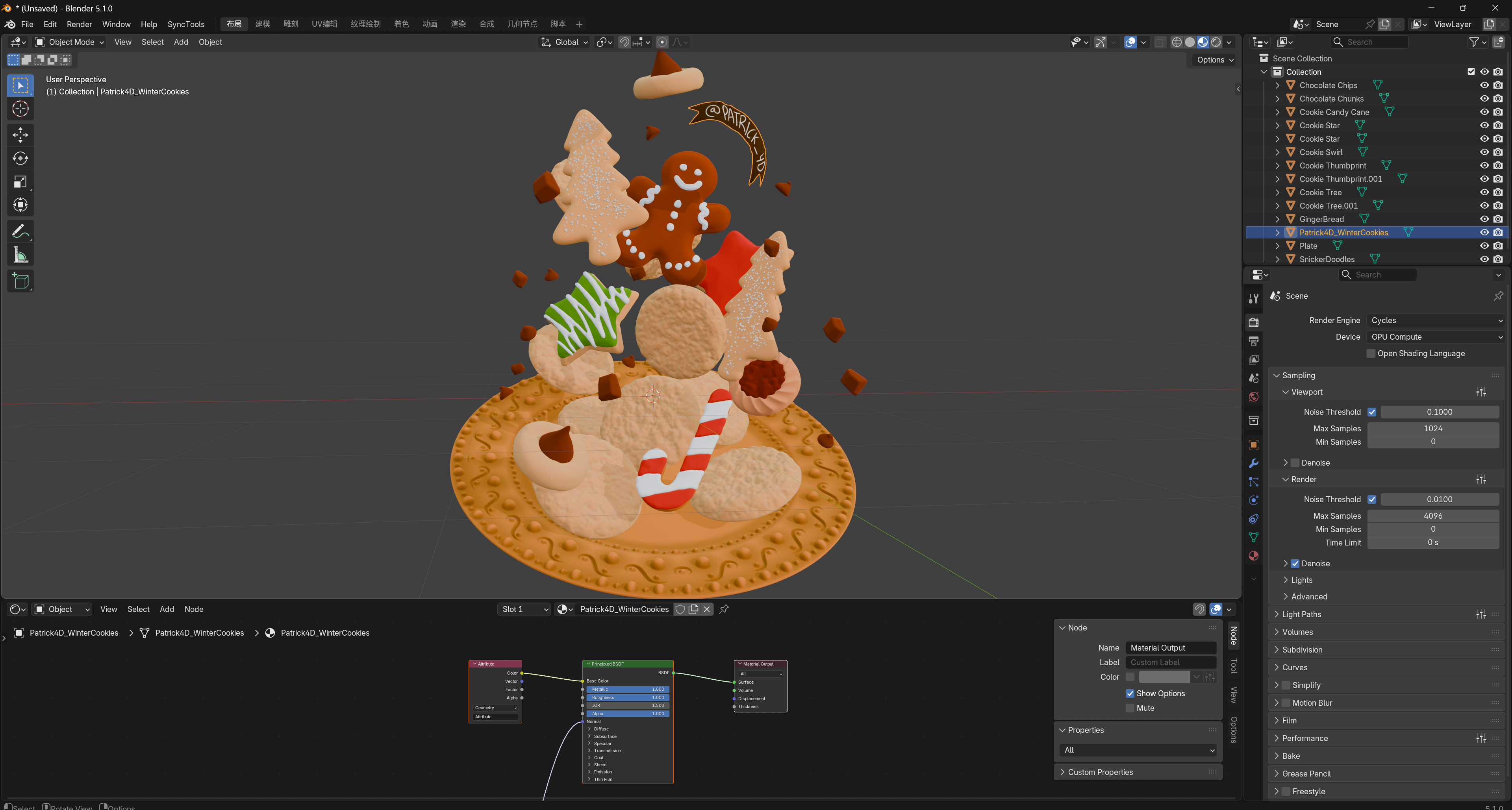
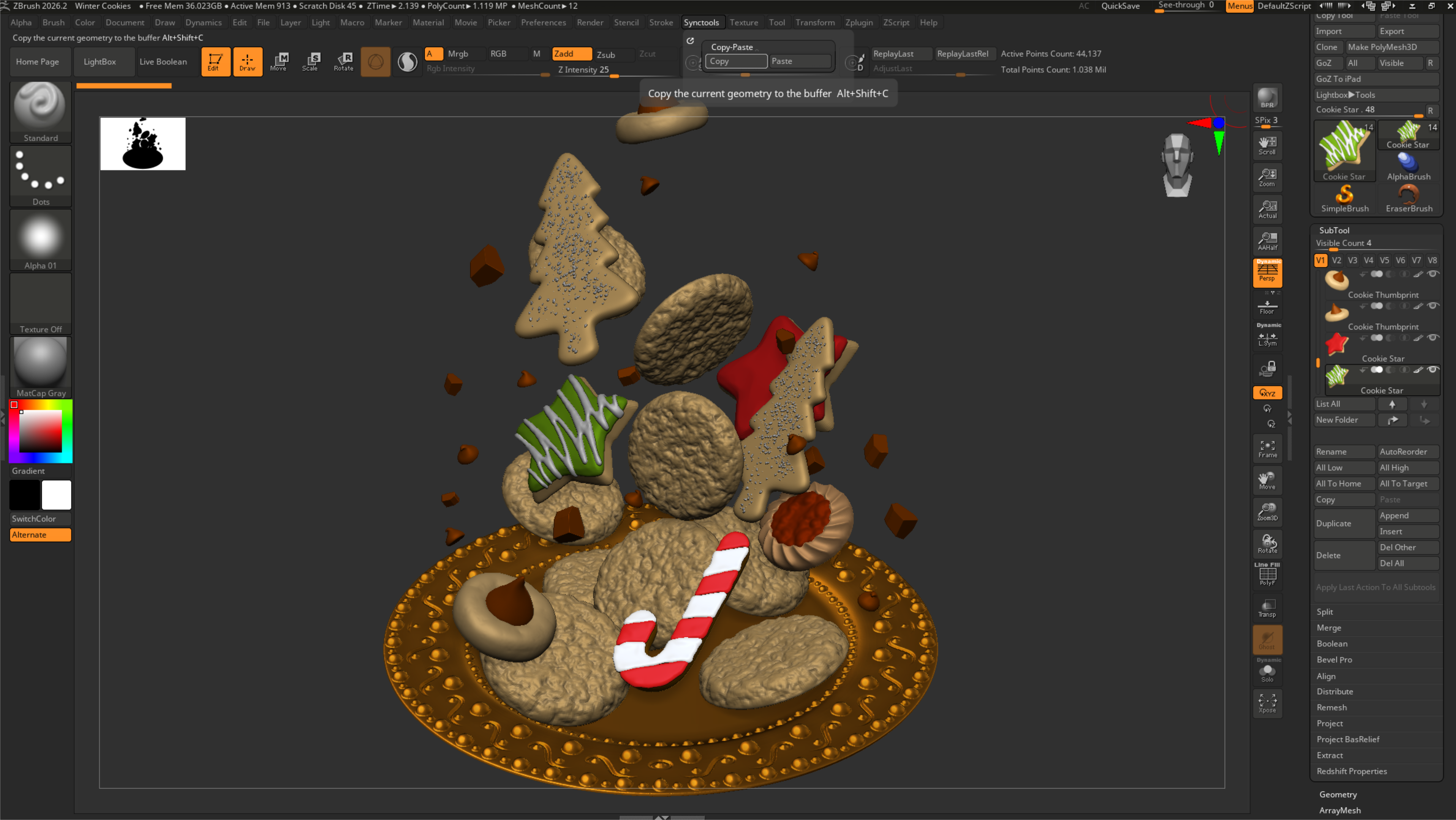
SyncTools Pro for ZBrushOne-click Copy/Paste between ZBrush and Blender, now updated for ZBrush 2026 and Blender 5.x workflows.
Move complete ZBrush tool sets into Blender and send Blender assets back to ZBrush with less manual export setup. Built for sculpting, retopology, lookdev, character work, creature art, and hard-surface asset handoff.
Supported transfer data
| ||||||||||||||||
   Features
What you get
| ||||||||||||||||
|
Use Cases
Where it fits- Sculpt to Retopology - Move ZBrush sculpts into Blender for retopo and cleanup.
- Character and Creature Work - Keep subtool organization readable when moving complex assets.
- Hard-Surface Assets - Transfer multi-part models without manually exporting each part.
- Lookdev and Rendering - Continue UV, material, color, lighting, and render work in Blender.
- Fast Iteration - Use Copy/Paste instead of repeating file management steps during revisions.
| ||||||||||||||||
|
Compatibility
Compatibility- ZBrush: 2023-2026, optimized for ZBrush 2026
- Blender: 5.0 and newer for the latest package
- Operating System: Windows 10/11 for the current ZBrush 2026 package
- Workflow: ZBrush to Blender, Blender to ZBrush, and All SubTools transfer from ZBrush
| ||||||||||||||||
|
Installation
Quick Start1. Install the included ZBrush plugin files into the ZBrush plugin folder.
2. Restart ZBrush and open the SyncTools controls from the ZBrush interface.
3. Install the matching SyncTools add-on in Blender.
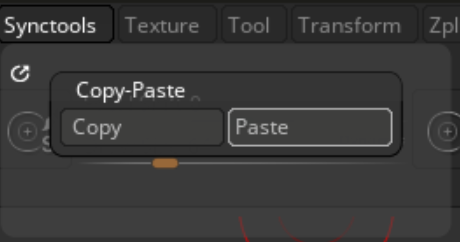
4. Use Copy and Paste to move assets between ZBrush and Blender.
| ||||||||||||||||
|
Support
Support & Updates- Support through the Superhive inbox
- Updates for current major-version compatibility
- Part of the wider SyncTools ecosystem for multi-DCC pipelines
| ||||||||||||||||
|
Tags
zbrush, blender, sync, copy paste, sculpting, retopology, polygroups, subtools, materials, color, fbx, pipeline, dcc
| ||||||||||||||||
2026 SyncTools Pro for ZBrush - part of the SyncTools DCC family |
|
Community
Support Blender FoundationWe believe in giving back to the community that makes our work possible. Every month, we dedicate a portion of our plugin revenue to support the Blender Foundation. Thank you for helping us contribute to the future of open-source creativity.
|