Seth Russel
over 1 year ago
Thank you, Abdullah. I really appreciate the review.
This item has an average rating of 5 from 92 ratings by the community.
Purchase this item to leave a review!
Super easy to use and everything is self-explanatory. I got the hang of things within minutes.
Seth Russel
over 1 year ago
Thank you, Abdullah. I really appreciate the review.
Does what it says it does, and does it well! Developer is adding features from time to time to make it even more useful and time saving!
Seth Russel
over 1 year ago
Thank you for this excellent review, Sarah
The best addon for any 2d to 3d workflows ever. I originally bought the addon when it was first announced and installed every update since then and it continues to get better with each update. I convert a lot of 2d to 3d vector art over and it works flawlessly. The Dev deeply cares for his product and will answer any question and find a solution to any issue. 100% recommended! Thanks again.
Seth Russel
over 1 year ago
Thank you very much, Chris.
this add-on sure makes life easier and most importantly russel studios put his effort in solving the problem that im having and solve it for me lol . and im seeing he's doing great in maintaining the add on . salute!
Seth Russel
almost 2 years ago
Thank you Ian Takahashi. I appreciate your support.
I'm dedicated to maintaining and improving TraceGenius.
Happy Tracing, Sir
I'd give this 10 stars if I could. Insanely useful addon and very easy and intuitive to use.
Seth Russel
almost 2 years ago
Thank you very much, Sid. Really appreciate your review.
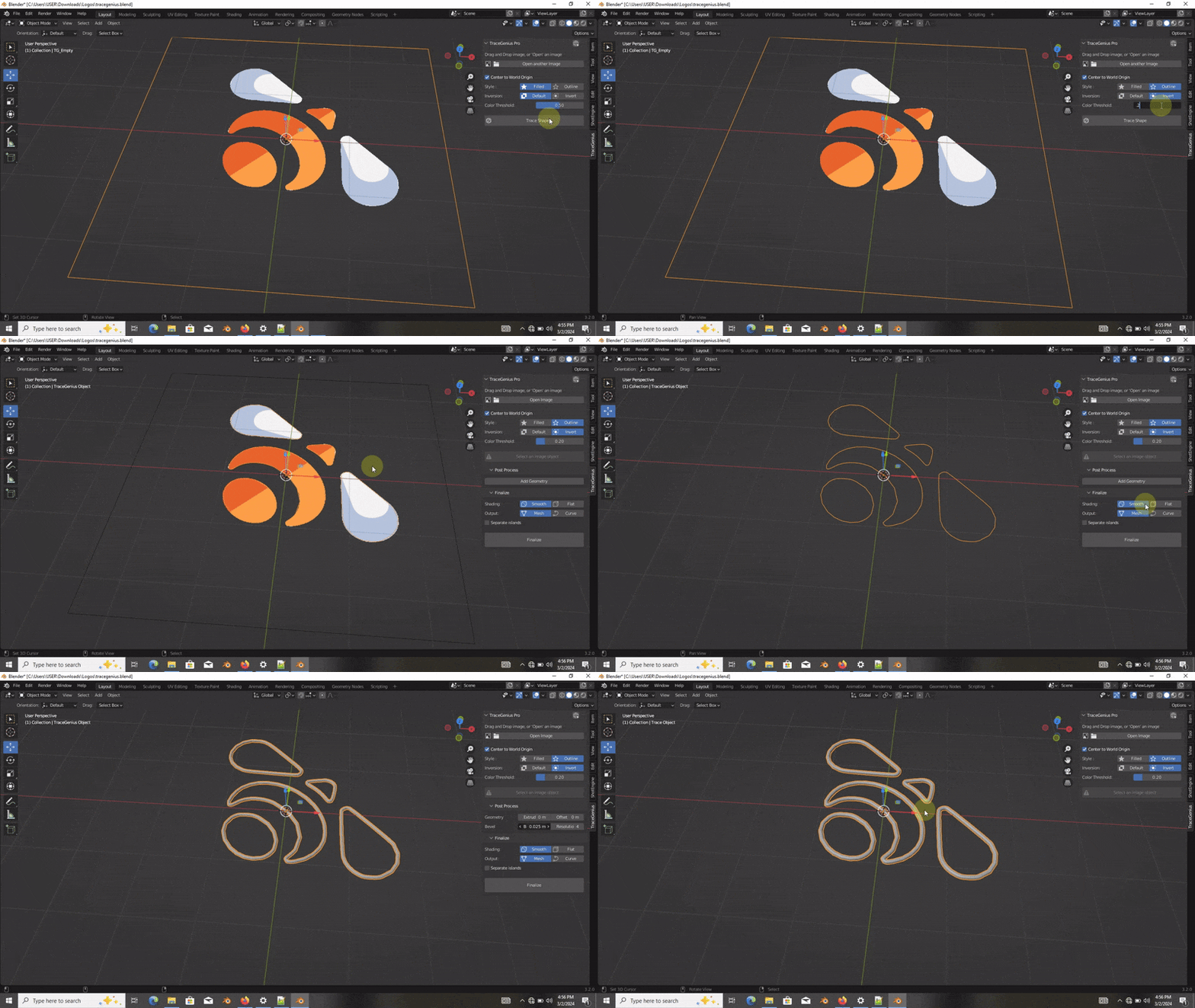
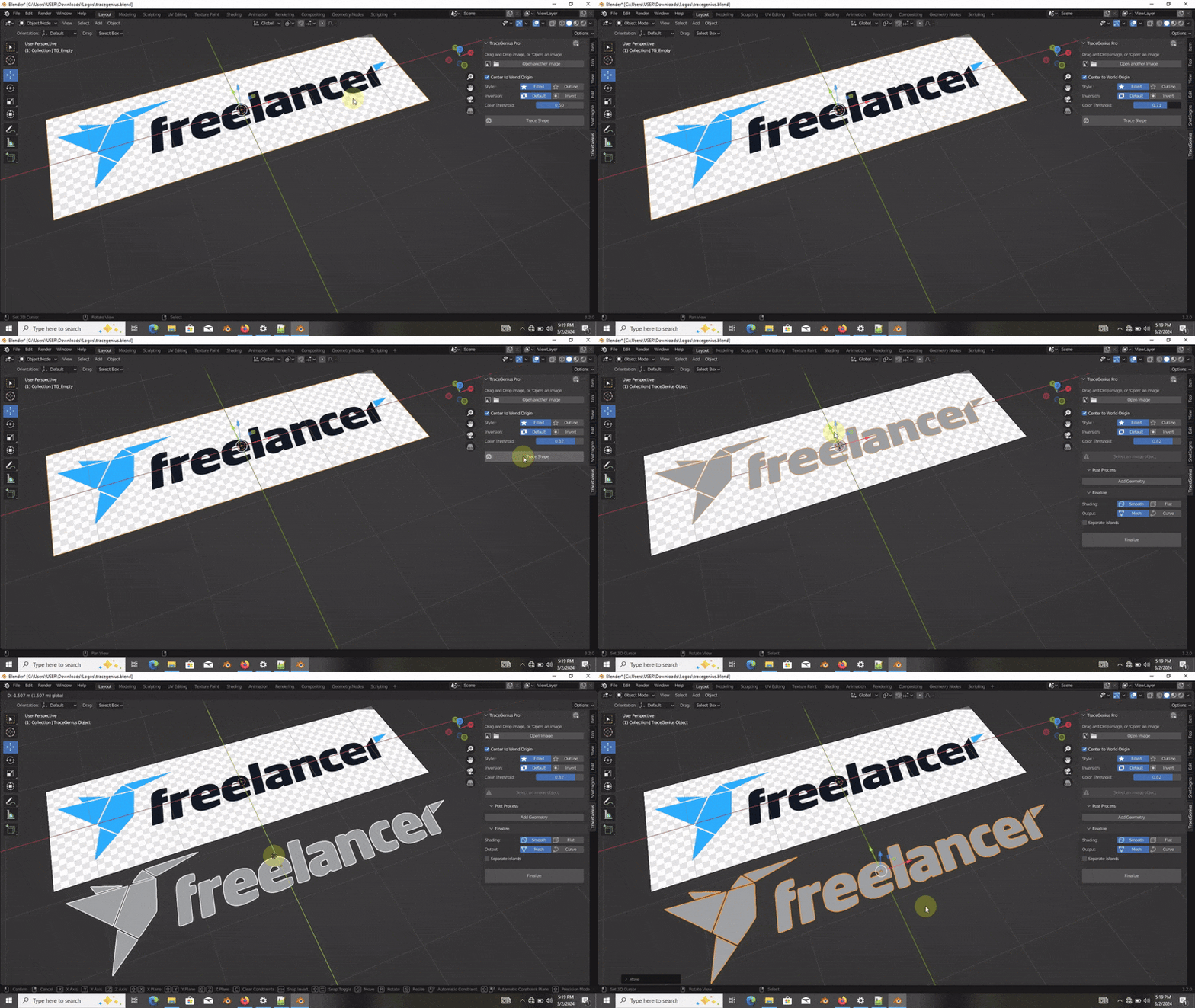
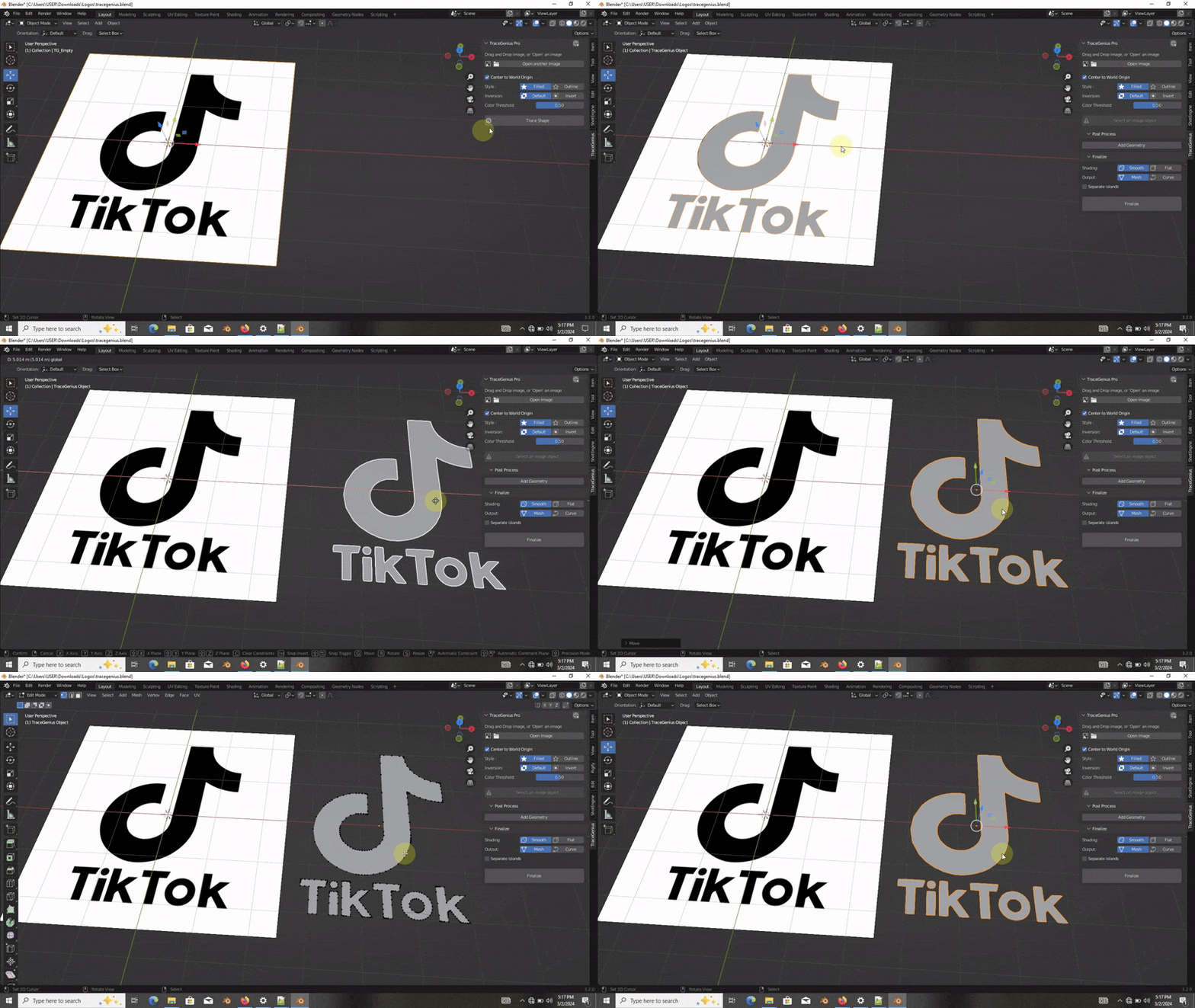
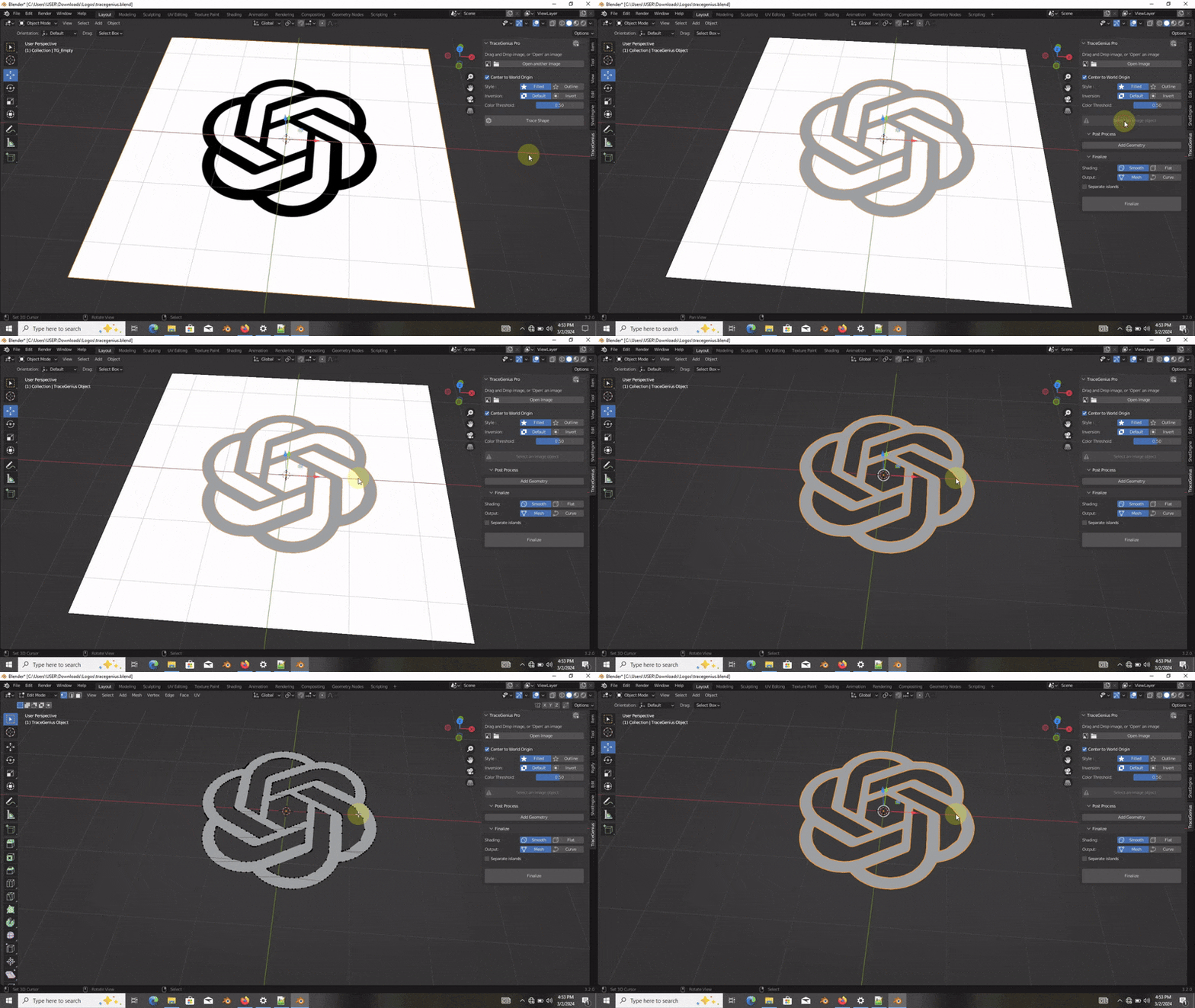
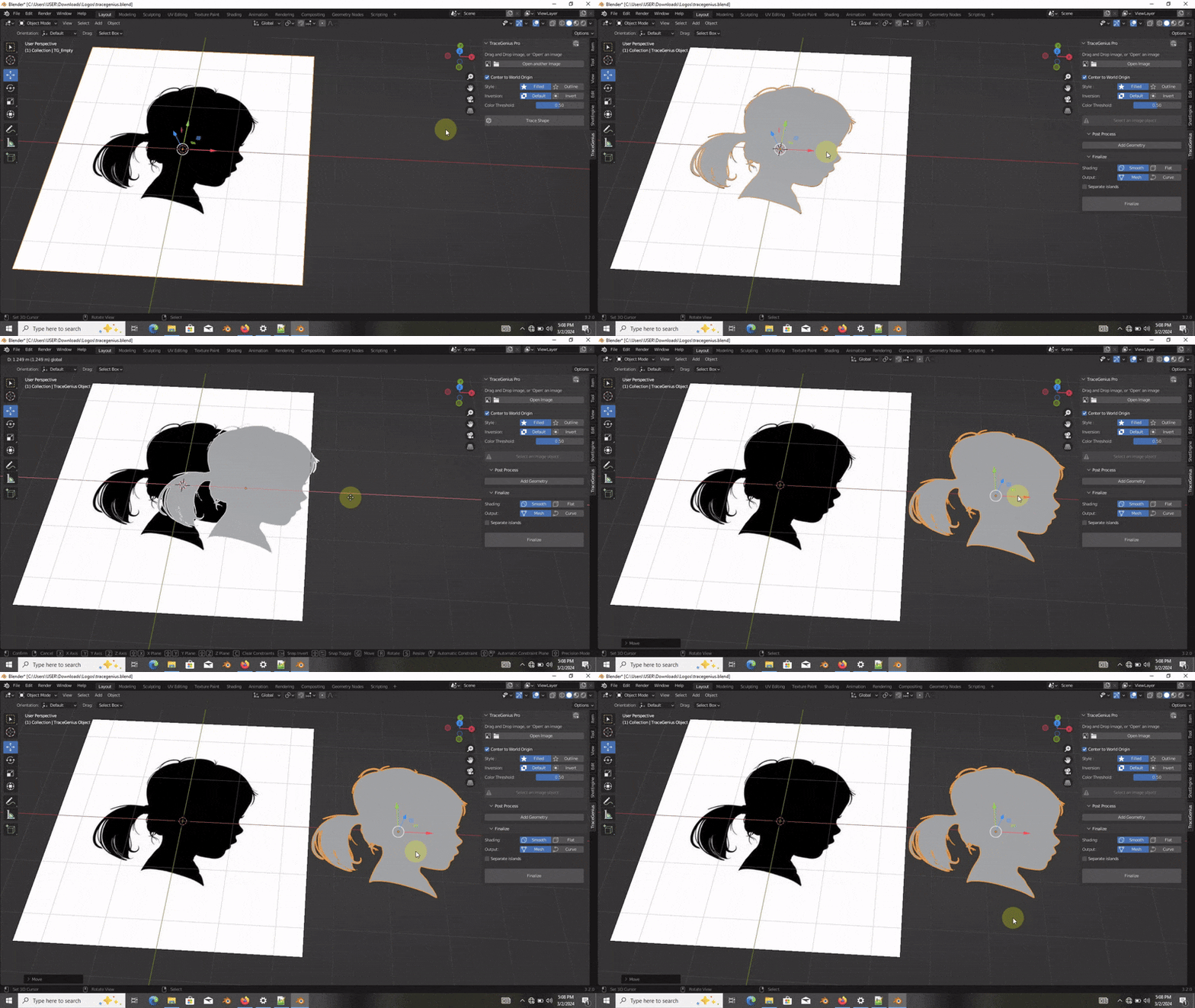
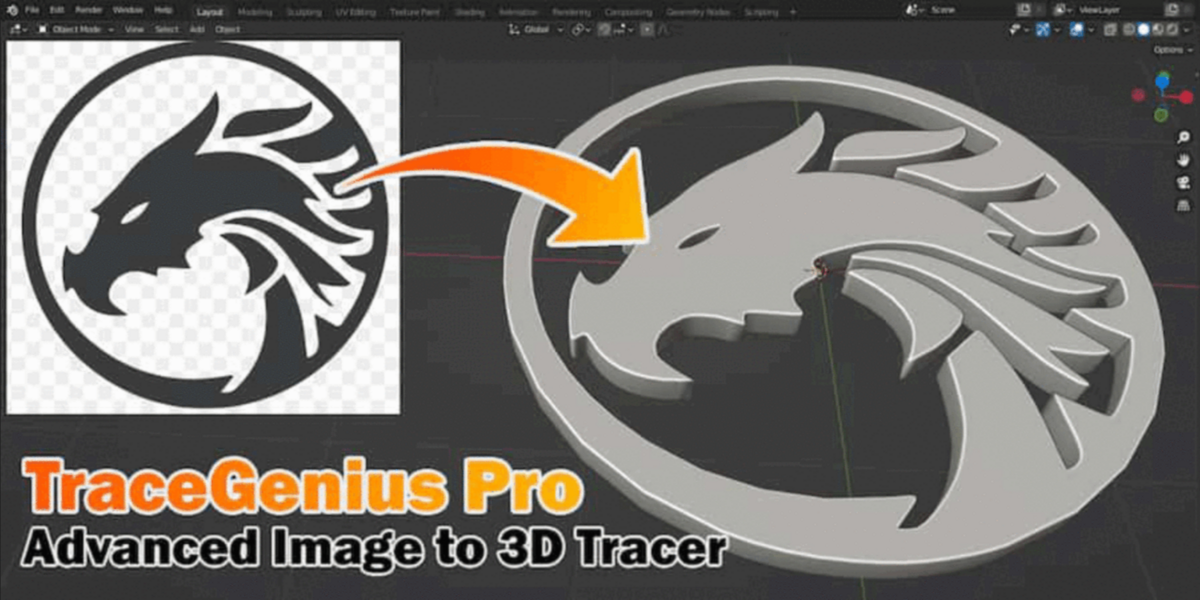
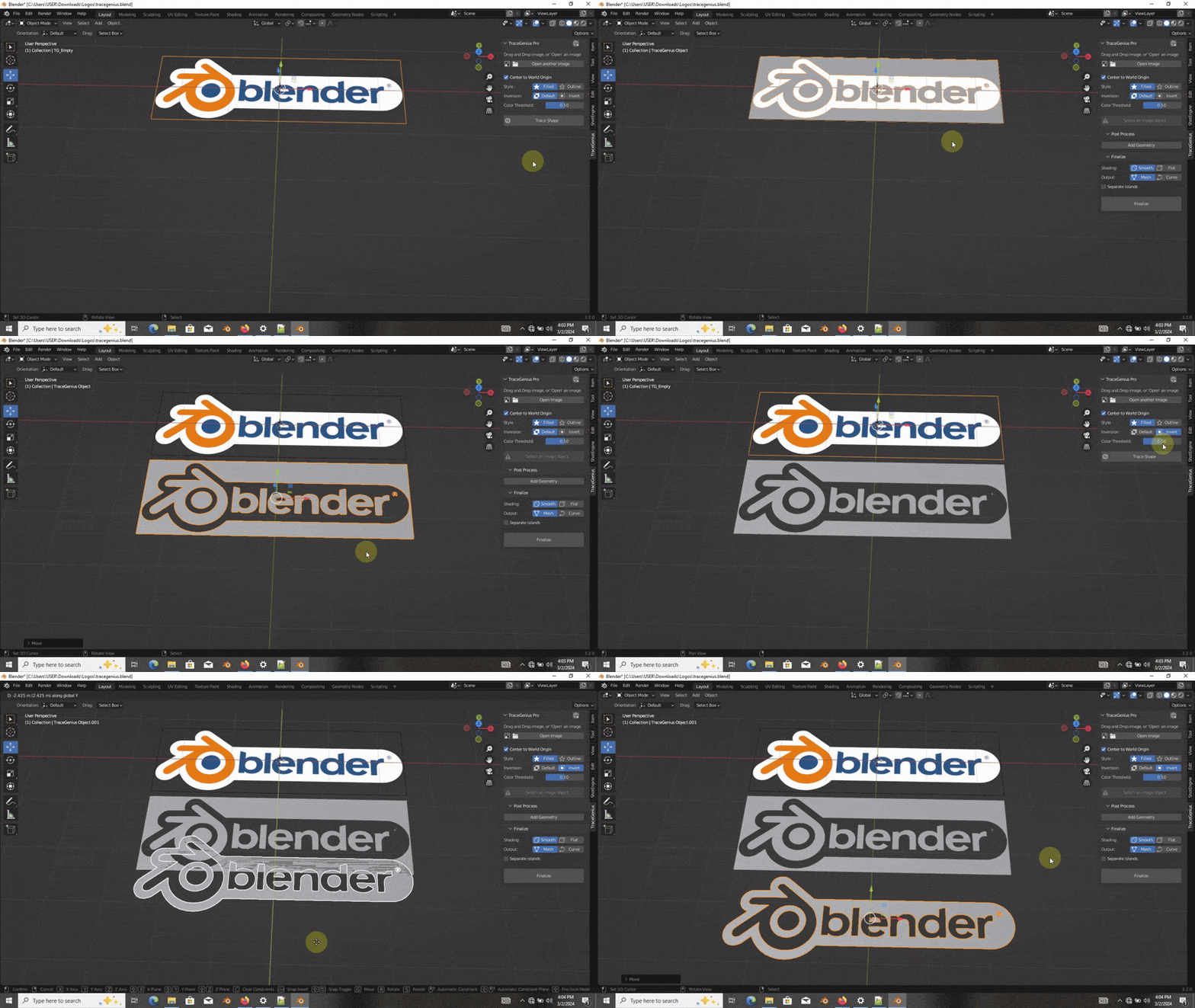
A great tool for importing and converting images, logos, icons to 3D. Doing this the old way with default tools was a bit cumbersome and took time to tweak or rework extraneous polygons and edges. The beveling specifically, is very help to have. The options to use different fills vs outlines is also very helpful. Still messing with this and its actually quite fun when you get instant results and can just delete and do it again with different settings in seconds!
Lastly, the dev was very quick and helpful to reply to my question when I was getting odd results that were the result of me not seeing the info about not using transparent backgrounds on images. I simply converted them to JPEG to get the white background and that q
Seth Russel
almost 2 years ago
*that quickly fixed it!
Thank you very much, Punker3D.
I will always be available to help you if you ever encounter any issue with Tracegenius.
In our design studio, one of the most time-consuming tasks was going through the endless steps in Blender to convert text into mesh. Honestly, this add-on is the best investment anyone working in design and 3D can make. It actually takes longer to install the add-on—despite it being a one-click install—than to complete the entire conversion process! It’s the best money any designer could spend. Congratulations, and thank you so much!
Seth Russel
almost 2 years ago
Thank you very much, Kritz, for this amazing review. Much appreciated
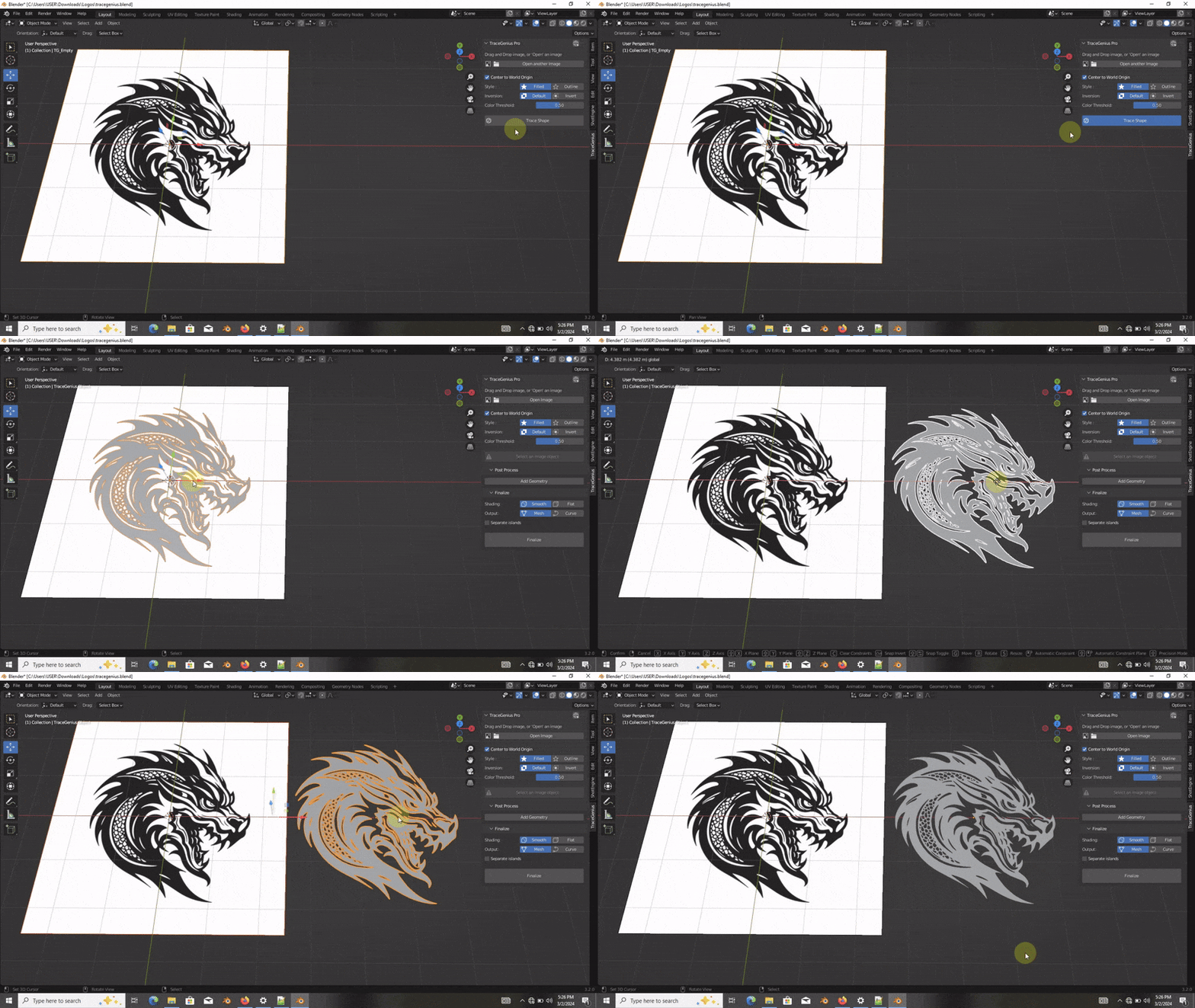
Fantastic. So funny. I spent hours cleaning up and tweaking curves and mesh for a logo from an SVG import. It was fine. I was almost done but I wasn't thrilled with the result or the time it took. I was randomly clicking around here saw this thing and figured "I spent 3 times that amount for a spool of filament". IT JUST FREAKING WORKS. So fast so easy.
p.s. One teeny tiny itty bitty little tiny issue that I fixed on my own. I had a perfect PNG image of the logo. Most of the image is graphic black shapes including a big block of 3 bold words in black on a white background. One section of just 3 letters REFUSED to trace filled. I kept tweaking the original export from Illustrator until it worked. I still don't know why this one area was causing issues as it was exactly like the rest of it. I fixed it by simply changing the color of the 3 letters and bingo it traced correctly. Not a deal breaker.
Seth Russel
almost 2 years ago
I really appreciate your fantastic review, Vernon. Thank you very much.
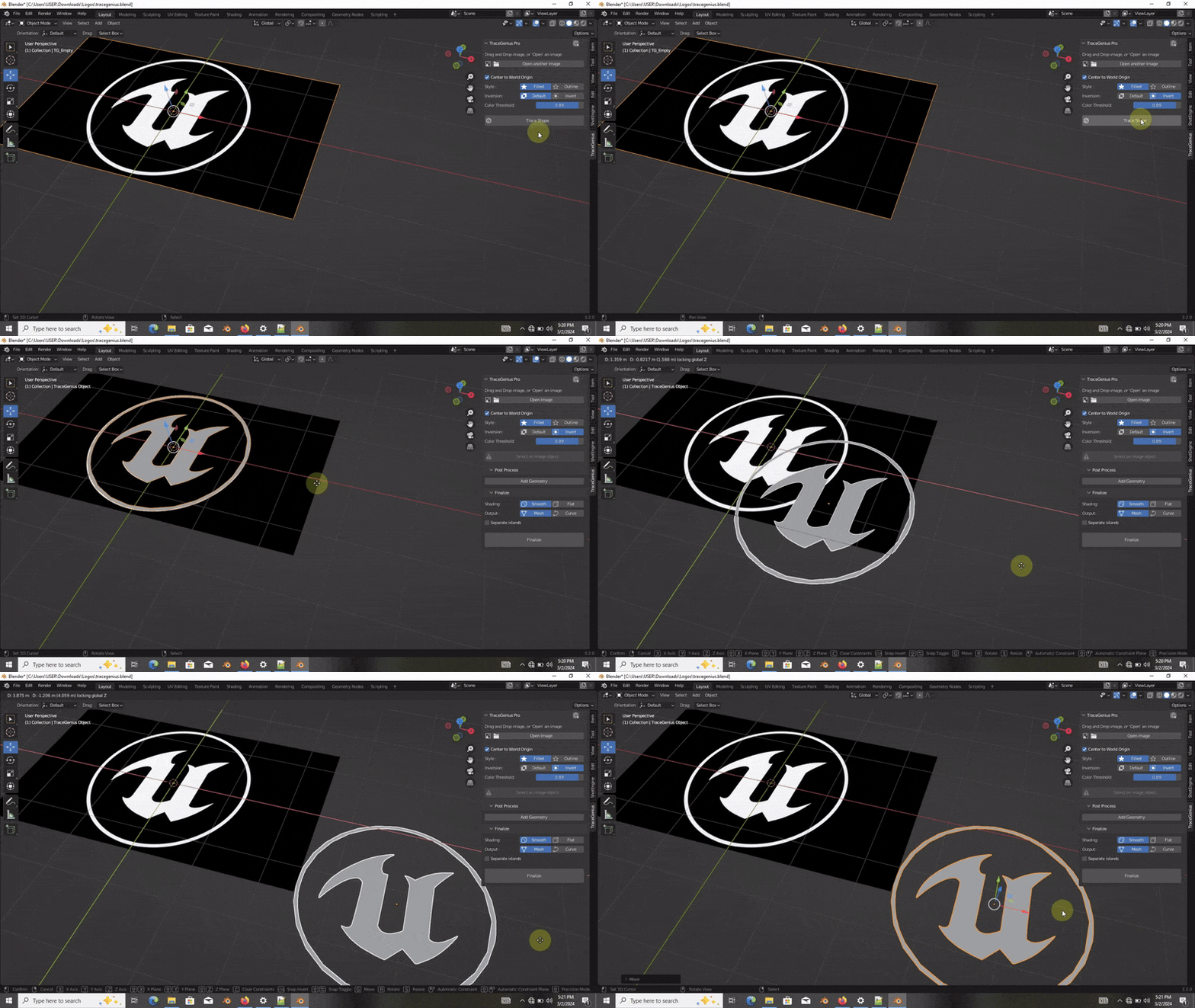
For PNGs, TraceGenius sees transparent regions as black, therefore the interesting regions/areas has to be in a color that is very contrast to black.
I recommend White logos on transparent PNGs. This works perfectly.
Alternatively, you can convert your PNGs to JPEGs (which will convert transparent regions to white) and use them for tracing. This approach will also work beautifully.
It simply works :)
Seth Russel
almost 2 years ago
Thank you very much, Marcello. Happy Tracing.
This app manages to make perfect curves even from lo-res images. Seems to convert to Bézier internally and then to mesh.
Exceeded my expectations!
Seth Russel
almost 2 years ago
Great observation, Steve! You nailed it—this is precisely one of the many ways it provides extensive control over the resulting geometry. Thank you for the thoughtful review. Happy tracing!
Have questions about this product?
Login to message
| Sales | 5900+ |
| Rating |
92 ratings
|
| Published | over 2 years ago |
| Blender Version | 2.8 - 5.0 |
| Render Engine Used | Blender-Internal, Cycles, Eevee |
| License | GPL |