 soumik.pixels


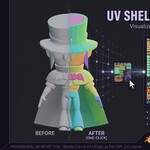
UV Shell Colorizer solves one of the most frustrating parts of UV work: telling your islands apart at a glance.
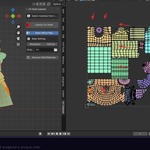
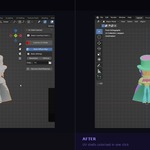
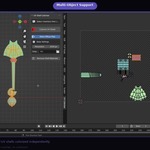
In a single click, it detects every UV shell on your mesh and assigns each one a unique, perceptually distinct flat color — no two islands share the same hue. The result is an instant visual map of your entire UV layout, visible right in the 3D viewport without switching to the UV Editor.
FEATURES
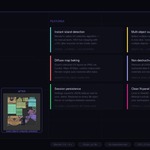
- Instant UV island detection using Blender's native selection algorithm
- Perceptually distinct colors via HSV hue-stepping with randomized jitter
- Multi-object support — process all selected meshes in one pass
- Optional diffuse map bake to PNG via Cycles (64px – 8192px resolution)
- Custom bake output directory
- One-click cleanup removes all generated materials
- Settings persist across Blender sessions
HOW IT WORKS
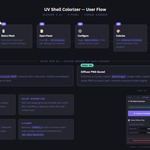
- Select your mesh(es) in the 3D viewport
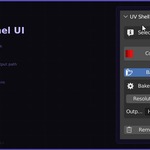
- Open the sidebar panel (N key › UV Colorizer tab)
- Click Colorize UV Shells
- Optionally enable Bake Diffuse Map to export a reference texture
Check this video out for the walkthrough:
REQUIREMENTS
- Blender 3.6 or newer (legacy install) · Blender 4.2 or newer (Extension install)
- An active UV map on your mesh
- Cycles renderer (required only for baking)
WHAT'S INCLUDED
- uv_shell_colorizer_v1.0.0_legacy.zip — for Blender 3.6–4.1 (legacy addon installer)
- uv_shell_colorizer_v1.0.0_extension.zip — for Blender 4.2+ (Extension format with blender_manifest.toml)
- PDF documentation with installation guide, usage walkthrough, and FAQ
