What is Zculpt?
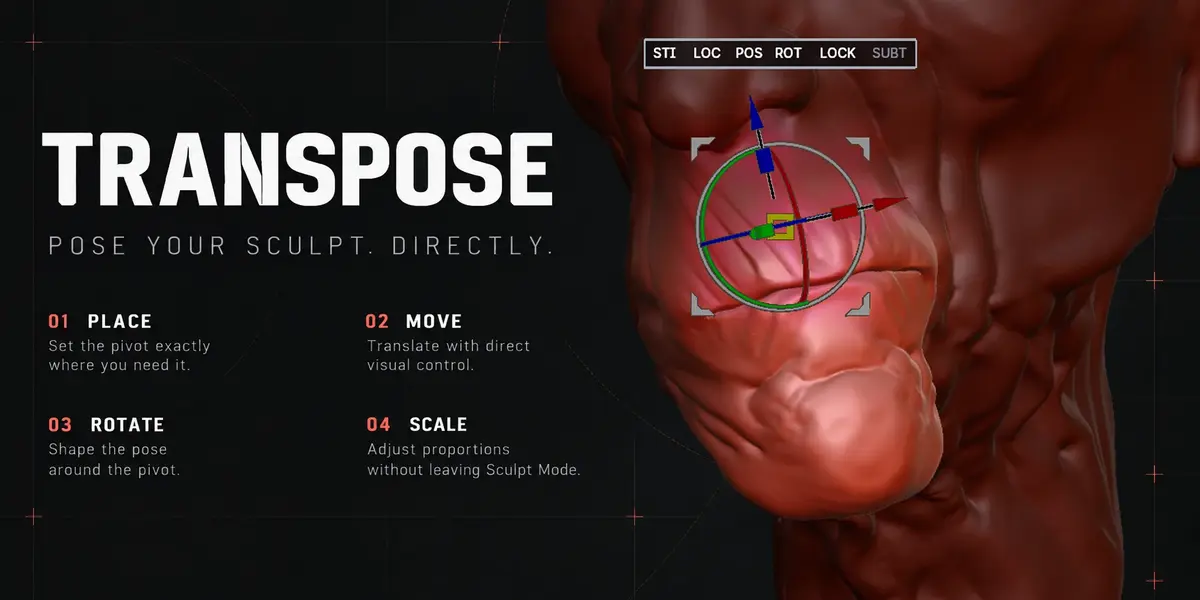
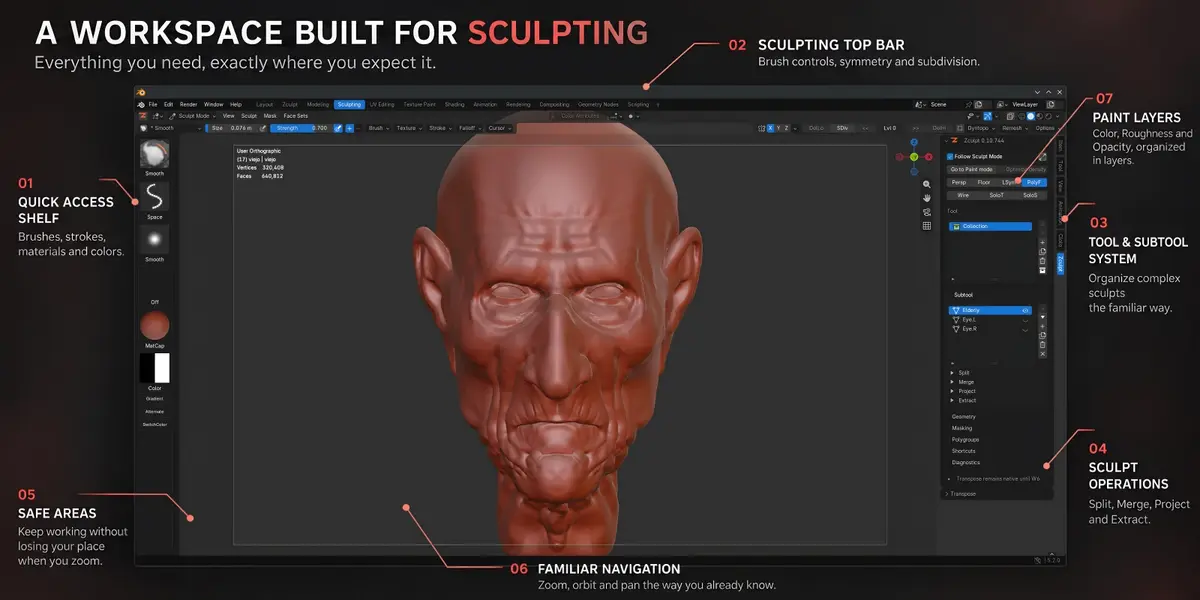
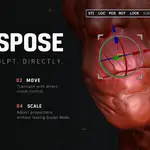
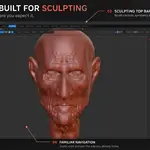
Zculpt is a Blender add-on that provides a sculpting workflow inspired by familiar ZBrush gestures and organization. It combines sculpting controls, Tools and SubTools, Transpose, Multires management, masking, visibility, retopology, projection, extraction, layered painting and reference images in one workspace.
Zculpt uses Blender’s native brushes and data. Your objects, Collections, Multires modifiers, materials and project remain inside the .blend file.
Do I need ZBrush to use Zculpt?
No. Zculpt works entirely inside Blender and does not require a ZBrush installation or licence.
Zculpt does not open ZBrush project files or replace ZBrush’s sculpting engine. It brings a familiar style of interaction and organization to Blender’s native sculpting system.
Is Zculpt intended only for former ZBrush users?
No. ZBrush users will recognize many gestures and concepts, but Zculpt is also suitable for Blender artists who want a more focused and canvas-oriented sculpting workflow.
Do Zculpt’s mesh and and processing limits depend on the available RAM?
Some practical limits do. Operations such as Project, Del Low, Paint preparation Mode preparation,, texture generation baking and dense Multires mask processing require additional system memory, and their cost increases with mesh density.
Zculpt estimates the memory required and applies operation-specific safety limits to reduce the risk of Blender becoming unstable. Having more RAM provides additional working headroom, but it does not override every built-in face-count or memory limit.
These requirements primarily concern system RAM, not GPU VRAM. For very dense projects, save save the .blend and close unnecessary applications before starting a demanding operation.
Are Zculpt operations undoable?
Confirmed sculpting and mesh operations use Blender Undo wherever supported. Complex Multires and Paint operations can create additional Undo boundaries to keep related data together.
Confirmed sculpting and mesh operations use Blender Undo wherever supported. Complex Multires and Paint operations can create additional Undo boundaries to keep related data together.
For production work, save before running topology-changing or memory-intensive operations.
Can Zculpt handle dense meshes?
Zculpt is designed for production sculpting, but every operation has different computational requirements.
Smooth brush interaction does not imply instant topology reconstruction, Multires processing or 4K texture generation. Project, Paint preparation, Del Low and mask filters include their own face-count, memory and compatibility limits.
Zculpt checks these conditions and reports why an operation cannot run.
Will Zculpt change Blender shortcuts globally?
Zculpt’s sculpting gestures apply inside the relevant Zculpt contexts. Paint, Retopo and ZRef have their own controls.
Outside those contexts, Blender retains its ordinary shortcuts.
Does Zculpt modify Blender’s normal workspace?
Zculpt adds a dedicated workspace without rearranging the workspace you were previously using.
You can enter Zculpt manually or enable Follow Sculpt Mode. Back to Previous and Exit Zculpt return you to the workspace you came from.
How are Tools and SubTools stored?
A Tool is a marked Blender Collection, and a SubTool is a Mesh Object linked directly to it.
They remain regular Blender data and can still be inspected and organized through the Outliner. The row immediately below the active SubTool acts as the reference for operations such as Retopo, Project and MergeDown.
Can I export a painted model?
Yes. Apply the Paint layers to textures, return to Zculpt/Sculpt Mode and use Blender’s normal export workflow.
Exit Paint Mode before switching SubTools or using Blender exporters.
Do I need UVs before painting?
Not necessarily. Apply to Textures can prepare a map when UVs are missing or overlapping, while existing UV data is preserved.
For predictable production output, properly prepared UVs are still recommended.
Can I continue sculpting after creating Paint layers?
Yes, provided the compatible topology and Multires hierarchy are retained.
You can sculpt the same topology and add or remove Multires levels above the stored Paint level. Removing the Paint level, changing the base topology, removing Multires or adding incompatible modifiers can prevent Paint Mode from reopening.
Save before making major topology changes.
How does Paint Mode work?
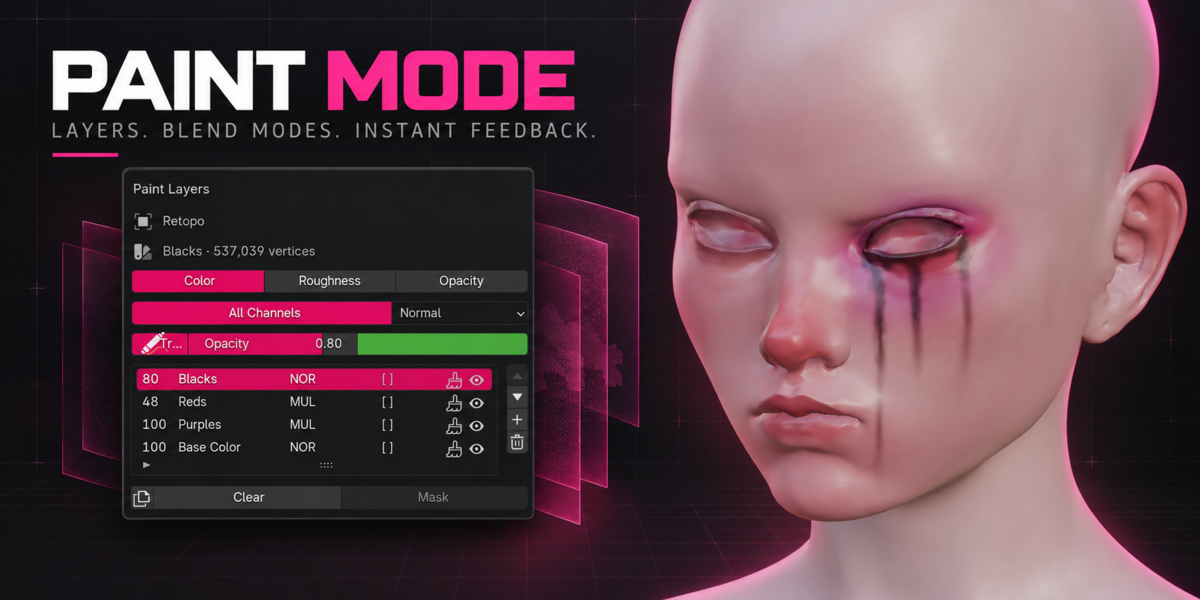
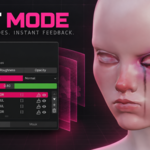
Zculpt Paint Mode uses native vertex painting on a separate editable surface. Painting detail depends on the selected surface resolution.
On first entry, the currently displayed Sculpt level determines the Paint resolution. Zculpt preserves that resolution when returning to Paint Mode.
Apply to Textures combines the visible layers, masks and opacity into packed 4K images and connects them to the Blender material. Save the .blend file to preserve the generated images.
Is Zculpt Paint a replacement for Substance 3D Painter?
No. Zculpt Paint is a compact painting system designed to keep common sculpting and painting work inside Blender.
It currently provides:
Color, Roughness and Opacity channels
A base layer and up to three additional layers per channel
Normal, Multiply and Overlay blend modes
Layer opacity
Black and white layer masks
Paint and Fill workflows
Packed 4K texture output
It does not attempt to reproduce every Substance Painter feature or channel.
What does Extract do?
Extract creates a shell from a masked region. It can be used for garments, armour plates, helmets and similar forms.
Zculpt first creates a temporary preview. After adjusting its thickness, Accept converts it into an ordinary Blender Mesh and adds it as a new SubTool.
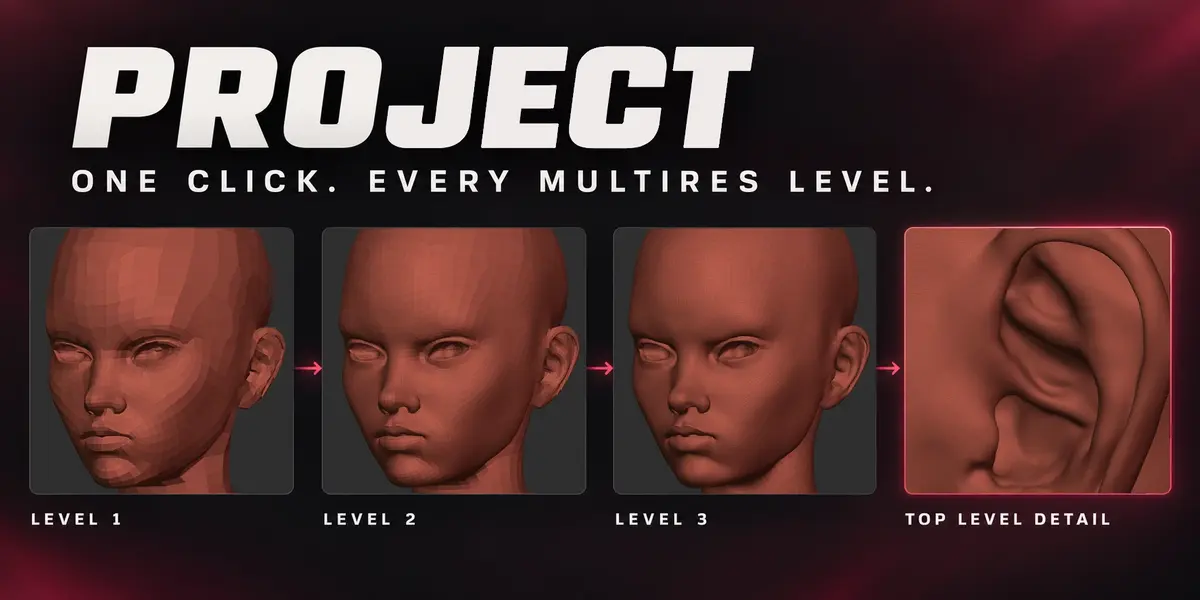
What does Project do?
Project fits the active SubTool to the Mesh immediately below it in the SubTool list.
It can project the current resolution or process a complete Multires hierarchy, optionally adding missing levels and adjusting the base cage. Inward and outward search distances can be controlled independently.
Project retains points where no safe hit is found or where moving them would collapse the destination surface.
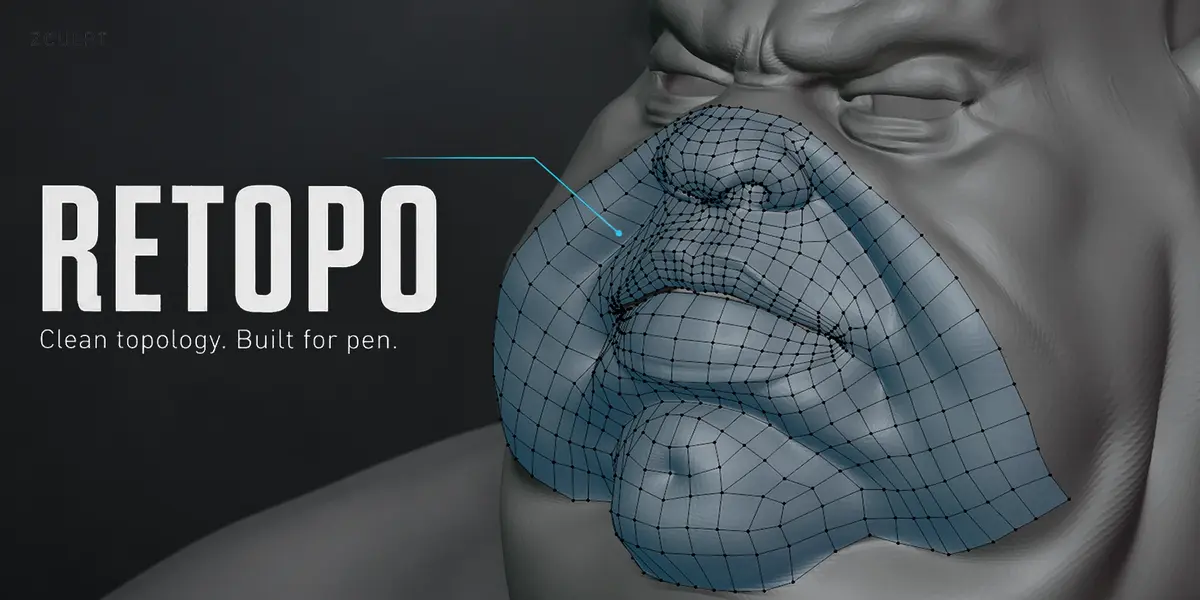
Is Retopo automatic?
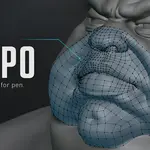
No. Zculpt Retopo is a manual quad-building workflow comparable to Blender’s Poly Build approach.
You draw and extend clean topology directly over a reference Mesh. Once the low-resolution surface is ready, Project can be used to fit it to the reference and transfer sculpt detail.
Does Zculpt support Multires?
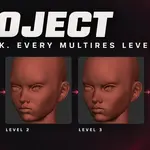
Yes. Zculpt provides Multires subdivision, level navigation, Delete Higher and Del Low.
Del Low rebuilds the Multires hierarchy so the selected level becomes the new base while preserving the retained higher-level sculpt detail. Because this is a reconstruction process, dense meshes can take time to process.
Some tools have specific Multires restrictions. Read the relevant documentation before using topology-changing operations on production work.
Does Zculpt include its own sculpt brushes?
Zculpt organizes and controls Blender’s native sculpt brushes. Press B to open the brush library or hold B for the compact brush pie.
Brush profiles can adjust the behaviour of Blender brushes, while Sculpt and Paint maintain separate brush selections and recent lists.
Do I need a graphics tablet?
No, but a pressure-sensitive tablet is strongly recommended for sculpting and painting. Zculpt can also be used with a mouse.
Which operating systems are supported?
Zculpt supports Windows 10/11 x64 and Linux x64.
macOS and Linux ARM64 are not currently officially supported. Platform coverage will be expanded as validation is completed.
Which Blender versions are supported?
Zculpt is officially developed for Blender 5.2 LTS.
Some functionality is also being tested on Blender 5.3. In particular, Sculpt Mode preview of Zculpt Paint layers requires Blender 5.3. Painting, layer editing and Apply to Textures remain available in Blender 5.2.
Always check the Software Information section for the latest officially supported version.
Where can I find the complete documentation?
The complete documentation, detailed limits and workflow instructions are available at:
https://outlierlabs.dev/zculpt/docs/
For support, contact:
[email protected]
 Outlier Labs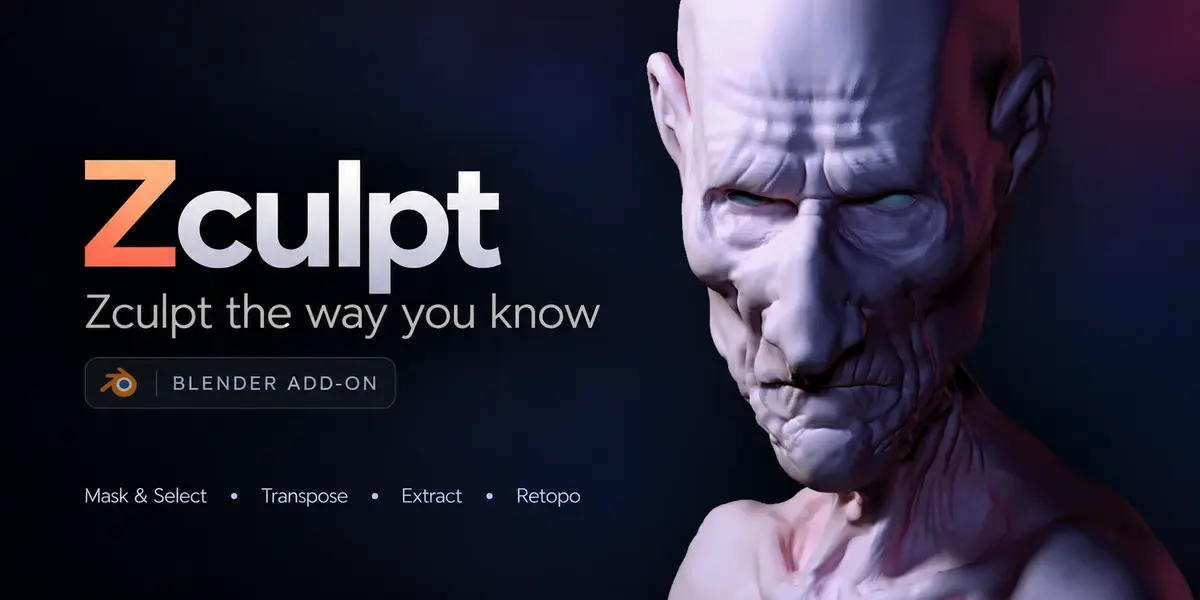
 Included