Zculpt — Public Beta
 Outlier Labs
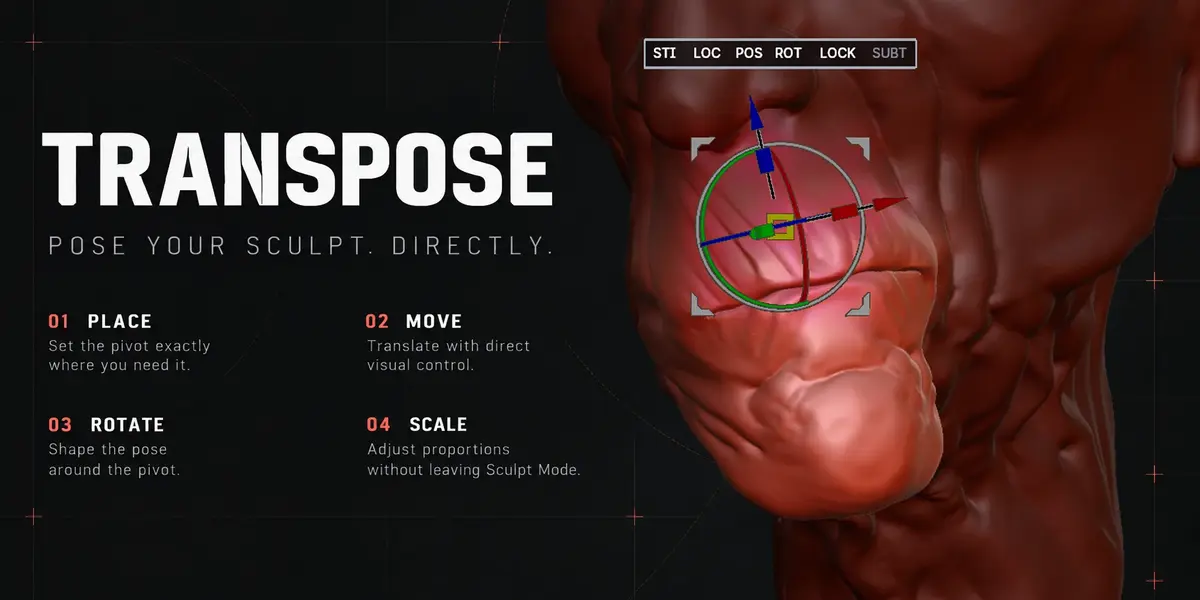
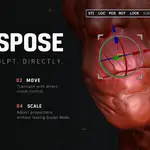
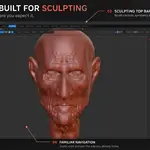
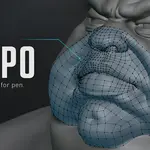
- Transpose Rotate with symmetry: dragging an end of the action line turns the mesh the way you move the mouse, on both sides of the mirror.
- The Alt twist on the Transpose middle circle turns the same way as the plain twist, whichever way you drew the line.
- With symmetry, when the Transpose line crosses the mirror plane, Rotate and Scale act from the end you drag and are replicated on the other side. The two halves stop at the mirror plane instead of passing through each other.
- DelLo now works with Wire enabled, without falsely reporting that the source changed during reconstruction.
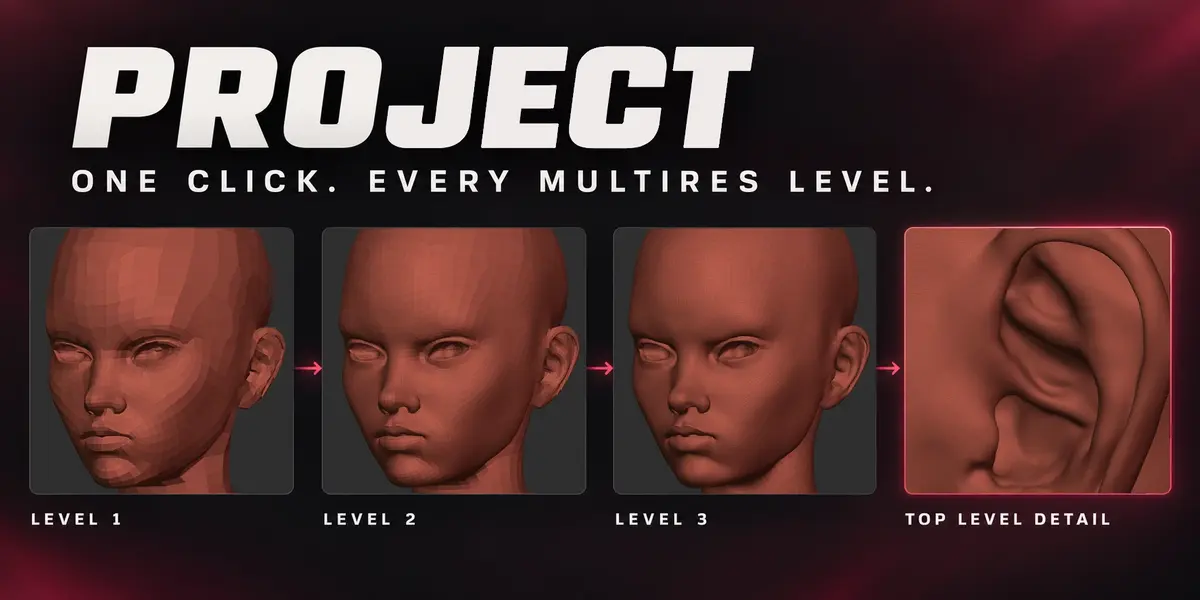
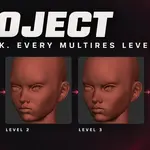
- SDiv adds Multires levels faster while keeping Sculpt ready for the next stroke, including with Wire enabled.
- Selecting a Tool now activates its last-used SubTool automatically.
- SoloT now follows the Tool you switch to, keeping the other Tools hidden.
- SoloT and SoloS can stay enabled together when switching Tools, isolating the newly active SubTool.
- Transpose Rotate with symmetry: dragging an end of the action line turns the mesh the way you move the mouse, on both sides of the mirror.
- The Alt twist on the Transpose middle circle turns the same way as the plain twist, whichever way you drew the line.
- With symmetry, when the Transpose line crosses the mirror plane, Rotate and Scale act from the end you drag and are replicated on the other side. The two halves stop at the mirror plane instead of passing through each other.
- DelLo now works with Wire enabled, without falsely reporting that the source changed during reconstruction.
- SDiv adds Multires levels faster while keeping Sculpt ready for the next stroke, including with Wire enabled.
- Selecting a Tool now activates its last-used SubTool automatically.
- SoloT now follows the Tool you switch to, keeping the other Tools hidden.
- SoloT and SoloS can stay enabled together when switching Tools, isolating the newly active SubTool.
-
$39
Full Zculpt add-on with 12 months of updates and technical support for one artist. Commercial use included. Keep using your downloaded versions after the support period ends.
-
$119
Full Zculpt add-on with 12 months of updates and team support covering up to 5 artists through one designated contact. Includes all Individual features and commercial use. Keep using your downloaded versions after the support period ends.
 Included
Includes 12 months of
- Support from Outlier Labs
- Product updates
Extend this product’s Support Period +12 months: 50% of product price
Have questions before purchasing?
Login to message
Discover more products like this
ZBrush workflow masking Sculpt Workflow sculpting Texture Painting Subtools remeshing digital sculpting Blender sculpting retopology polygroups multiresolution