Angel Step - CAD Step / Iges / Brep Importer & Exporter for Blender
 kleinARt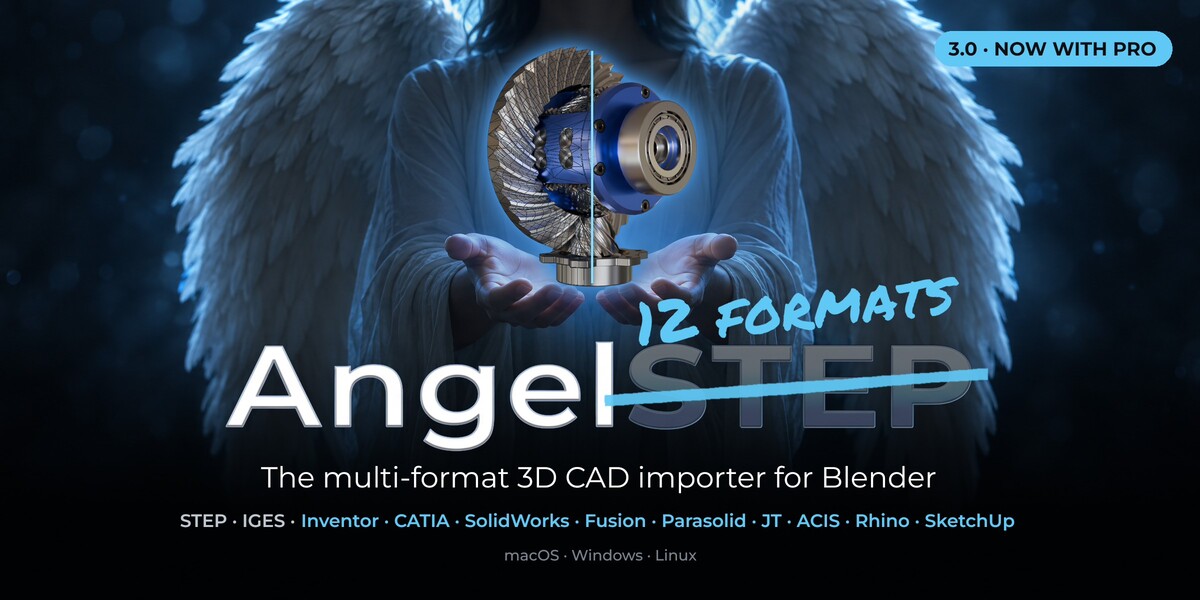





Which Blender versions and operating systems are supported?
Windows x64 , (LTS) Linux , macOS
Blender 3.6 and newer, tested through 5.2.
How do I import?
By the normal Blender File menu -> Import -> STEP/IGES/BREP (AngelSTEP)
Where is the AngelSTEP panel?
In the 3D-View sidebar — press N and open the Angel STEP tab. You can move it to Object Properties in the add-on preferences.
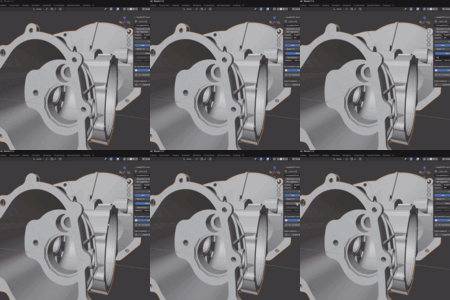
What does "Resolution in mm" mean?
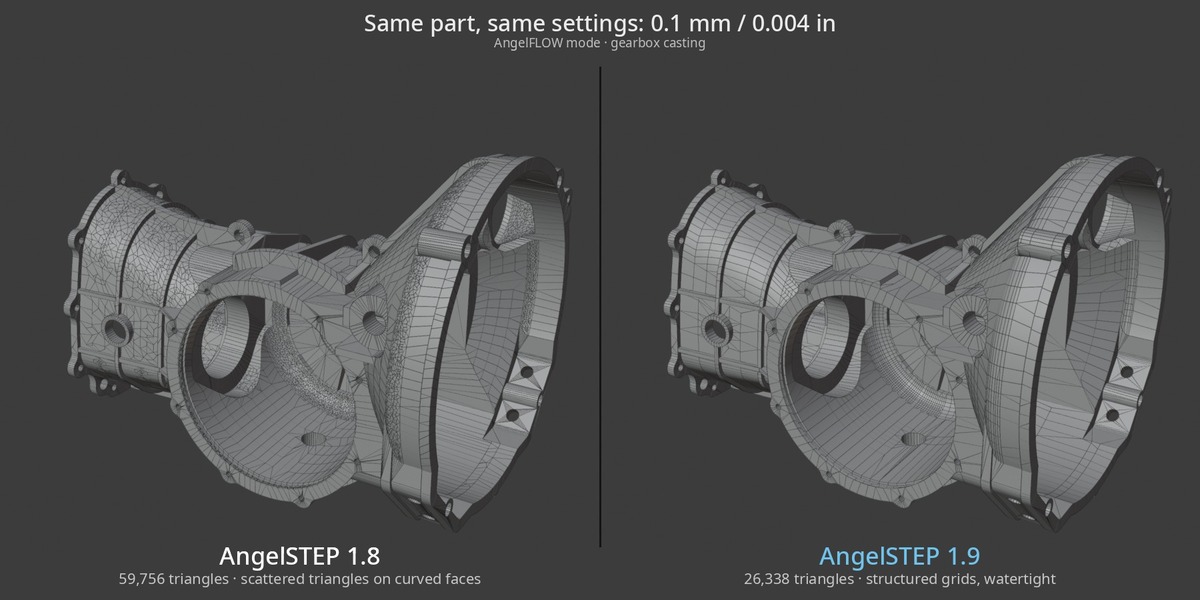
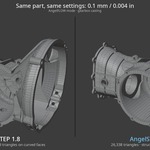
It's the real deflection: the maximum distance between the mesh and the true CAD surface, in millimetres. Lower = finer mesh and more polygons. It is not an arbitrary 0–100 "quality" slider.
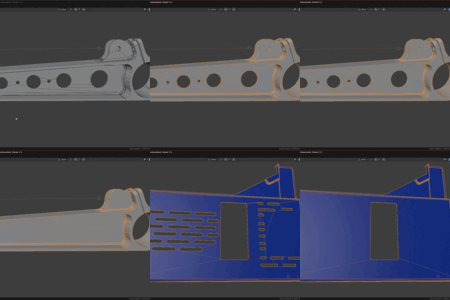
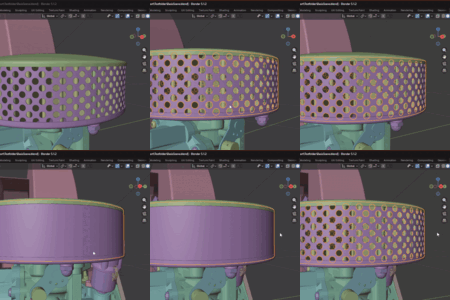
What does "Remove Holes" actually do?
Before meshing it deletes holes up to the diameter you set — topologically, in milliseconds — while staying watertight. Holes larger than the limit are kept.
Getting torn meshes, or wrongly connected. What to do?
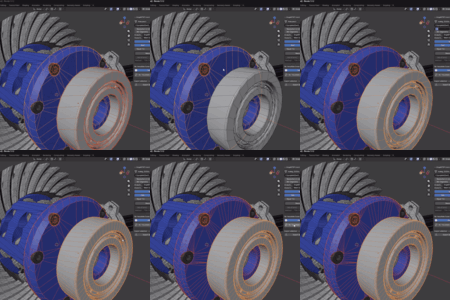
disable "Mesh Cap" under Close Open dropdown.
AngelSTEP tries to close damaged open edges in the original BREP data by default(healthy solids data don't have open edges). So disable it for the problematic objects
Are colours / materials imported from the STEP?
Yes — per-part STEP colours become real Blender materials, assigned automatically, and part names are kept on each object.
Which file formats can it import / export?
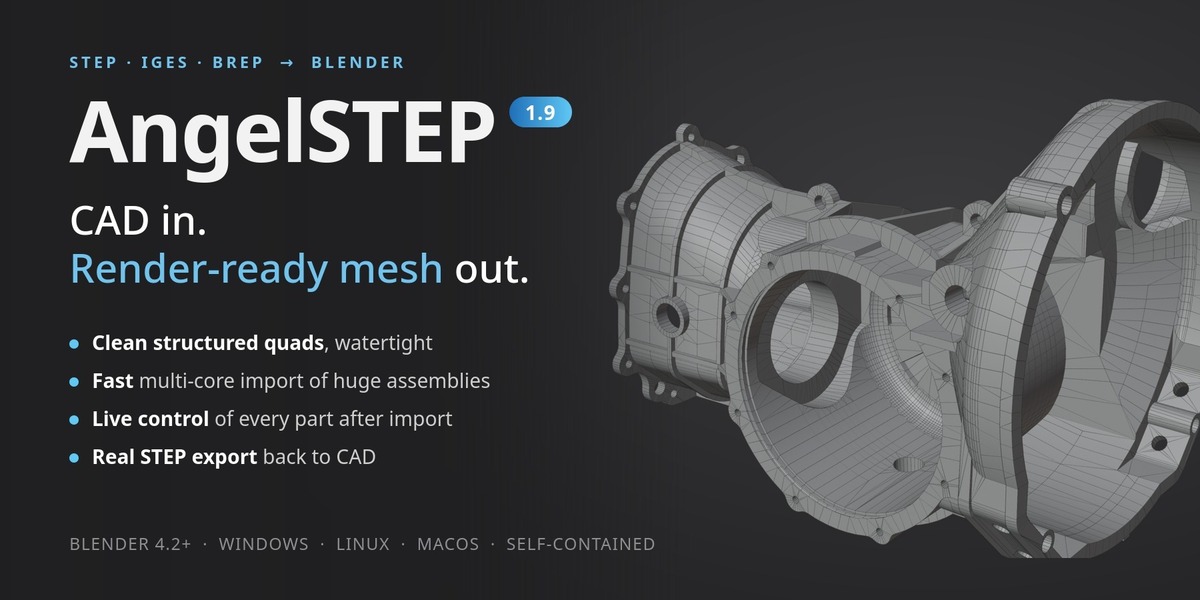
Import: STEP (.step/.stp), IGES (.iges/.igs) and BREP (.brep/.brp) — detected automatically by extension.
Export: STEP (.step/.stp). It can export the selected linked objects (even imported from multiple files) into a single file.
 Included
Includes 12 months of
- Support from kleinARt
- Product updates
Extend this product’s Support Period +12 months: 75% of product price
Have questions before purchasing?
Login to message
| Blender Extension Compatible | Yes |
| Sales | 100+ |
| Rating | 4 ratings |
| Dev Fund Contributor | |
| Published | 5 months ago |
| Blender Version | 4.2 - 5.2 |
| Extension Type | Add-on |
| Render Engine Used | Arnold, Blender-Internal, Blender-Game-Engine, Cycles, Eevee, Freestyle, Luxrender, Mental-Ray, Octane, Vray, Yafaray |
| License | GPL |
Discover more products like this
cad catia step fusion CAD import CAD export inventor 3d-cad-importer importer Exporter 3d-importer step rhino solidworks