 kleinARt



|
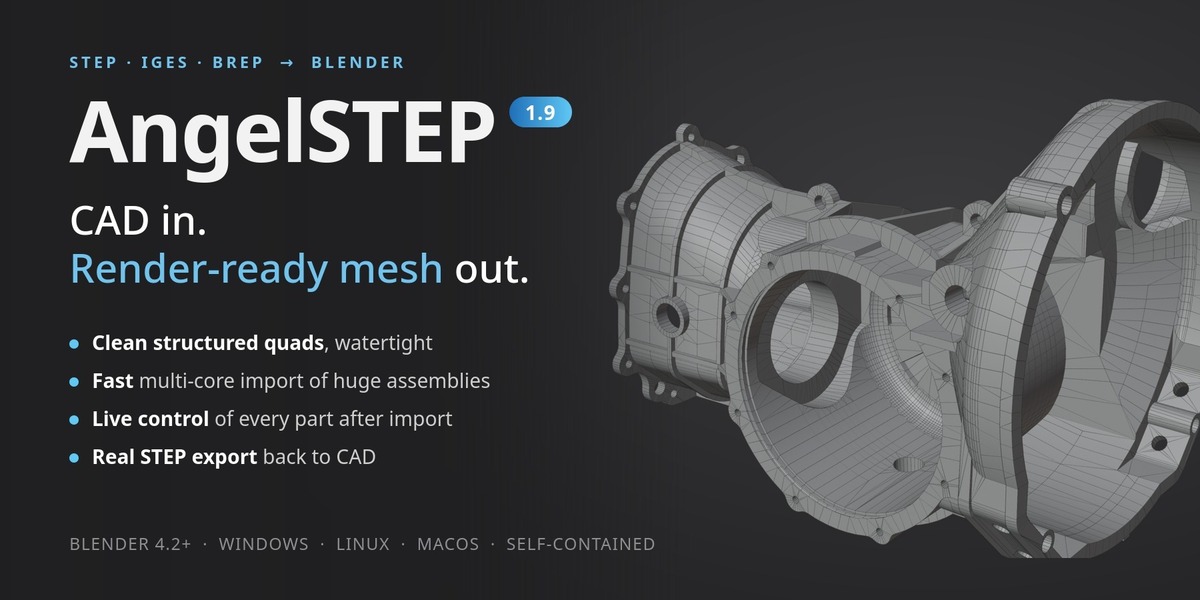
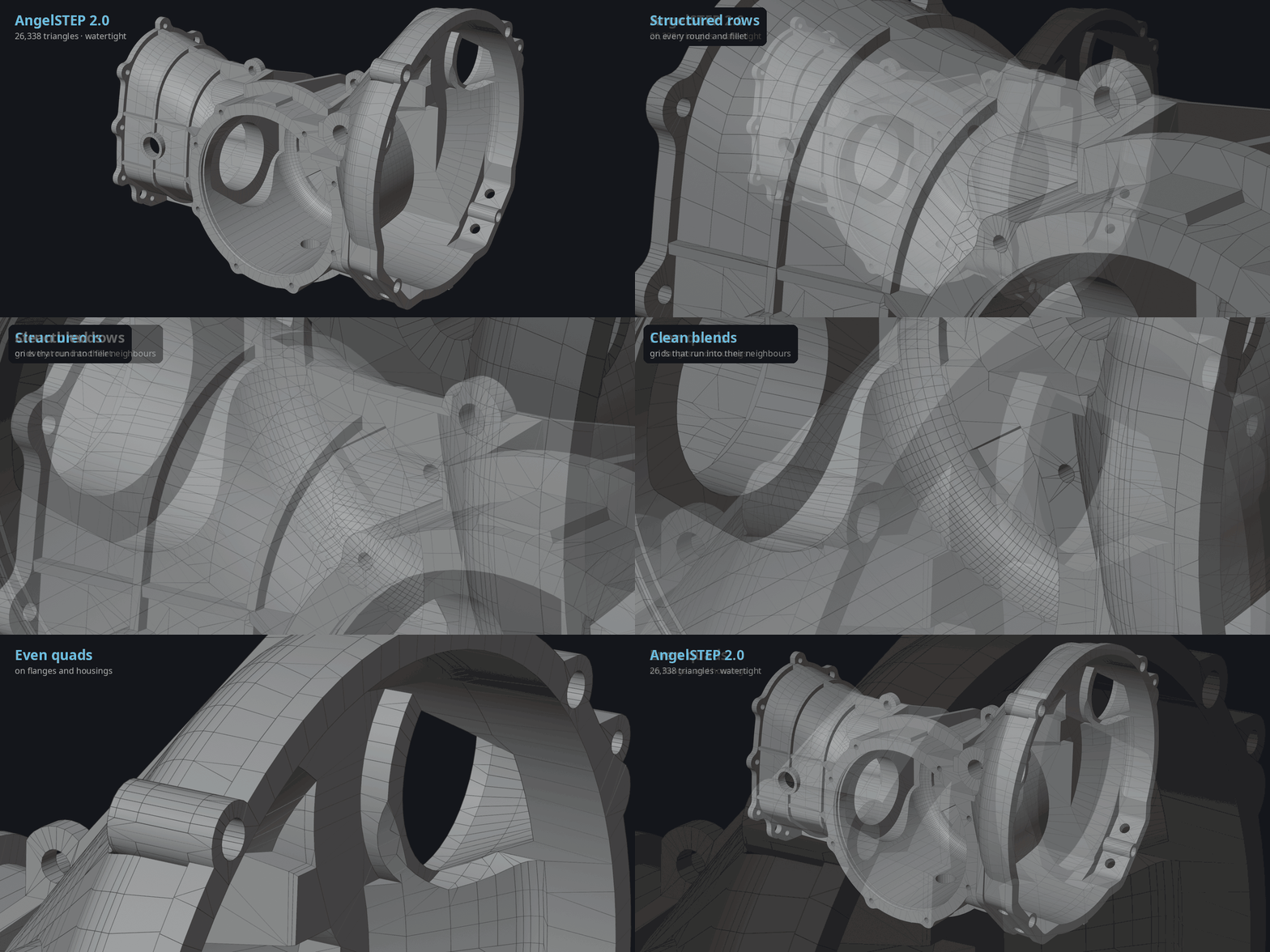
STEP · IGES · BREP → BLENDER AngelSTEP 2.0Open CAD files in Blender. Get clean, render-ready meshes. Blender can't open STEP files out of the box, yet STEP is what every CAD program, product designer and parts manufacturer hands out. AngelSTEP adds the missing import: whole assemblies arrive with their structure, part names and materials, and every part becomes a clean, watertight quad mesh, ready to shade, animate and render. Each part stays linked to its CAD data, so you can change its detail any time, strip holes and fillets before they cost polygons, and send the scene back to CAD as real STEP. New in 2.0: a rebuilt meshing engine with about half the triangles, imports 2.4× faster, and much smarter defeaturing.
|
What AngelSTEP does
CAD programs describe a part with exact mathematical surfaces. Blender works with polygons. So every CAD file has to be converted, and the quality of that conversion decides how your renders look and how heavy your scene gets: a poor one leaves triangle clutter, shading streaks, cracks between faces and hours of cleanup. AngelSTEP does the conversion inside Blender with its own native engine, built for visualisation, and keeps every part connected to its CAD data afterwards.
|
HOW IT WORKS Import. Tune. Render or export.
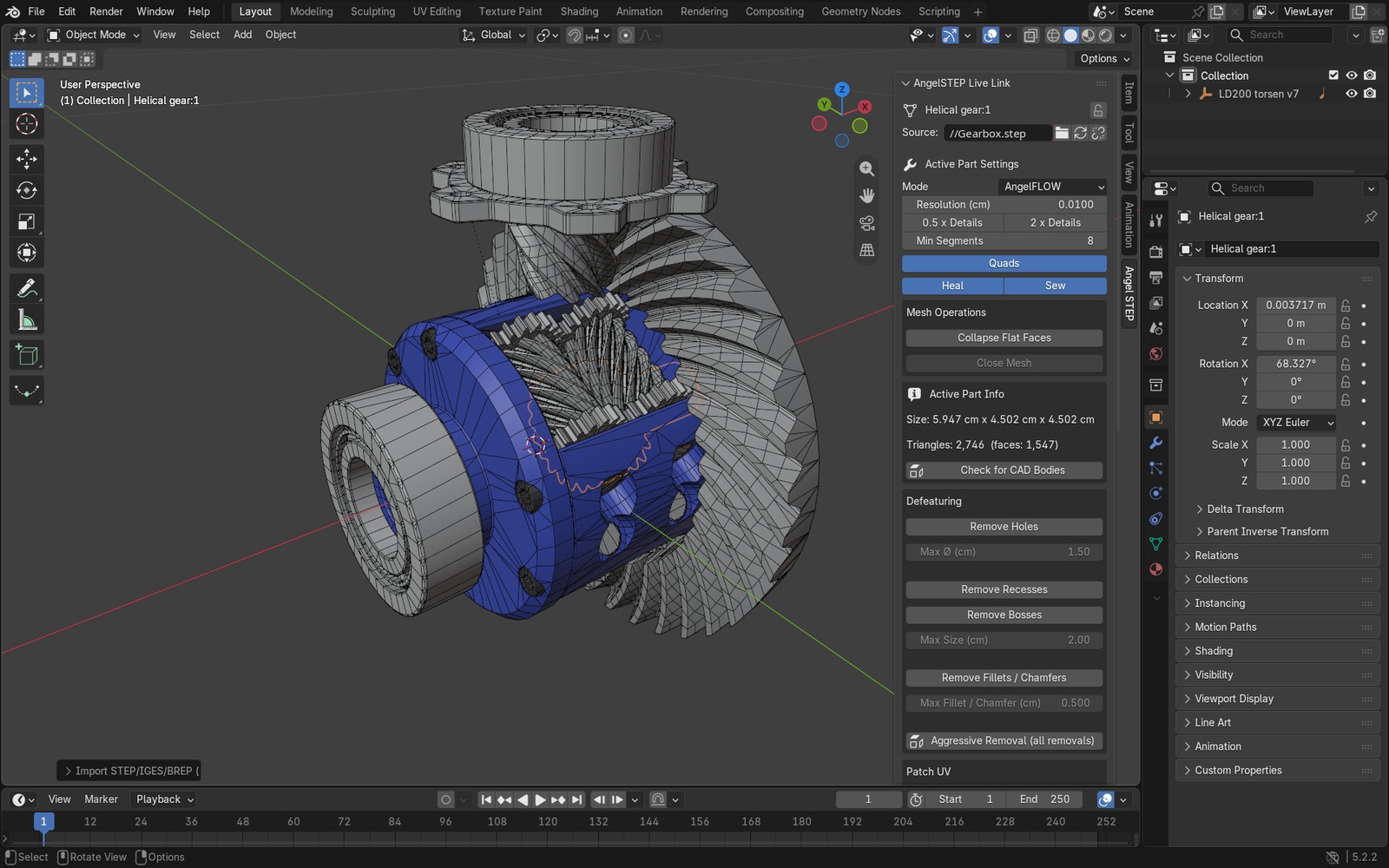
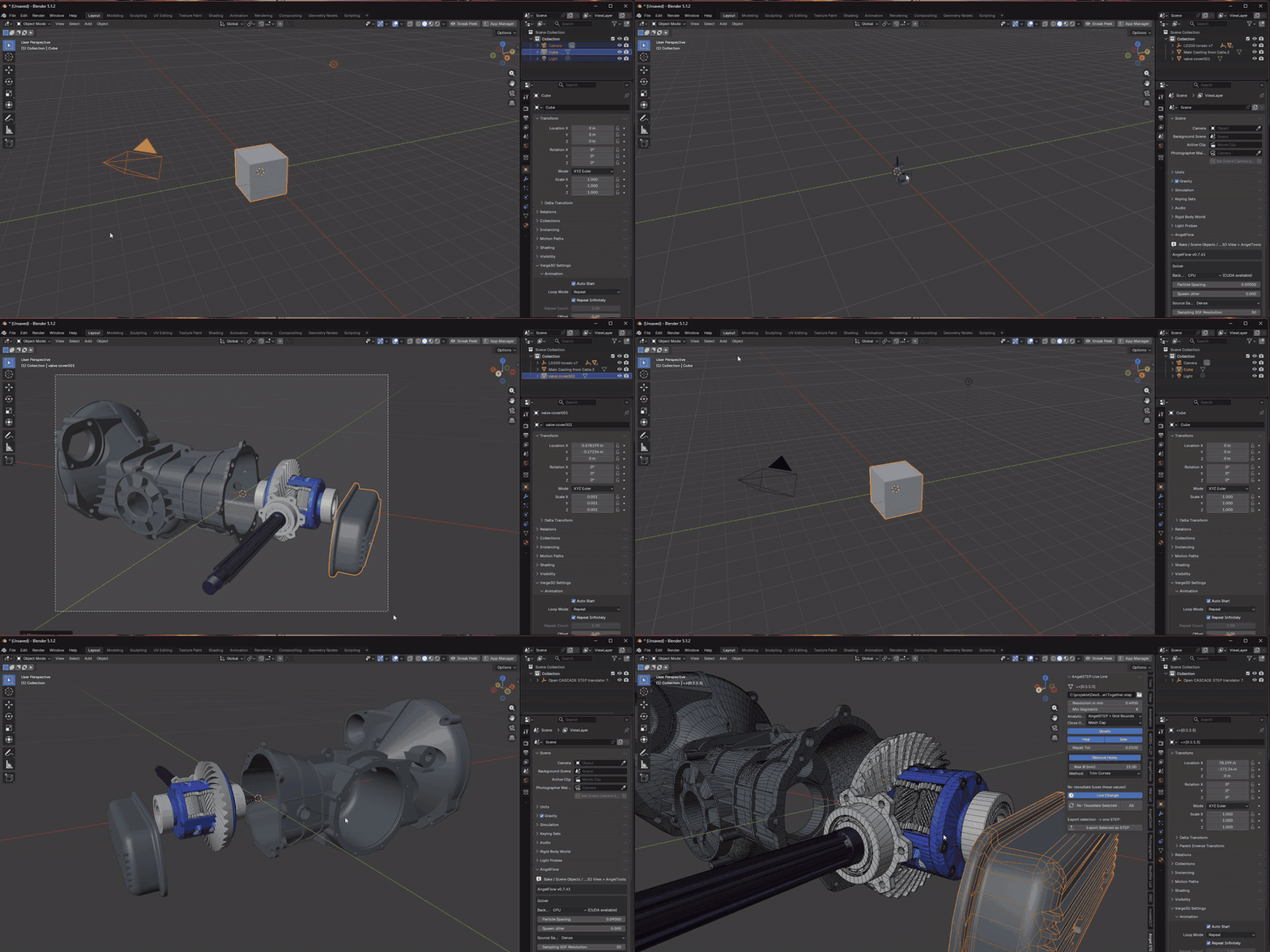
A gearbox assembly in Blender 5.2. The AngelSTEP panel in the sidebar holds the CAD settings of the selected part. No CAD program needed, no Python packages, no setup: install the zip and import. |
What's new in 2.0
2.0 is the biggest update AngelSTEP has had: the AngelFLOW mesher was rebuilt around structured grids, the STEP reader went parallel, re-meshing moved to the background, and defeaturing got a whole new set of engines that clean up far more of your parts. Same add-on, same workflow, a much better result.
|
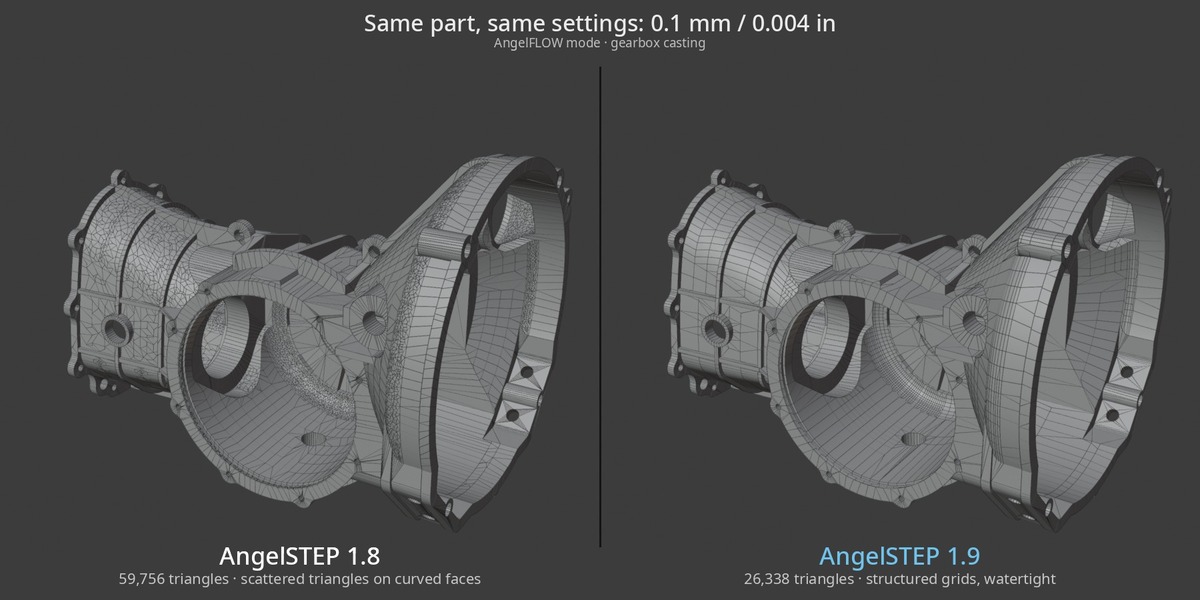
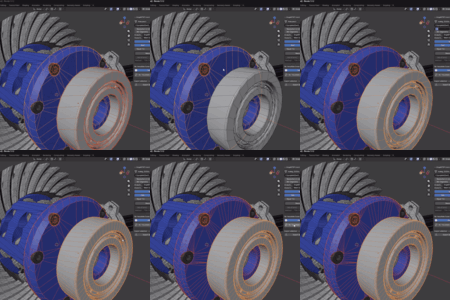
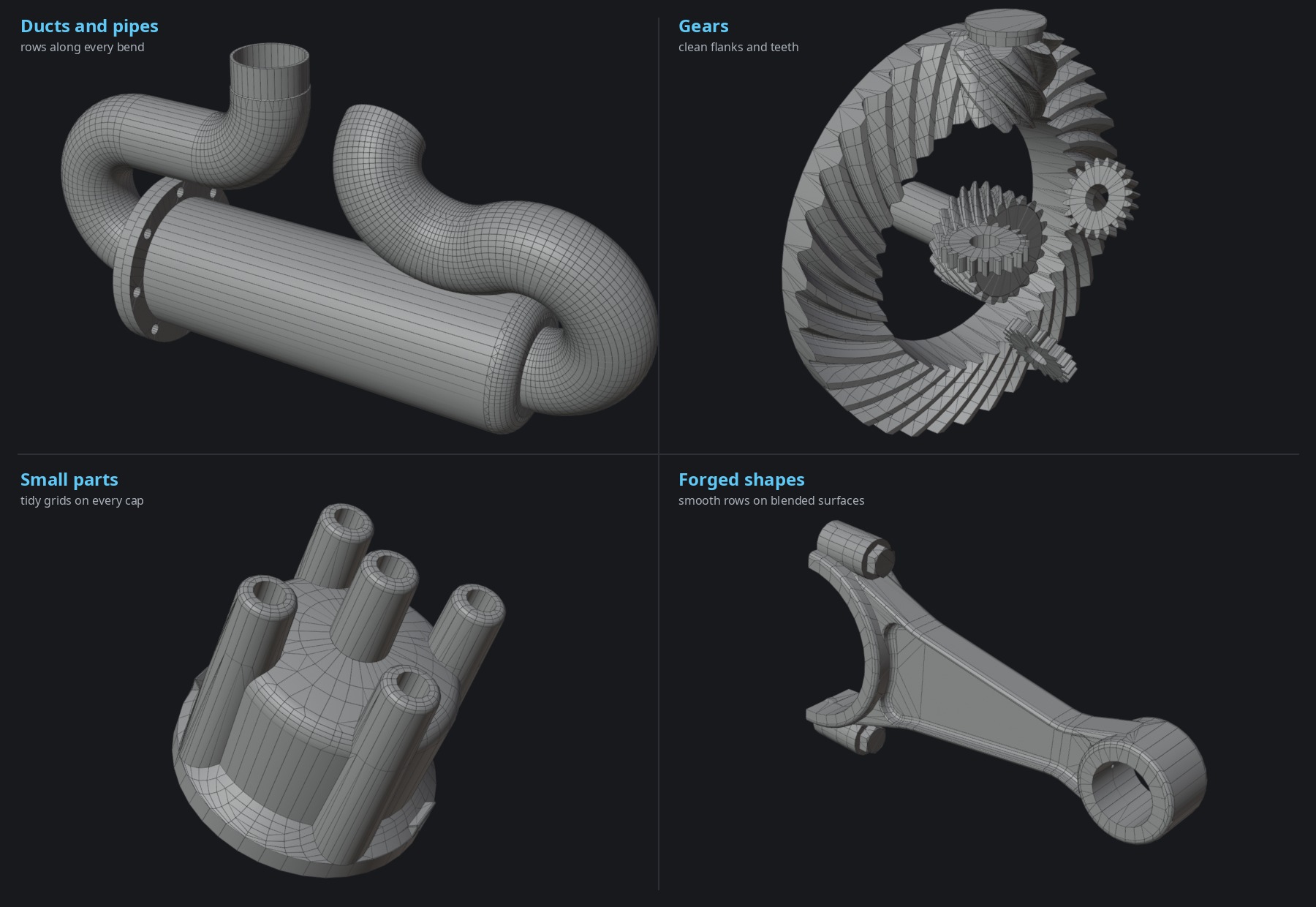
NEW MESHING ENGINE Meshes as clean as dedicated CAD-prep tools. And still watertight. Rounds, fillets, threads and freeform faces get regular quad rows that run straight on into the neighbouring faces, instead of a scatter of triangles. Lighter, evenly shaded, easy to work on. Unlike typical CAD-prep output, there are no cracks between faces and no dropped small faces.
About half the triangles of 1.8 on typical assemblies · clean rounds, threads and corners, even where the CAD splits or rounds off a patch · truer shading, every quad split along the diagonal the mesher checked. |
|
FASTER AND LIGHTER · SAME FILES, SAME SETTINGS The fastest STEP importer for Blender got faster again, and its meshes got half as heavy. Import time seconds, caches cleared · shorter is better
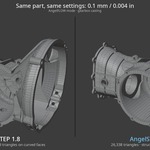
Triangles at the same resolution 0.1 mm · fewer is lighter
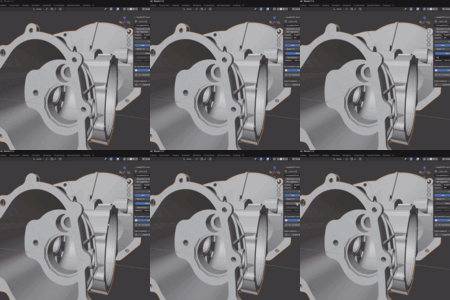
Across 9 test assemblies: −18% to −79% triangles, median −50%. A new parallel STEP reader, better multi-threading and a faster mesh build inside Blender. And when you change a part's resolution, the rebuild now runs in the background: keep working while a progress bar fills in the part panel. |
Built into every step of the workflow
|
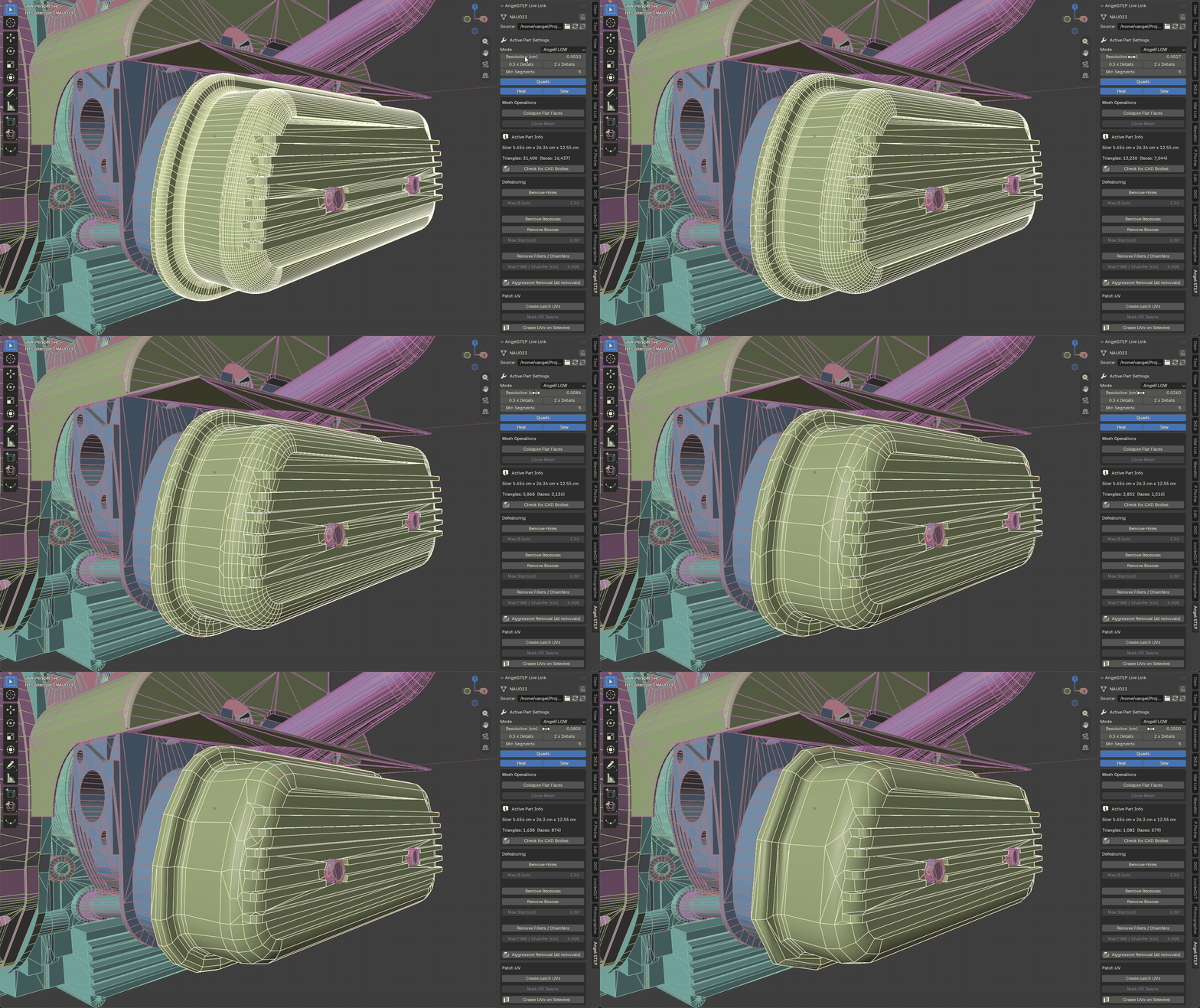
LIVE CONTROL Tune every part, any time.
Import once, then rebuild one part, a selection or the whole scene at a different resolution, without starting over. Lock Part protects finished parts, and origins you set survive every rebuild. |
|
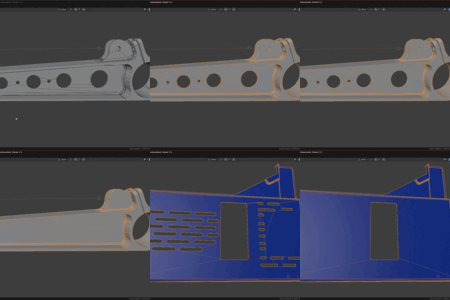
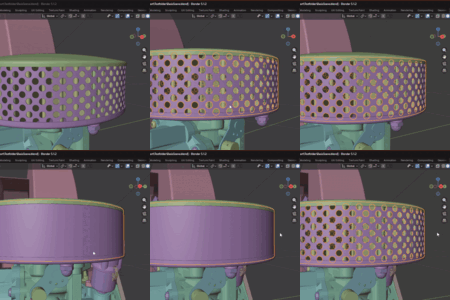
DEFEATURING Remove detail before it costs polygons. New in 2.0: a rebuilt feature recognition and new rebuild engines that find and remove far more detail than before, on real-world parts, not just test pieces. Holes, perforations, fillets, chamfers, recesses and bosses come off the CAD geometry itself, before meshing. Watertight, adjustable per part at any time, and baked into STEP export too.
Holes by size. Set a maximum diameter and every round hole and counterbore below it closes, so bolt patterns stop costing triangles.
Perforations. Hundreds of small holes in a grille or filter become one clean surface in a single step.
Recesses and bosses. Pockets are filled and raised pads are flattened flush with the surface around them.
Fillets and chamfers. Rounded edges, rounded corners and bevels up to the size you set are rebuilt as sharp edges, watertight. Brackets, plates, machined and extruded parts, pockets, bosses, countersinks and turned parts like shafts, bushings and bearings. STEP files carry no construction history, so AngelSTEP recognises features from the geometry alone. It catches most of them, but not every one: whatever it cannot rebuild cleanly, such as fillet networks on castings or rounds on freeform surfaces like gear teeth, simply stays as it was. Your mesh never breaks, and every part can be adjusted again at any time. |
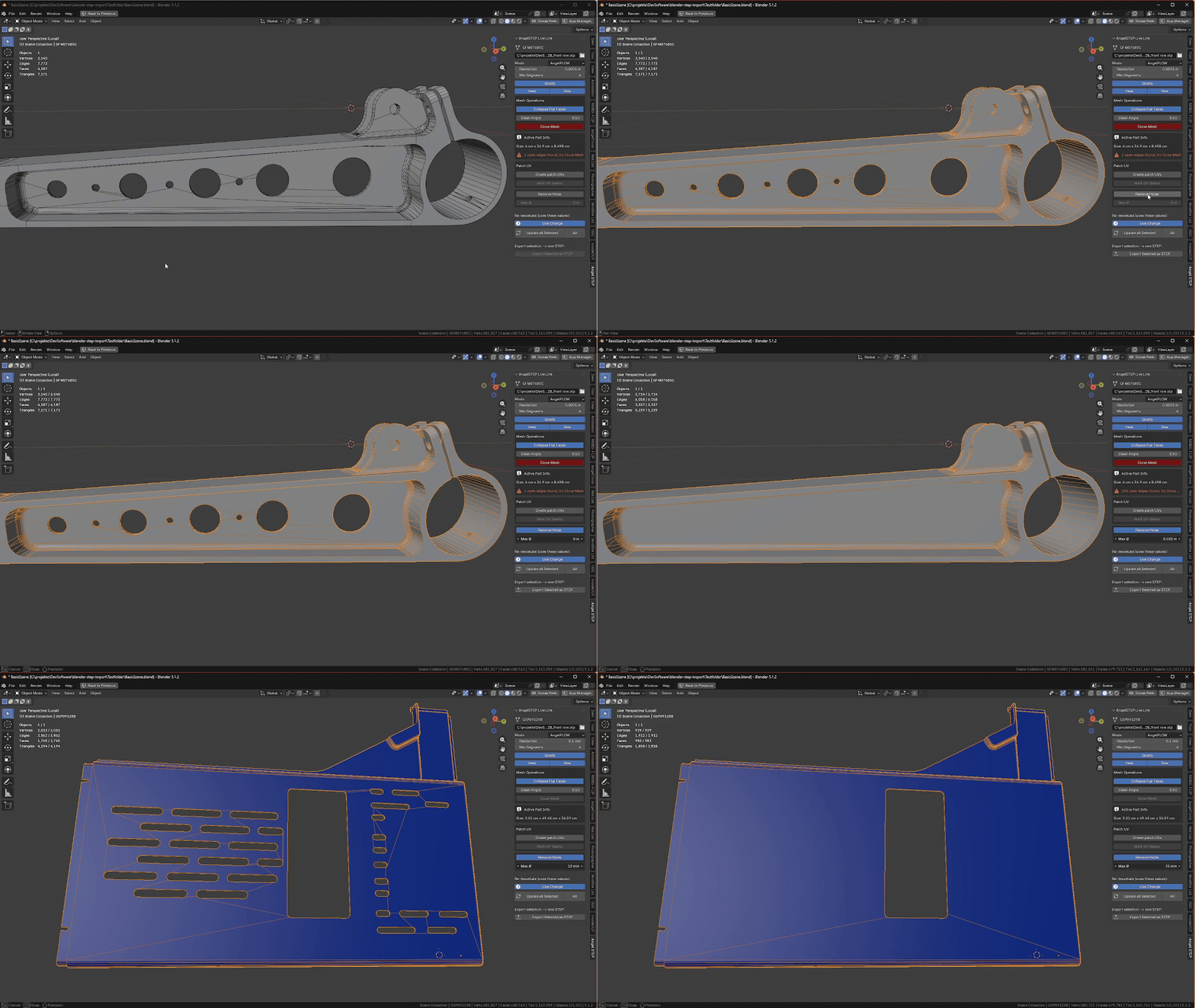
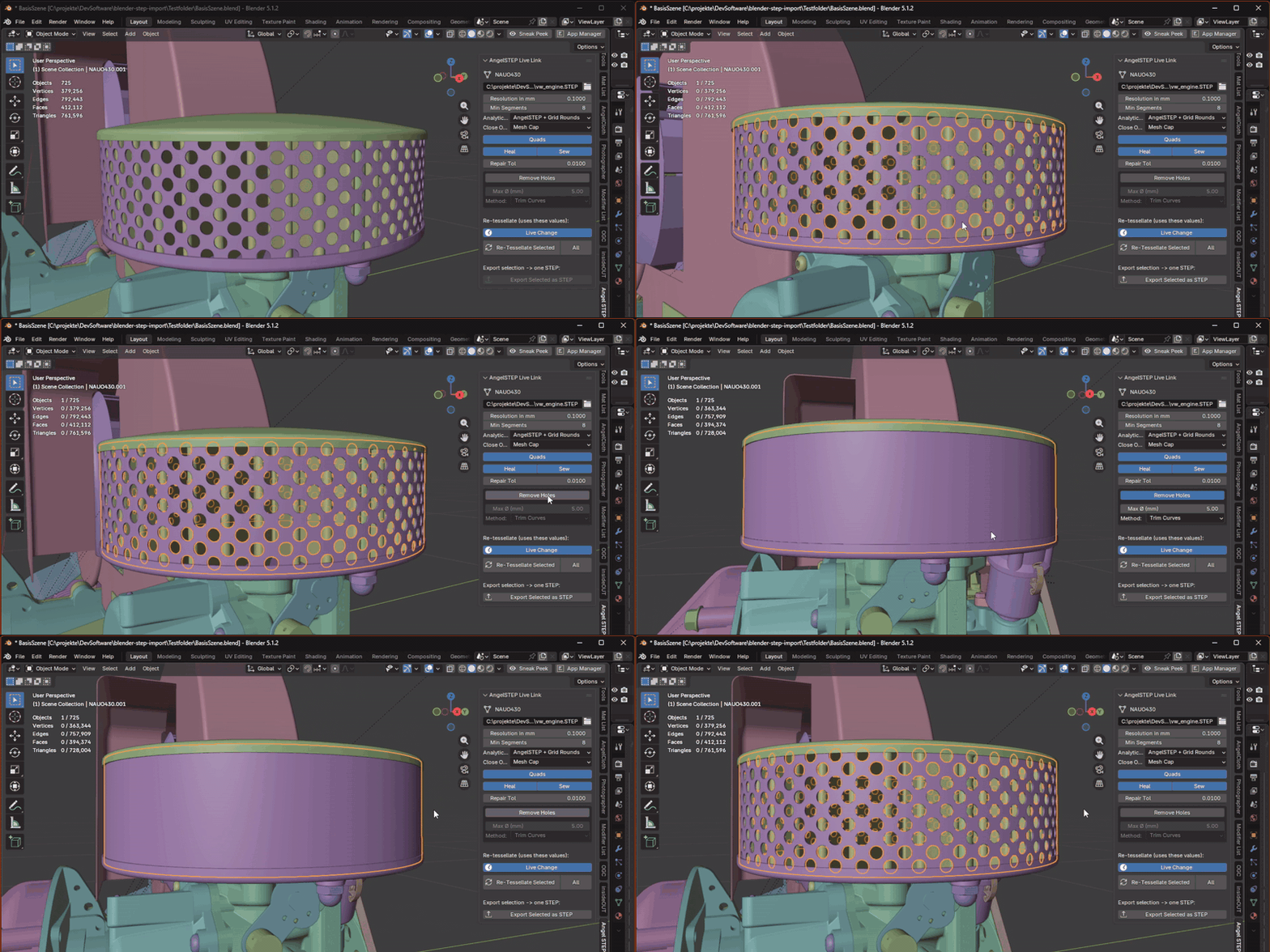
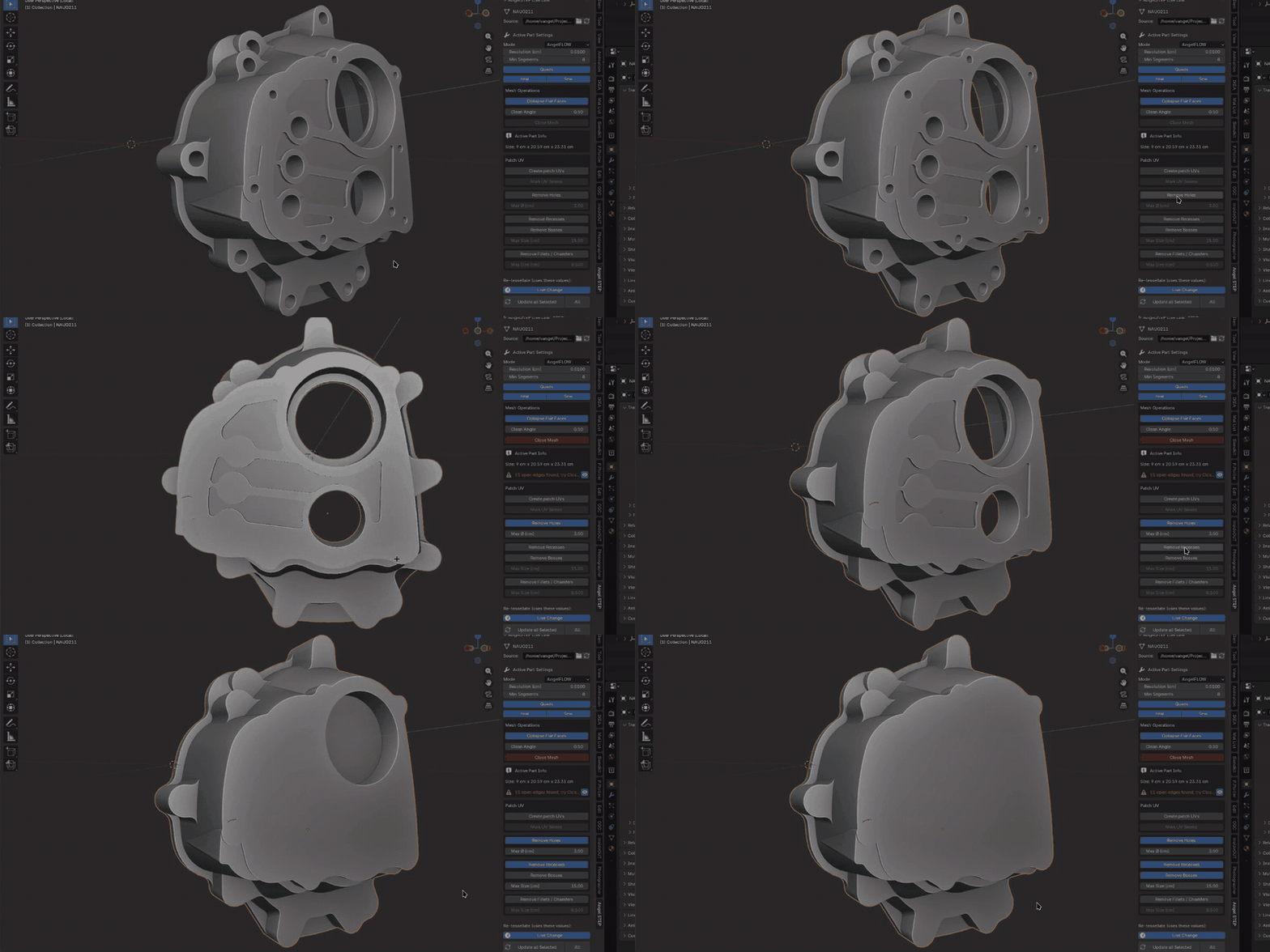
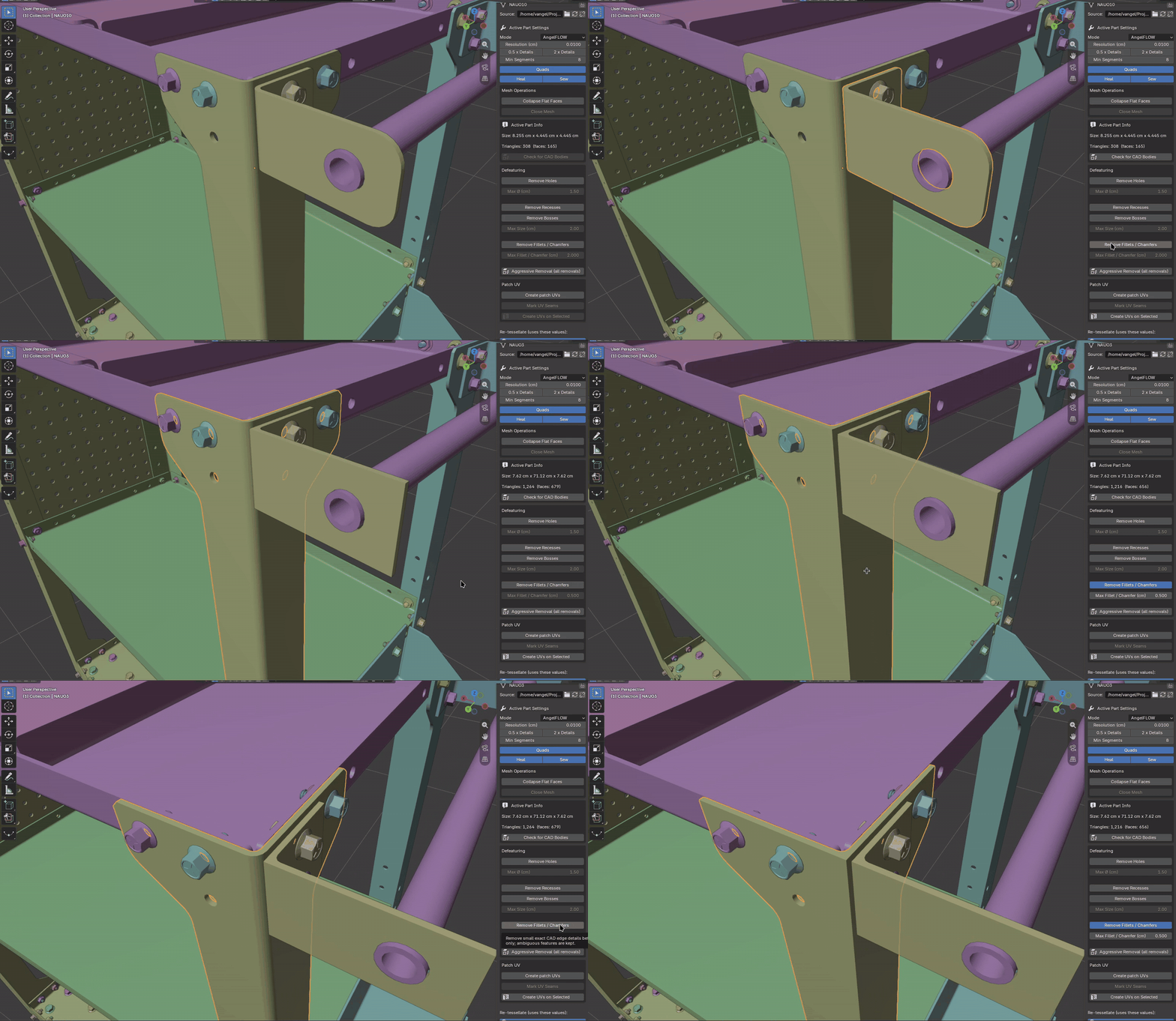
|
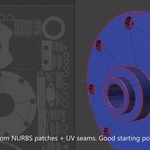
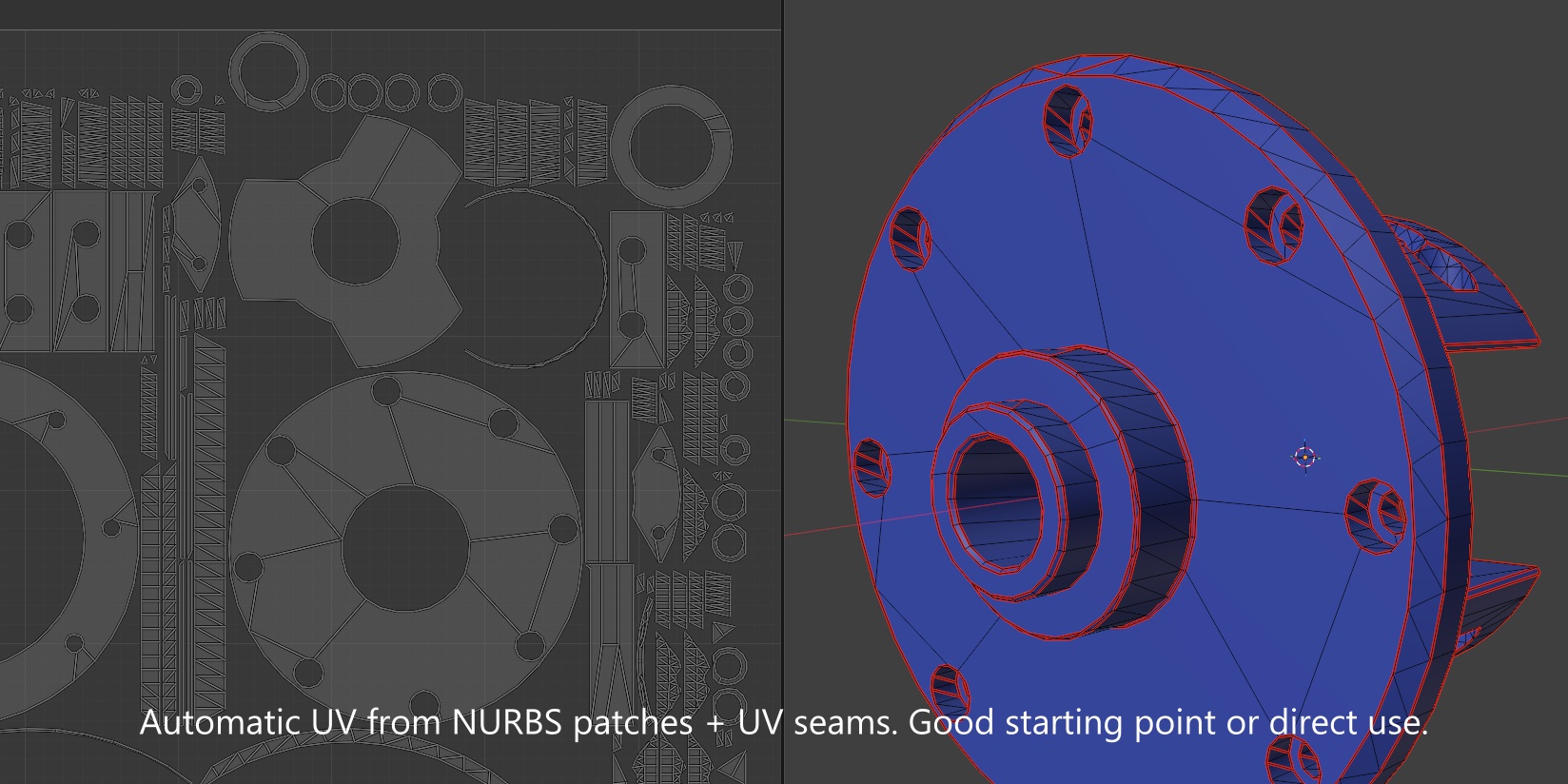
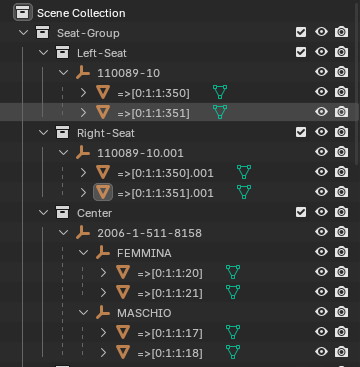
READY FOR SHADING AND LAYOUT UVs from the CAD faces. Assemblies that make sense.
|
|
REAL STEP EXPORT Send it back to CAD.
Arrange CAD parts in Blender, even from different files, and export one STEP assembly with each part's exact original CAD geometry. Names, colours, instances and defeaturing are preserved, and plain Blender meshes can join as AP242 mesh bodies. |
Also built in
| Fused supplier parts: one part that is really twenty solids? Explode to Bodies turns each into its own object, CAD link kept, and exports back as a real assembly. | Real material names: "Steel - Satin" and "ABS (White)" straight from the CAD file, not "Material.014". No duplicates on re-import. |
| Built for huge files: multi-core import, a disk cache for near-instant repeat imports, and Check Size for a safe starting resolution before you import. | Repair for messy CAD: Heal and Sew close gaps in imperfect files, open edges light up red in the viewport, and Close Mesh caps them in one click. |
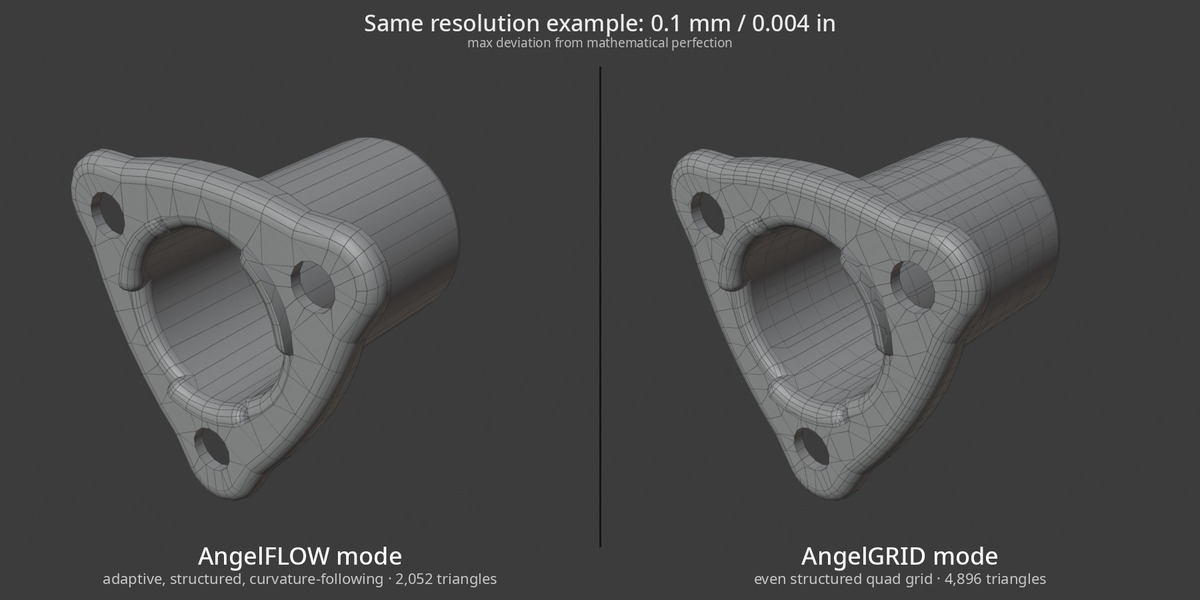
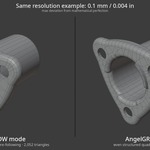
| AngelGRID: an even quad grid over every face at a grid size you choose, for parts you want to deform, displace or subdivide. | Your units: sizes in centimetres or inches, following your scene. Custom Unit Scales such as "1 unit = 1 inch" are respected on import and export. |
AngelSTEP vs. typical STEP importers
|
A general characterisation of common Blender STEP import workflows, not a claim about one specific product.
Who it's for
| Product visualisation: manufacturer and client CAD as clean, organised meshes. Close-up renders without days of repair. | Motion design and animation: mechanical assemblies that arrive with their hierarchy and pivots, ready to rig, explode and animate. |
| Games, VR and real-time: lighter CAD assets with controlled detail. Defeature, choose the density per part, export. | Design and review: look at real engineering data in Blender, arrange it, render it, and hand a STEP back to the team. |
| Anyone working with supplier data: third-party models you cannot get re-exported, split, cleaned and organised on your side. | Hobbyists and makers: downloaded STEP models in Blender without learning a CAD program or a cleanup workflow. |
Questions new users ask
|
Do I need a CAD program? No. AngelSTEP reads STEP, IGES and BREP files on its own, inside Blender. Its CAD engine is built in, so there is nothing else to install. |
Where do STEP files come from? Almost every CAD program saves STEP, and most component manufacturers offer STEP downloads of their parts. When a client sends "the CAD data", it is very often a STEP file. |
|
Can I edit the meshes? Yes, they are normal Blender meshes: model, sculpt, add modifiers. Rebuilding a part from its CAD data replaces the mesh, so Lock Part keeps hand-edited parts safe. |
Is it a CAD program? No. AngelSTEP brings CAD data into Blender for visualisation: rendering, animation and real-time. Apart from defeaturing it does not change the design, and it is not a mesher for engineering simulation (FEM). |
What you get
- Import .STEP / .STP, .IGES / .IGS and .BREP / .BRP, export .STEP.
- Windows x64, Linux x64 and macOS Apple Silicon builds.
- Blender 4.2+ extension package, tested up to Blender 5.2.
- A self-contained native C++ core with Open CASCADE (OCCT) compiled in. No Python packages, no setup.
- Assembly hierarchy and instances, named materials, multi-file import, heal / sew / close tools, open-edge overlay.
Good to know
- On very large models, use Check Size first for a safe starting resolution.
- Open edges usually come from gaps in the source CAD; the panel flags them and Close Mesh caps them in one click.
- Explode separates the solids a file really contains; a part merged into a single solid stays one object.
- A custom Unit Scale (e.g. 0.0254, "1 unit = 1 inch") is followed automatically, so leave Scale at 1.0.
Version history
- 2.0: rebuilt AngelFLOW engine: structured, watertight grids with about half the triangles; 2.4× faster imports on average with a parallel STEP reader; background re-tessellation with progress bar; truer quad shading; much stronger defeaturing for fillets, chamfers, recesses and bosses; fixes for inverted normals, holes with Heal off and several import hangs. Collapse Flat Faces is now off by default.
- 1.8.1: follows Blender's Unit Scale on import and export.
- 1.8: Explode to Bodies, material and body names from the CAD file, exploded bodies export as a real assembly.
- 1.7: plain meshes in STEP export, Lock Part, origins that survive rebuilds, Center Origins, Move Assembly to World Origin, Create UVs on Selected.
- 1.6: Defeaturing, drag & drop import, Apply Scale, open-edge overlay, sizes in cm / inch.
- 1.5: Assembly Tools, relink to updated CAD files, more robust import of damaged parts.
|
Your CAD, render-ready in seconds. Open STEP files in Blender as clean, watertight meshes, keep full control after the import, and take a real way back to CAD. That is AngelSTEP. |
Questions, tricky files or feature requests? Message me through Superhive. I reply personally.
AngelSTEP is built from the ground up on its own native core with Open CASCADE (OCCT) compiled in. It is not a repackaged fork of another add-on. OCCT is used under the LGPL.
