
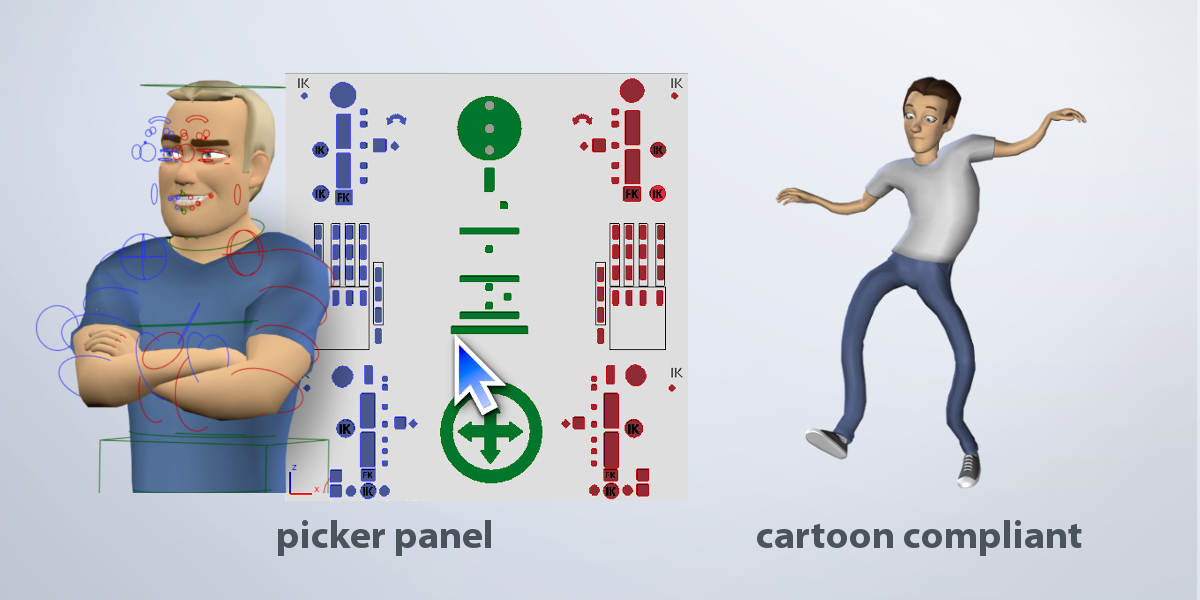
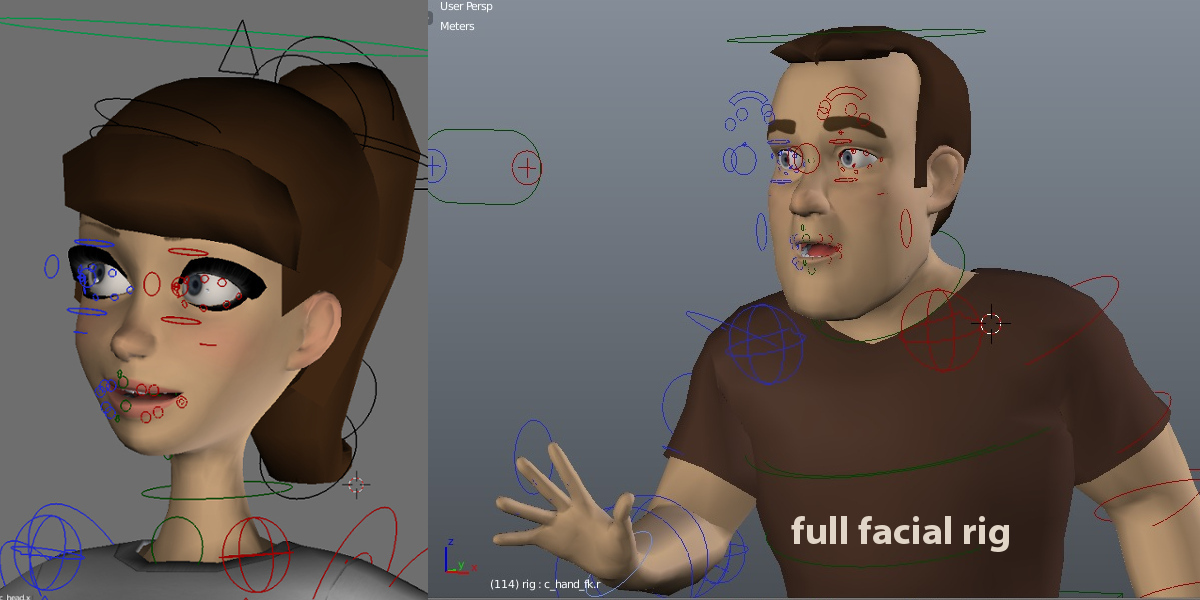
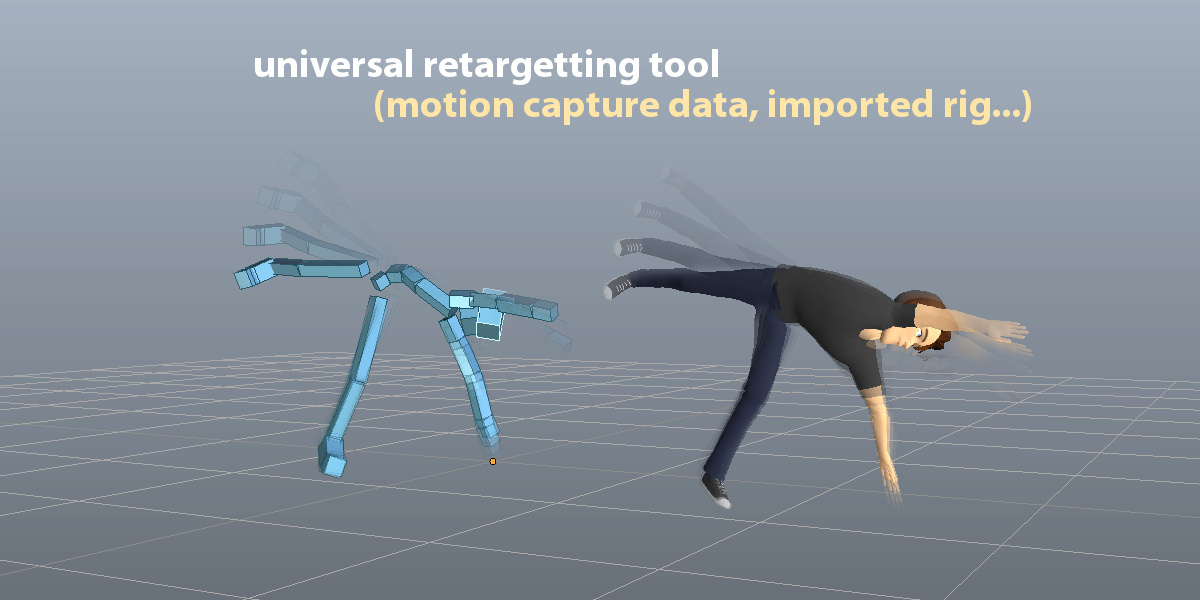
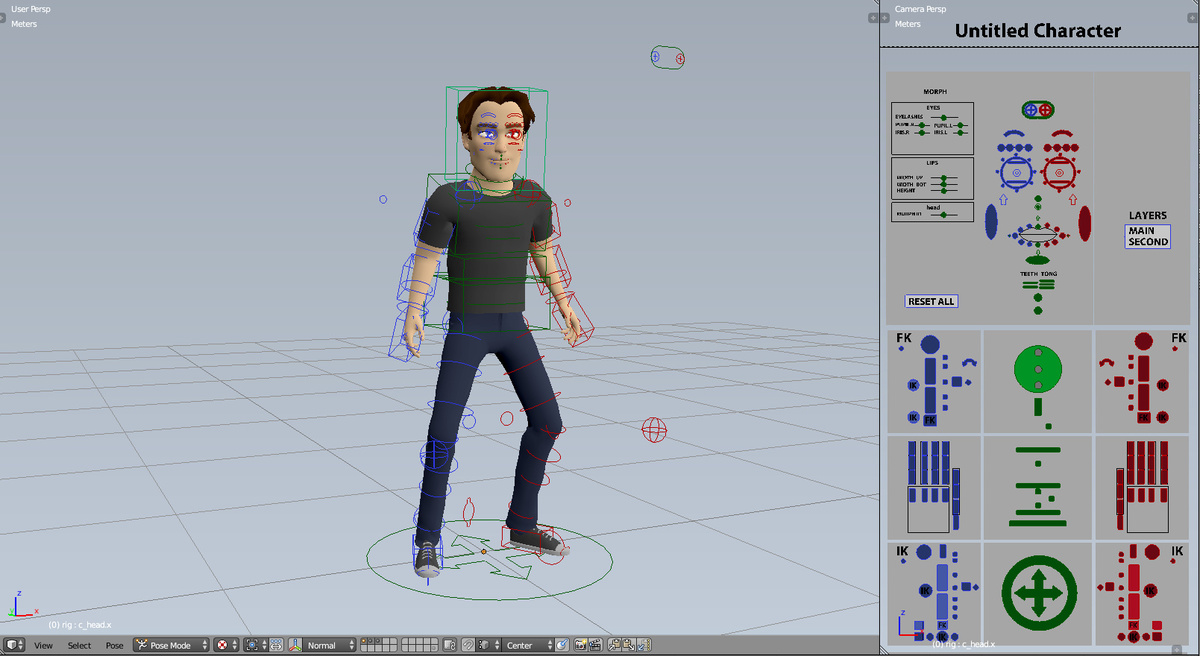

Auto-Rig Pro

Artell in Import & Export


Item Rating

This item has an average rating of 5 from 447 ratings by the community.

87%
4%
4%
2%
6%

Purchase this item to leave a review!

  • revzet
    over 3 years ago

    I like it, but I'm having issues when I import to UE5 onto the Manny/Quinn animation class. The chest bulges and the shoulders get squished. I tested auto rig with the Quinn mesh and it has the same issues, so I know its not my mesh that's the problem. Is there a fix for this yet?

    • Artell

      over 3 years ago

      Hello revzet, since the default poses of characters won't always 100% match the Many/Quinn poses, a few tweaks will be necessary. First, if you use the Smart feature, make sure to set the preset to "UE5" for best shoulders alignment. If not, manually align the shoulder reference bones on the Y and Z axes so that they're perfectly straight. Regarding the spine, from the side view, curve a little the spine bones inside the torso. I may improve the automatic alignment later in a future version. If you need more support about it, please send a support message.

  • J Estra
    over 4 years ago

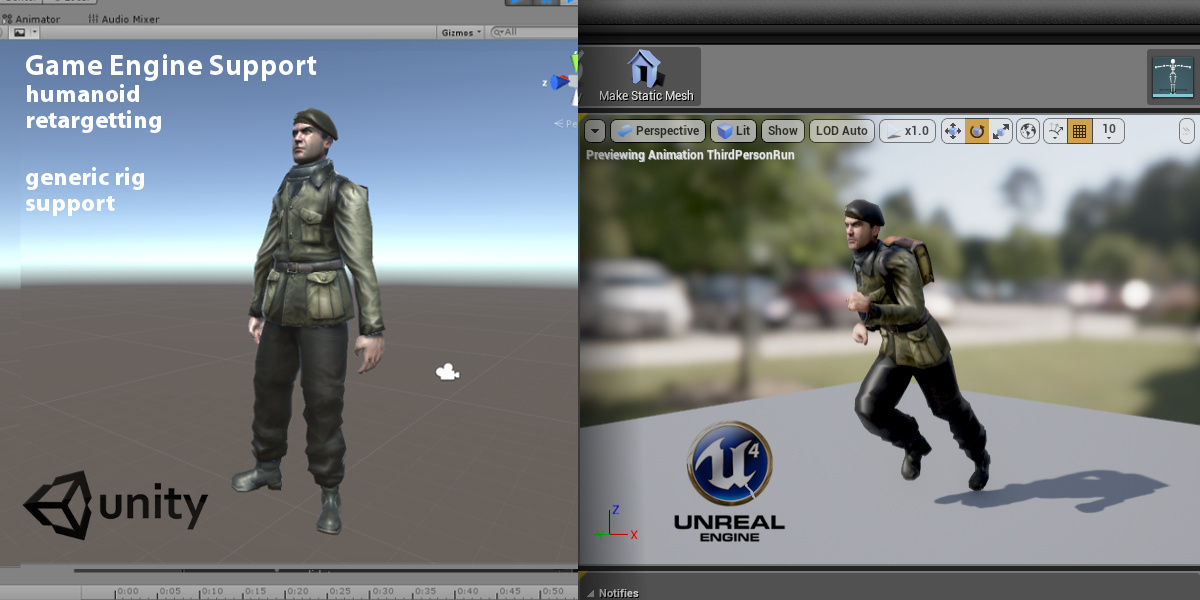
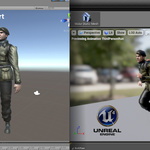
    It retargets animations and generates good rigs, but I'm unable to export my models as humanoid to Unity/UE4

    • Artell

      over 4 years ago

      Hello J Estra, please send a support message in order to diagnose the issue and further assistance.

  • Darren
    over 4 years ago

    Only the Remap tool ended up being useful. Always encountering errors with the other tools in Blender 3.0.

    • Artell

      over 4 years ago

      Hello Darren, did you contact me to solve these issues? To run Auto-Rig Pro under Blender 3.0, the latest version is required. There may be python cache issues if there was a previous version already installed, and if you haven't uninstalled it before installing the new one. In that case, uninstall it, install it again, and restart Blender.

  • ilias iosifidis
    about 5 years ago

    i found no way to replicate those "amazing and easy" tricks for armature as advertised. There is no real documentation or demonstration, they never answer emails so you may try something else like regify

    • Artell

      about 5 years ago

      Full documentation including video tutorials:
      http://lucky3d.fr/auto-rig-pro/doc/

      No traces from your messages here, did you send messages via the Blender Market?

  • Sunil
    over 5 years ago

    Hello, I have purchased the Autorig pro and star using it. Unfortunately not able to find a good guide for the IK and FK for the legs. The legs are moving beyond its limits.
    Can you help to fix it with some turorials?

    • Artell

      over 5 years ago

      Hello Sunil, have you taken a look at the documentation?
      http://lucky3d.fr/auto-rig-pro/doc/rig_behaviour_doc.html#rig-usage

  • gaetan
    over 5 years ago

    Software does what is promises. Easy to use. However, I find that there is a lot of back-animating the eyes as the main eye controller is not paired to the head but to the root body bone. this means that whenever you change the head position the eyes will stay focused straight ahead. If you turn off the eye targeting, then your stuck either animating each eye independently or back animating the main eye controller.
    Attempting to re-rig the eyes to the head is proving to be very frustrating. To date I've not received any reply from the creator.

    • Artell

      over 5 years ago

      The eye controllers have a ChildOf constraint... you can set its target as the head bone if you want...

  • Leric
    about 6 years ago

    Finger recognition often fails.
    Today I used a standard Apose character model with beautiful standard hanads which couldn't be more standard.
    However, no matter how I adjust the parameters, finger recognition is always wrong.
    And once there is a pop-up message showsthat it does not recognize the finger, no matter how you undo and change the parameters , you will never be able to recognize the finger again.
    I suspect this may be some stack bug in the program.
    This problem has existed for at least half a year, and it still exists today.

    • Artell

      almost 6 years ago

      Thanks for reporting the issue. I confirm it, there were bugs with recent Blender versions. Depending on the hand mesh, fingers detection could fail or lead to poor results. This was related to mesh data updates and auto-merging of vertices. It has just been fixed in the 3.56 version.
      Please report bugs, critical ones such as this one are fixed as quickly as possible.

  • LU
    over 6 years ago

    Good tool but Facial rig can be more better

    • Artell

      over 6 years ago

      Sorry that it doesn't meet all your expectations.

  • Kris
    4 days ago

    I’ve been using Auto-Rig Pro for a stylized, anime-inspired character, and unfortunately, my experience has been quite frustrating, especially when it comes to facial rigging.

    The eyelids have been particularly difficult to get working properly. Even after spending hours manually weight painting and trying different approaches, I still encounter unwanted deformations and glitches. I’ve spent days looking for reliable tutorials or solutions, but haven’t found anything that properly addresses these issues.

    Other parts of the rig have also been inconsistent, with certain controls not behaving as expected. While the addon does offer some useful features and clever tools, I’ve found that getting everything to work correctly can require far more time and troubleshooting than anticipated.

    I understand that rigging stylized characters, especially anime-inspired ones, can be challenging. However, I expected a smoother workflow and better documentation for resolving these problems.

  • Adrian
    about 1 year ago

    Dosnt work for me. I cant add a Neck with the Smart Tool. Always getting a Phyton error.

    • Artell

      about 1 year ago

      Hello Adrian, please reach out via the Support inbox. We will debug it.

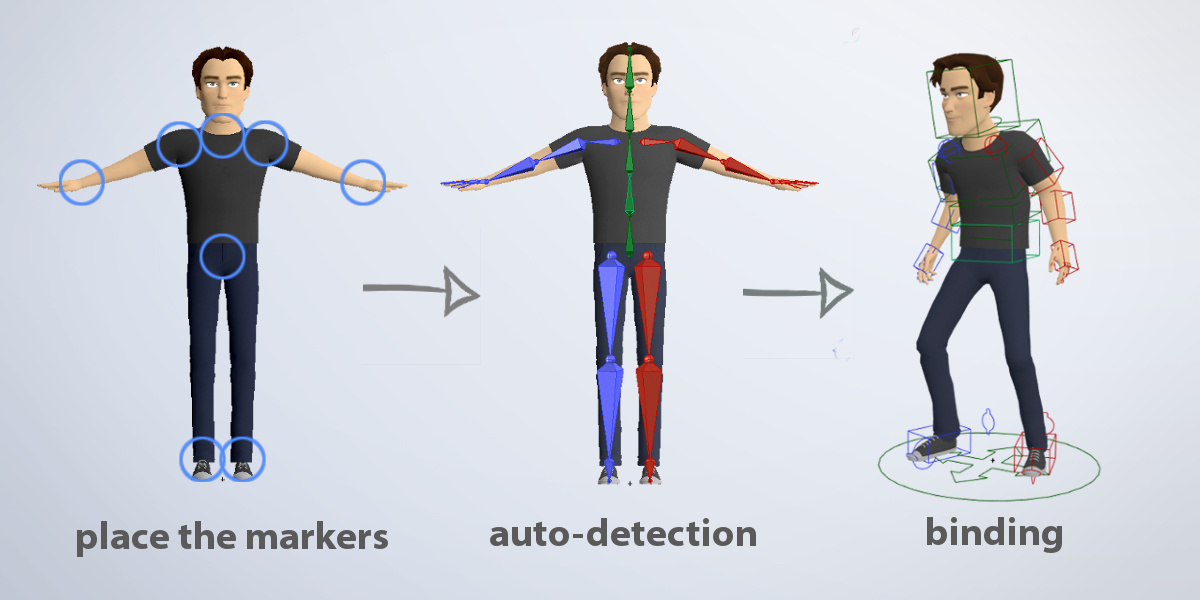
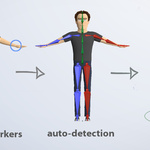
  • The full package! Auto-Rig Pro core, Smart tool (biped body recognition), Fbx/Gltf export to Unreal/Unity, Remap tool to retarget animations, updates and support messages

    $50
  • Auto-Rig Pro core only, updates and support messages

    $25
  • Auto-Rig Pro full version for 10 seats

    $162
  • Auto-Rig Pro full version for 20 seats

    $227
$50

Support Period Included

Includes 12 months of

  • Support from Artell
  • Product updates

Extend this product’s Support Period +12 months: 25% of product price

Have questions before purchasing?
Login to message

Details
Blender Extension Compatible Yes
Sales 70400+
Downloads 93900+
Rating
447 ratings
Published over 10 years ago
Blender Version 2.93 - 5.2
Extension Type Add-on
License GPL