
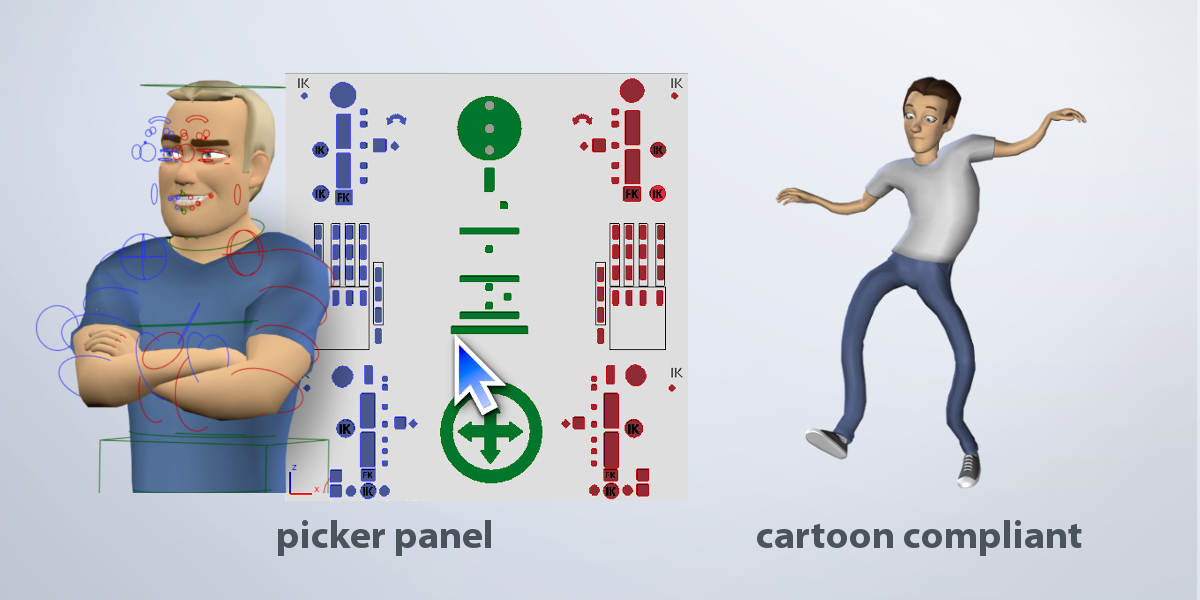
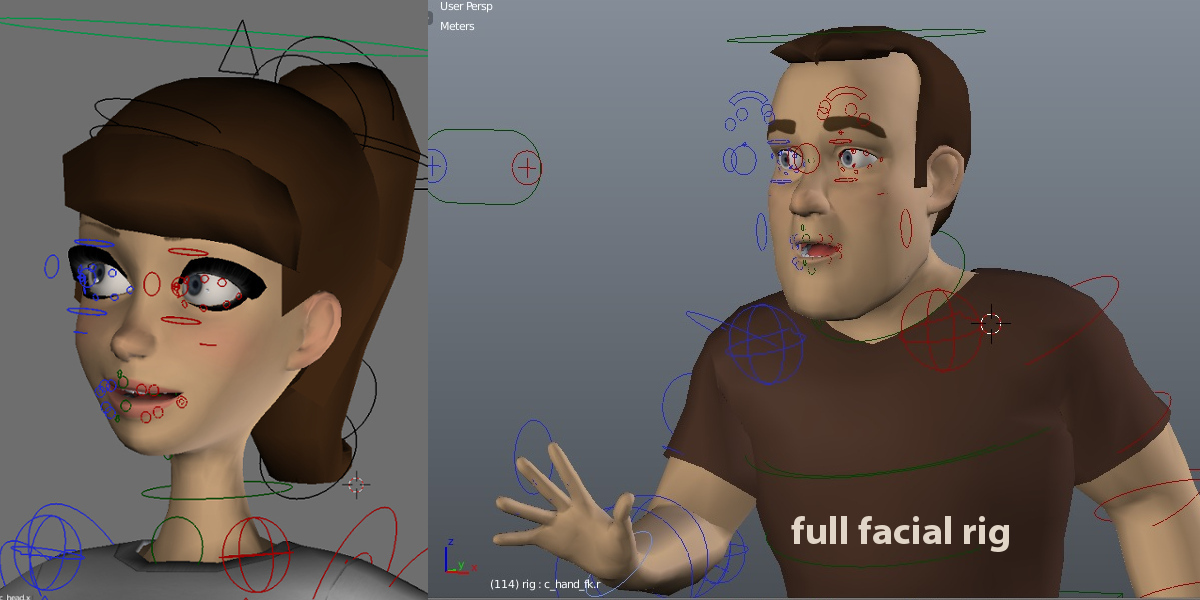
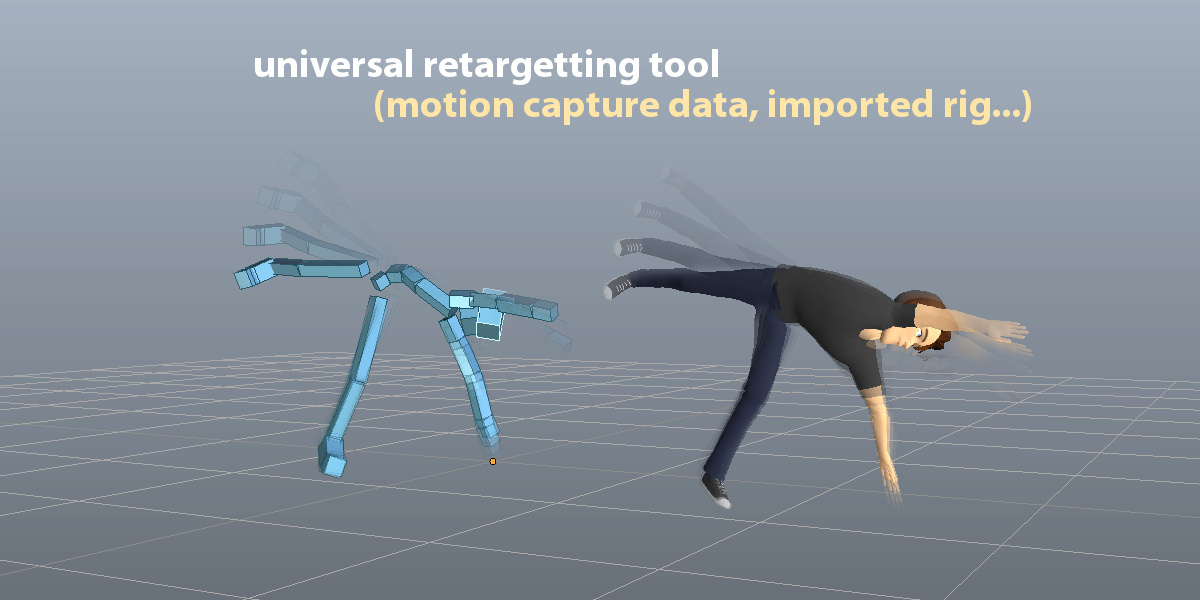
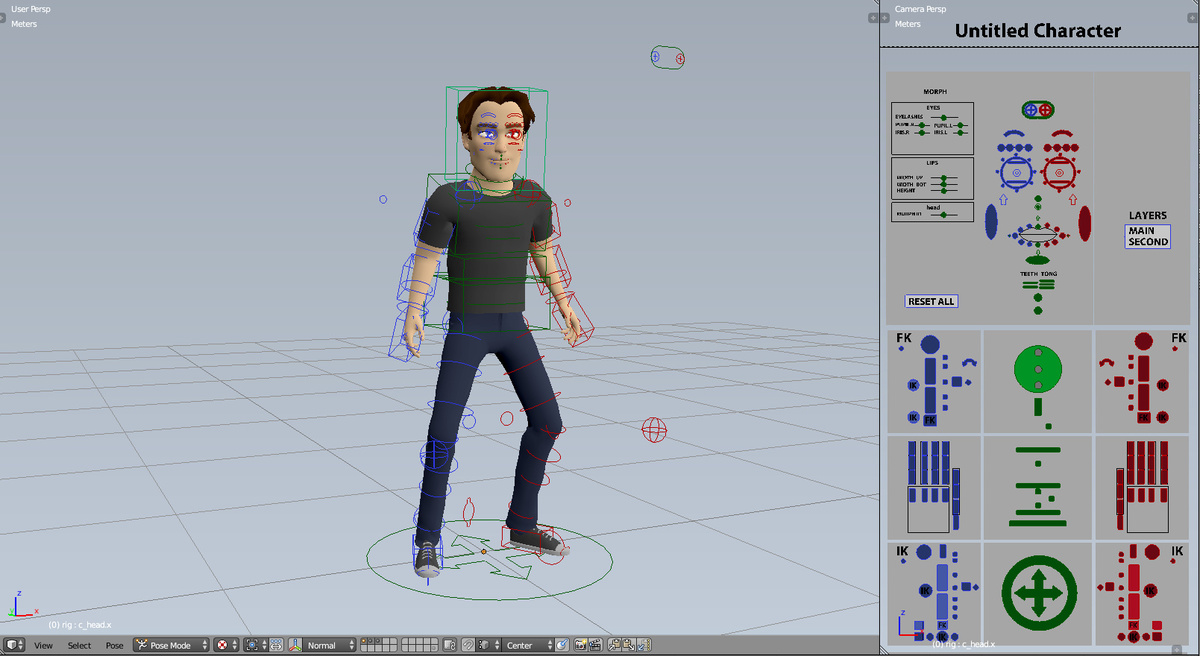

Auto-Rig Pro

Artell in Import & Export


Item Rating

This item has an average rating of 5 from 447 ratings by the community.

87%
4%
4%
2%
6%

Purchase this item to leave a review!

  • Daewoong
    almost 8 years ago

    I bought this add-on only for UE4 skeleton making and exporting.
    It will be much better if there is just only the essential bones for UE4 exporting.

    But there are too many bone structures
    and it is hard to use with complex bones hidden in many other layers.

    Binding with the default Blender automatic weight is easier to use and control and good enough for UE4.

    I understand that you wanna give more functions for the users, like sophisticated binding and controlling.
    And many users like your way of binding and controlling bones.

    Still there should be other users who like their own way of binding and controlling bones.
    But this add-on forces users to use only the binding and controlling system within the add-on only.

    I wish you give users more right to select options.
    Here is an idea.

    For the next version,
    the basic UE4 essential skeleton making and exporting menu should be default.
    And the complex and sophisticated binding system should be optional so that users can decide to use it or not.

    Thanks for the add-on and waiting for the next version.

    • Artell

      almost 8 years ago

      Thanks for your feedback Daewoong.
      The controller bones are necessary to pose and animate the character accurately. The hidden armature layers should not be used/display by users by default.
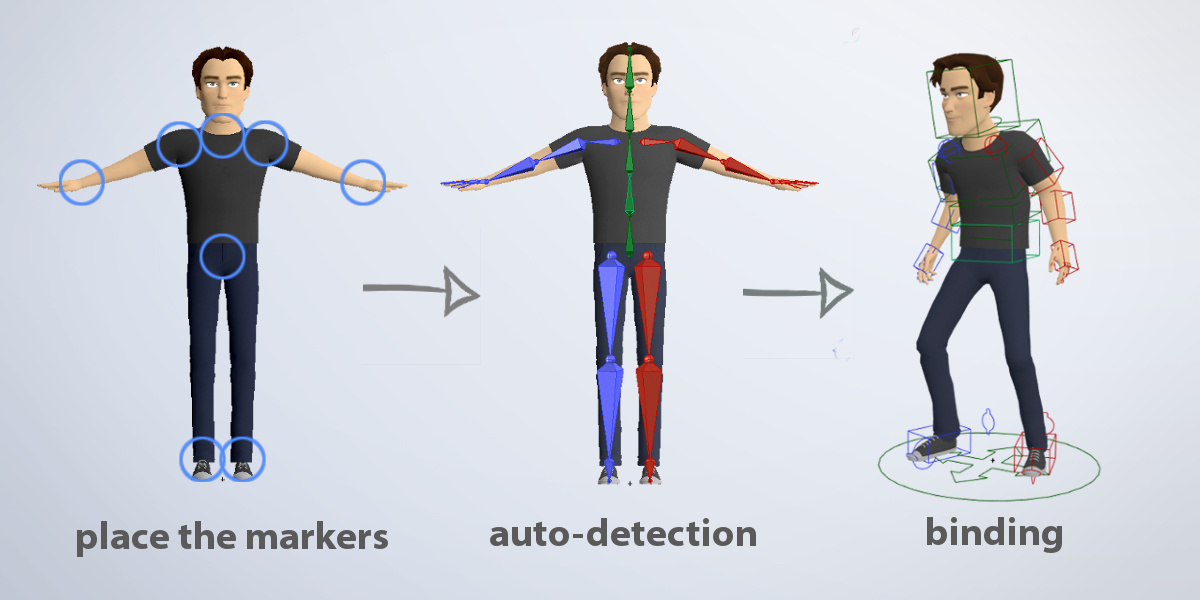
      The binding feature is based on the Blender's Automatic Weights native tool (heat map skinning) with some improvements made on top of it, such as splitting the objects, smooth the twist weights, low resolution meshes... These features were added from user feedback and experience to ease the workflow. However be assures this is not mandatory at all to use it, you can of course use the default Blender's Automatic Weight feature if you prefer. Just parent your meshes to the "rig" and "rig_add" armature using the "Automatic Weights".

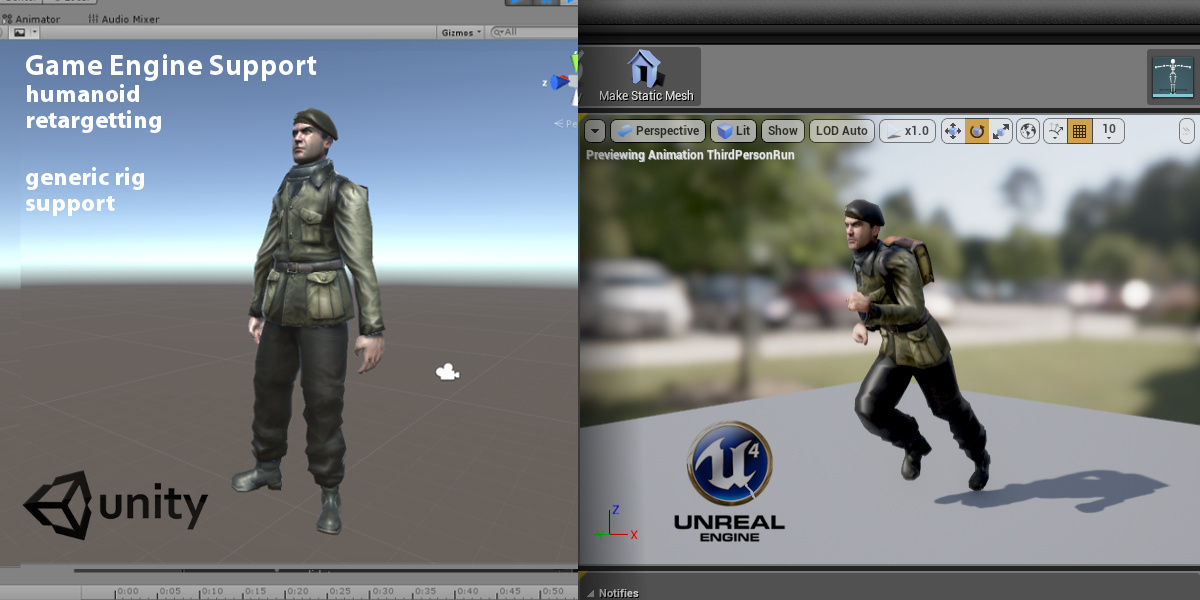
      About making a default choice between Unity or Unreal Export "Universal", "Humanoid", it's hard to choose: it depends on users and project :)

  • Bryan Stone
    over 8 years ago

    Great addon, just a plethora of updates. Good to see the support though.

    • Artell

      over 8 years ago

      Thanks!

  • Takayosky
    about 9 years ago

    Hello Artell

    I started experimenting with the autorig.
    And I discovered that whereas there is head lock function, I can not find where is arm(leg) lock function.
    I need to turn off rotation inheritance from torso to FK arm and legs. Is there a function switch on/ off rotation inheritance?
    I can't animate with rotation inheritance turned on. (need to counter animate and can't keep good arc)
    Please let me now where I can find the switch. Please add it if there is none cuz I want to use this autorig.

    Best
    John

    • Artell

      about 9 years ago

      Hello Takayovsky, you could have sent a support message instead of rating to discuss it in a better way, only one reply is allowed there.
      You can simply select the c_arm_fk controller and turn off Inherit Rotation in the bone panel:
      https://i.stack.imgur.com/DTHFH.png

  • Feliz
    9 months ago

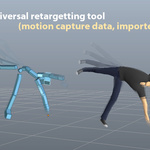
    I wish the "build bones list" feature while re-targeting was better at guessing the bone names. On my current project it detected indexFinger01.L matched to index_01_l but did not match it for the Right index finger! It made similar mistakes many times. It is certainly very helpful but is not a silver bullet.

    • Artell

      9 months ago

      Hello Feliz, indeed the automatic bones mapping is rarely perfect, as mentioned in the documentation:
      https://www.lucky3d.fr/auto-rig-pro/doc/remap_doc.html#build-bones-list
      This said, you can always save it as a preset once you ensured every bones were correctly mapped, for a quicker process with your next animations.

  • Jesse
    10 months ago

    ARP_OT_add_marker.init() takes 1 positional argument but 2 were given
    when using with Blender 5.0

    • Artell

      10 months ago

      Hello Jesse, this error is a compatibility breakage between newest Blender versions and older Auto-Rig Pro. Make sure to update to the latest Auto-Rig Pro version.

  • GiRi Sa
    10 months ago

    When I try to install AI_win_1.17 and AI_macIntel_1.17 on blender 5.0, I get an error like "blender_manifest.toml" or something like this, what do I do?

    • Artell

      10 months ago

      Hello Giri Sa, the AI files are not an addon. To install: https://www.lucky3d.fr/auto-rig-pro/doc/install.html#ai-files-smart-tool

  • Hansolo
    11 months ago

    I like it a lot. BUT the fact we can't rename our own bones is just something I can't work with anymore. I'm on a Carnivorous plant with tons! of bones for roots, leaves, jaw and separate teeth, tongue, long stem-like eyes, etc. And having to browser dozens of bones named "c_tail_something" makes it impossible to work properly.
    IF we could name our bones (is it wo hard to implement that?) this addon would be perfect :/

    • Artell

      11 months ago

      Both true, and false.
      Limbs like arms, legs, spine... and others cannot be renamed, indeed. I understand it can be annoying in some cases.
      However, the example you specifically give here, "c_tail_..." seems to relate to tail limbs, which can be renamed in the Limb Options menu. If you cannot see the "Name" parameter, you may be running an old version of Auto-Rig Pro. The same applies to generic chains like IK Splines, Bendy-Bones, and Kilt limbs, they support custom naming.
      However, duplicated limbs always have a "_dupli_xxx" identifier in their name for now, that's the only limitation. Support for full custom names is a long term goal, however this is not the easiest task, that would come with a deep code refactor on thousands of lines of code, then it won't happen in a near future unfortunately.

  • kwyn intelligence
    about 2 years ago

    It is very hard to get fingers proberly rigged (and yes, I have investigated a lot). There are solutions for fingers which have negative impact on other aspects of the rigged model.

    • Artell

      about 2 years ago

      Not sure to understand the problem, but please reach out to get support ("Ask a Question" button under the red lifebelt icon, at the right of this page)

  • Nattakid Phaerpittayakul
    about 2 years ago

    Spine IK bug when Switch. It can't really be used at all
    Overall the rig is good but not very flexible.
    The Export system is considered very good.

    • Artell

      about 2 years ago

      Please send a bug report message if you found a problem with the Spline IK switch. I have just checked it again locally, it worked fine, then I assume something specific must be occurring with your rig.

  • Marco Daniel Gomez Agilar
    over 2 years ago

    I don't know where else to report this bug but whenever i am position bones if i change from Octahedral to Stick half of the bones become invisible in edit mode, the become visible if seelected. this happens in blender 4.0.2, I already updated to the lates version of ARP

    • Artell

      over 2 years ago

      Hello Marco. Auto-Rig Pro has nothing to do with it, this is a Blender bug that was introduced recently with Blender 4x versions. It has been reported to Blender developers:
      https://projects.blender.org/blender/blender/issues/115930#issuecomment-1080836

  • The full package! Auto-Rig Pro core, Smart tool (biped body recognition), Fbx/Gltf export to Unreal/Unity, Remap tool to retarget animations, updates and support messages

    $50
  • Auto-Rig Pro core only, updates and support messages

    $25
  • Auto-Rig Pro full version for 10 seats

    $162
  • Auto-Rig Pro full version for 20 seats

    $227
$50

Support Period Included

Includes 12 months of

  • Support from Artell
  • Product updates

Extend this product’s Support Period +12 months: 25% of product price

Have questions before purchasing?
Login to message

Details
Blender Extension Compatible Yes
Sales 70400+
Downloads 93900+
Rating
447 ratings
Published over 10 years ago
Blender Version 2.93 - 5.2
Extension Type Add-on
License GPL