 Ferasyahya



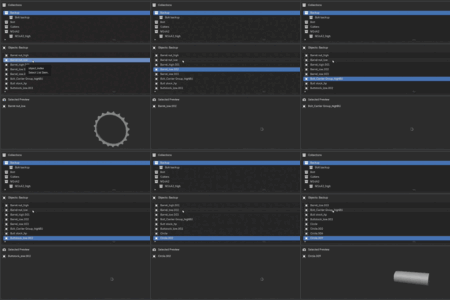
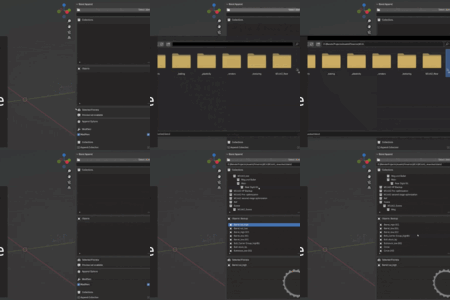
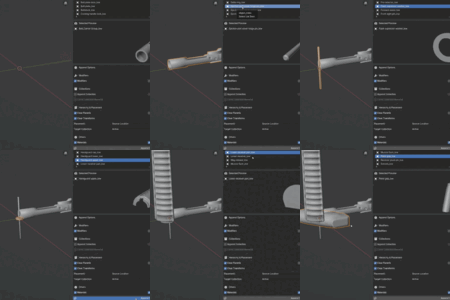
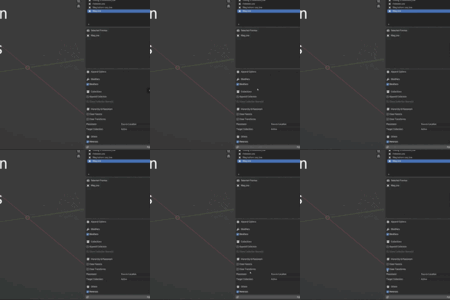
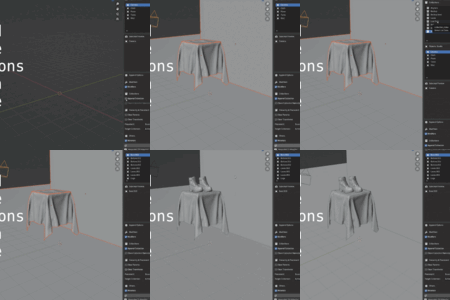
Browse any .blend file from the 3D View, preview objects live in the N-panel, and append exactly what you want, with clean hierarchies, smart modifier control, and safe undo-friendly behavior.
- Fixed material cleanup when browsing external .blend files.
- Materials are no longer imported or left behind when users browse collections/objects in the N-panel.
- Improved cleanup when changing selected preview objects or clearing/reloading the source file.
- Prevented source-file materials from cluttering `bpy.data.materials` before any append action.
- Fixed an issue where appending a collection with "Clone Collection Name(s)" enabled could duplicate an object. This happened when an object's modifier (e.g. Boolean or Shrinkwrap) targeted another object that lived in the same collection being appended. The target object was brought in twice.
- Objects used as modifier targets are now matched to their single appended copy, whether they live in the same collection, a different collection, or both at once.
- Same fix also prevents duplicate parent objects when appending collections with parented meshes.
- Appending collections now keeps a clean hierarchy with no leftoverduplicate objects.
- Fixed appending objects with modifiers that reference other objects (Boolean, Shrinkwrap, etc.) so that they also brings those target objects into the scene. Previously they came in as hidden data only and couldn't be seen or edited in the view layer.
- The add-on is now packaged as a Blender extension, so updates take effect without restarting Blender (install the new version over the old one with no restart needed).
- Fixed submodule reloading so updated versions of the add-on can be picked up more reliably without restarting Blender.
- Standardized visibility for loaded/appended objects.
- Objects are now set to visible and shown in solid display mode instead of wireframe.
- Hidden viewport, render, and select visibility flags are cleared on the appended copy.
- Improved preview behavior for hidden or wireframe source objects.
- Added a simple preview proxy for Empty objects so they can appear in the preview panel instead of showing a blank thumbnail.
- These visibility and preview changes only affect the local loaded/appended copy and do not modify the original source .blend file.
- Fixed a name conflict bug when browsing source .blend files.
- Collections and objects shown in Blend Append now keep their original source-file names, even if the active Blender file already contains matching names.
- Fixed append failures caused by Blender temporarily renaming browsed objects with .001 suffixes during preview and list loading.
- Added a new Enable Renaming option.
- When Enable Renaming is off, Blend Append preserves appended object and cloned collection names by renaming existing local conflicts first.
- When Enable Renaming is on, Blender uses its default behavior and renames appended items with suffixes such as .001 when conflicts exist.
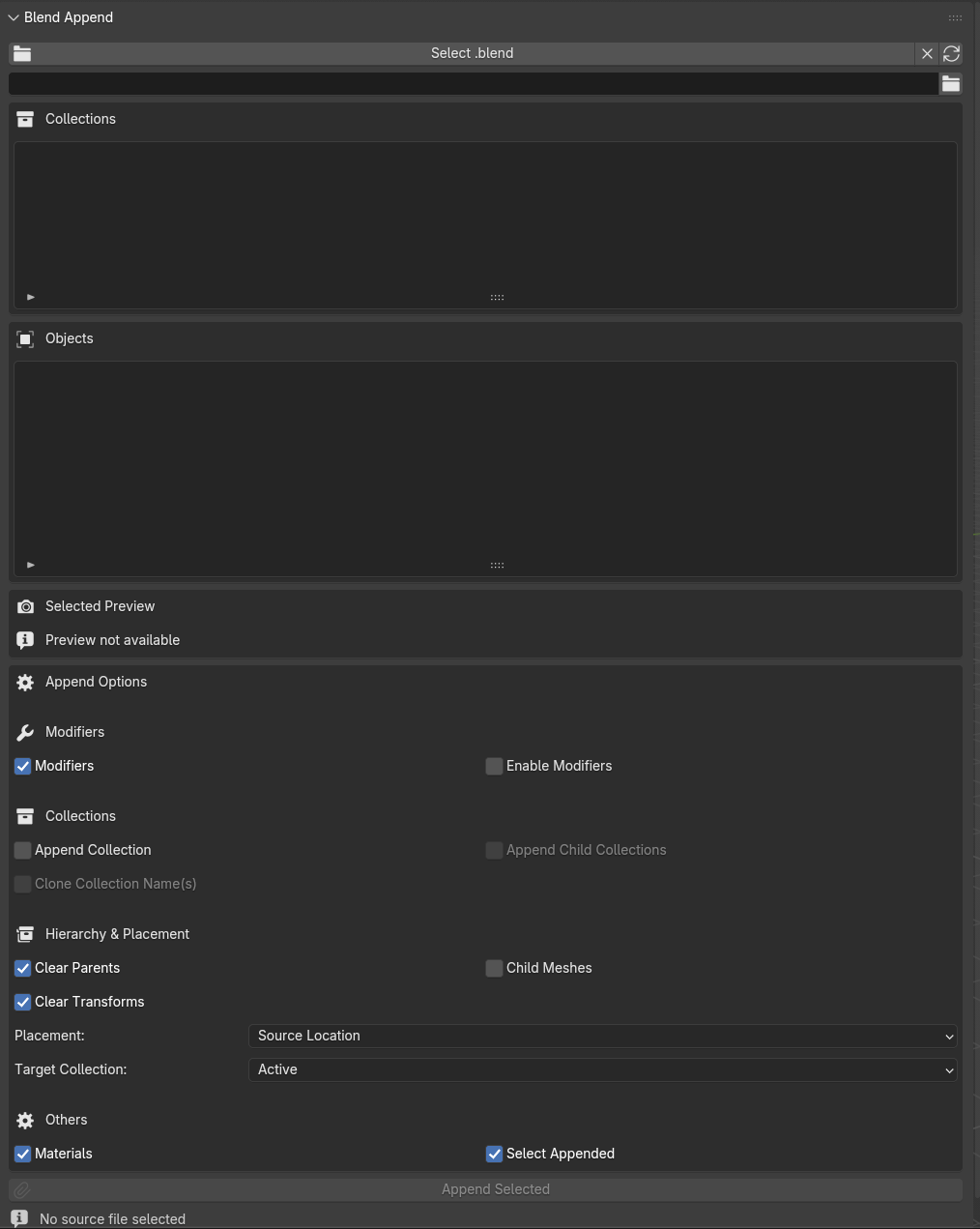
Blend Append lives entirely in the 3D View N-panel, so you never leave your working view. The browser is built for speed and clarity:
- Pick a source .blend directly from the panel.
- Automatically blocks the currently open .blend as a source to avoid broken self-links.
- Clear source (X) instantly resets browser and preview state when you change files.
- Only shows collections under the source Scene Collection.
- Objects directly under Scene Collection are grouped into Uncategorized for easy access.
The browser follows a simple, predictable two-step flow:
- Collections list: shows the Scene Collection hierarchy from the source file.
- Objects list: automatically filtered based on the selected collection.
No hunting through huge lists. You always know where an object lives before you append it.
Hover or select an object and Blend Append generates an in-panel preview so you can confirm exactly what you’re appending.
- Uses solid-only preview mode for consistency and speed.
- Debounced selection: rapid selection changes are smoothed to avoid preview spam and crashes.
- Heavy modifiers automatically disabled during preview:
- Remesh
- Decimate
- Corrective Smooth
Once you’ve found what you need, appending is a single click with enough control for production-scale scenes:
- Append a single object from the list.
- Optional child-mesh append when working in Object Mode.
- Append entire collection contents, with optional recursive child collections.
- Optionally clone collection names and structure at the target for clean organization.
-
Target location:
- Keep original transforms
- Move to 3D cursor
-
Target collection:
- Active collection
- Scene root
-
Parenting and hierarchy:
- Preserve parent-child relationships when Clear Parents is off.
- Clear parent links cleanly when Clear Parents is on.
- Transforms cleared in a hierarchy-aware way.
- Optional auto-select of appended objects for immediate editing.
Take full control over how heavy your appended assets are:
- Materials option: quickly include or strip materials when appending.
-
Advanced modifiers control:
- Modifiers off: remove modifiers on append.
- Modifiers on & Enable Modifiers off (default): keep modifiers but disable them for lighter scenes.
- Modifiers on & Enable Modifiers on: keep and fully enable modifiers for high-fidelity results.
Blend Append is engineered for production work, not just small test files.
- Safer view-layer selection logic to avoid runtime and selection errors.
- Undo/redo handlers keep the browser and preview behavior stable even after complex history operations.
Designed for artists with big .blend libraries who need a fast, reliable way to explore and reuse their assets.
