TURN ANY ASSEMBLY INTO A KNOLLING SHOT
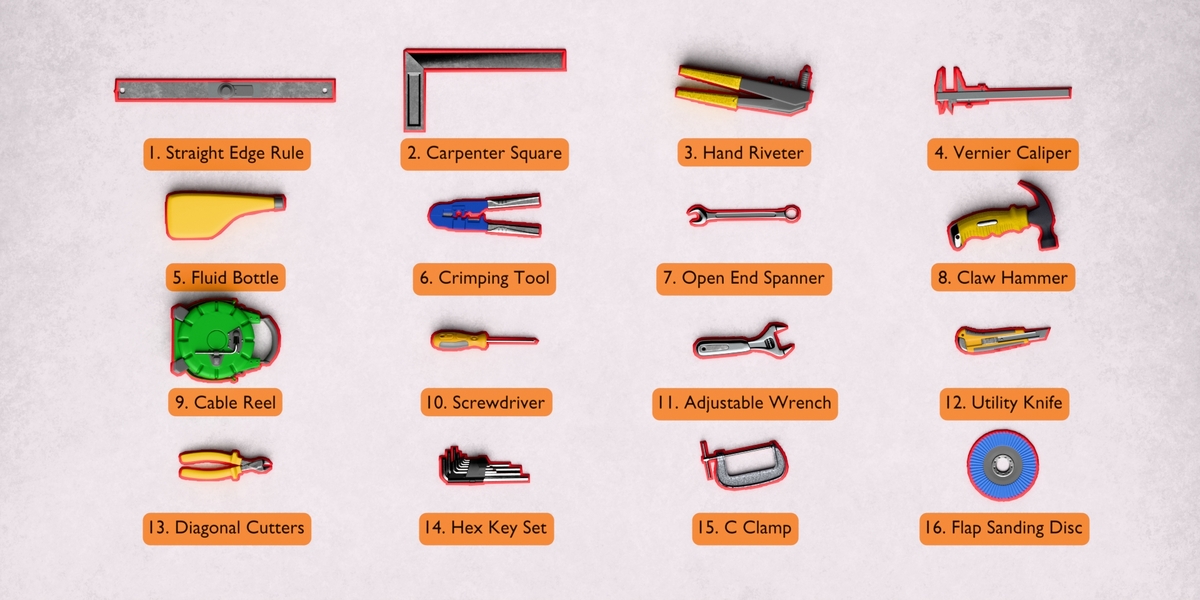
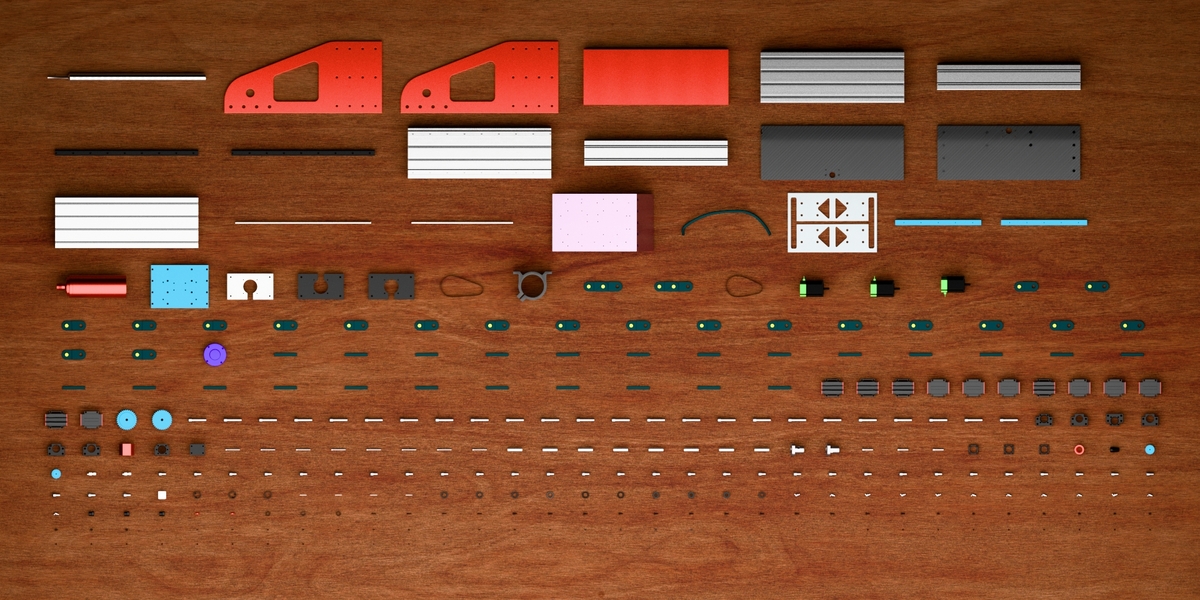
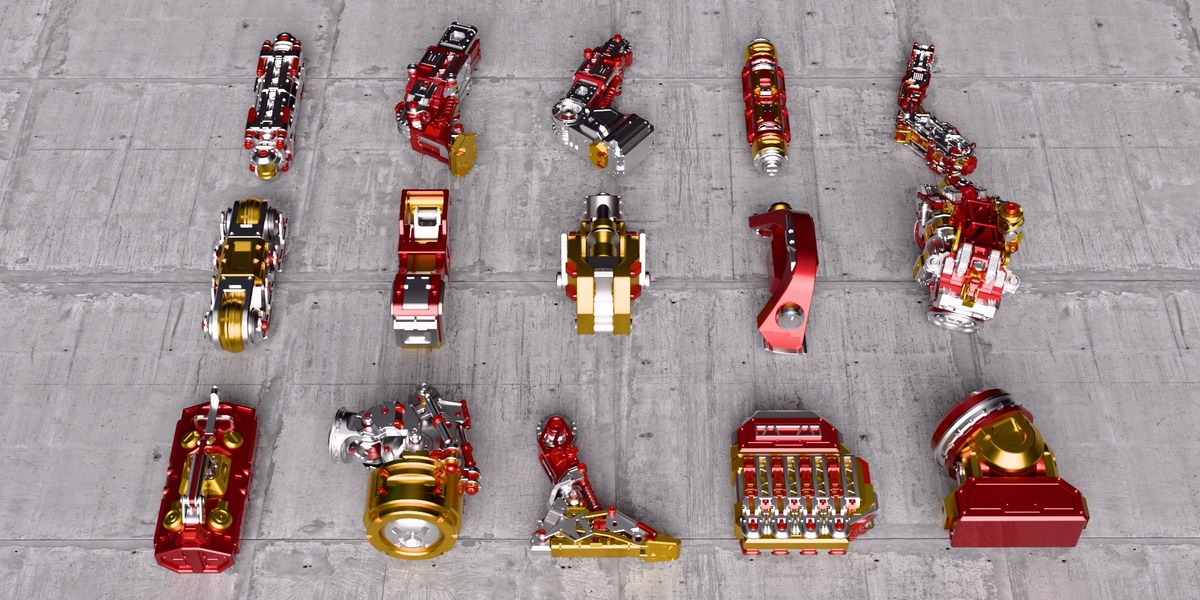
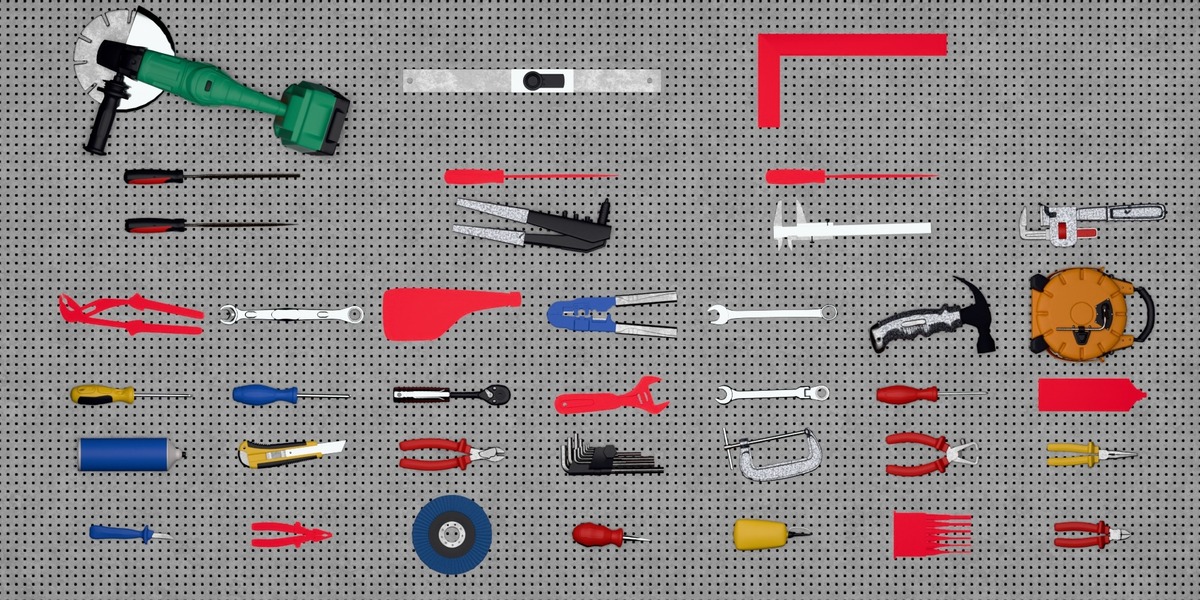
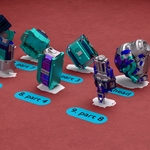
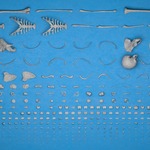
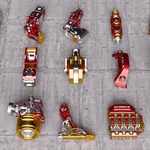
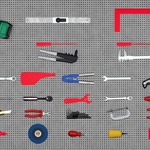
Point it at an assembly or a kitbash build and press Arrange. The parts come out flat, squared up and numbered, with their silhouettes on the board and the parts list written.
A day of dragging parts around, done in one button
ONE BUTTON, THE WHOLE SHOT
POINT IT AT A COLLECTION, PRESS ARRANGE
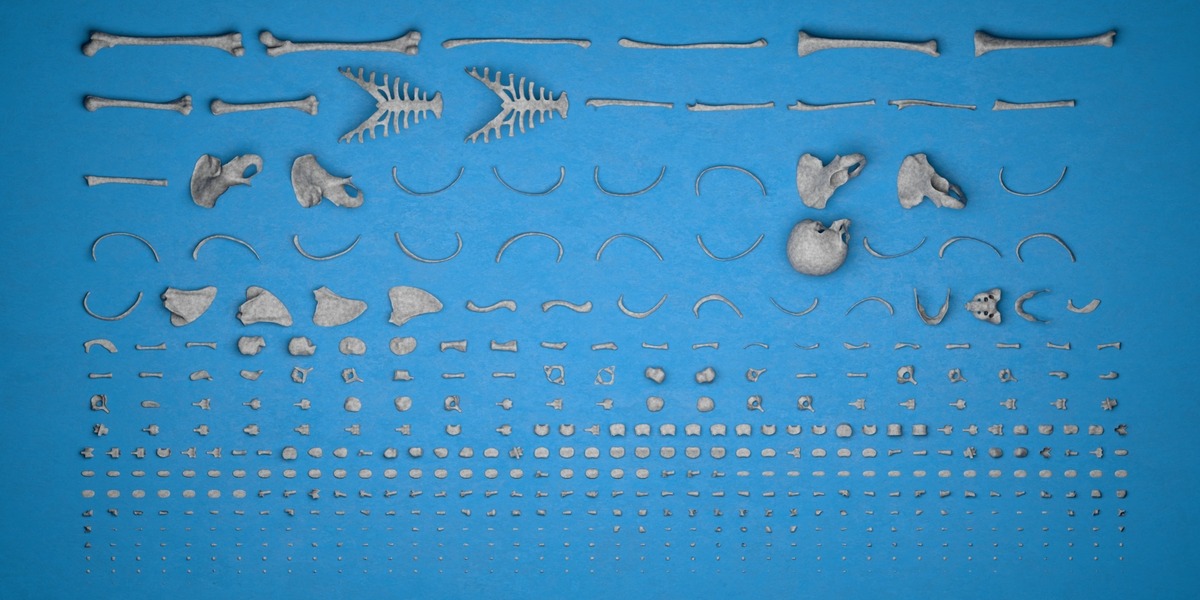
Every part is turned onto its resting face and packed onto one even grid, with identical parts together under one numbered tag.
- Flat or Upright: parts lie on their biggest face or stand on end
- Groups identical parts: by shape or by material
- Shadow board: a filled silhouette or a clean outline
- Numbered tags: number, name or both, with a ×N count
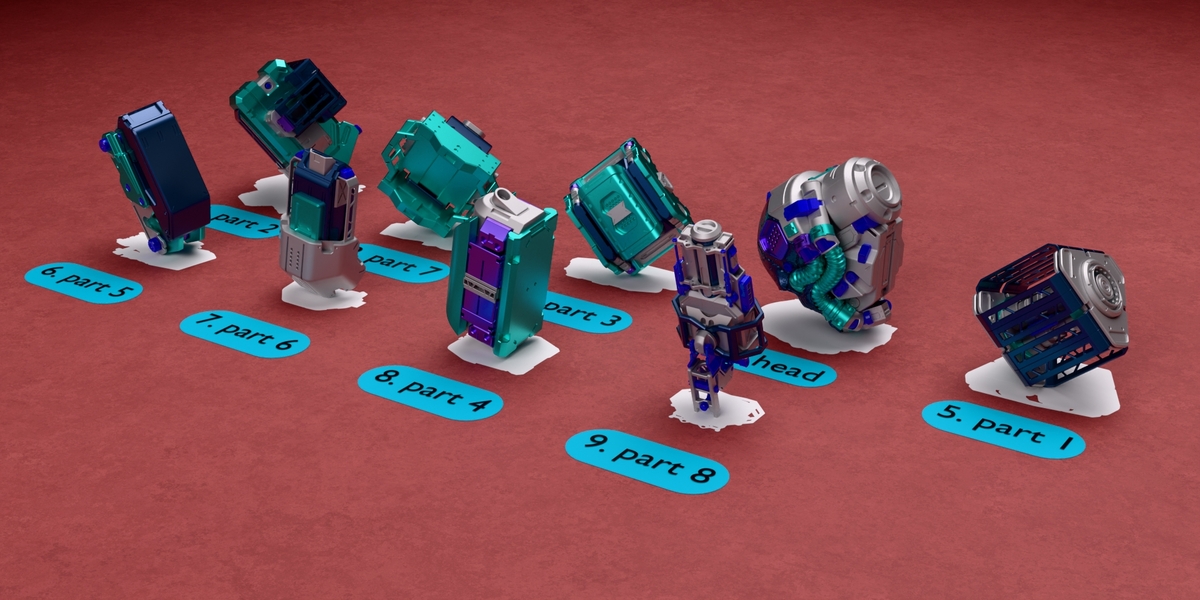
- Keeps modules whole: a kitbash block stays assembled under one tag
- Several collections: each with its own surface and settings
- Live sliders: width, padding and rotation re-pack as you drag
- Exact Reset: everything goes back where it was
THE GOAL OF FLATFLOW
A knolling shot is the clearest way to show what a product or a kitbash build is made of, and it takes hours by hand. FlatFlow does it in one click and stays live afterwards.
NOTHING TO SET UP
ASSEMBLY IN, FLAT LAY OUT
Your objects keep their collections, materials and names, and Reset puts every one back.
FLAT OR UPRIGHT
THE RESTING FACE
EVERY PART SQUARED UP THE SAME WAY
Flat lays each part on its biggest face. Upright stands it on its smallest, longest side up. Each part is squared up from its own geometry, so copies from a STEP import all face the same way.
IT KNOWS WHICH PARTS ARE THE SAME
BUILT FOR CAD IMPORTS
COPIES COUNTED FOR YOU
Parts that share a mesh, or have the same geometry at the same size, count as one type with one tag and a quantity. That includes CAD imports, where every part arrives as its own mesh.
A Row Per Type gives each type its own row, Align In Columns lines parts up down the columns too, Match Identical Materials groups by material, and Show One Of Each turns the board into a catalogue.
KITBASH? KEEP A MODULE WHOLE
SUB-ASSEMBLIES, NOT SCREWS
ONE CELL, ONE TAG, ONE MODULE
Tick Keep Sub-Collections Whole or Keep Parented Parts Whole and a kitbash block or a gearbox is laid out assembled, with one cell, one tag and one outline. Modules on an empty are squared to that empty with their rotation zeroed, and identical modules count like any other part: Module A ×12.
THE SHADOW BOARD
Every part gets its own mark on the table, like a tool board. The marks are real geometry, so they stay when a part is hidden or deleted.
TWO STYLES
FILL OR OUTLINE
Fill is a solid silhouette of the part, holes and all. Outline keeps only the outer contour, and Line Width changes live. Hide Parts takes every part off the board and leaves the marks.
NUMBERED TAGS
REAL GEOMETRY, NOT AN OVERLAY
NUMBER, NAME, OR BOTH
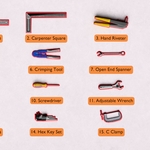
A rounded plate beside each part type shows the number, the name, or both as 3. Bracket ×2. Size and colours are yours, tags never overlap a part, and they render in Eevee and Cycles.
SEVERAL COLLECTIONS, SEPARATE SETTINGS
ONE PANEL PER ROW
TWO BOARDS IN ONE SCENE
Add a collection with + and it gets its own surface, settings, tags and numbering. Arrange, Reset and Export work on the highlighted row and leave the others alone.
ON YOUR OWN SURFACE
TILTED TABLES WELCOME
THE LAYOUT FOLLOWS THE PLANE
Pick any object as the Surface and the parts land on top of it, tilted or not. Table Width, Padding and Rotation re-pack live as you drag.
THE PARTS LIST
CSV AND PLAIN TEXT
WHAT IS ON THE TABLE, IN A FILE
Export writes Number, Part Name, Quantity as a CSV and a plain-text copy, both matching the tags in the render.
BUILT FOR REAL ASSEMBLIES
316 PARTS, UNDER FOUR SECONDS
A 316-part CNC machine lays out in about 3.7 s the first time and 0.13 s after that. FlatFlow only moves objects: no mesh is edited, nothing is renamed, and Reset puts everything back exactly.
WHO MADE THIS

I'm Amir, a mechanical engineer and 3D artist. I have been in the art business since I was 16, combining creative storytelling with technical precision to help early-stage teams turn raw ideas into visual content.
I work with founders, inventors and startups, especially during patenting and product development, making 3D visuals and promotional content in Blender and Premiere Pro for their audiences, investors and collaborators. A product that is still being developed needs visuals people can believe in, and that is the part I help with.
You can see my work at amirsharoleslam.com.
MORE FROM THIS DESK
FlatFlow is one of three Blender add-ons I have released for technical and product visualisation. Each one works on its own.
DIMENSIONS THAT RENDER

DIMFLOW
Linear, Angular, Radius and Annotation callouts built in Geometry Nodes, so they render like anything else in the scene and track the vertices they were built on. Type a length and the model moves to match.
VIEW ON SUPERHIVE →
THE EXPLODED VIEW, IN ONE PRESS

EXPLODEFLOW
Add a row for an object or a whole collection, then dial it. A collection row moves whole objects apart. A mesh row breaks that object's own geometry into pieces. Text, curves and rigs come apart the same way, all of it keyframed, and nothing touches your geometry until you say so.
VIEW ON SUPERHIVE →
Both are on Superhive, and both come with the same 30-day guarantee this one does.
WHAT YOU GET
- FlatFlow 1.0 extension (.zip), drag and drop onto Blender to install
- Works with Blender 4.2 and up, tested on 5.0, 5.1 and 5.2
- 30-day refund guarantee via Superhive
- Quick-start PDF documentation
- Personal and commercial use
- All future updates free
STOP DRAGGING PARTS AROUND BY HAND.
LAY THEM OUT IN ONE CLICK.
 sharoleslam