Maker Generators Bundle - 6 Parametric 3D-Print Generators
 Sonneblom Digitaal
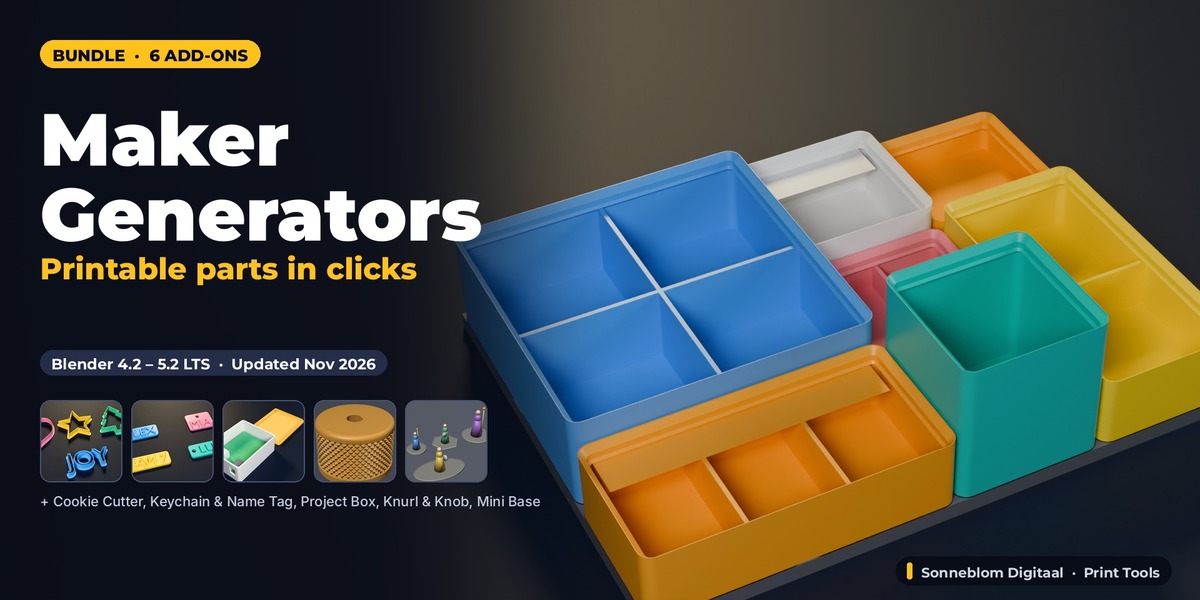


Installing the bundle
Download every .zip from your Superhive Orders page. Each .zip is one Blender extension. In Blender 4.2 or newer: Edit > Preferences > Get Extensions > arrow menu > Install from Disk, select the .zip. Repeat per add-on. Do not unzip the files.
Included add-ons and their manuals
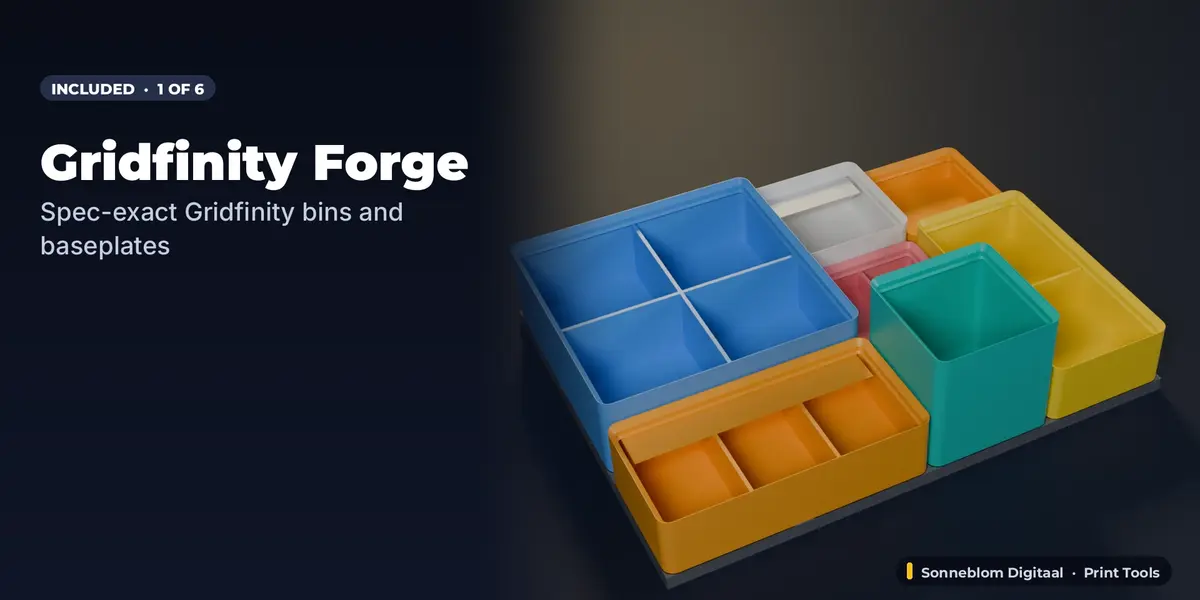
- Gridfinity Forge: full documentation and FAQ on its product page.
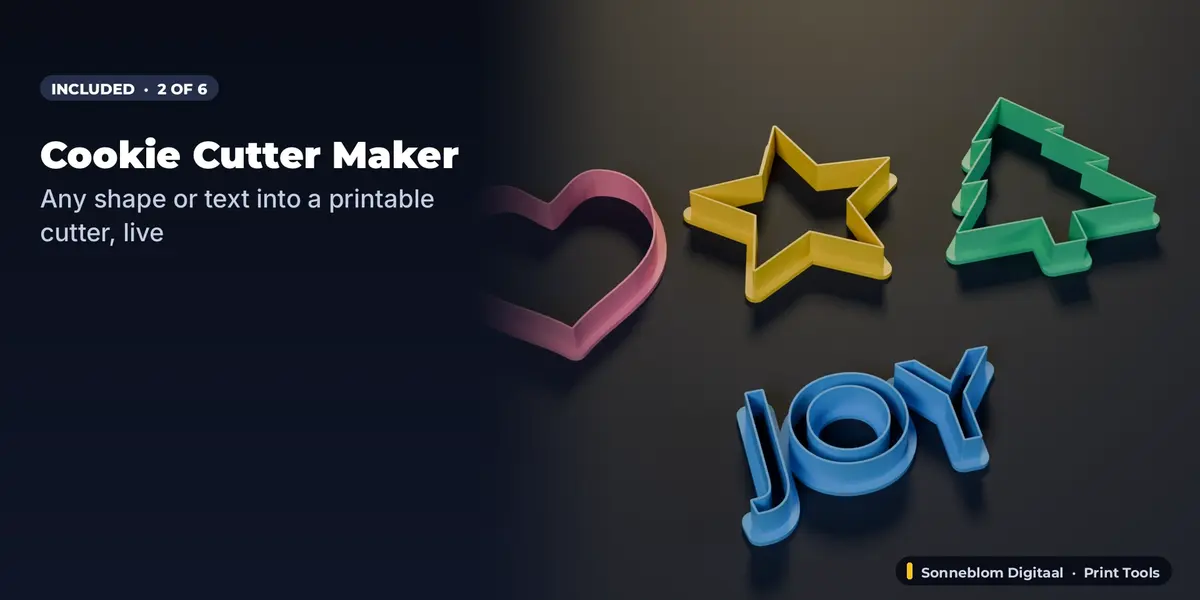
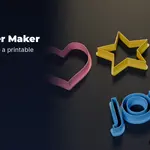
- Cookie Cutter Maker: full documentation and FAQ on its product page.
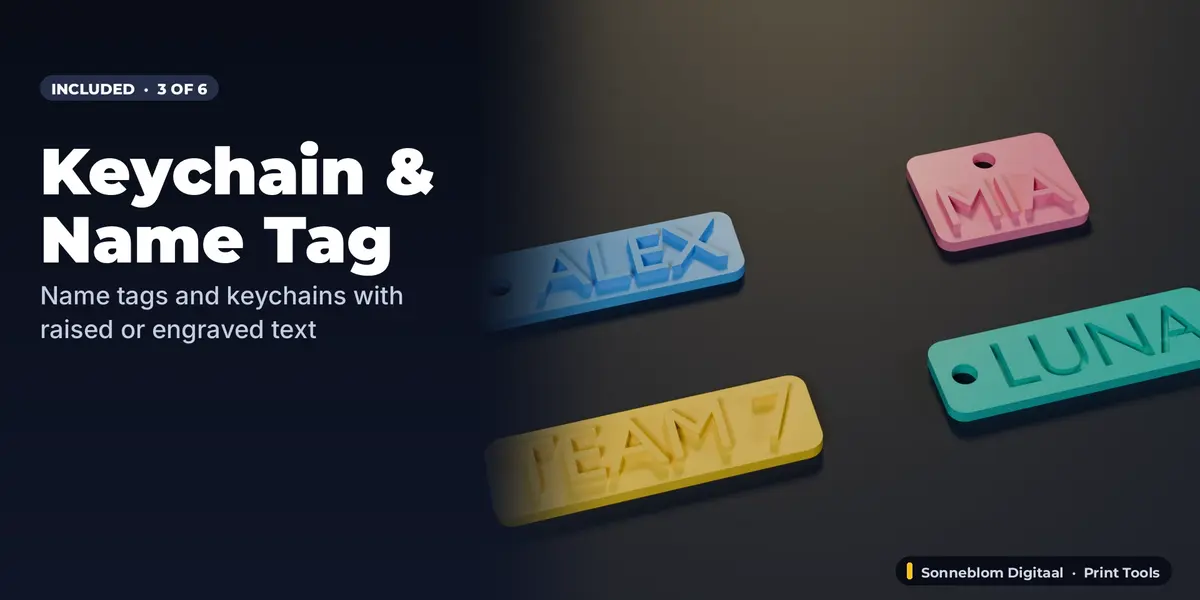
- Keychain & Name Tag Maker: full documentation and FAQ on its product page.
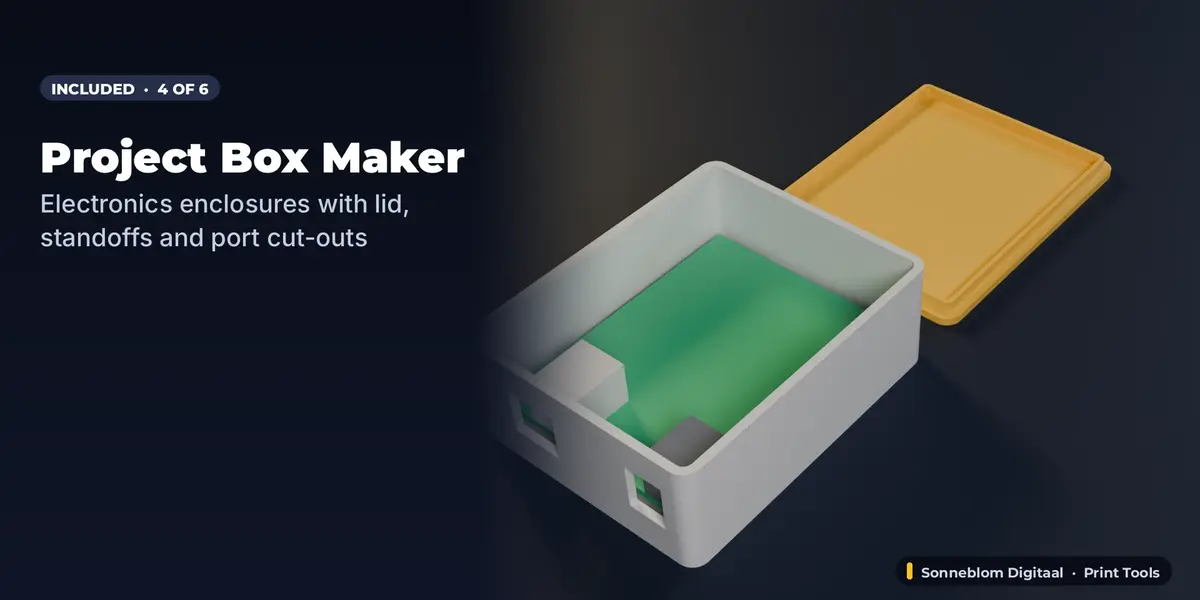
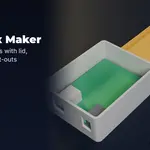
- Project Box Maker: full documentation and FAQ on its product page.
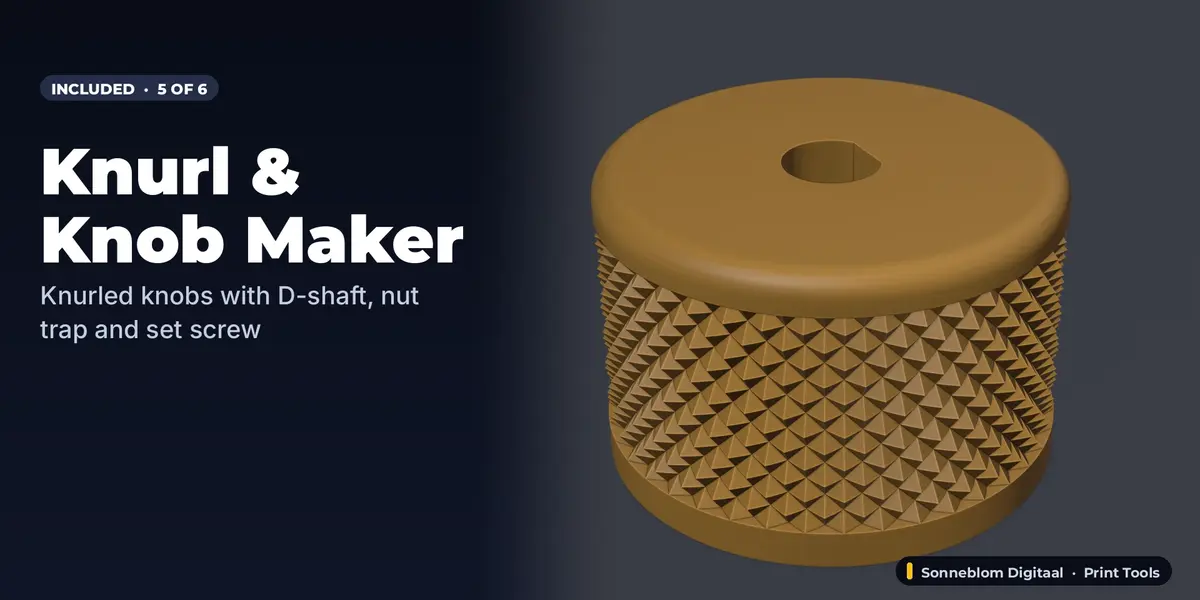
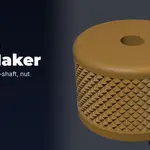
- Knurl & Knob Maker: full documentation and FAQ on its product page.
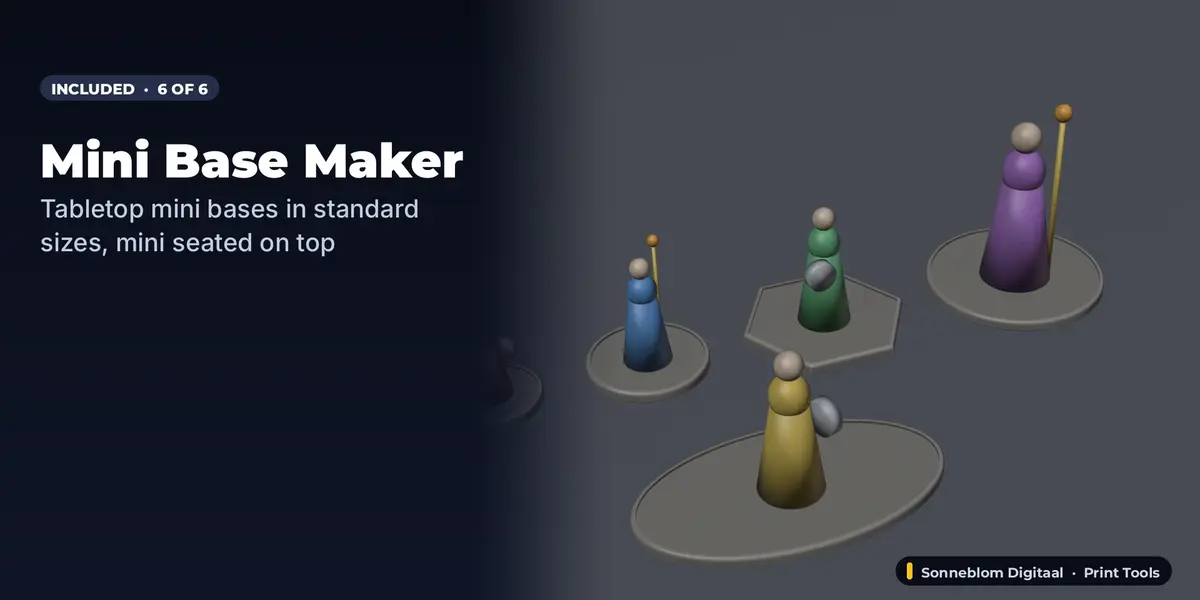
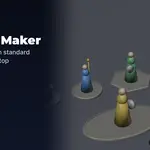
- Mini Base Maker: full documentation and FAQ on its product page.
Typical workflow
Open the N-panel tab of the generator, set your sizes or text and press the create button. Every part comes out as a closed mesh in real millimetres; export it as STL (or 3MF) from Blender and slice.
Updating
When we release a new version of an included add-on, download the new .zip from your Orders page and install it over the old one (Install from Disk).
Have questions about this product?
Login to message
| Blender Extension Compatible | Yes |
| Published | 22 minutes ago |
| Blender Version | 4.2 - 5.2 |
| Extension Type | Add-on |
| License | GPL |
Discover more products like this
bundle Generator miniature-base knob gridfinity parametric cookie cutter keychain project-box 3d printing