 P2_limit_sadge
V0.7 · GEOMETRY NODES
Turn mesh surfaces into adjustable triangular patterns.
Mesh To Tessellation converts mesh surfaces into irregular Delaunay-style tessellation while the original object stays editable through a Geometry Nodes modifier.
Non-destructive modifier
Reproducible Seed
Adaptive Density
Materials preserved
No add-on required
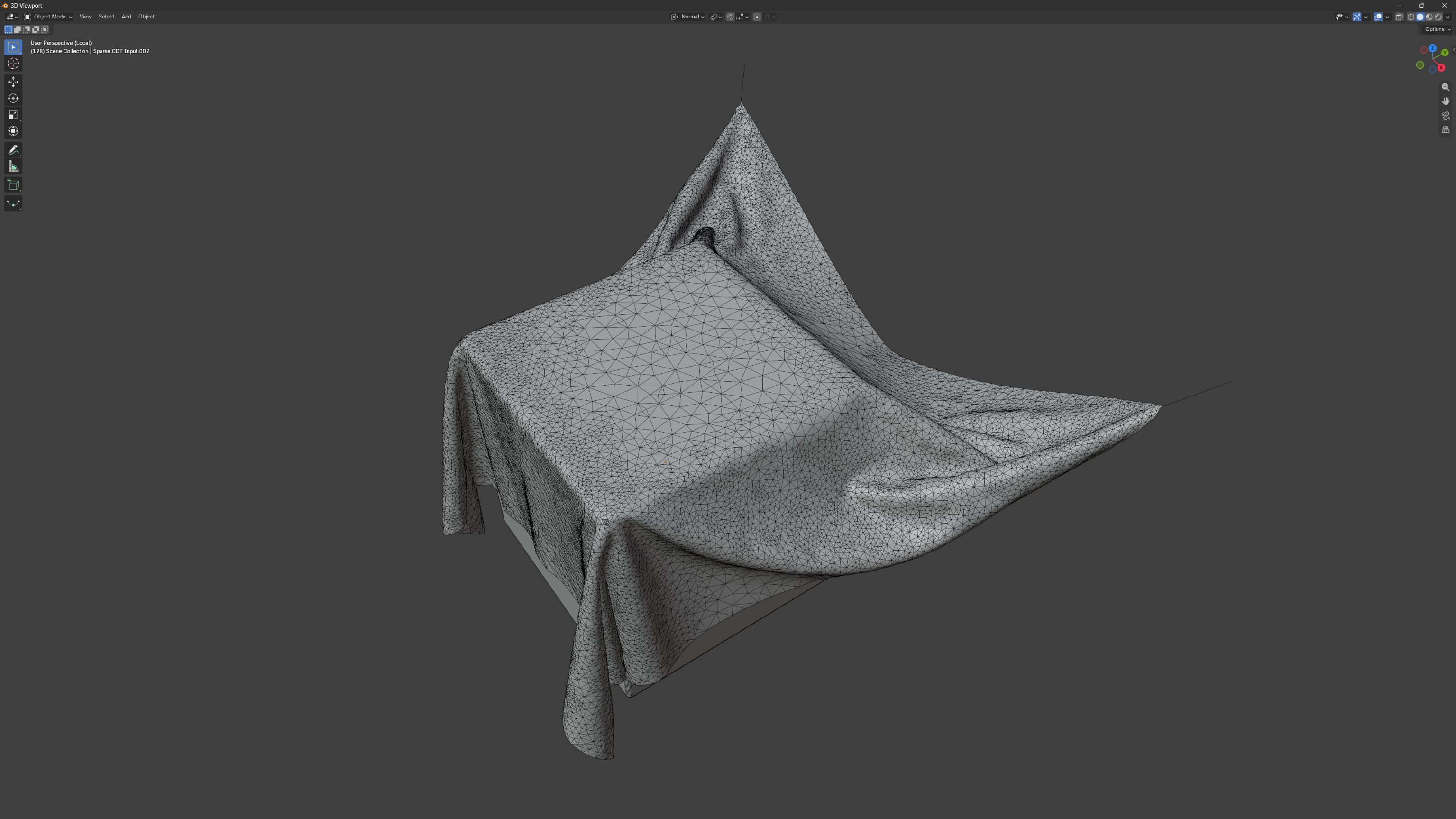
Application example: an adaptive cloth workflow that uses Mesh to Tessellation internally.
FROM SURFACE TO PATTERN
Build irregular triangle surfaces without replacing your original mesh.
Use the result for procedural surface patterns, stylized remesh looks, abstract details, and motion graphics geometry. The node group distributes Poisson-style samples and reconstructs a triangular surface from that distribution.
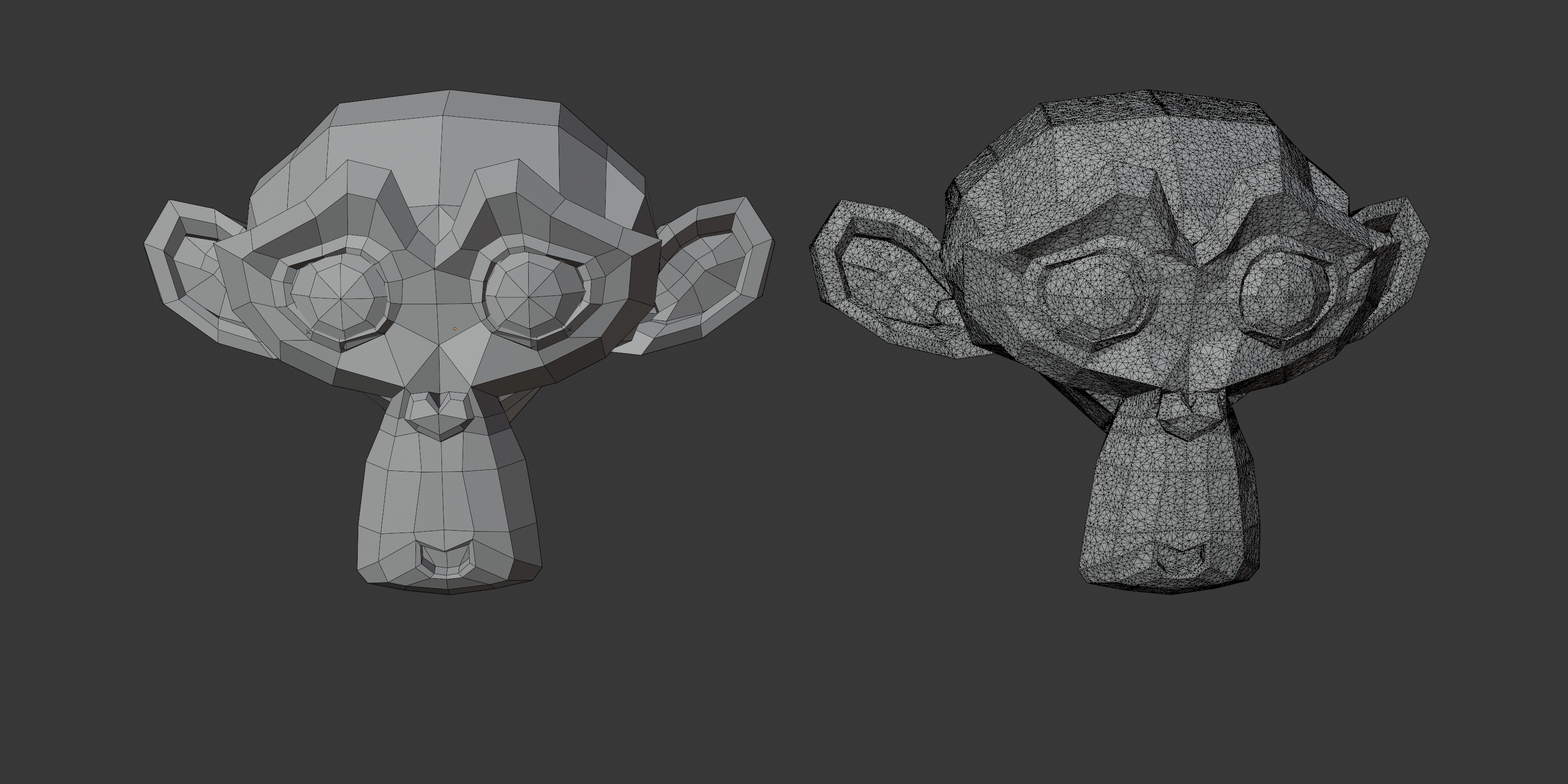
Input (left). Tessellated result (right).
“Delaunay-style” describes the visual mesh structure. The asset is not presented as a strict mathematical Delaunay solver.
TWO FILES, ONE PRODUCT
Pick the file that matches your Blender version.
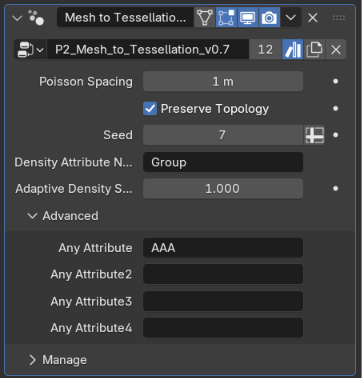
Both files contain the same tessellation, Adaptive Density, and demo objects. Their modifier panels differ in how attributes are transferred.
BLENDER 5.0+ FILE
P2_Mesh_to_Tessellation.blend
For Blender 5.0 or newer, including Blender 5.2. Common UV layers are transferred automatically. Four optional Any Attribute slots transfer named color attributes.
BLENDER 5.2+ FILE
P2_Mesh_to_Tessellation_5.2+.blend
For Blender 5.2 or newer. UV maps and supported attributes are transferred automatically, including vertex groups. There are no Any Attribute slots. Use the 5.0+ file in Blender 5.0 or 5.1.
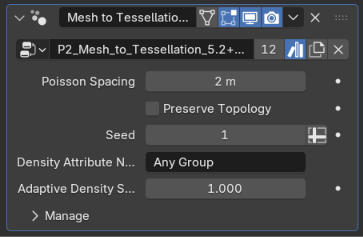
Shared controls: Poisson Spacing, Preserve Topology, Seed, Density Attribute Name, and Adaptive Density Scale.
CONTROL THE RESULT
Change density, variation, and topology influence from the modifier.
The main controls stay close to the result, so you can explore different triangle structures without rebuilding the setup.
Poisson Spacing
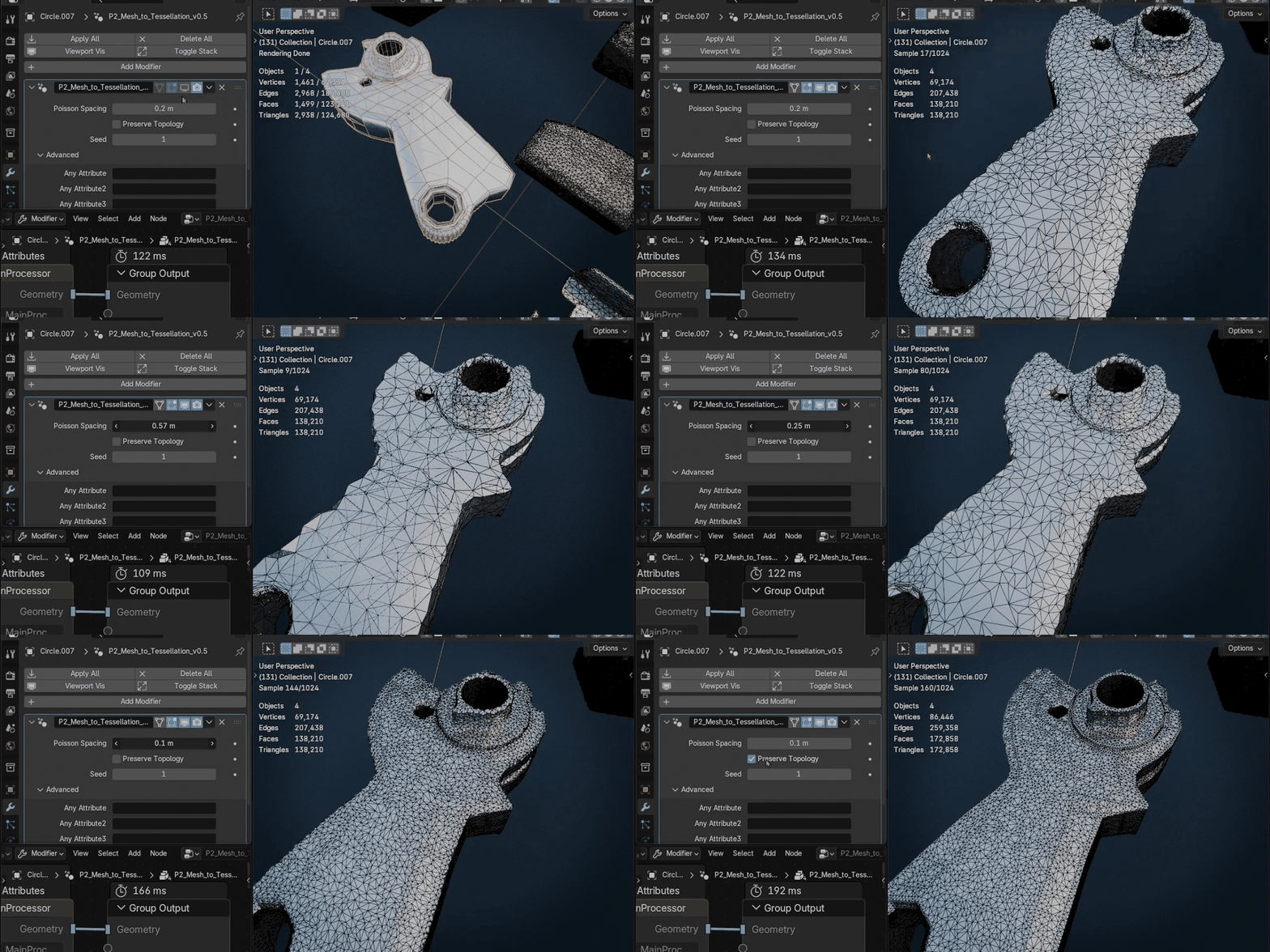
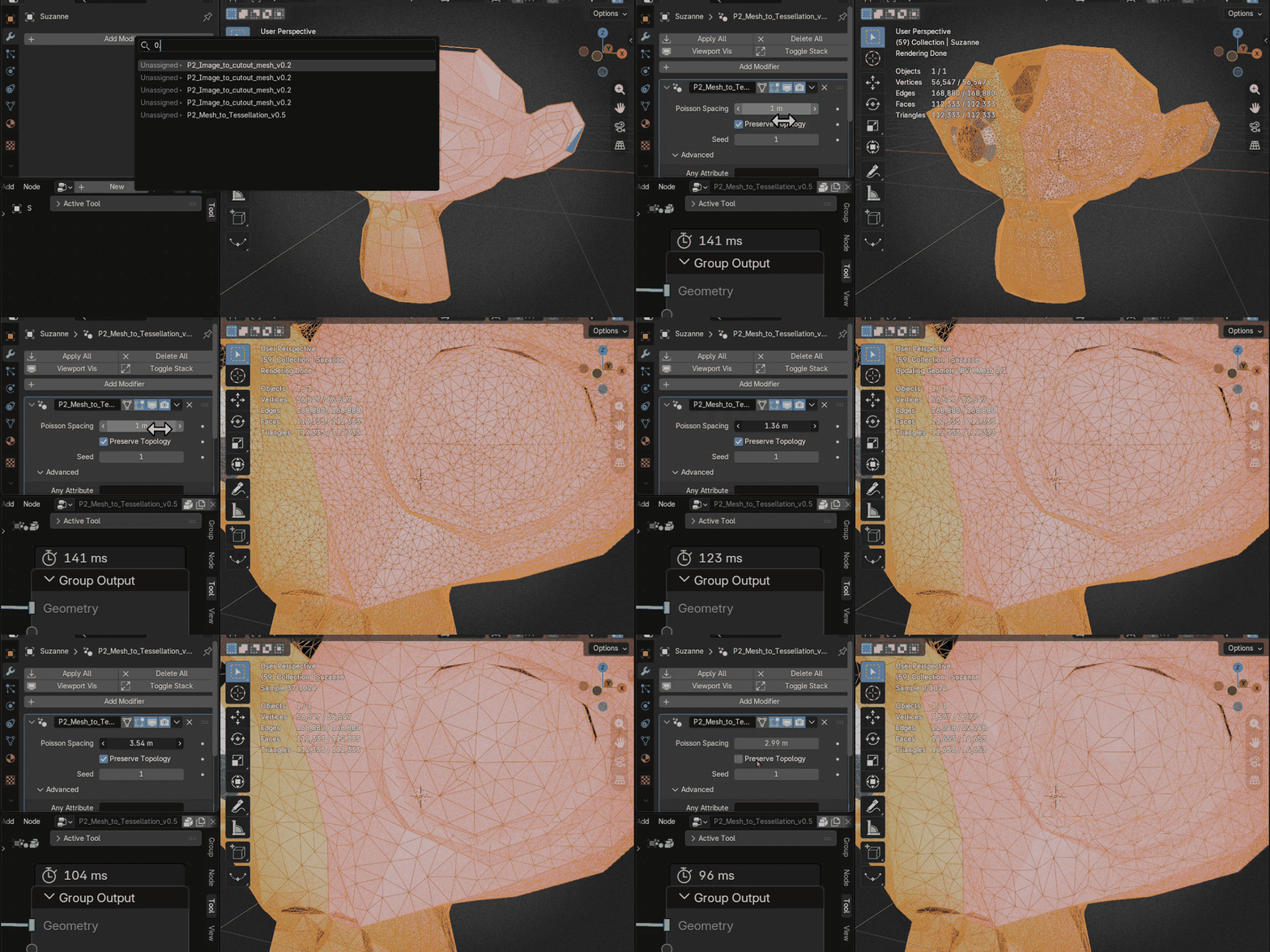
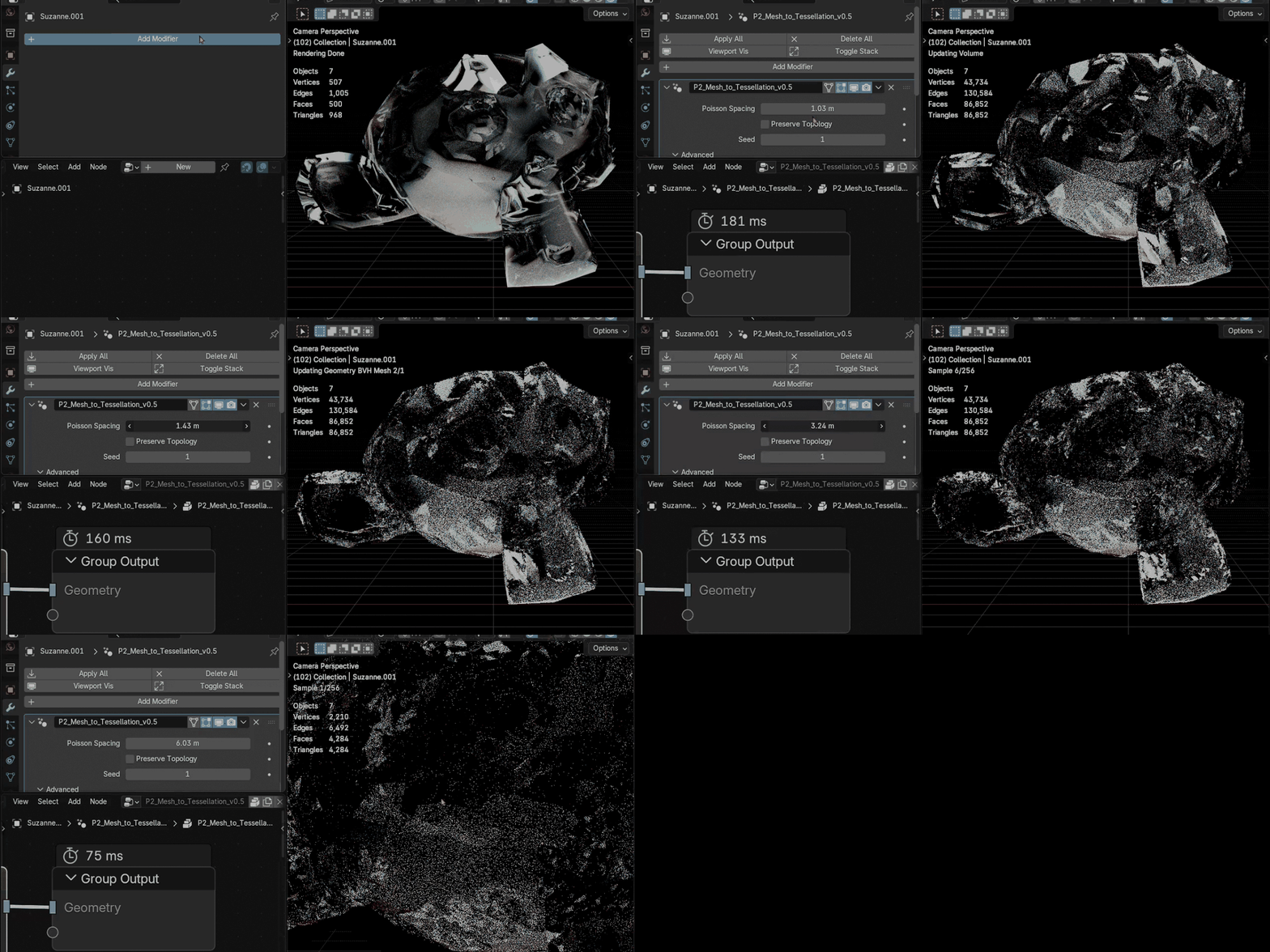
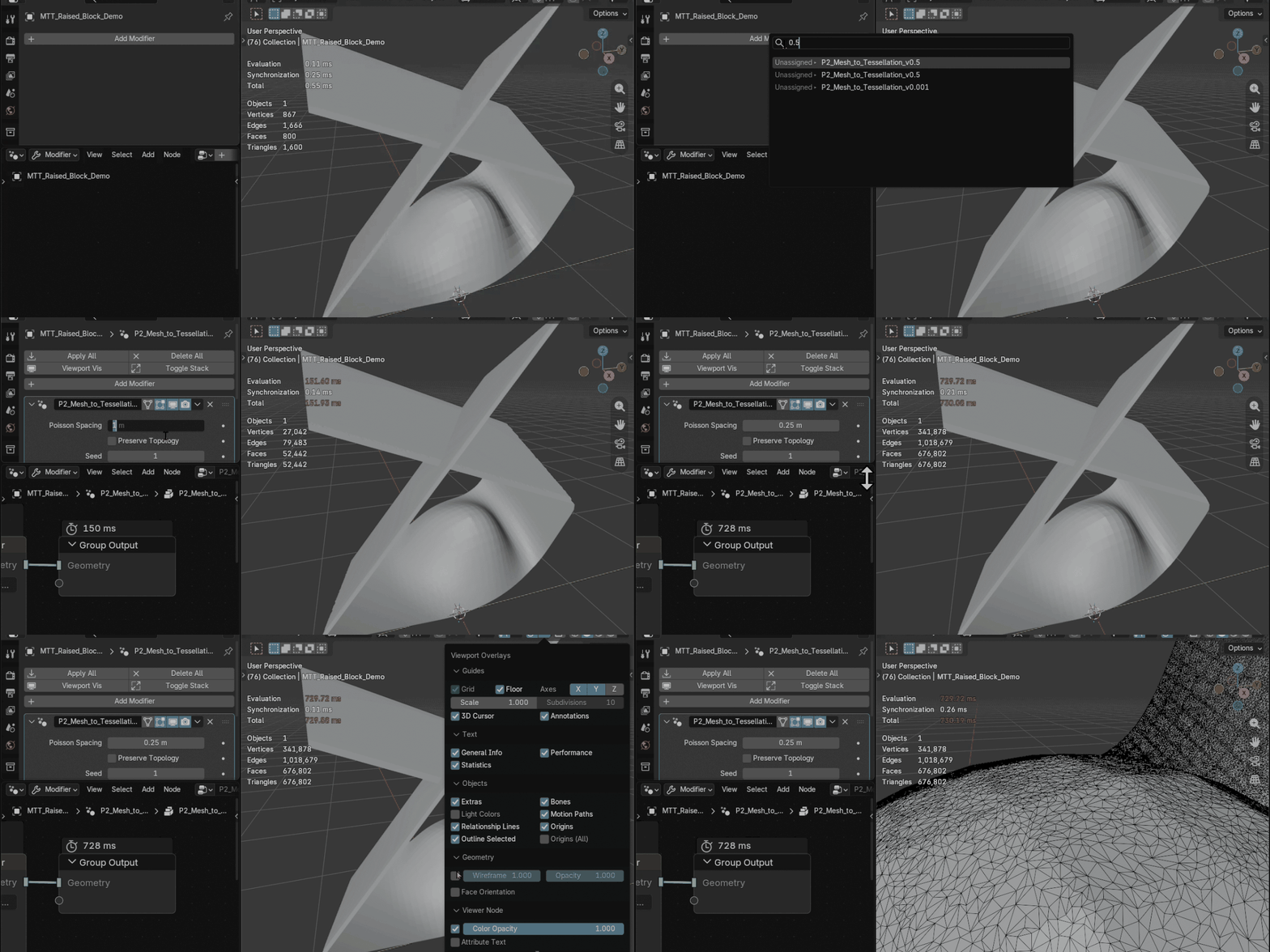
Set the sample spacing and overall tessellation density. Lower values create denser results and require more processing.
Adaptive Density
Paint a vertex group named Group, or enter the name of another vertex group or float point attribute, to make the pattern finer only in selected areas. Adaptive Density Scale sets how fine the densest areas become.
Seed
Create reproducible variations of the generated triangle pattern.
Preserve Topology
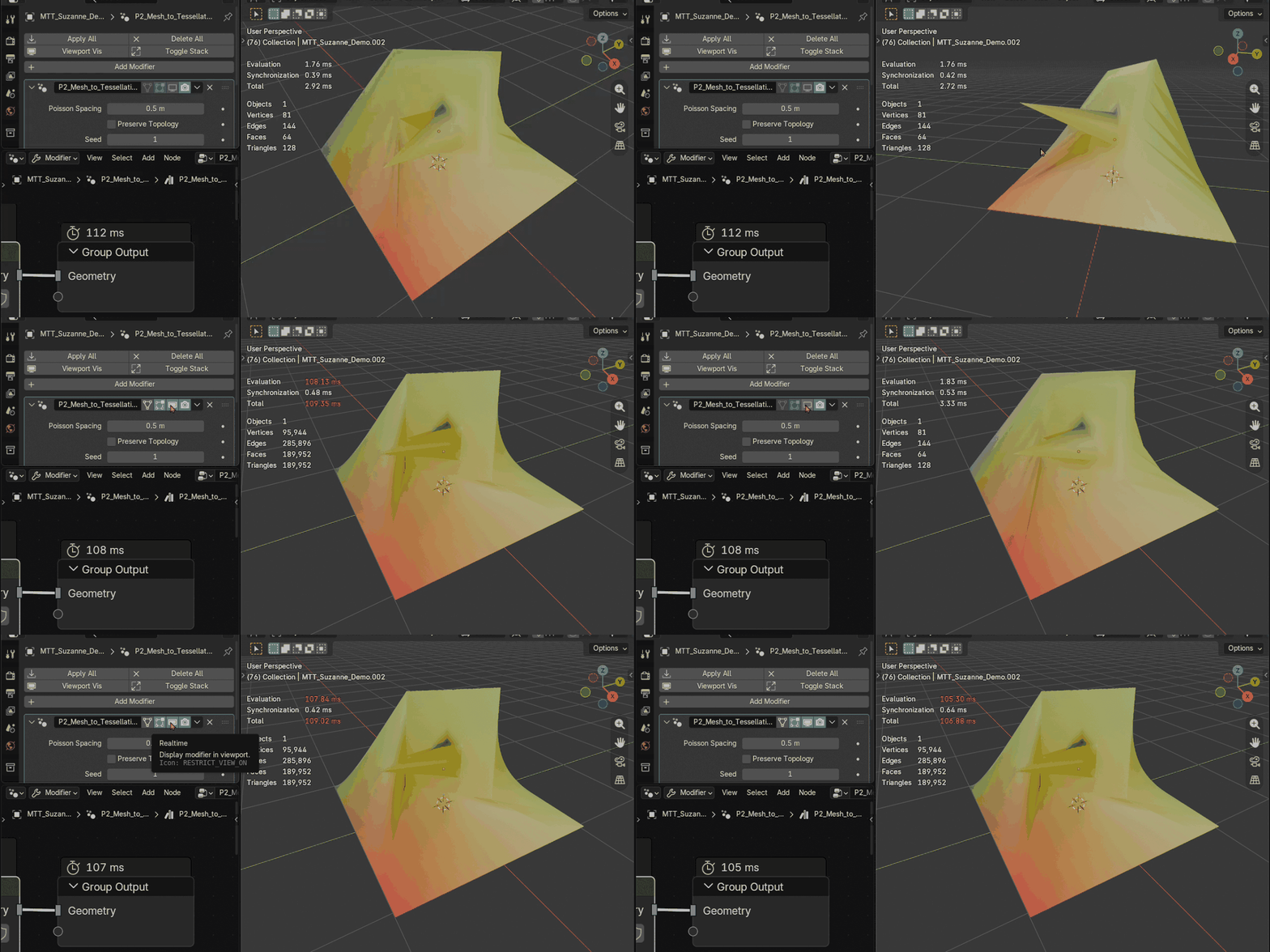
Keep original edges involved in the result when preserving the input structure and material boundaries is important.
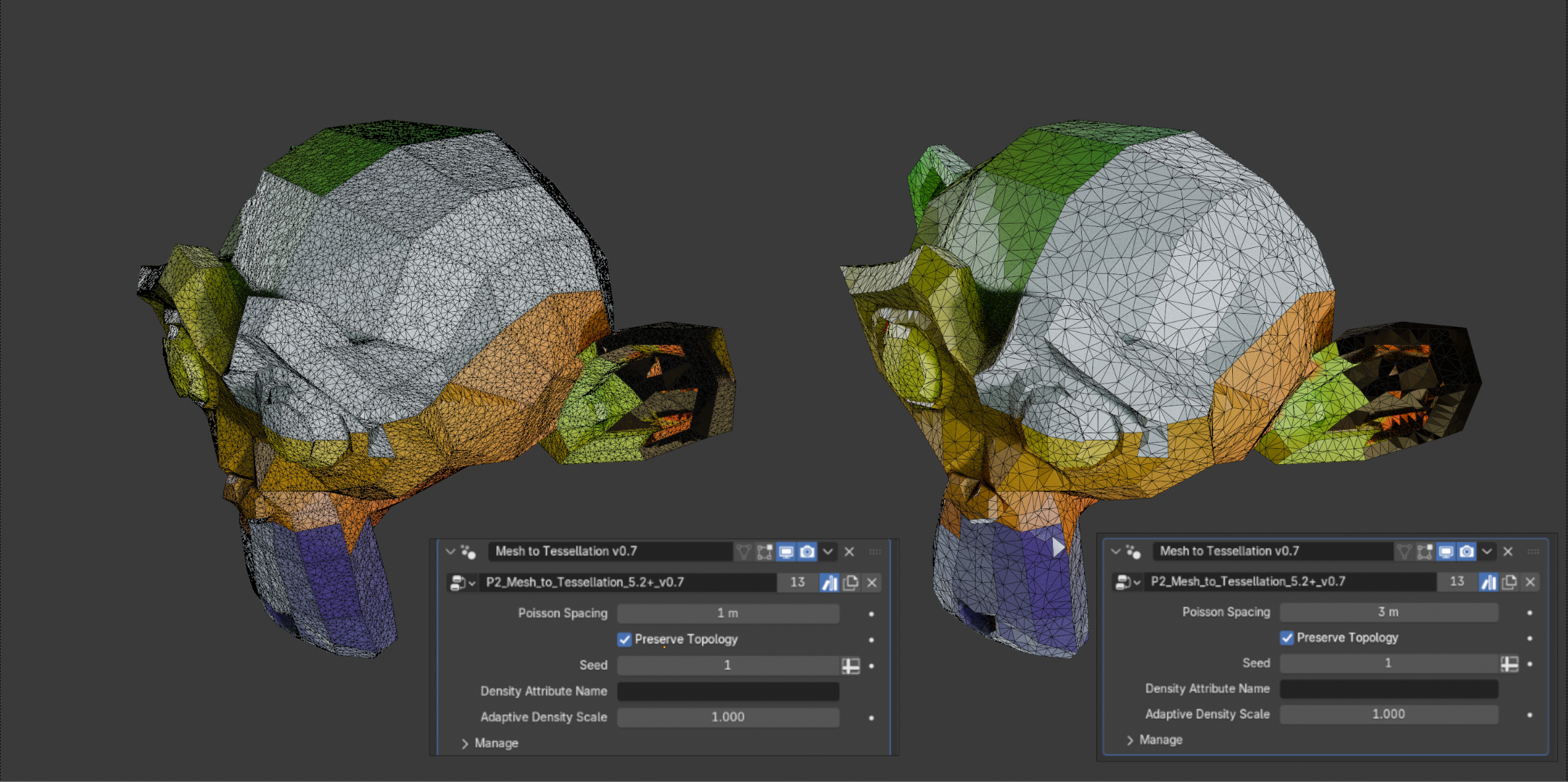
Left: Poisson Spacing 1. Right: Poisson Spacing 3. Lower spacing produces a denser triangle pattern. Shown: Blender 5.2+ file.
NEW · ADAPTIVE DENSITY
Paint where the triangles should get finer.
Give a vertex group named Group weights from 0 to 1, or use any float point attribute, and the pattern becomes denser where the value is higher. Everywhere else the mesh keeps the base spacing set by Poisson Spacing.
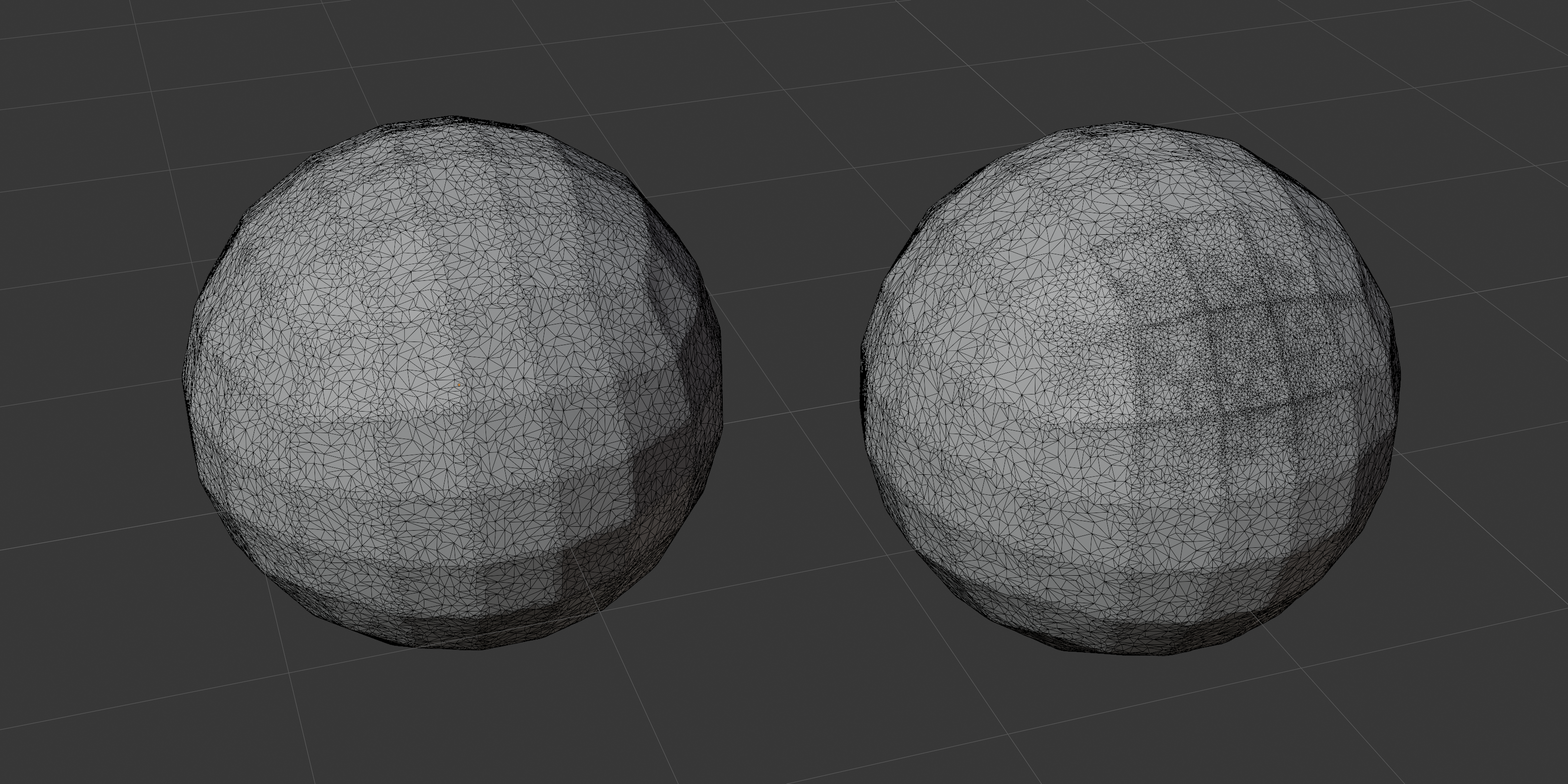
Uniform density (left). Adaptive Density (right). The weighted region receives finer triangles.
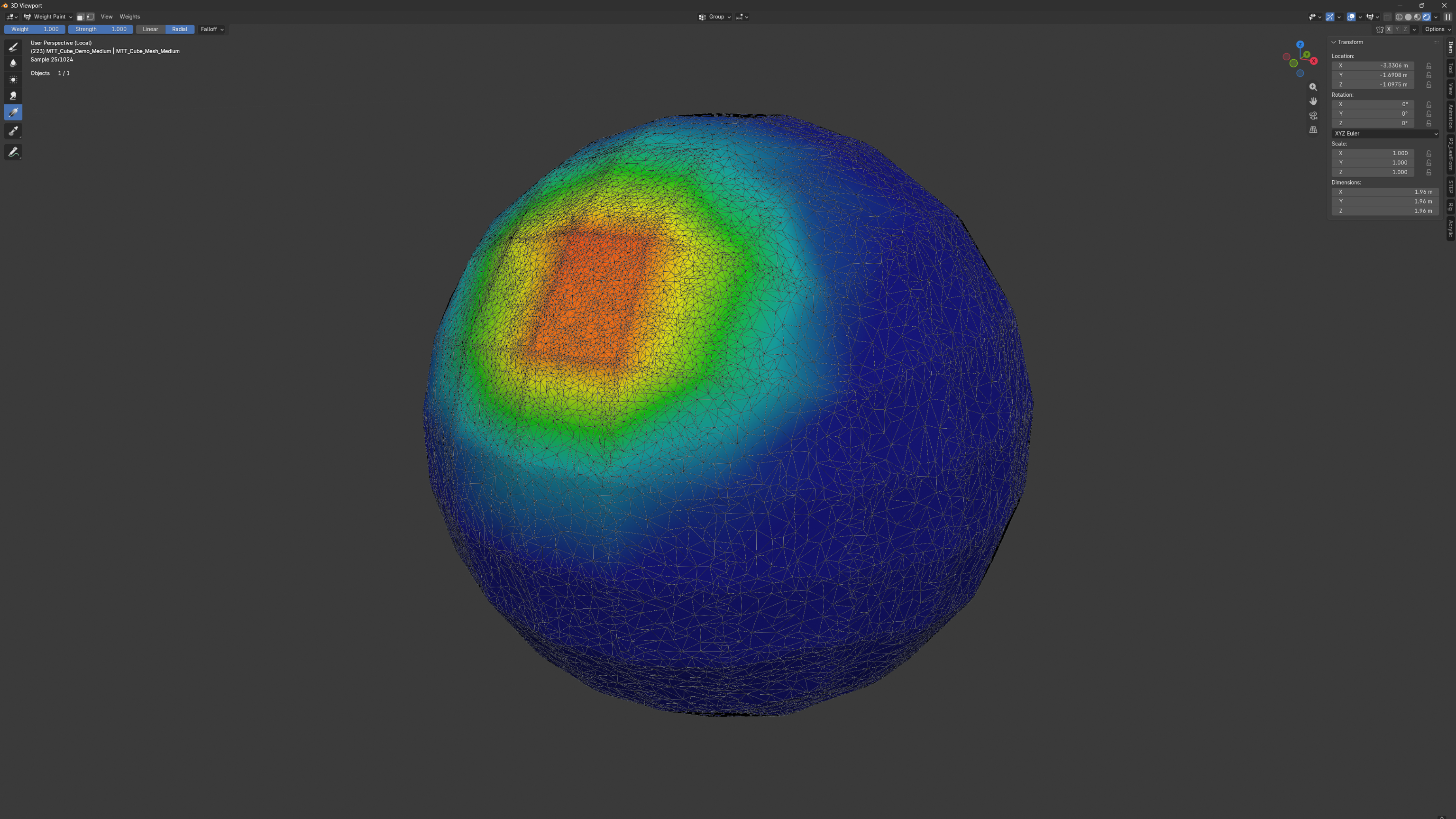
Density weights shown on the tessellated surface. Higher weights mark the region with finer triangles.
Adaptive Density Scale sets how fine the weighted areas become. Higher values create more triangles and increase processing cost, so start with the default Scale of 1.0.
KEEP THE SURFACE INFORMATION
Materials, boundaries, and attributes stay connected to the result.
Input materials are preserved automatically, including multiple material slots, material indices, and the boundaries between assigned materials. The Blender 5.0+ file transfers the common UV layer names, and optional named color attributes can be added through four advanced slots. The Blender 5.2+ file transfers UV maps and supported attributes automatically, including vertex groups, with no slots to fill in.
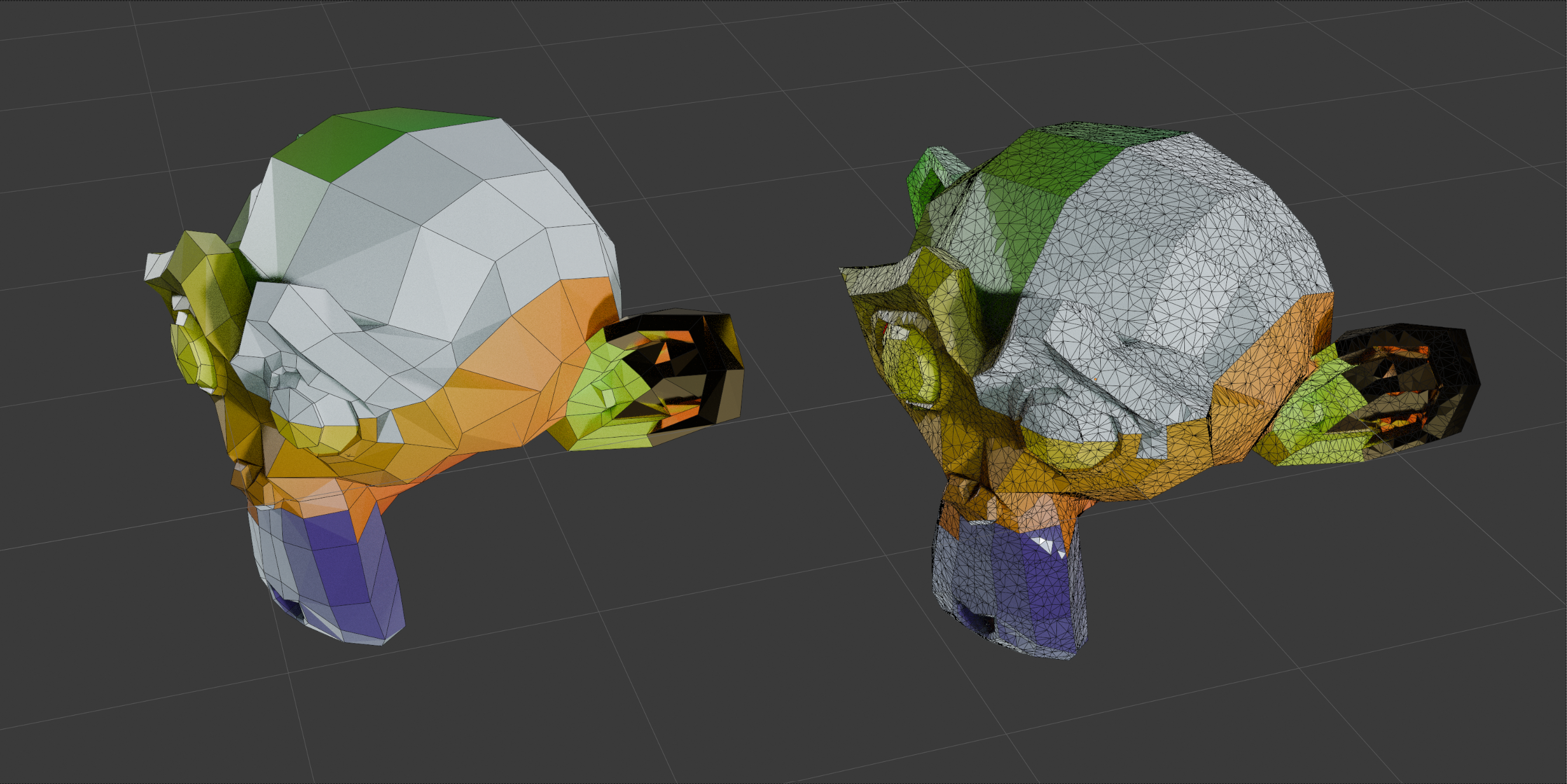
Input (left) and tessellated result (right), showing corresponding surface colors and patterns.
Multiple material slots
Material indices
Material boundaries
Common UV layer names
Named color attributes
Automatic attribute transfer · 5.2+ file
SURFACE-AWARE PROCESSING
Irregular triangles across curved and detailed surfaces.
Generate triangle patterns on mesh surfaces with curved edges, recesses, and openings. This frame example shows the tessellated result across its shaped surface.
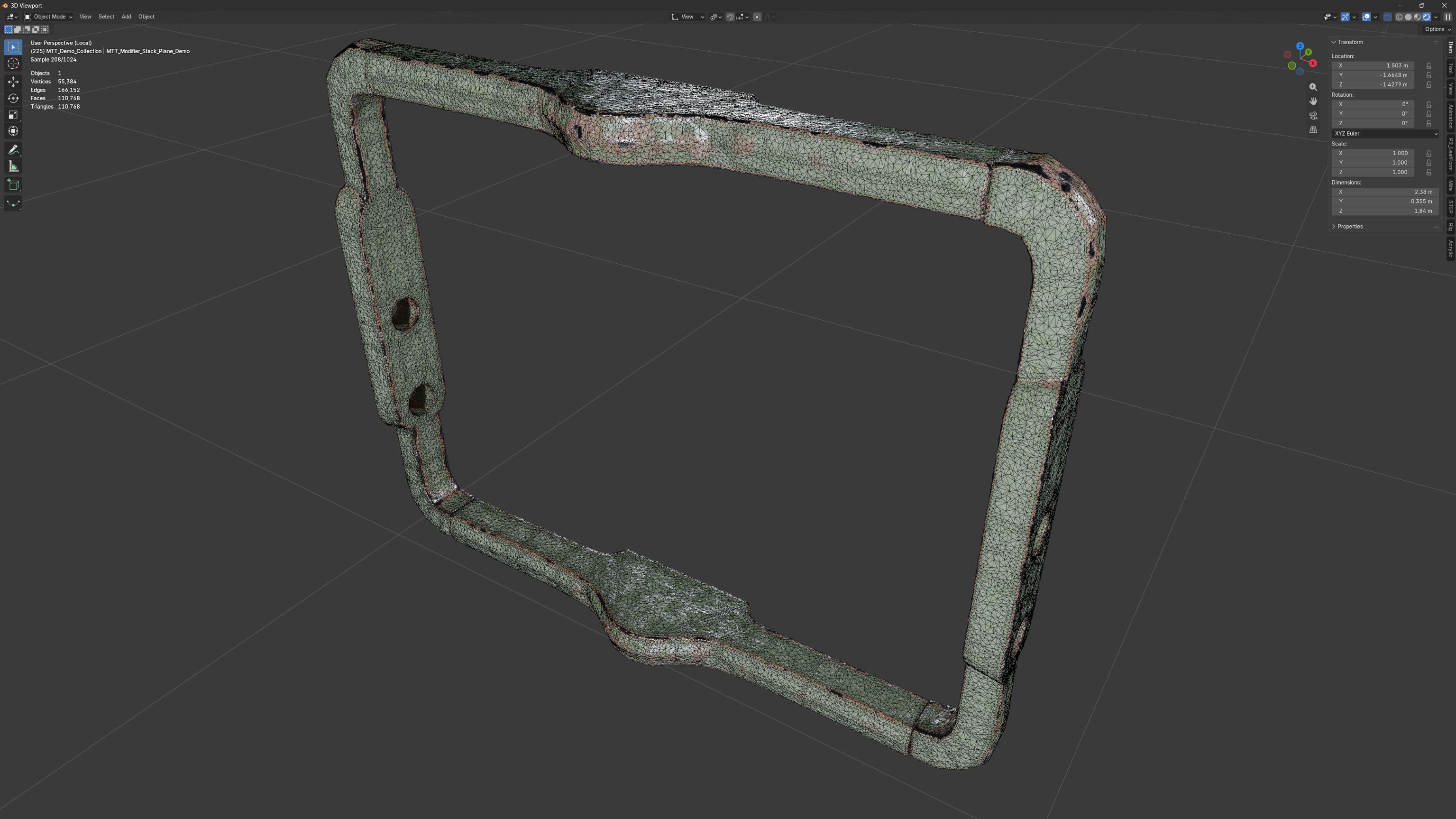
Wireframe shows the generated triangles across the frame surface.
NEW IN V0.7
Adaptive Density, a simpler file for Blender 5.2+, and faster surface processing.
Compared with version 0.5, this release adds Adaptive Density and a second file for Blender 5.2 and newer in which attributes are transferred automatically and the Any Attribute slots are gone. The internal surface dispatcher was also reorganized into smaller independent batches, which reduces evaluation time on subdivided test meshes and keeps the output density more consistent when Seed changes.
Adaptive Density
Automatic attribute transfer (5.2+ file)
Reworked surface dispatcher
More stable output density
Same modifier workflow
QUICK START
From included file to editable pattern in three steps.
01 Open or append the included .blend file for your Blender version and apply P2_Mesh_to_Tessellation_v0.7 (P2_Mesh_to_Tessellation_5.2+_v0.7 in the 5.2+ file) to a mesh.
02 Adjust Poisson Spacing to choose the triangle density.
03 Use Seed and Preserve Topology to refine the result, or paint a vertex group named Group to add Adaptive Density.
INCLUDED
A working node setup, examples, and practical guidance.
Two Blender files containing the P2_Mesh_to_Tessellation_v0.7 (Blender 5.0+) and P2_Mesh_to_Tessellation_5.2+_v0.7 (Blender 5.2+) Geometry Nodes setups
Demo scene with plane, hole, boundary, Suzanne, torus, cube, and raised-block examples, including cube and Suzanne examples with a painted Adaptive Density vertex group
README with quick-start notes, parameter guidance, an Adaptive Density guide, performance tips, and known limitations
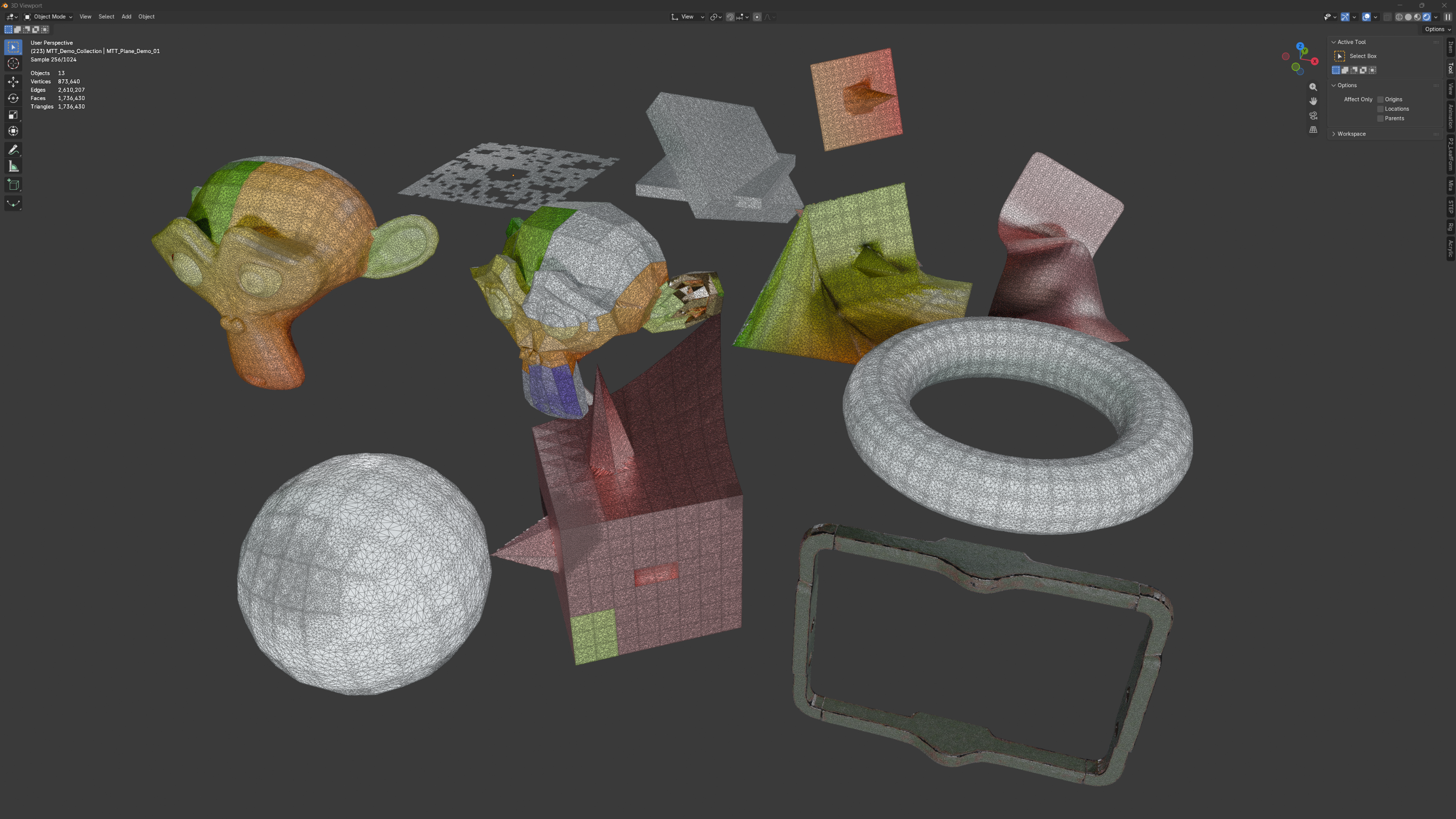
Included demo scene. Wireframe shows the generated triangle structure across the examples.
IMPORTANT TO KNOW
This asset is intended for surface-based triangular patterns and stylized remesh results. It is not a volume remesher, a Boolean intersection solver, or a production retopology replacement. Dense settings, including high Adaptive Density, can become expensive on complex meshes. The Blender 5.2+ file requires Blender 5.2 or newer.
Keep the source editable. Shape the triangle pattern from the modifier.
Target: Blender 5.0+ (Blender 5.2+ for the second file). Tested with Blender 5.0.1, 5.1.0, and 5.2.1. No external add-on is required.
