 DrBlender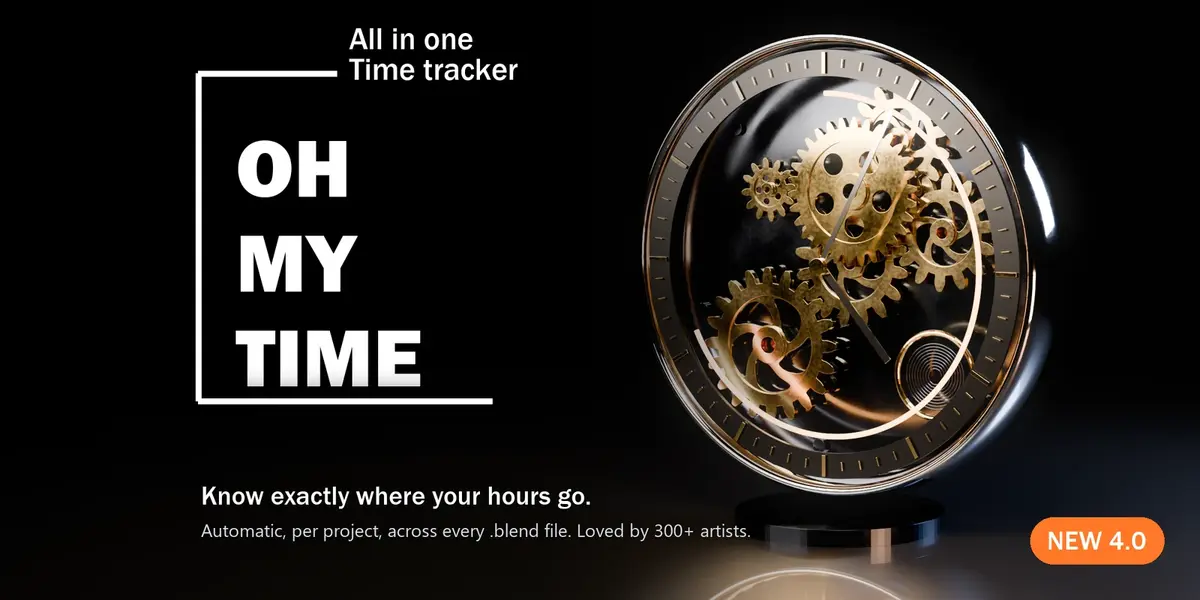


Featured: Oh My Gear 2 - true involute gears, trains, worms and chains from a curve. 200+ sales, rated 5/5.
Also: Oh My Graph · Oh My Lights · Simple Shutdown · All tools on Superhive and Gumroad
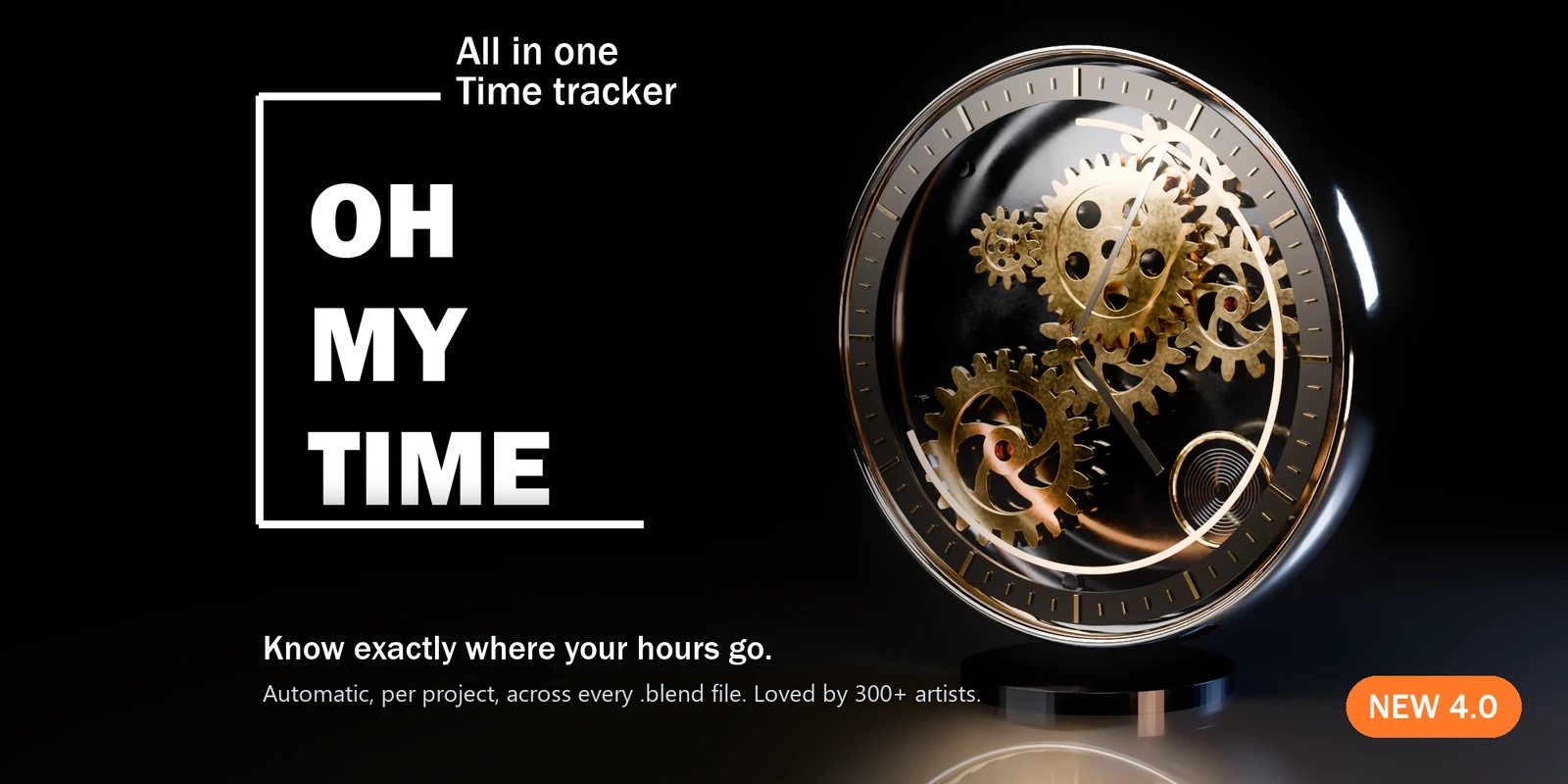
Know exactly where your hours go.
An automatic time tracker for every project and every .blend file. Blender 4.5 LTS and 5.2 LTS,Windows, macOS and Linux.
"How long did that take?"
Your client asks. Your invoice asks. You ask, when a "quick job" eats the whole week.
Most artists guess, and most guess low. That means underpriced work and deadlines that never quiteadd up.
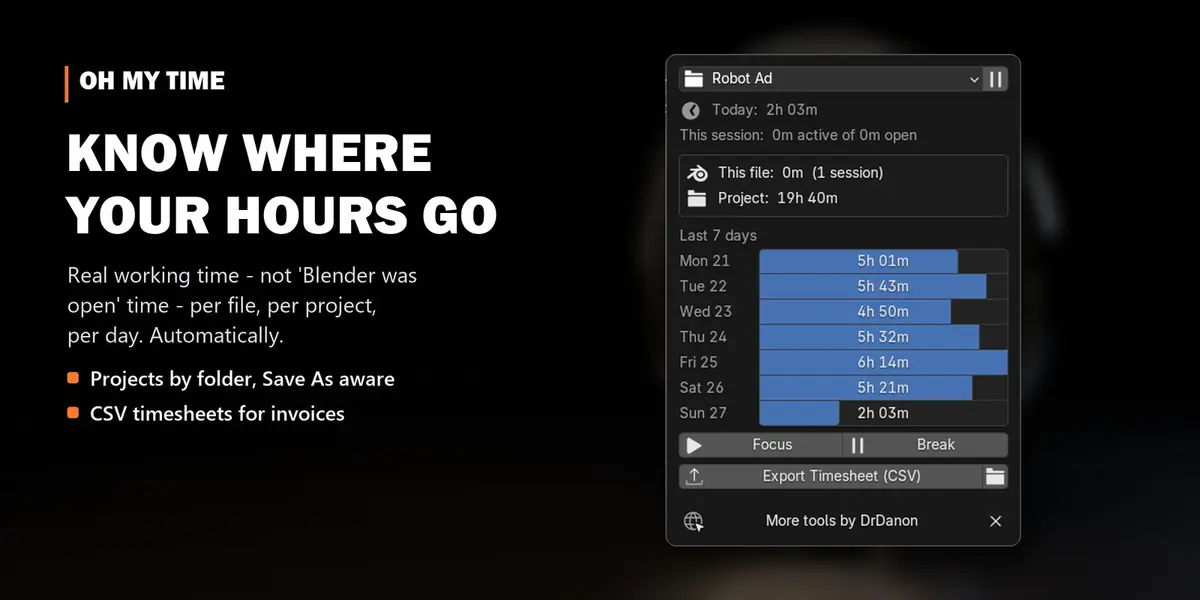
Oh My Time answers with real numbers. Install it once and forget it. It quietly measures how long youactually work in Blender: per file, per project, per day, across ten .blend versions, crashes and twocomputers.
Why it's different
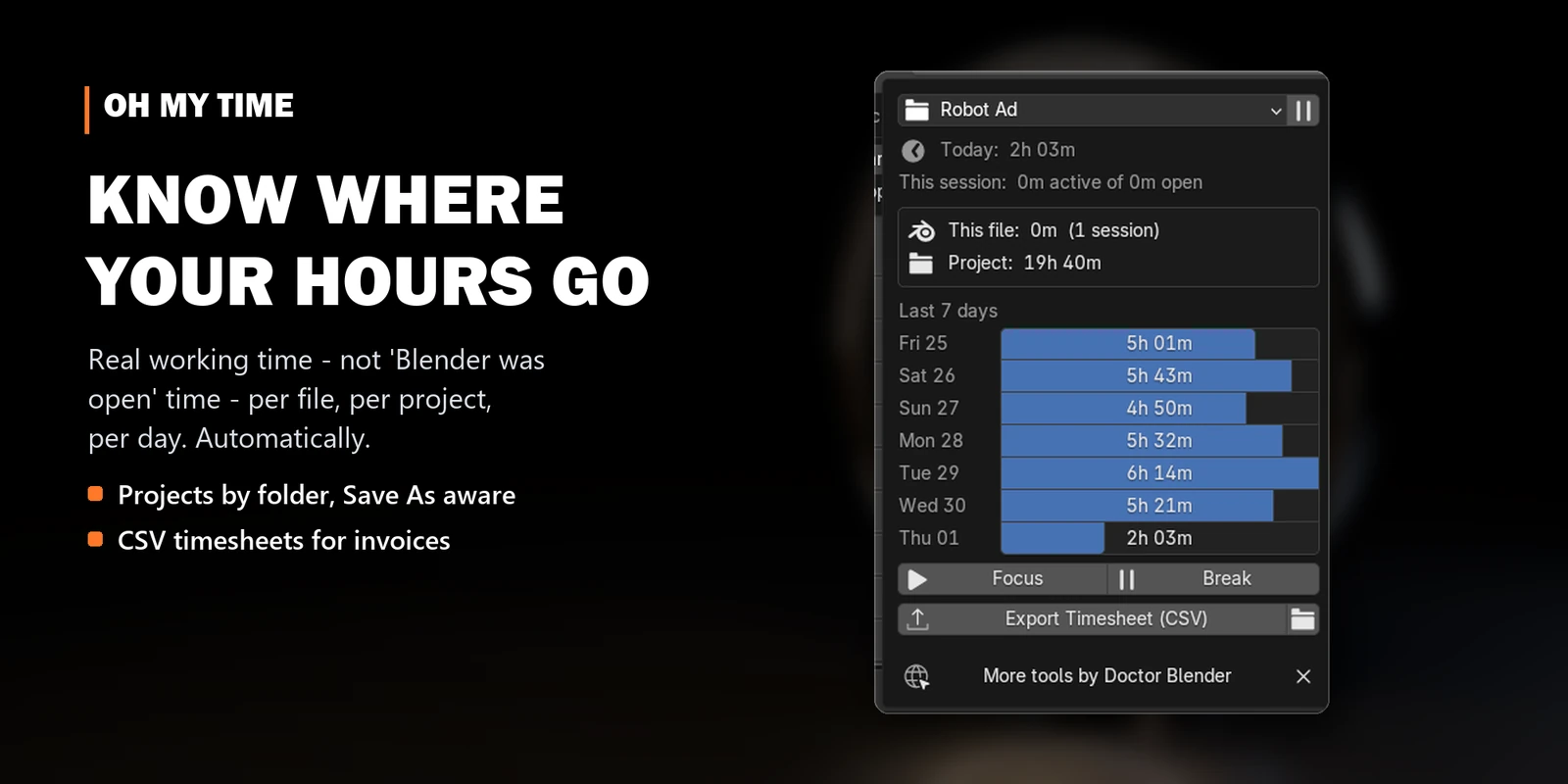
- Real work, not "Blender was open". Mouse and keyboard activity counts; lunch doesn't. A short pause to think still counts, and renders are tracked separately.
-
Projects, not just files. Every file belongs to a project, by default its folder. Save As keeps the project, so
shot_v07.blendstill adds up withshot_v06.blend. - Your .blend files stay untouched. One history lives outside them, so totals include every file of the project, open or not.
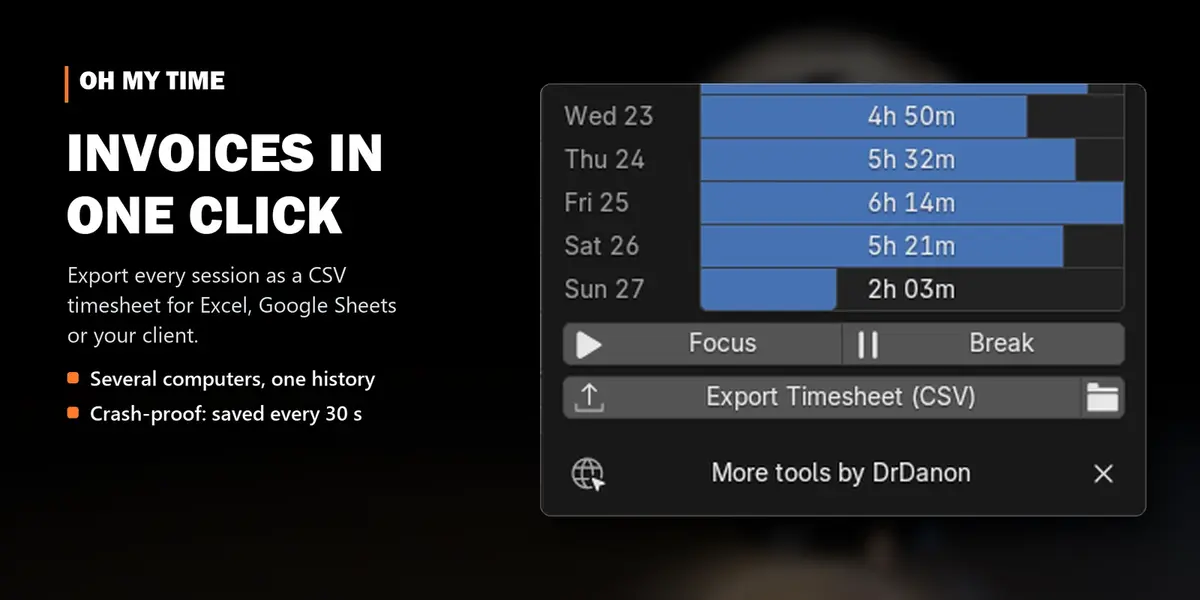
- Several computers? Point the data folder at Dropbox, OneDrive or a NAS. The totals combine without sync conflicts.
- Crash-proof. A checkpoint every 30 seconds. Blender crashed? The time is recovered on the next start.
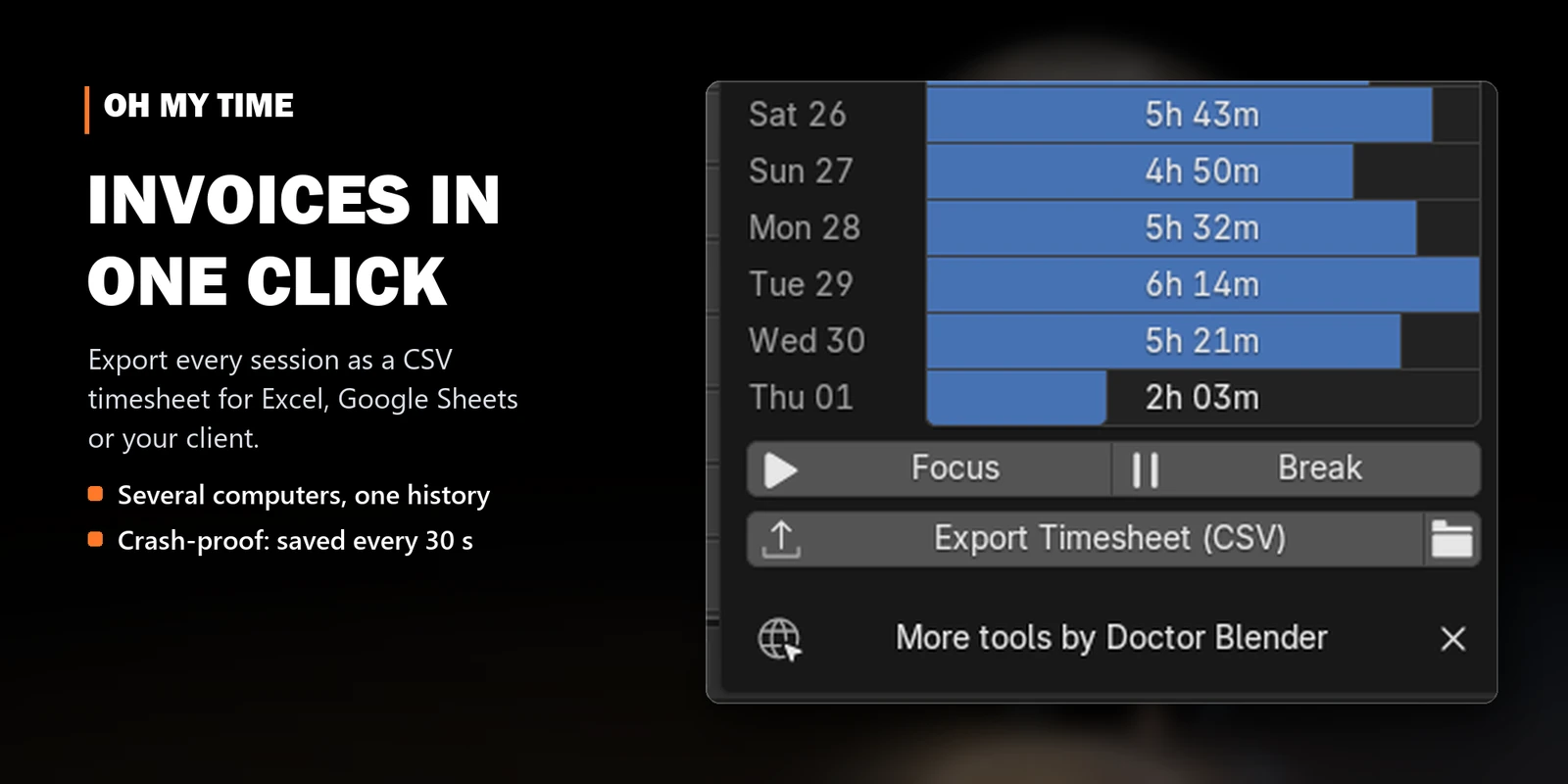
- Invoices in one click. Export a CSV timesheet for Excel, Google Sheets or your client.
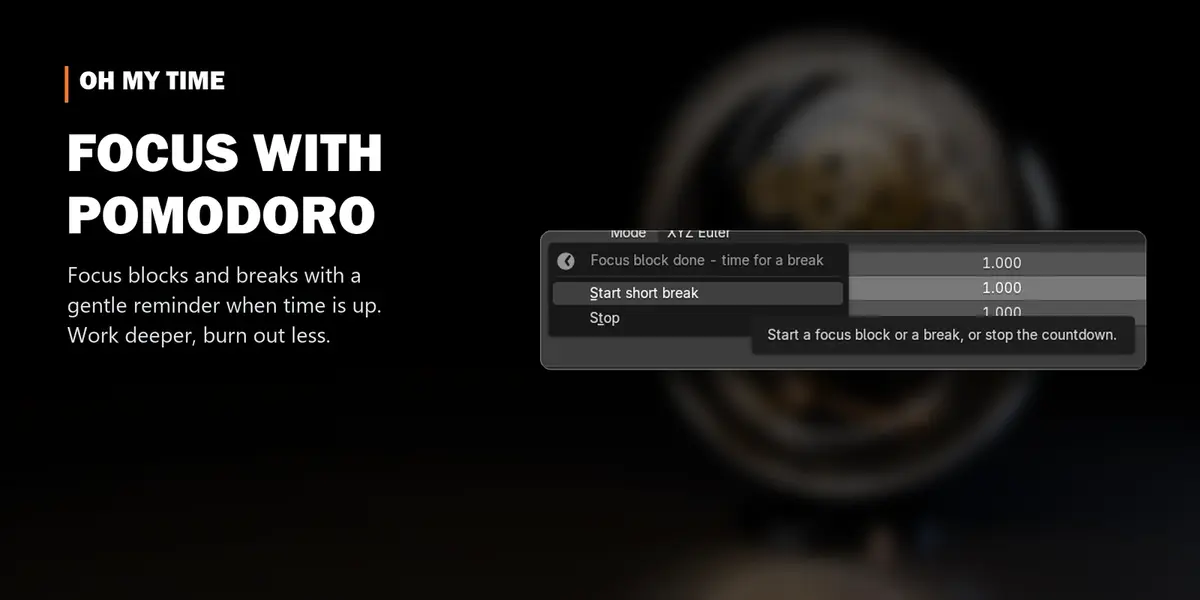
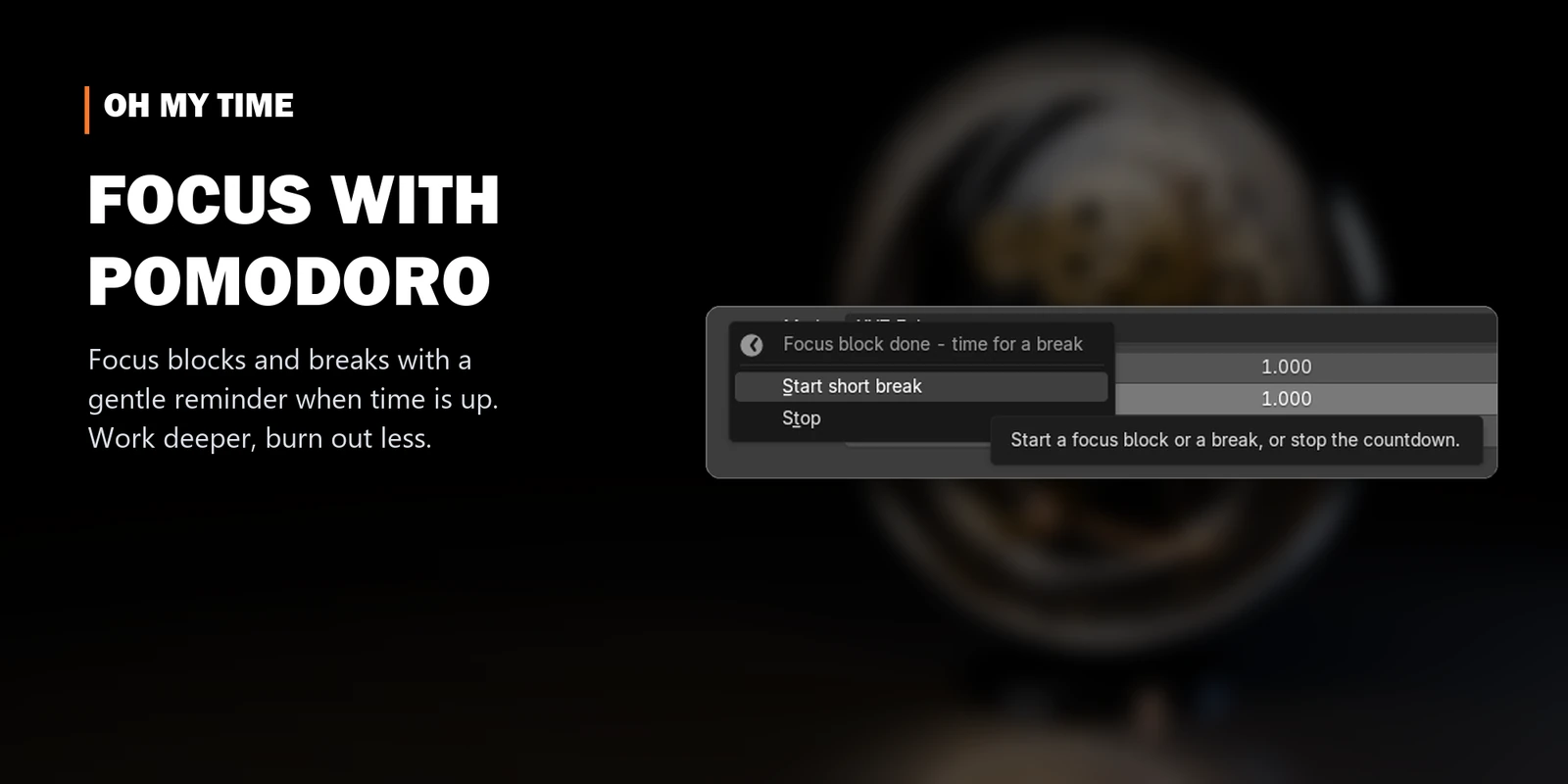
- Pomodoro built in. Focus blocks and breaks with a gentle reminder.
- Private. No account, no internet, no telemetry. Everything stays on your computer.
Why I made it
As a freelancer I needed to know where my hours really go: which jobs eat my time, what a shot actually costs me, and what belongs on the invoice. Oh My Time gave me that. And it lets my clients see that they pay for time and for the skills we have as artists, not for "a few clicks".
Before every release it is installed into a clean Blender 4.5 and 5.2 and checked by an automated test suite on Windows and Linux.
Where you see it
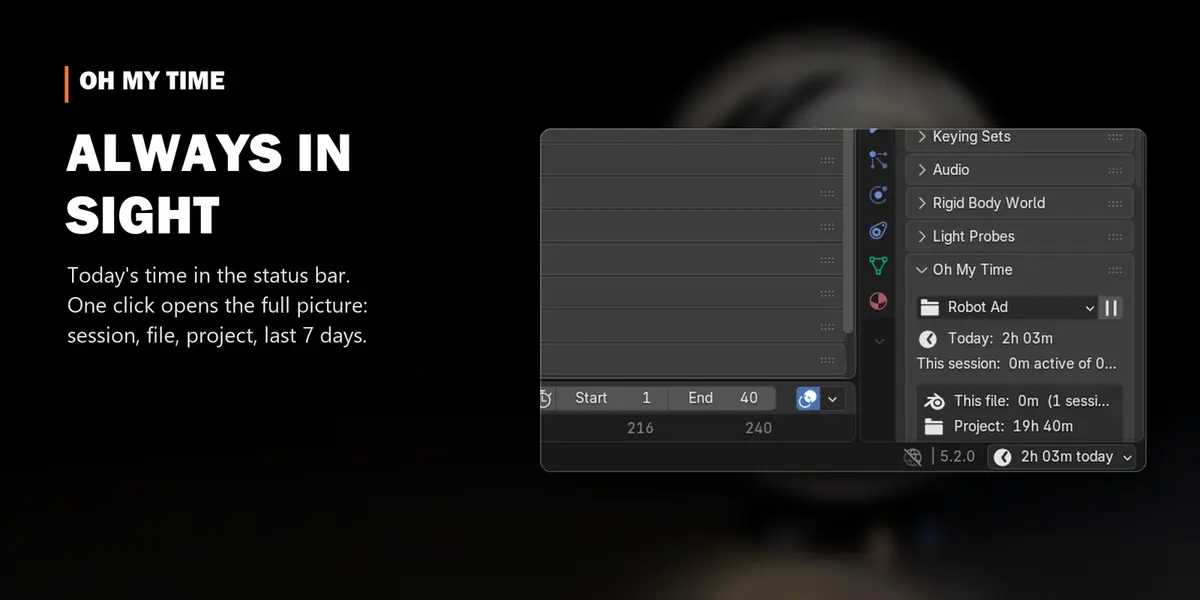
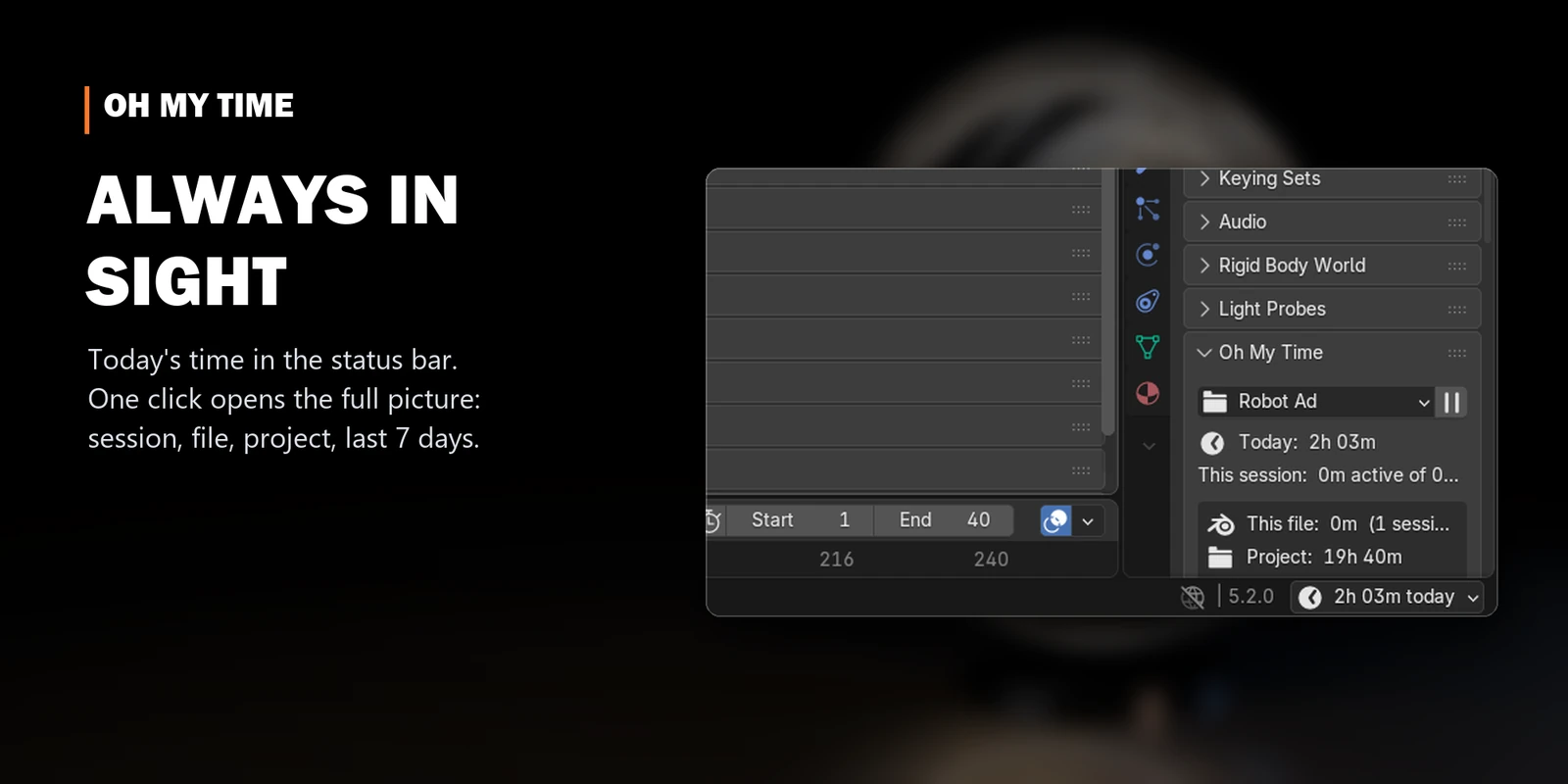
- Status bar: today's work time, always visible. Click it for the full picture.
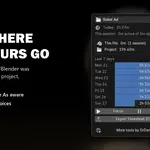
- Panel: project, this session (active vs. open), this file, the whole project and the last 7 days.
- Scene properties: the same panel, always one tab away.

Details
| Blender | 4.5 LTS and 5.2 LTS |
| Systems | Windows, macOS, Linux |
| Privacy | no account, no internet, no telemetry |
| New in 4.0 | projects by folder, one history for all files, multi-computer sync, crash recovery, CSV timesheets, active vs. open time, status bar display. Totals from older versions are imported automatically |
Start measuring today.
Get Oh My Time. In a week you'll know exactly what your work is worth.
More tools by Doctor Blender
- Oh My Gear 2 - true involute gears, trains, worms and chains from a curve
- Oh My Graph - channel filters, stagger, retime and loops for the Graph Editor
- Oh My Lights - every light of the scene in one sidebar list
- Simple Shutdown - save the render, then turn the computer off
Everything on Superhive and Gumroad.
*sales numbers across various platforms