 Sonneblom Digitaal
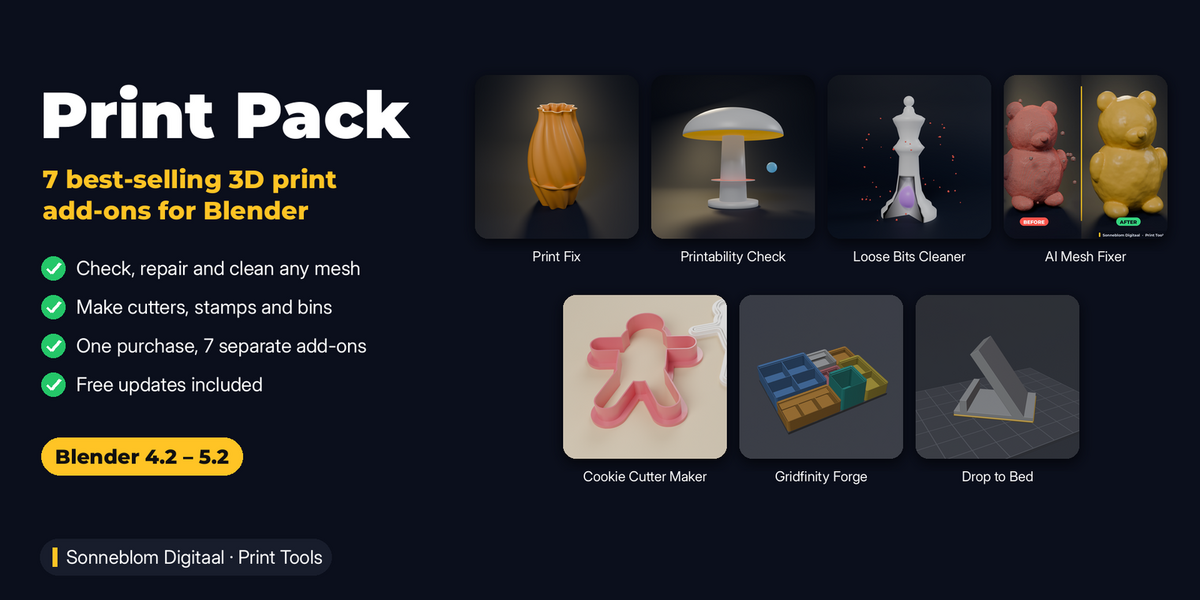
The seven Sonneblom 3D-print add-ons people buy most, in one purchase: check a model, repair it, clean it, put it on the bed, and make your own cutters, stamps and Gridfinity bins. Each one is the full add-on with its own updates.
What's included (7 add-ons)
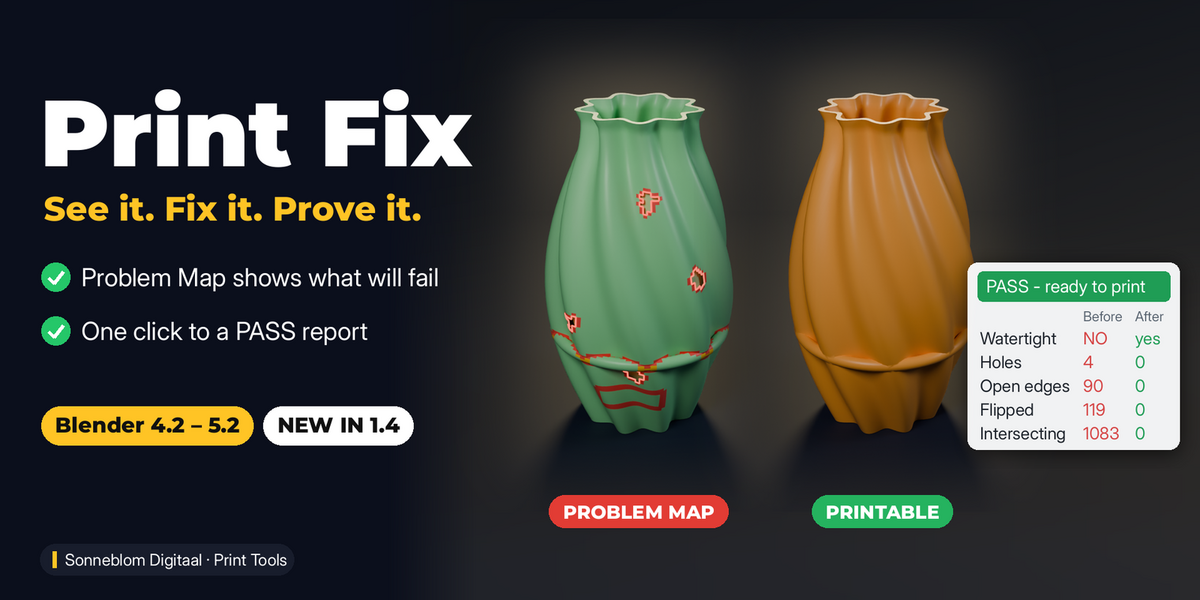
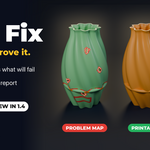
- Print Fix - Mesh Repair for 3D Printing ($15 on its own): Make Printable in one click (holes, flipped faces, non-manifold edges), Problem Map, printable report, lay flat on the bed, batch, Open in Slicer
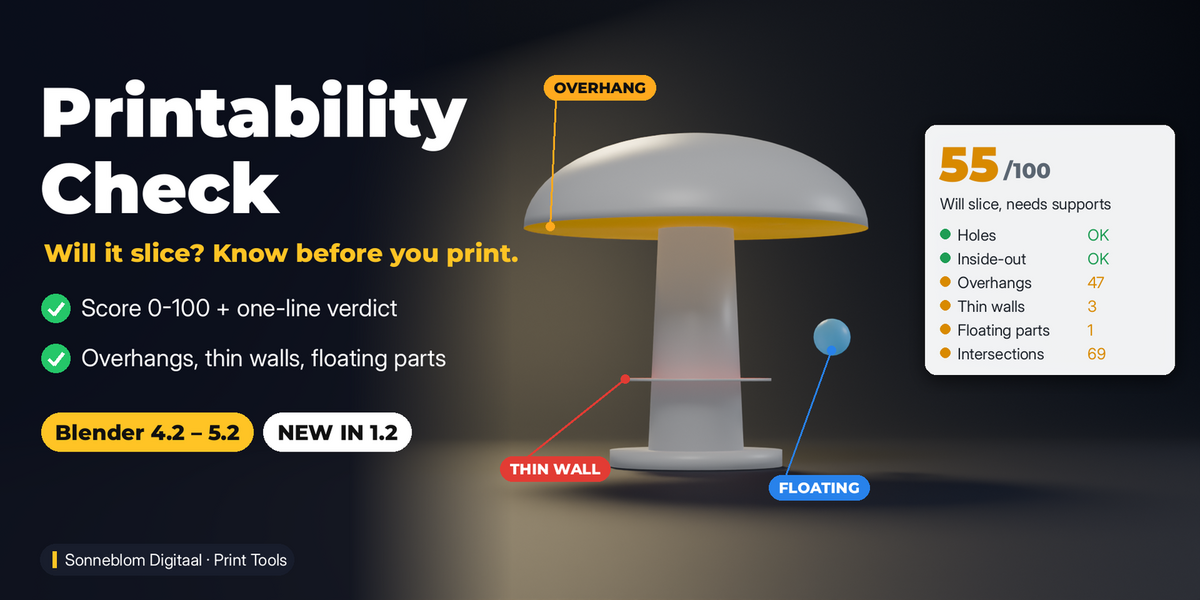
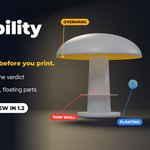
- Printability Check - Will It Slice? ($1 on its own): score 0-100 with a one-line verdict, overhangs, thin walls, floating parts, printer presets, HTML report
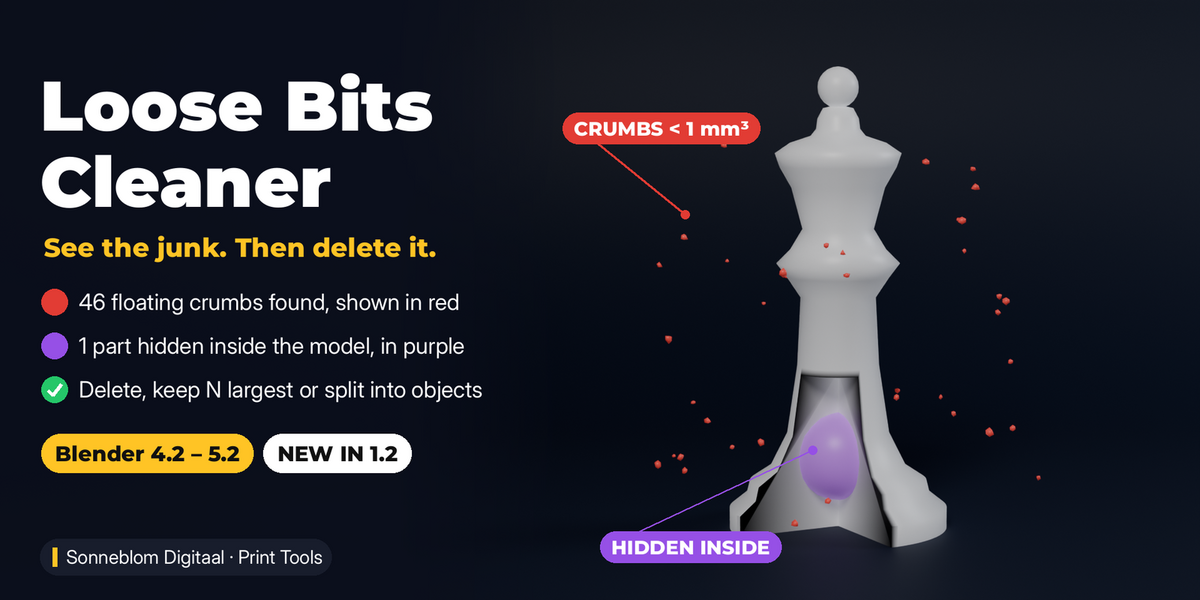
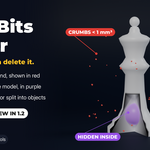
- Loose Bits Cleaner ($1 on its own): finds floating crumbs AND parts hidden inside the model, shows them in colour, deletes them, keeps the N largest or splits parts into objects
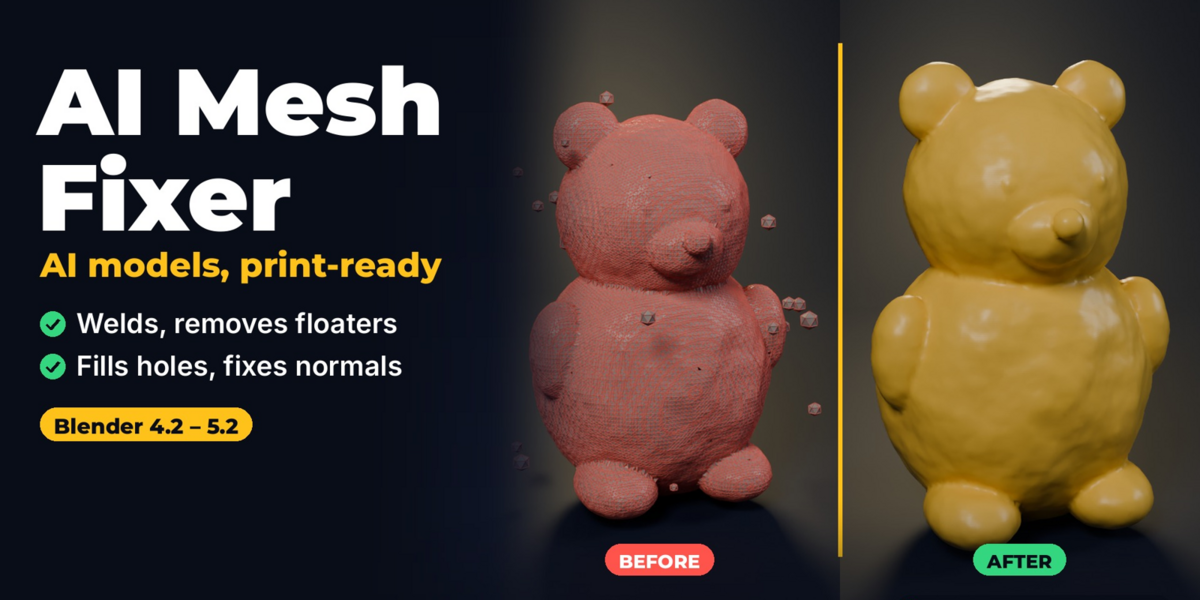
- AI Mesh Fixer ($14 on its own): one-click clean-up for Meshy / Tripo / Rodin / Hunyuan3D / TRELLIS models (weld, floaters, holes, normals, UV + bake, watertight for print), now with quad remesh, flat base, symmetry and batch folder fixing
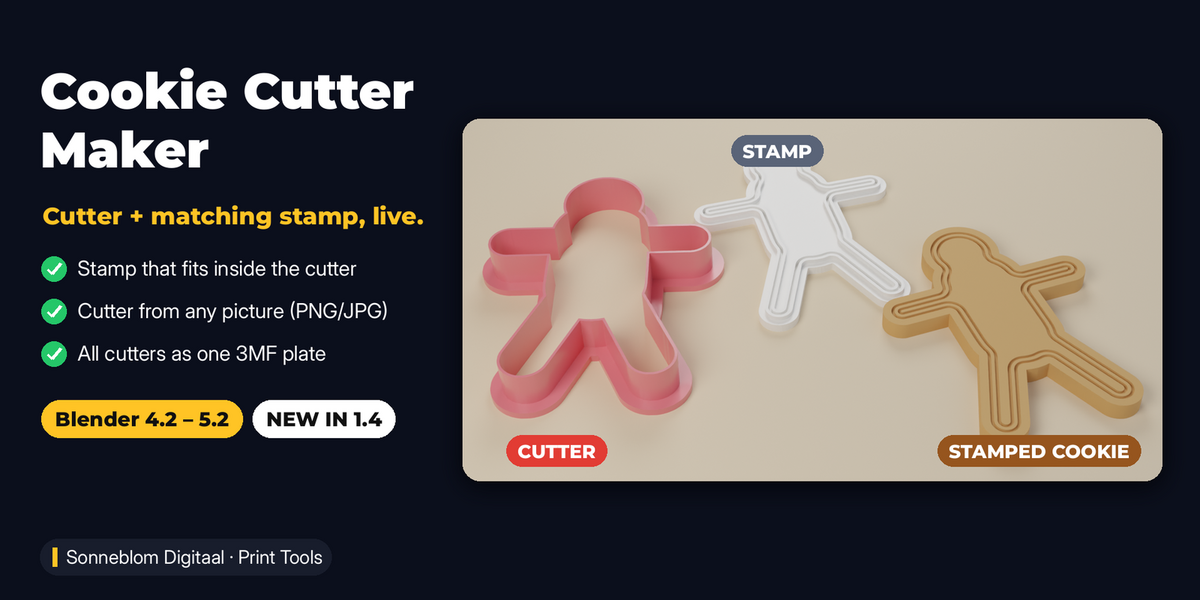
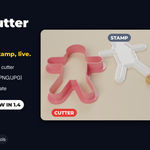
- Cookie Cutter Maker ($9 on its own): live cookie / clay cutters from outlines, text, logos or pictures, with a matching stamp, lid, split for printing and a 3MF plate export
- Gridfinity Forge ($14 on its own): Gridfinity bins and baseplates with dividers, labels and finger scoops, sized to your drawer
- Drop to Bed ($1 on its own): put any model flat on the print bed: drop to Z = 0, lay flat on its best face, centre on the bed
Bought separately today: $55. Print Pack: $49. The single prices of the newly upgraded tools go up on 3 December, the Print Pack price does not.
How the tools work together
1) Printability Check tells you if a model will slice. 2) Print Fix (or AI Mesh Fixer for AI-generated and scanned models) repairs it. 3) Loose Bits Cleaner removes floating crumbs and hidden inside parts. 4) Drop to Bed puts it flat on the bed. And Cookie Cutter Maker and Gridfinity Forge make new printable things from scratch.
How to install
You get every add-on as its own Blender extension .zip (one download per add-on, never a zip inside a zip). In Blender: Edit > Preferences > Get Extensions > the arrow menu (top right) > Install from Disk, pick the .zip, and it is enabled. Repeat for each add-on. Every add-on has its own tab in the 3D Viewport side panel (N).
Compatibility
Blender 4.2 - 5.2 LTS (every add-on tested on Blender 4.2.9 LTS and 5.2.2 LTS, each one independently buyer-tested). Windows, macOS and Linux.
Good to know
- Same add-ons as the single products, same free updates: when a single add-on gets a new version, the Print Pack gets it too.
- Already own one of them? The Print Repair Kit and Maker Generators bundles overlap with this pack; check what you have before buying.
- Units are real millimetres; outputs are closed (watertight) meshes ready for your slicer.
Support
Message us through Superhive. We answer within a day and fix real bugs fast.