 3D Nation
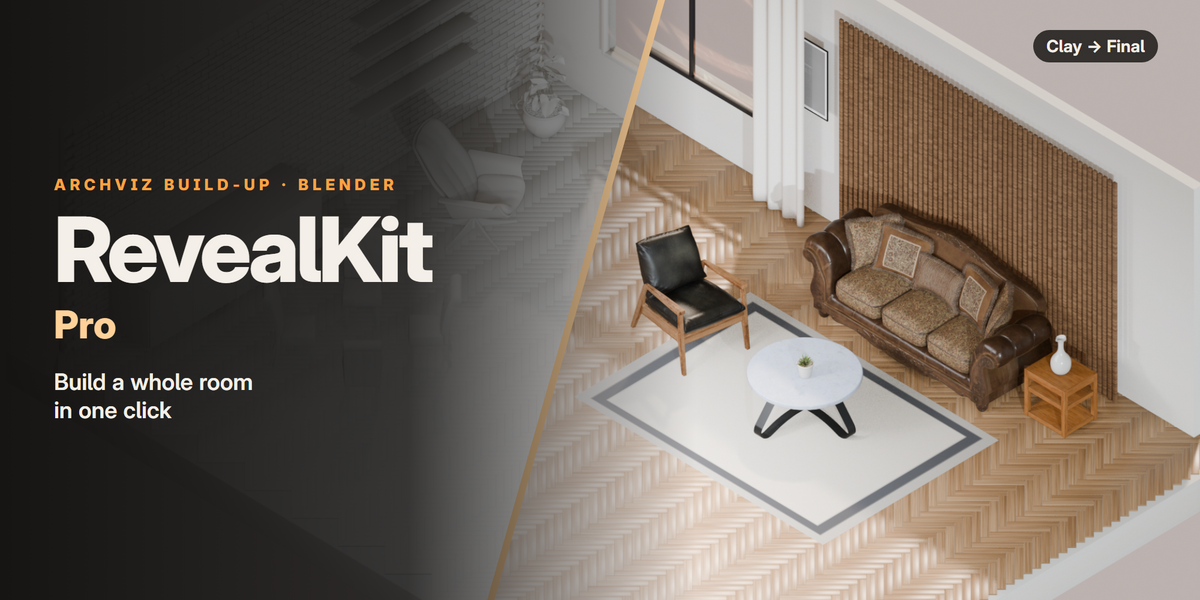
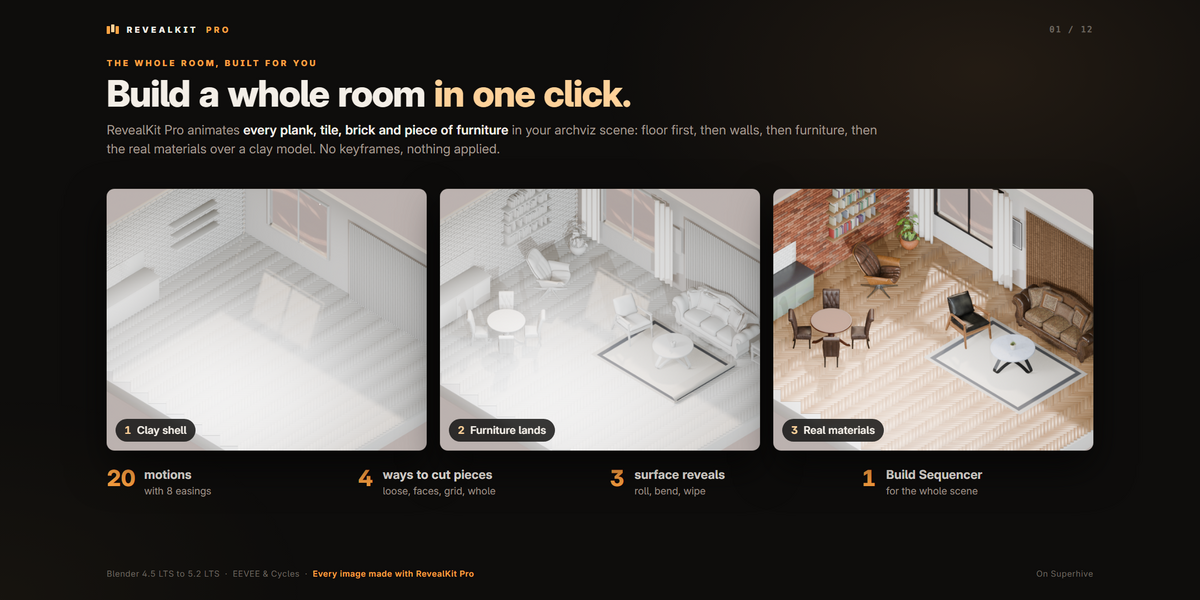
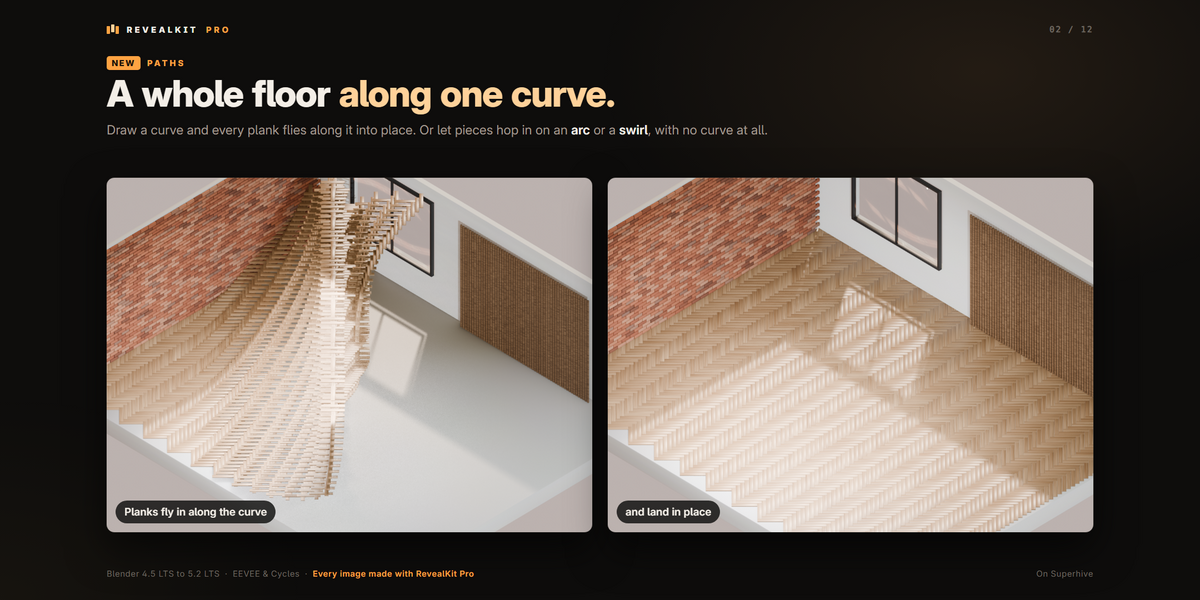
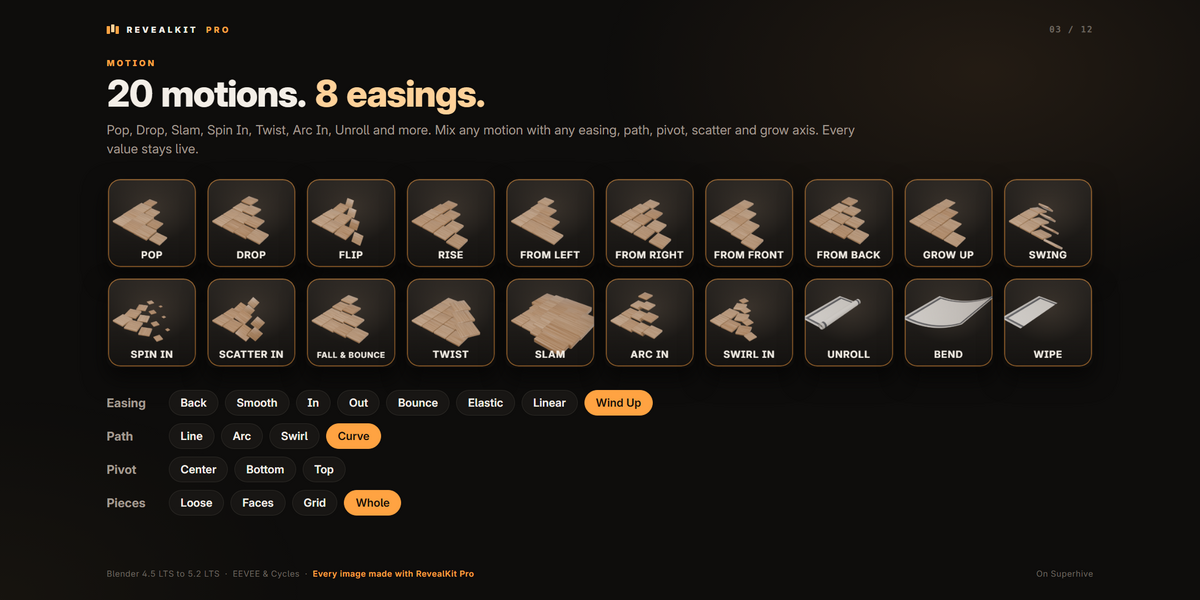
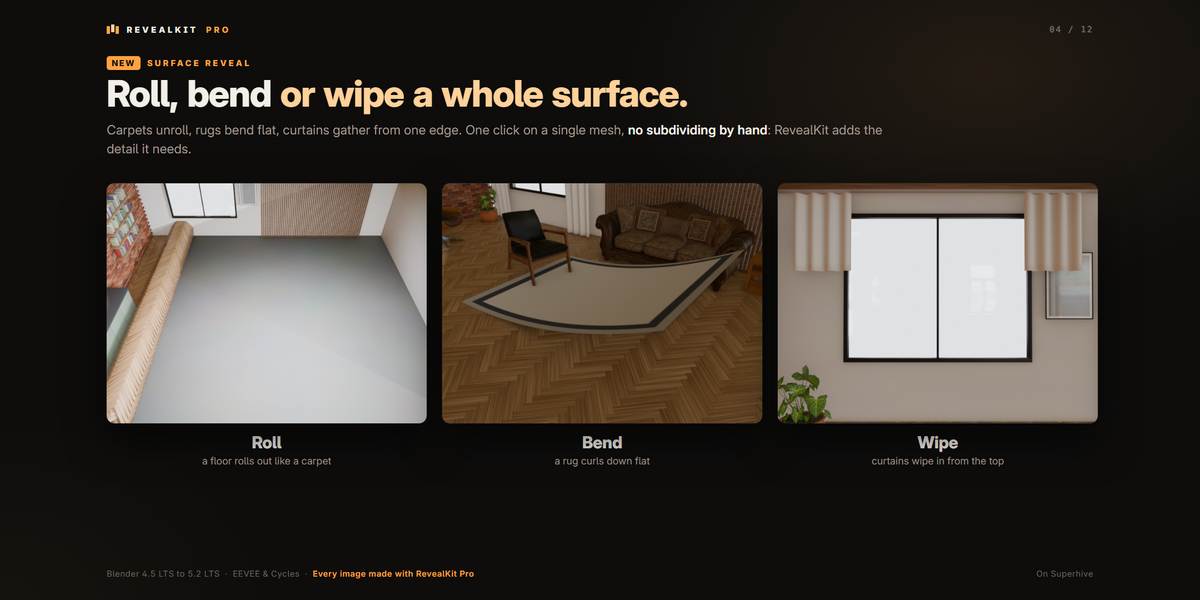
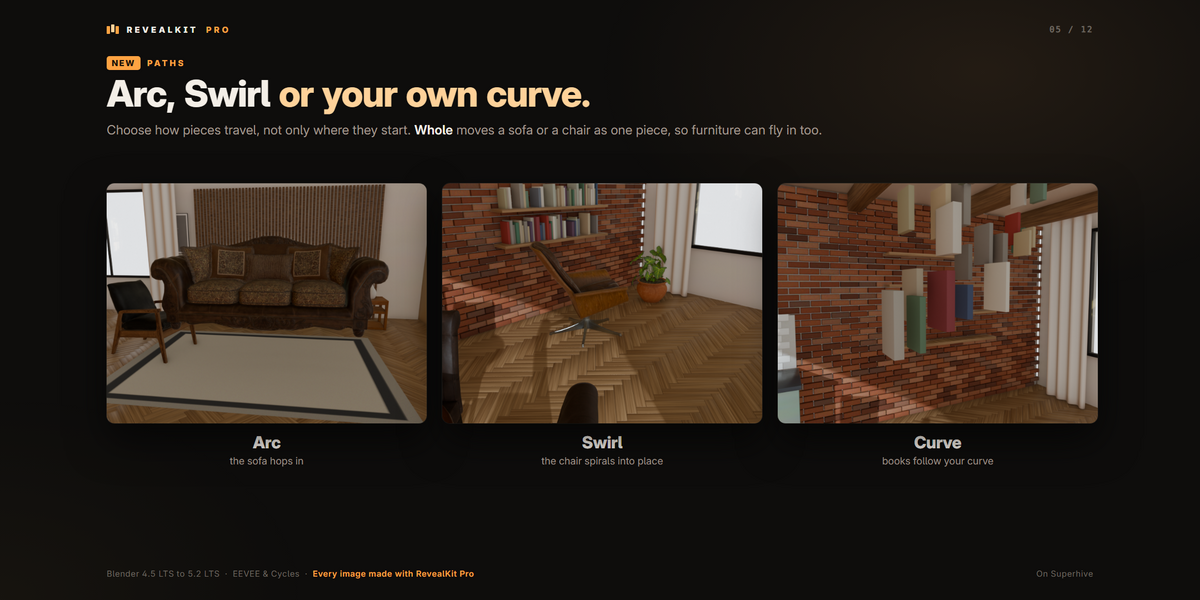
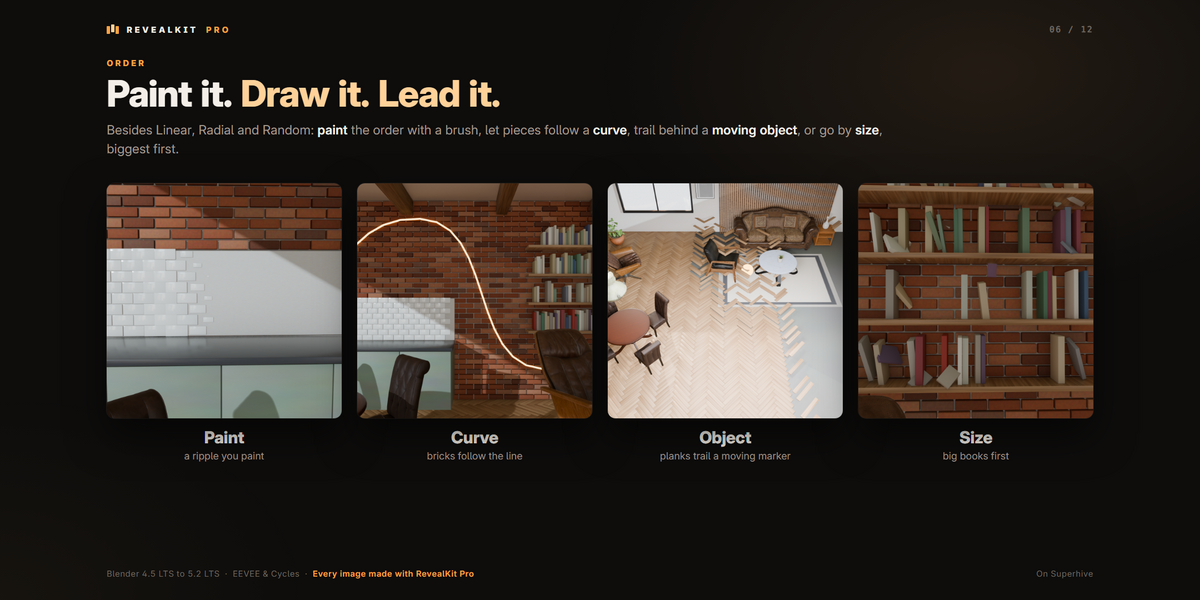
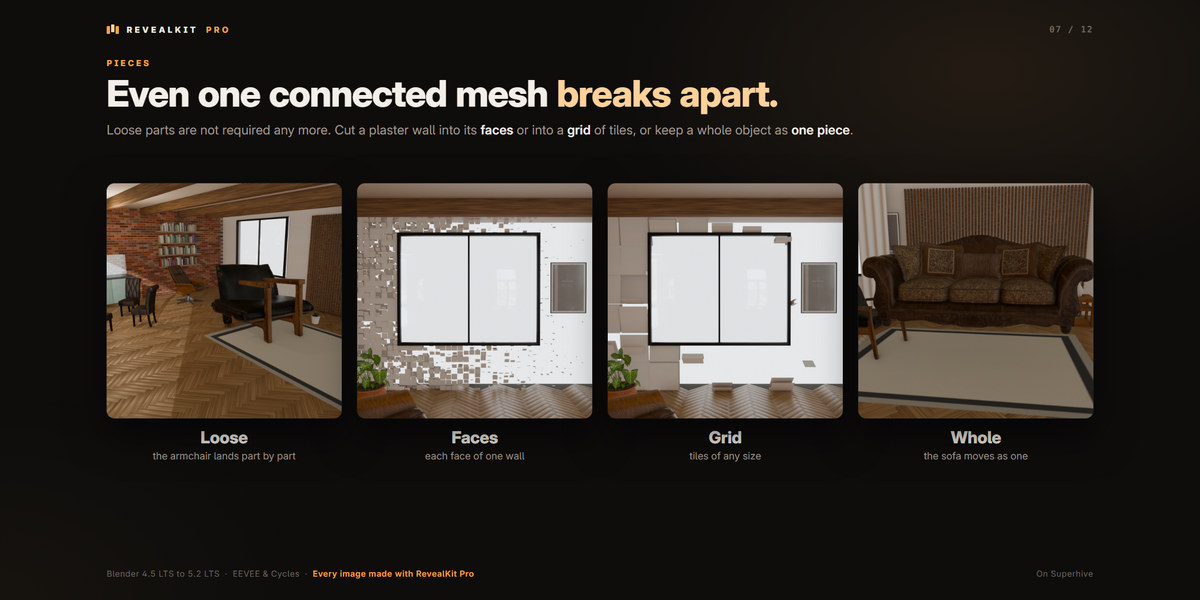
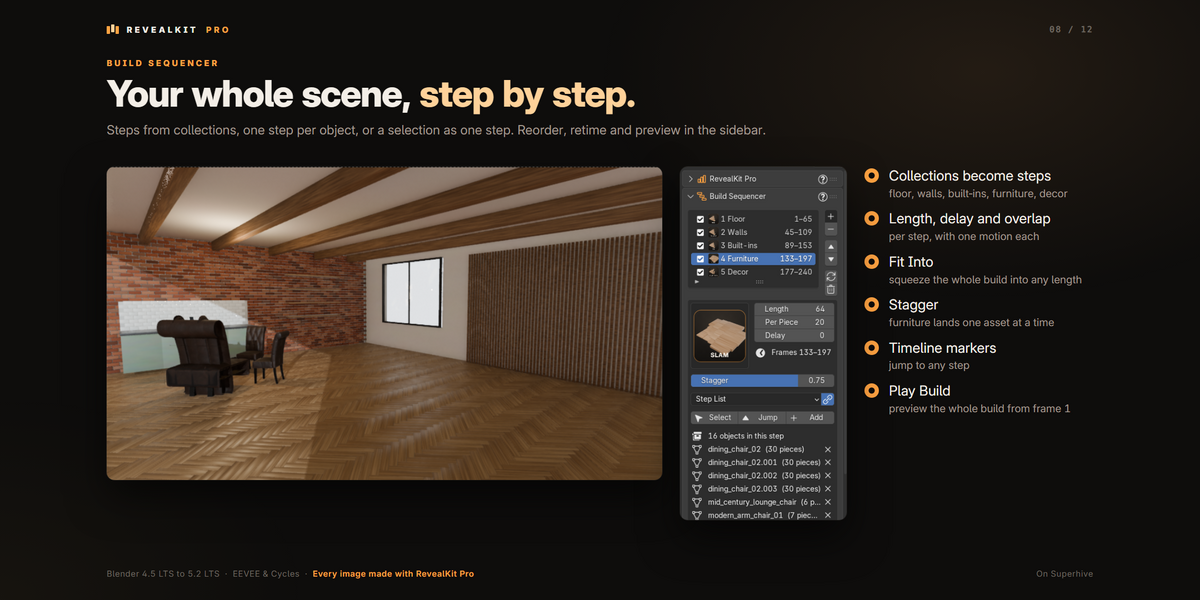
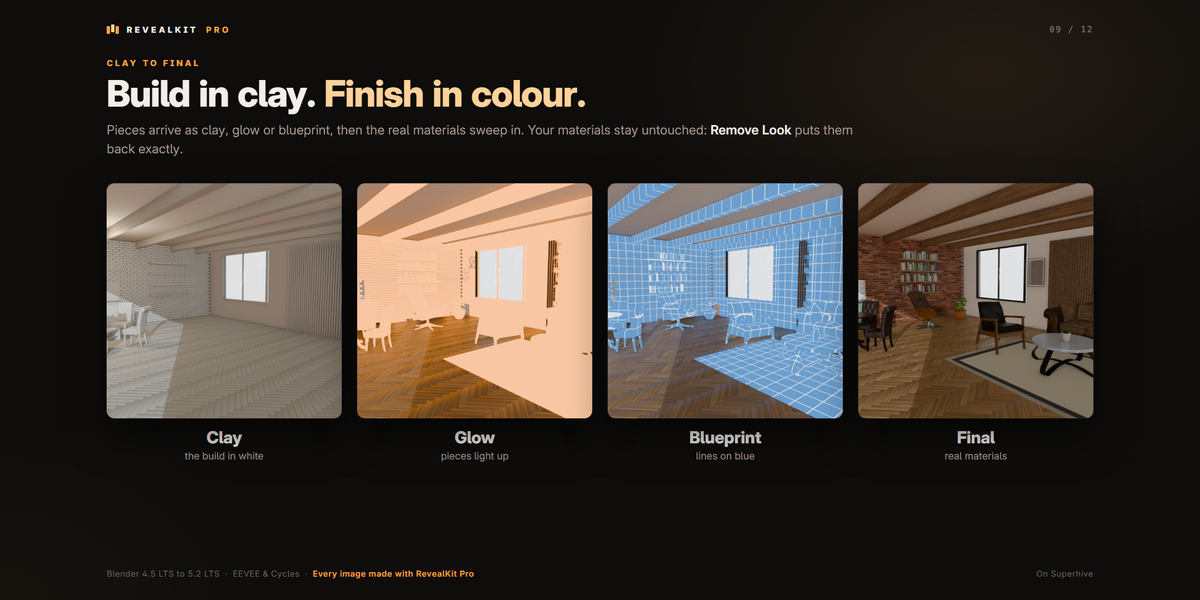
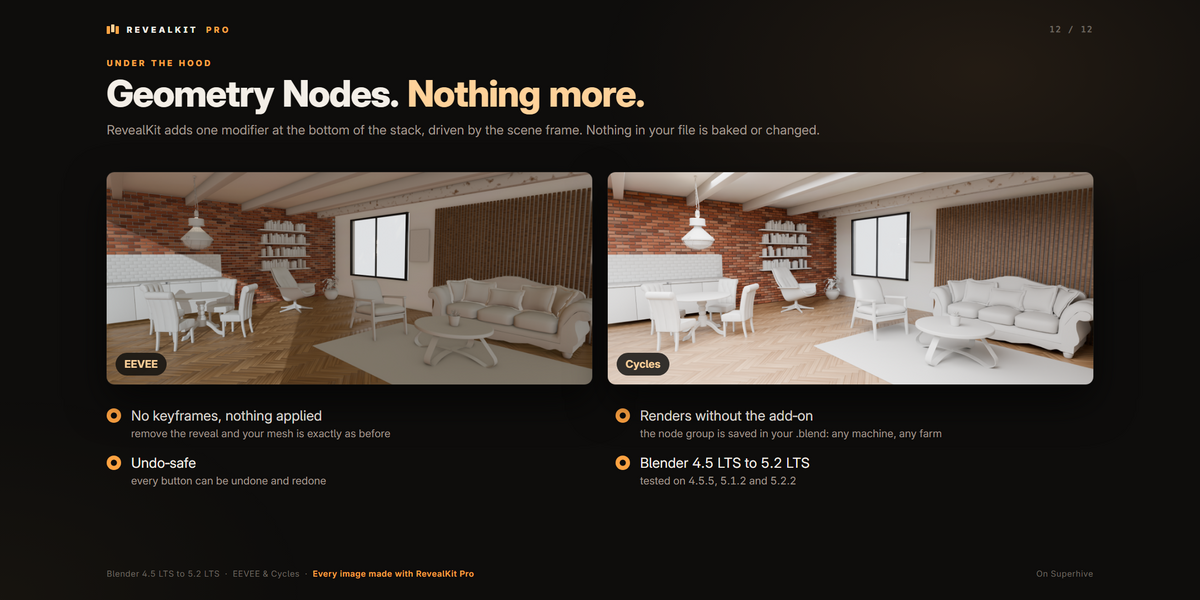


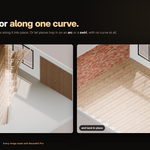
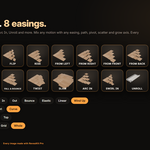
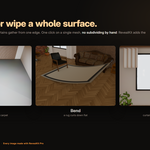
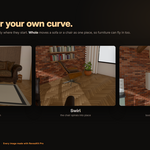
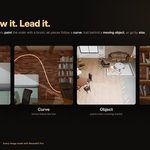
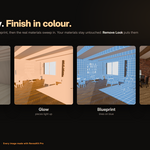
RevealKit Pro animates every plank, tile, brick and piece of furniture in your archviz scene, for Blender 4.5 LTS to 5.2 LTS, in EEVEE and Cycles.
KEY FEATURES

AND THE REST
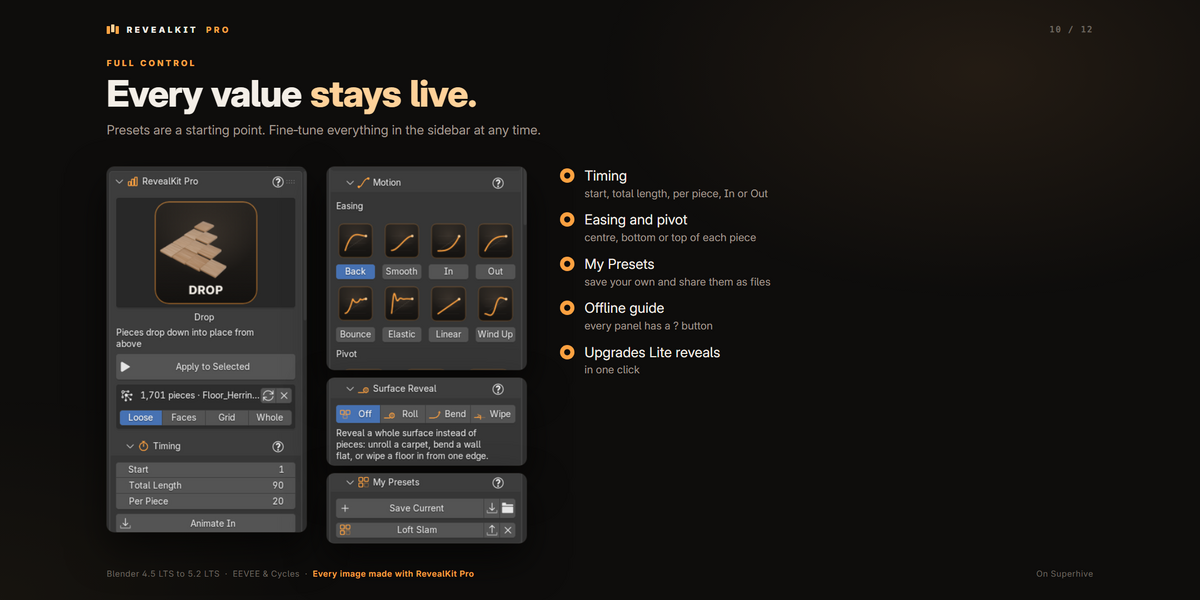
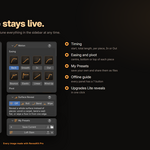
| My Presets | Save a reveal's motion, and optionally its timing and order. Export it as a file to share, or import one you received. |
| Every Value Stays Live | Presets are only a starting point: change timing, order, motion, easing, path and surface in the sidebar at any time. |
| Animate In or Out | Out plays the reveal backwards, and pieces leave in the same order. |
| Extend Scene to Fit | The panel shows the frame a reveal ends on, and fits the scene to it in one click. |
| Non-Destructive | One Geometry Nodes modifier at the bottom of the stack. Remove it and your mesh is exactly as before. |
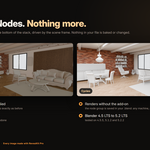
| Renders Without the Add-on | The node group is saved in your .blend, so the file plays and renders on any machine or render farm, even without RevealKit. |
| Undo | Every button can be undone and redone. |
| Offline Guide | Every panel has a ? button that opens the guide inside the add-on at that topic. |
| Upgrade From Lite | Pro switches RevealKit Lite off when you enable it. Lite reveals keep working, and Upgrade to Pro keeps every value. |
BUILT FOR BIG SCENES
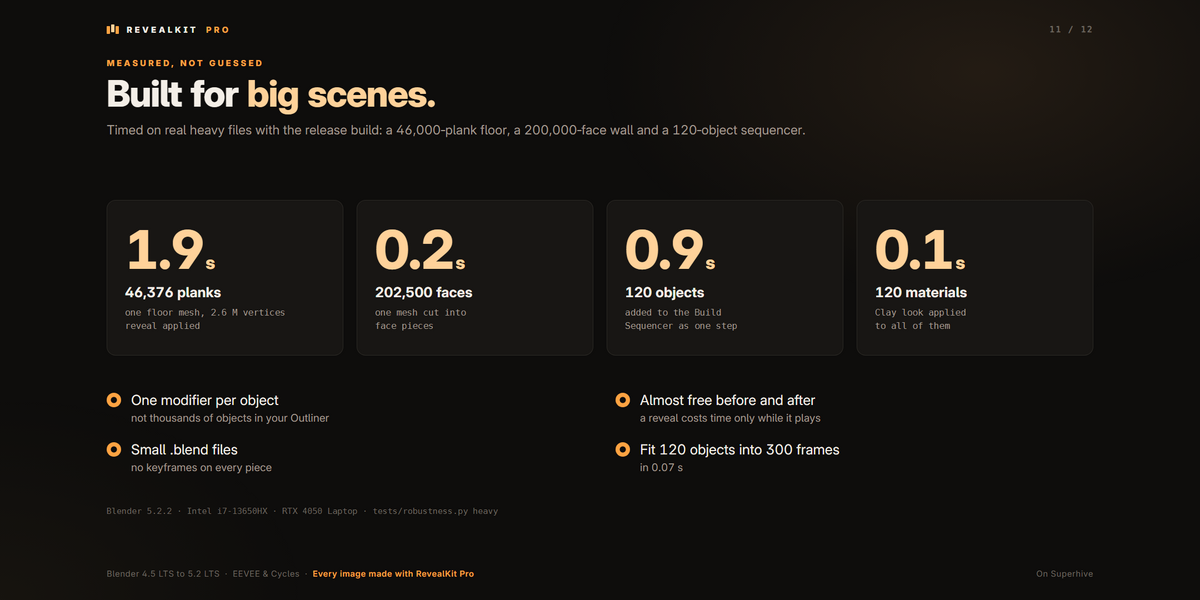
Timed with this release on heavy test files (Blender 5.2.2, Intel i7-13650HX):
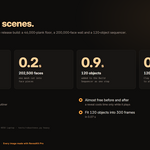
- A 46,376-plank floor (2.6 million vertices): reveal applied in about 3 s
- 200,000 faces of one mesh cut into pieces in under 1 s
- 120 objects added to the Build Sequencer in about 2 s, fitted into 300 frames in 0.1 s
- Clay look applied to 120 materials in about 0.3 s
SEE IT
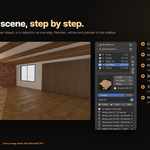
LEARN IT, EVERY FEATURE STEP BY STEP
REQUIREMENTS
- Blender 4.5 LTS or newer, up to 5.2 LTS. Tested on 4.5.5, 5.1.2 and 5.2.2, on Windows.
- EEVEE or Cycles.
- No internet connection, account, registration or extra downloads.
GOOD TO KNOW
- A curve that leads an order or a path must stay a plain curve: with a bevel or an extrude it can't lead the pieces, and the panel says so. Want to see the line in your render? Show a copy of it.
- Reveals saved with an older version keep playing as they were. Press Upgrade to Pro in the panel to bring them up to date, with every value kept.
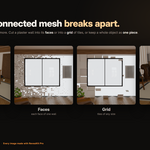
- A connected mesh counts as one piece until you choose Faces or Grid, or a Surface Reveal.
- Clay to Final needs a material with a shader connected to its Material Output.
INCLUDED
- revealkit_pro-1.0.1.zip: install it with Edit › Preferences › Get Extensions › ⌄ › Install from Disk (don't unzip it). The panel is in the 3D Viewport sidebar (N), in the RevealKit tab.
- An offline guide inside the add-on (the ? buttons).
- An 8-minute video tutorial with chapters.
LICENSE
GPL-3.0-or-later. © 2026 Ashish Maurya.
MORE ADD-ONS FROM 3D NATION

Ritu FX
Rain, snow, autumn, moss and life on any scene

AquaForge
GPU liquid simulation: water, honey, lava

ShotCraft Studio
One-click product photography

Aatish FX Pro
Realistic fireworks

CamWeave Pro
Cinematic camera moves and multi-shot
CalloutForge Studio
Callouts, icons, kinetic text and data
CalloutForge Pro
Animated 3D callouts and titles