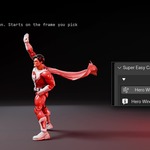
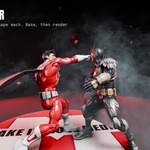
Super Easy Cape

Make It Move Media in Animation


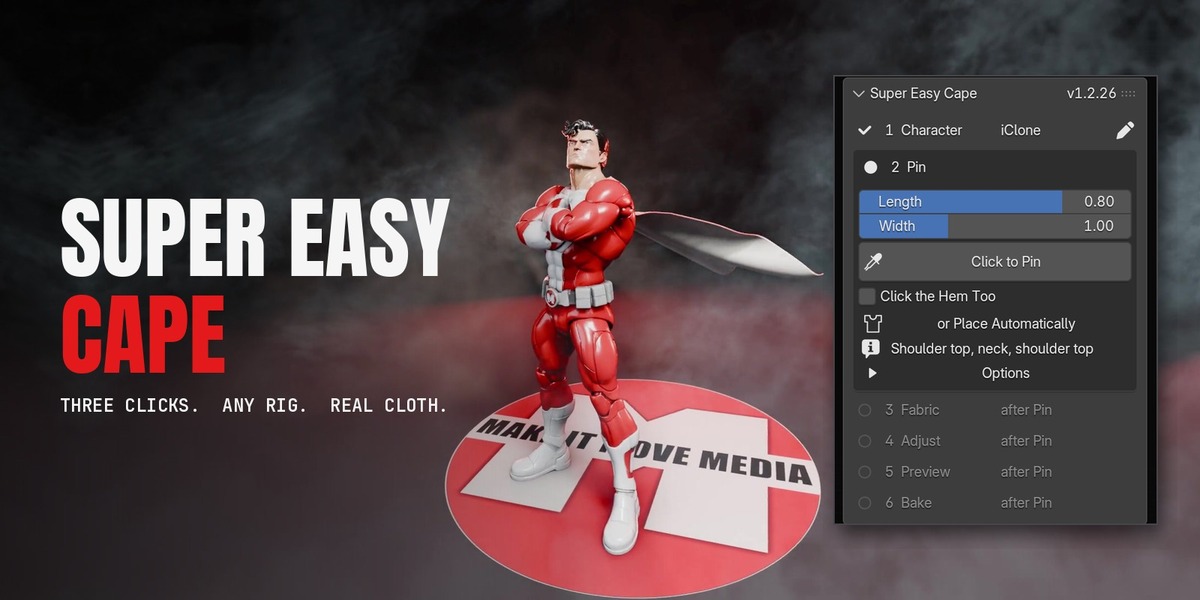
Click the top of a shoulder, the back of the neck and the other shoulder. Your character has a cape that swings, flies and settles with every move.

1

Click to Pin

Shoulder, neck, shoulder.

2

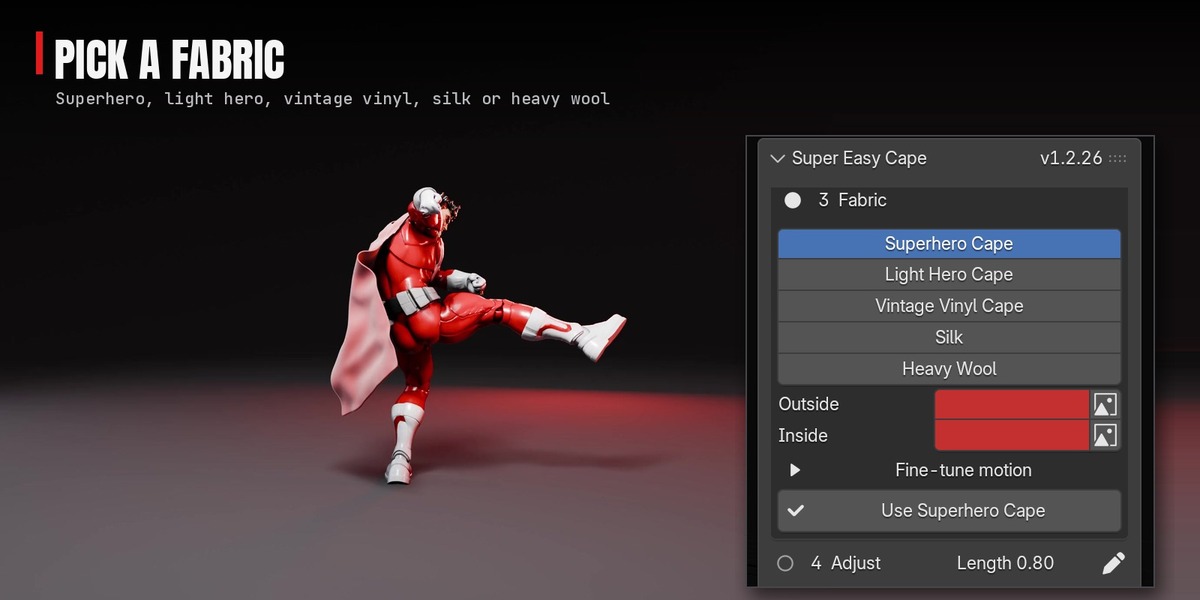
Pick a fabric

Superhero Cape is pressed already.

3

Bake

Scrub, render, done.

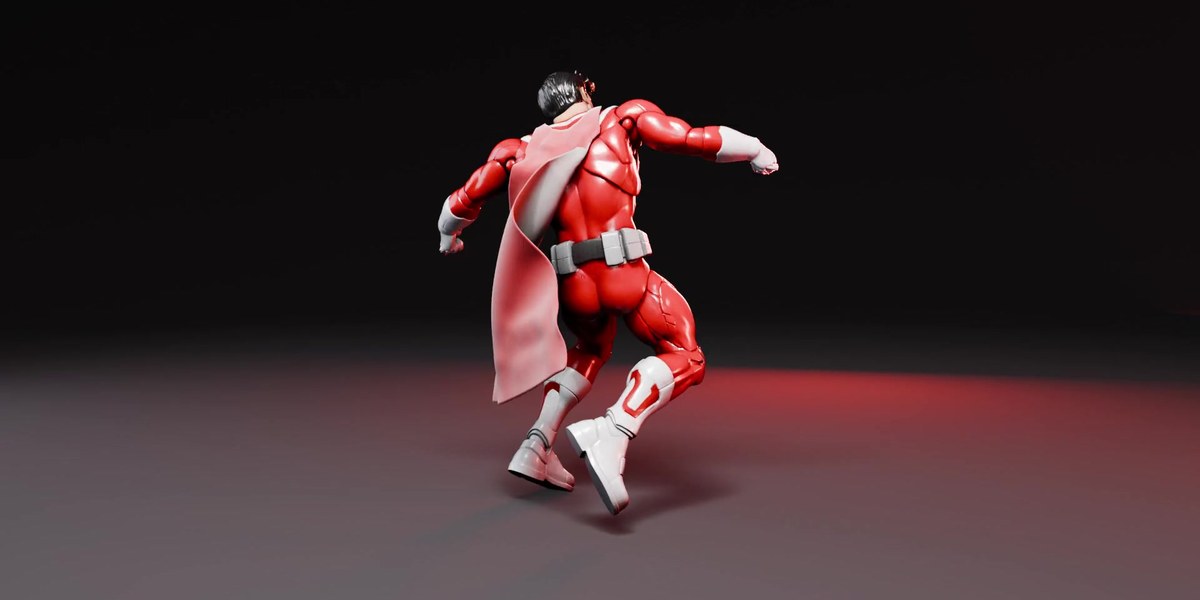
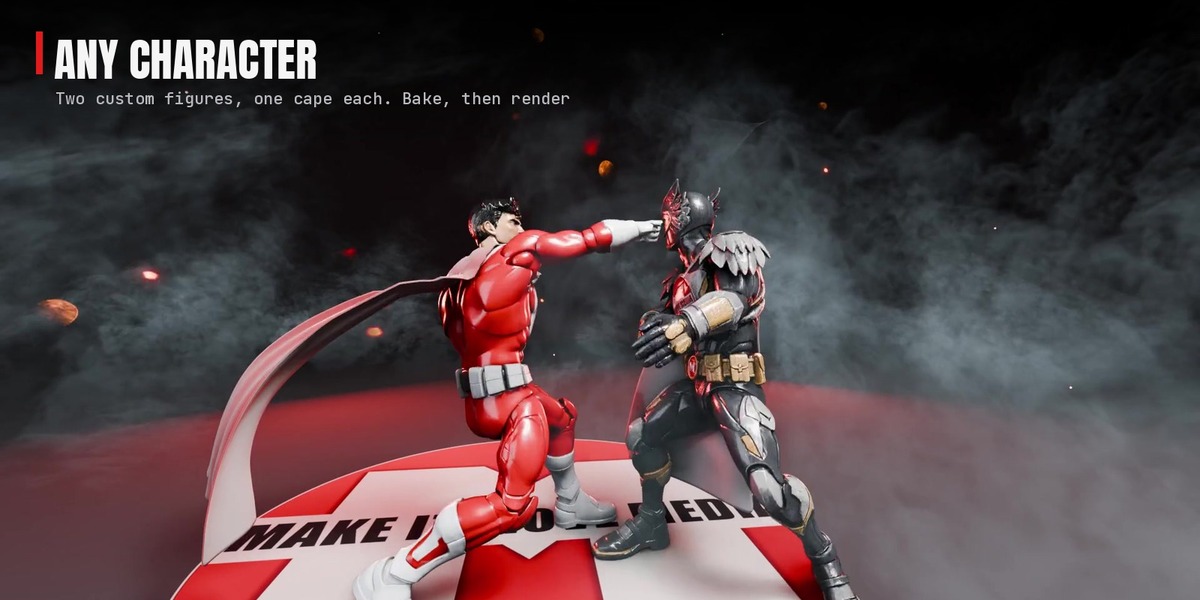
Super Easy Cape puts a real cloth cape on any rigged character in Blender. It was built for animating 3D-scanned action figures, so it reads the rig, fits the cape to the first pose, gives the character a light collision body and lets the cape settle before frame 1. It works the same on a 6-inch scan and a life-size character.
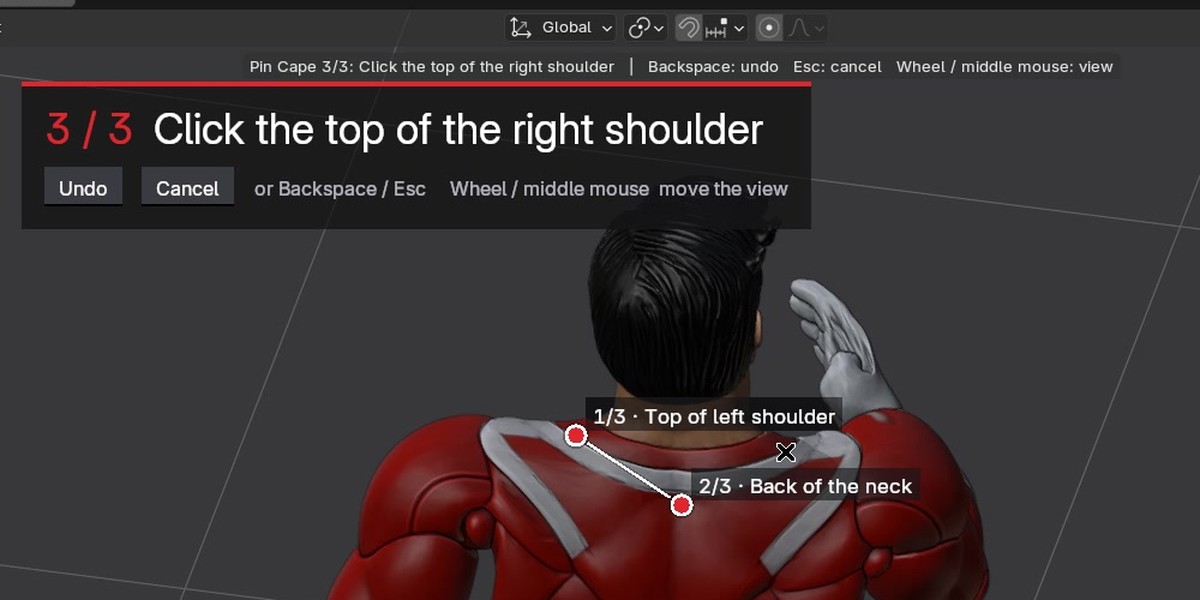
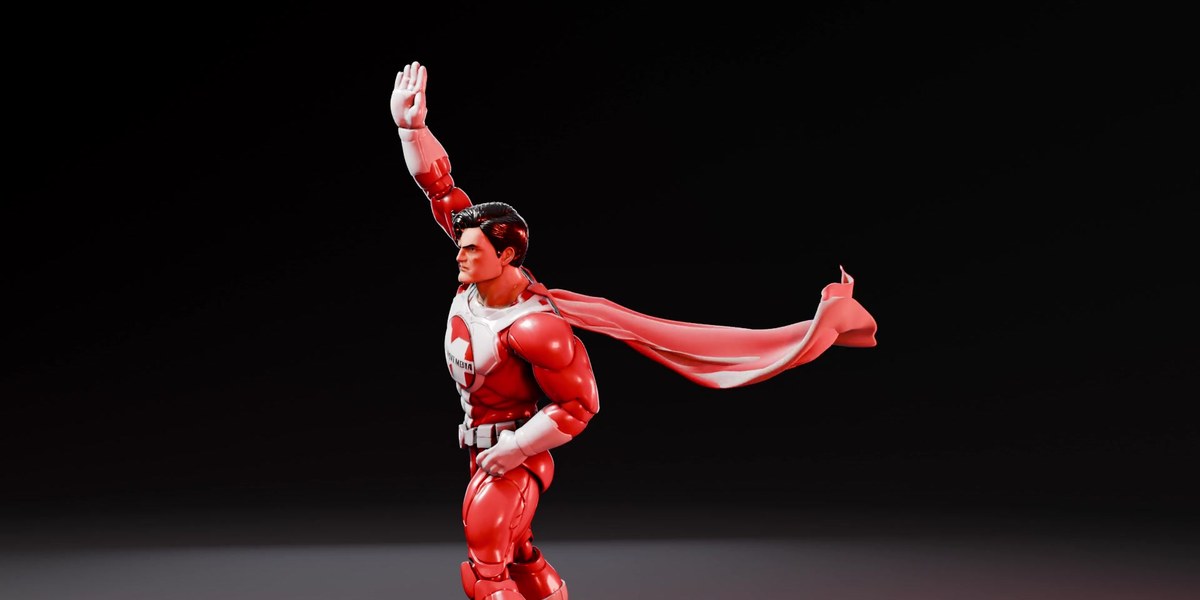
Three clicks, no guesswork

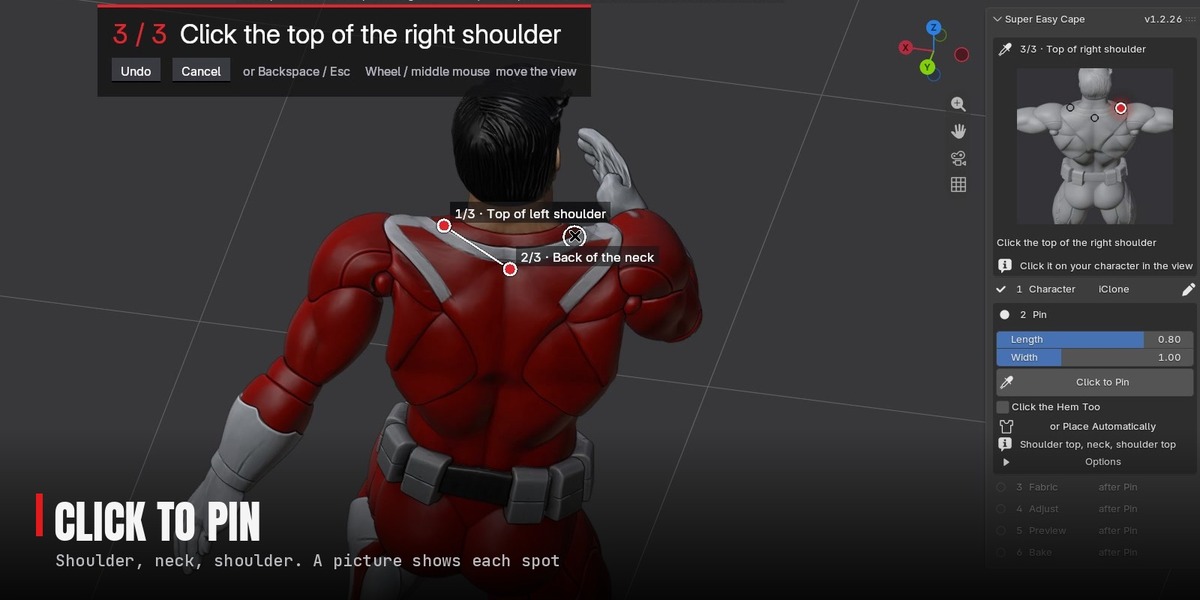
GUIDED PINNING

Three clicks, no guesswork

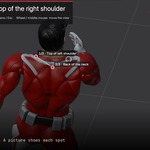
A banner says where to click, the panel shows a picture of the spot, and a ring under the cursor shows where the pin will land. The third click pins the cape.

The classic billow in one click

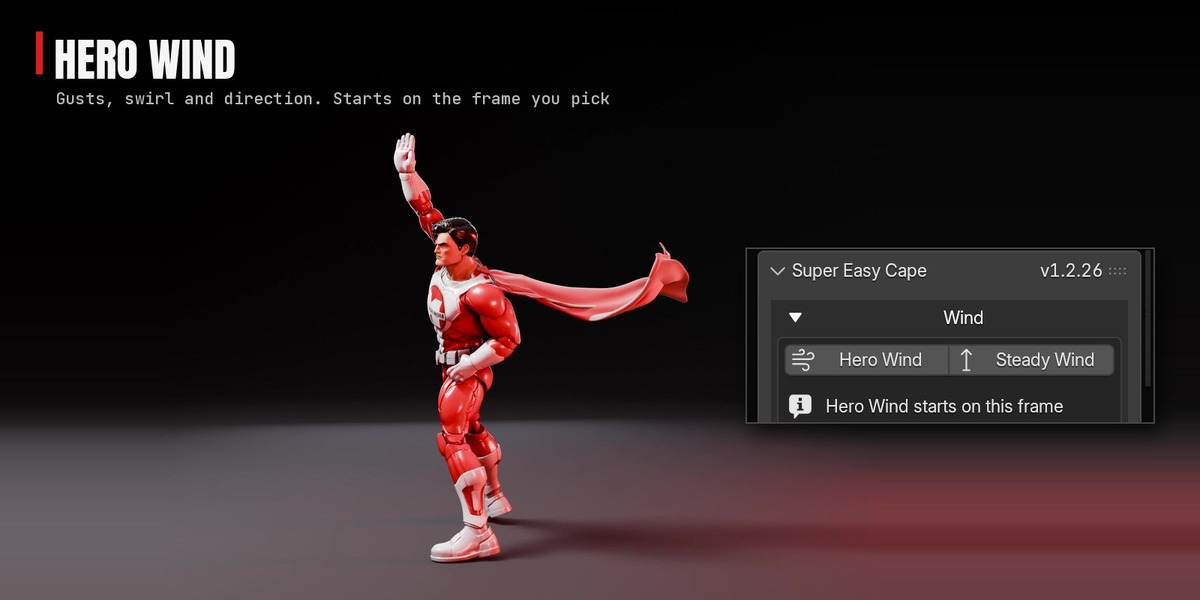
HERO WIND

The classic billow in one click

Keys a gust from the current frame: the wind rises, the cape streams out and up, then it settles. A Wind Arrow steers it.

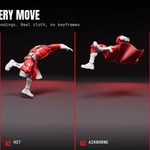
Keeps up with fights and flips

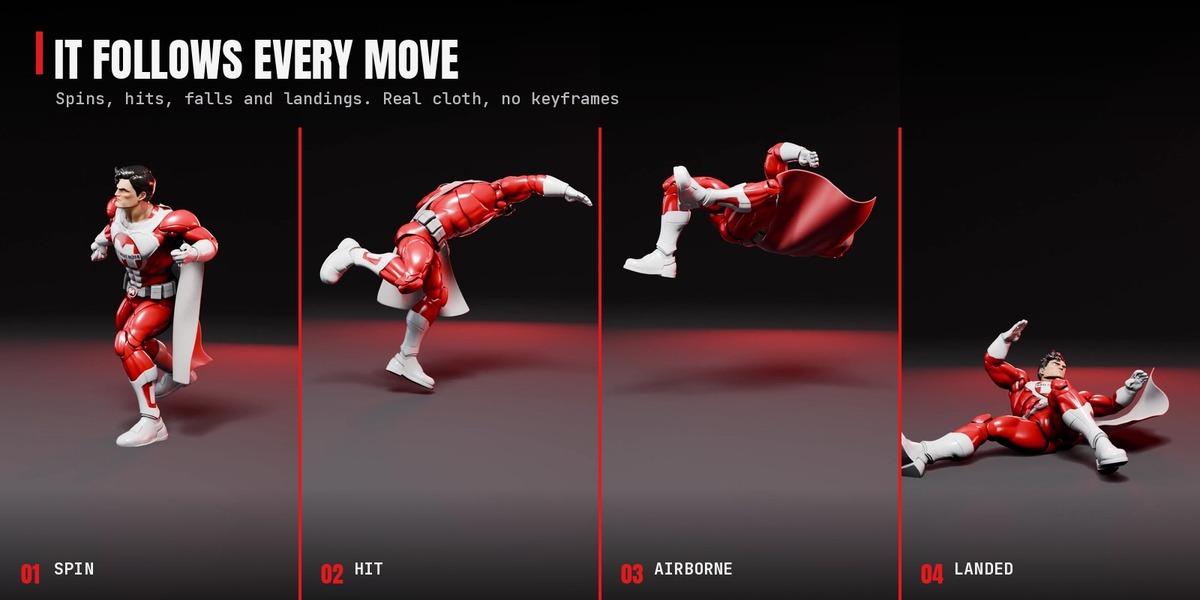
ACTION

Keeps up with fights and flips

Fitted to your first pose and pinned on top of the shoulders, so it rides kicks, spins and jumps.

Stays on through the fall

PAIRS WITH RAGDOLL

Stays on through the fall

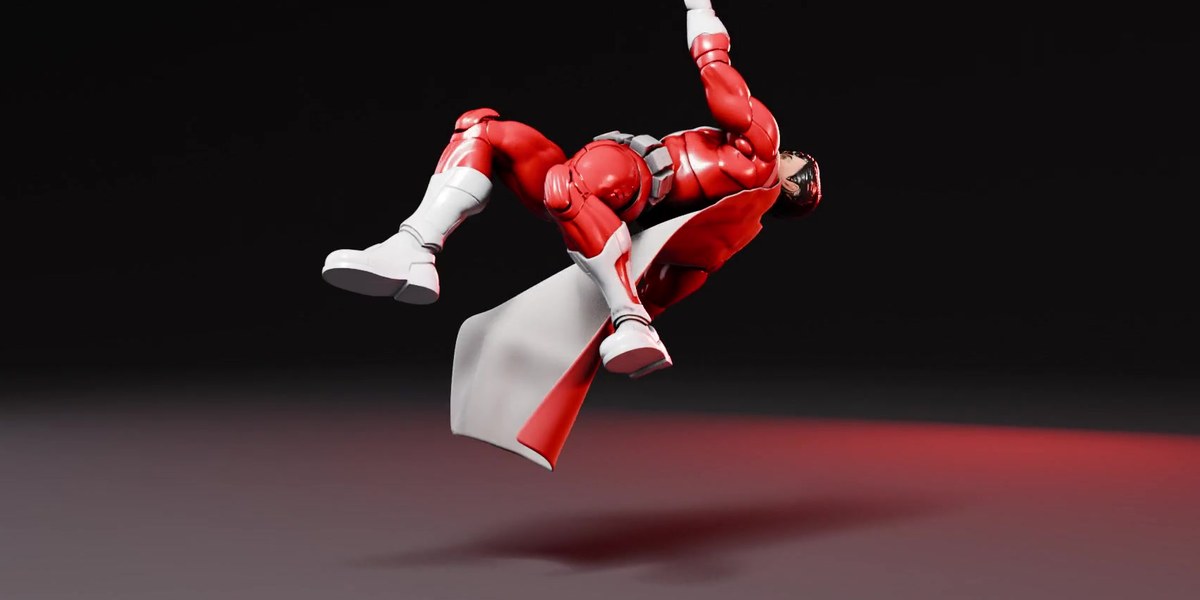
Knock your character down with Super Easy Ragdoll and the cape flips and lands with the body.

Everything else it does

Your own cape

Already modelled one? Select it and press Use as the Cape. Follow the Shoulders keeps its top on the body.

Any rig

iClone / CC4 / AccuRIG, Mixamo, Rigify, Auto-Rig Pro, Daz Genesis, the Unreal mannequin, VRoid, Meshy and Tripo. Unknown rig: pick three bones.

Any scale

A 6-inch scan, a life-size character and a Mixamo import at 0.01 scale get the same look with no tuning.

Five fabrics

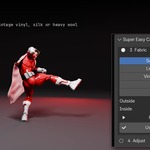
Superhero Cape, Light Hero Cape, Vintage Vinyl Cape, Silk and Heavy Wool. Fine-tune Stretch, Bend, Weight, Damping and Air Drag.

Two-tone fabric

A colour or an image for the outside and another for the inside.

Drag handles

Three handles on the top edge ride the shoulders. Move one and the cape refits around it.

Snug

The pinned top hugs the shoulders so the cape looks attached, never the head or helmet.

Fast Preview

Hides the heavy scan and plays against the light collision body: 323 ms a frame down to 52 ms on a 205,000-vertex scan.

Slow motion

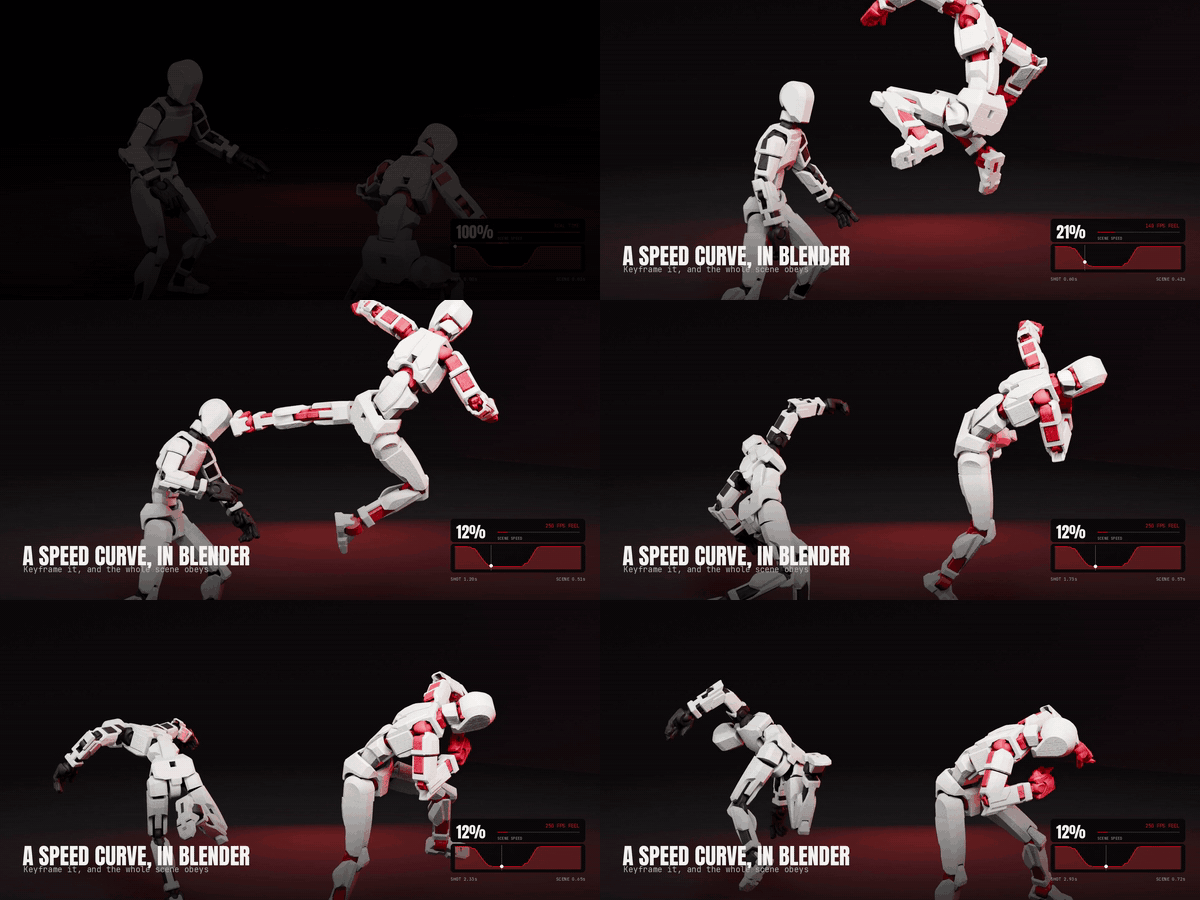
Ramp the shot with Super Easy Slow Motion 1.8.12 or newer and the cape slows with your character.

Clean up in one click

Bake runs in the background. Remove Garment leaves your character exactly as it was.

How it works

Six steps for each character. Dress one character, then select the next and do the same: every character in the scene can wear its own cape.

Step 1: Character

Select the character to dress: its rig or its mesh. It reads the rig, or asks for the Neck, Spine and Hips bones once per rig.

Step 2: Pin

Click shoulder, neck, shoulder (or Place Automatically). It fits the cape to the first frame, builds the collision body and floor, and lets the cape settle.

Step 3: Fabric

Press a fabric, set the Outside and Inside colours, press Use.

Step 4: Adjust

Optional: Gap, Snug, Length, Width, Wind. The cape refits a moment after you let go.

Step 5: Preview

Play Preview plays from the start frame with the character showing.

Step 6: Bake

Simulates the frame range in the background so you can scrub and render.

More characters

Select the next character and the steps start again for it. Each cape keeps its own fabric, settings and bake, and every cape is listed under Garments so you can switch between them. Add Another Garment puts a second cape on the same character.

Good to know. Blender's node cloth has no self-collision, and very fast spins can push a limb through for a frame or two: raise Simulation > Quality to 14 for those shots. Always render from a bake.

Requirements

Blender 5.2+Any rigged characterEevee or Cycles

iClone / CC4 / AccuRIGMixamoRigifyAuto-Rig ProDaz GenesisUnreal mannequinVRoid / VRMMeshyTripoAny rig: pick three bones

It runs on Blender's built-in node cloth, which arrived in Blender 5.2. Tested on 5.2.4 and 5.3.0.

Installation

  1. Download super_easy_cape-1.2.26.zip. Don't unzip it.
  2. Drag the zip into Blender, or Edit > Preferences > Get Extensions > the arrow menu > Install from Disk.
  3. Open the 3D Viewport sidebar (N) and click the Super Easy Cape tab.
  4. When Blender offers to add Superhive as a repository, accept it to get updates inside Blender.

ON THE WORKBENCH

More on the way. New features on the same one-click path, as free updates.

Owners get every update through Blender's Get Extensions. Want a feature? Message me through Superhive.

More Super Easy add-ons

COLLECT THE SET

Built for 3D-scanned action figures. Works on any rigged character.
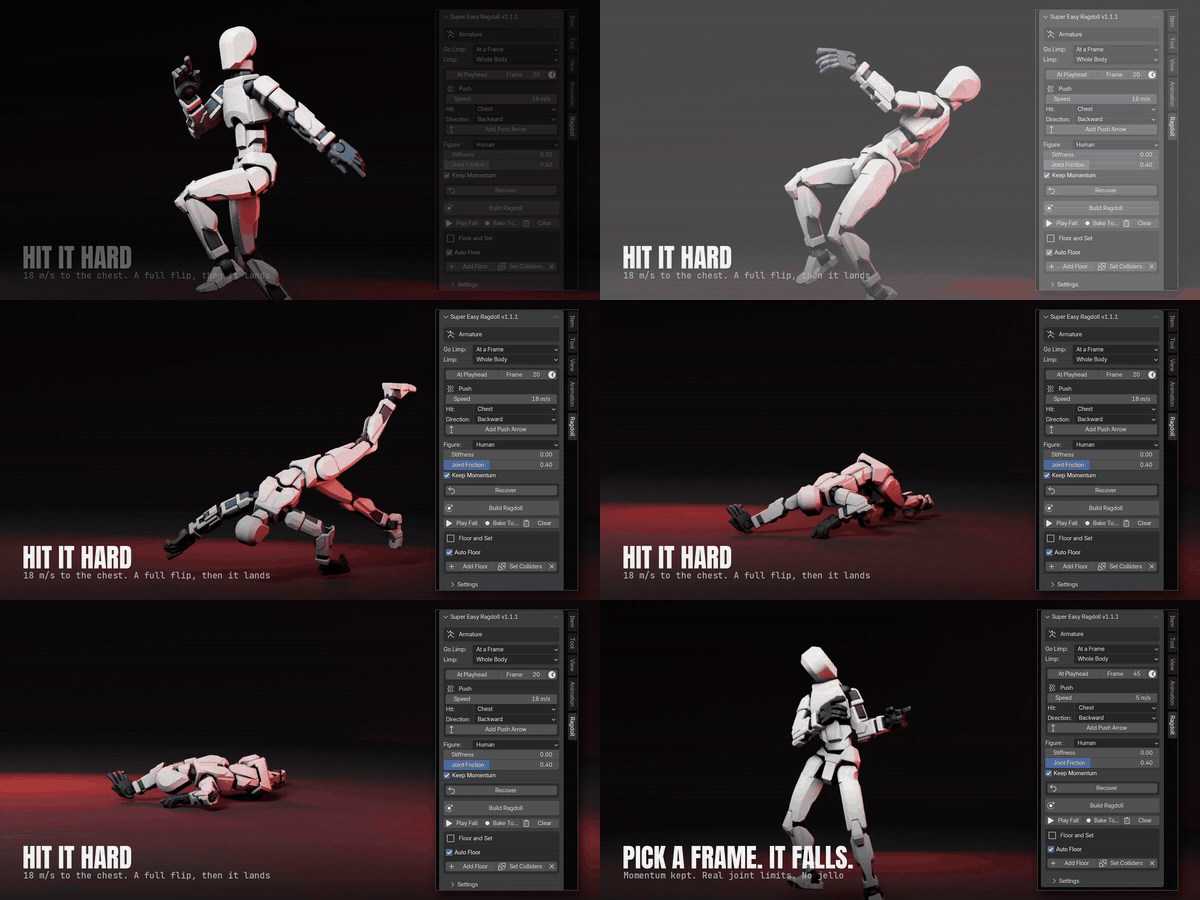
Super Easy Ragdoll in action

PHYSICS

Super Easy Ragdoll

One-click ragdolls for any rigged figure. Fall on a hit or a blast, get back up, and bake it all to keyframes.

Pairs with Cape. Knock your character down and the cape flips and lands with the body.

View add-on →

Super Easy Slow Motion in action

TIME & SPEED

Super Easy Slow Motion

One-click speed ramps on any animation: real-time into slow motion and back, with motion blur and camera cuts that follow the ramp.

Pairs with Cape. Ramp the shot and the cape slows with your character (1.8.12 and newer).

View add-on →

Super Easy Stop Motion in action

ANIMATION STYLE

Super Easy Stop Motion

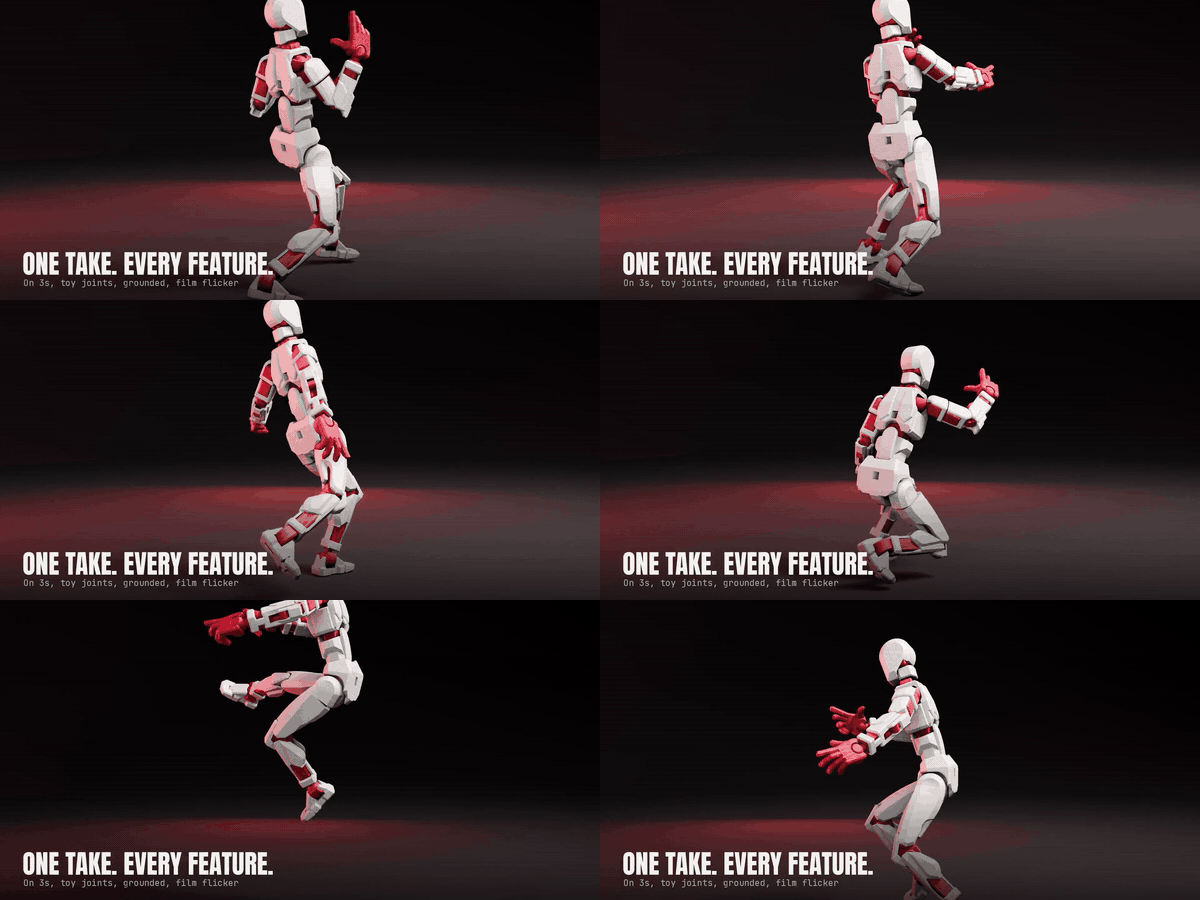
Step any animation onto 2s, 3s or 4s, with toy-joint limits and feet kept on the set.

View add-on →

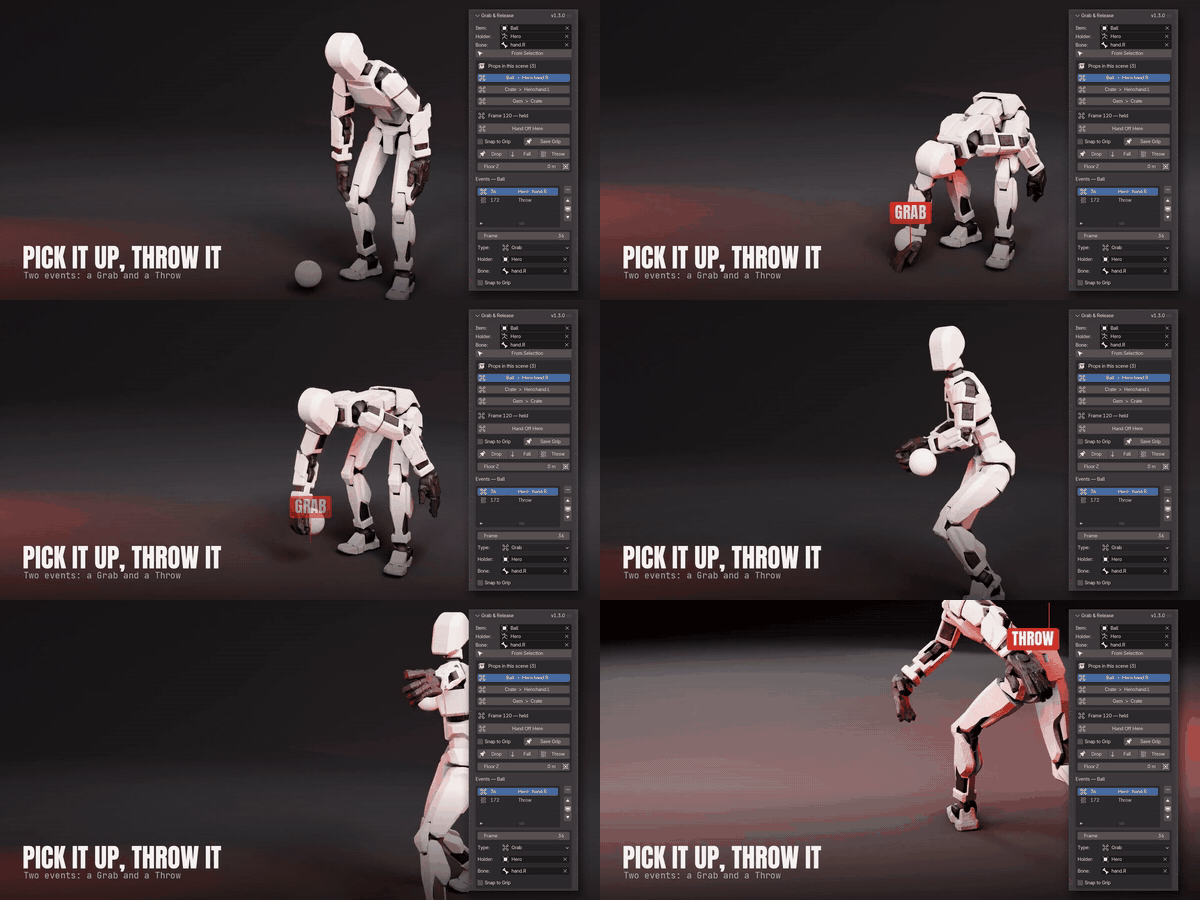
Super Easy Grab & Release in action

PROPS

Super Easy Grab & Release

Pick up, hand off and throw props with a hand bone. No constraint setup, and every grab stays editable.

View add-on →

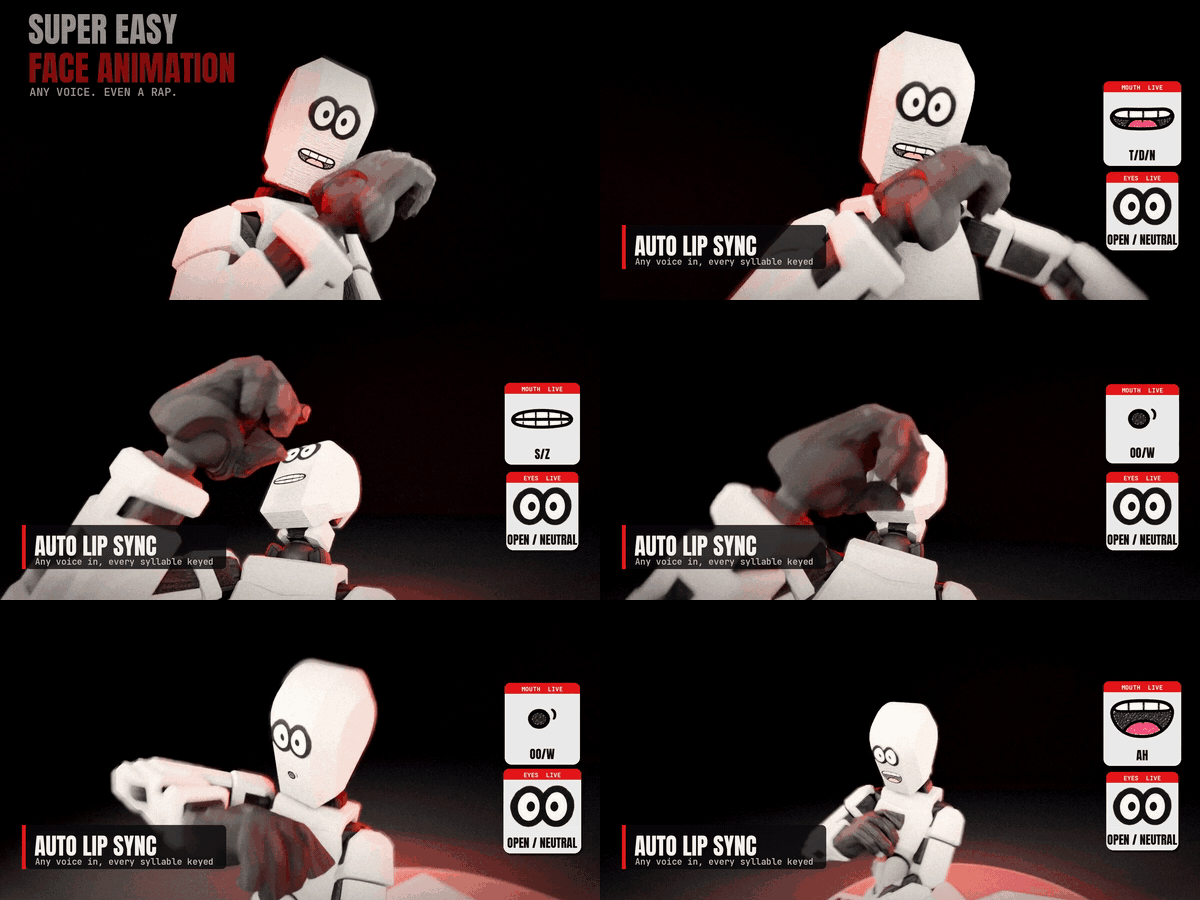
Super Easy Face Animation in action

LIP SYNC

Super Easy Face Animation

Drop a voice clip on any rigged character and get a talking, blinking face in one click.

View add-on →

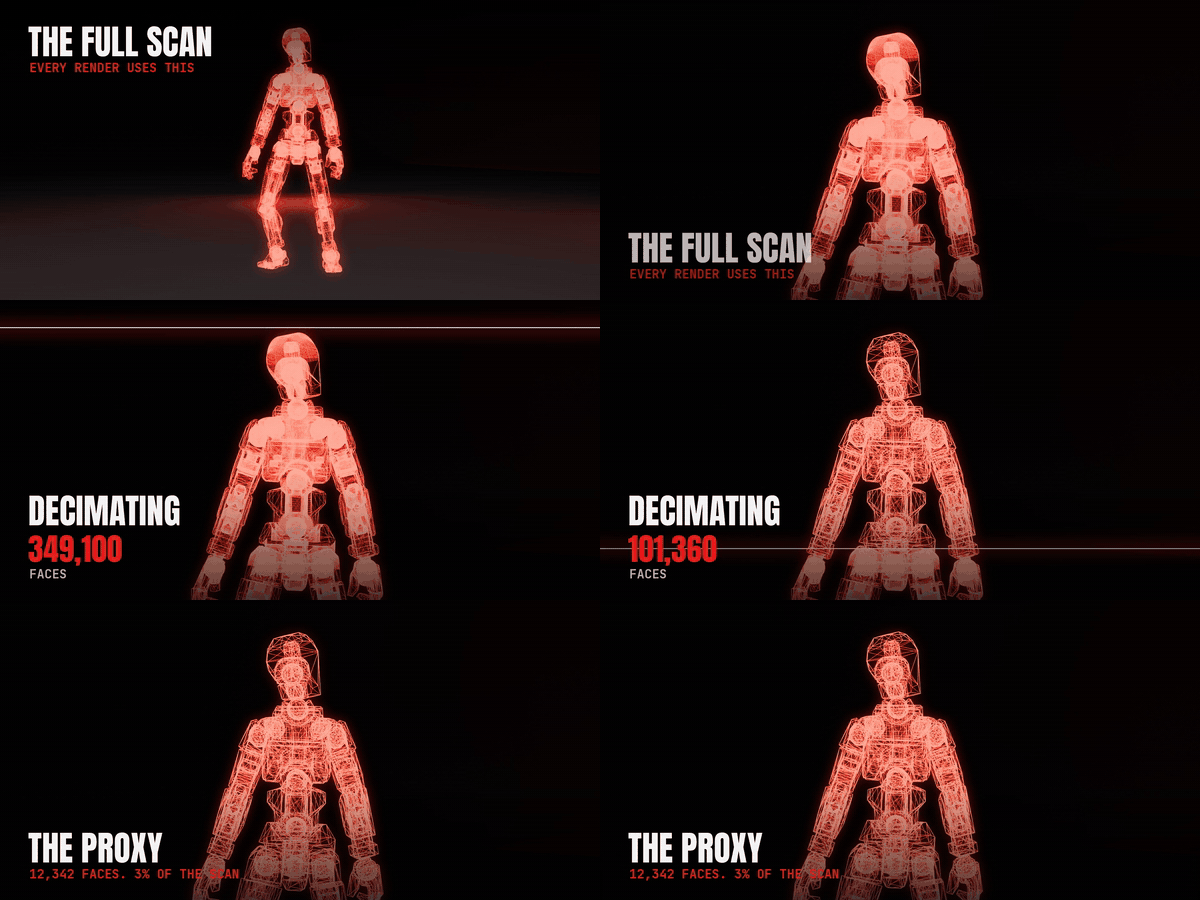
Super Easy Scene Streamliner in action

VIEWPORT SPEED

Super Easy Scene Streamliner

Low-poly proxies in the viewport, full detail in the render. A 49-figure crowd went from 1.1 to 19.6 FPS.

Pairs with Cape. The cape still fits and collides with the full mesh Streamliner hides.

View add-on →

See every Make It Move Media add-on on Superhive →


$19$13.30

Have questions about this product?
Login to message

Details
Blender Extension Compatible Yes
Published about 2 hours ago
Blender Version 5.2 - 5.3
Extension Type Add-on
Render Engine Used Cycles, Eevee
License GPL