
Super Easy Slow Motion

Make It Move Media in Animation


Blender has never had a speed curve.

Slowing a shot down means hand-editing keyframes, stretching NLA strips, re-baking caches and hoping the markers still line up. Retime it once and you are doing it all again.

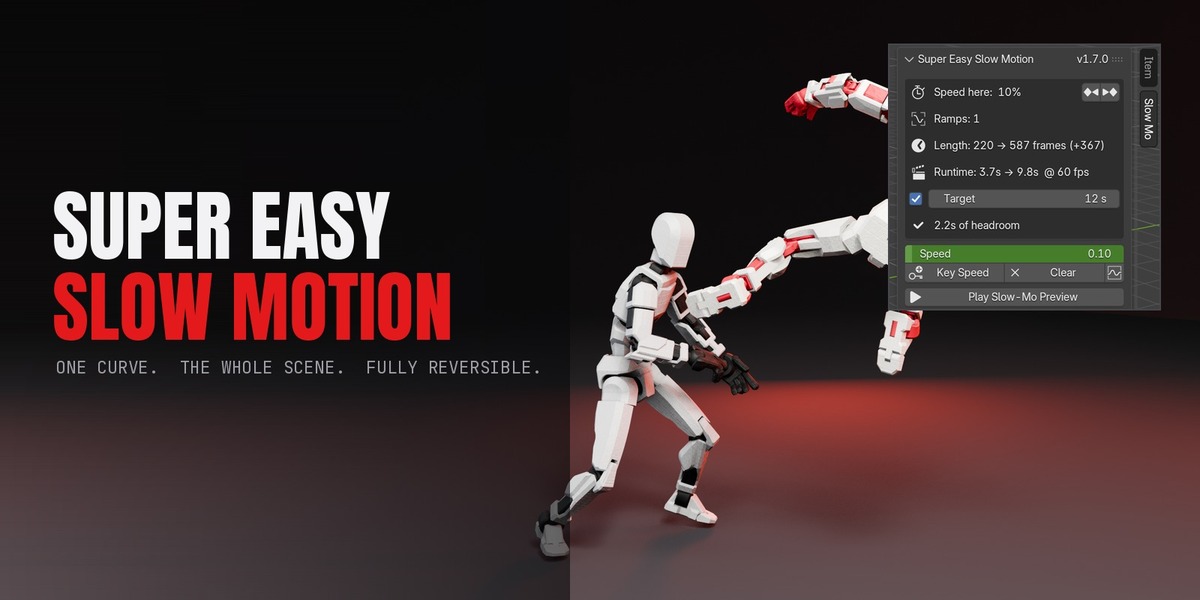
Super Easy Slow Motion gives you the control every video editor already has, inside Blender, working on the whole scene at once.

1

Drop a ramp

A preset at the playhead, or keyframe Speed yourself.

2

Press Apply

Pre-flight tells you exactly what will change.

3

The scene follows

Animation, physics, markers and shutter, together.

Keyframe one value — Speed — and every animated thing in the scene moves to the new clock. Restore Original Timing puts it all back exactly as it was.

Features
Speed is a curve, not a setting

ONE CURVE

Speed is a curve, not a setting

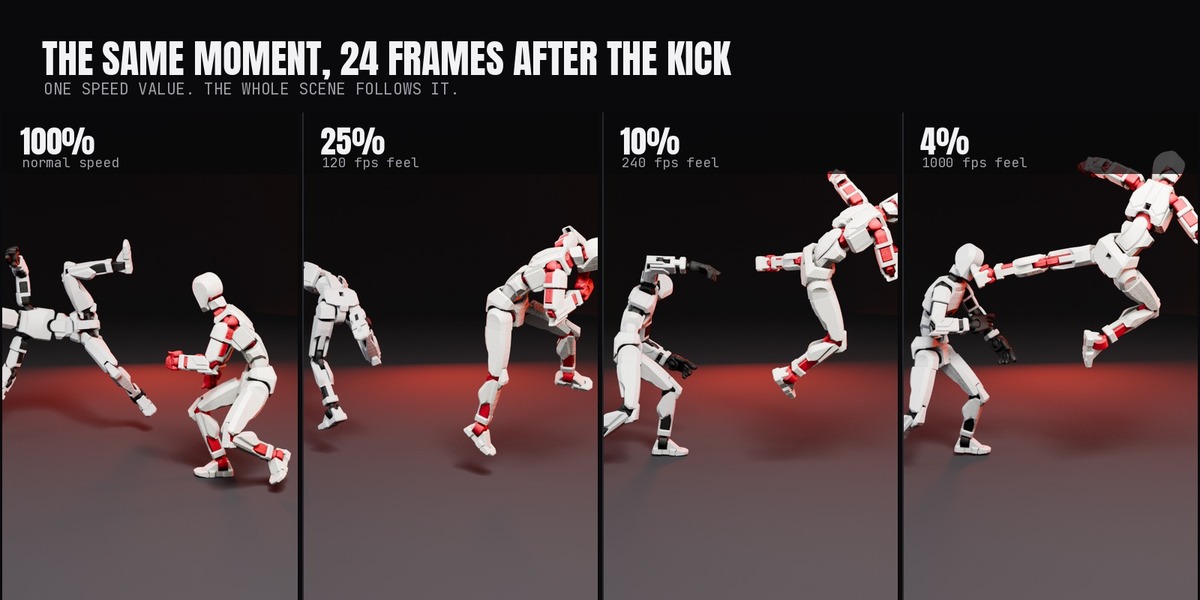
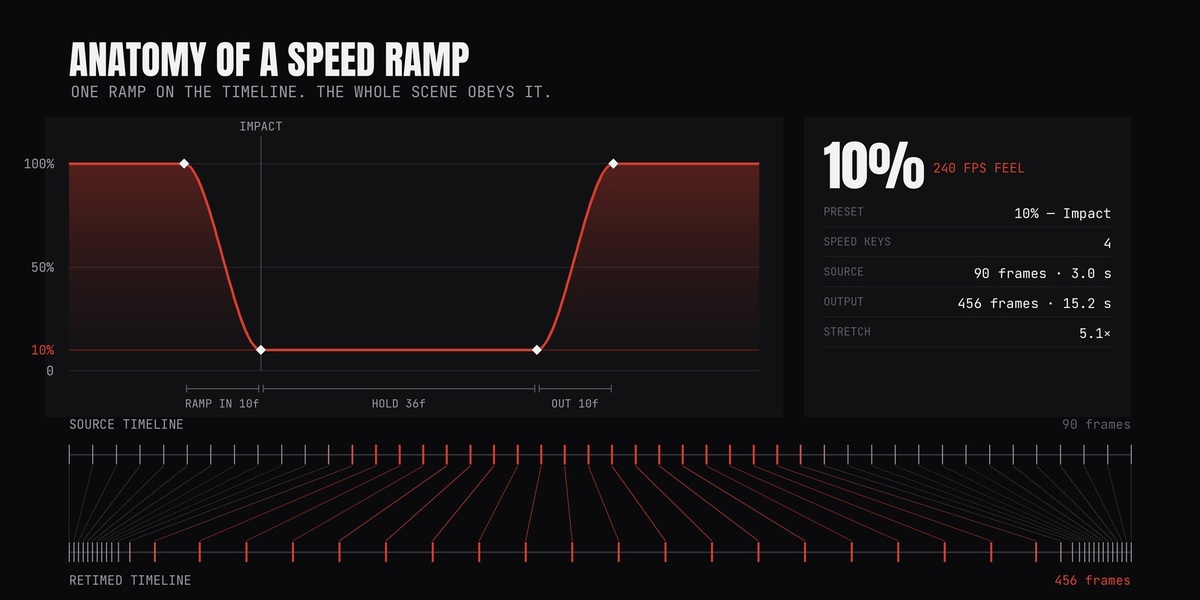
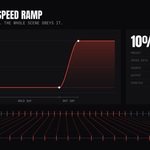
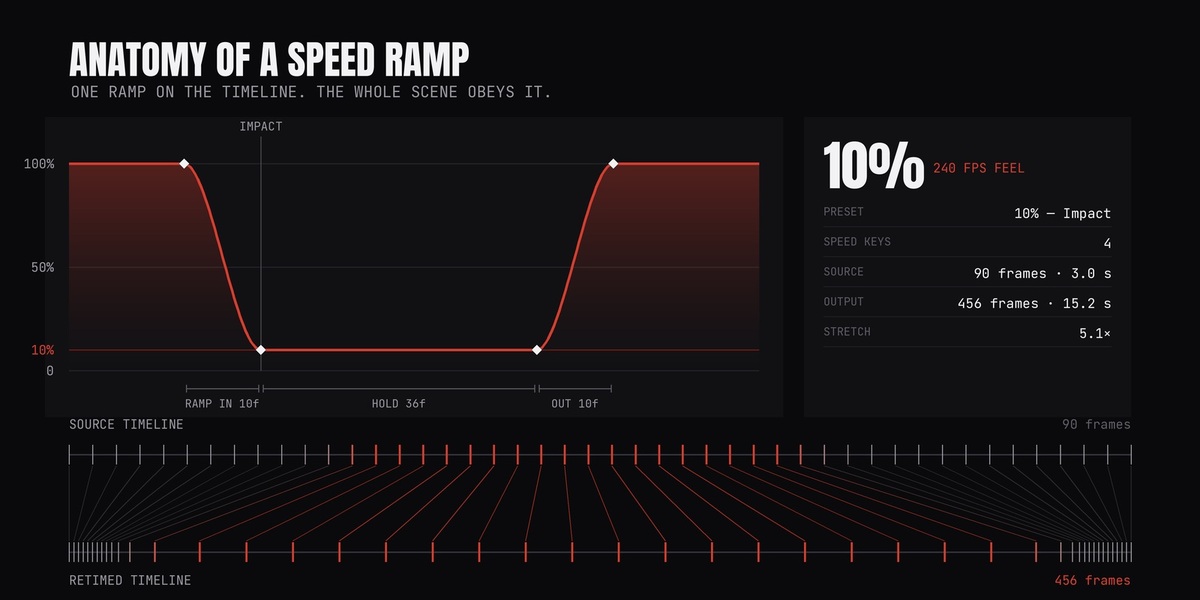
Speed lives on the scene as a normal F-curve. Keyframe it, shape it in the Graph Editor, read it at a glance. Apply integrates that curve into a time map and rewrites the scene against it — 90 source frames become 456 output frames on a 10% hold.

The whole scene, one clock

100% TO 4%

The whole scene, one clock

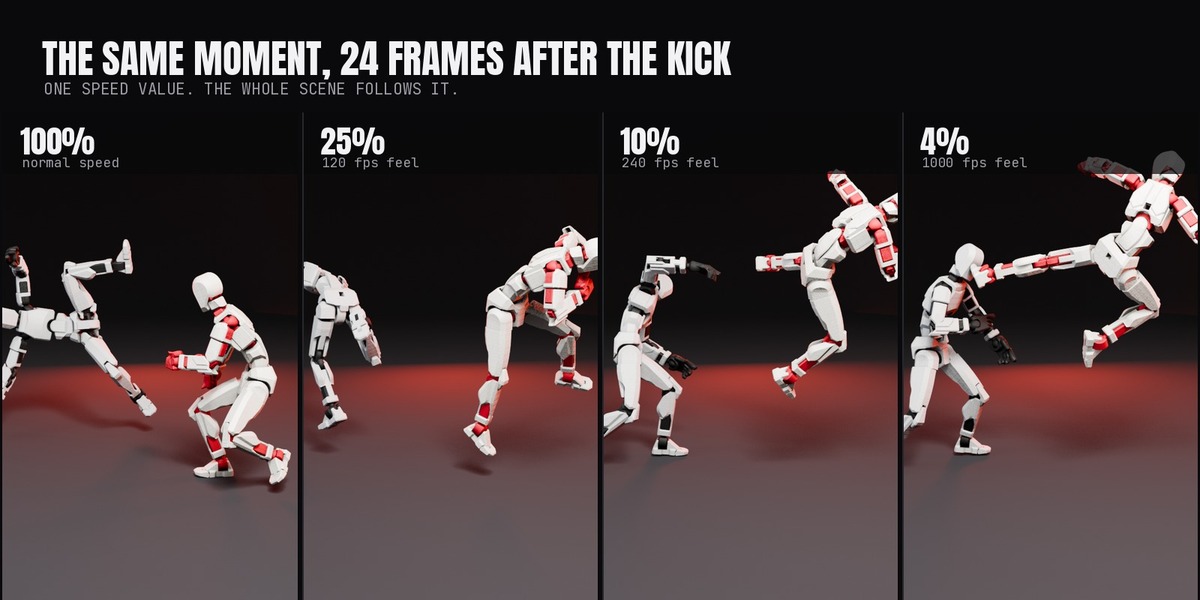
Keyframed animation, mocap and NLA strips, rigid body, cloth and particle caches, and Geometry Nodes that read Scene Time. All resampled through the same ramp instead of uniformly stretched.

Every hit gets its own ramp

RAMP MANAGER

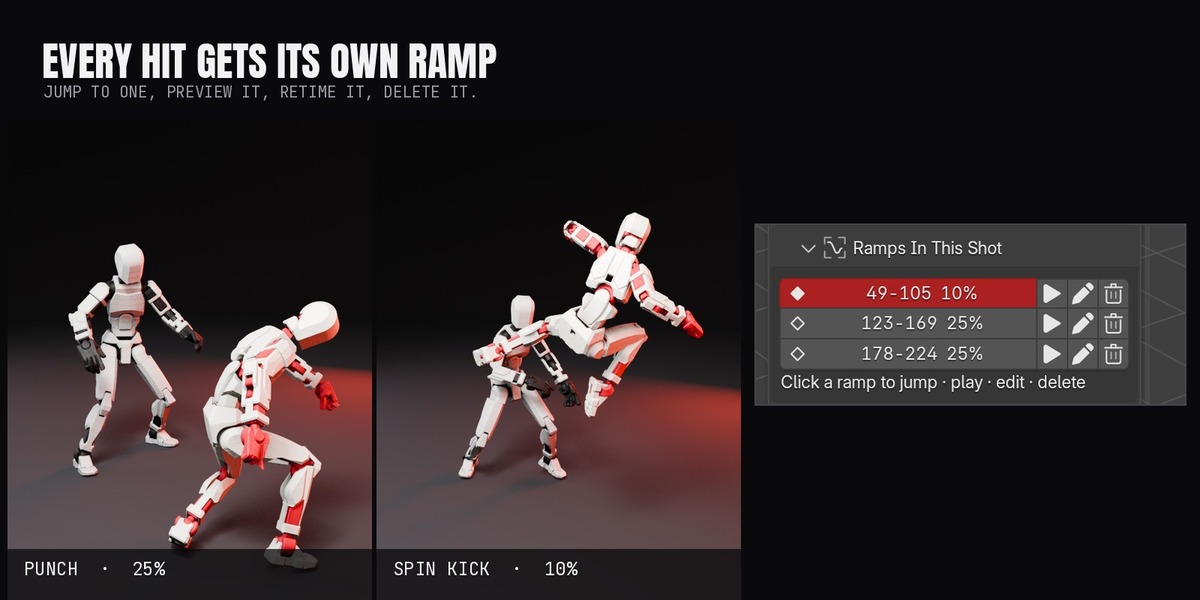
Every hit gets its own ramp

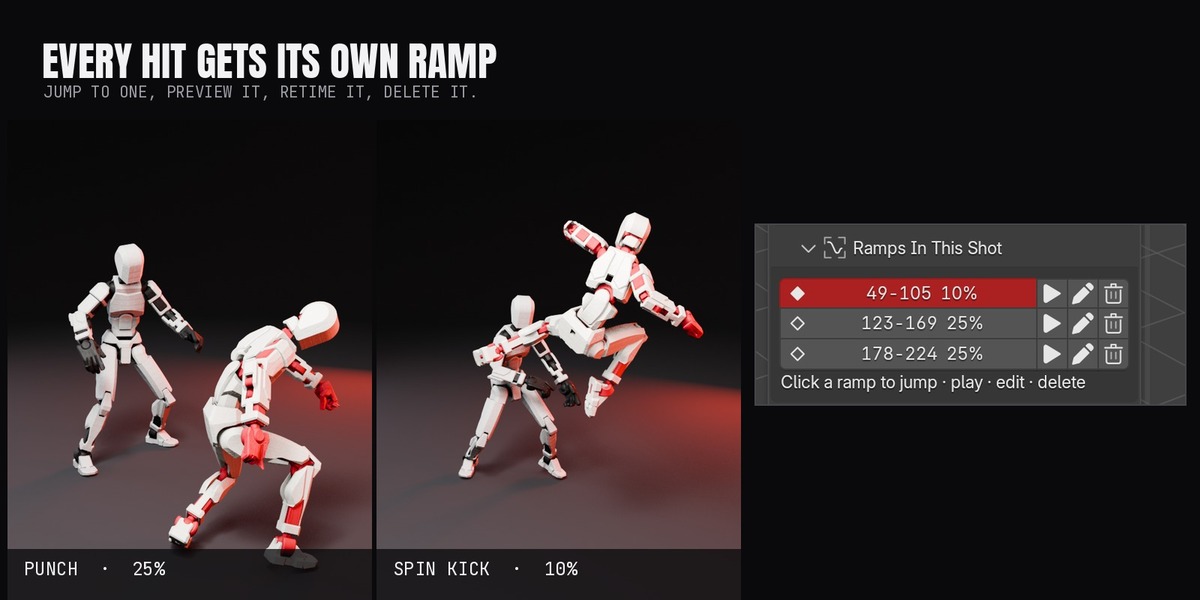
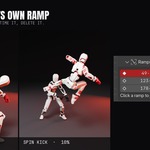
Ramps In This Shot lists every ramp in the scene. Click one to jump to it, play it, retime it or delete it. Built for fight shots where three impacts each need their own speed.

Slow motion that isn't a smear

SHUTTER

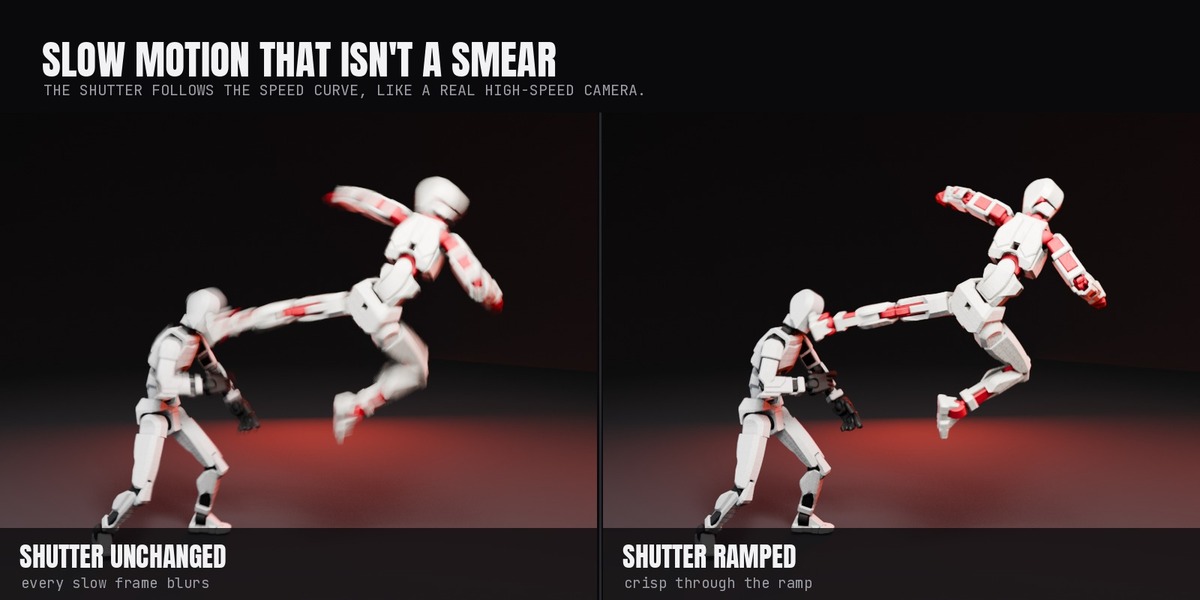
Slow motion that isn't a smear

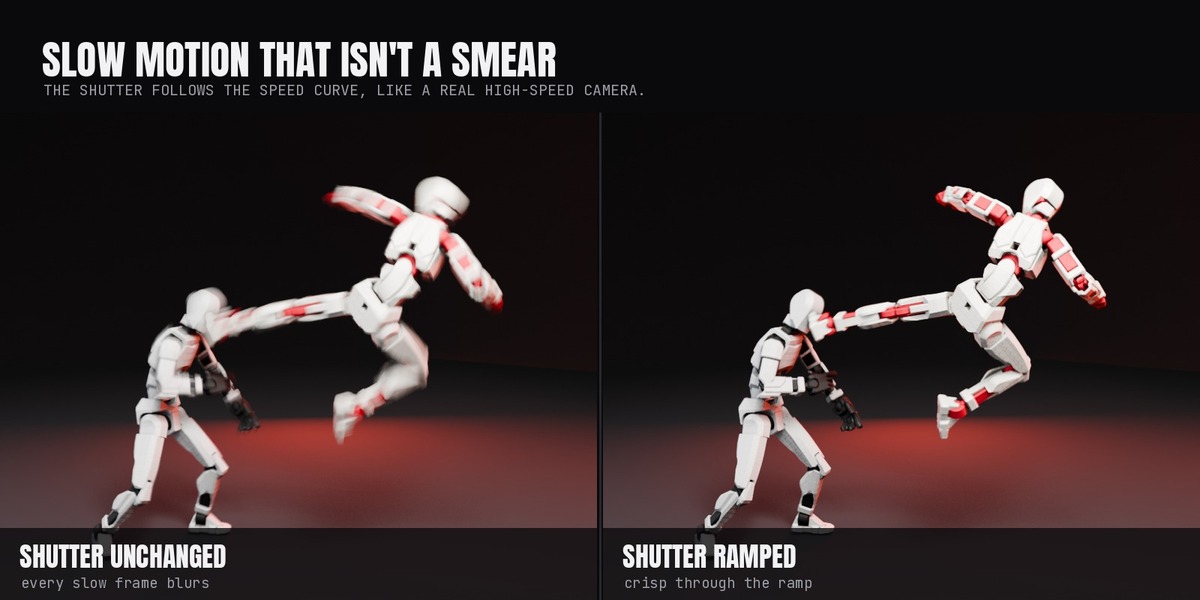
The render shutter is keyed to follow the speed curve, the way a real high-speed camera shortens its exposure. Slow frames stay crisp instead of smearing across the hold.

Camera cuts move with the shot

MARKERS

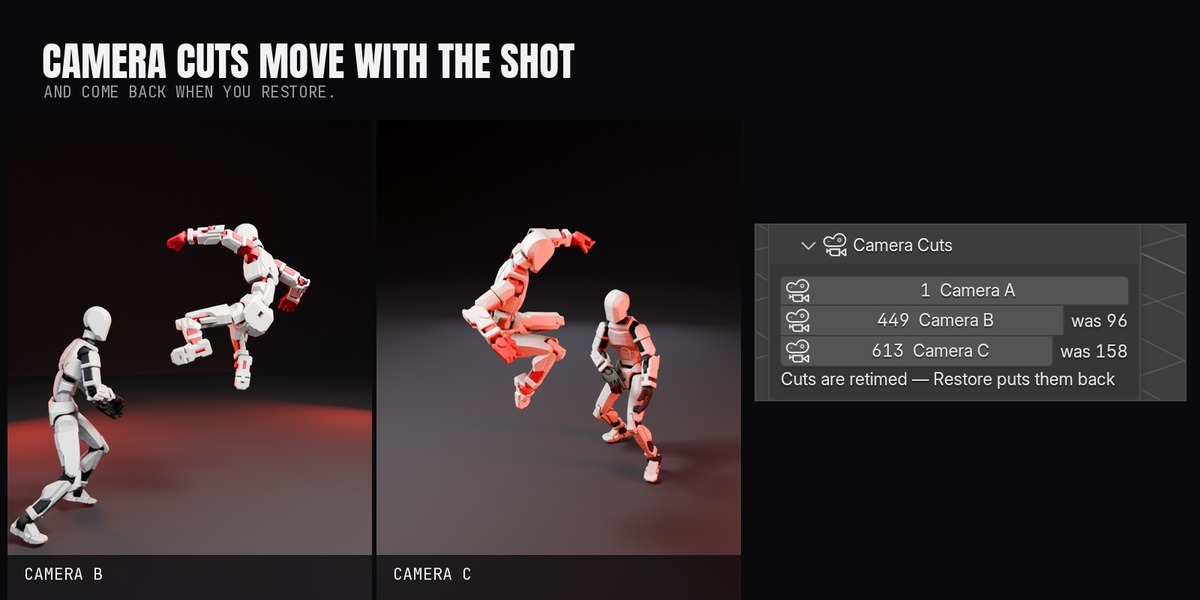
Camera cuts move with the shot

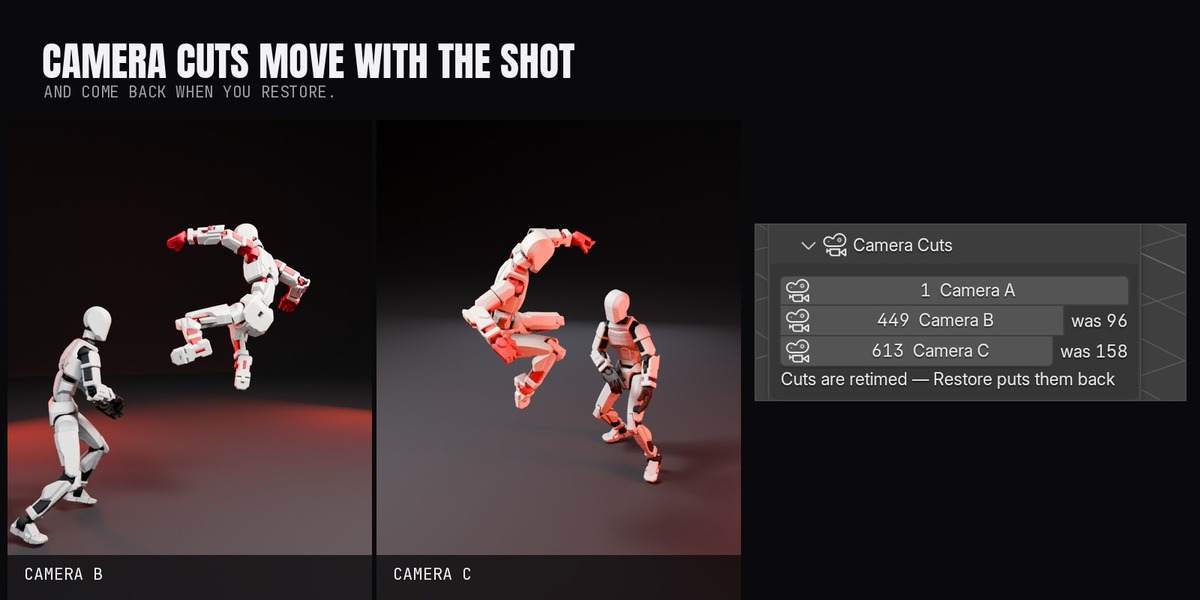
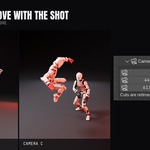
Timeline markers, camera-bound cuts included, are retimed with everything else — a cut at frame 96 lands at 449 — and come back on their original frames when you restore.

Target duration

Say how long the shot should run and it solves the speed for you.

Marker automation

Name your timeline markers "slow" and drop your chosen preset at every one, for multi-impact fight shots.

Pre-flight

Before it touches anything it tells you what it will change: how many actions, how many NLA strips, which sims, and the new frame count.

Restore Original Timing

Fully reversible. Originals are backed up and put back exactly as they were.

Physics comes with it

Rigid body, cloth and particle caches are retimed and re-baked against the new clock, so sims stay in step with the animation.

Its own sidebar tab

Nothing else in your N-panel moves.

Film presets

One click drops a finished ramp at the playhead:

50% Replay40% Walk25% Film10% Impact4% ExtremeWhip RampPunch RampFreeze & Orbit2x Faster4x Timelapse

Whip Ramp

Dive in hard, hold, snap out.

Punch Ramp

A slight speed-up into the slam.

Freeze & Orbit

A near-still scene while the camera keeps moving.

2x Faster / 4x Timelapse

The same curve in the other direction.

How it works

Speed curve

A scene-level F-curve you can keyframe and edit like any other. 100% is real time; 10% plays ten times slower.

Apply

Integrates the curve into a time map, then rewrites actions, NLA strips, caches and markers against it. The scene length changes to match.

Shutter

Motion blur shutter is keyed from the same curve, so exposure shortens as the clock slows.

Restore

Reverses the map and drops the backed-up originals back in place. Nothing is one-way.

It writes normal Blender data throughout — keyframes, strips, markers and caches. Nothing is simulated at playback, and the .blend opens anywhere.

Requirements

Blender 5.0 or newerWindows, macOS, LinuxAny render engine

  • Blender 5.0 or newer.
  • Works on any rigged character or animated object. Built and tested on 3D-scanned action figures.
  • Any render engine. The add-on only rewrites timing.
  • Nothing else to install. No external libraries, no internet connection, no account.

Installation

  • Drag the .zip into Blender, or Edit > Preferences > Add-ons > Install from Disk.
  • Accept Superhive as a remote repository so updates arrive through Get Extensions.
  • Find it in the 3D Viewport sidebar (N) under the Slow Motion tab.

Coming next

ON THE WORKBENCH

Ramps drawn on the timeline itself, so you can see them while scrubbing.

Speed driven by a hit, detected from the contact frame.

Audio retimed with the picture.

Owners get every update through Blender's Get Extensions. Want a feature? Message me through Superhive.

More Super Easy add-ons

COLLECT THE SET

Built for 3D-scanned action figures. Works on any rigged character.
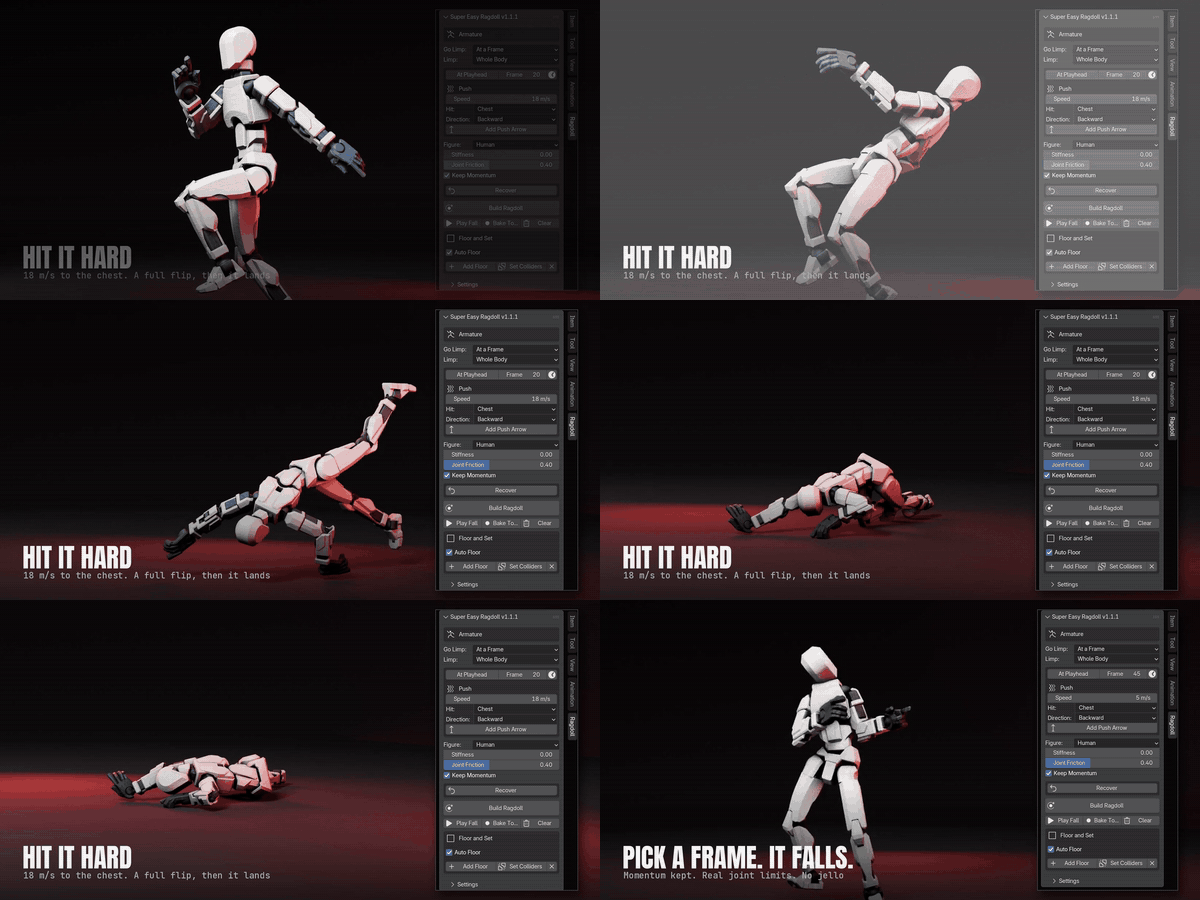
Super Easy Ragdoll in action

PHYSICS

Super Easy Ragdoll

One-click ragdolls for any rigged figure. Fall on a hit or a blast, get back up, and bake it all to keyframes.

View add-on →

Super Easy Stop Motion in action

ANIMATION STYLE

Super Easy Stop Motion

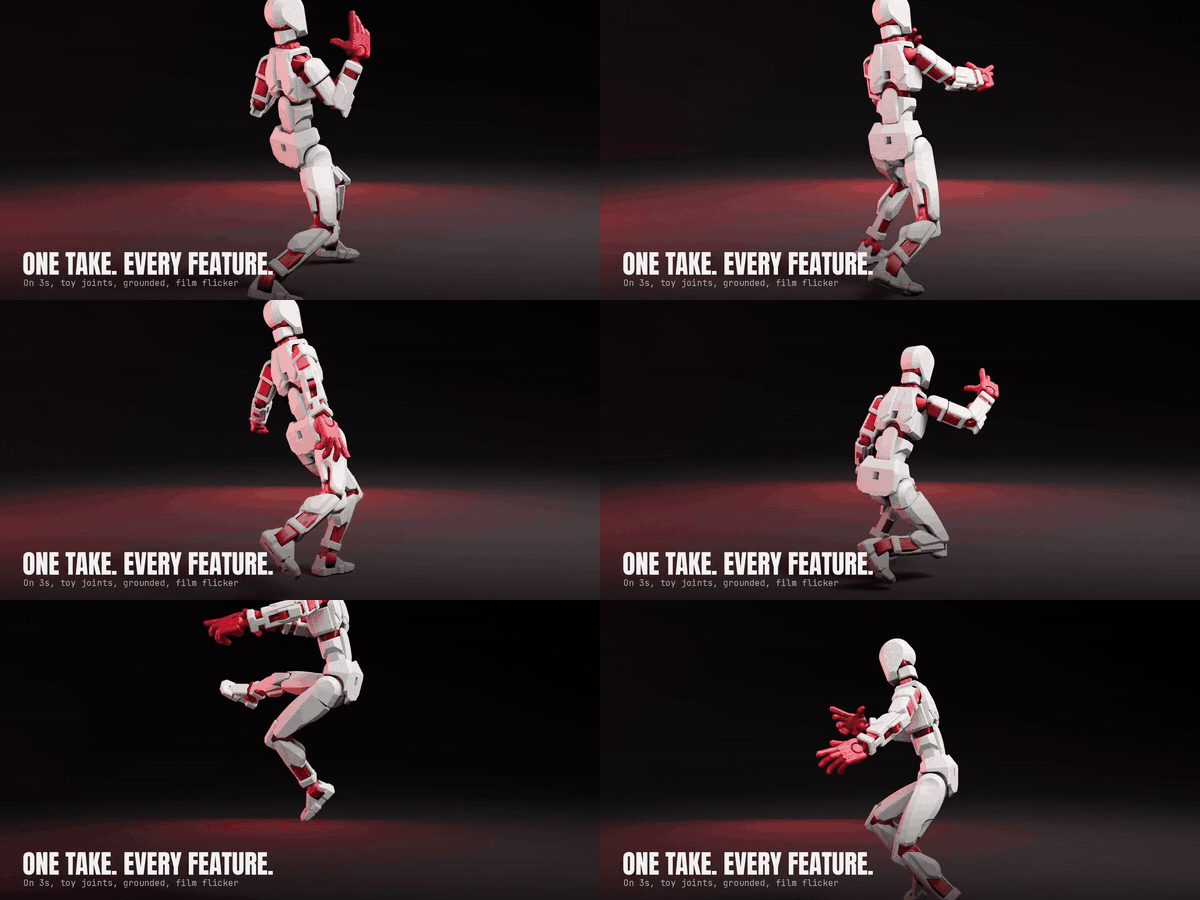
Step any animation onto 2s, 3s or 4s, with toy-joint limits and feet kept on the set.

View add-on →

Super Easy Scene Streamliner in action

VIEWPORT SPEED

Super Easy Scene Streamliner

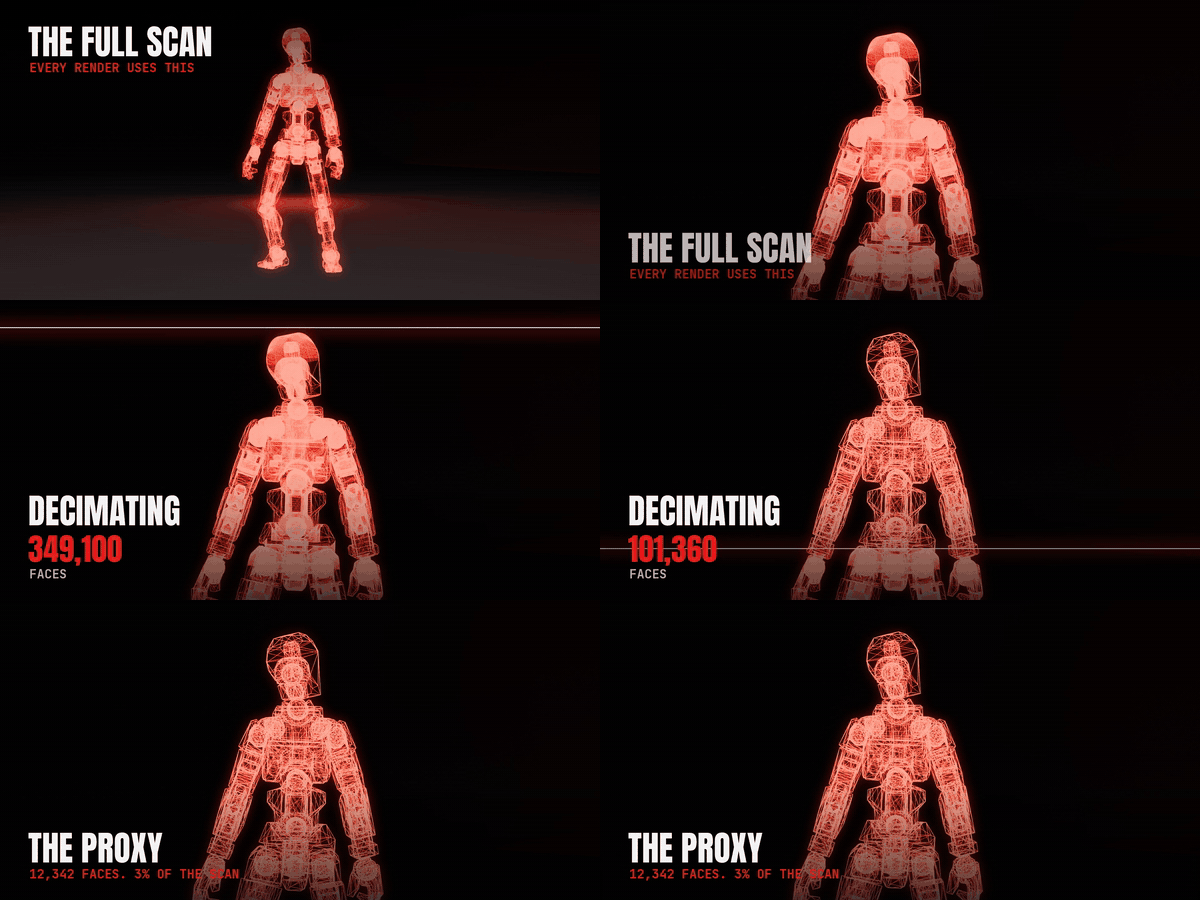
Low-poly proxies in the viewport, full detail in the render. A 49-figure crowd went from 1.1 to 19.6 FPS.

View add-on →

Super Easy Grab & Release in action

PROPS

Super Easy Grab & Release

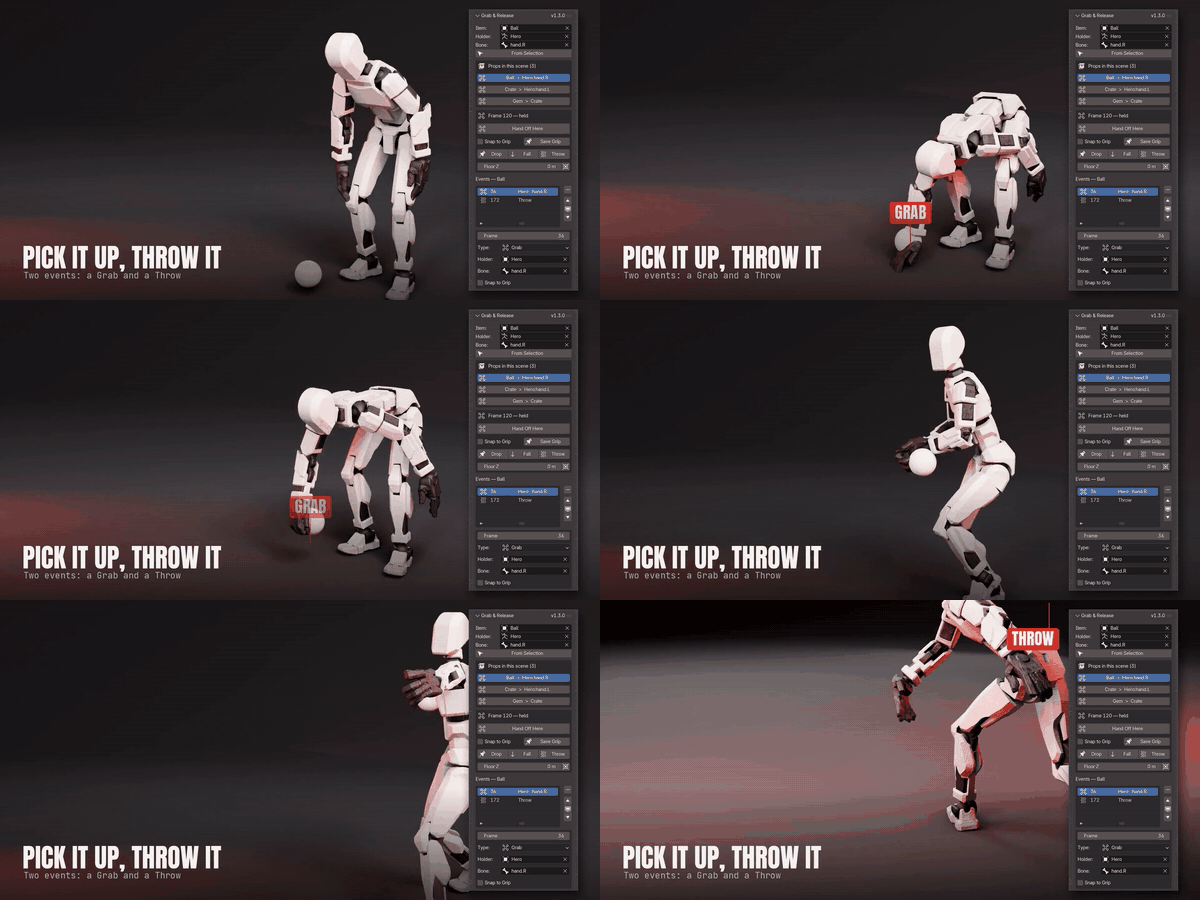
Pick up, hand off and throw props with a hand bone. No constraint setup, and every grab stays editable.

View add-on →

Super Easy Face Animation in action

LIP SYNC

Super Easy Face Animation

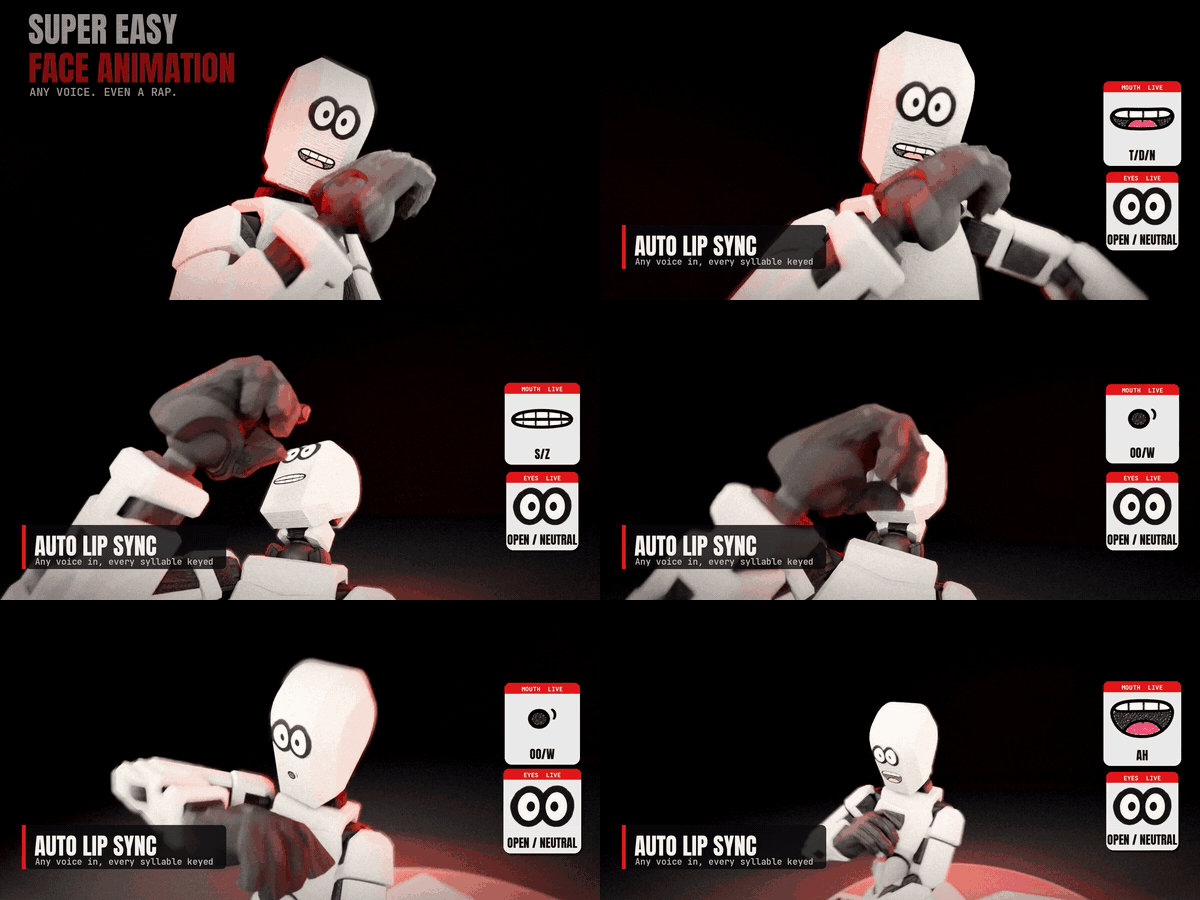
Drop a voice clip on any rigged character and get a talking, blinking face in one click.

View add-on →

See every Make It Move Media add-on on Superhive →


$29

Have questions about this product?
Login to message

Details
Blender Extension Compatible Yes
Published about 2 hours ago
Blender Version 5.0 - 5.3
Extension Type Add-on
Render Engine Used Cycles, Eevee
License GPL