 Milad_Kambari


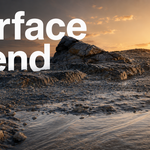
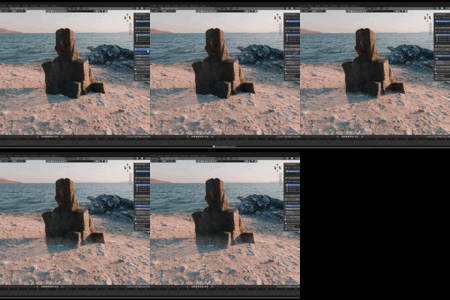
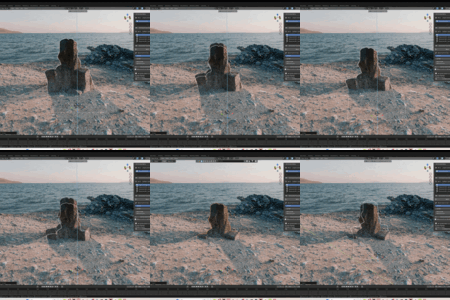
Blend any material into your surface.
In real-time, automatically.
Seamlessly blend any asset's material into the ground or landscape based on proximity. Move your object and watch the blend follow it live — powered by geometry nodes and smart shader mixing, with natural noise-based transitions.
See it in action.
Three steps. Seamless blend.
Pick your surface, pick your asset, hit blend. The material transitions naturally between them.
| 1 PICK SURFACESelect your ground or landscape surface as the blend target. | 2 PICK ASSETChoose the asset whose material you want to blend into the surface. | 3 BLENDHit blend and adjust spread, strength, and noise for a natural result. |
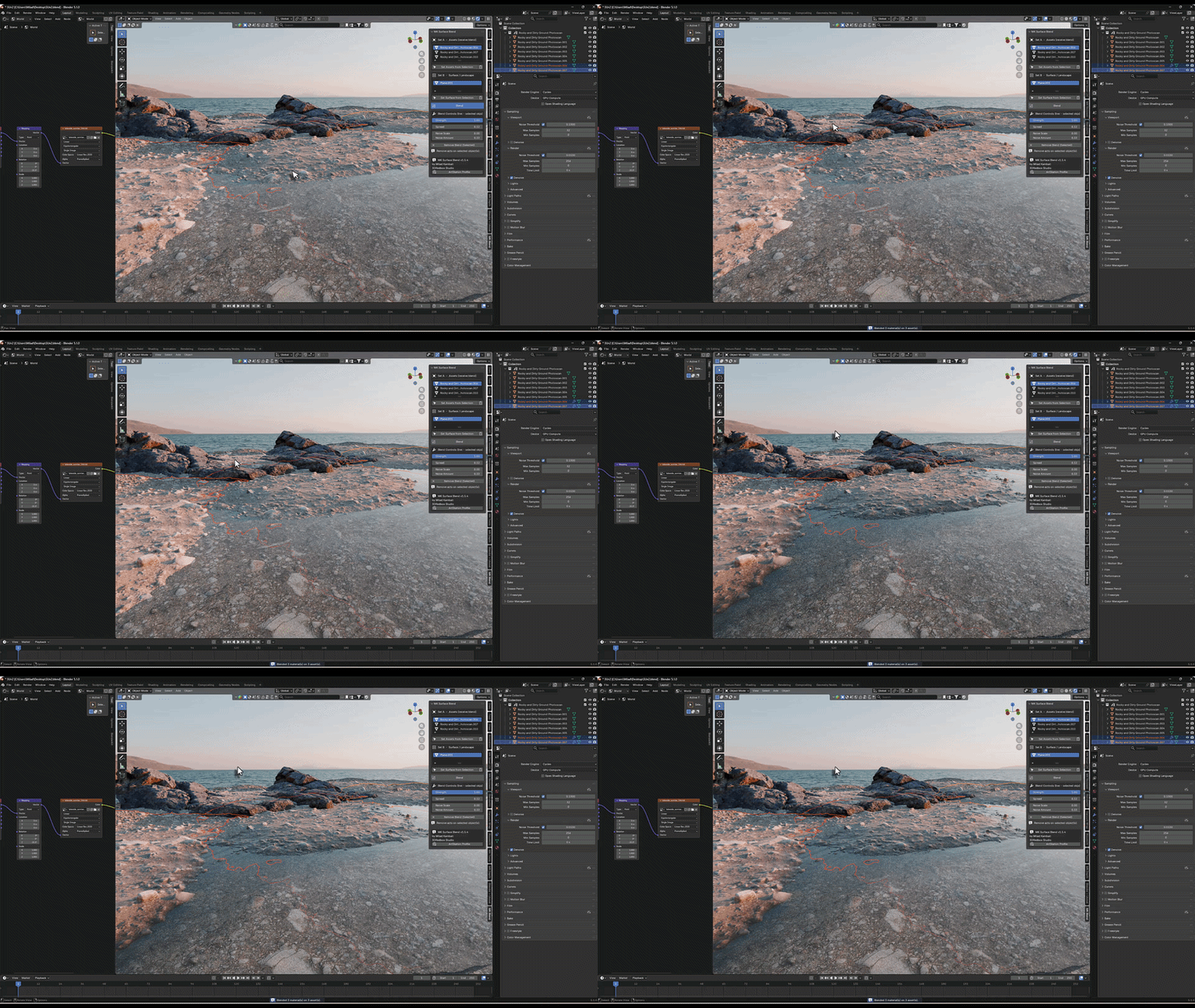
Proximity-Based Blending
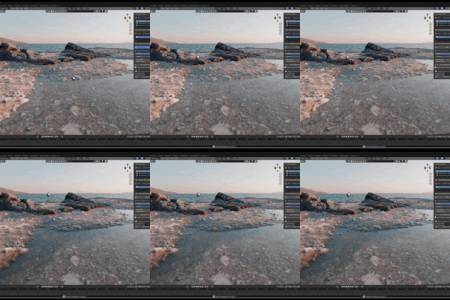
The material blends into the surface based on how close your asset sits to the ground. Powered by geometry nodes and shader mixing, the transition is smooth, controllable, and completely non-destructive.
Geometry nodes + shader mix. Fully non-destructive.
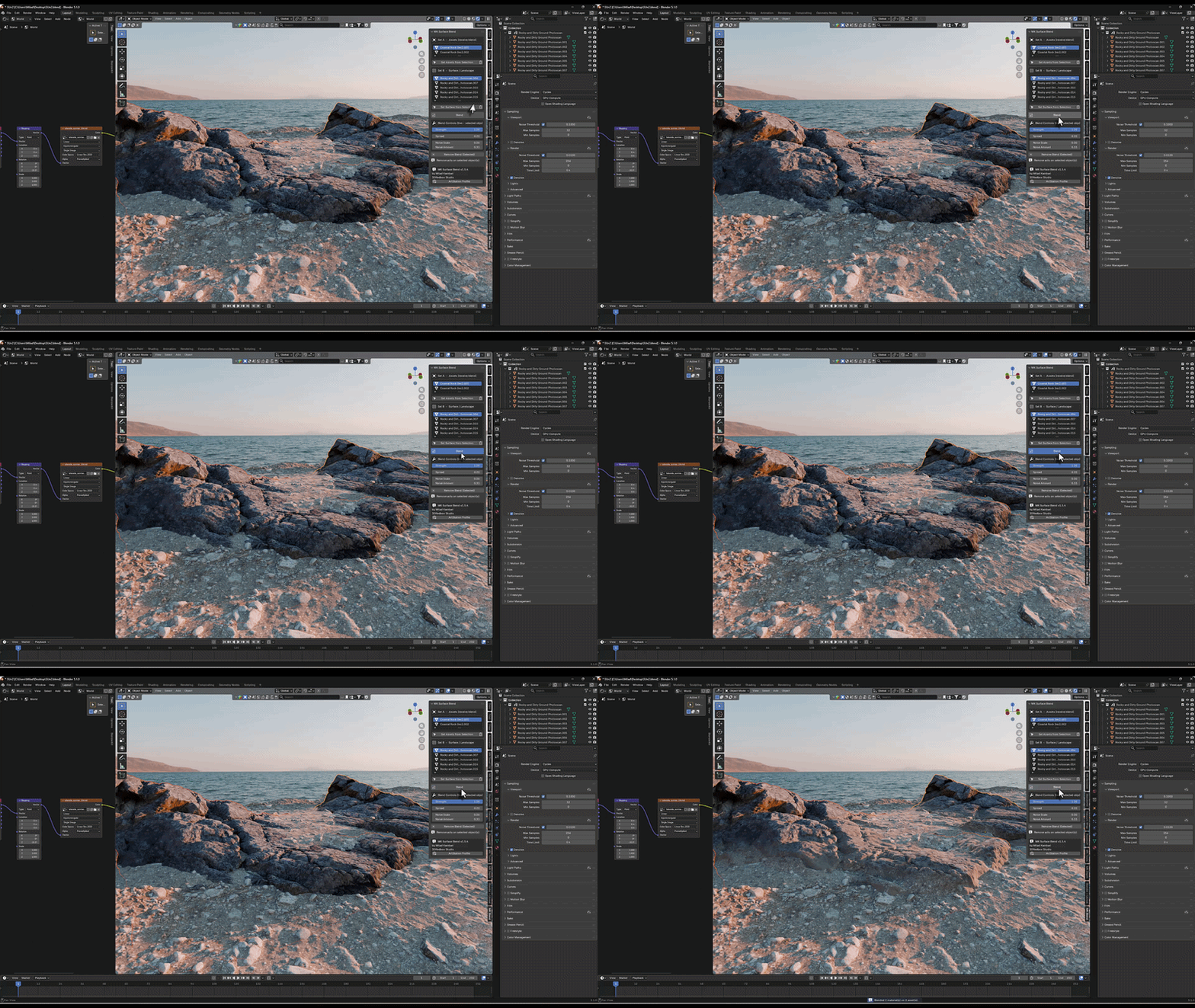
Ordered Layered Blend
Stack multiple materials in a controlled order (1 → 2 → 3), with one-directional blending. Build up complex, layered surface transitions — perfect for paths fading into grass fading into dirt.
Multi-layer support. One-directional, predictable order.
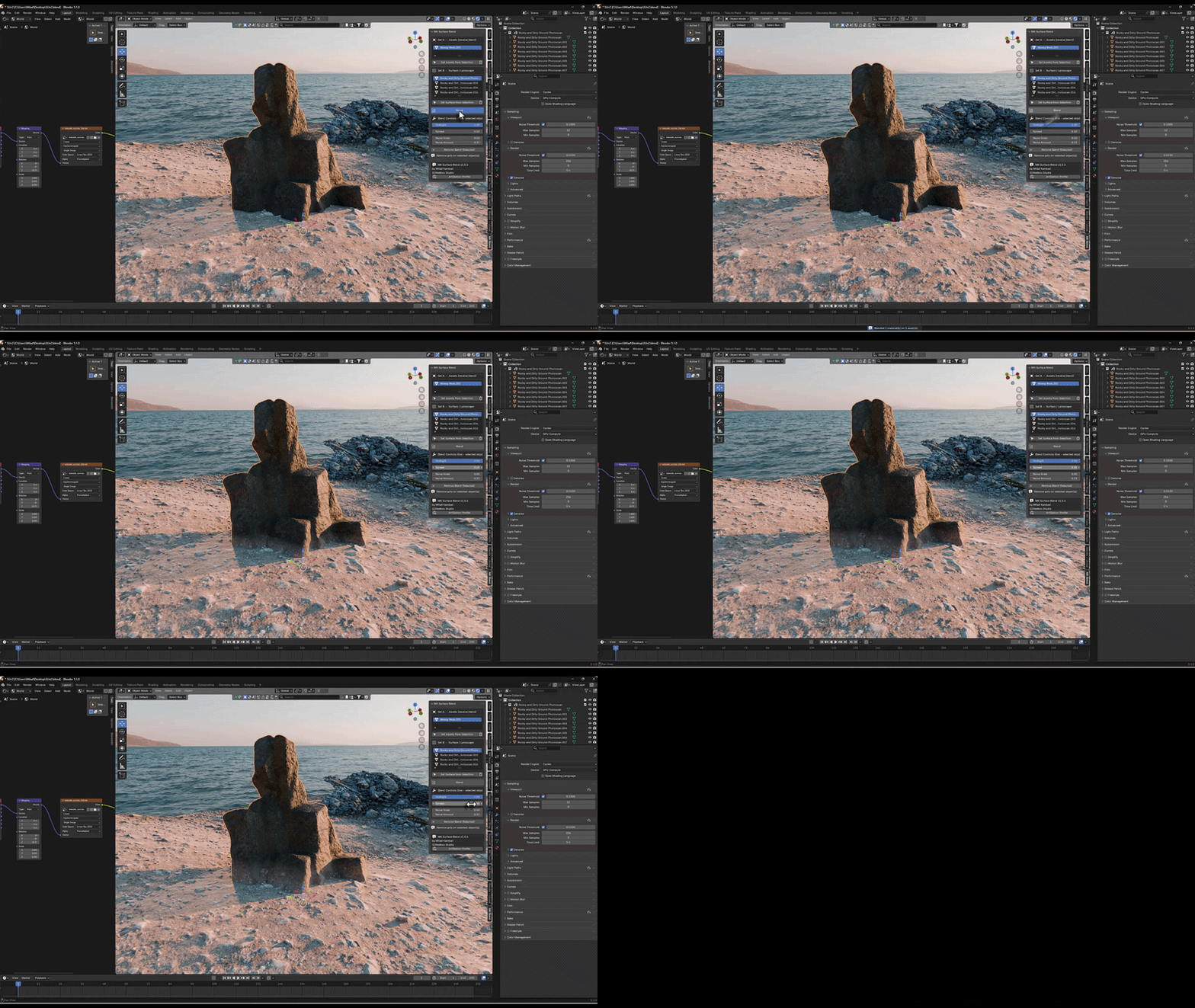
Full Real-Time Controls
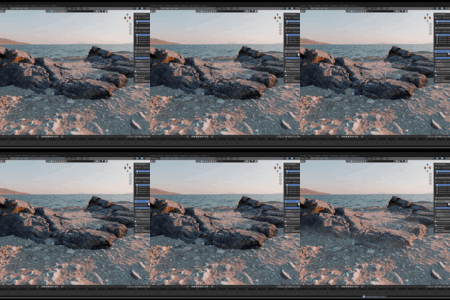
Adjust Spread, Strength, Noise Scale, and Noise Amount with live viewport feedback. Every slider updates instantly so you can dial in the exact look you need without rebuilding anything.
Spread, Strength, Noise Scale, Noise Amount — all live.
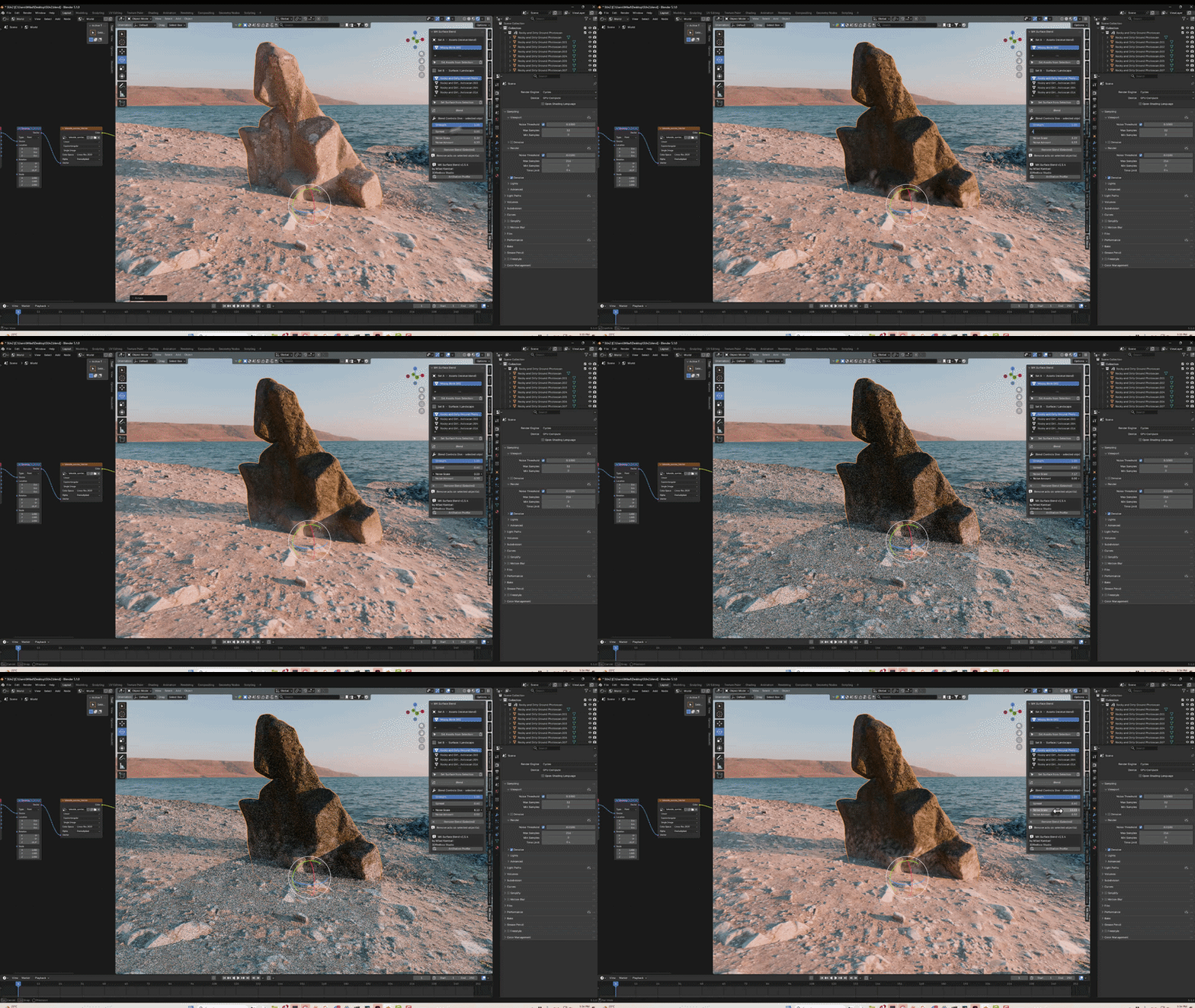
Natural Noise Effect
Break up clean, artificial edges with procedural noise. Control the scale and amount to create organic, irregular blend borders that look like nature actually made them — never a perfect mechanical line.
Procedural noise borders. Organic, believable transitions.
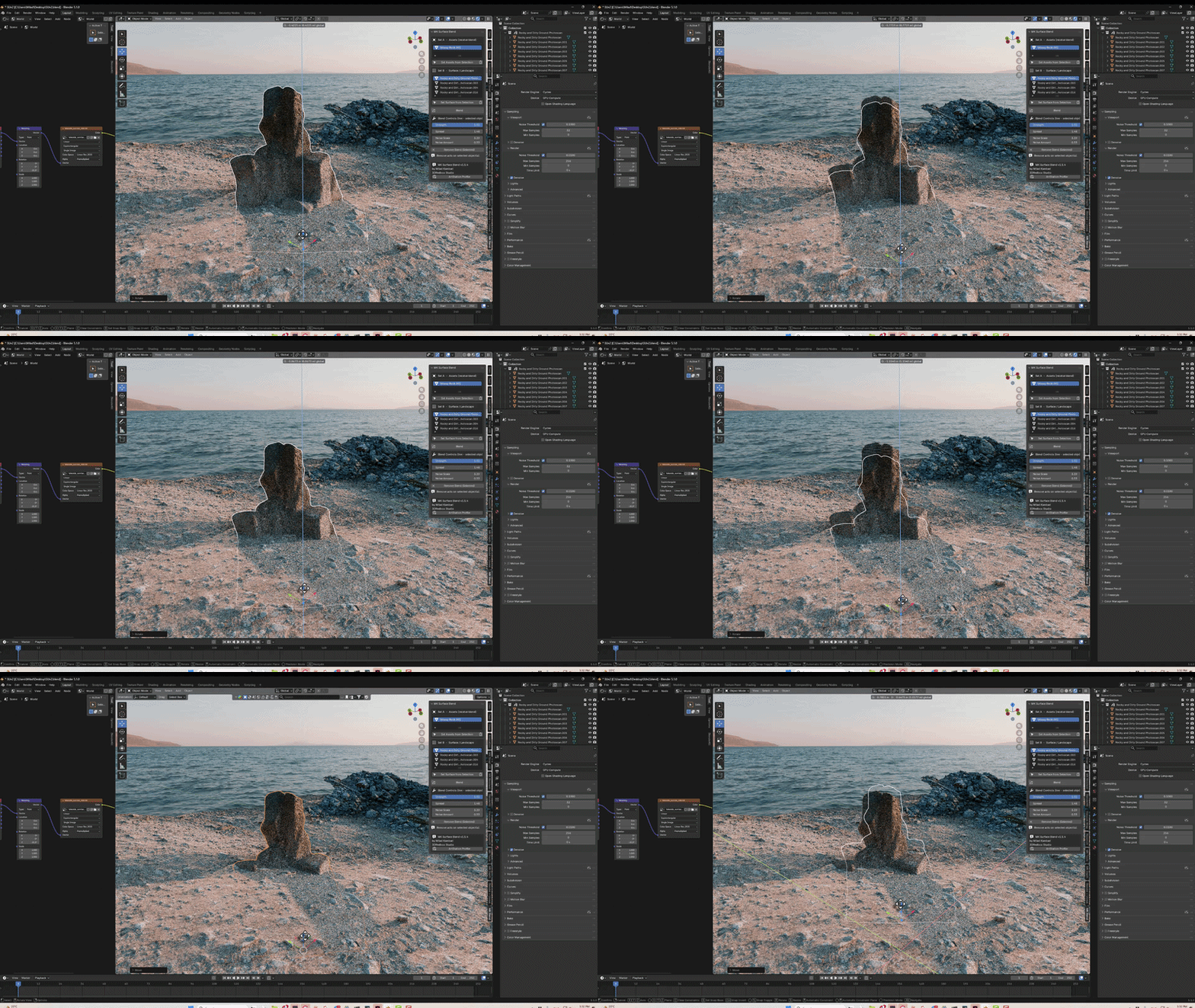
Live Follow on Movement
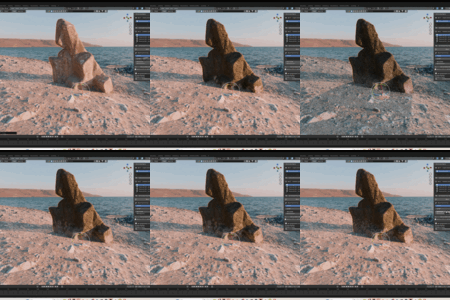
Move or rotate your asset and the blend follows it in real-time. The transition updates live as you reposition objects, so you can place rocks, props, and assets anywhere and the ground blend adapts instantly.
Real-time follow on object orientation and movement.
Everything included.
PROXIMITY BLENDINGBlend any asset's material into a surface based on distance. Geometry nodes drive the mask, shader mix handles the transition — clean and non-destructive. | REAL-TIME FOLLOWMove or rotate your object and the blend follows live. No re-baking, no manual updates — the transition tracks your asset's position automatically. |
LAYERED BLENDStack multiple materials in a controlled 1→2→3 order with one-directional blending for complex, multi-surface transitions. | PROCEDURAL NOISEAdd organic noise to blend borders. Control scale and amount for natural, irregular edges instead of clean mechanical lines. |
LIVE CONTROLSSpread, Strength, Noise Scale, and Noise Amount all update in real-time with instant viewport feedback. Dial in the perfect look fast. | CLEAN N-PANEL UISimple, organized controls in Blender's sidebar under the MK Blend tab. Assign surfaces and assets with clear buttons — no complex setup. |
What you get
| 4.2+ BLENDER | LIVE REAL-TIME BLEND |
Free. Install. Blend.
This add-on is completely free. Works with Blender 4.2+ including Blender 5.0. Powered by geometry nodes and shader mixing for fully non-destructive, real-time material blending.
More from Milad Kambari
 |  |  |
 |  |  |
 |  |  |