 Tidebone Studio
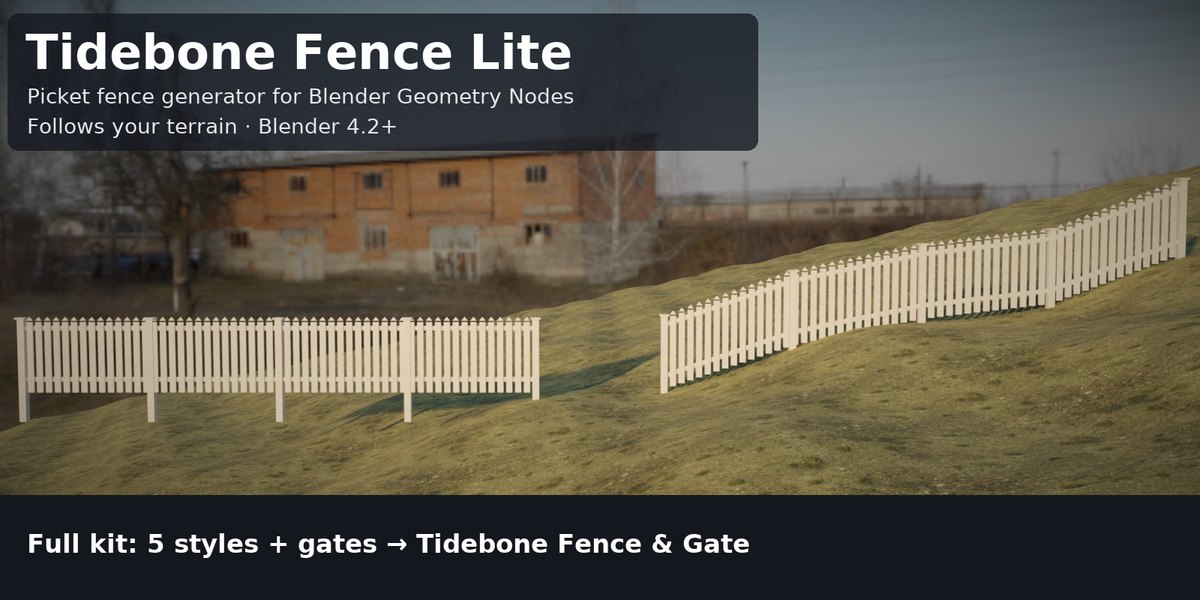
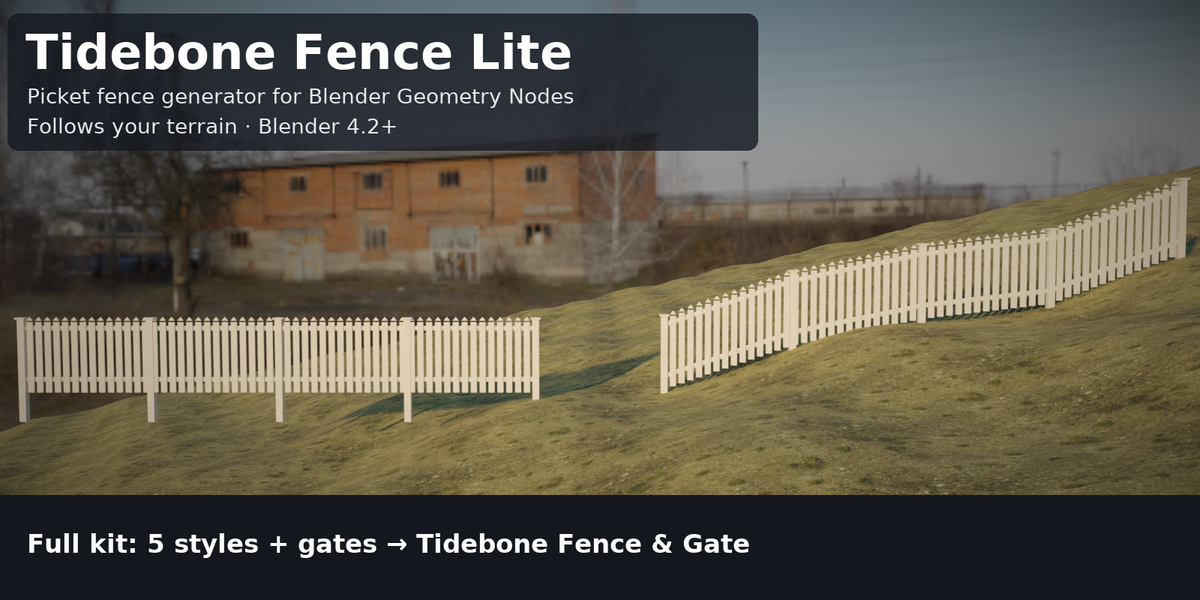
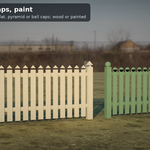
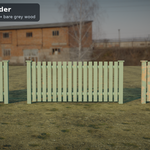
A picket fence generator for Blender Geometry Nodes. Draw a curve, add the modifier, and get a picket fence with posts, caps and rails, which follows your terrain if you want it to.
What you get
- Picket Fence generator: height, corner radius, flip side, posts At Curve Points or with Even Spacing (Bezier/NURBS ok), max post spacing, post size, post depth
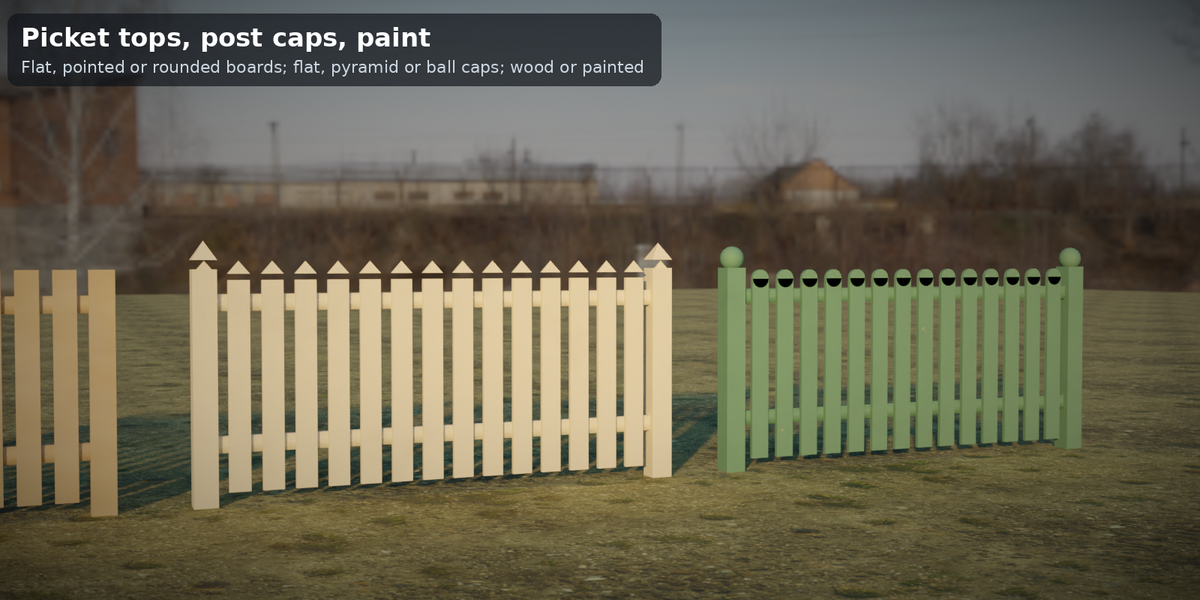
- Post caps: flat, pyramid or ball · pickets: pointed, flat or rounded; width, gap, thickness; 1–5 rails
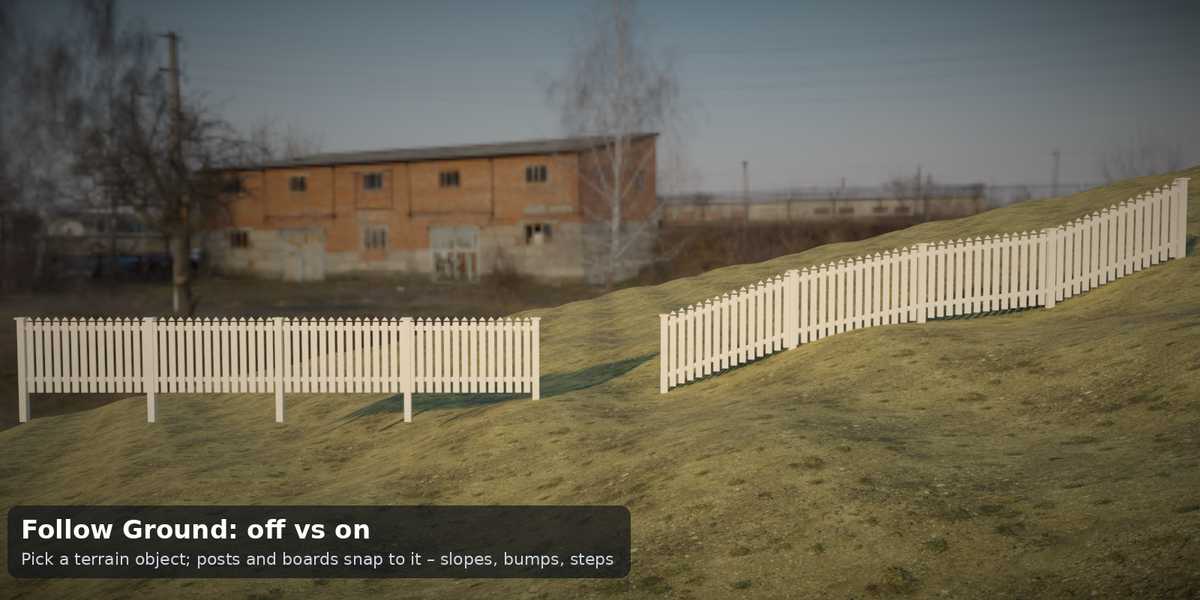
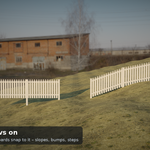
- Follow Ground: pick a terrain object and the posts and pickets snap to slopes, bumps and steps (ray cast from above), with a clearance slider
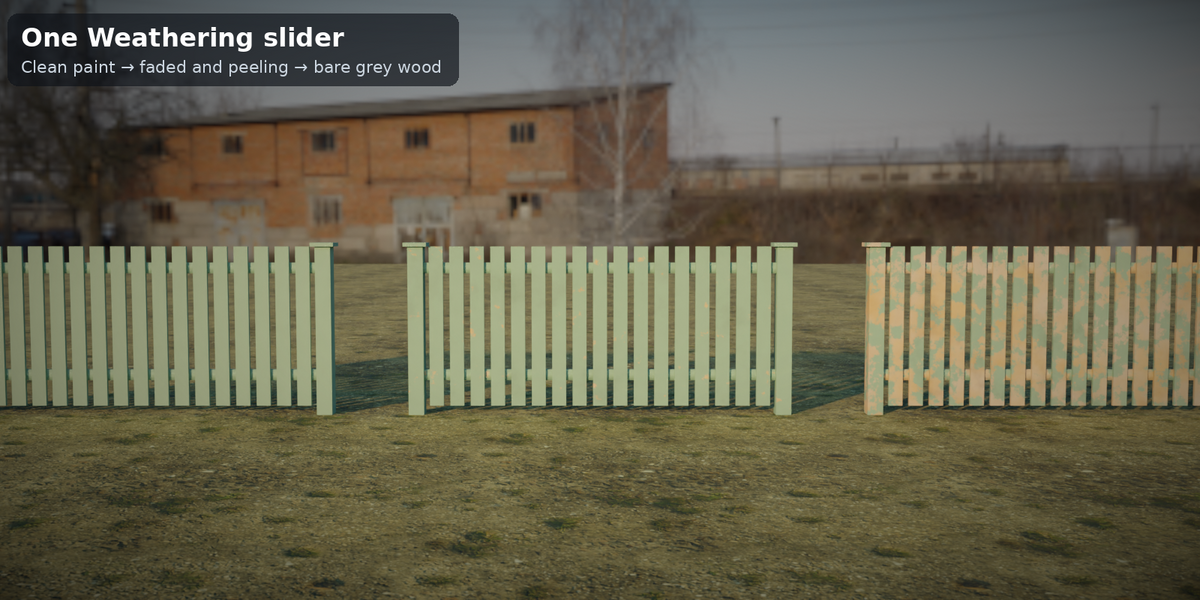
- Procedural wood material: Color, Painted switch and one Weathering slider (clean paint → peeling → grey wood)
- No add-ons, no Python, no image textures. Tested on Blender 4.2.23, 4.5.14 and 5.2.1. Cycles only checked.
How to use: add a curve, add a Geometry Nodes modifier, choose Tidebone Fence Lite. For terrain: tick Follow Ground and pick your ground mesh.
Need more? The full Tidebone Fence & Gate kit adds Privacy, Ranch, Wrought Iron and Wire Mesh styles, the Gate generator (single/double, open angle, Z-brace, hinges, latch), paint and steel materials, a demo scene and an asset catalog.
License: use in personal and commercial projects. Do not redistribute or resell the file itself.
More Tidebone generators
Full version: Tidebone Fence & Gate – all styles and options.
- Altbau Facade – Gründerzeit & Jugendstil tenement facades
- Road – lanes, markings, curbs, sidewalks, street lamps ($1 Lite)
- Roof & PV – roofs with solar panel layout
- Worn Walls – procedural ageing for old buildings
- Altbau Stairs – worn stairs & railings
- Utility Kit – pipes, scaffolding, cable trays, railings
- Rope & Chain – ropes and chains along any curve
