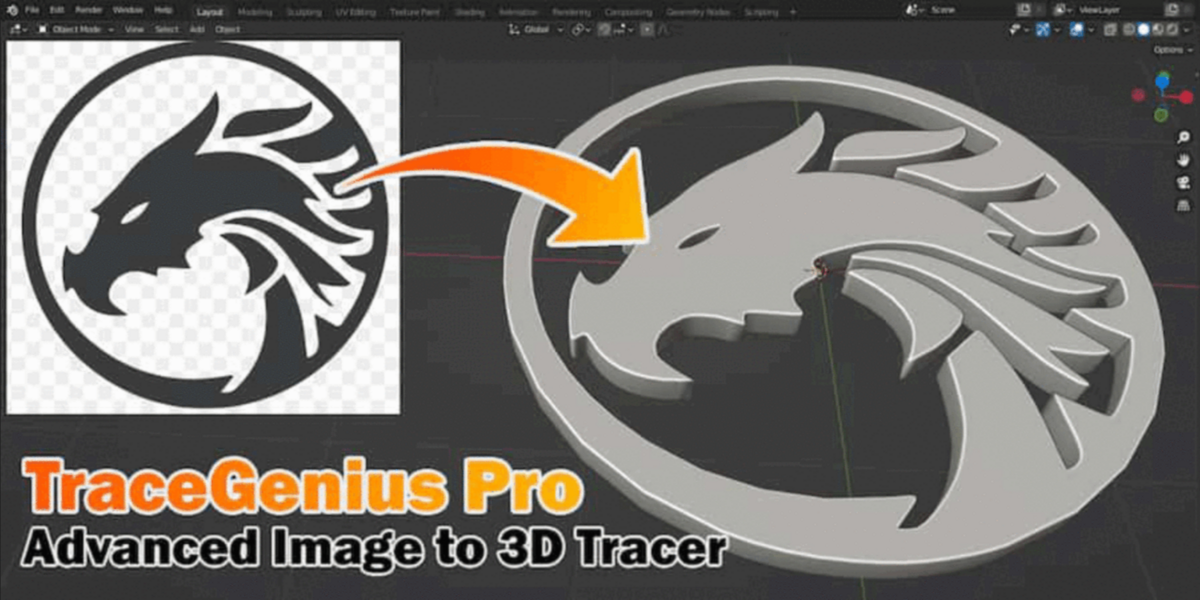
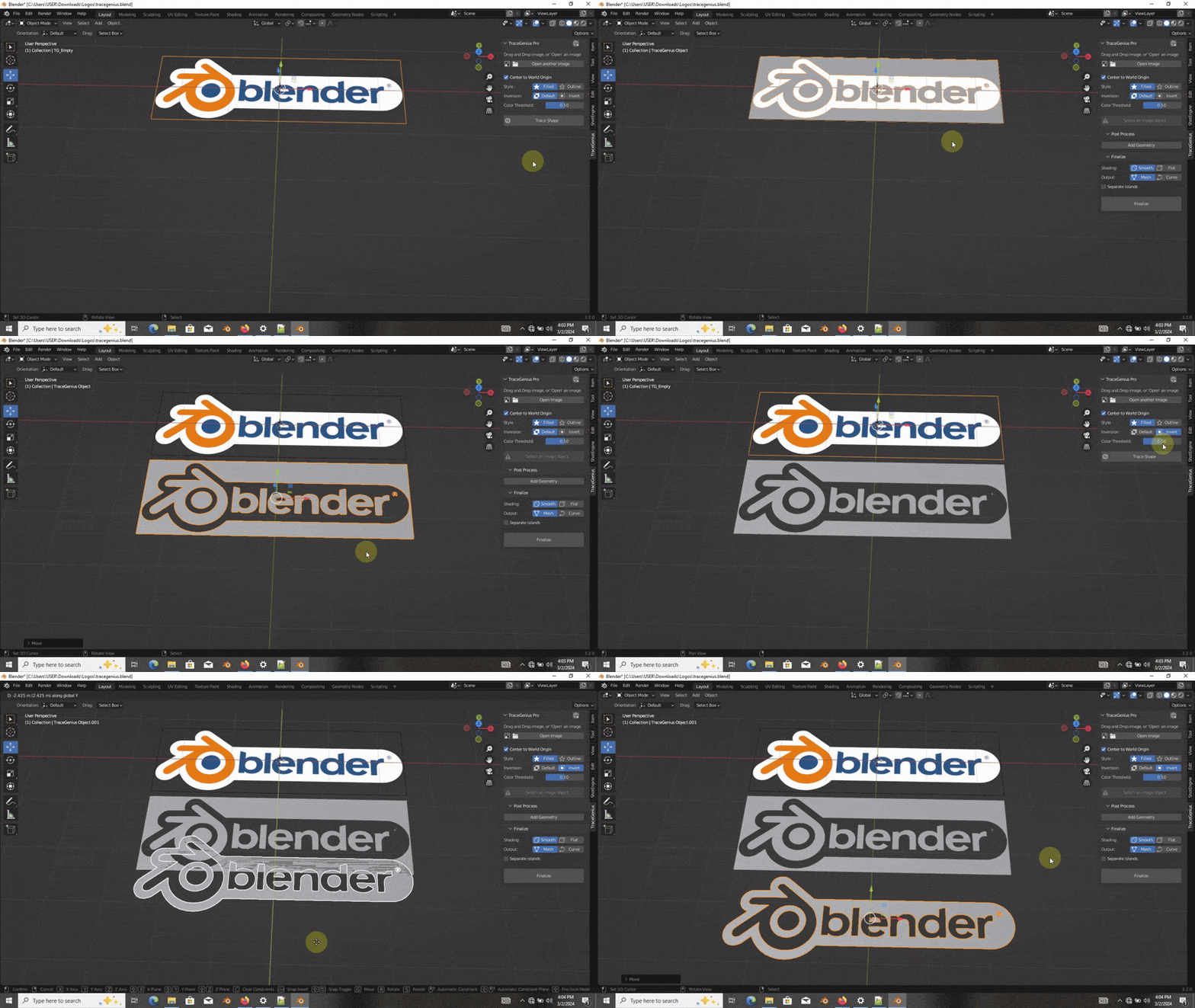
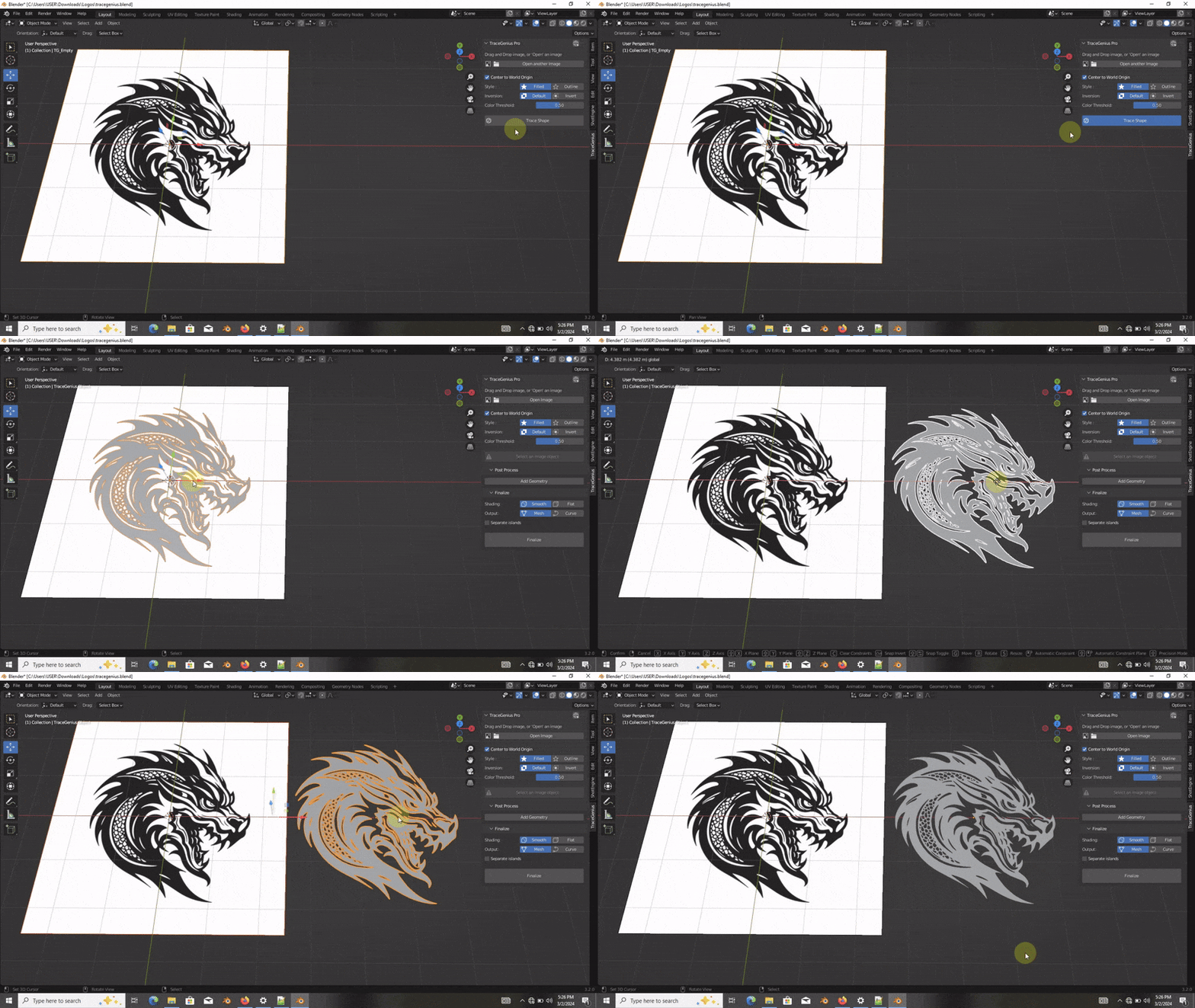
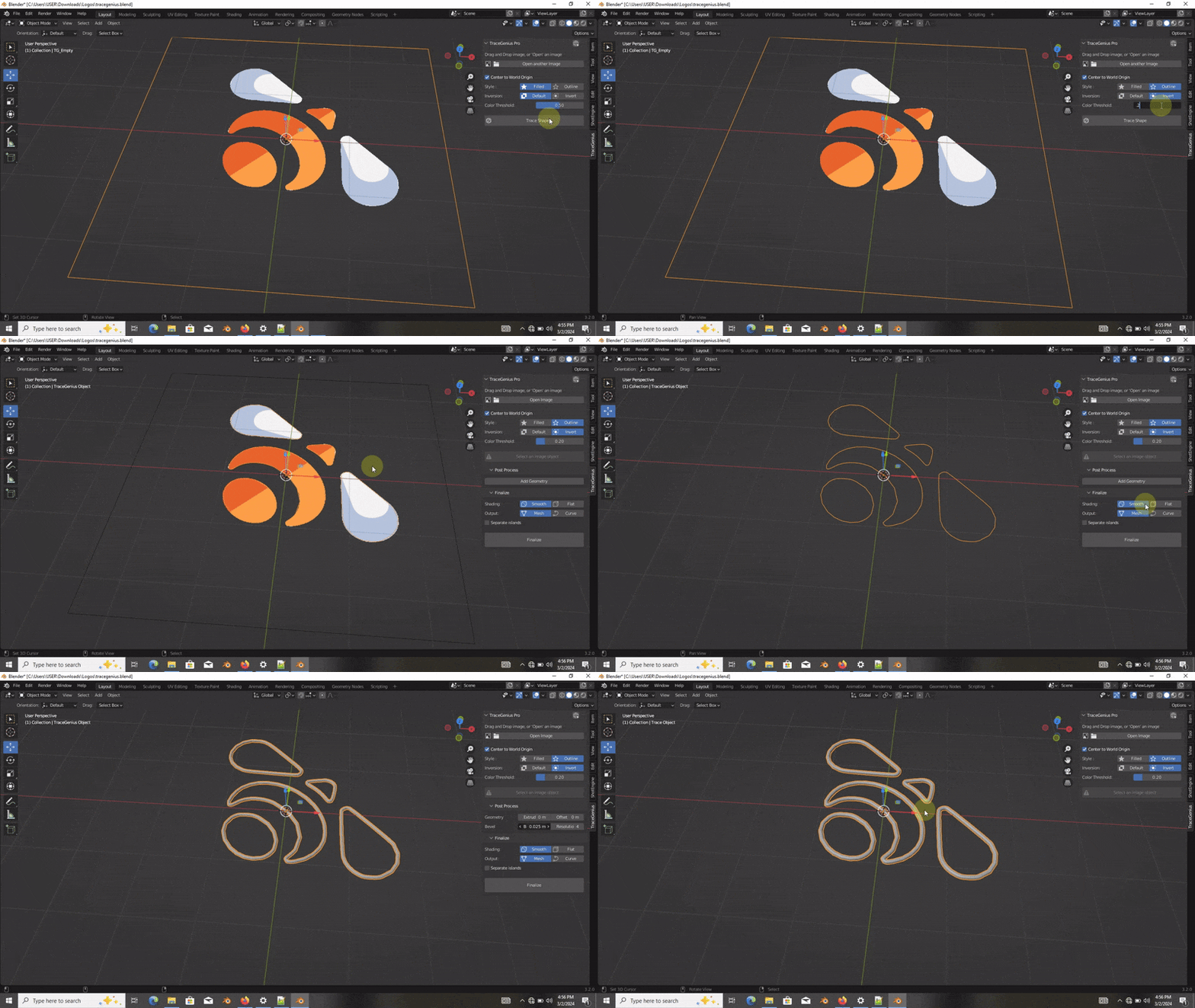
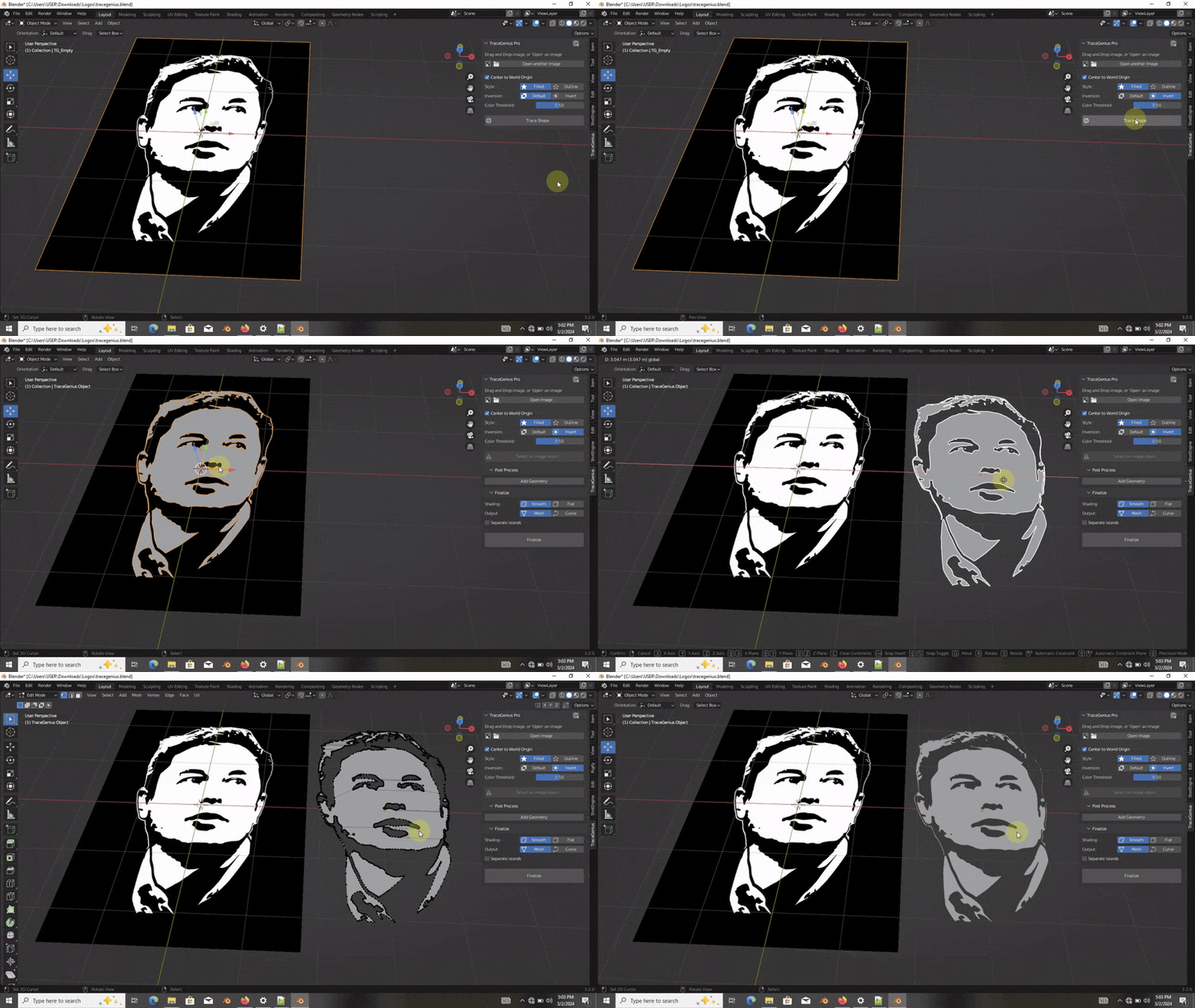
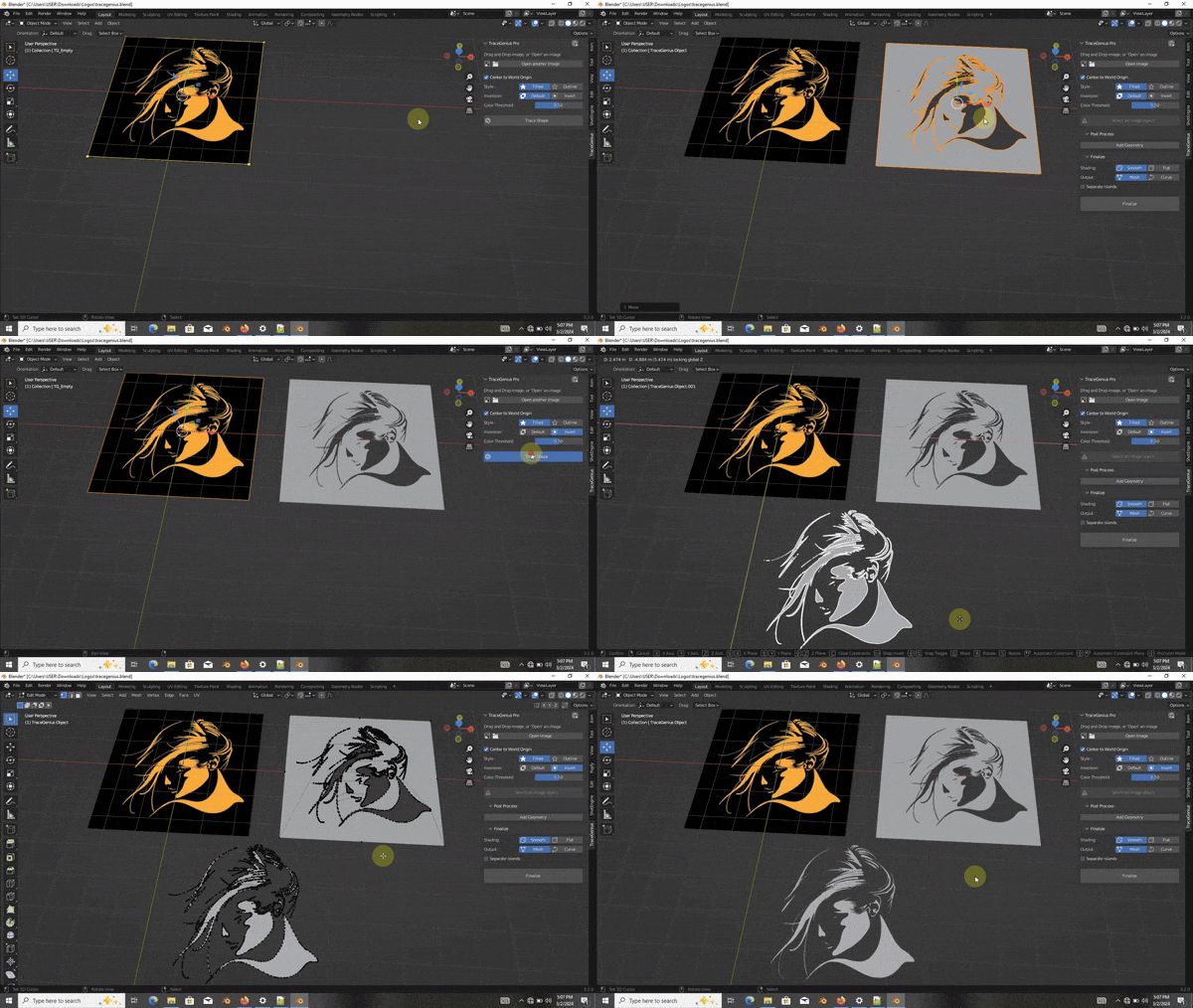
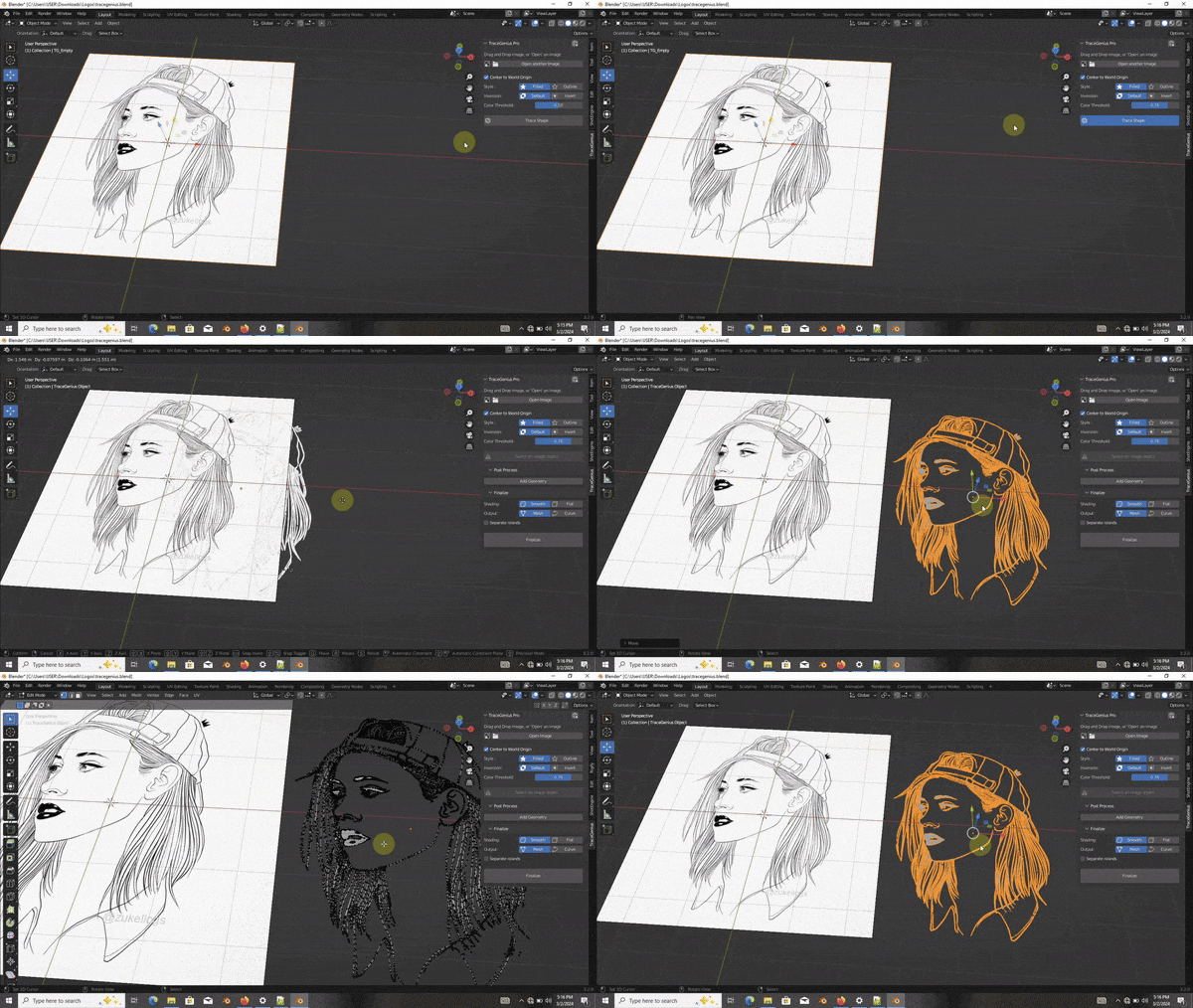
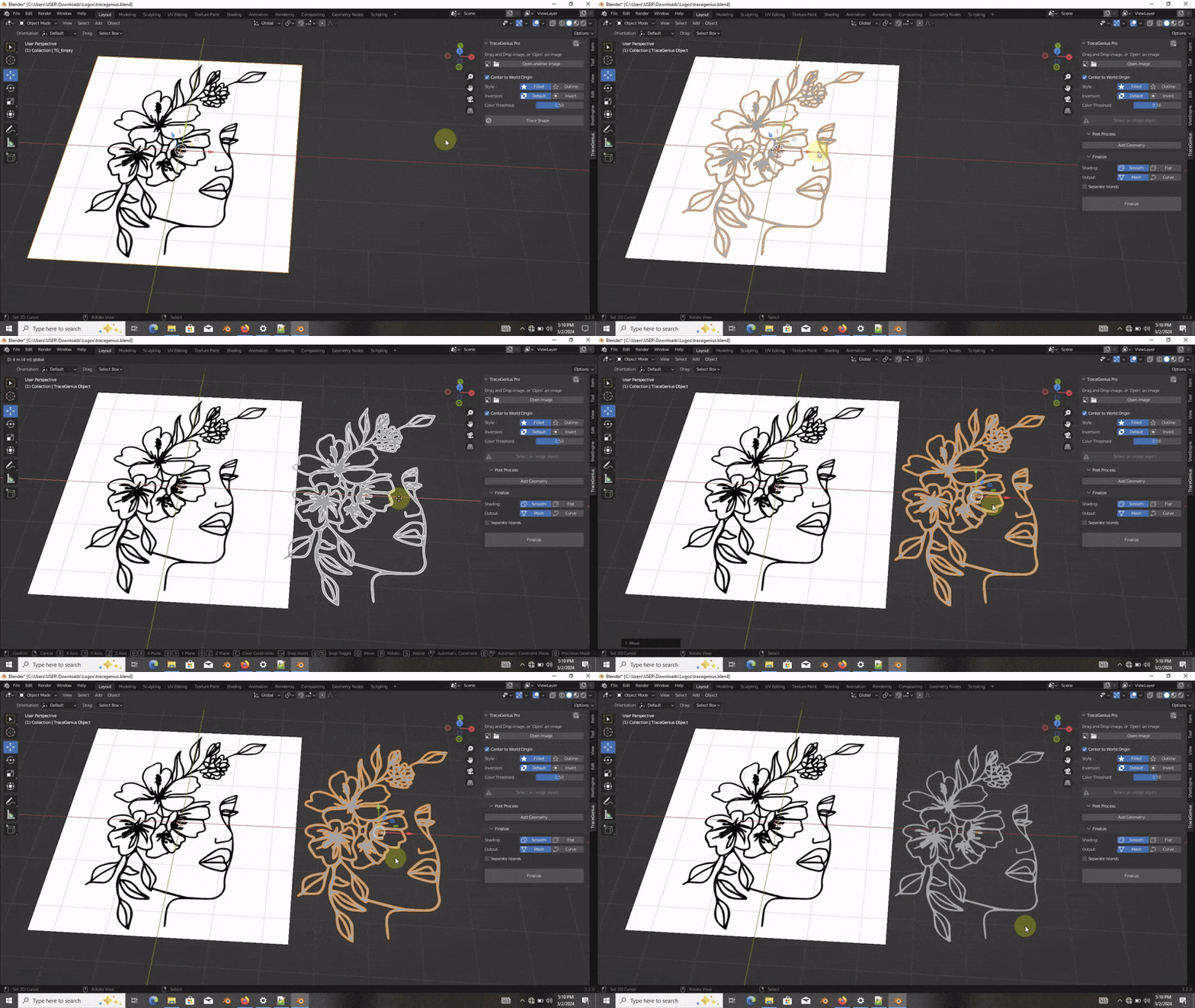
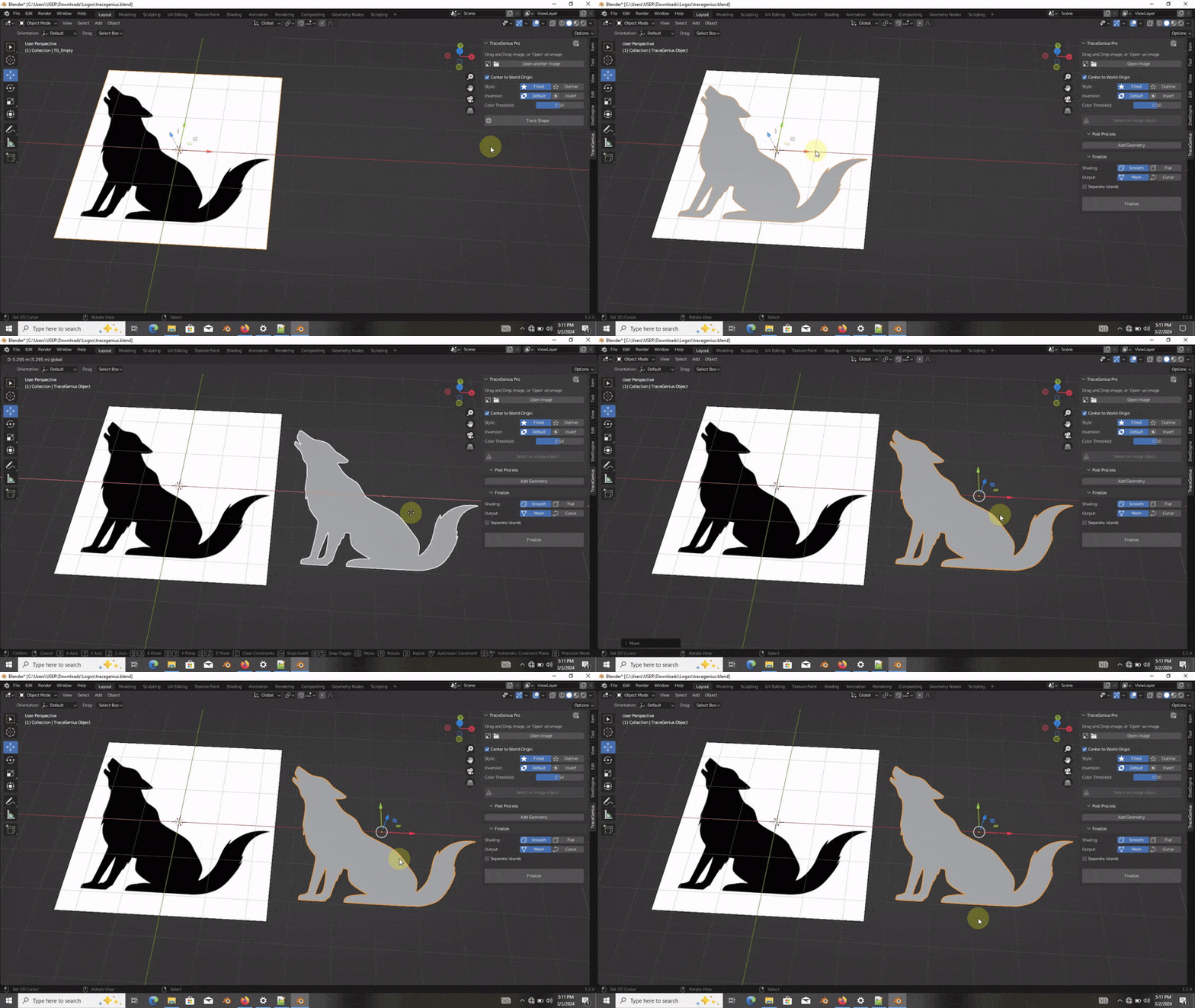
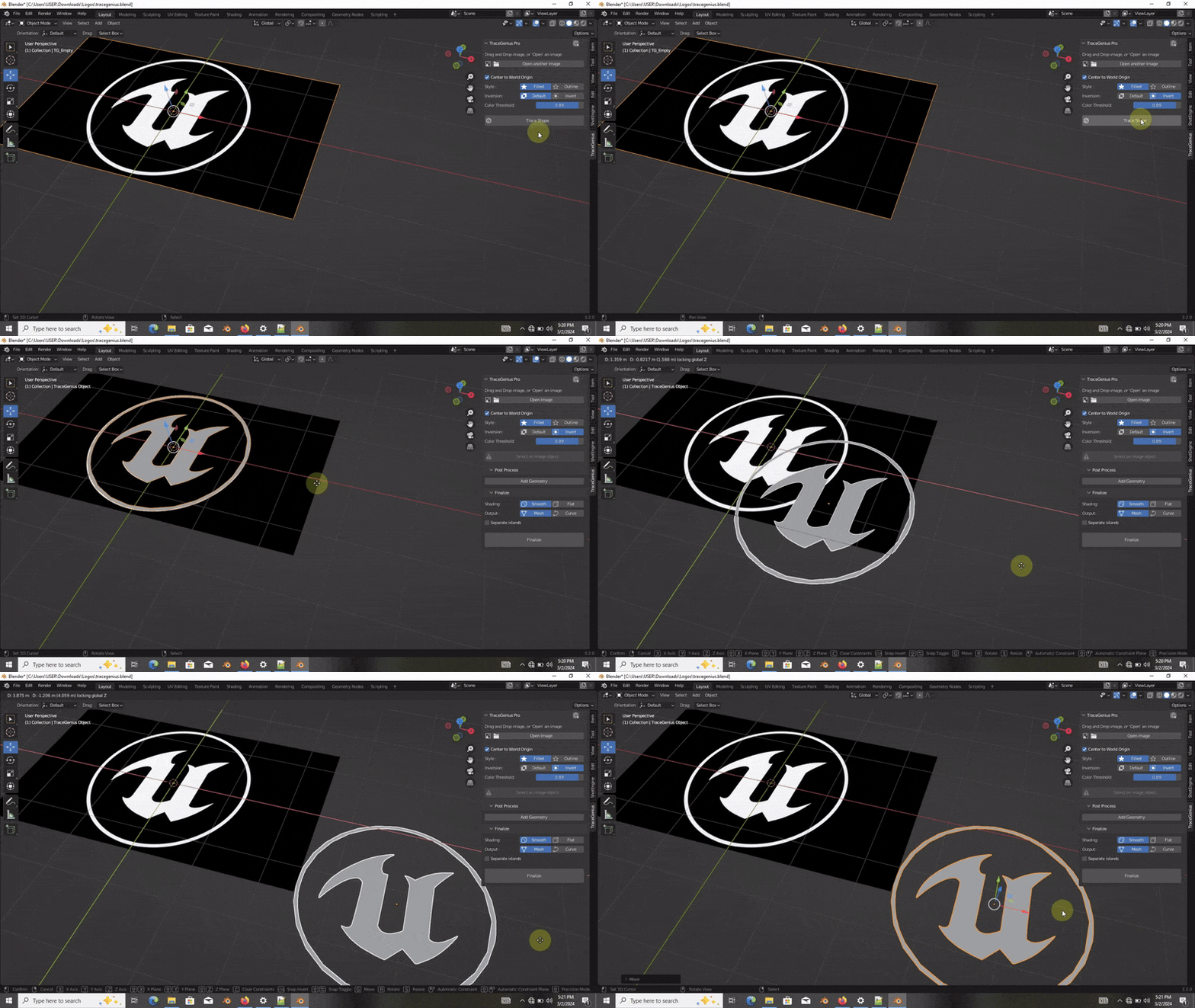
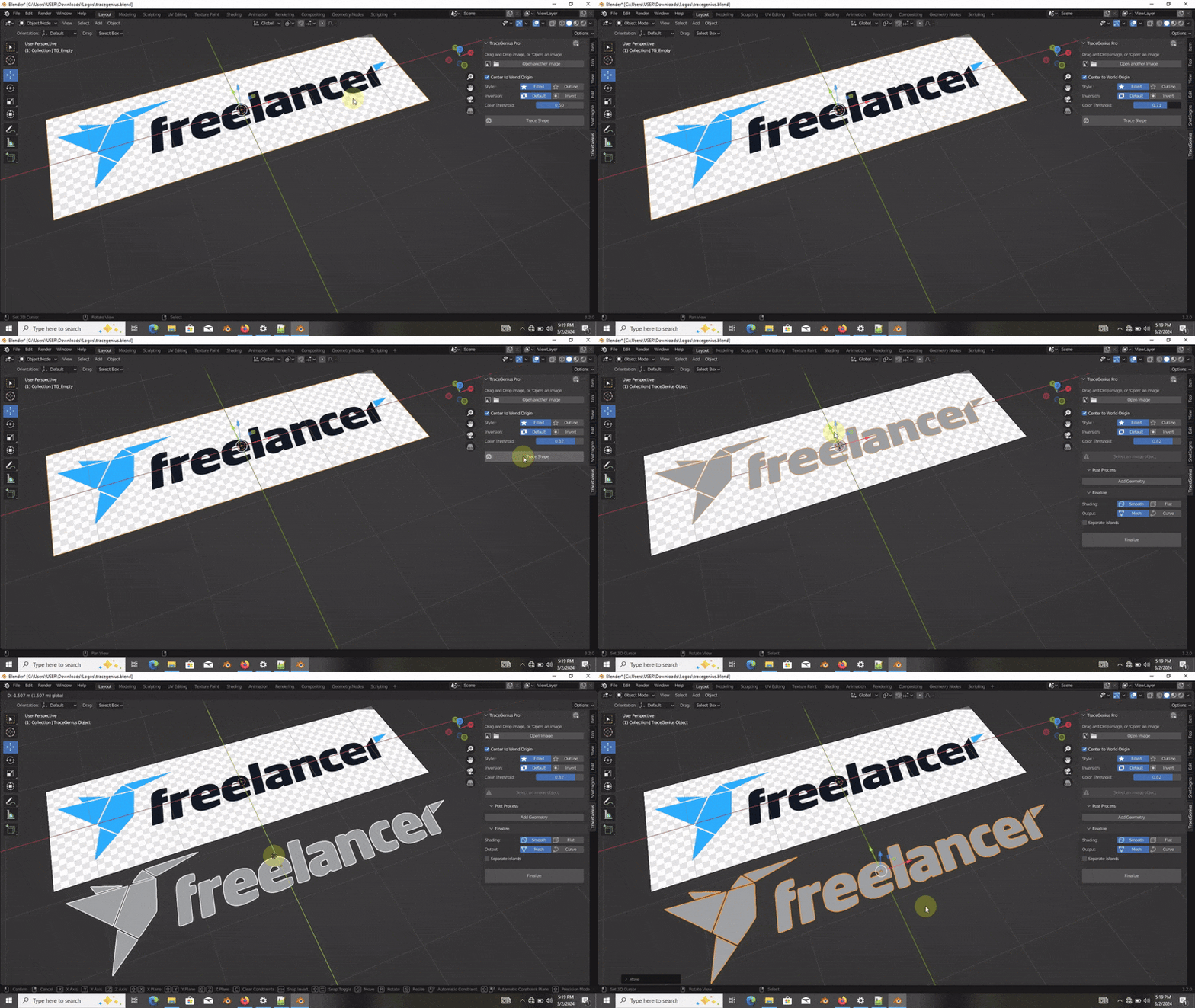
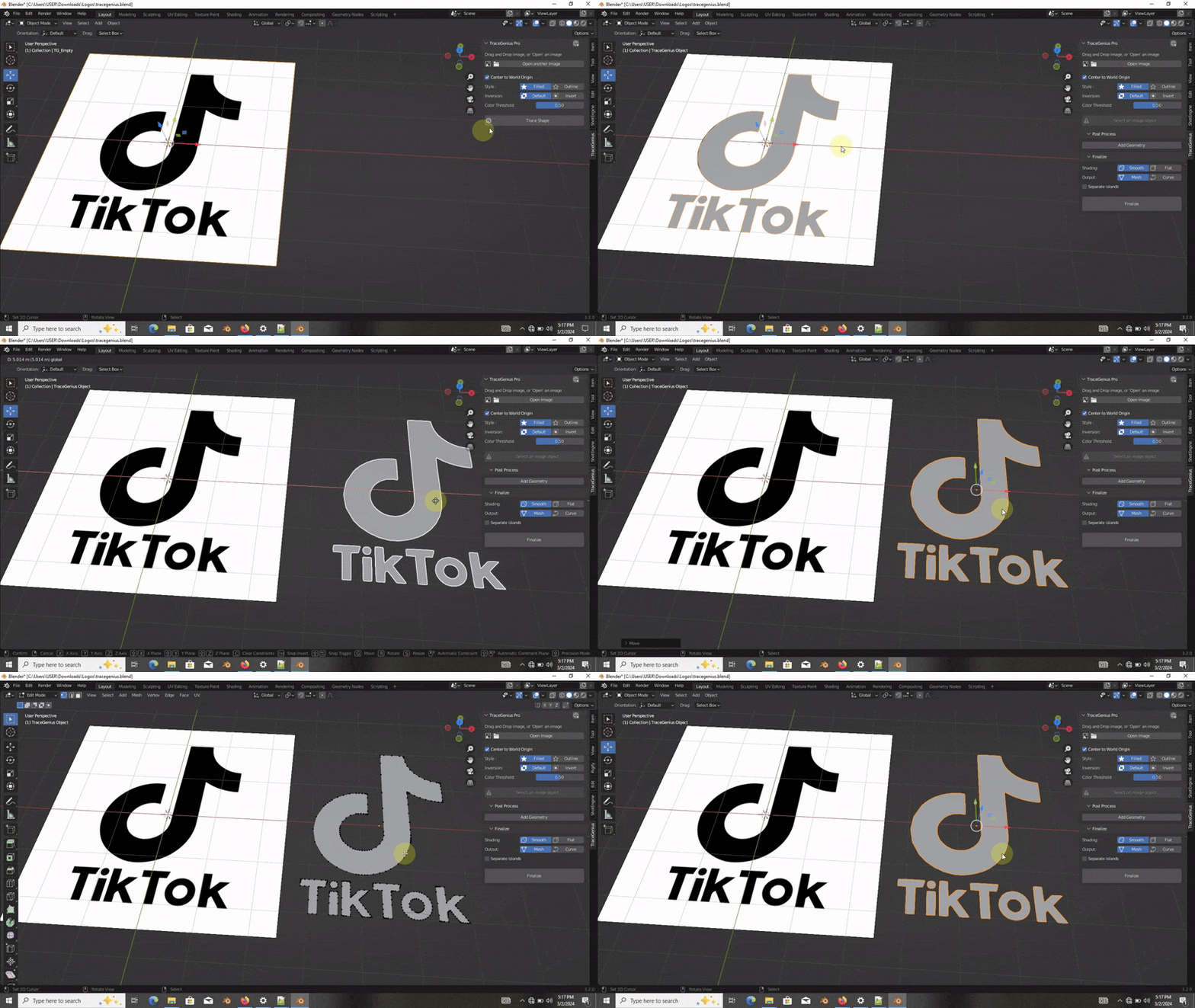
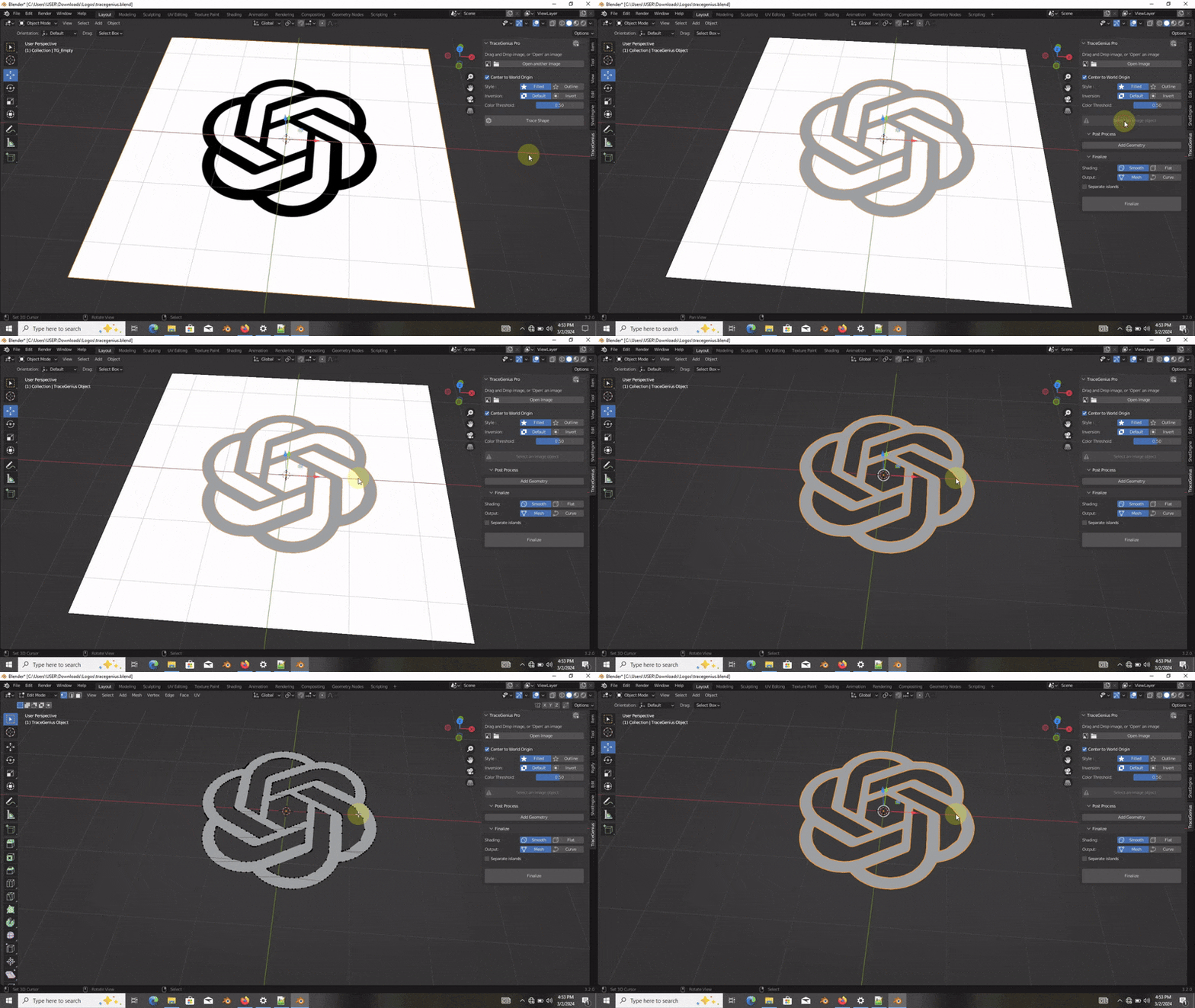
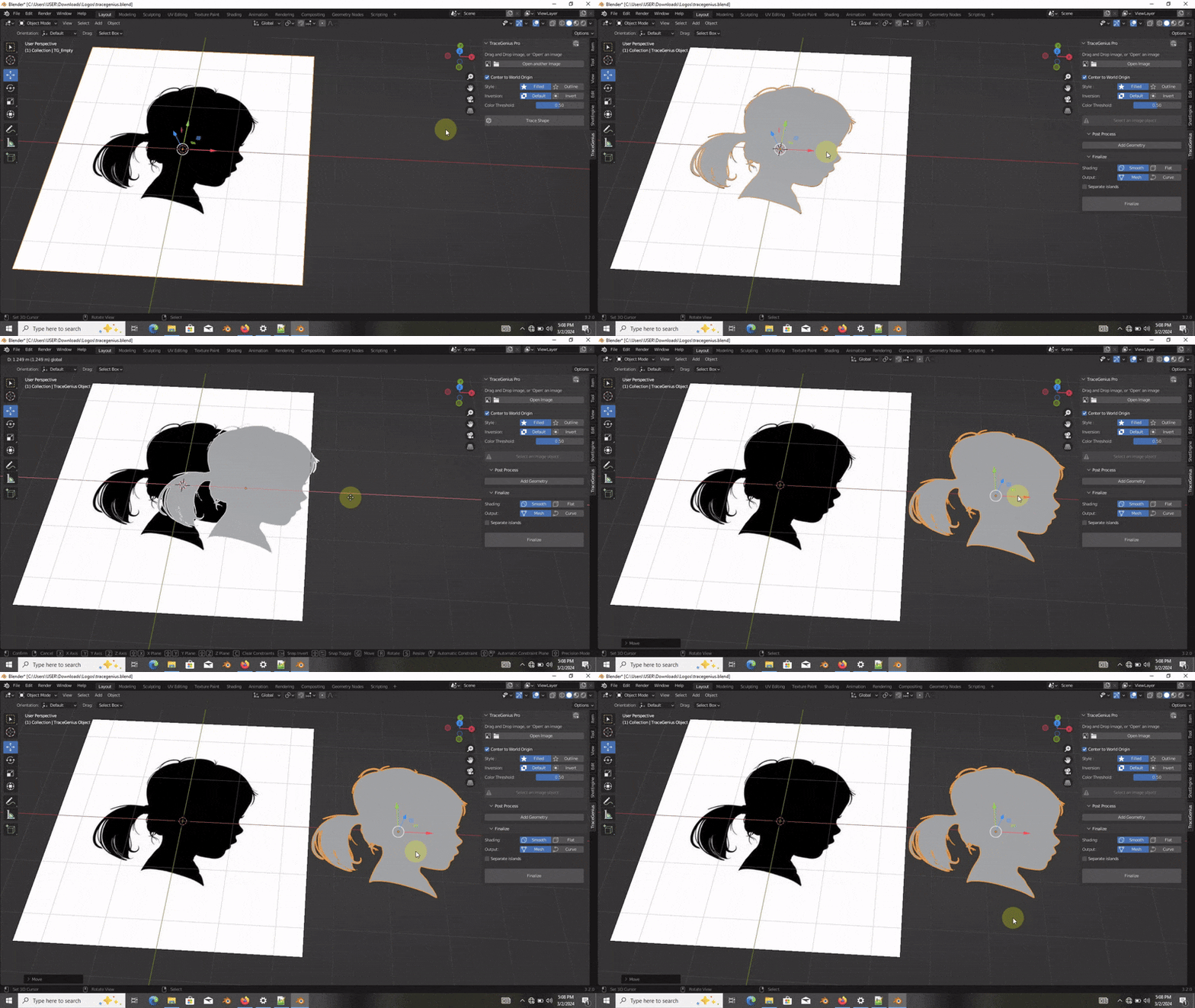
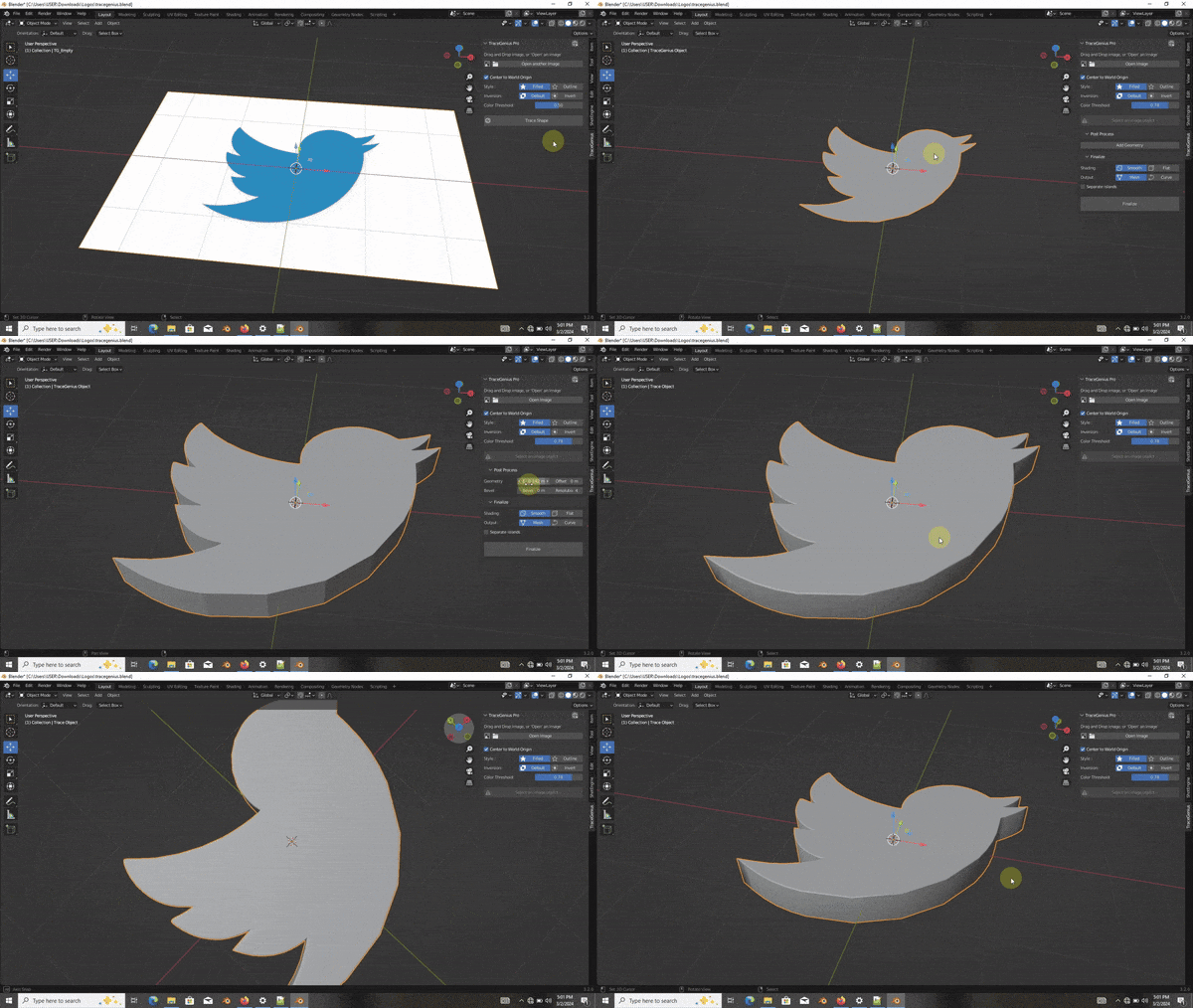
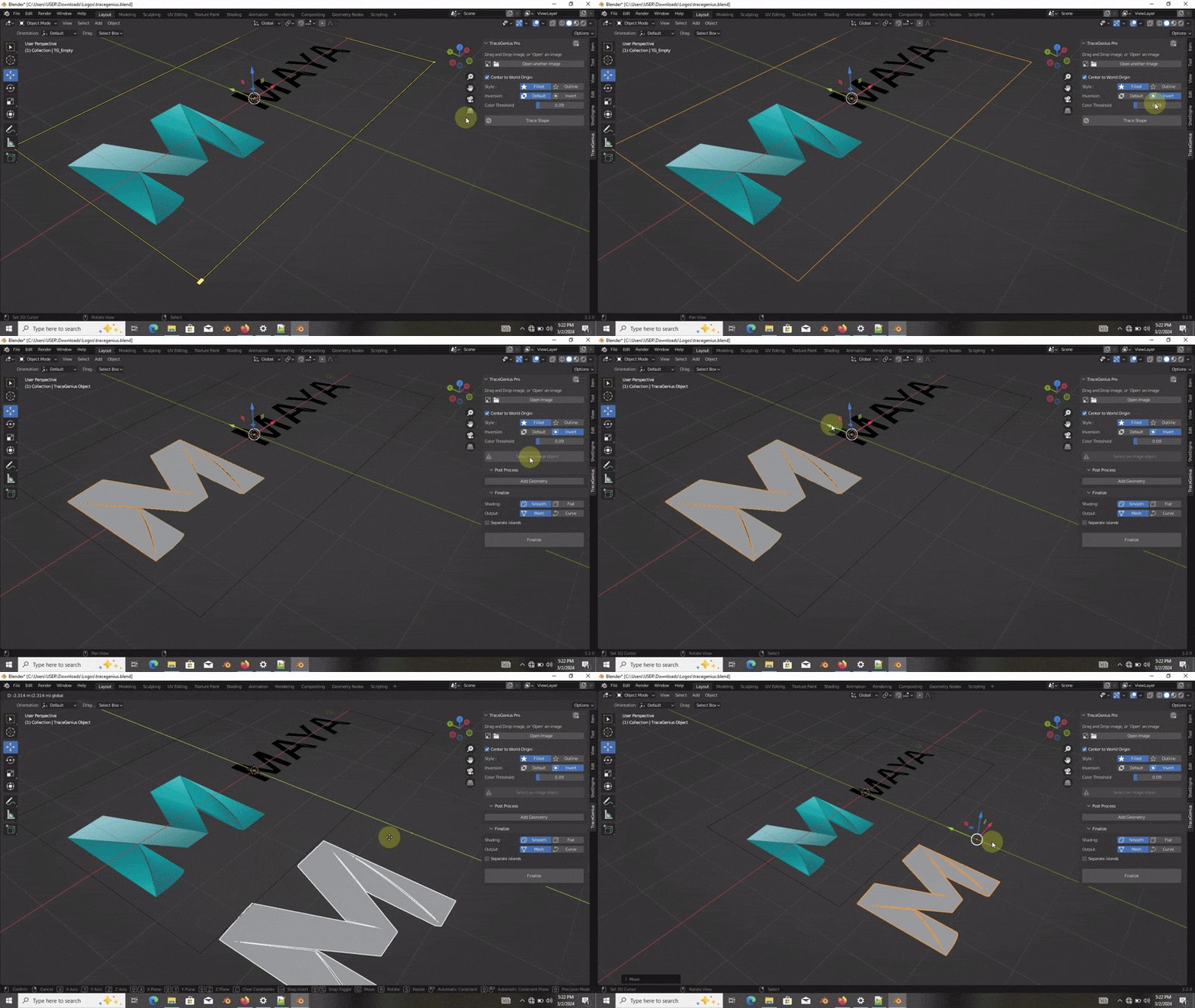
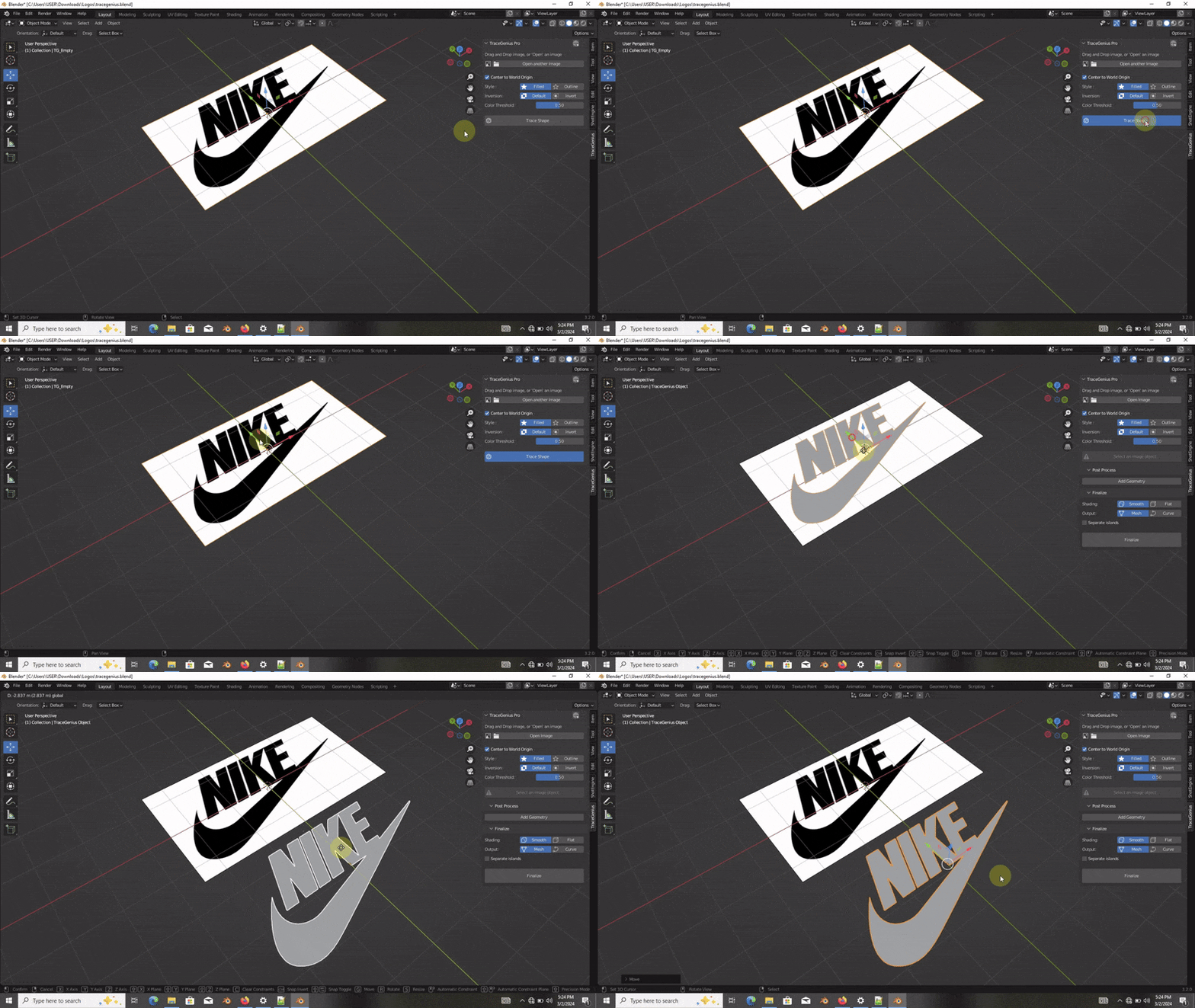
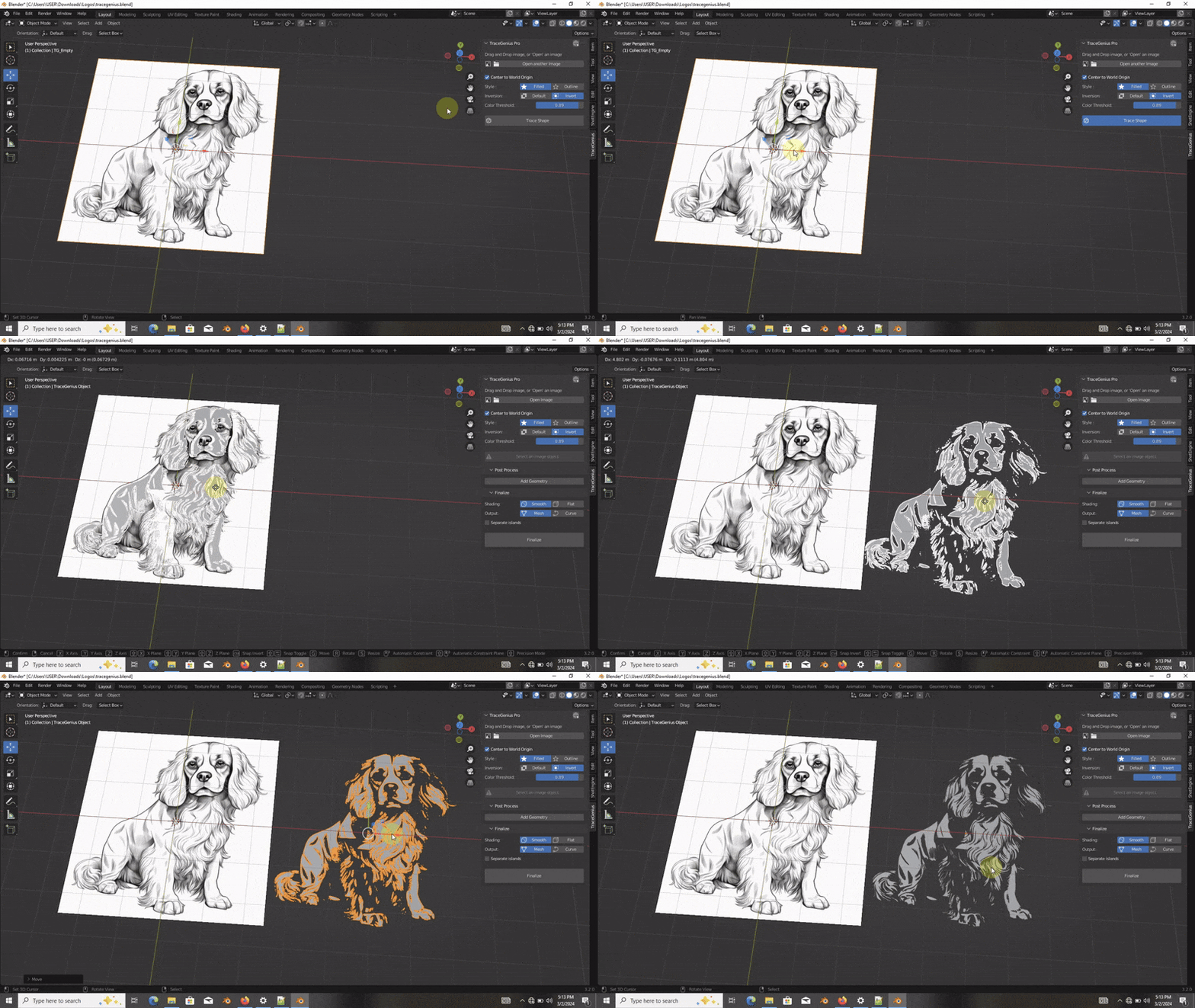
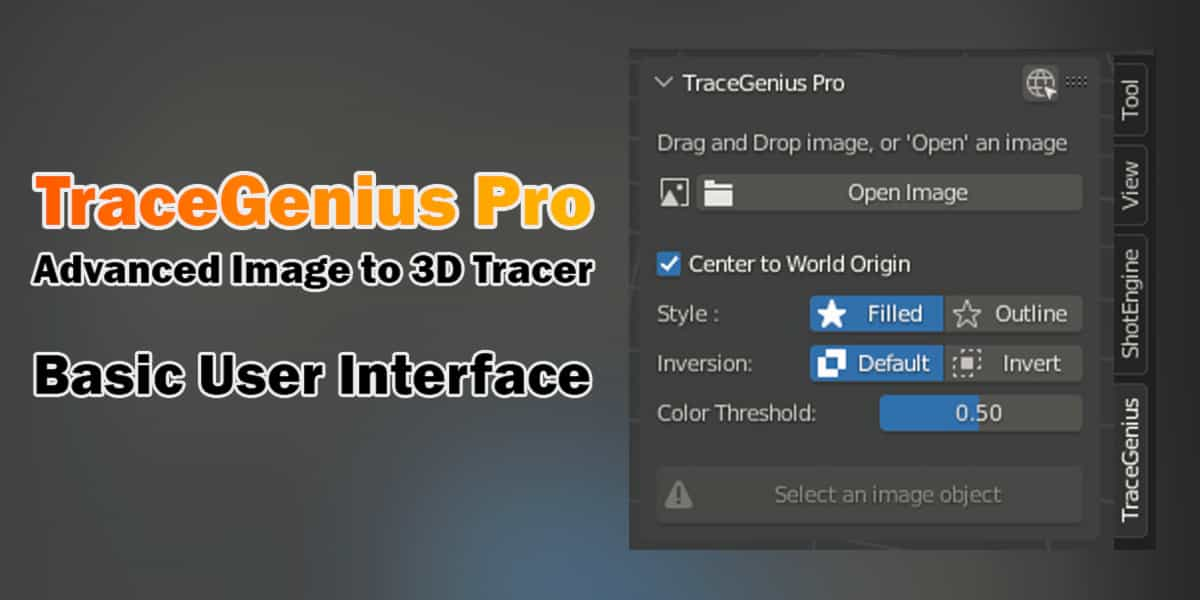
TraceGenius Pro 4.7 - Advanced 2D Image to 3D Mesh Tracer

Russel Studios in Modeling


Item Rating

This item has an average rating of 5 from 92 ratings by the community.

91%
4%
0%
3%
5%

Purchase this item to leave a review!

  • Whiskey
    over 2 years ago

    A real tool, easy to use and which saves me from spending hours on curves. Very good plugin.

    • Seth Russel

      over 2 years ago

      Thank you for sharing your experience!
      I'm thrilled to hear that TraceGenius Pro has become a valuable time-saving tool for you. If you have any more insights or suggestions to make it even better, we'd love to hear them.
      Happy creating, and thanks for being a part of our community! :)

  • Georgian
    over 2 years ago

    It's a real gem!

    • Seth Russel

      over 2 years ago

      Thank you for the fantastic feedback!
      I'm delighted to hear that TraceGenius Pro is proving to be a real gem for you. If you ever have more thoughts or suggestions, we're all ears.
      Happy creating!

  • J
    over 2 years ago

    Just bought and tested = It is fantastic!

    • Seth Russel

      over 2 years ago

      Thanks a lot. I appreciate your feedback and time taken to share your experience!
      I'm glad to hear that you find TraceGenius Pro fantastic.
      If you have any questions or if there's anything specific you'd like assistance with, feel free to reach out.
      Happy creating!

  • Alex
    over 1 year ago

    Just bought and tested out with Blender 4.3 and 4.1
    Blender 4.3 – I would say that it doesn’t work as it should. It gets only half of the logo rendered, other half remains as an image.
    Blender 4.1 – same logos, that had issues with 4.3 gets rendered as intended in 4.1 (I guess with 4.2 as well). I know 4.3 is a pain in the as.. neck for many addons creators. So I really hope the author will be able to get it right working for 4.3.
    In general, it works well. You need to play with Color threshold and accuracy to get a good result. Sometimes it comes up with some artifacts/issues. In order to get the good result, the logo must be contrast with decent resolution (not blurry or pixilated).
    What I wish is not texturing with UV mapping but just detecting the logo elements colors and assigning the new materials accordingly (in this case it must be split into island where the colors change. Probably it is too complicated, but would be cool to have it. I don’t want the simple index colored logo to be UW mapped with the texture map. I want just plain color materials. That is what I do with my hands. But since we pay for the speeding the process up – not having to trace it in Illustrator/Corel then converting to SVG, exporting to blender, extruding, splitting, assigning colors etc, but having all that routine done by Addon, would be cool to have it.
    I would love to see further updates with more features.

    • Seth Russel

      over 1 year ago

      Thank you for your detailed review and great suggestions! I appreciate your feedback.

      I will include an option to generate facemaps, vertex groups, or UVs for easier custom material application in the next update.

      Regarding compatibility, I’m actively working on making TraceGenius fully compatible with Blender 4.3 and above. For now, I’ve noted in the product description that it works best with Blender below 4.2 and has partial support for 4.3 and up.

      Thanks again for your support—I look forward to bringing more improvements soon!

  • 田邉
    over 1 year ago

    I was very satisfied with the functionality of the software, but it seems to have an error when used in Japanese (Blender 4.3).
    I contacted the company directly, but after 2 weeks of waiting, I did not receive a reply, so I am posting my rating as -1.

    機能としてはとても満足いく内容でしたが日本語で使用するとエラーが出る様です(Blender4.3)
    直接問い合わせましたが2週間程待っても返信を頂けなかったので評価をー1としてこちらに投稿させて頂きました

    • Seth Russel

      over 1 year ago

      I'm very sorry for the late reply. Please forgive me.

      I’ve responded to you directly in your inbox as well. I truly apologize for the delay in getting back to you. The reason for the delay is that I’ve been actively working on an update to make TraceGenius compatible with the latest versions of Blender, including Blender 4.3 and future updates.

      I'm fully committed to keeping TraceGenius up-to-date and ensuring that it works smoothly with future Blender versions. I will release the update soon once it's ready.

      Thank you for your patience and understanding.

      返信が遅くなってしまい、大変申し訳ございません。どうかお許しください。

      すでに直接メッセージでも返信させていただきました。お返事が遅れてしまったことを心からお詫び申し上げます。
      遅れた理由は、TraceGenius を Blender 4.3 以降の最新バージョンに対応させるためのアップデート作業を進めていたためです。

      私は TraceGenius を常に最新の状態に保ち、将来の Blender バージョンでもスムーズに動作するようにすることに全力で取り組んでいます。アップデートが完了次第、すぐにリリースいたします。

      ご理解とご辛抱に感謝いたします。

  • Dre
    almost 2 years ago

    its really helpful and easy but the main problem is that after i finalize its always NGONs and making adjustments after that is damn near impossible even subsurf

    • Seth Russel

      almost 2 years ago

      Output Options:
      NGONs Mesh (Default)
      DICED Mesh
      Curve Object (A favorite among users)

      These options allow you to easily switch between output types for maximum customization.
      If you want a specific output feature, have issues, inquiries or suggestions, please chat with me instead.

      Thank you for your feedback, Dre.

  • bp
    over 1 year ago

    doesnt work at all with PNGs. not worth the money for what it is given this fact. JPGs ok but quite fiddly with the color threshold setting.

    • Seth Russel

      11 months ago

      Update now. TraceGenius Pro depends on Blender's built-in tracing system, which is limited.
      To be able to work with PNGs with transparent regions, i've rewritten the the addon and included a custom built library for the tracing. The new addon is TraceGenius Ultimate.

  • Thomas Wright
    over 1 year ago

    I try this every so often and it just never works. It will make a mesh out of a tiny piece of the image but never does what I expect. I always end up having to turn the image into a SVG and do it manually.

    • Seth Russel

      over 1 year ago

      Hi Thomas, sorry to hear it’s not working as expected. If your image has transparency/alpha, TraceGenius treats transparent areas as black. For the best results, try converting it to JPEG (which makes alpha white) or replace the alpha with a color in your PNG.

      I’m always happy to help and would have gladly assisted you in getting the most out of TraceGenius if you had reached out before leaving this review. Many users achieve great results, and I’d love to help you do the same!

      Note that TraceGenius was built for and works best with Blender 4.2 and below. In Blender 4.3+, the developers made changes to some key parts of the code that TraceGenius relies on. I’ve updated it to work with the latest version, but these changes have made it only partially compatible. The update is the best I can do given Blender’s modifications.

  • Noah
    5 months ago

    Barely works most of the time.

  • Roy
    8 months ago

    Hi there,

    First of all, thank you for the great add-on. I am using it in Blender 4.2.17LTS, which, according to the specs, should be compatible. If I am following the instructions. It should work very easily.

    I imported a transparent PNG logo. Activated the trace option, but the only result I get is a standard plane. I’ve also tried every option that has become available after tracing (unfortunately nothing is mentioned about these in your instructions). All the results ended up in a plane without extra geometry.

    Could it be that the trace option in this blender option doesn’t work with your add-on? Do you advise your ultimate version? This unfortunately means I have to pay for another $19 bucks.

    I hope you can help me with this. Because the add-on is a time-saving and welcoming add-on for my 3D workflow.

    PS. I sent you a DM via the contact form over here. Please reply. If done, your star rating will go up. Because I believe in your product.

    • Seth Russel

      7 months ago

      Replied long time ago, but since reviews are permanent, cannot be deleted, and sadly this review gets to stay.
      I'm glad you said its a great addon in your first words, and showed belief in TraceGenius in your last words. I appreciate that.
      Its very unfortunate these didn't reflect in the ratings.

      As always, I'll continue doing my best to respond to customers ASAP.
      Happy Tracing, Roy.

$15

Have questions about this product?
Login to message

Details
Sales 5900+
Rating
92 ratings
Published over 2 years ago
Blender Version 2.8 - 5.0
Render Engine Used Blender-Internal, Cycles, Eevee
License GPL
Discover more products like this

trace genius #ImageToMesh Image to Mesh trace tracer