 孙堪伟
孙堪伟



Sidebar control center
Your sidebar.
Under control.
N-Panel Orchestrator turns a growing collection of third-party sidebar tabs into a focused system you can group, search, rename, and switch without breaking your flow.
B
Open the panel selector
Y
Search and switch
Alt + N
Open the category pie
The real problem
Stop scanning tabs. Start choosing tools.
As more add-ons arrive, useful panels become harder to find. N-Panel Orchestrator gives those panels a deliberate structure while keeping the original tools available inside Blender.
Before
A long row of unrelated tabs
Repeated hunting, unclear names, and every viewport showing the same crowded set.
After
Named groups and direct access
Open one selector, search by name, or use a category pie to reach the panel you need.
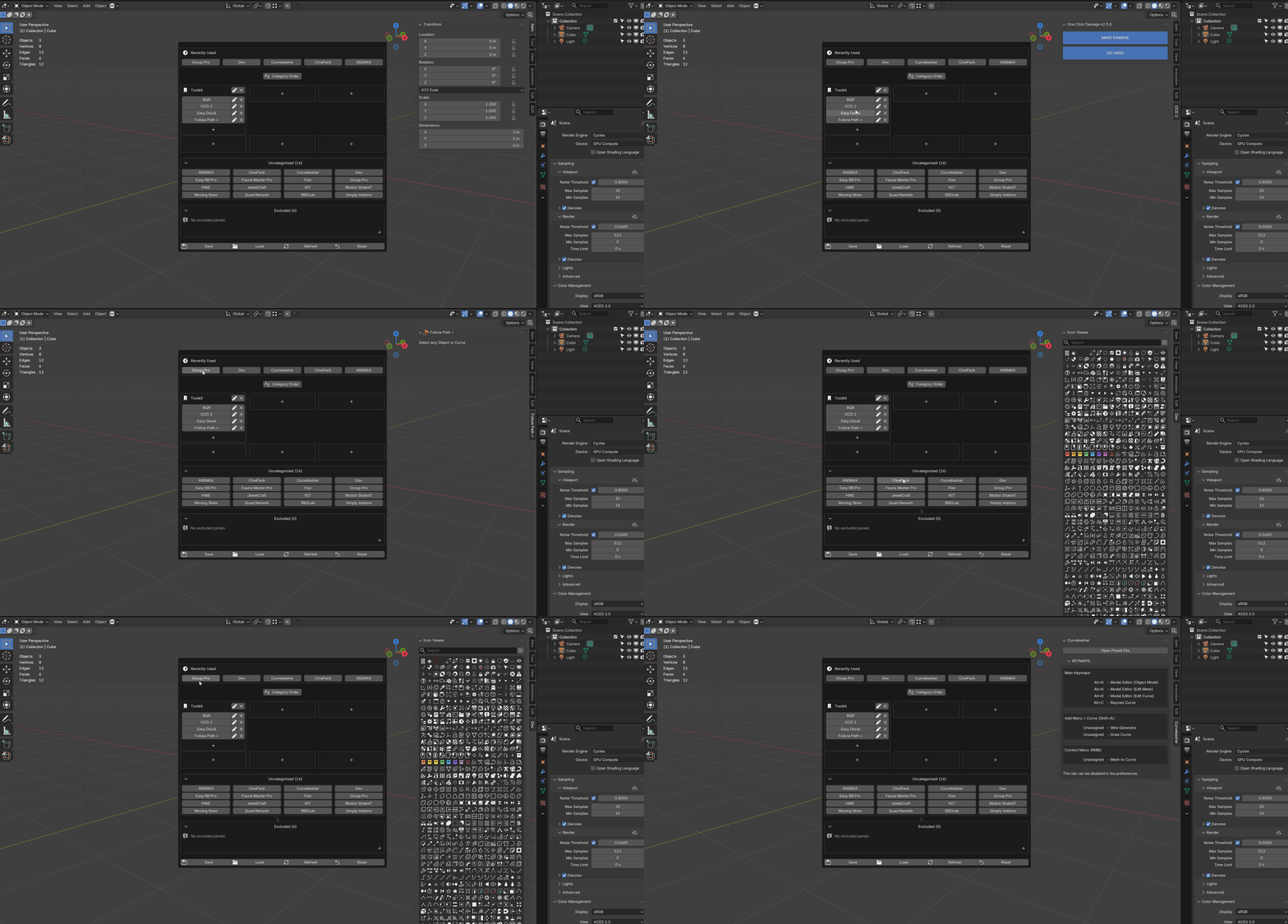
Three ways in
Use the entry point that matches the moment
B
Panel selector
See recent panels, custom groups, uncategorized tools, permanent panels, and configuration actions together.
Y
Search
Type part of a panel name and switch directly. Permanent panels can be included in search.
Alt + N
Category pie
Move through your organized categories with a radial menu and an adaptive one- or two-column layout.
All three shortcuts can be adjusted or restored from the add-on preferences.
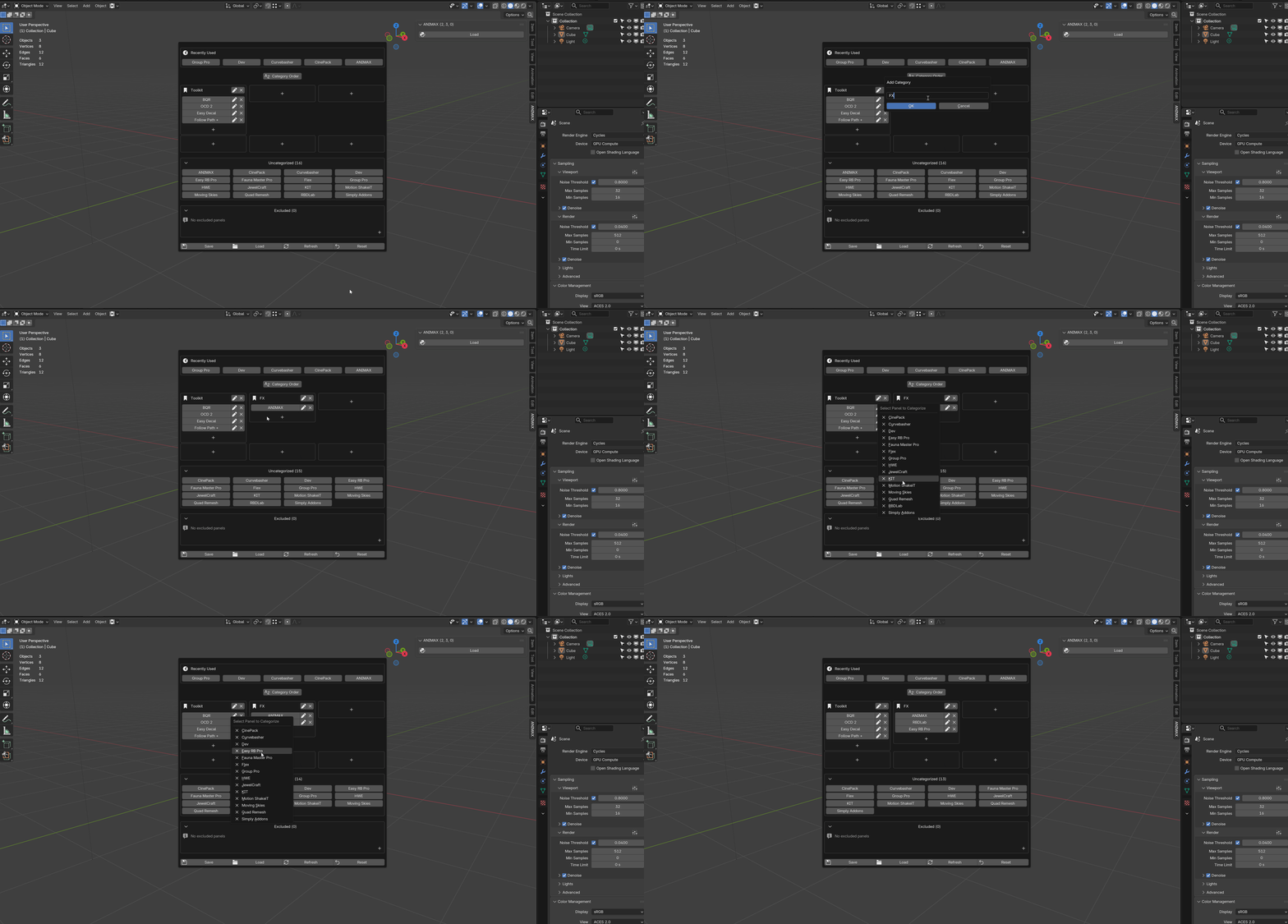
Build your system
Six groups. Your names. Your order.
Create up to six workflow categories, add the panels that belong together, choose icons, rename unclear labels, and reorder the groups around the way you work.
Modeling
Cutting, retopology, deformation
Look Development
Materials, textures, lighting
Animation
Rigging, motion, export
Recent
Return to the last five panels
The selector keeps a compact recently used row so repeated context switching stays fast.
Permanent
Keep essential tabs visible
Mark panels as permanent when they should stay outside managed hiding. They remain available and can still be renamed or searched.
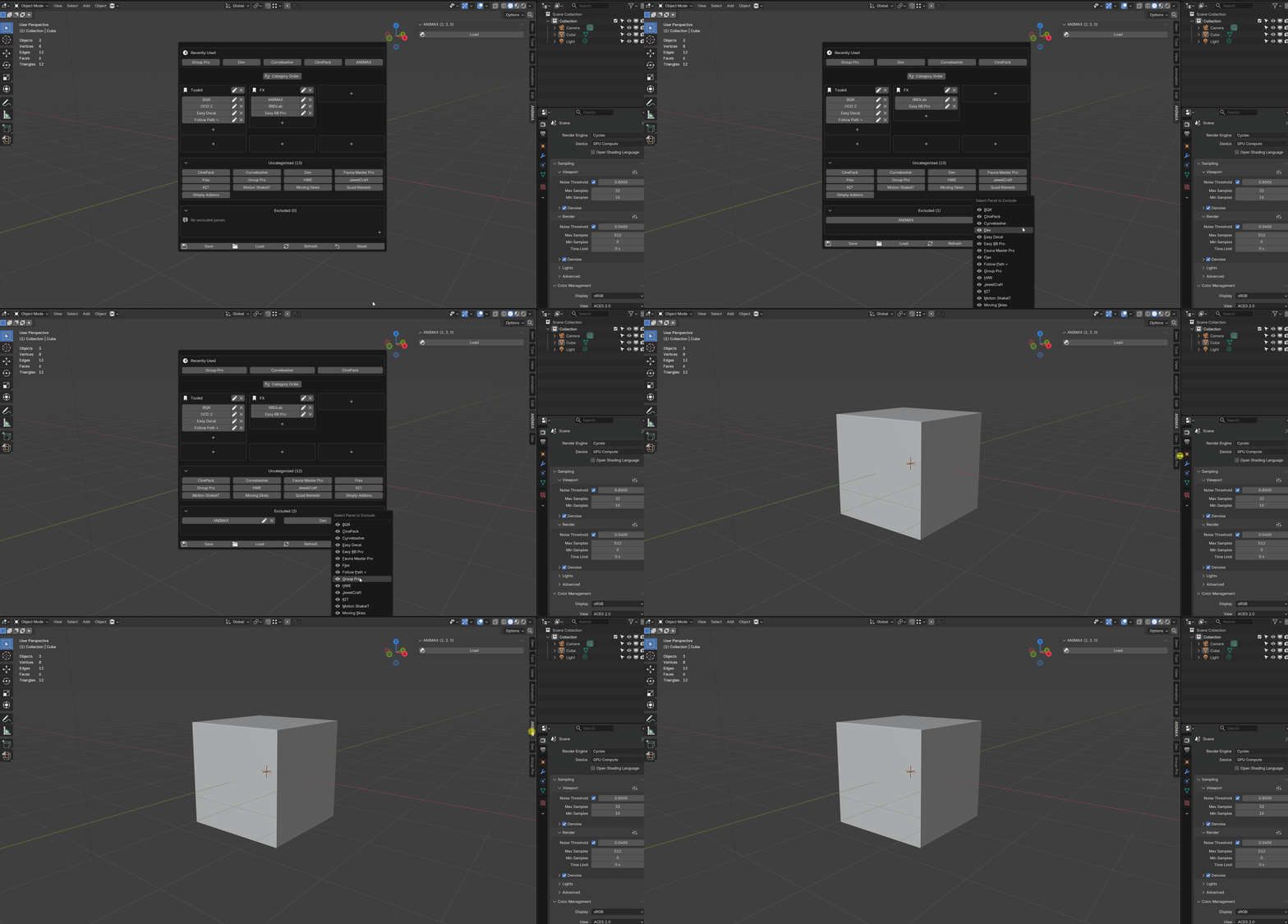

Viewport-aware
Different viewports can keep different tool contexts
Independent mode lets each 3D Viewport remember its own active panel set. Disable it when you prefer every viewport to switch together.
Independent mode
A modeling viewport can keep one panel while another viewport stays on materials or animation.
Synchronized mode
One selection updates all 3D Viewports when a unified workspace is more useful.
Keep the setup
Save locally. Move it when needed.
Auto Save
Keep changes as you organize.
Save and Load
Return to a stored configuration.
Export and Import
Transfer one JSON preset between installations.
Export before resetting or moving to another machine. Import validates the file before applying it.
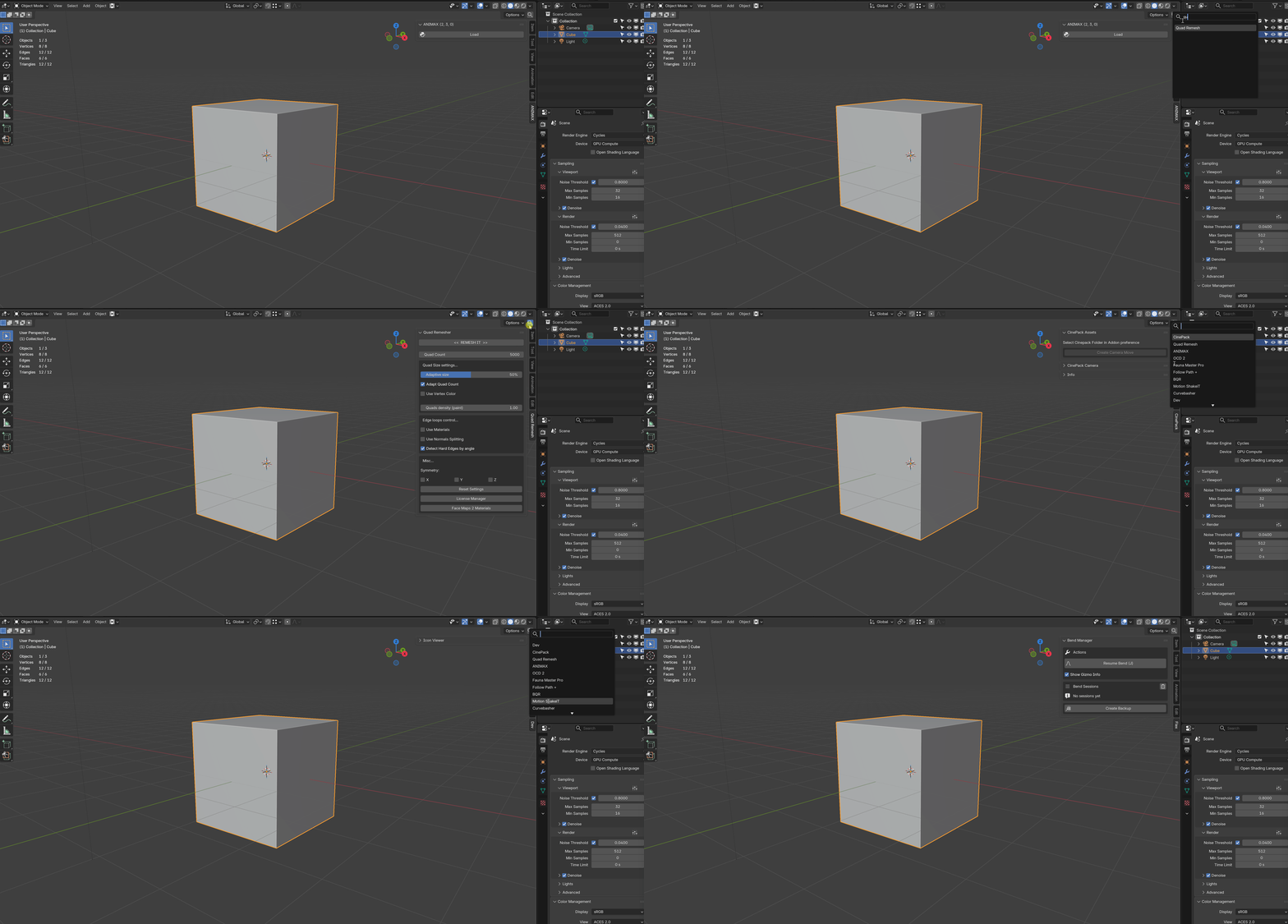
Quick start
From clutter to a working layout
01
Open the selector
Press B in a 3D Viewport.
02
Create a workflow group
Use an empty category slot, name it, and choose an icon.
03
Add related panels
Move tabs from the uncategorized list into that group.
04
Switch or show the group
Open one panel, or use the category header to display the group's panels together.
Common questions
Does it uninstall or delete other add-ons?
No. It manages how third-party N-Panel categories are shown and switched; it does not uninstall the add-ons that created them.
Why did some tabs disappear after activation?
Managed panels are accessed through the selector, search, and your groups. Mark a panel as Permanent when it should remain visible outside that switching system.
What if a newly enabled add-on is missing?
Use Refresh to scan third-party N-Panels again. The preferences also include delayed startup scanning and automatic retry options.
Can I use the same organization on another installation?
Yes. Export the configuration as JSON, then import it on the other installation. Export first before using Reset.
Current release
Version 1.2.5
- Added Shader Editor N-Panel search with automatic tab hiding and switching.
- Added a separately customizable shortcut for Shader Editor search.
Version 1.2.4
- Added support packages and quick summaries for easier troubleshooting.
- Improved the panel renaming workflow.
- Added search support for permanent panels.
Version 1.2.3
Added customizable keyboard shortcuts for search.
Version 1.2.2
- Added safer configuration writes, validation, and automatic snapshots.
- Enforced the six-category limit during creation and import.
- Added backup and migration guidance in Preferences.
Version 1.2.0
Added grouped panel display, pie-menu transparency, and an improved layout for larger groups.
Version 1.1.0
Added independent viewport mode, category pie access, and custom category icons.
More from the same creator
Discover more workflow tools
Focused add-ons for modeling, nodes, deformation, animation, textures, and lighting.
 NodeFlow 3 Pro
Clean routing, alignment, minimap, and node workflow tools.
NodeFlow 3 Pro
Clean routing, alignment, minimap, and node workflow tools.
 Bend Flow X
Interactive bend and twist tools with direct viewport controls.
Bend Flow X
Interactive bend and twist tools with direct viewport controls.
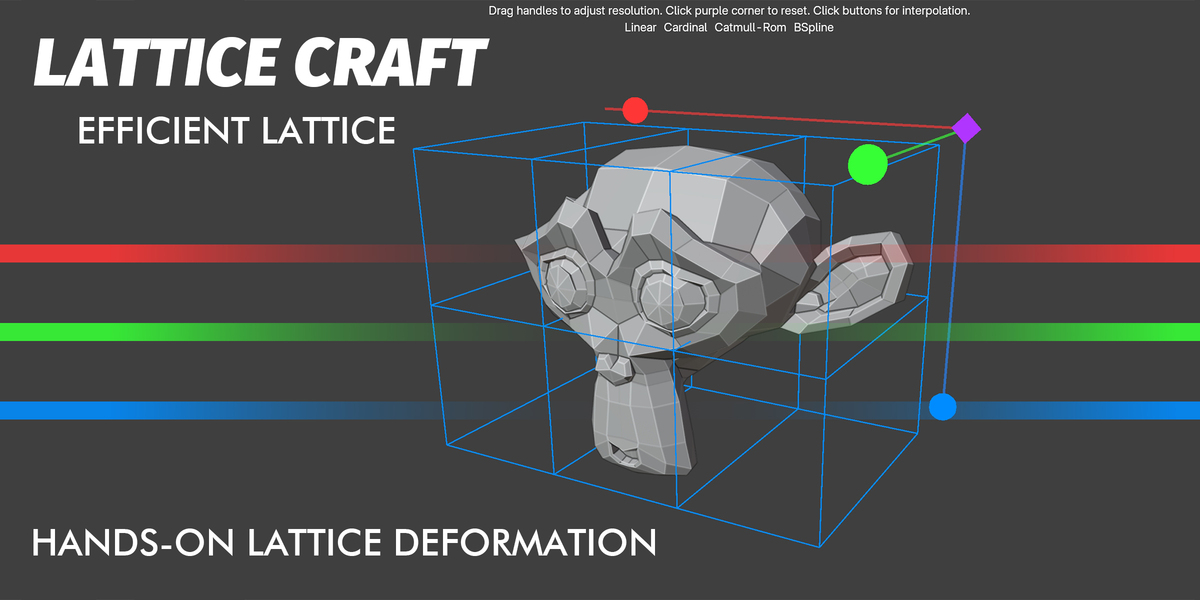 Lattice Craft
Fast, intuitive lattice deformation directly in the viewport.
Lattice Craft
Fast, intuitive lattice deformation directly in the viewport.
 Knifepro
Projection, Boolean, and template-based cutting tools.
Knifepro
Projection, Boolean, and template-based cutting tools.
 Animax Rotator
Create hard-surface rotation animation without rigging.
Animax Rotator
Create hard-surface rotation animation without rigging.
 NormalCanvas Pro
Edit textures and generate depth or normal maps inside Blender.
NormalCanvas Pro
Edit textures and generate depth or normal maps inside Blender.
 RayPilot
Interactive lighting, light linking, gobos, and viewport controls.
RayPilot
Interactive lighting, light linking, gobos, and viewport controls.
N-Panel Orchestrator
Less sidebar. More workspace.
Build a panel system that stays readable as your Blender toolkit grows.