PROCEDURAL ROBOT ARMS
Six robot arms and five tools built in Geometry Nodes, with IK, one-press grab and release, hydraulics, cable harnesses and materials you can restyle.
One object, one panel, every joint
ONE PANEL, EVERY ARM
PICK A MODEL, PRESS ADD
Pick an arm in the gallery and press Add. Everything else stays in the side panel while it moves.
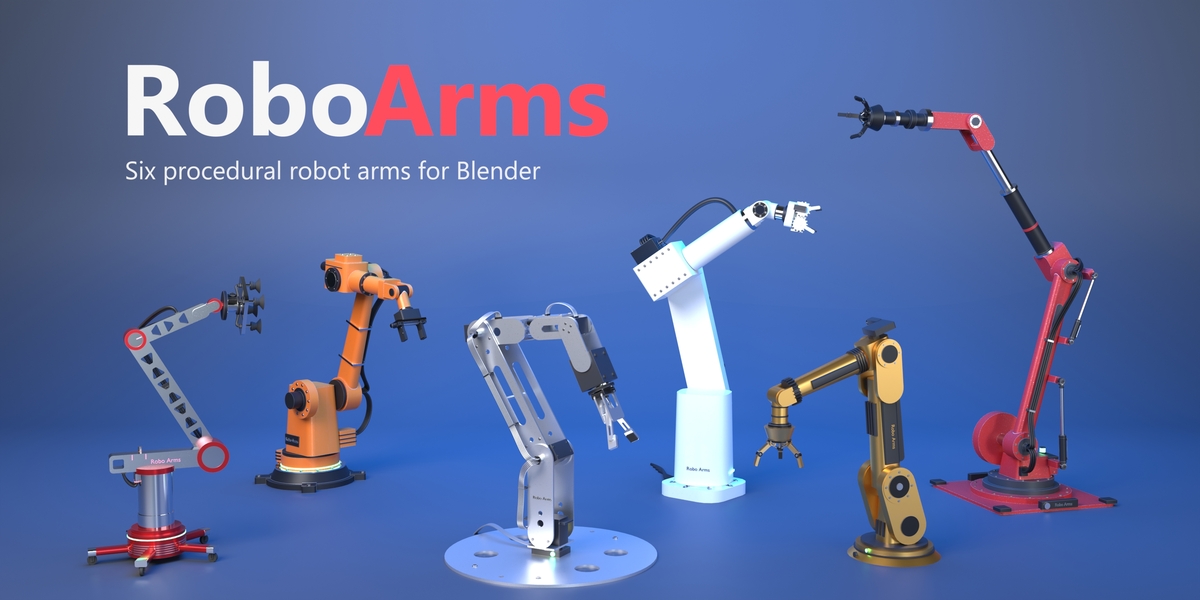
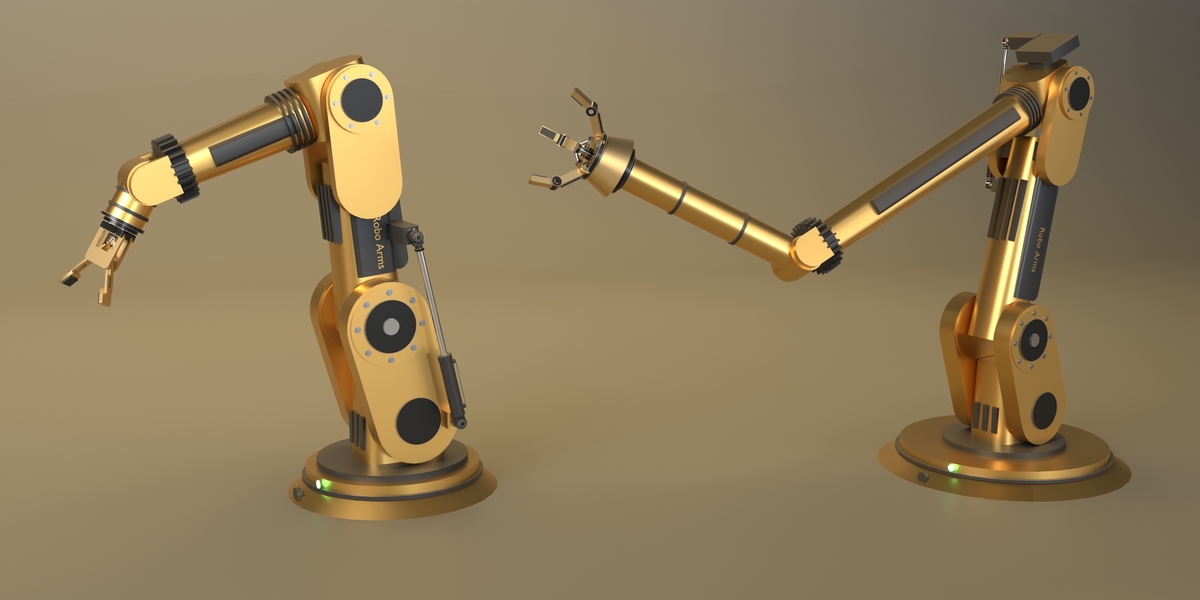
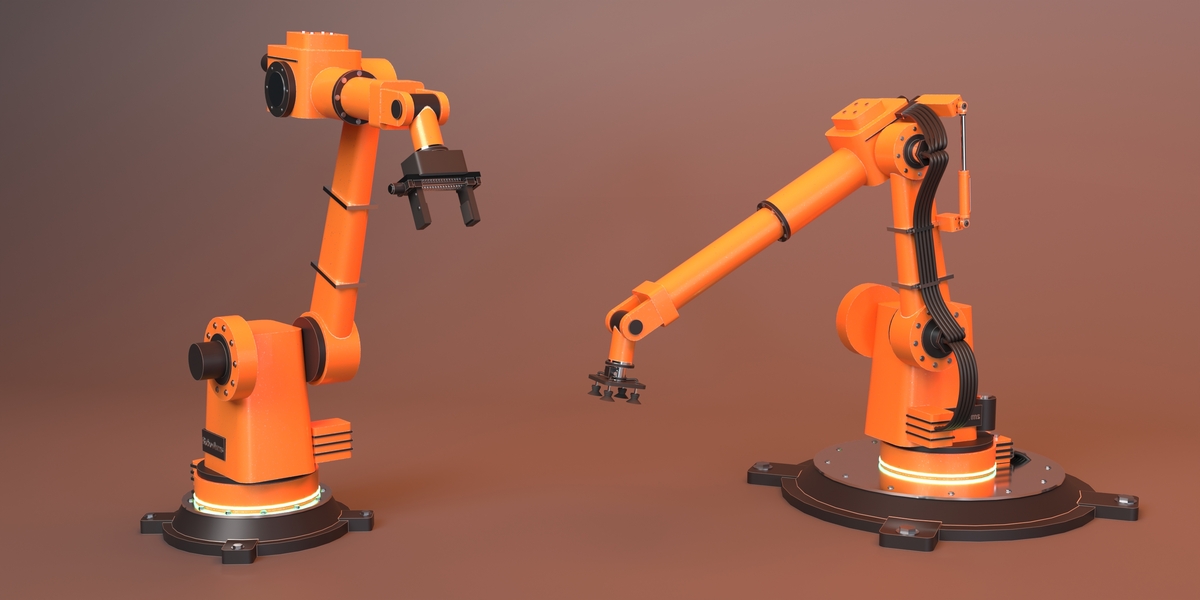
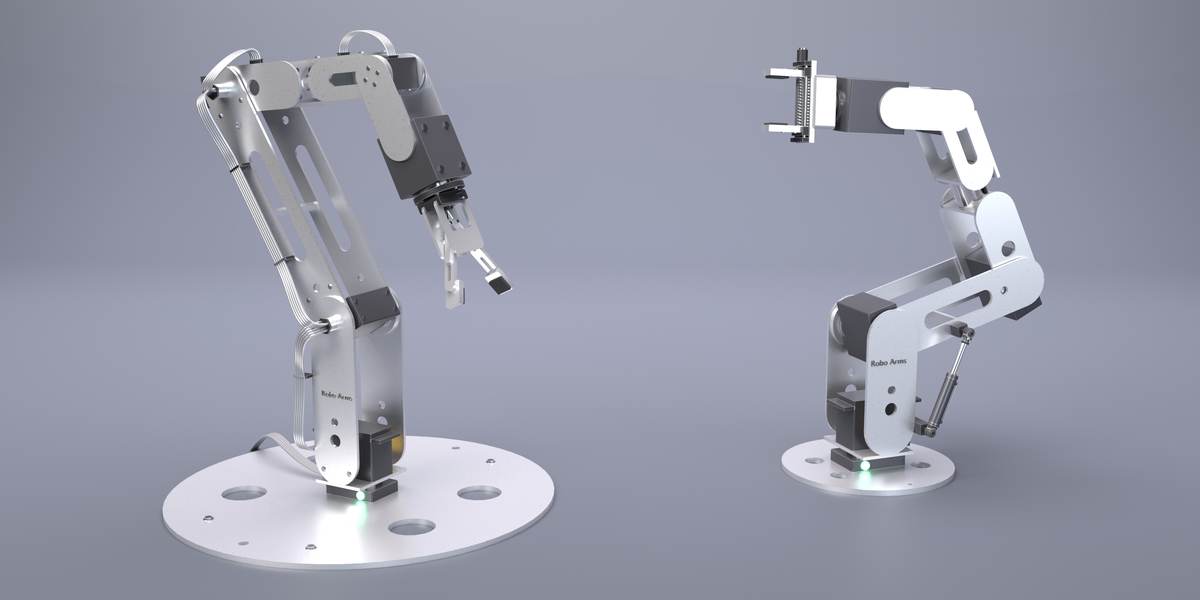
- Six arms: industrial, hydraulic, hobby kit, sci-fi gold, boom rover and cobot
- Five tools: two-finger, three-jaw, linkage, geared and vacuum, all with working mechanisms
- IK or FK: move one target and the tool follows, or set the six joints by hand
- Grab and Release: one press picks an object up, another sets it down, keyed for you
- Status lights: green idle, amber holding, red when the target is out of reach
- Dimensions: link lengths, thickness, base and tool size, all keyframable
- Dampers and cables: hydraulic cylinders and a harness that follow every move
- Materials: ten shared slots, colour presets, wear, dirt and worn edges
- Bake to Parts: a named mesh hierarchy for export to other software
THE GOAL OF ROBO ARMS
A robot arm in a shot usually means a rigged asset, a hand-built IK chain and a fight to make it hold anything. Robo Arms is the arm, the rig and the gripper in one object, ready to animate.
PICK, CARRY, PLACE
ONE TARGET, ONE PRESS TO GRAB
Two arms, one crate: the Industrial sets it on the middle stand and the RX Cobot carries it on. Each move is an IK Target key and a press of GRAB or RELEASE, rendered in Cycles.
SIX ARMS
ONE ADD-ON, SIX MACHINES
PICK ONE, PRESS ADD
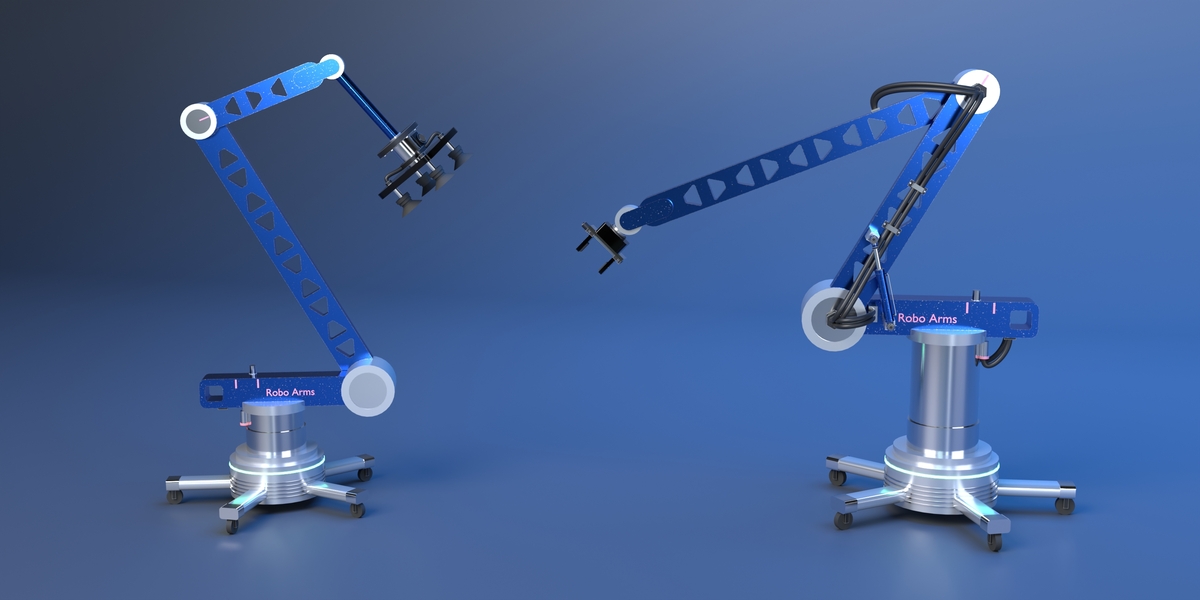
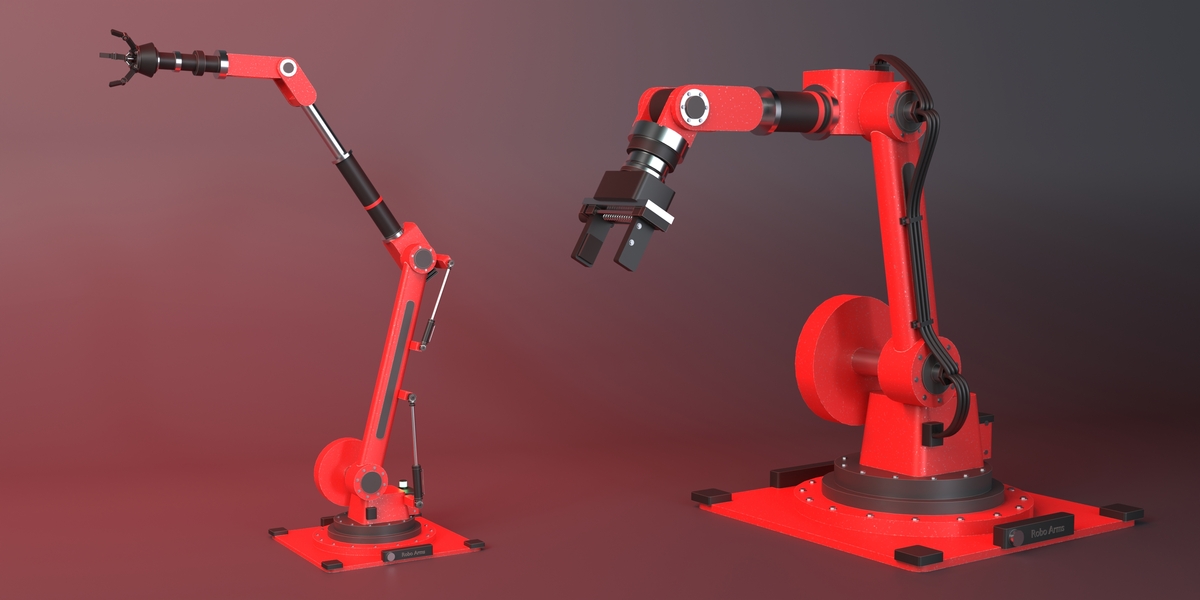
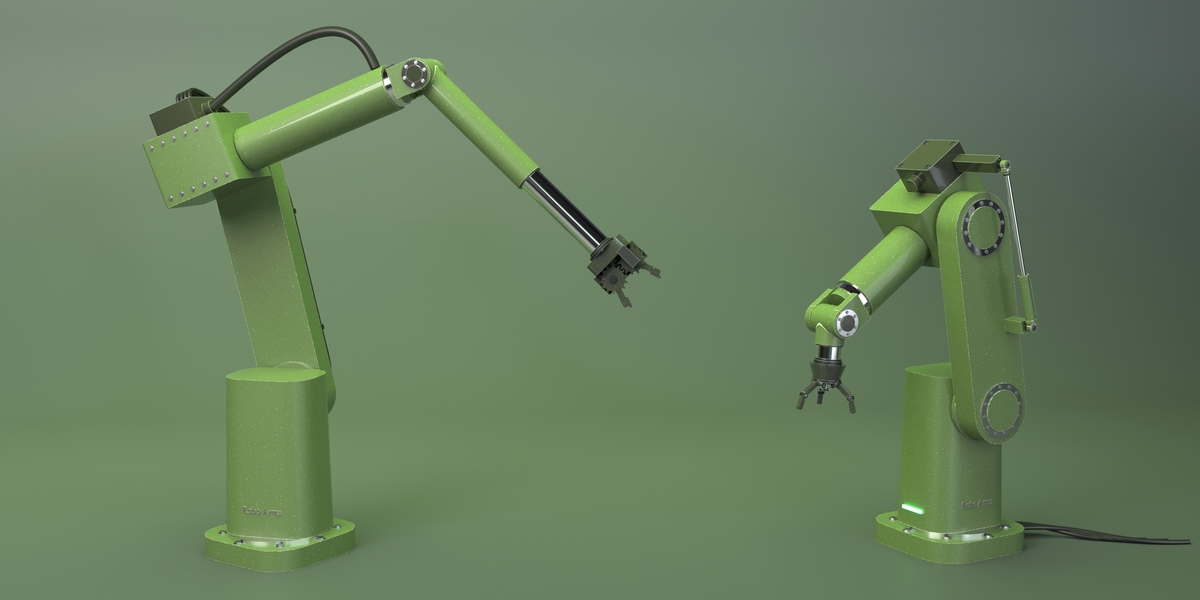
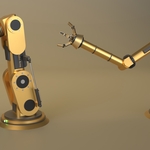
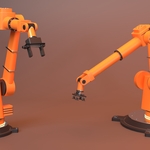
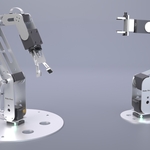
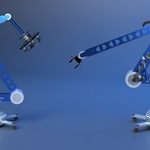
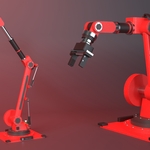
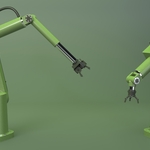
The gallery shows all six: Industrial, Veteran Hydraulic, Bracket Kit, Aurum, Boom Rover and RX Cobot. Pick one, press Add, and it lands at the 3D cursor with real proportions, its own colours, a default tool and joint limits.

INDUSTRIAL TO HOBBY KIT
Each one loads with its own tool, colours and pose. Add as many as the scene needs; each gets its own target and materials.
FIVE TOOLS THAT WORK
MECHANISMS, NOT PROPS
ONE SLIDER CLOSES THE GRIP
The Tool menu swaps the end effector and Grip closes it. Lead screws, linkages, meshing gears and knuckles move as the jaws close, so a close-up holds up.

OPEN AND CLOSED
Two-Finger Gripper, Three-Jaw Claw, Linkage Claw, Geared Gripper and Vacuum Suction. Frames sets how many frames a grab takes to close.
IK THAT KNOWS ITS REACH
FOLLOW THE TARGET
RED WHEN IT CAN'T REACH
Set the six joints in FK, or switch to IK, press Select IK Target and move it: the tool tip follows. Pull it too far and the panel says by how much while the status light turns red; Target to Tool Tip brings it back and Rest Pose resets the arm.
GRAB AND RELEASE
ONE PRESS EACH WAY
PUT THE TOOL ON IT, PRESS GRAB
Pick the object in Target (or select it), bring the tool to it and press GRAB: the jaws close to fit it over the Frames before, and it rides along until RELEASE. Every step is keyed, so it plays back.
SIZE IT TO THE SCENE
EVERY DIMENSION LIVE
LONGER, THICKER, TALLER
Upper arm, forearm, wrist, thickness, base height and tool size rebuild the whole arm, cables and dampers included. Key them for telescoping parts. After changing them, press Target to Tool Tip so the IK target sits on the new tip.
DAMPERS AND CABLES
THE DETAIL THAT SELLS IT
HYDRAULICS THAT STROKE
Cables on or off, more strands, thicker or slacker; bolts, status lights and both dampers switch on their own, and the label takes your text. Cylinders with lug eyes and pins stroke as the arm moves.

LIGHTS AND YOUR LABEL
The Status Lights show what the arm is doing: green at rest, amber while it holds something, red when the target is out of reach. The Label puts your own text on the nameplate.
YOUR COLOURS
TEN SHARED SLOTS

PRESETS, THEN MAKE IT YOURS
Pick a colour preset or Randomize Look, then edit any of the ten materials in the Shader Editor: Wear, Edge Wear and Dirt are inputs on each.
PAINT THAT WEARS
ONE SURFACE NODE
CHIPS, SCRATCHES, WORN EDGES
Every material is one RA Surface node in the Shader Editor. Raise Wear for chipped paint, change Texture Scale for big chips or fine speckle, and Edge Wear to bare the edges, all live in Cycles.
BUILT TO RENDER
NO SCRIPT AT RENDER TIME
ONE OBJECT, ANY ENGINE
Each arm is one object with a Geometry Nodes modifier, so it renders in EEVEE and Cycles with Python auto-run off. Parts carry UV maps, and Bake to Parts splits the arm into a named, parented mesh hierarchy for export.
WHO MADE THIS

I'm Amir, a mechanical engineer and 3D artist. I have been making art since I was 16, and few things in Blender still make me grin like a robot arm reaching out, closing its fingers on a part and carrying it across the frame.
Most days I make 3D visuals for founders and inventors, and plenty of those shots need a machine doing the work. Robo Arms is the kit I wanted on those jobs, made with the same care I put into every shot. You can see my work at amirsharoleslam.com.
MORE FROM THIS DESK
Robo Arms is one of five Blender add-ons I have released for technical and product visualisation. Each one works on its own.
All four are on Superhive, with the same 30-day guarantee as this one.
WHAT YOU GET
- Robo Arms 1.0 extension (.zip), drag and drop onto Blender to install
- Requires Blender 5.0 or newer
- A demo .blend with all six arms
- Quick-start PDF documentation
- 30-day refund guarantee via Superhive
- Personal and commercial use
- All future updates free
STOP RIGGING ROBOTS BY HAND.
ADD ONE THAT ALREADY WORKS.
 sharoleslam