 Make It Move Media
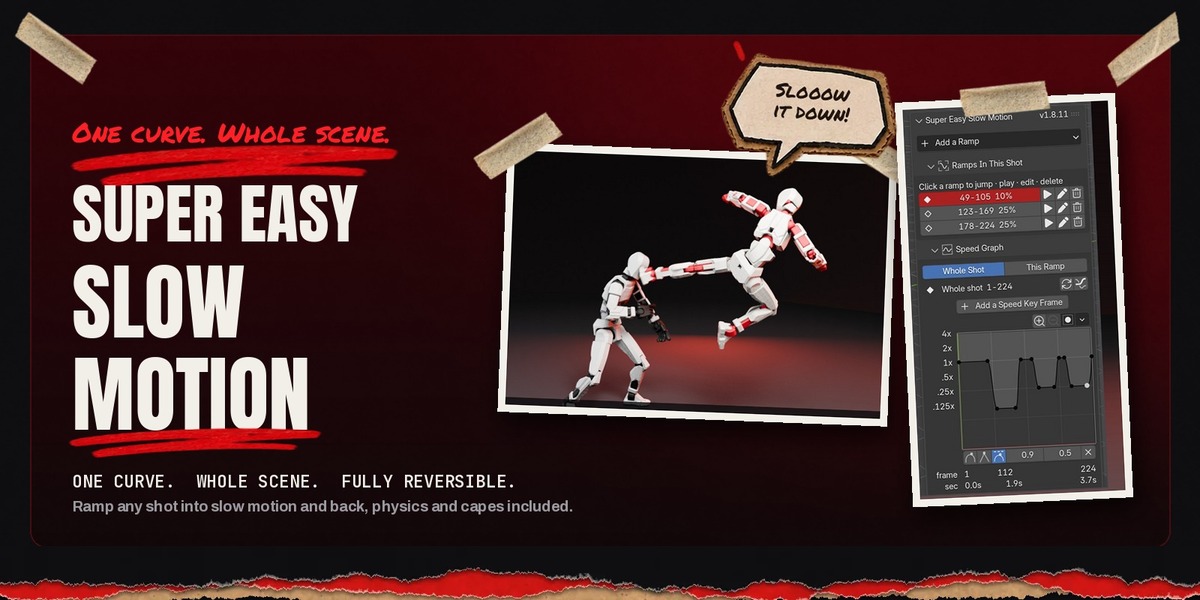
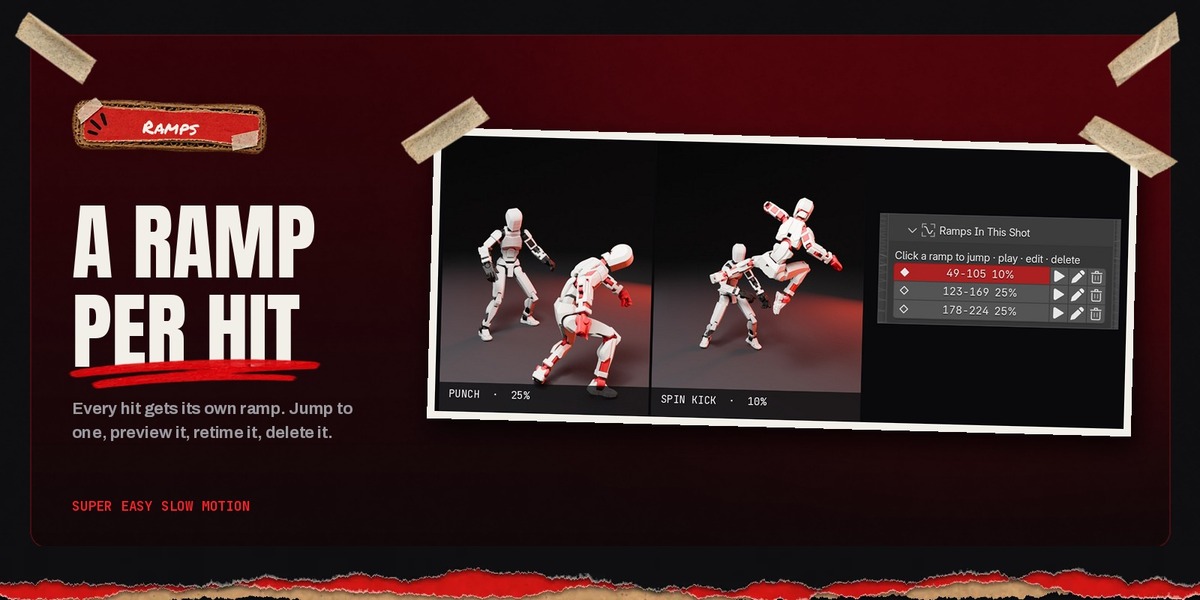

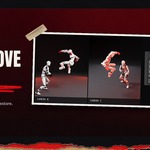
Blender has never had a speed curve. This is one.
Slowing a shot down means hand-editing keyframes, stretching NLA strips, re-baking caches and hoping the markers still line up. Retime it once and you are doing it all again.
Super Easy Slow Motion gives you the control every video editor already has, inside Blender, working on the whole scene at once.
1
Drop a ramp
A preset at the playhead, or add a speed key yourself.
2
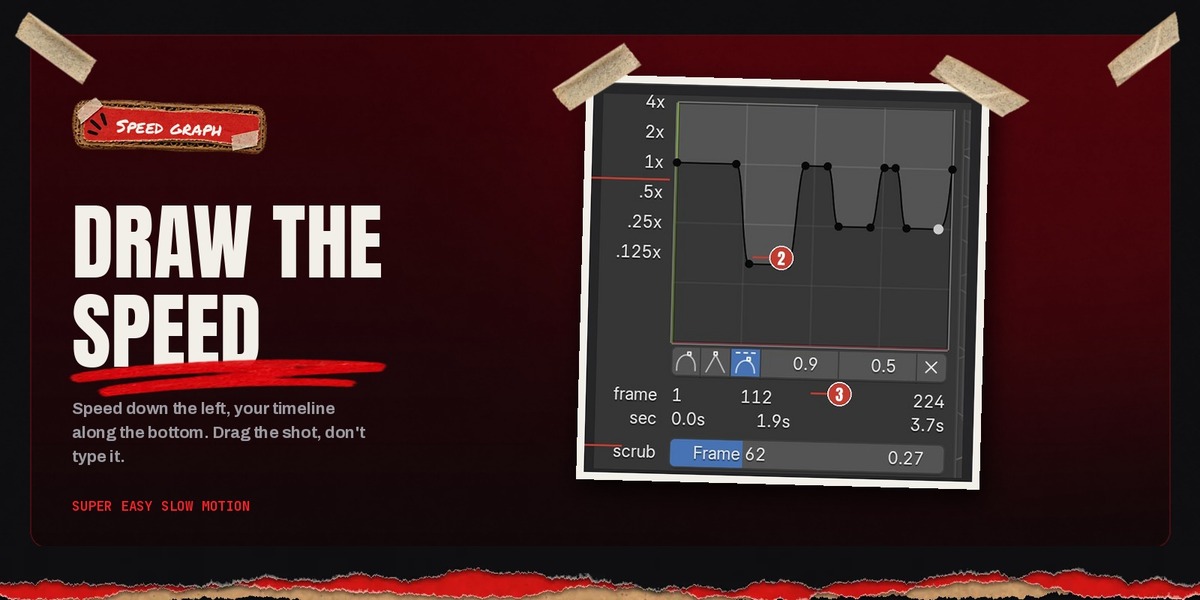
Shape it
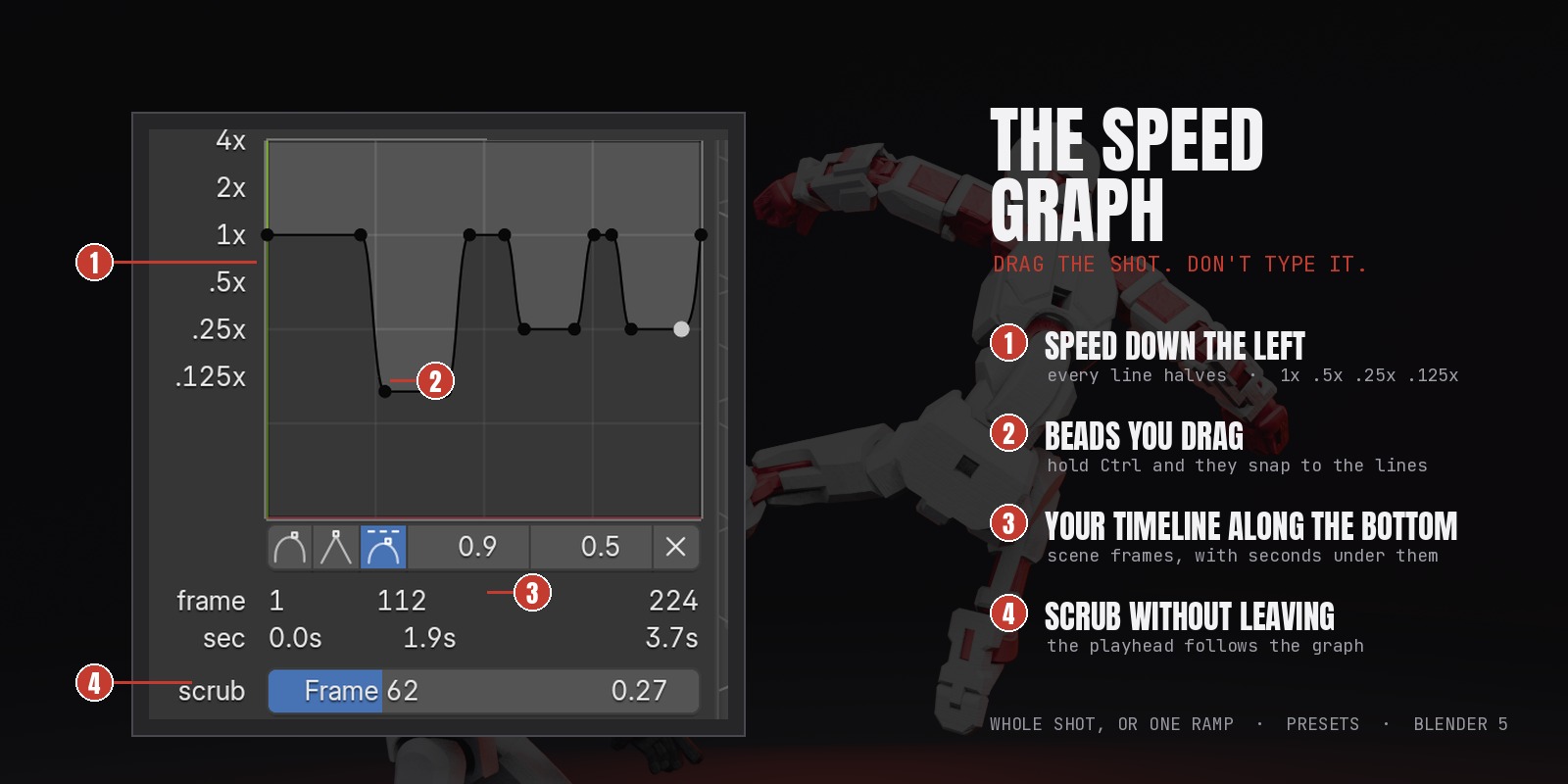
Drag the curve. Speed down the left, your timeline along the bottom.
3
Press Apply
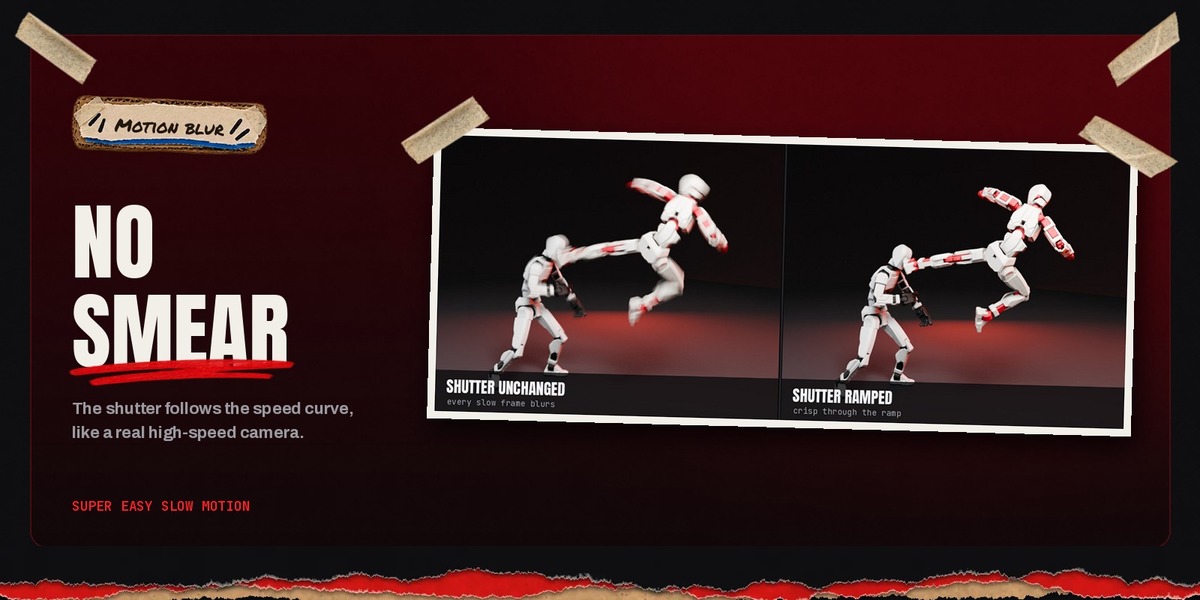
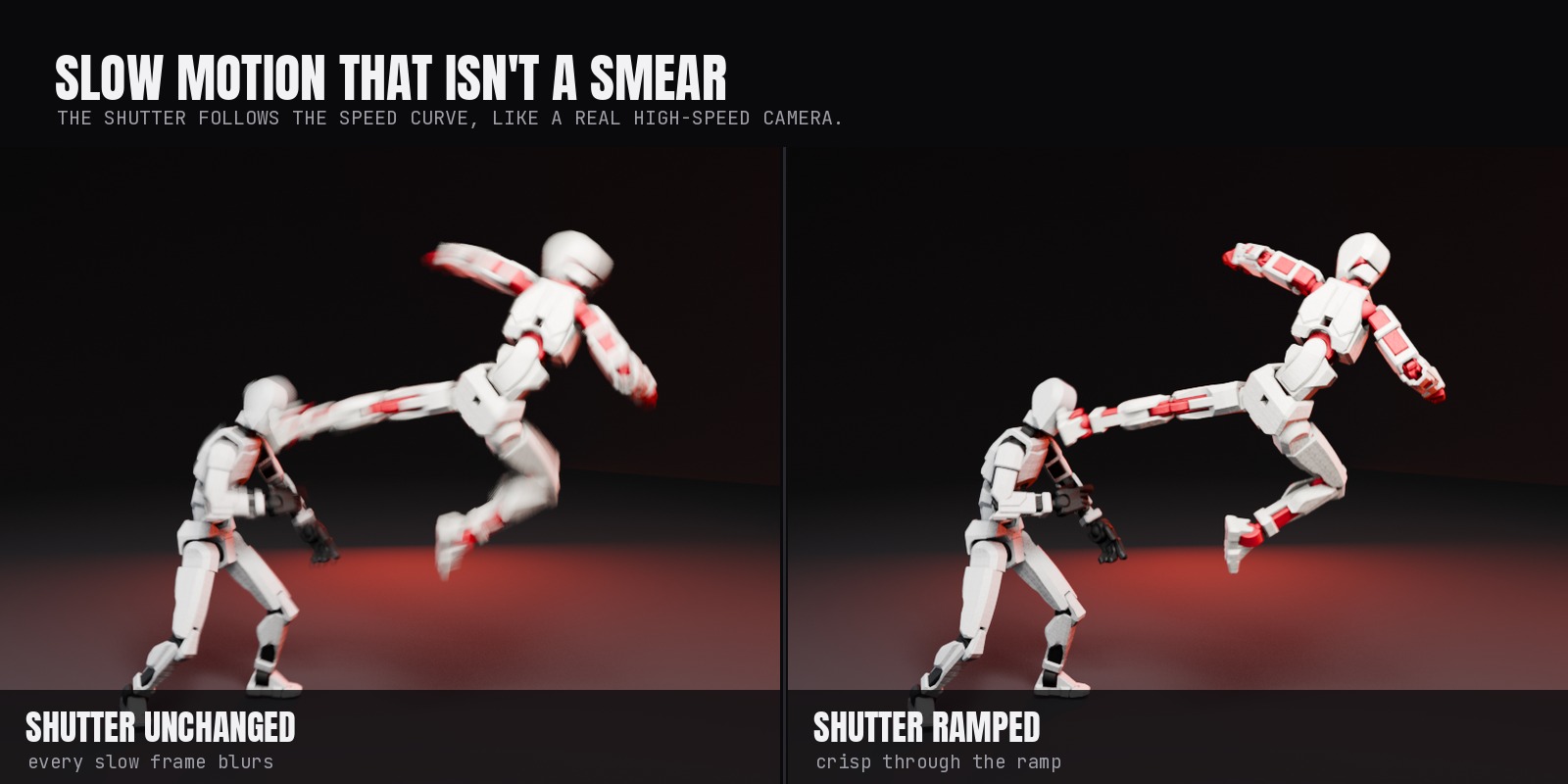
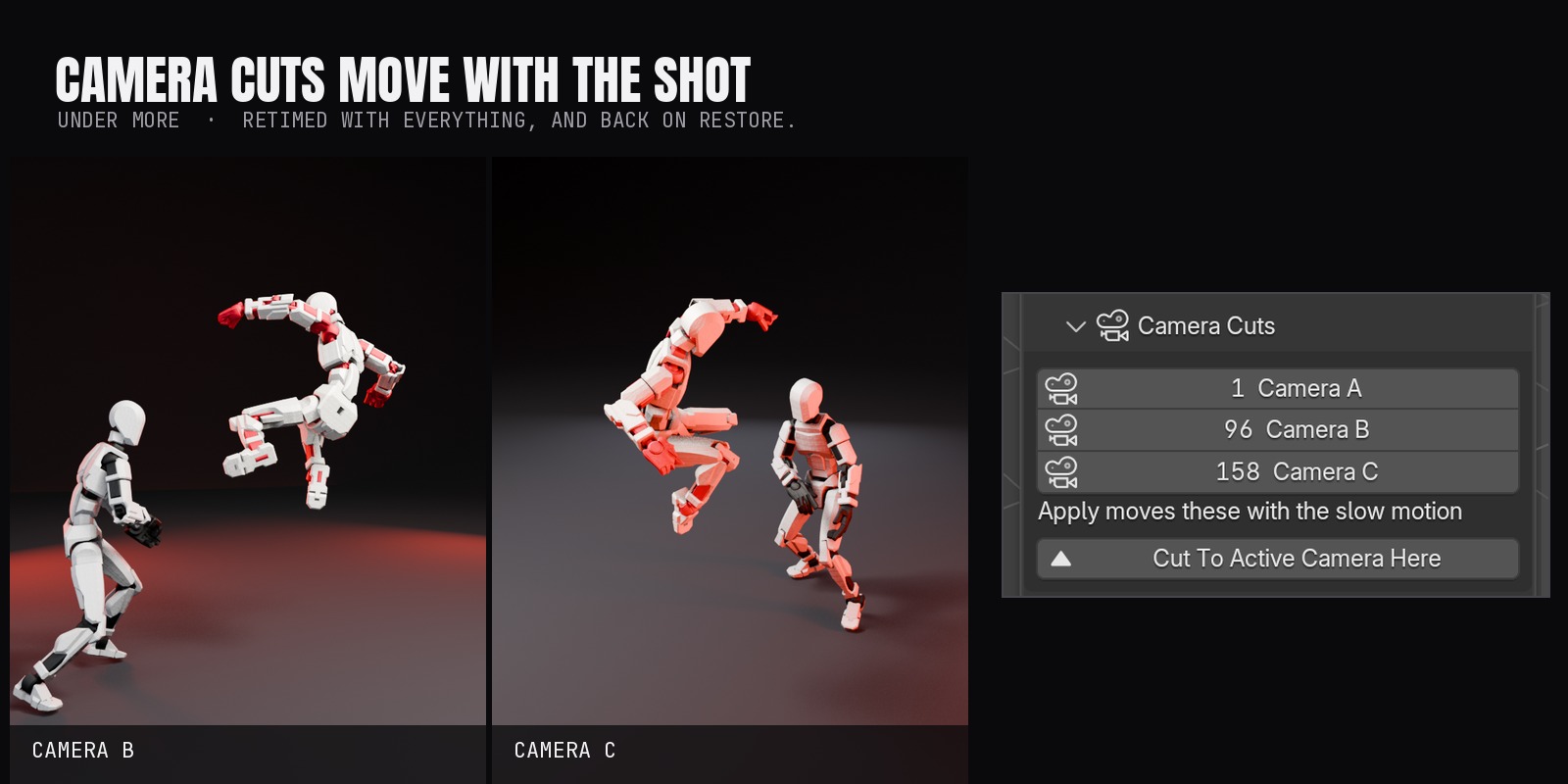
Animation, physics, markers and shutter, together.
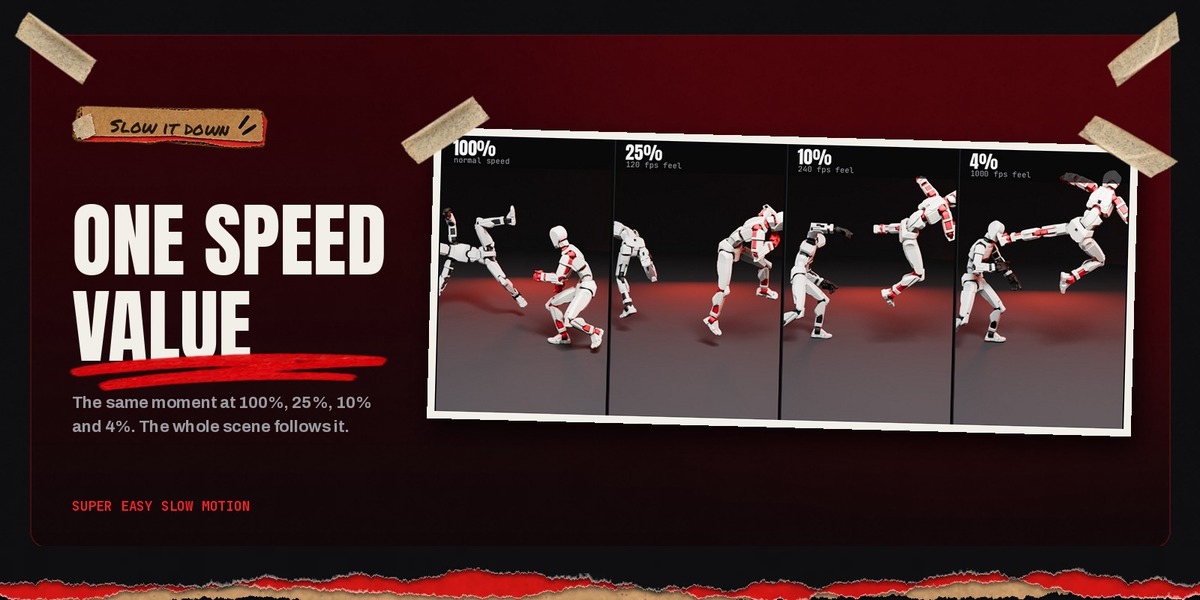
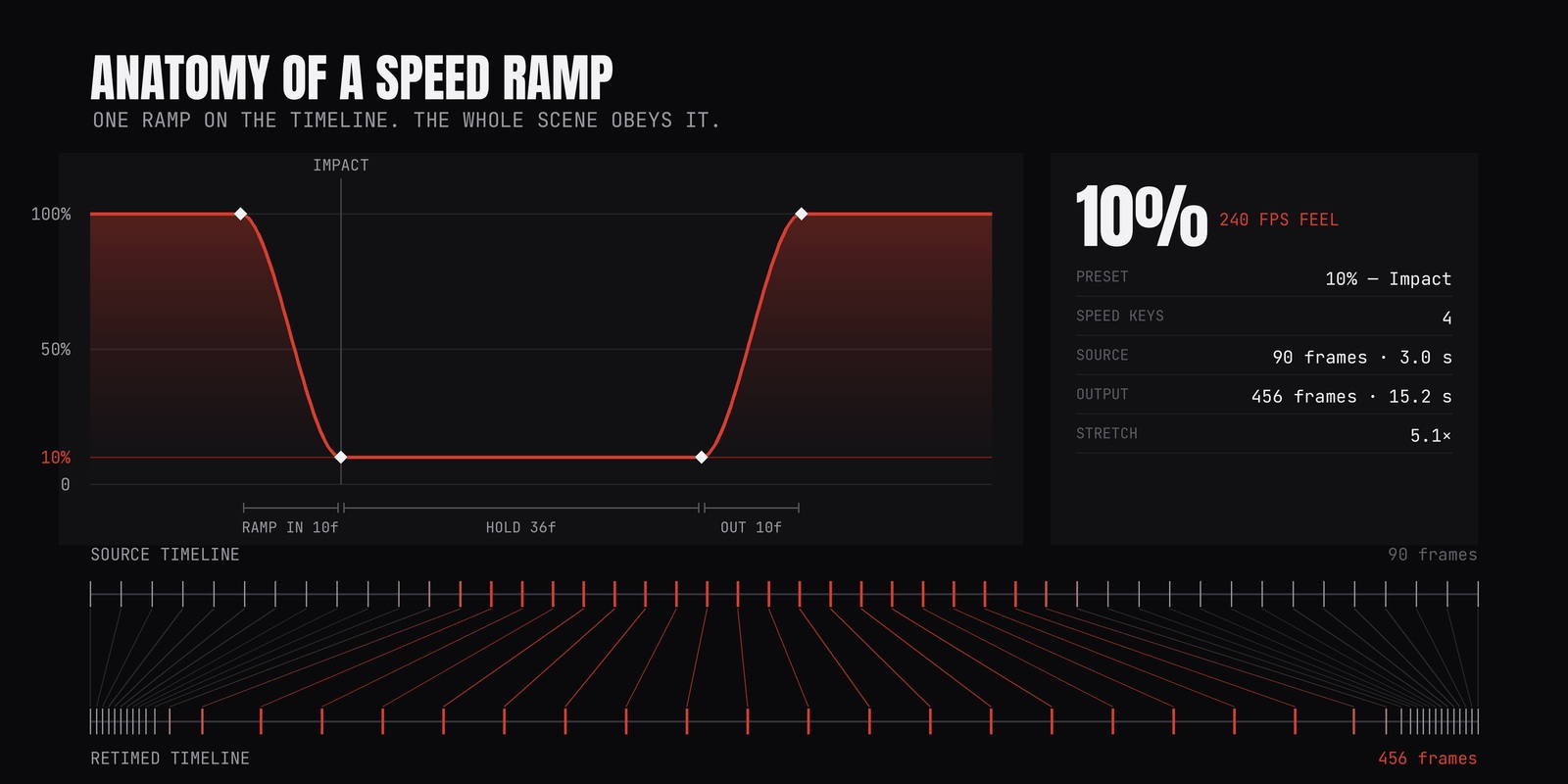
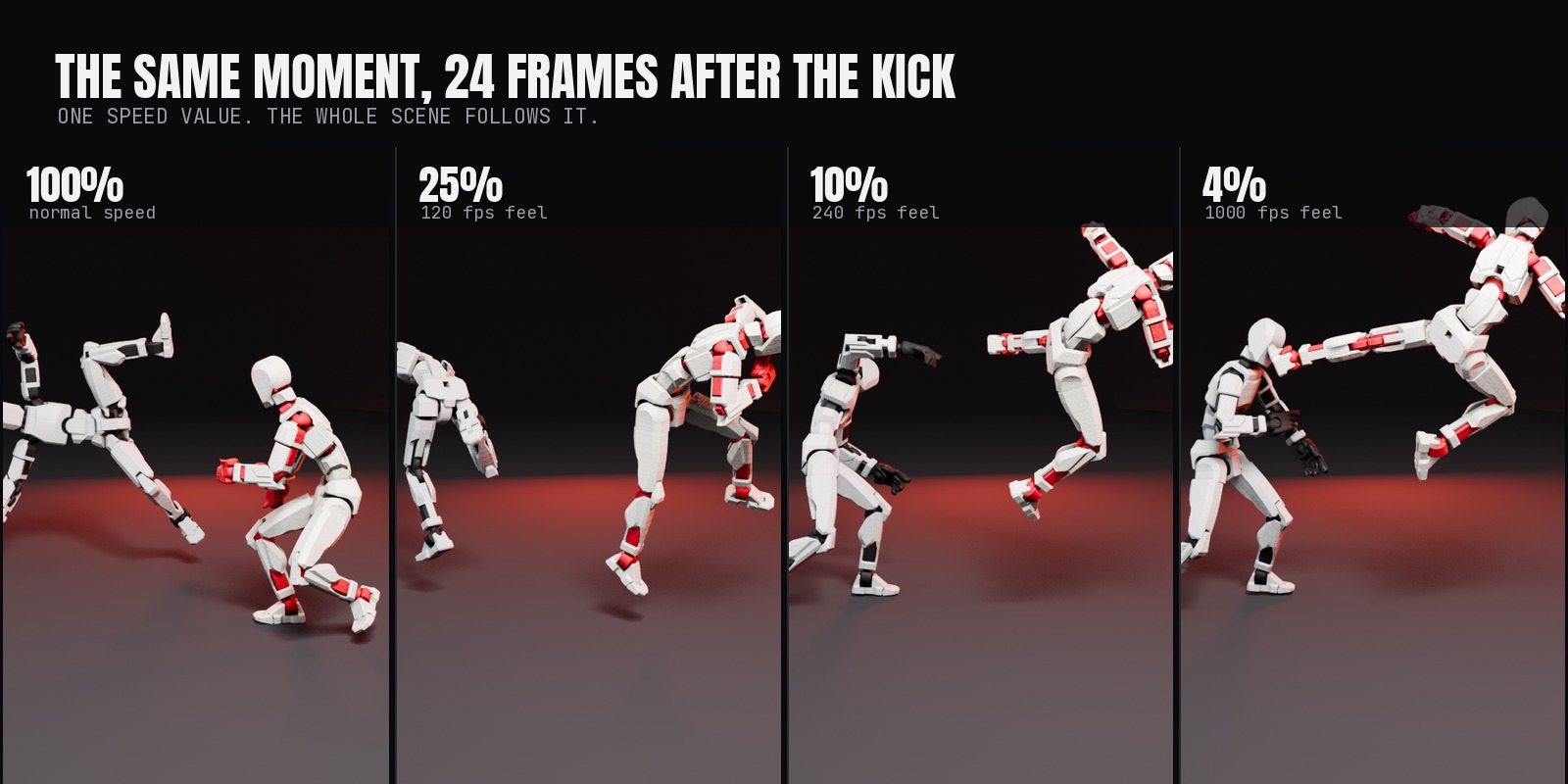
Keyframe one value — Speed — and every animated thing in the scene moves to the new clock. Restore Original Timing puts it all back exactly as it was.

Two views
The graph covers your whole timeline by default, every ramp at once. Switch it to This Ramp for four times the precision on one of them — or press Open Speed Graph and the same curve lands in Blender’s own Graph Editor, filtered to the speed channel and framed.
Keep under
Set the runtime your edit has room for and it tells you how much headroom is left, or how far over you have gone.
Marker automation
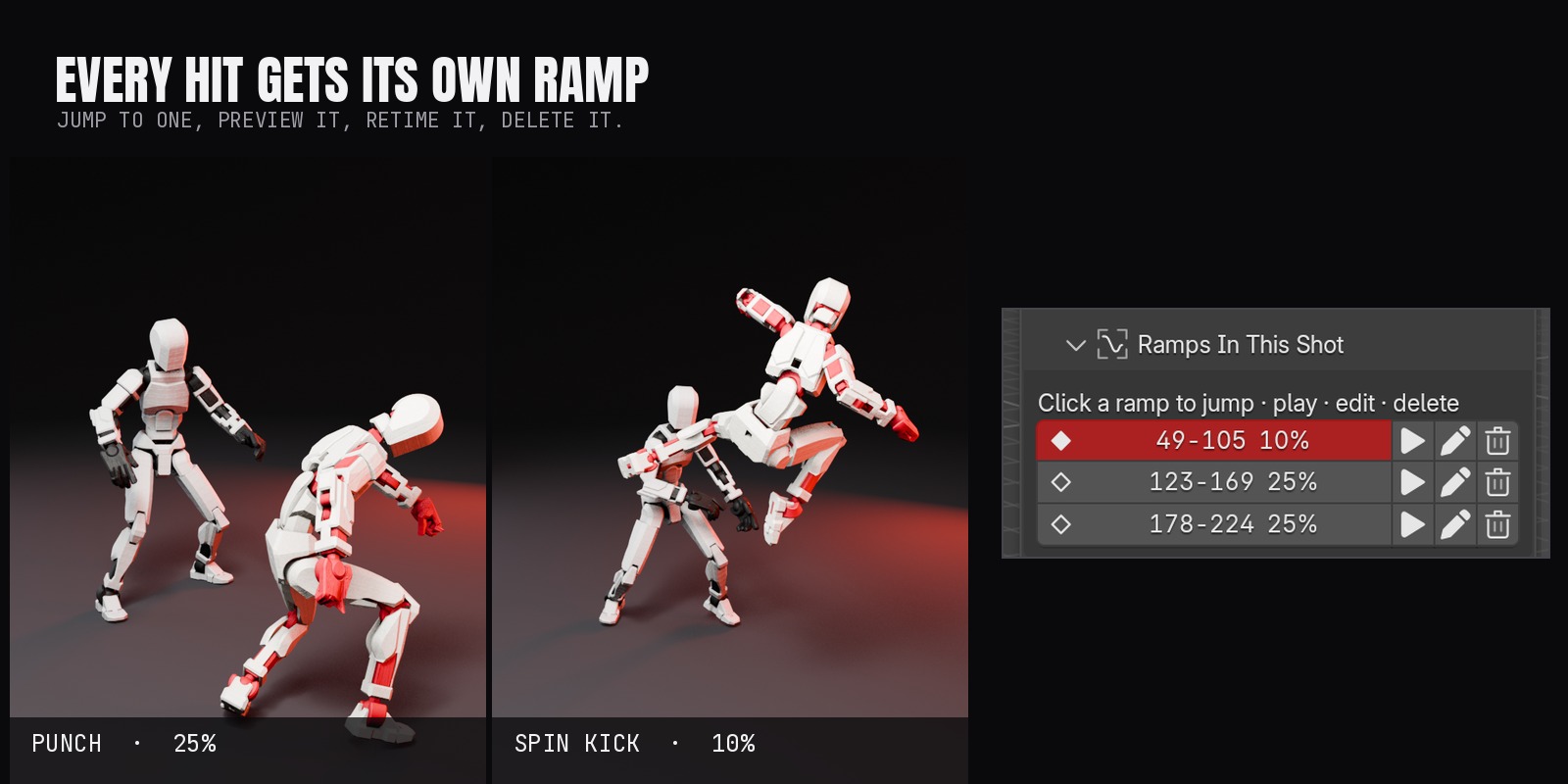
Name your timeline markers "slow" and drop your chosen preset at every one, for multi-impact fight shots.
Pre-flight
Before it touches anything it tells you what it will change: how many actions, how many NLA strips, which sims, and the new frame count.
Restore Original Timing
Fully reversible. Originals are backed up and put back exactly as they were.
Physics comes with it
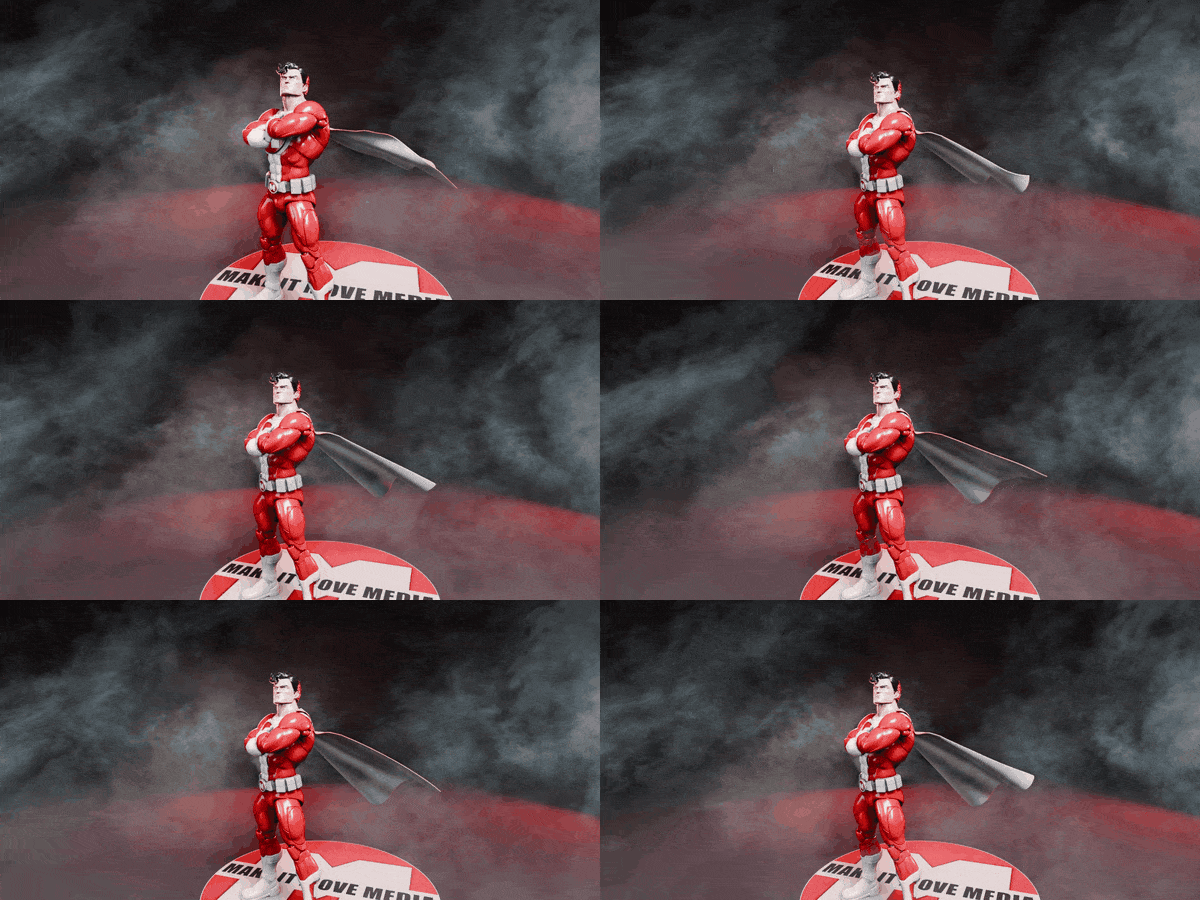
Rigid body, cloth and particle caches are retimed and re-baked against the new clock, so sims stay in step with the animation. Capes from Super Easy Cape slow down with the shot too.
Its own sidebar tab
Nothing else in your N-panel moves.

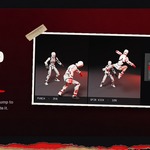
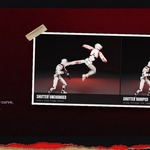
Add a Ramp opens the lot. One click drops a finished ramp at the playhead:
Whip Ramp
Dive in hard, hold, snap out.
Punch Ramp
A slight speed-up into the slam.
Freeze & Orbit
A near-still scene while the camera keeps moving.
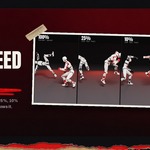
2x Faster / 4x Timelapse
The same curve in the other direction.

It writes normal Blender data throughout — keyframes, strips, markers and caches. Nothing is simulated at playback, and the .blend opens anywhere.

Blender 5.0 or newerWindows, macOS, LinuxAny render engine
- Blender 5.0 or newer.
- Works on any rigged character or animated object. Built and tested on 3D-scanned action figures.
- Any render engine. The add-on only rewrites timing.
- Nothing else to install. No external libraries, no internet connection, no account.

- Drag the .zip into Blender, or Edit > Preferences > Add-ons > Install from Disk.
- Accept Superhive as a remote repository so updates arrive through Get Extensions.
- Find it in the 3D Viewport sidebar (N) under the Slow Motion tab.

ON THE WORKBENCH
Speed driven by a hit, detected from the contact frame.
Audio retimed with the picture.
Ramps drawn on the timeline itself, alongside the graph.
Owners get every update through Blender's Get Extensions. Want a feature? Message me through Superhive.
More Super Easy add-ons
COLLECT THE SET
Built for 3D-scanned action figures. Works on any rigged character.